UI zoom
A zoom or reframe onto one part of the interface.
9,964 scenes · page 128 of 167
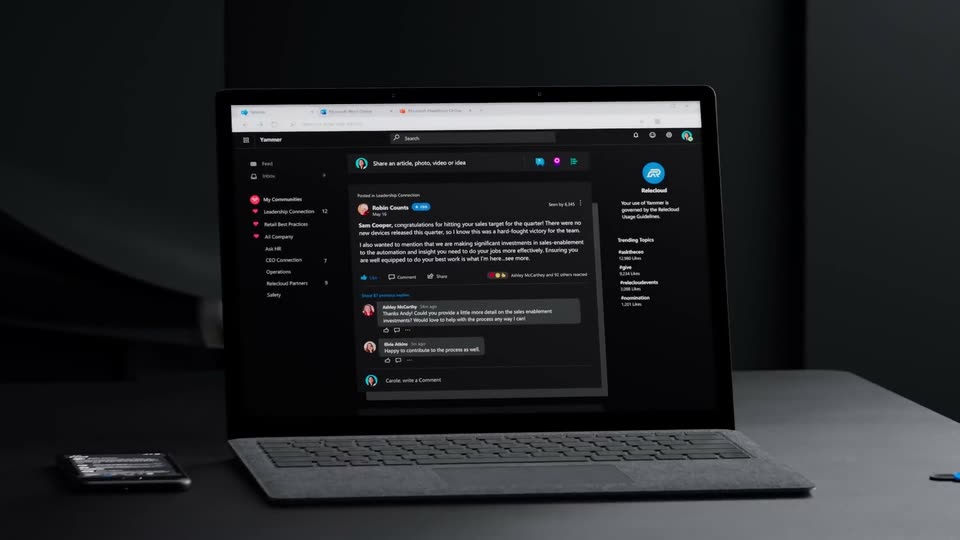 0:55–0:57Microsoft · The new Yammer in Microsoft 365The Yammer feed, a post with two threaded comments, fills a laptop screen in close-up, then the camera pulls back to reveal the open laptop on a dark desk with a phone and pens, set in a dim office.
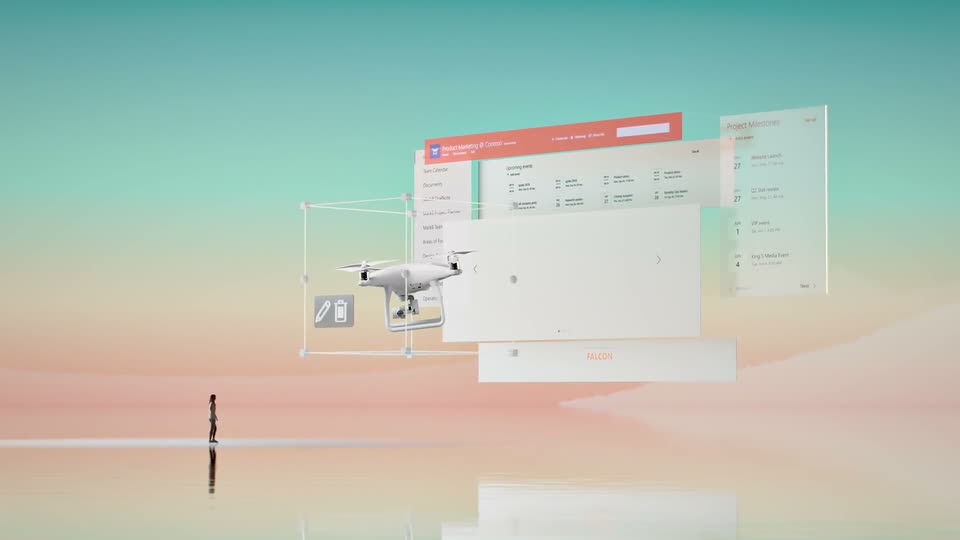 0:36–0:41Microsoft · New SharePoint innovationsA tiny figure stands on a reflective floor beneath floating project-management panels in 3D. The drone image scales up from its card, a selection box with edit icons snaps around it, then the panels blur away as the camera pushes in.
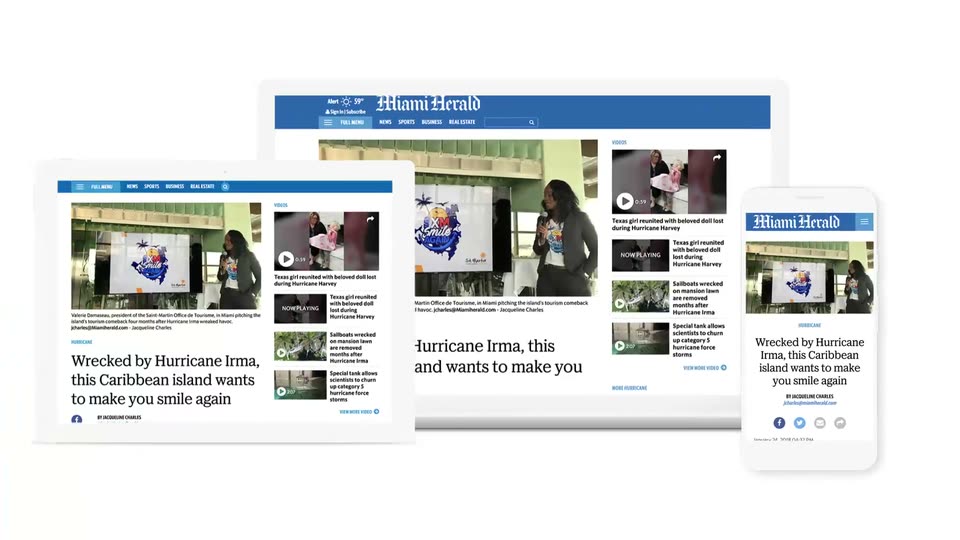 0:40–0:44Google · Introducing Subscribe with GoogleThree device mockups, phone, tablet and laptop, sit in a row on white, all showing the Miami Herald page. The shot opens tight on the phone screen, pulls back to frame the trio, then eases in on the laptop.
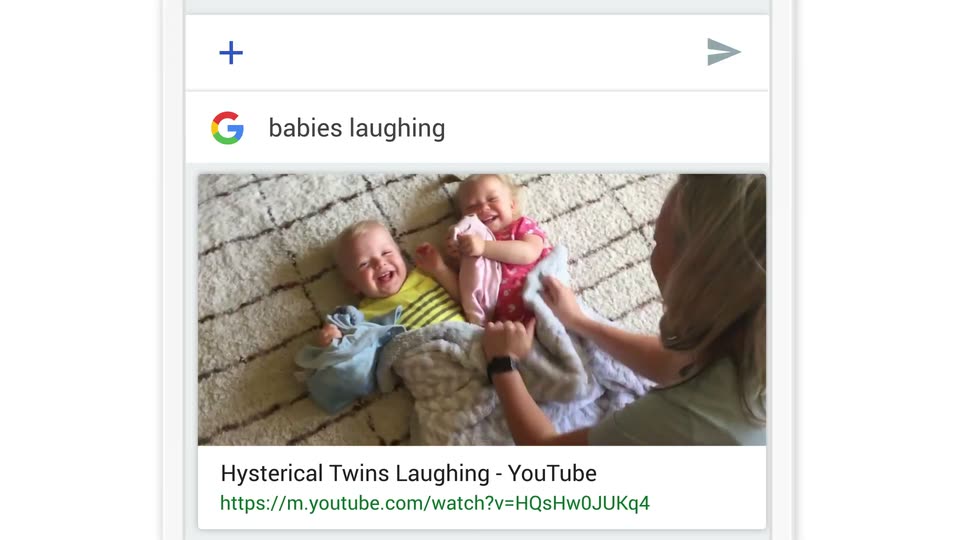 0:48–0:50Google · Gboard: now available for AndroidA phone search results page displays the query “babies laughing” above a row of video thumbnails. One YouTube card zooms in from the side-by-side grid to a full-width result, showing the laughing twins video and its link.
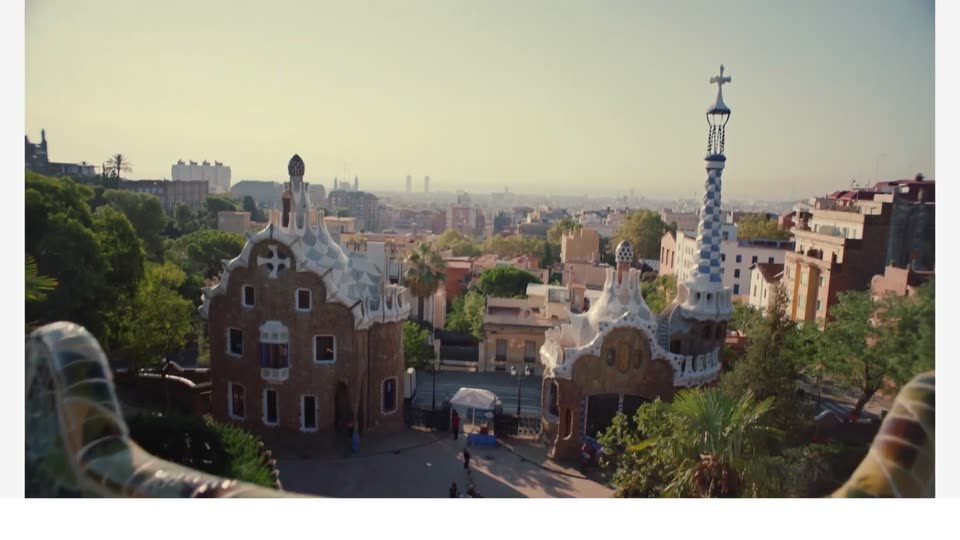 0:57–0:58Google · Introducing Google TripsA white place card sits on a light gray background, showing a photo of Parc Güell above its name and a 4.3 star rating. The card scales in slowly, enlarging the photo and pushing the title toward the bottom edge.
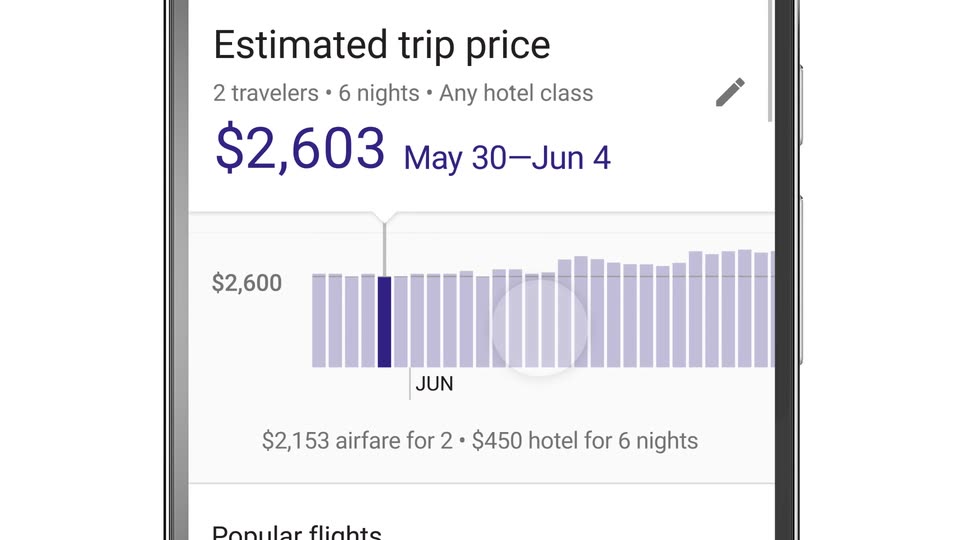 0:47–0:53Google · Introducing Destinations on GoogleA phone screen shows a Barcelona trip page, then zooms into the Estimated trip price card. A translucent ring scrubs left across the bar chart, updating the price and date range, and the view scrolls down to a list of popular flights.
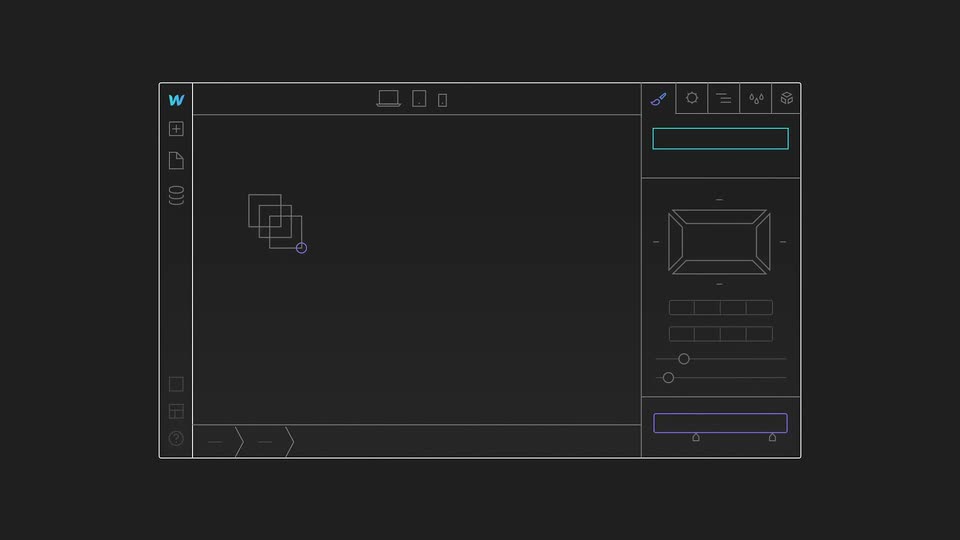 0:29–0:34Webflow · Introducing Webflow CMSA wireframe of the design tool interface draws in on a dark background. A purple ring highlights the database icon, a circle drags a cluster of squares on the canvas, then the frame zooms in as a purple box with the blurry heading “DATA DRIVEN” appears.
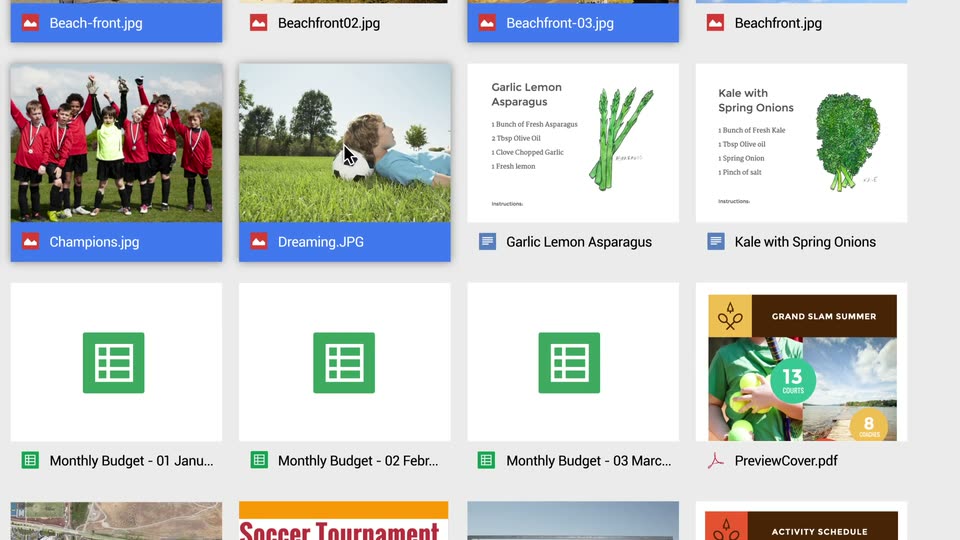 0:45–0:48Google · Meet the new Google DriveA white context menu listing file actions sits over a grid of Drive thumbnails, with a cursor resting beside it. The view then zooms out to reveal the full Drive window, its left sidebar and top bar, as the menu closes.
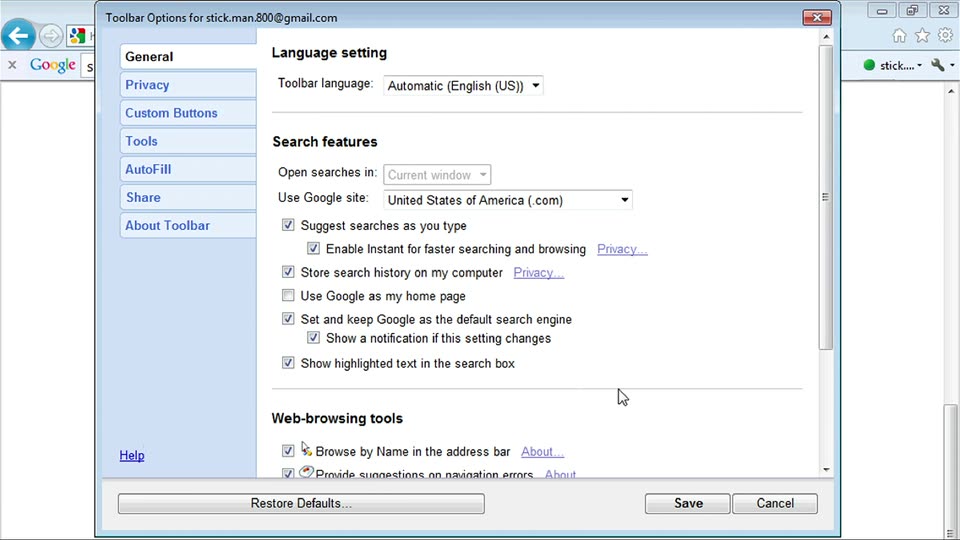 0:35–0:40Google · Introducing Google Toolbar 7A browser dropdown menu opens with the cursor on Options, then the view zooms into the settings list and back out to the full Toolbar Options dialog. The cursor checks the Enable Instant box and clicks Save at the bottom.
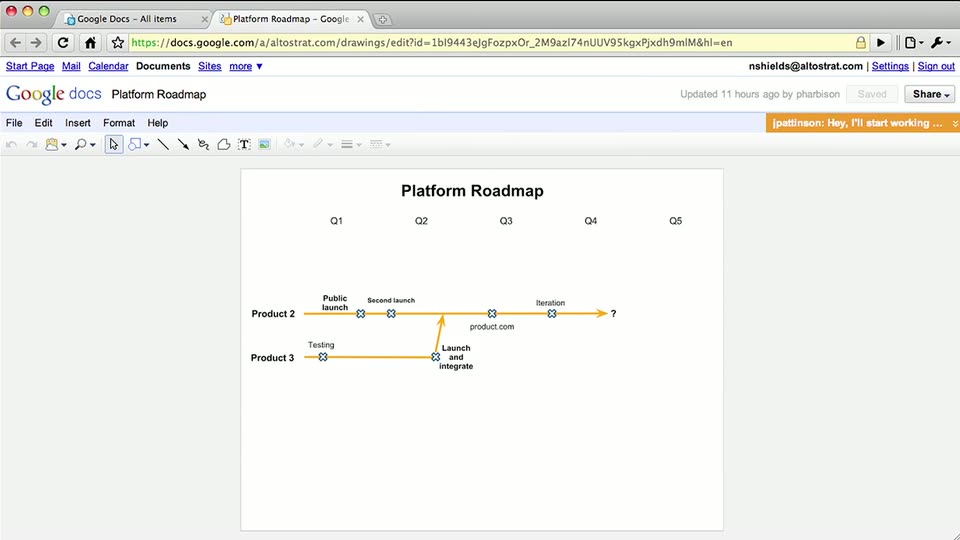 1:27–1:29Google · Introducing a new Google DocsA Google Docs interface displays a Platform Roadmap diagram of two orange timelines. A yellow banner at the top right types a chat line, then switches to a viewer count, as the frame zooms into the diagram.
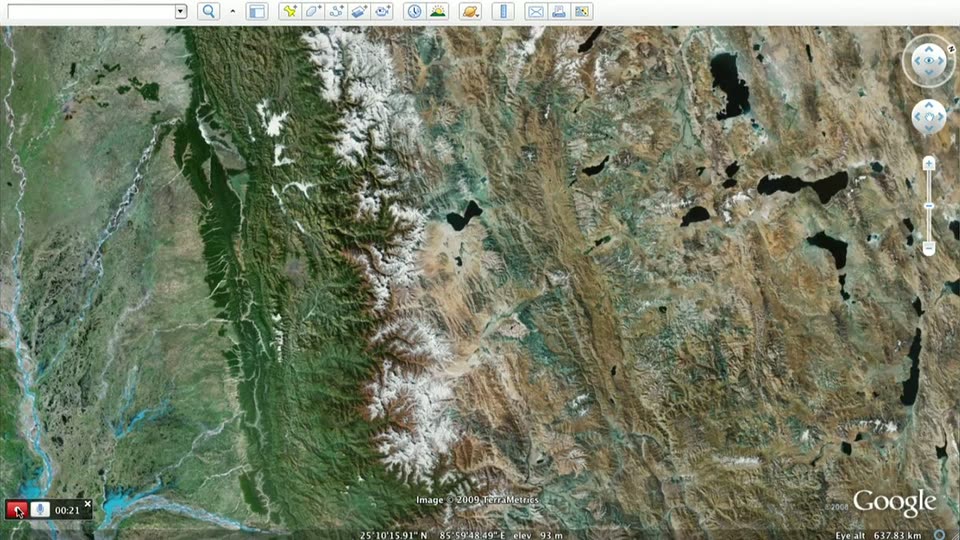 1:22–1:27Google · What's New in Google Earth 5.0The Google Earth window fills the frame with a top-down 3D terrain view of a snow-capped mountain range. The camera pulls back across the ridges, then cuts to a tilted 3D perspective under a blue sky as a playback bar appears at the bottom left.
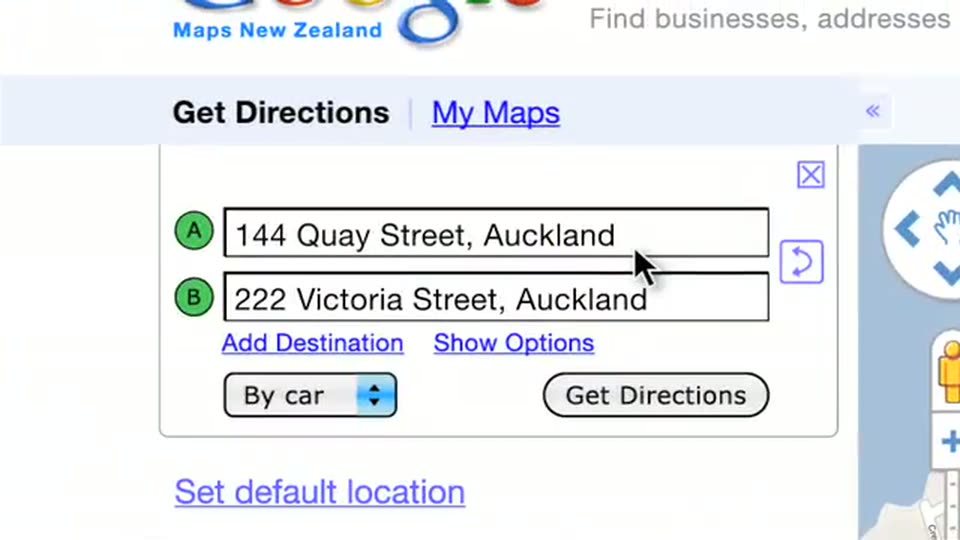 0:51–0:56Google · Street View now available in New ZealandA Google Maps page fills the frame, then the view zooms in on the Get Directions panel as two addresses are typed into the fields. A hand cursor moves to the Get Directions button and hovers over it.
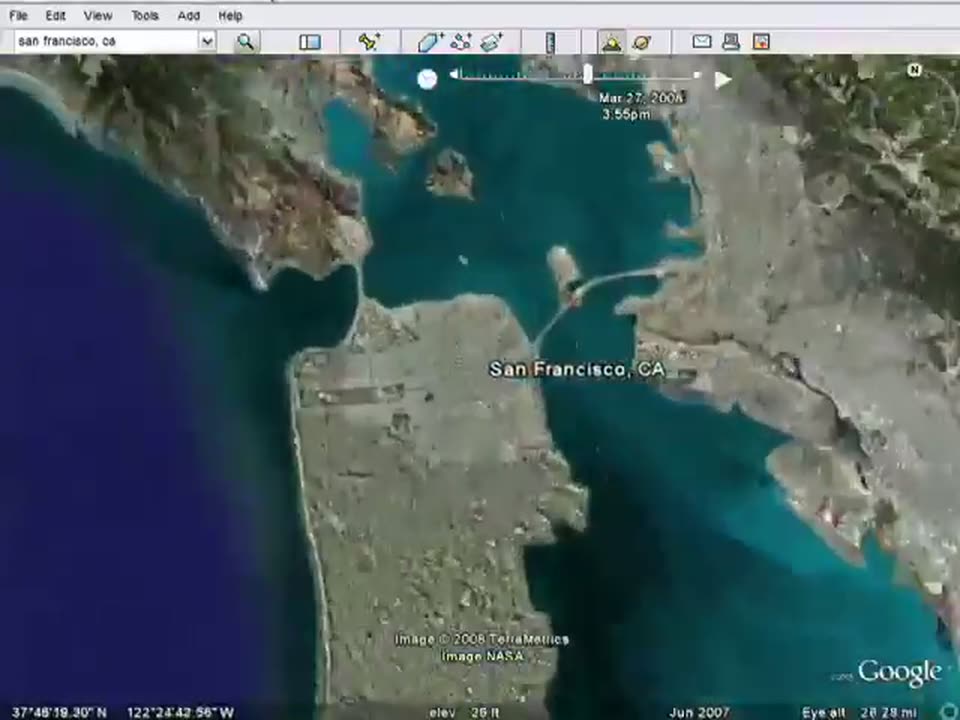 0:24–0:27Google · New features in Google Earth 4.3A desktop globe application opens on a 3D sphere tilted over the US West Coast. The view flies straight down, the sphere flattening into a top-down satellite map of San Francisco as the top timeline and bottom coordinate bar update.
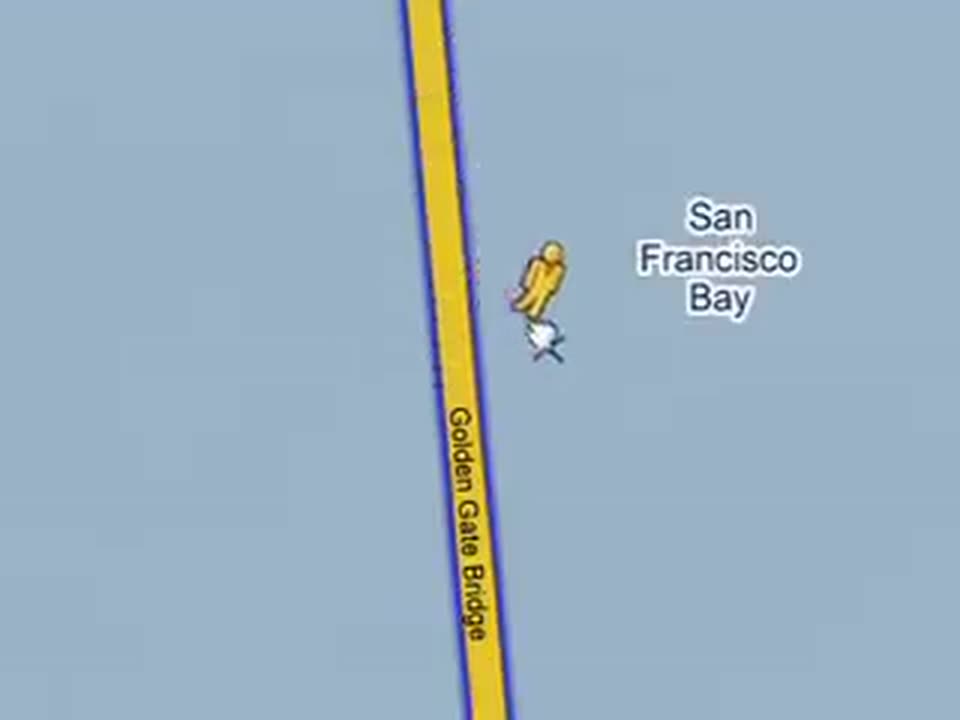 0:46–0:49Google · Google Maps Street View - launch videoA map shows the Golden Gate Bridge as a yellow line on blue water. A hand cursor drags an orange person icon off the bridge and drops it in the bay, then the view cuts to a tilted street grid of San Francisco.
 0:21 · 0.8sAlmanac · We just killed two biggest limitations of your favourite AI agents: Their memory and Your laptop Almanac’s agents have unlimited memory, their own computers, browsers and access to the tools theyA tight view of a chat thread with a question bubble and a typing indicator pulls back to a pale gray workspace holding four small white panels, one with a red dot and one with an avatar.
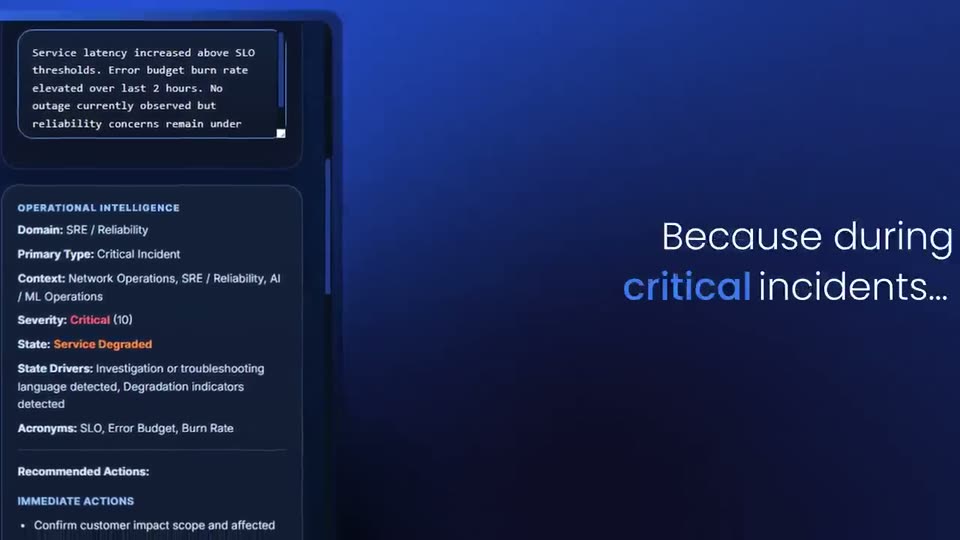 1:11–1:12BridgeOpsOne · BridgeOpsOne Platform Overview | BridgeOpsOneOn a dark blue field, an angled 3D incident dashboard sits at left, expanding from a narrow detail card into a full command center view. Large type at right swaps from “Because critical incidents.” to “Clear communication.”
 2:15–2:16Docket · #ai #qa #e2etest #yc #airbnb #productmanagement #developerexperience | Docket (YC P25)A browser window shows a black video player with a hand cursor on the Record button; the frame then zooms into the player as the heading Your listings sits at the top, with a small webcam feed of a man in the lower right corner.
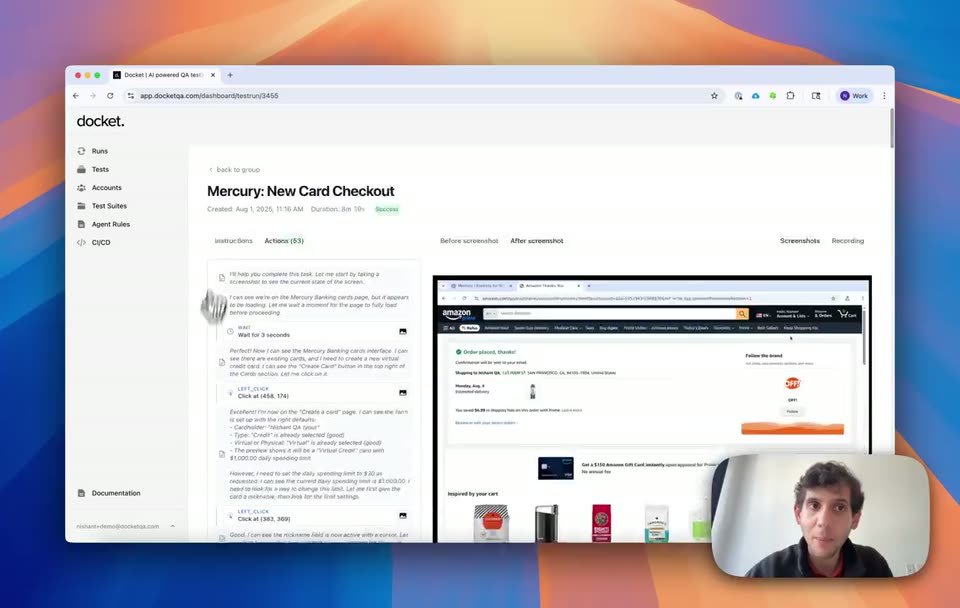 0:57–0:59Docket · #fintech #qa #ai #e2etest #yc #automation | Docket (YC P25)A screen capture of the Docket dashboard opens on a test log beside an Amazon checkout screenshot. The view zooms into the test header, enlarging the page detail, while a small webcam of the presenter stays in the bottom right corner.
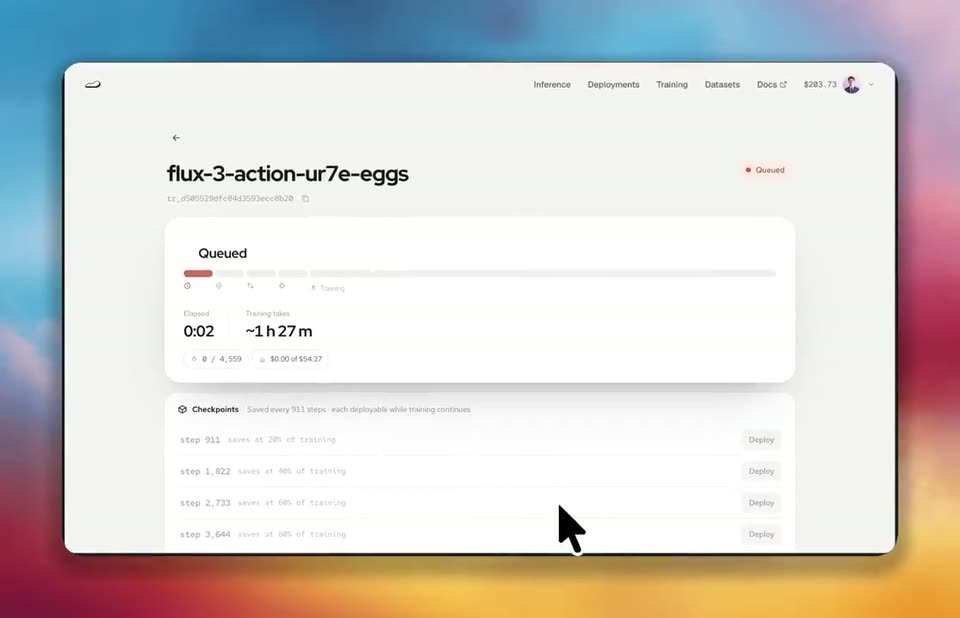 0:27–0:30Dreamscale Labs · Dreamscale Datasets is now live! | Dreamscale Labs (YC F26)A blurry close-up of the checkpoint list pulls back to reveal a white training dashboard card tilted in 3D over a soft rainbow gradient. A black cursor glides across the checkpoint rows while the elapsed timer ticks from 0:01 to 0:02.
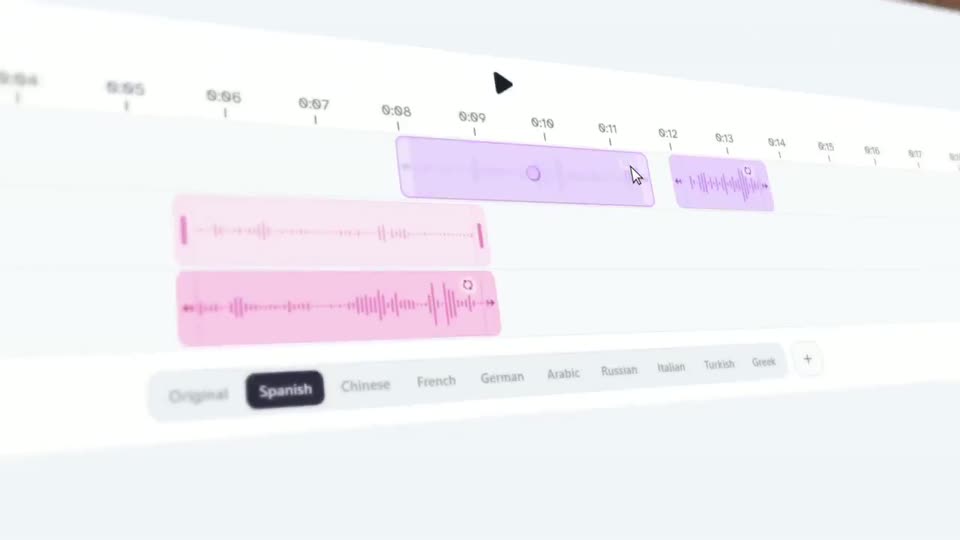 0:28–0:31ElevenLabs · Introducing Dubbing Studio. Our Dubbing Studio gives you precise control when translating your videos for global audiences. We detect and label each of your speakers and create an editable scriptTilted 3D view of a dubbing interface. A character list panel with Popeye and Bluto tracks fills the frame, then the camera glides right along the timeline past purple and pink waveform clips, and settles on English-to-Spanish dialogue rows beside a Popeye illustration.
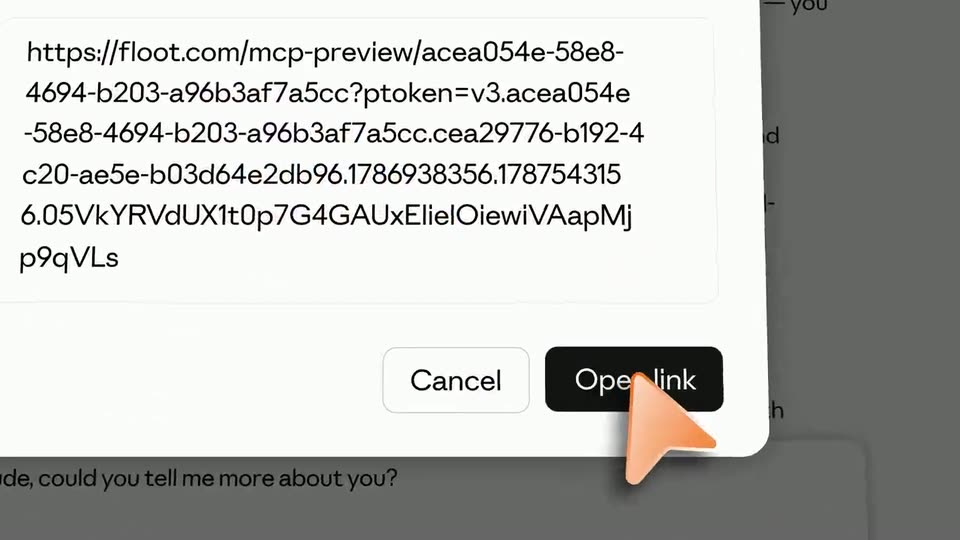 0:32–0:35Floot · Claude and ChatGPT can already write you an app. Getting it live is another story. Today we're fixing that: connect Floot, and you can build and ship real apps directly inside Claude and ChatGPT -A white dialog titled Open external link sits over a dimmed chat interface, showing a long URL and Cancel and Open link buttons. An orange cursor glides down the dialog and presses the black Open link button as the frame zooms in on it.
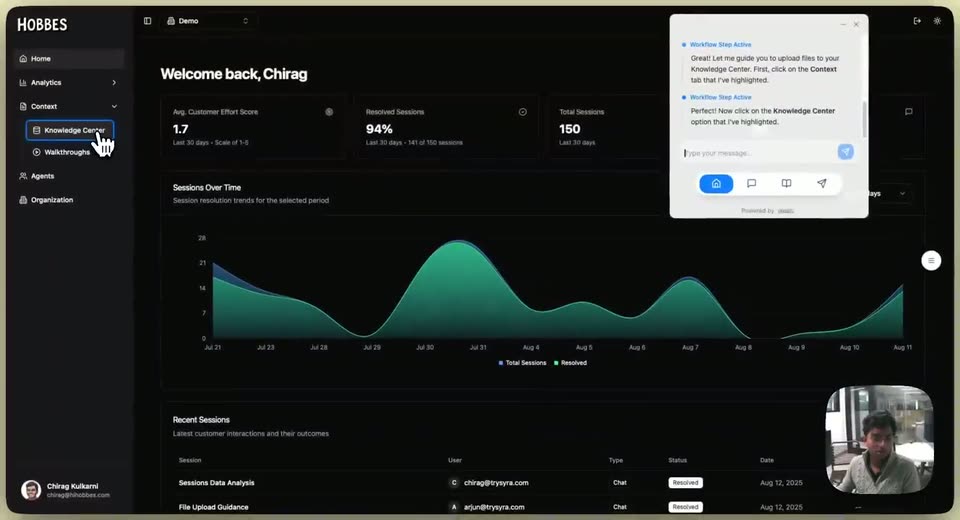 1:12–1:13Hobbes · 🚨Major update🚨 Syra is now Hobbes (hihobbes.com)! As we worked with some amazing teams this year, we saw a big gap in the agent landscape: visual context. Agents trained on knowledge bases + helpA dark analytics dashboard fills the frame; a cursor hovers over the Knowledge Center menu item in the left sidebar as the view sharpens from a blurred zoom into a full dashboard, with a chat panel top right and a webcam feed bottom right.
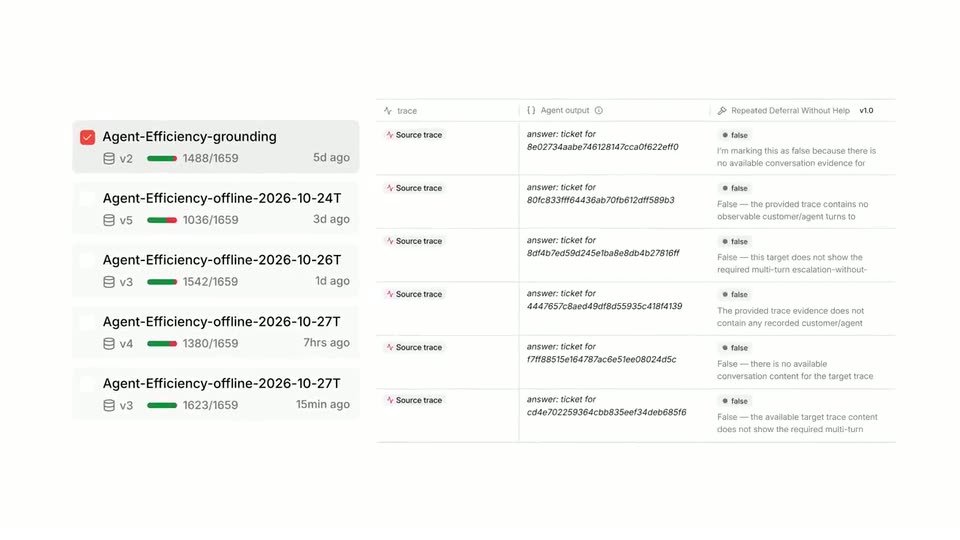 1:47–1:49Judgment Labs · See Judgment Labs’ activity on LinkedInA light dashboard UI fills in: a left list of agent runs with version tags and green-red progress bars scrolls up while a right table of trace rows populates. The list then ghosts out as a single row card fades into the center.
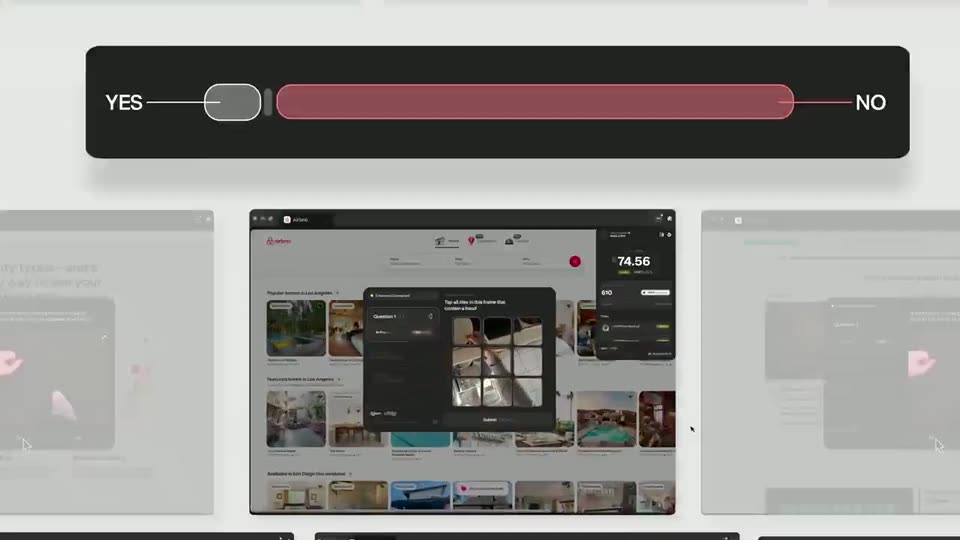 0:25 · 0.6sKled · We created the world’s best captcha. The first captcha that is: free for companies, pays you to solve it, impossible to bot, and instead of showing you images of random traffic lights, you’re shown… | Avi PatelA wall of tinted browser window mockups fills the frame around a black YES/NO toggle. The view pushes in on the grid as the toggle flips to NO and the windows fade to grayscale, sharpening one central window.
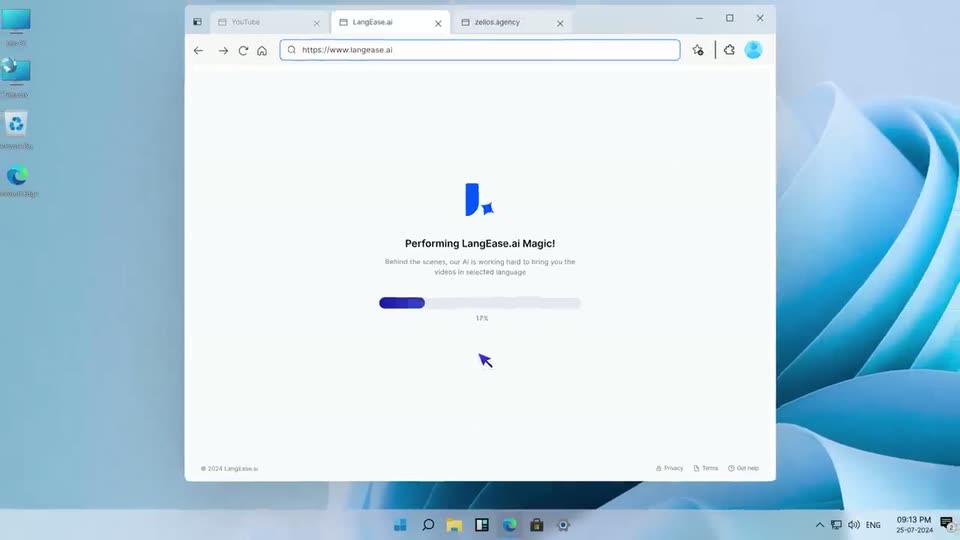 1:01–1:04LangEase · Imagine reaching a global audience without breaking a sweat. 🌎 LangEase is making it a reality. Our AI-powered localization platform is coming soon! Join the waitlist for exclusive early access.… | LangEaseA screen capture of the LangEase browser page, opening zoomed on the link form as a cursor pastes a URL and clicks Translate. The view then pulls back to the full browser window on the desktop while a progress bar fills under the performing magic message.
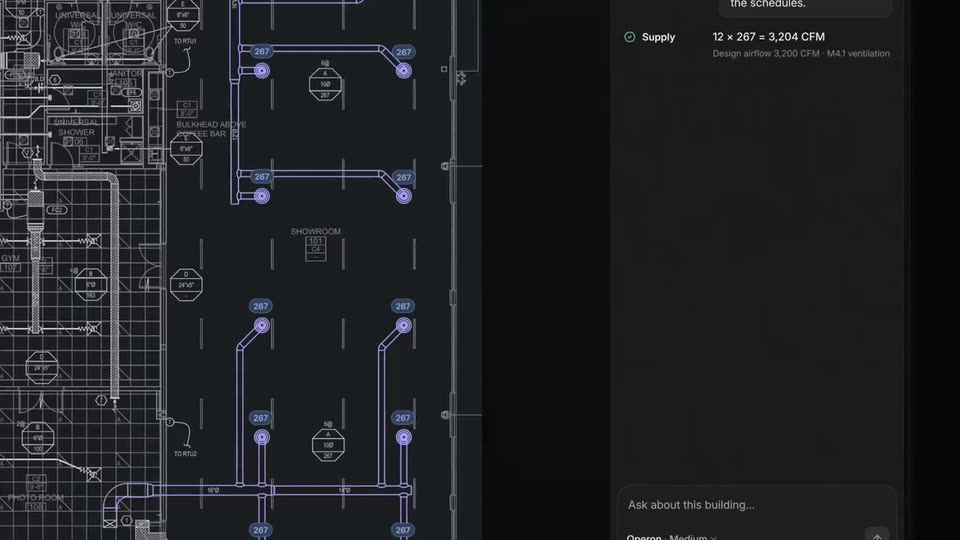 0:59–1:14Operon · Operon Solutions posted on LinkedInA dark HVAC plan fills the center of a three-panel app. A cursor hovers a diffuser, types a prompt in the right chat box, and sends it. The plan zooms out as purple dots trace ducts to twelve diffusers, then reframes on the showroom as results fill the chat.
 0:25–0:27Pulse · Psst, dark mode is here. If you're running youtube lead gen offers then you need to setup some tracking for your content, because YouTube dashboard only tells views. Pulse makes it easy by giving… | PulseThe screen crossfades from a contacts table into a YouTube dashboard view as the titles “Welcome to Pulse” and “YouTube Dashboard” fade in. A hand cursor clicks the top-right “Video views” dropdown, opening a menu listing Video views, Link clicks and Conversions.
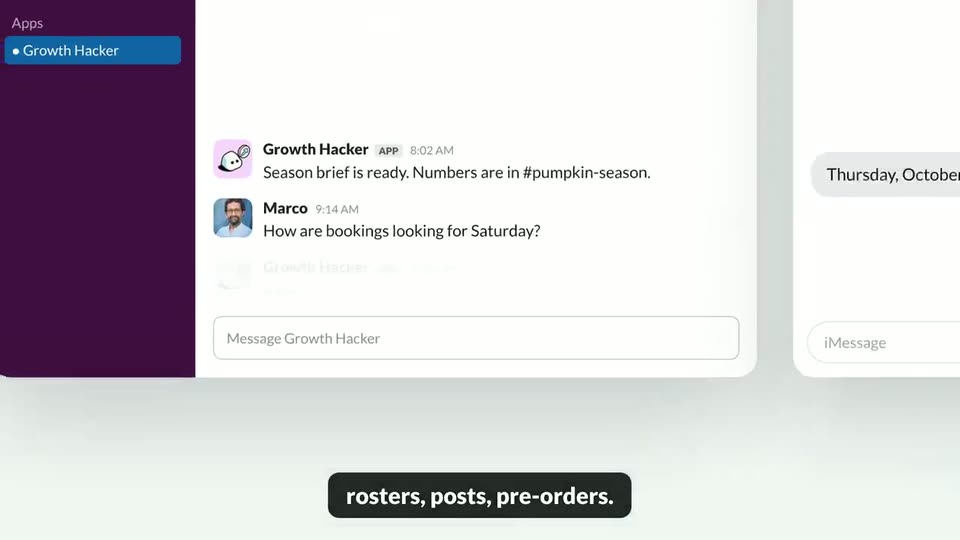 1:33–1:34Teamily AI · 150,000 small business owners and employees are already using Teamily AI. Today, we're opening it to everyone: your personal AI agent and an entire team of AI agents, ready to work for you and your… | Teamily AIA light product interface shows a Slack chat and an iMessage chat side by side. The view eases into the Slack panel as a new message appears, under a black caption.
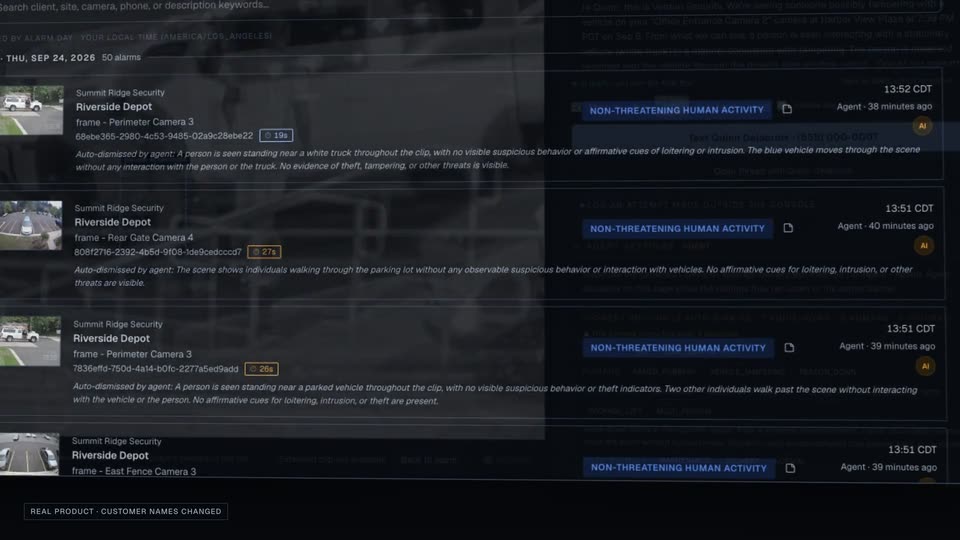 1:04 · 0.8sVerdun · Verdun launch filmA dark alarm list highlights one row, then zooms into a split detail view: a video clip on the left tracks a hooded figure reaching toward a truck with a dashed bounding box, while a chat thread and agent settings panel fill the right.
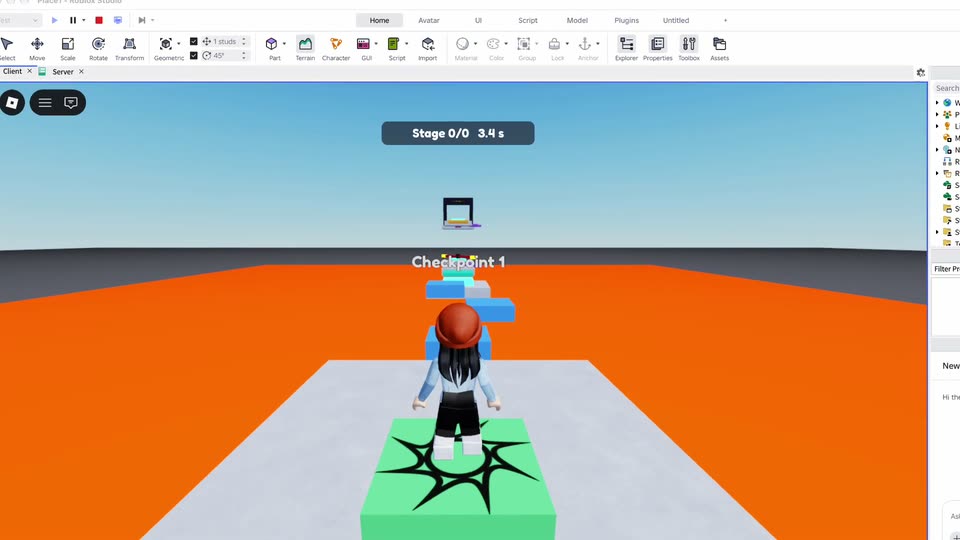 0:32–0:38Voyager · Connect Roblox Studio to Voyager (Build an Obby with One Prompt)Roblox Studio's 3D viewport shows a blocky avatar with black hair and an orange cap on a green starburst platform. The view zooms in as blue steps and a Checkpoint 1 marker recede down the orange course, the right side panel sliding out of frame.
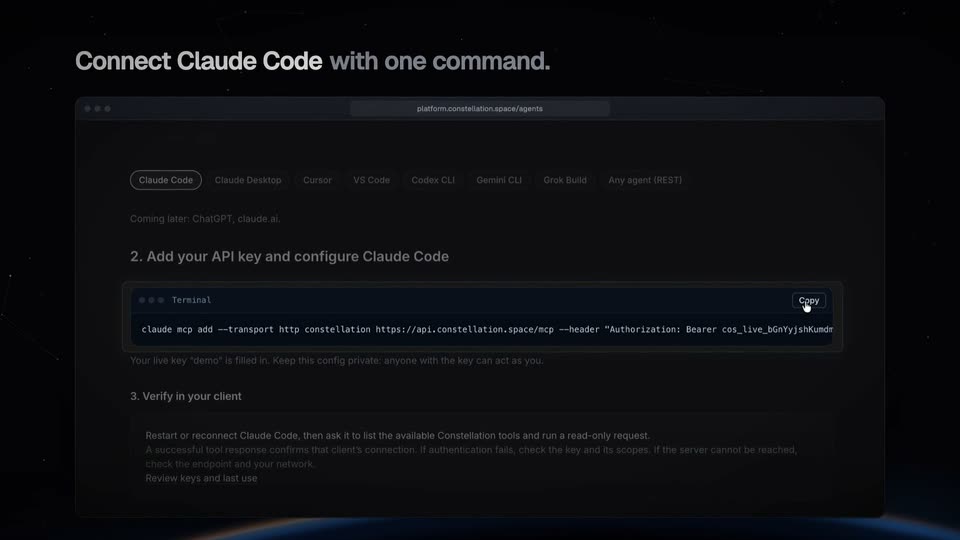 0:47–0:55Constellation Space · Space intelligence for all: Constellation SpaceA browser window shows the Agents docs page, which scrolls down to the setup steps. A cursor clicks the Copy button on the terminal block, the label flips to Copied, then the rest of the page dims and the frame tightens on the highlighted command.
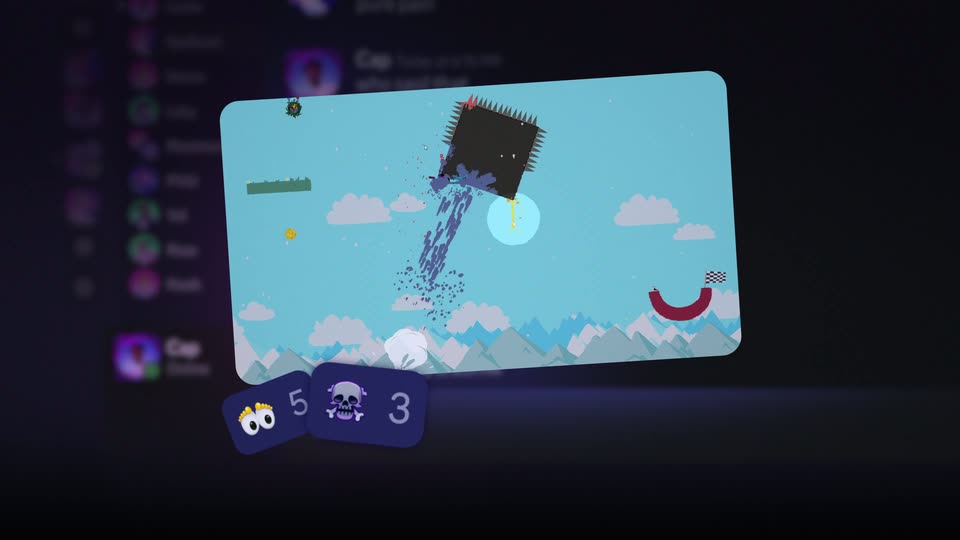 0:21–0:24Discord · Auto Clips | Available on DISCORD in Nitro Early AccessA tilted 3D card showing a platformer game floats over a blurred game list, with two stat badges below it. The camera slowly pushes into the card, ending in a white radial zoom burst.
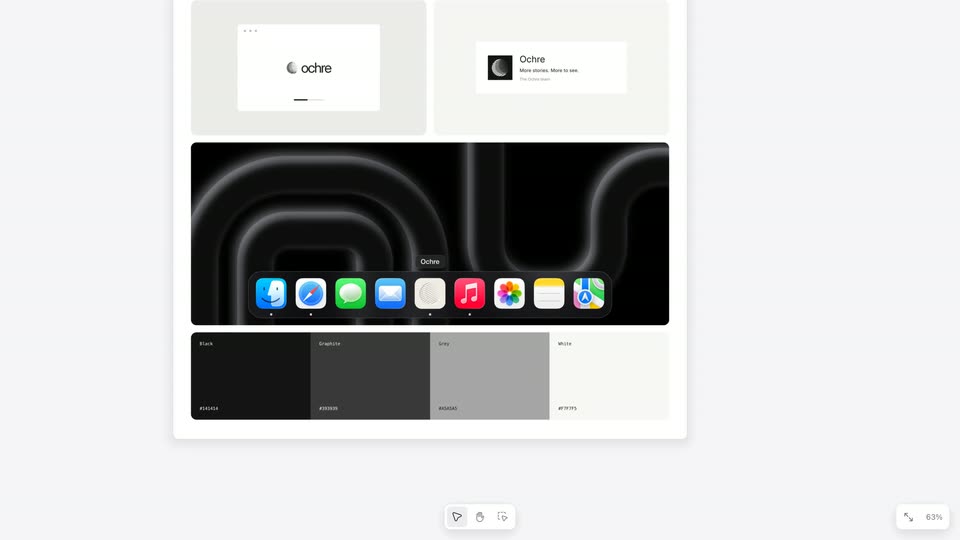 0:32–0:35Neueface · Ibelick - Introducing Neueface, a spatial environment to build with your agentsA macOS dock mockup with a striped icon and an Ochre tooltip rests above a row of color swatches. The frame zooms out across the design canvas, exposing scattered UI components and a film sidebar.
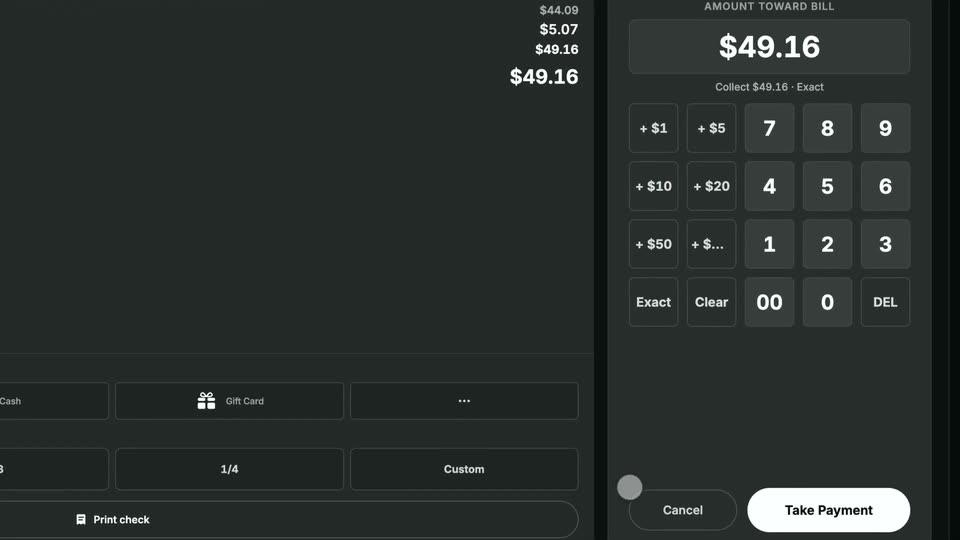 0:47–0:48Shire · Shire Latest DemoA dark point-of-sale screen displays an order list and a card payment panel with a numeric keypad. The view zooms in and pans right to frame the payment panel and its Take Payment button.
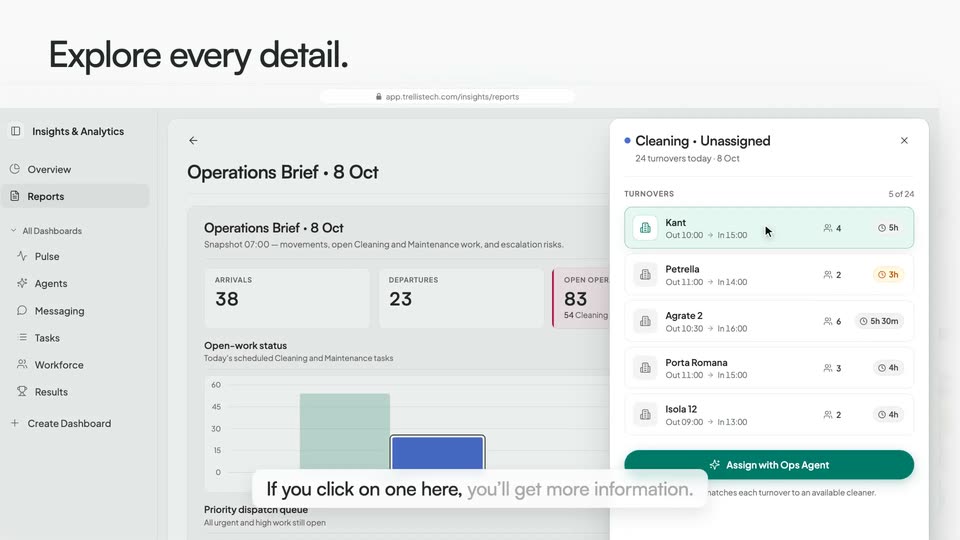 1:04–1:08Trellis · Introducing Trellis ReportsA light dashboard under the headline 'Explore every detail.' shows a bar chart; a cursor hovers the blue Cleaning bar with a tooltip, then the view reframes into an Operations Brief page with a right-hand list of turnovers and an Assign button.
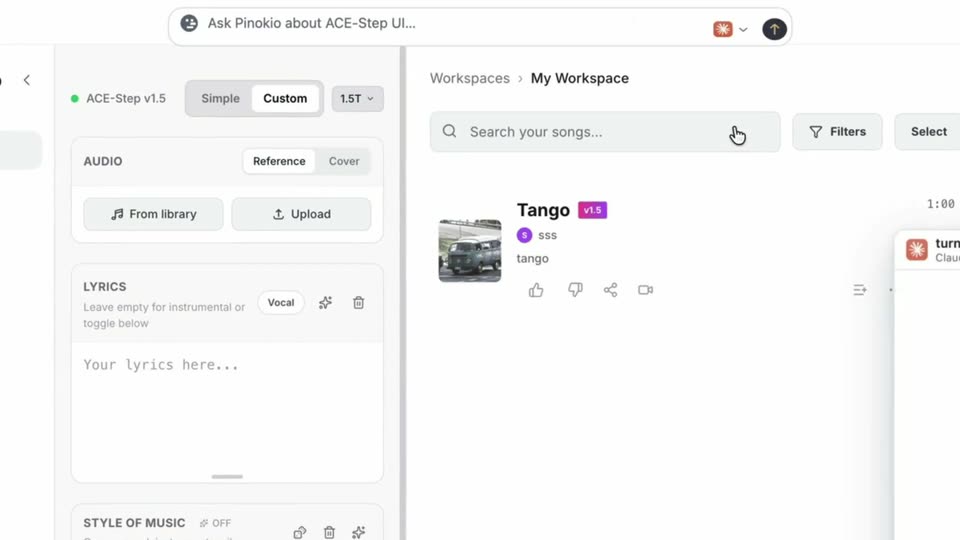 0:39–0:46Pinokio · cocktail peanut - Introducing Pinokio Agent Messenger What if you could chat with allA floating ask box types out a prompt to turn release notes into a 30 second jingle, a file chip attaches, and a cursor clicks Ask. The view pulls back to the full window as a terminal panel on the right streams shell output.
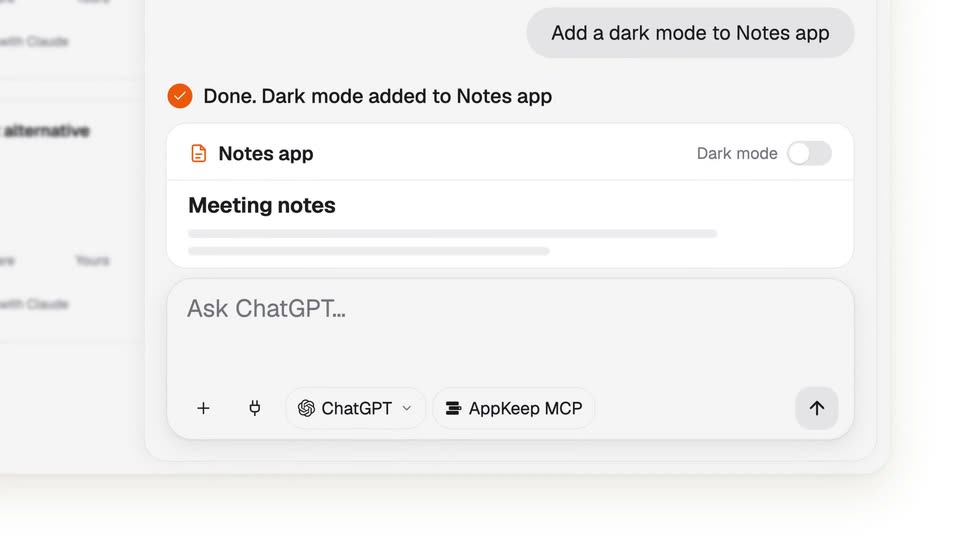 0:43–0:48Appkeep · NATE G - Today we are introducing Appkeep. We open-sourced NotionThe view zooms from a full apps dashboard onto a chat card. A cursor clicks send on the prompt Add a dark mode to Notes app. A check message appears, then a dark Notes card with an orange toggle slides in.
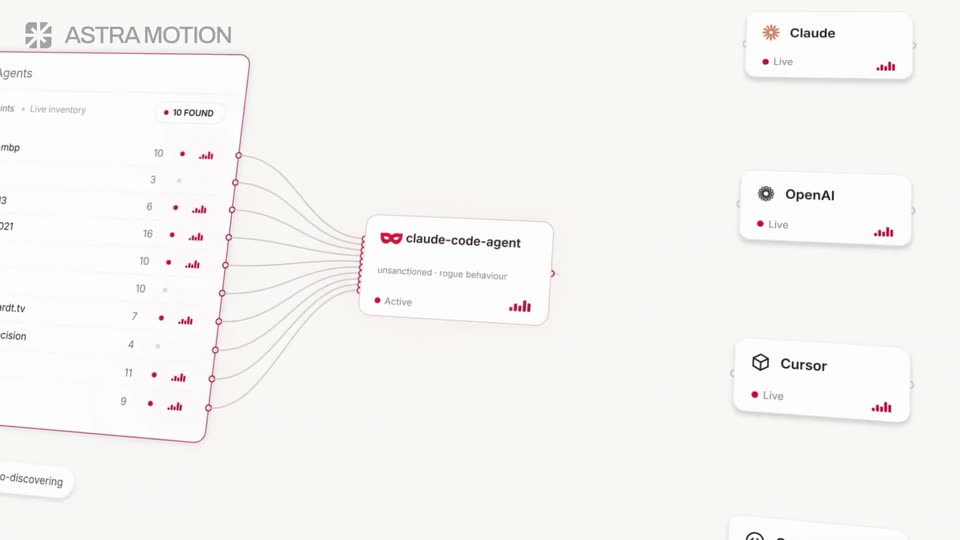 1:02–1:04Manifold · Motion Graphics Product Video | Agents Security PlatformA flat agent dashboard on a pale background: a left list panel and right provider cards link by thin red lines to a glowing central card. The view slowly zooms and reframes onto the central card as the side panels slide out of frame.
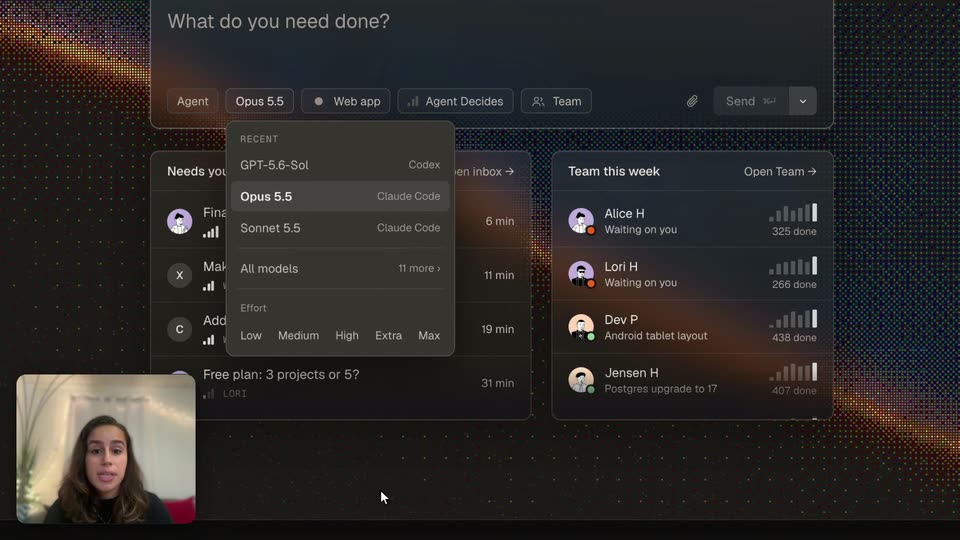 0:34–0:39Agentbox · Savannah - introducing multiplayer for coding agents. the place you code is nowA dark dashboard shows a task prompt and two task lists, with a small webcam video of the presenter in the lower-left corner. The view zooms into the model selector dropdown, listing Claude Code and Codex options plus an effort scale, then pulls back to the full screen.
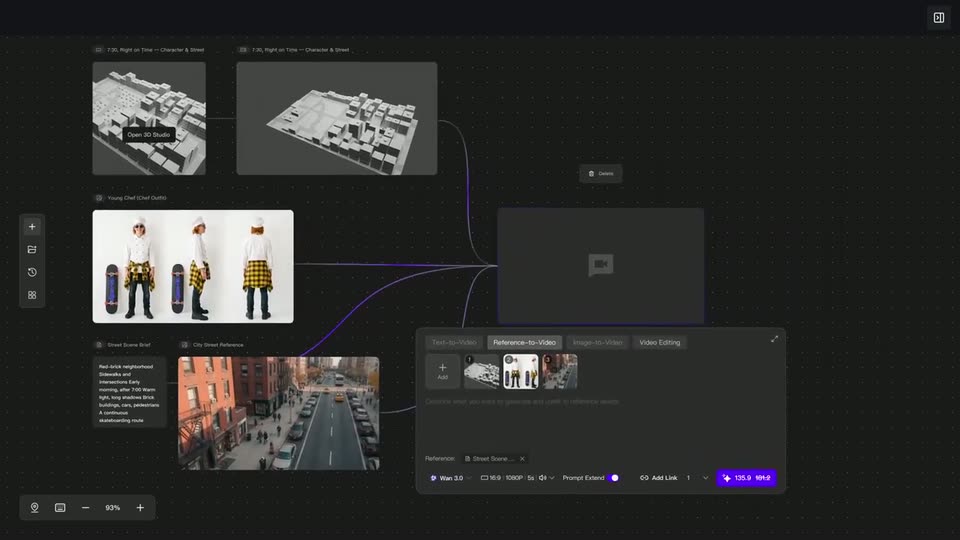 0:43–0:54Alibaba Cloud · Alibaba Cloud - 3D Studio is now live on WonderClip. Try it free for a limited timeA dark node canvas opens on two reference cards, then zooms out to show the full graph. A cursor clicks plus, picks Video, and a new node connects via purple lines. The view zooms into the panel as a prompt is typed and settings appear.
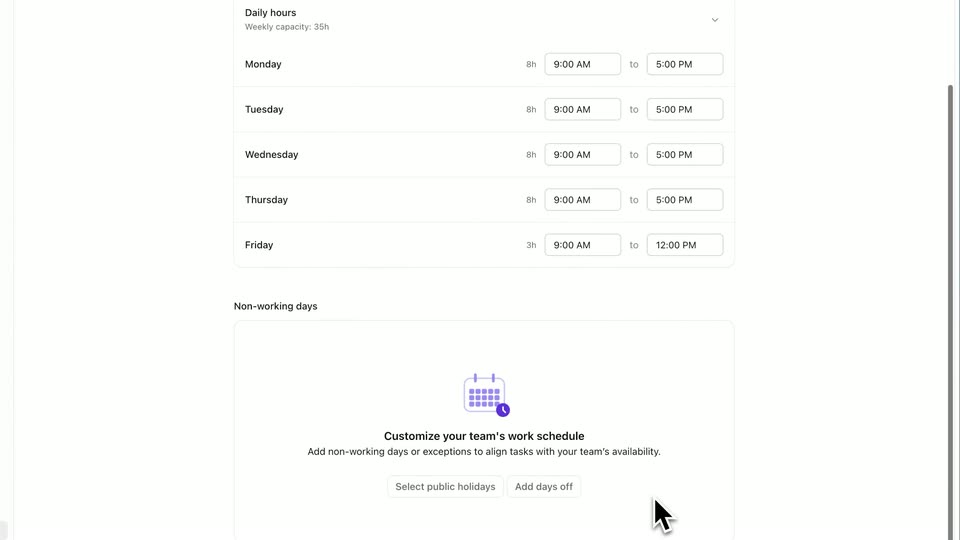 1:01–1:08ClickUp · ClickUp Release 4.10: Sheets, Work Schedules, Email Triggers, and more!A Work Schedule settings form fills the screen. A cursor clicks Custom working hours, expanding per-day rows, then opens a time dropdown and sets Friday to 12:00 PM. The view scrolls to the Non-working days card, where the cursor hovers the Select public holidays button.
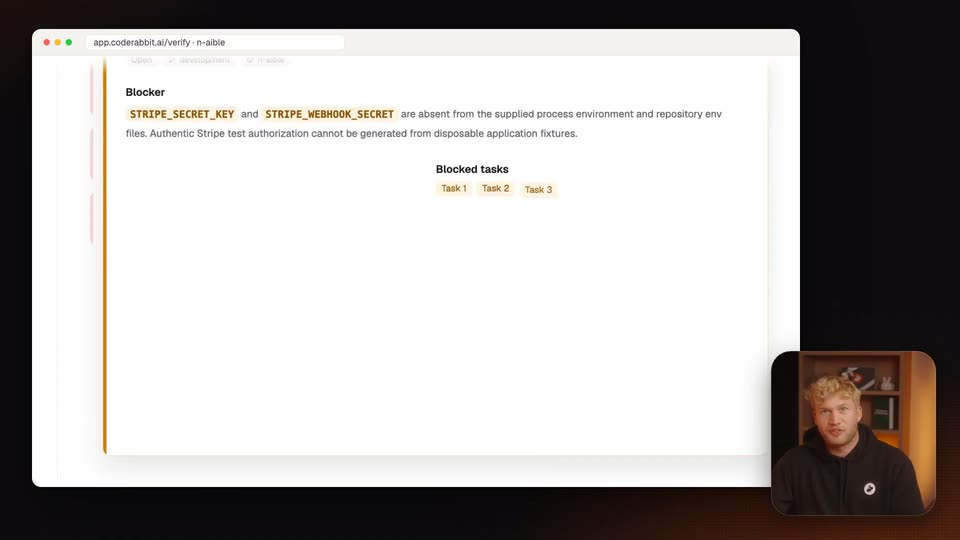 1:33–1:41CodeRabbit · CodeRabbit Verify: AI Testing for Your Running ApplicationA centered browser window shows the Verify dashboard on a dark background. Issue cards settle into Bugs and Blockers columns, then the view zooms into one Blocker card and opens its detail page. A small webcam of the presenter sits in the lower right.
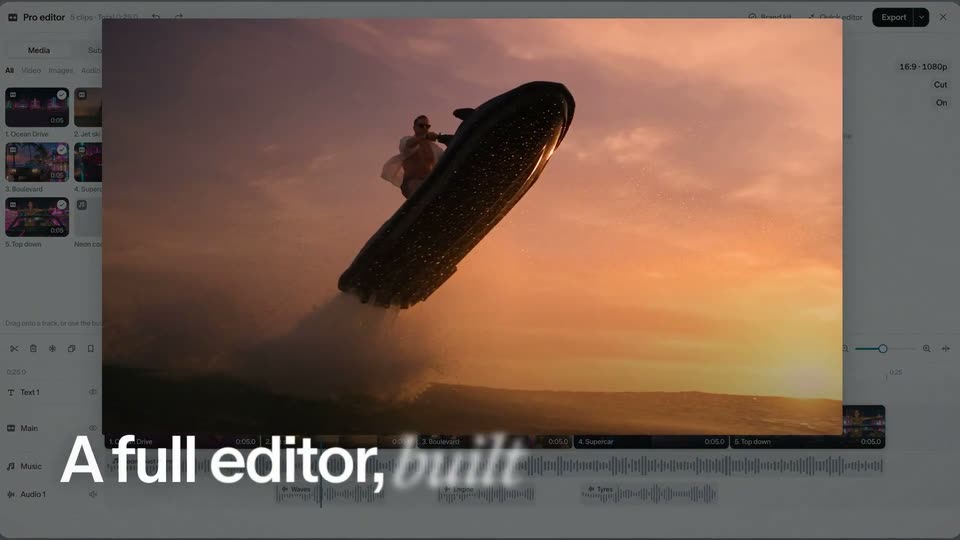 0:35–0:36Flowith · Flowith - introducing Flowith 3.0. the ultimate canvas for human-ai creation.The Pro editor fills the frame with a cursor over the Export button. The view zooms into the center preview, expanding it into a full-screen shot of a person on a jet ski at sunset. A caption slides in at the bottom left.
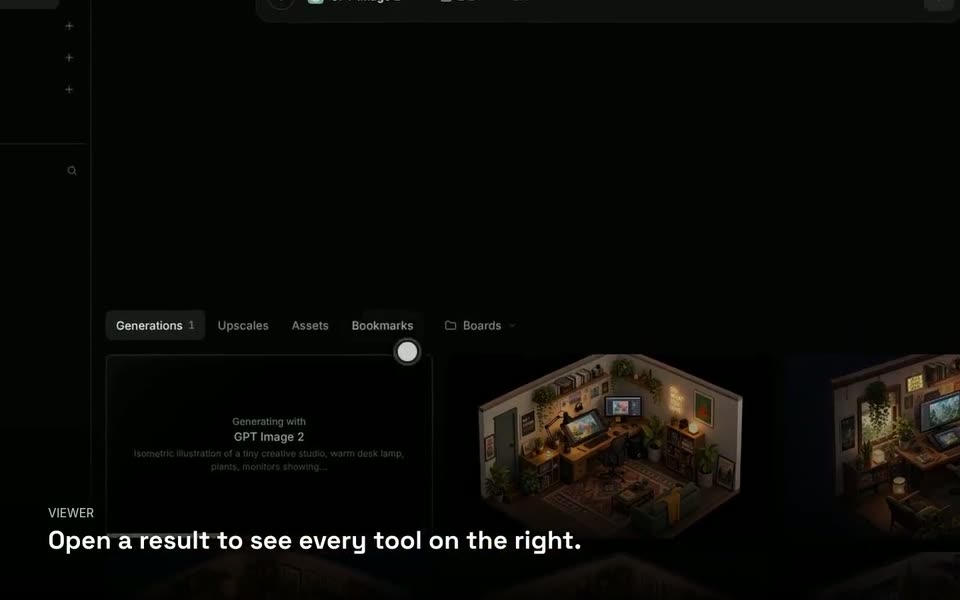 0:49–0:52LetzAI · Introducing LetzAI V5 | LetzAI BlogDark app UI with a left sidebar and a grid of isometric studio renders; a “Generating with GPT Image 2” card with a progress bar sits left of the grid. The view slowly zooms toward the card as a light glint sweeps across it, while a white spinner pulses above.
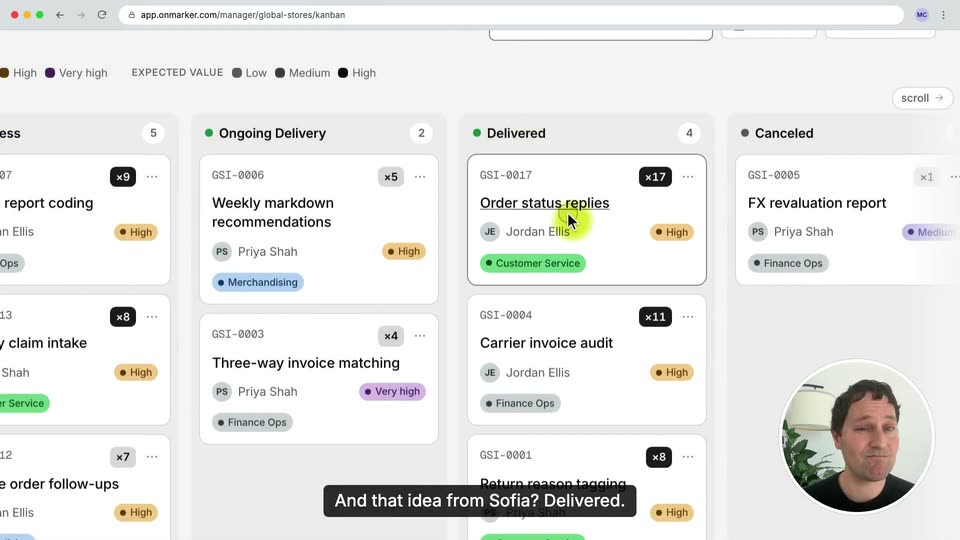 1:38–1:39Marker · Introducing Marker ManagerA cursor hovers a highlighted 'Order status replies' card on a kanban board, then the view reframes into that card's detail page showing its summary. A small circular video of a presenter sits in the corner while a caption reads 'And that idea from Sofia? Delivered.'
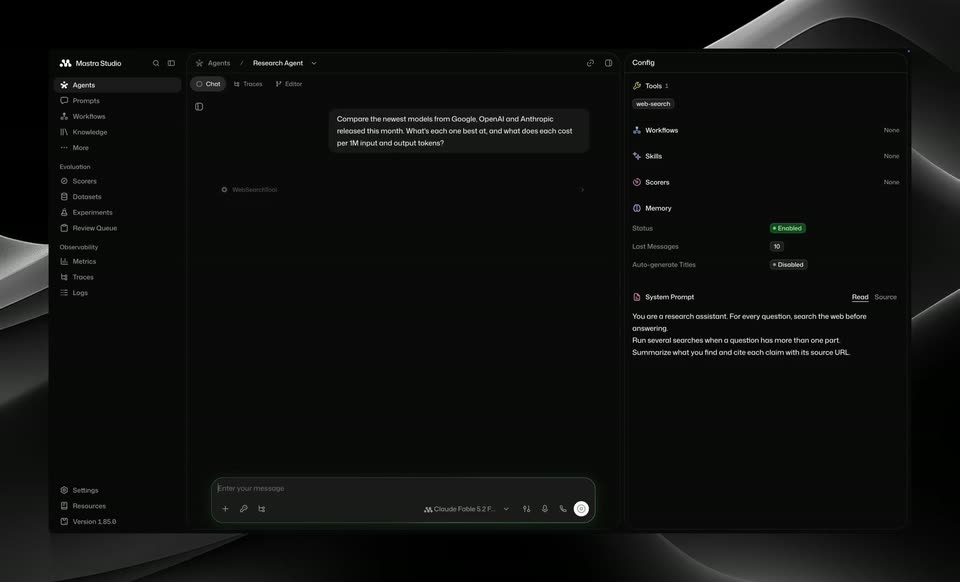 0:25–0:39Mastra · Sam Bhagwat - Today we're excited to launch something we've been cooking for a whilA dark app interface zooms into the chat's model search, where a cursor picks Claude Fable 5.2 Fast and types a comparison prompt. The view pulls back as the agent streams a long answer with a pricing table.
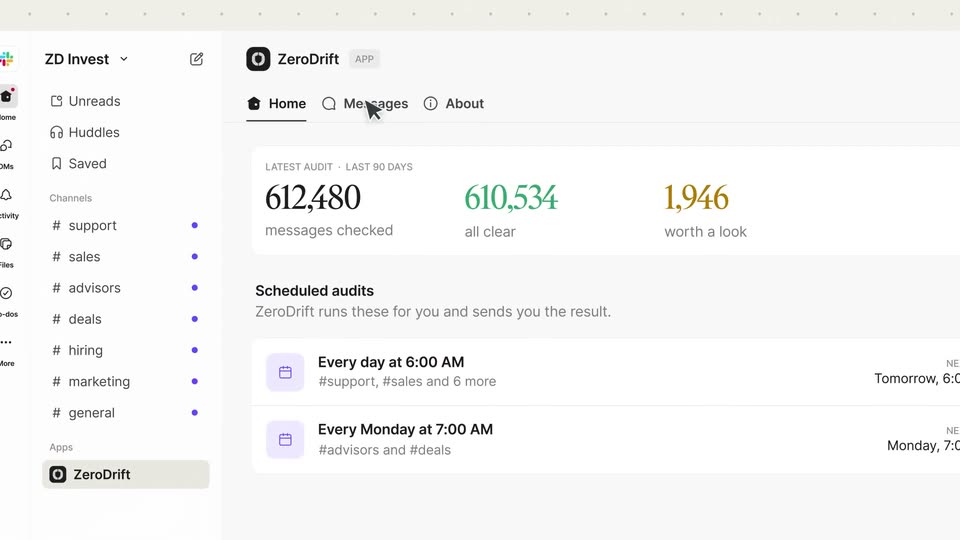 0:47–0:49ZeroDrift · Kumesh Aroomoogan - We’re launching @zerodrift_ai for @SlackHQ today ⚡️ Your team moveA tight crop of a Slack-style dashboard shows audit stat numbers and two scheduled rows filling in, then the frame pulls back to reveal the whole app inside a browser window while a cursor hovers the top tabs.
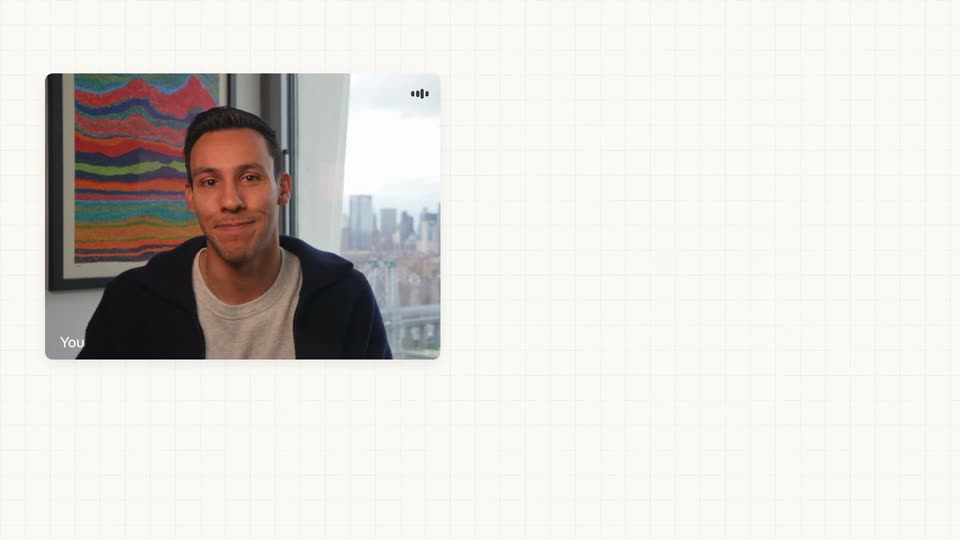 3:54 · 0.8sAnthropic · Five brand new ways to use Claude at workOn a grid background, a video call tile with a man and a whiteboard card sit side by side, with a notes panel and avatar row below. The view zooms into the video tile until it fills the frame.
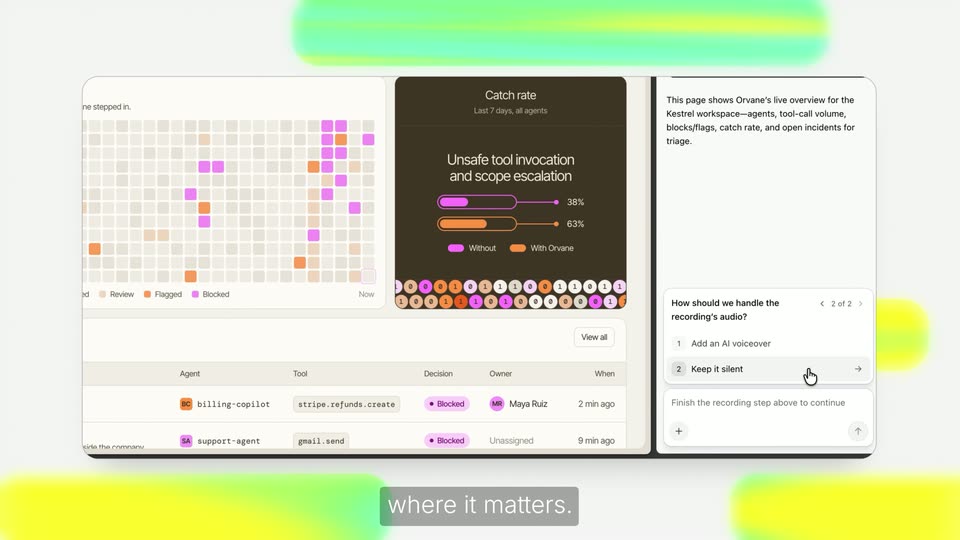 0:42–0:45Arcade · Caroline Clark - Frontier AI has solved math. Science. Coding. But it still hasn’t solA tilted stack of three floating UI cards sits on white with green and yellow gradient blobs. A cursor taps the right panel as its copy changes, then the view zooms out to a wider dashboard beside a browser window. White captions cycle at the bottom.
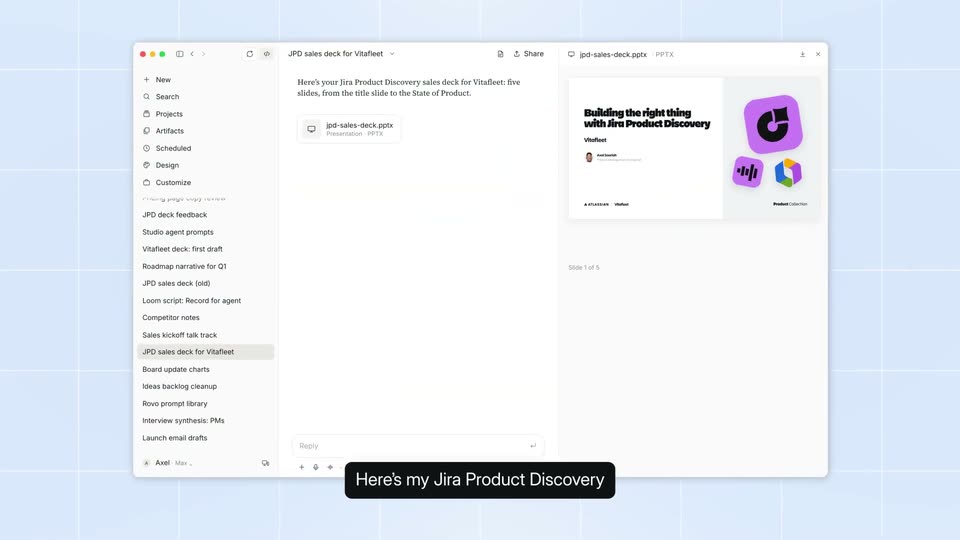 0:29 · 0.8sAtlassian · Give your AI work a home with Artifacts App | Rovo at WorkA product interface shows a chat list of deck items next to a slide preview. The framing zooms in from a wide three-panel view to a tighter crop of the chat and slide. A black caption pill sits at the bottom.
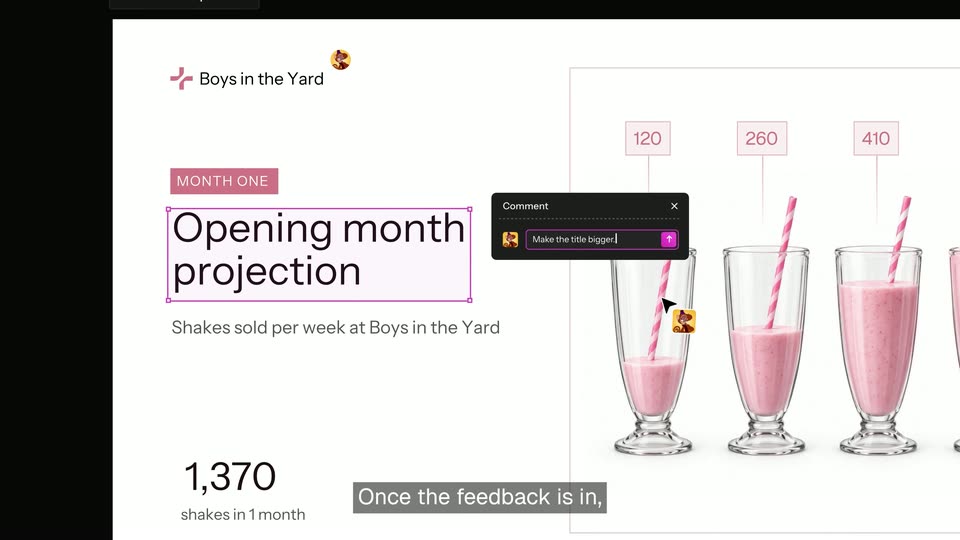 1:11–1:15Clueso · Announcing Clueso AI | World's First Collaborative AI Video EditorThe slide editor shows a selected heading; a cursor with an avatar opens a dark comment box and types a note. The view zooms out to the full 16:9 slide, the heading is now larger, and a fifth shake glass with a 580 tag appears.
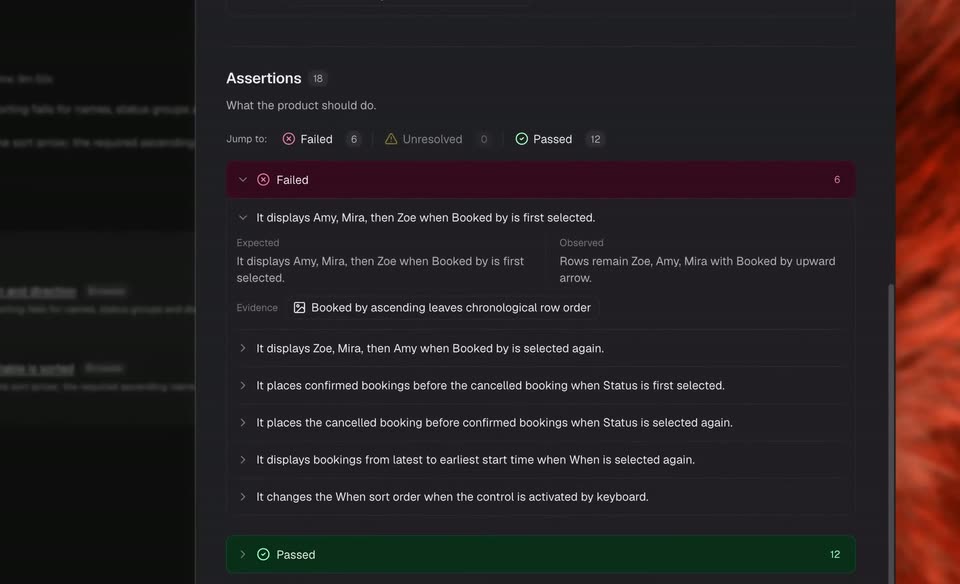 0:26–0:32CodeRabbit · CodeRabbit - Introducing CodeRabbit Verify Don't let your users be the first testA dark test-report interface on a screen set against a red fibrous backdrop. The camera zooms into the Checks panel, then scrolls past green Passed preconditions, a red Failed assertions block, and numbered test steps.
 1:05–1:07Google · Google DeepMind - Genie 4 is now available in Project Genie. It brings native audio, rA close-up of a dark app interface zooms in on the Remix button. The row of pill buttons blurs and slides as the Remix pill scales up and sharpens in the center, below a defocused image card showing a pen on white paper.
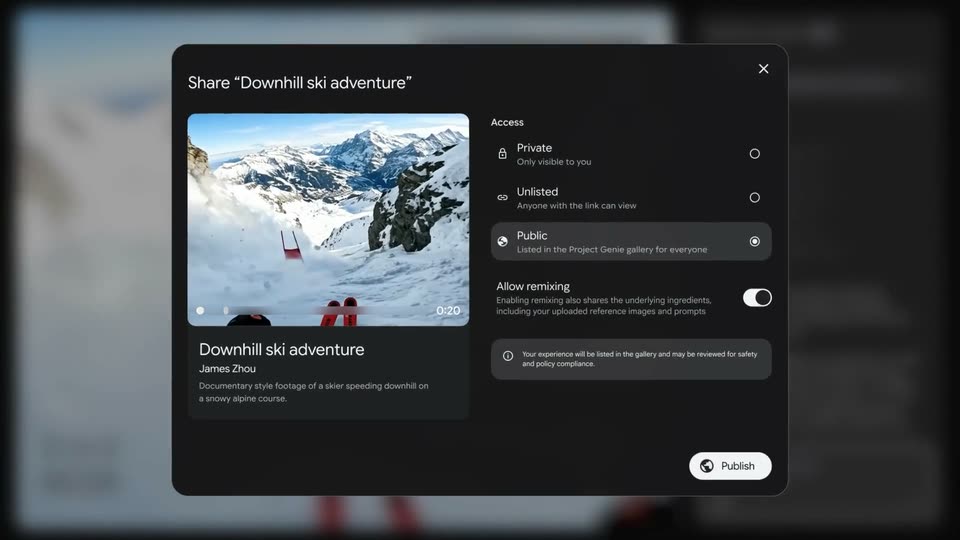 1:07–1:09Google · Introducing the new Project Genie, powered by Genie 4A dark share dialog floats over a blurred backdrop, pairing a ski video thumbnail with access settings where Public is selected. A hand cursor rests on the Publish button while the frame tightens around the dialog.
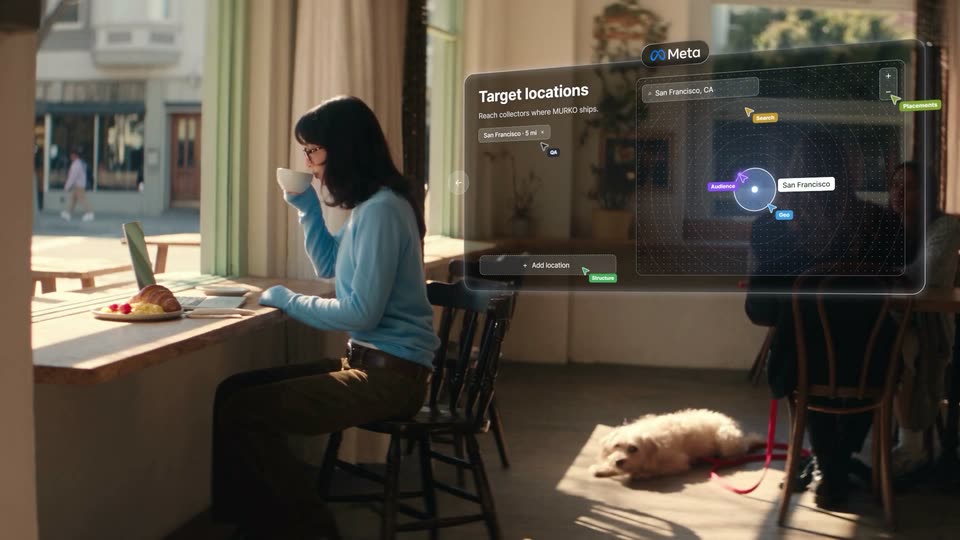 1:05–1:07Higgsfield · Higgsfield AI 🧩 - Introducing Higgsfield MCP 2.0 for Claude. Your entire creative studA woman drinks from a cup at a sunlit cafe counter as a small dog sleeps on the floor. A floating 3D glass panel on the right shows a dotted map; a cursor taps San Francisco, the map zooms onto a glowing node, and a list fills in.
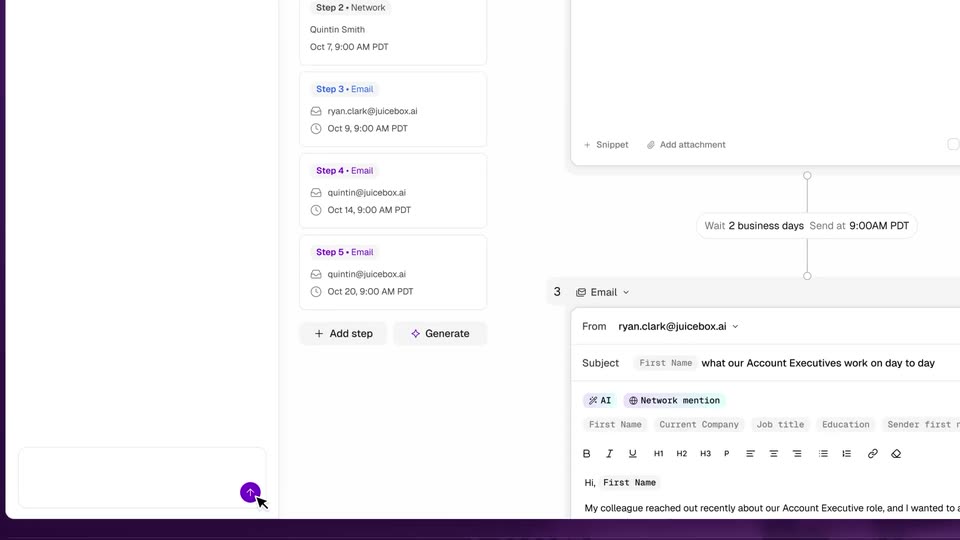 1:14–1:18Juicebox · Introducing Smarter Sequences from JuiceboxA black cursor types “Add in a recent podcast with our CEO. And make it spooky!” into the prompt field, then the frame pulls back to reveal the full sequence steps and the email editor on the right.
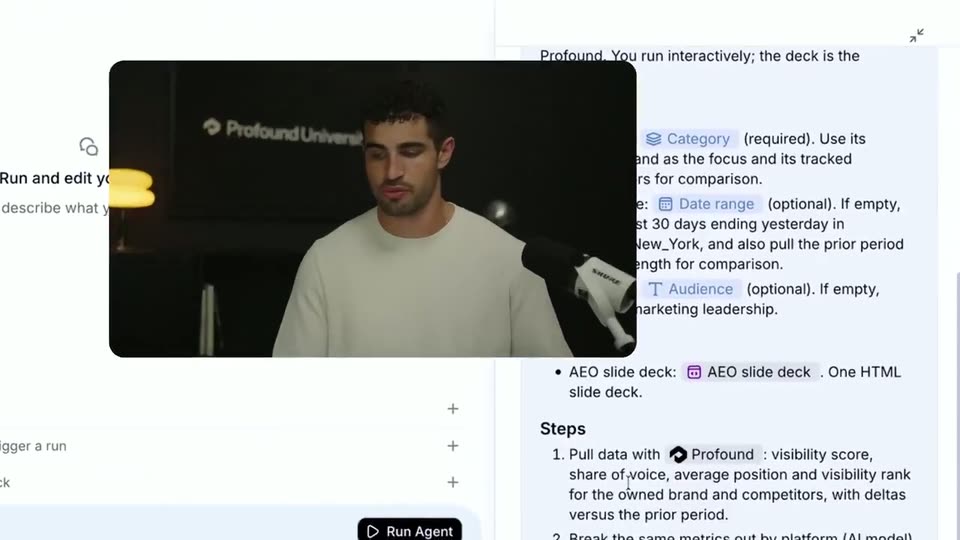 1:27 · 0.8sProfound · Dylan Babbs - Today we're launching a new generation of Agents in @profound, now poA product interface splits into a video player on the left, showing a man in a white shirt speaking into a microphone, and a documentation panel on the right with Inputs, Outputs and Steps headings. The view zooms in on the video player.
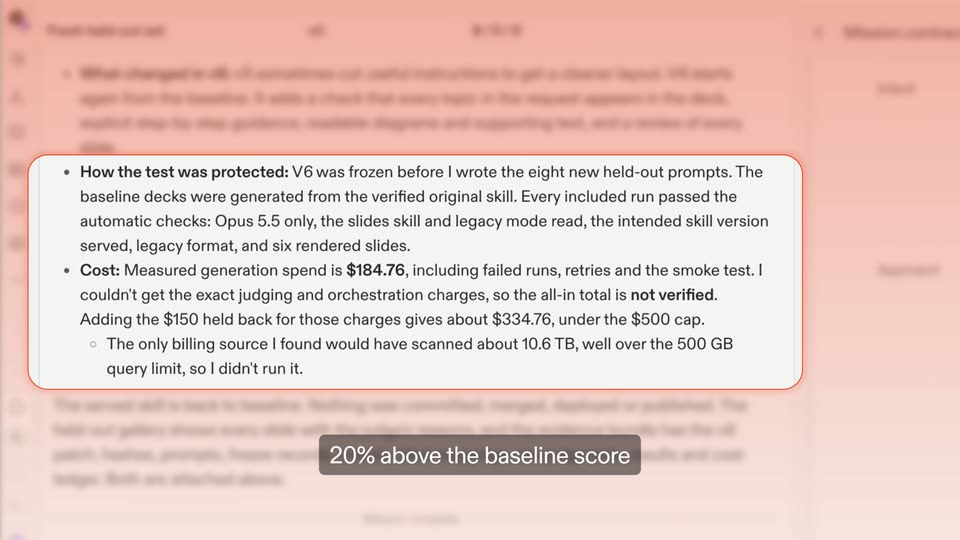 1:20–1:26Replit · Replit Missions | Pursuing outcome-based resultsA full chat interface fills the frame, then the view zooms onto a white card with an orange border isolating a paragraph, the rest blurring under a warm pink tint. A dark caption pill at the bottom swaps phrases in time with the voiceover.
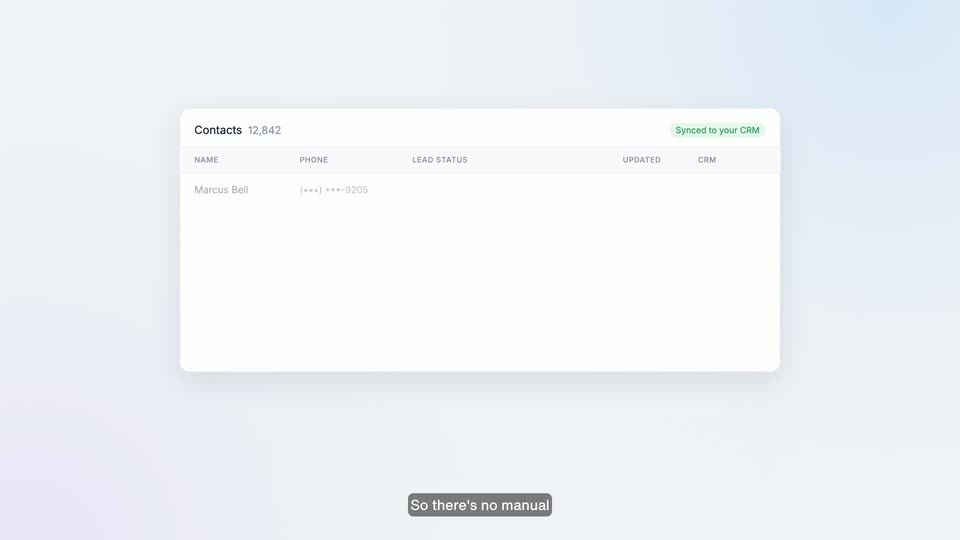 0:57–0:58Retell AI · Retell AI - Introducing Retell Dialer, the first AI-native dialer, built for end-The view opens on a Global outcomes panel beneath a green Synced to your CRM badge, then zooms out to bring a contacts table into frame on the right, with a row for Leah Smith.
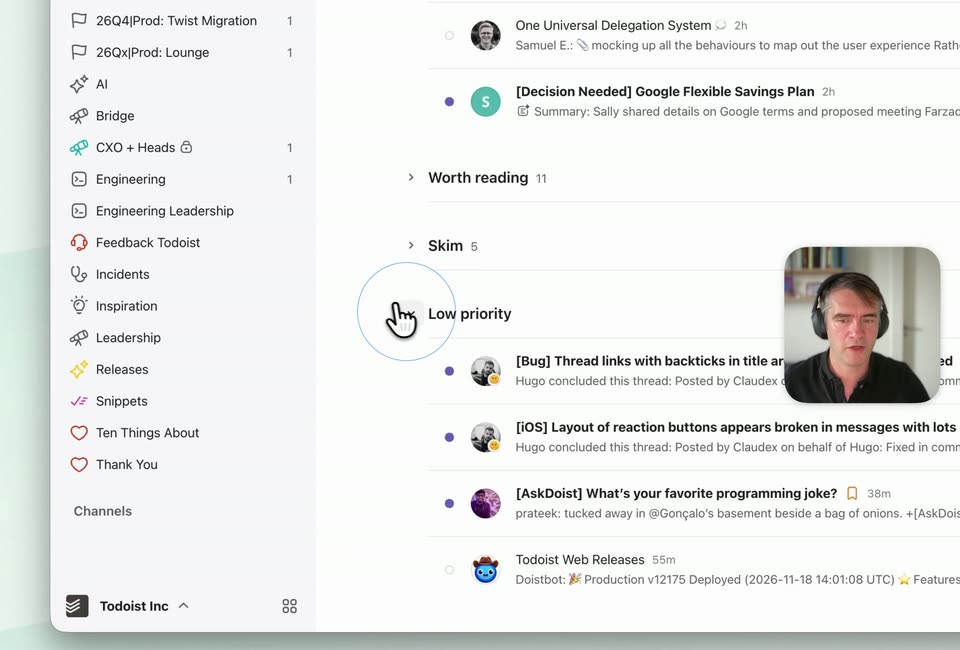 1:04–1:28Todoist · Amir Salihefendić - Todoist Comms is now in public beta 🚀 What's in it: ⋅ Turn any threA flat inbox interface fills the frame, with a facecam of a talking presenter in the lower right corner. The cursor hovers over rows as the view zooms in to show collapsed sections, Worth reading, Skim and Low priority, then expands Low priority to list its threads.