
0:24
Explore
Dreamscale Datasets is now live! | Dreamscale Labs (YC F26)
Dreamscale Labs · 0:30 · AI-annotated
- Length
- 0:30
- Scenes
- 7 · 4.4 s avg
- Product on screen
- 0:00
- Features shown
- 3
- Voiceover
- No
00:00:00 / 00:30:20
- Length
- 0:30
- Scenes
- 7 · 4.4 s avg
- Product on screen
- 0:00
- Features shown
- 3
- Voiceover
- No
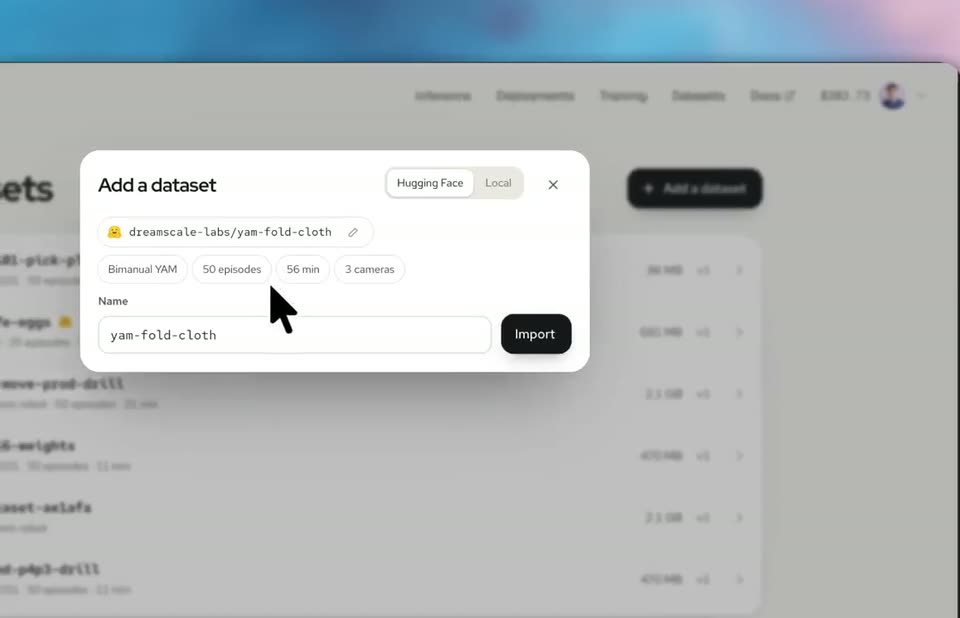
Dreamscale Labs’s 0:30 launch film runs 7 scenes, about 4.4 s each. The product is on screen from the first frame and 3 features are revealed. There is no explicit call to action. A straight-through UI walkthrough that chains three features in order: importing a dataset, browsing its episodes, and starting a model run, each shown as a tilted 3D browser window floating over a soft rainbow gradient. Pacing is even and cursor driven, with slow zoom ins and tilt to flat transitions marking each step of the flow.
No filming indicatedEstimated needs: 1 capture group — your screens or recordings · 5 3D passages — build or supply
Is this your launch? to your site or press kit.
More like this

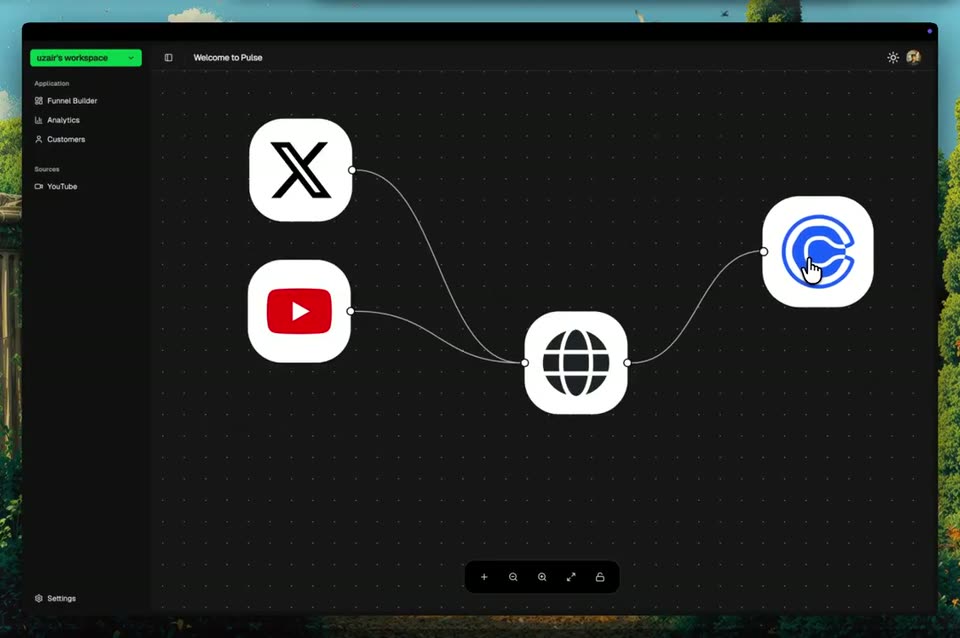
Dreamscale Datasets is now live! | Dreamscale Labs (YC F26), scene by scene
· 7 scenes as text
01 · Feature reveal · 0:00–0:06
A tilted 3D mockup of a Datasets dashboard floats on a blurred multicolor gradient. A cursor clicks Add a dataset, a search modal opens, the cursor selects a dataset, then a hand cursor presses the Import button.
On-screen text: “https://app.dreamscale-labs.com/dashboard/datasets”
Techniques: 3D mockup, UI zoom, Cursor demo
Camera: Push in
02 · Feature reveal · 0:06–0:08
A tilted Datasets screen slides into the center of a soft multicolor gradient backdrop and settles flat. A white hand cursor then glides across the panel and presses the dark Add a dataset button, while the dataset rows and top menu stay still.
Techniques: 3D mockup, Cursor demo
Camera: Pull out
03 · Feature reveal · 0:08–0:09
A browser window on a soft multicolor background shows a datasets list. A hand cursor hovers over a row, then the view zooms into that dataset's episode grid while the cursor turns into a black arrow.
Techniques: Cursor demo, UI zoom
Camera: Static
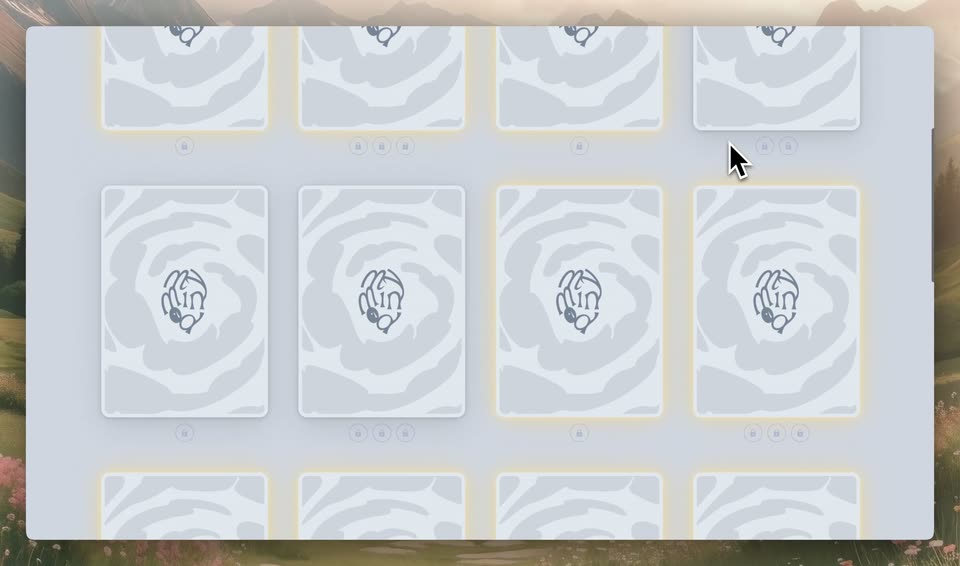
04 · Feature reveal · 0:09–0:11
A light dataset window on a blue-to-orange gradient shows a grid of episode thumbnails of a robotic arm handling eggs. A white hand cursor hovers over tiles, outlining them as the grid fills in with footage.
Techniques: Cursor demo
Camera: Static
05 · Feature reveal · 0:11–0:21
A dataset viewer interface floats in 3D over a blue-to-orange gradient, tilted and slowly rotating. A white cursor clicks play, then drags the timeline right while robot-arm footage and a joint-value chart play. The view zooms into the player, then a hand cursor hovers over the Train button.
Techniques: 3D mockup, Cursor demo, UI zoom
Camera: Static
06 · Feature reveal · 0:21–0:27
A tilted browser window floats over a soft gradient, showing a model-training page. A cursor clicks the FLUX 3 Action card, a checkmark appears, then the view zooms into the lower panel as the cursor hovers the Start training button.
Techniques: 3D mockup, Cursor demo, UI zoom
Camera: Push in
07 · Feature reveal · 0:27–0:30
A blurry close-up of the checkpoint list pulls back to reveal a white training dashboard card tilted in 3D over a soft rainbow gradient. A black cursor glides across the checkpoint rows while the elapsed timer ticks from 0:01 to 0:02.
Techniques: UI zoom, 3D mockup, Cursor demo
Camera: Pull out