Cursor demo
A visible cursor operates the interface.
14,869 scenes · page 1 of 248
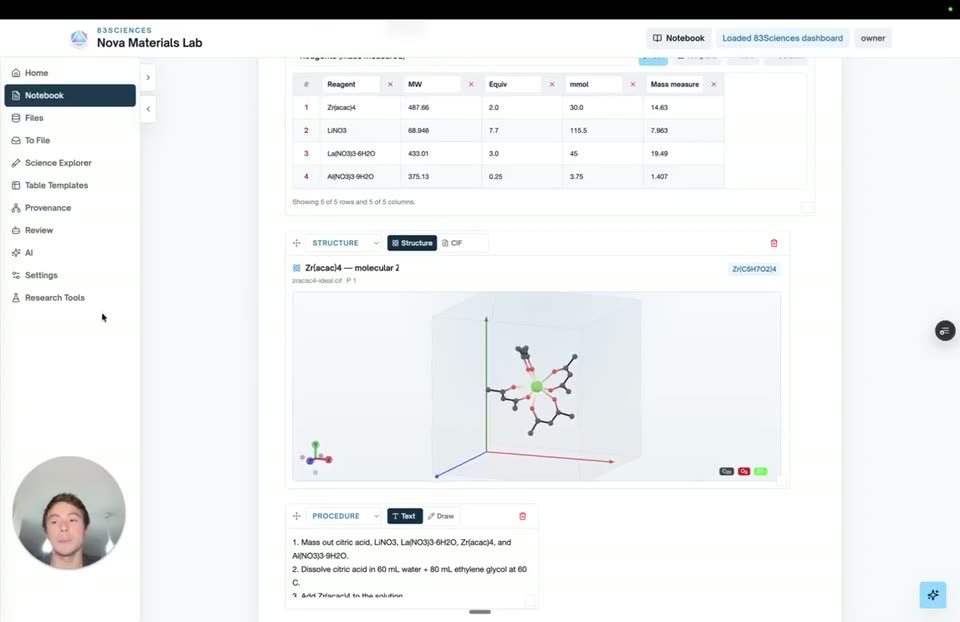 0:44–0:4883 Sciences · 83 Sciences Future of Scientific Discovery | 83 SciencesA lab notebook interface fills the screen: a reagent table on top, a 3D molecule in a wireframe box at center, a procedure list below, and a left menu with a webcam circle. The cursor glides down the menu, pauses on Research Tools, then rests on the structure panel.
 0:10–0:20Akon Labs · #ai #governance #coding | Akon Labs (YC S26)A silver laptop sits on a dark desk in a dim office, angled toward camera. The serif headline fades and scales in on its screen above a PR Ready card, the camera pushes in on the display, and a cursor glides to the Merge button and clicks it as the screen crossfades to a wider interface.
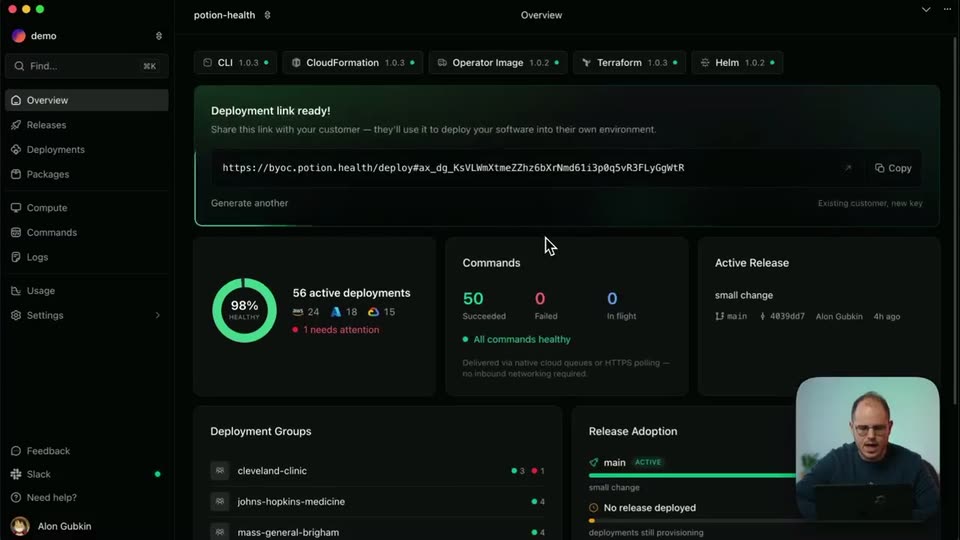 1:15–1:35Alien · We're launching the Alien platform today, backed by a $5M seed from Basis Set, Jibe Ventures, and angels from OpenAI, Google, and Databricks. We've built it so that when your next $300K enterpriseA dark deployment dashboard fills the frame, with a webcam inset of a presenter at a laptop bottom-right. A cursor clicks the customer name field, types mercurial-clinic, and clicks the green Generate Link button. The card then updates to a ready state showing a deployment URL and Copy button.
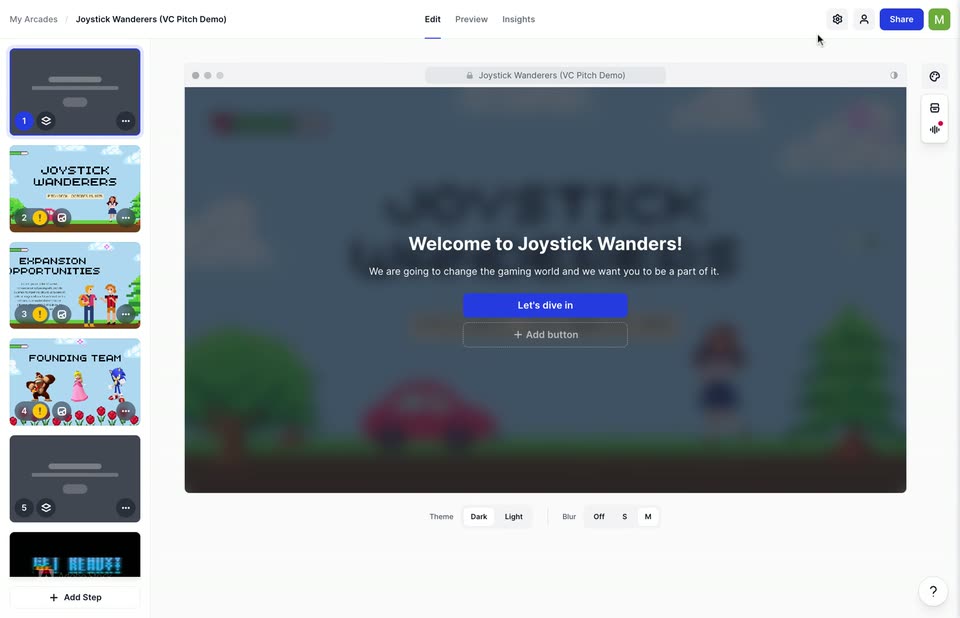 0:00–0:03Arcade · Arcade Adventure 👾A locked-off view of a pitch-deck editor: a left rail of slide thumbnails, a center browser frame with a blurred game scene, a welcome headline and two buttons, theme toggles below. A cursor glides to the top-right gear and a Settings tooltip pops up.
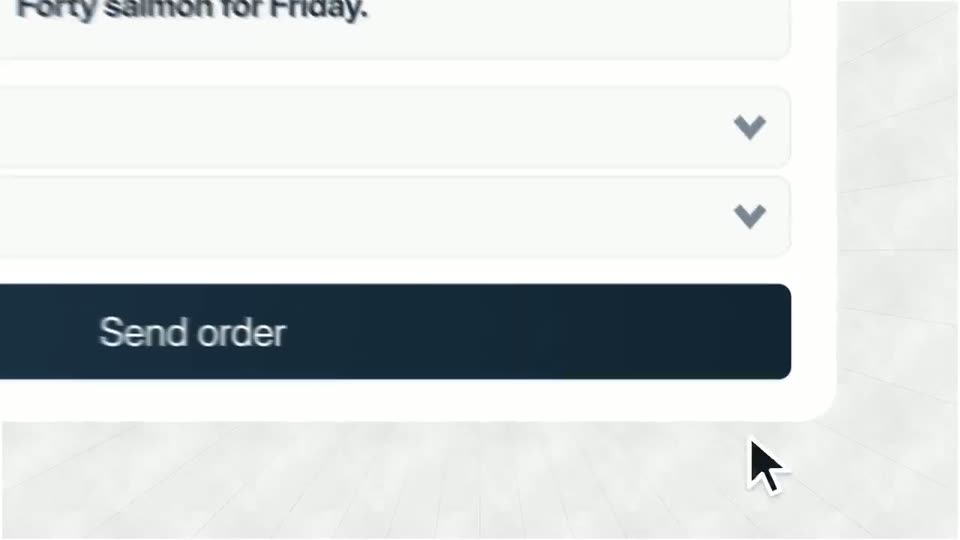 1:20–1:22Asakana · Asakana (YC F26) automates sales and the entire back office for food distributors. Restaurants still order by text, WhatsApp, phone, or a photo of a handwritten note, often not in EnglishA white order form card titled New Rep shows Item and Quantity fields as the camera zooms in on the dark Send order button. A cursor slides in from the lower right and comes to rest on the button.
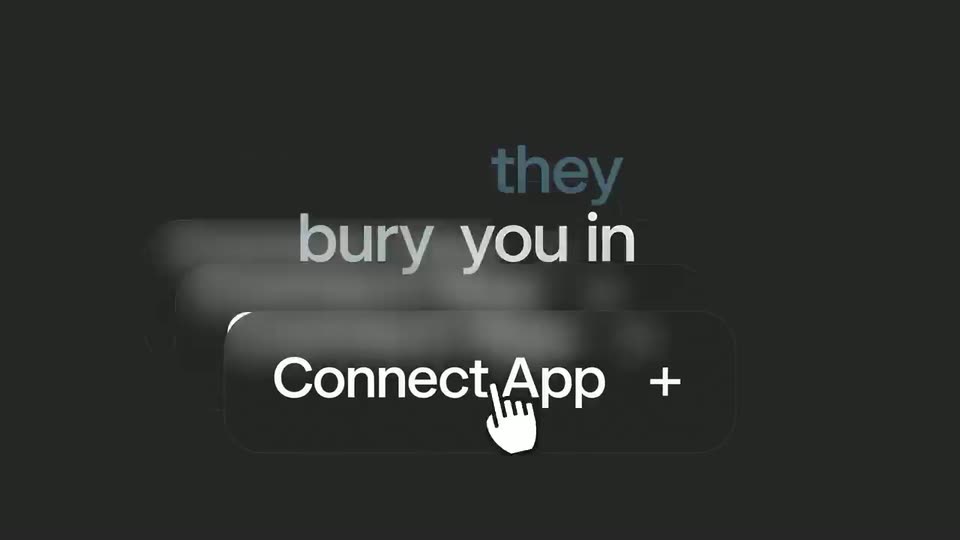 0:06–0:08Aside · AsideOn a dark gray background, the headline “Instead, they bury you in” builds word by word above a row of app icons. The icons tilt into a receding 3D stack, blur, and give way to a “Connect App +” button that a white hand cursor taps as the stack fades.
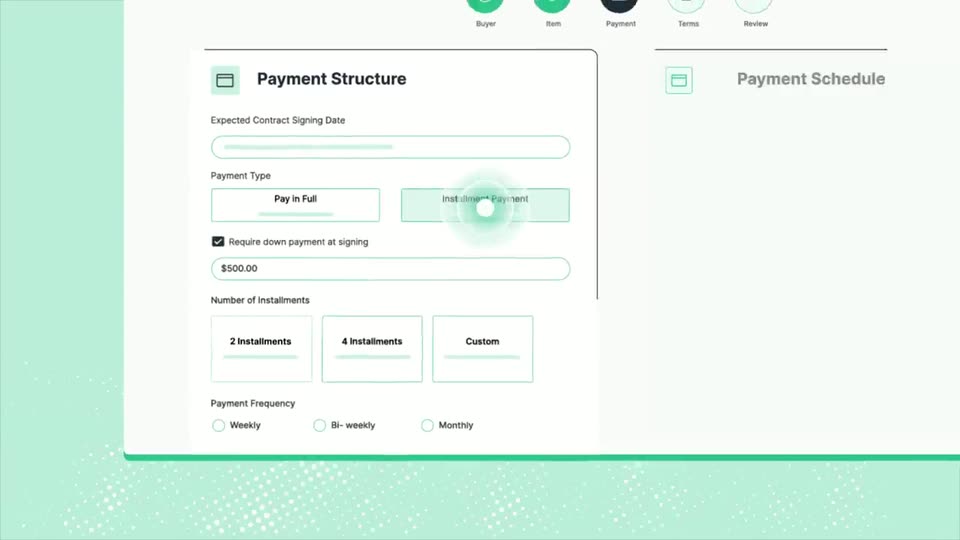 0:21–0:23Assuryn · Assuryn posted on LinkedInA flat payment form on a teal gradient with drifting white dots. A cursor taps Installment Payment as a second Payment Schedule panel slides in from the right; the two panels then shift and the right one exits, leaving the form on the left.
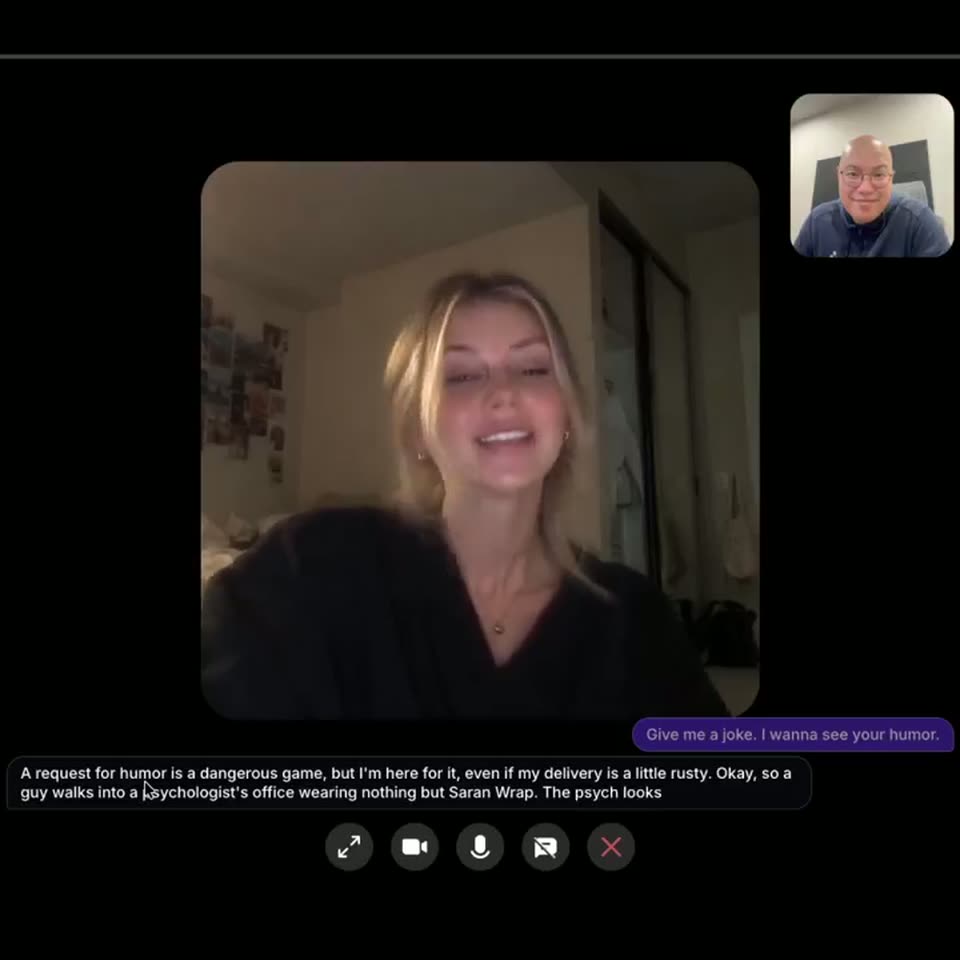 1:49–2:53Atmee · #ai #avatars #digitalhuman #agents | AtmanityA video call interface on black: a large tile of a blonde woman talking in a bedroom, a small tile at top right of a man in a blue hoodie. Gray and purple chat bubbles build up above round control buttons. The man laughs as she tells a joke.
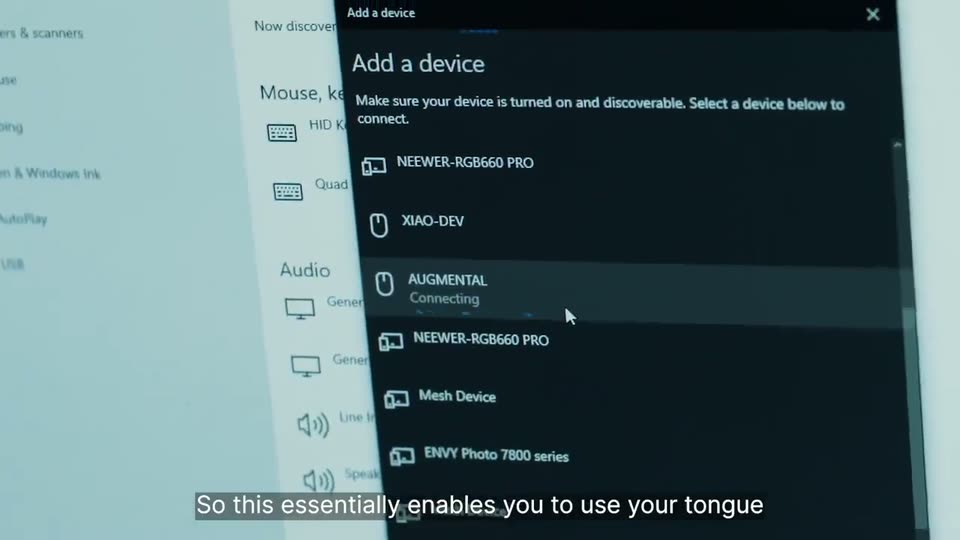 0:31–0:33Augmental · MouthPad is a touchpad you drive with your tongue. Now available across the US. Over 100 people already use it, some for up to 16 hours/day. It works for gaming, for CAD, for Figma, and we're inA locked-off screen capture of the Windows Add a device dialog. A list of Bluetooth devices is shown; the cursor hovers over the AUGMENTAL entry, which displays Connecting with a small spinner. A subtitle caption sits along the bottom.
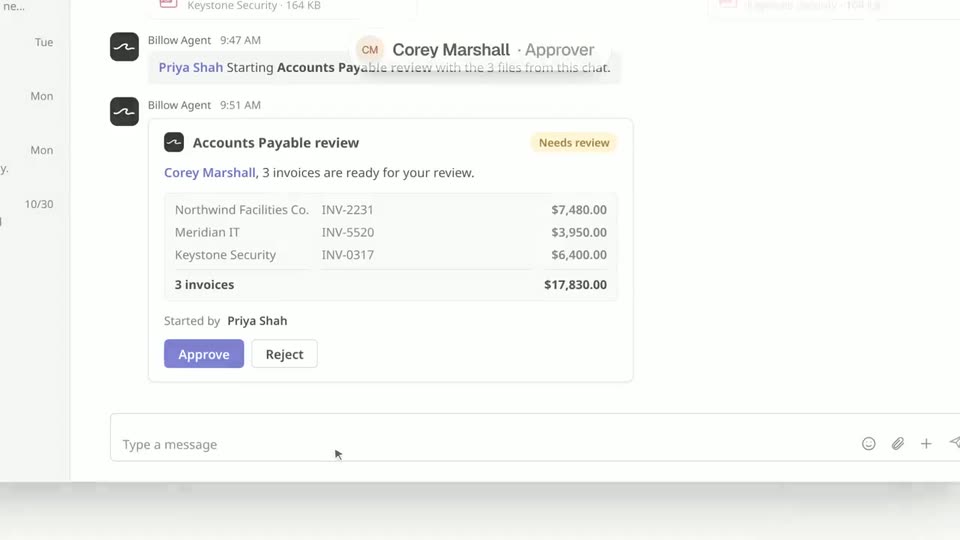 0:17–0:34Billow AI Labs · AI can now close your books from Microsoft Teams 🤯 Billow is an AI for Finance that’s built on top of your existing stack (NetSuite, QBO, Bill, Excel, SharePoint, etc.) Tag it in your chat and ask… | Joanathan McIntoshA flat Teams chat screen zooms to the message box as three PDF files attach and a tagged Billow Agent message is sent. An agent review card with an invoice table appears, the cursor clicks Approve, and a completion card slides up. Dark caption bars swap at the bottom.
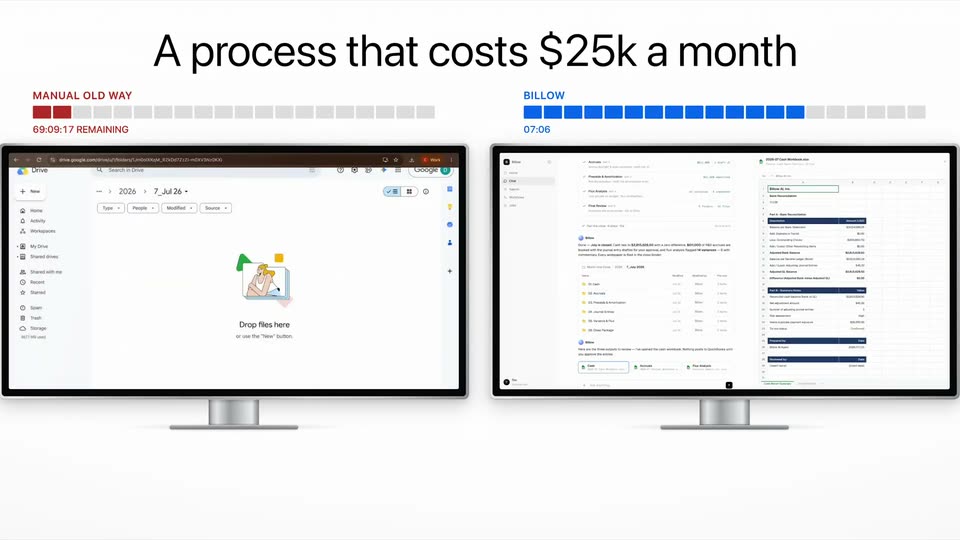 0:22–0:26Billow AI Labs · Billow - YC LaunchTwo flat iMac screens sit side by side on white. The left cycles an invoice sheet, Drive list and folder dialog under a red countdown; the right holds the Billow app with a blue timer. The top headline swaps lines, ending on 'and still takes two weeks'.
 0:43–0:46Billow AI Labs · Last week, we showed our AI running Accounts Payable and many were skeptical 👀 "What if the AI misses a duplicate invoice, or pays a scammer?" So we made this video to show the guardrails weThe Billow logo and bold wordmark sit centered on a cream background above a black pill button and the URL thebillow.ai. A cursor glides in, hovers over the button, which gains a soft highlight ring, then exits.
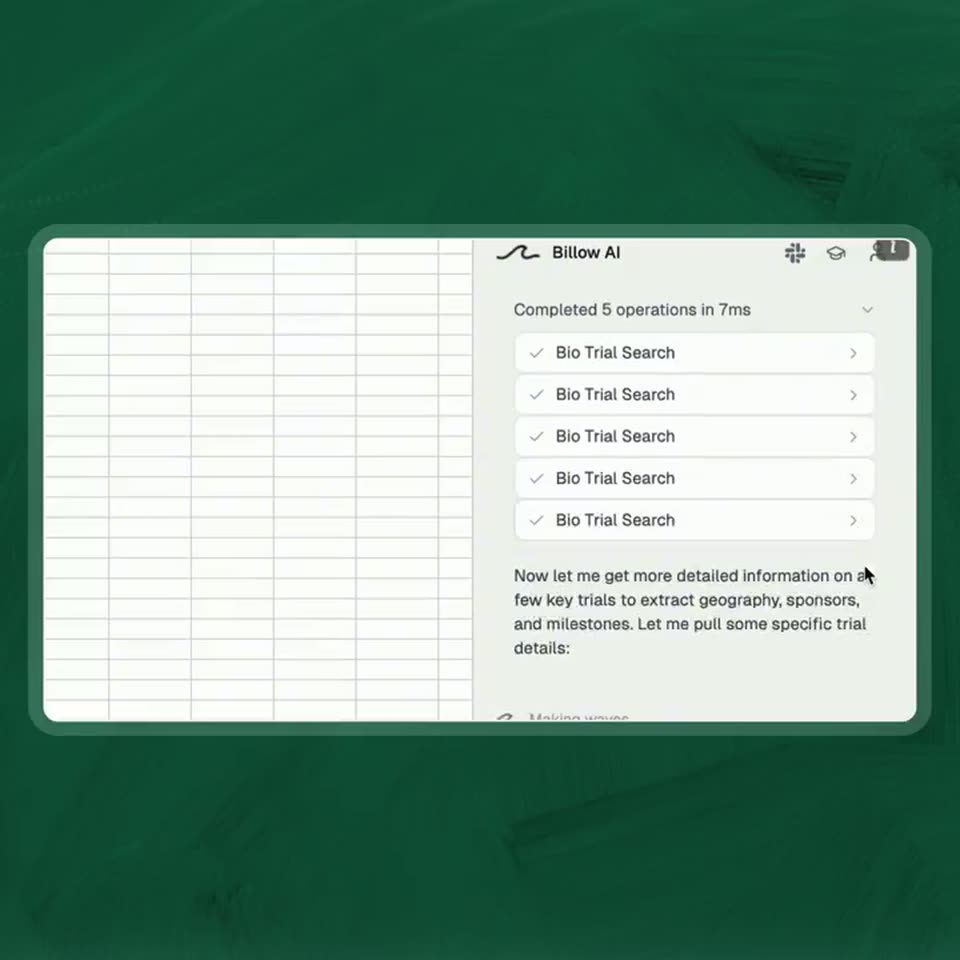 0:00–0:14Billow AI Labs · #clinicaltrials #biotechanalytics #aliinhealthcare #excelpower #dataintegration #billowai | Billow (YC S26)A spreadsheet window with an AI side panel fills the frame. The camera zooms into the panel as a prompt is typed and sent, the AI lists its steps, then it zooms out and reframes onto the grid, now filled with a clinical-trial data table.
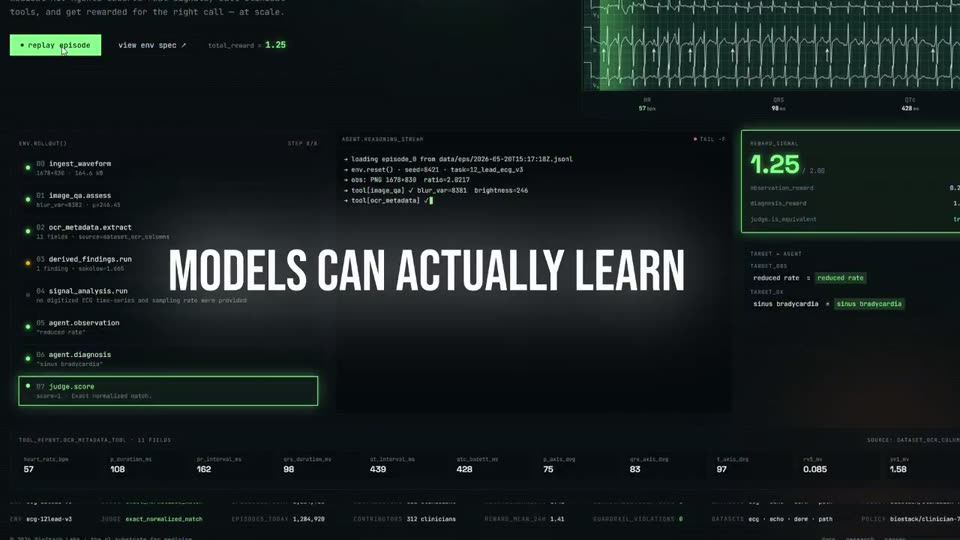 0:58–1:04BioStack Platforms · BioStack Platforms launch filmA dark terminal dashboard fills the frame: ECG trace top right, step list left, a reasoning stream typing in the center. A cursor rests on the green replay button. Large white uppercase words build word by word across the middle, reading TURNING MESSY HEALTHCARE DATA, then MODELS CAN ACTUALLY LEARN FROM.
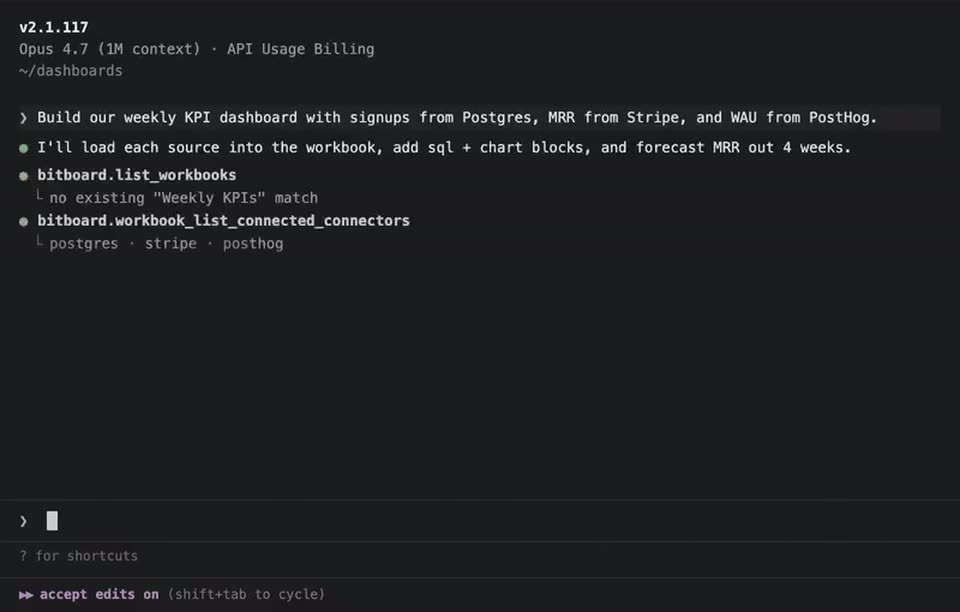 0:00–0:03BitBoard · Launch BitBoard for AI Data Analysis CollaborationA dark terminal window fills the frame, a small header pinned top-left. A monospace command types out at the bottom prompt, then output lines stream in one by one above it.
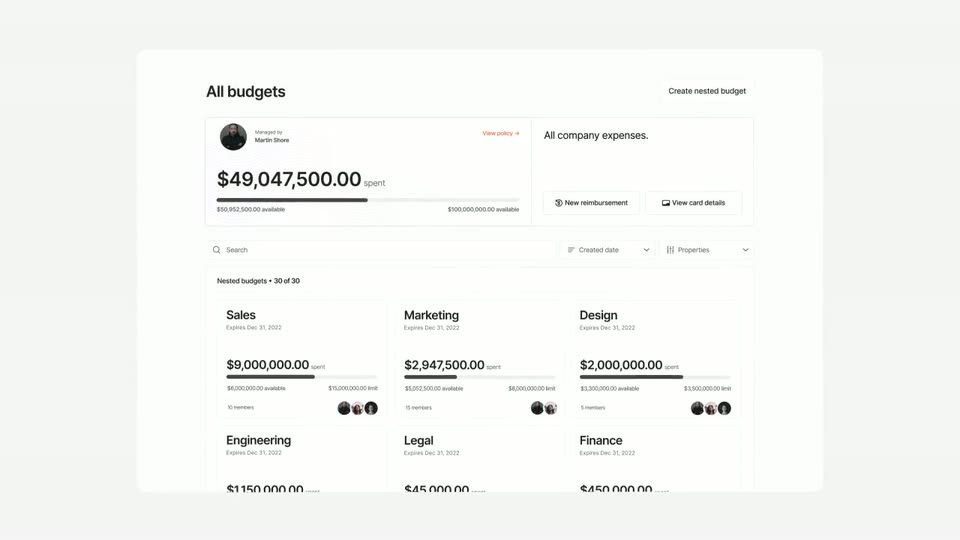 0:00–0:05Brex · Brex: budget drilldown offsiteA budgets dashboard fills the frame; a grid of budget cards scrolls upward past the total-spent summary. The view pulls back to frame the whole panel, then a cursor glides in and hovers a card, which lifts with a soft shadow.
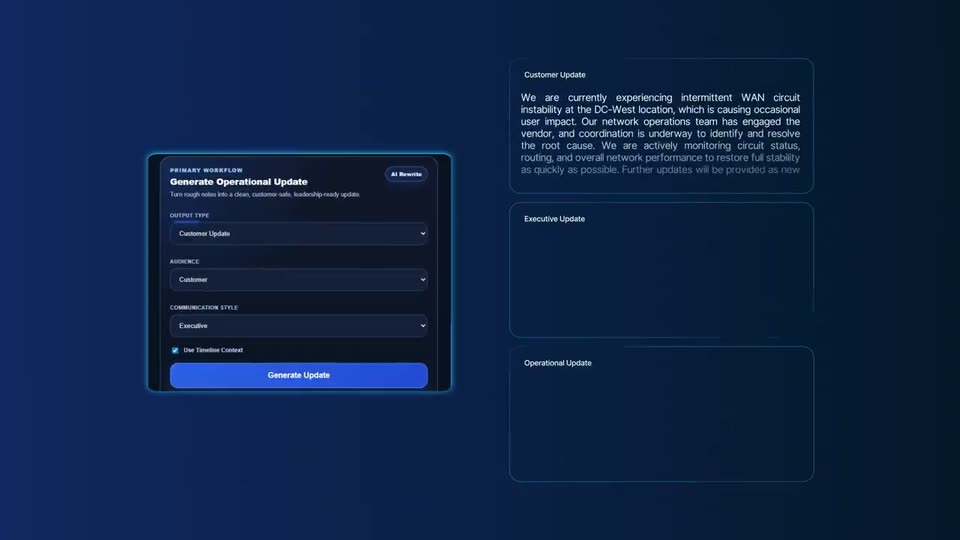 0:08–0:24BridgeOpsOne · Turn Technical Notes Into Professional Updates In Seconds | BridgeOpsOneA dark interface panel scrolls as a cursor selects Customer in the audience dropdown and clicks Generate Update. The frame zooms into the form, then pulls back to a two-column layout where Customer, Executive, and Operational update cards fill with generated text.
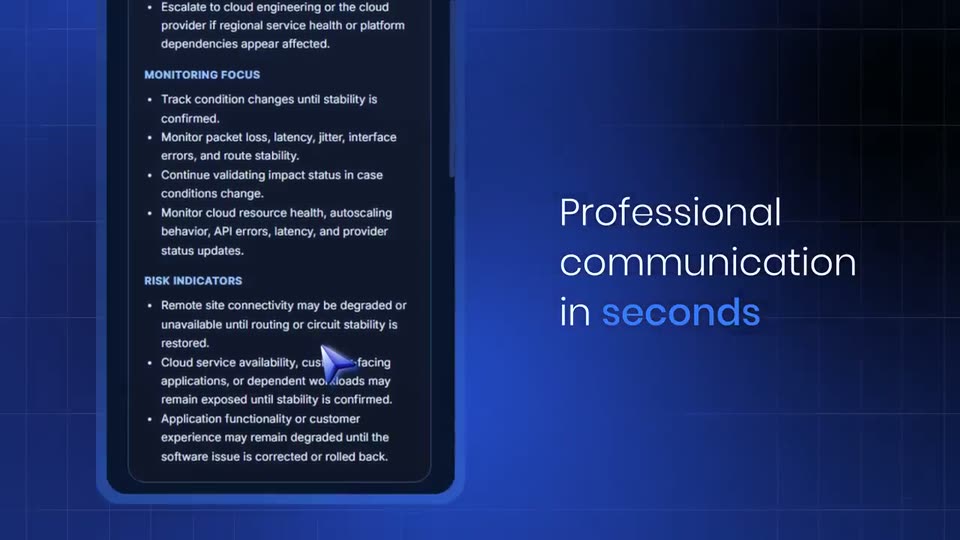 0:25–0:27BridgeOpsOne · BridgeOpsOne Platform Overview | BridgeOpsOneA flat phone mockup on the left scrolls a bulleted incident report while a blue pointer cursor hovers over the text. On the right, the white headline sits static against a dark blue grid background.
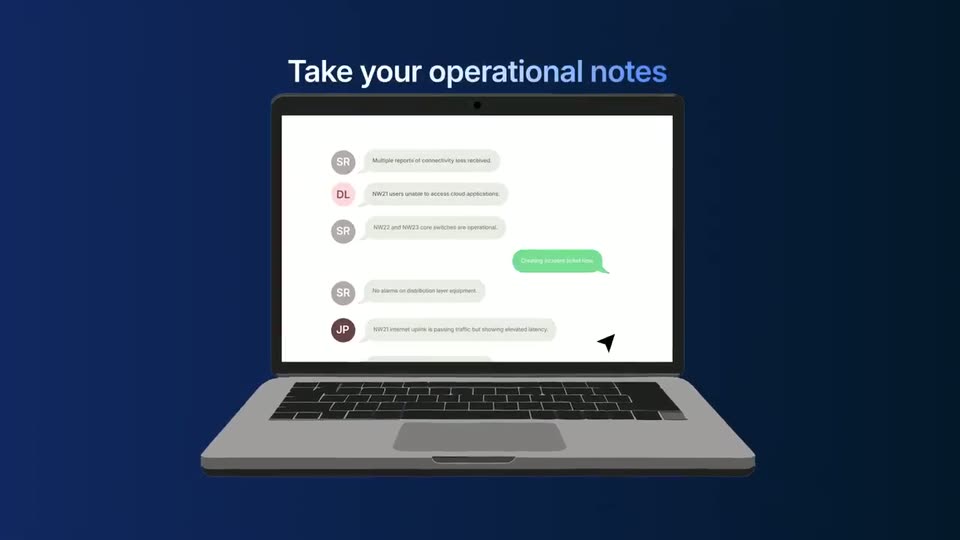 0:10–0:11BridgeOpsOne · Turning Technical Details Into Clear Operational Updates | BridgeOpsOneA silver laptop in 3D perspective sits on a dark blue field, its screen showing a chat thread of gray message bubbles and one green bubble. The headline “Take your operational notes” fades in above the laptop while a cursor drifts across the screen.
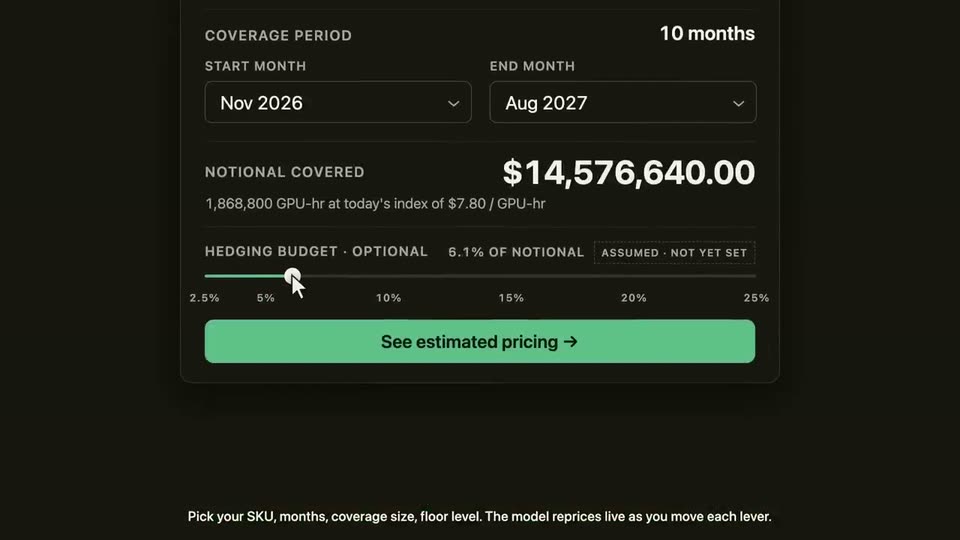 0:37–0:49Computable · Introducing the Rate Floor Pricer: like insurance on GPU prices, estimated in real time. GPU leases have become massive price bets. To meet surging demand, companies are signing multi-year GPU… | ComputableA cursor works through a dark pricing form, changing the GPU count, start and end months, and dragging a slider, while the notional total recalculates and flashes green. The view zooms into the form, then pulls back as the cursor clicks the green pricing button.
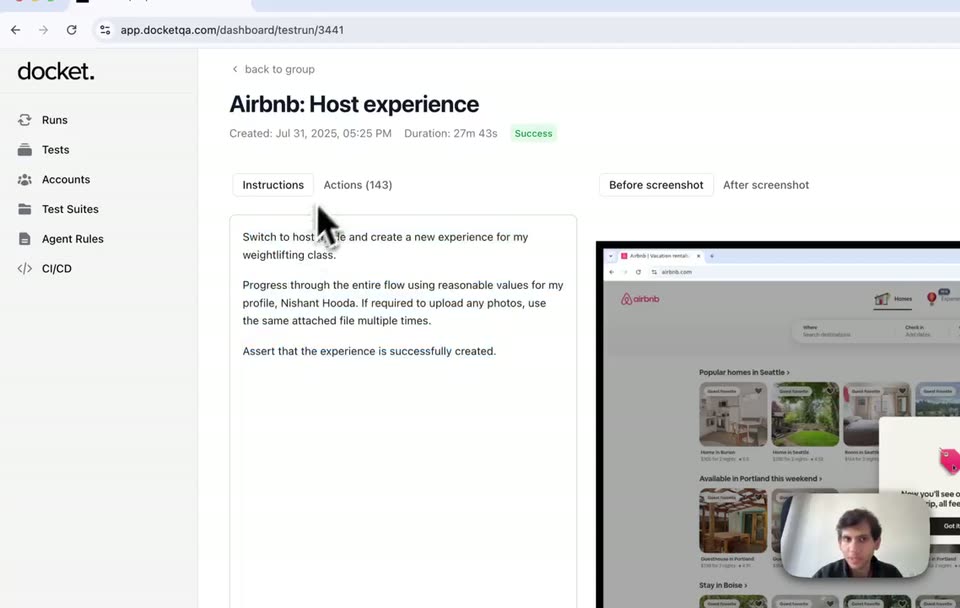 0:00–0:10Docket · #ai #qa #e2etest #yc #airbnb #productmanagement #developerexperience | Docket (YC P25)A close-up of the Docket QA dashboard shows the Airbnb test instructions, then pulls back to a full browser window on a gradient desktop with a presenter video in the corner. The cursor clicks the Actions tab, revealing a log of the agent's clicks and waits beside the Airbnb screenshot.
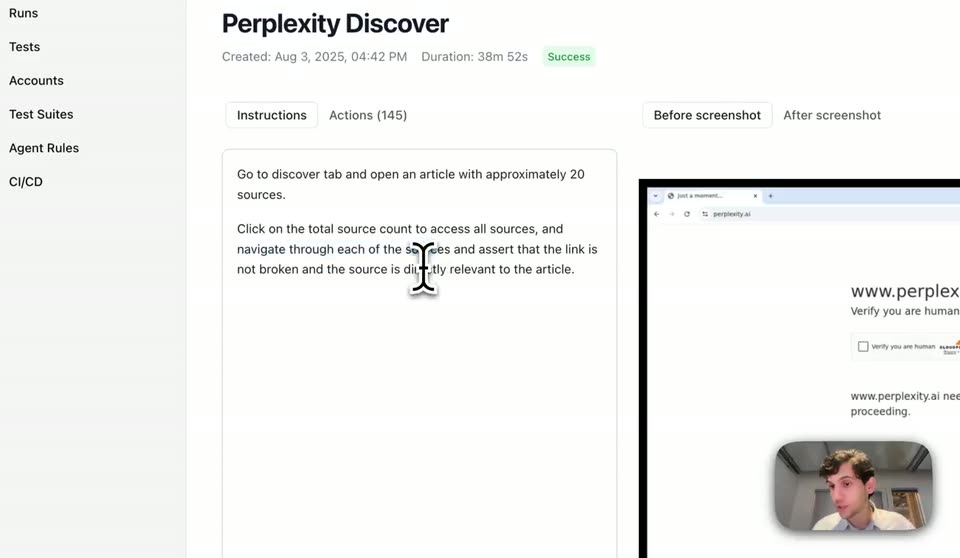 0:00–0:18Docket · #ai #qa #e2etest #yc #perplexity | Docket (YC P25)A screen recording of the Docket QA dashboard zooms into a test run titled Perplexity Discover. A cursor traces the instructions, highlighting a phrase in blue, then clicks the Actions tab to reveal a step list. A small webcam of the presenter sits in the corner.
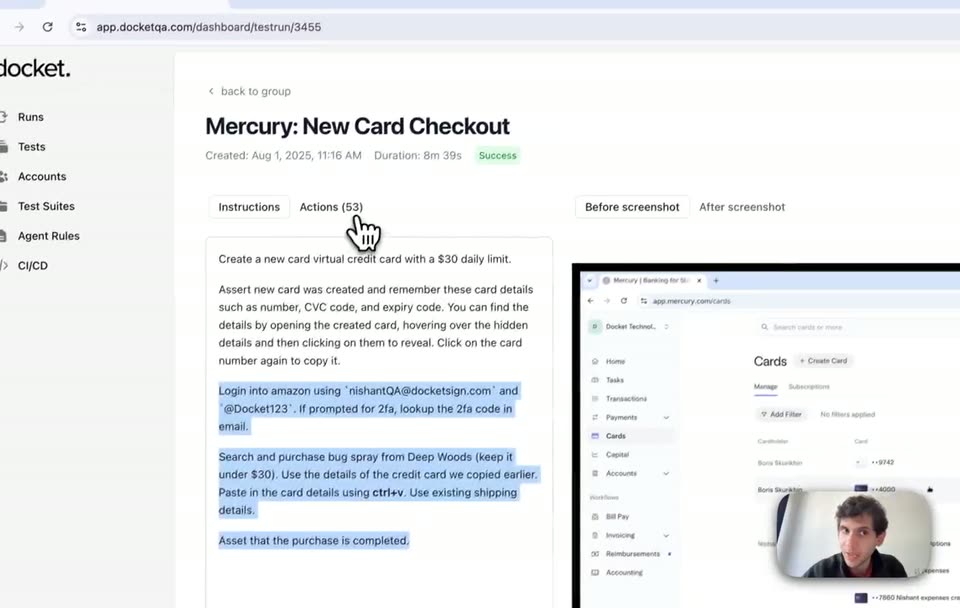 0:00–0:17Docket · #fintech #qa #ai #e2etest #yc #automation | Docket (YC P25)A browser window over a colorful gradient desktop shows the Docket QA dashboard, with a presenter's face-cam in the corner. The view zooms into the test page, the cursor highlights the instruction text and clicks the Actions tab to reveal the step list, then zooms back out.
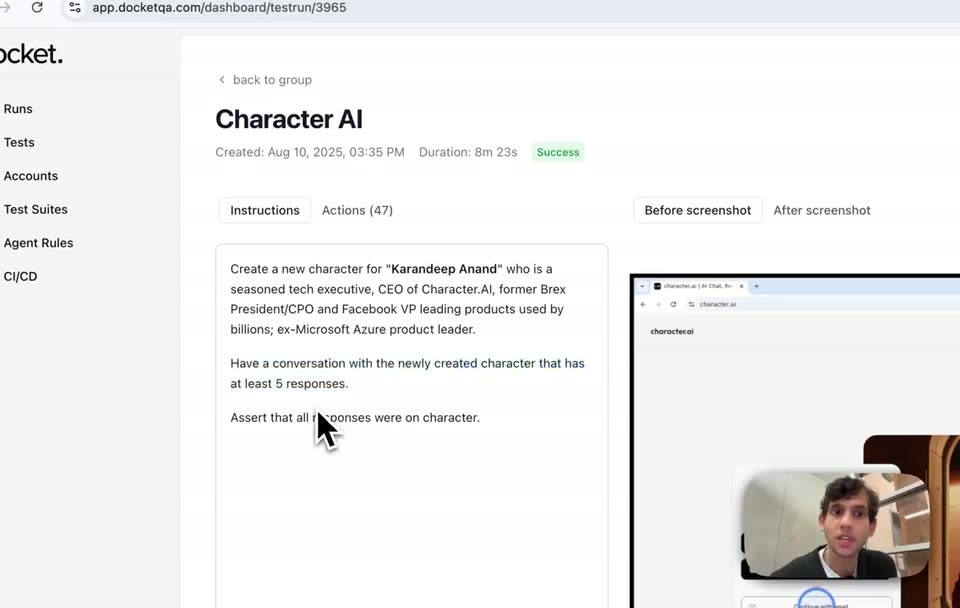 0:00–0:23Docket · How do you test a Gen AI platform… with personality? With Docket (YC X25), we created a Character.AI persona for their CEO - then had a full conversation with him, end-to-end, using just natural… | Docket (YC P25)A screen capture of the Docket test dashboard zooms in on the instructions card. A cursor drags to highlight each line of the prompt, then clicks the Actions tab to reveal a list of recorded steps, while a webcam video of the presenter plays in the corner.
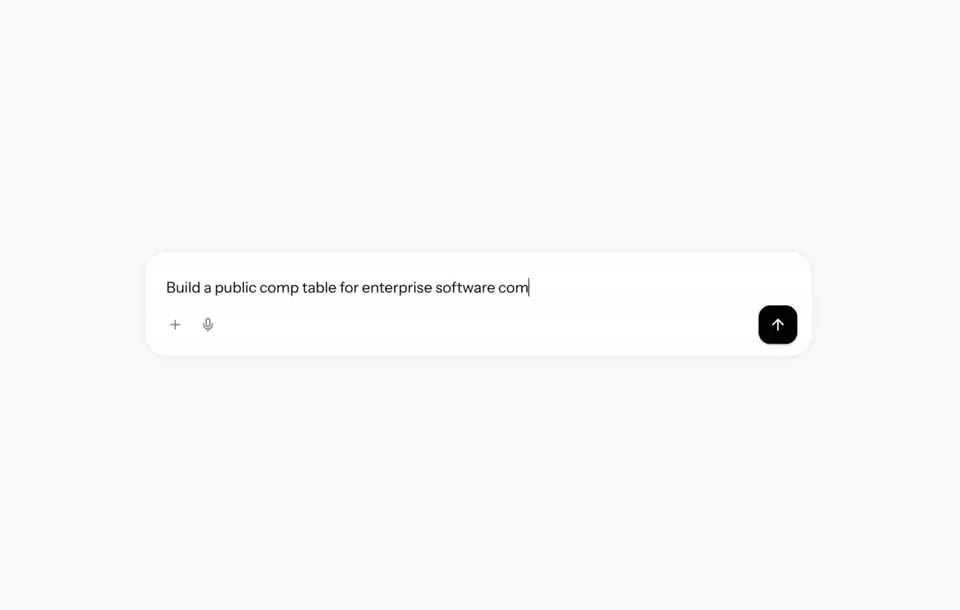 0:01–0:08Doe · Big update: Doe is reinventing work. We’re cutting time spent on office slog by up to 90%. With Doe, you can now connect with your business’s existing tools to complete tasks, automate workflowsA white rounded prompt bar floats on a light gray background. A cursor clicks into the field and types “Build a public comp table for enterprise software companies”, then clicks the black send button, and a spreadsheet opens with the title in cell B2.
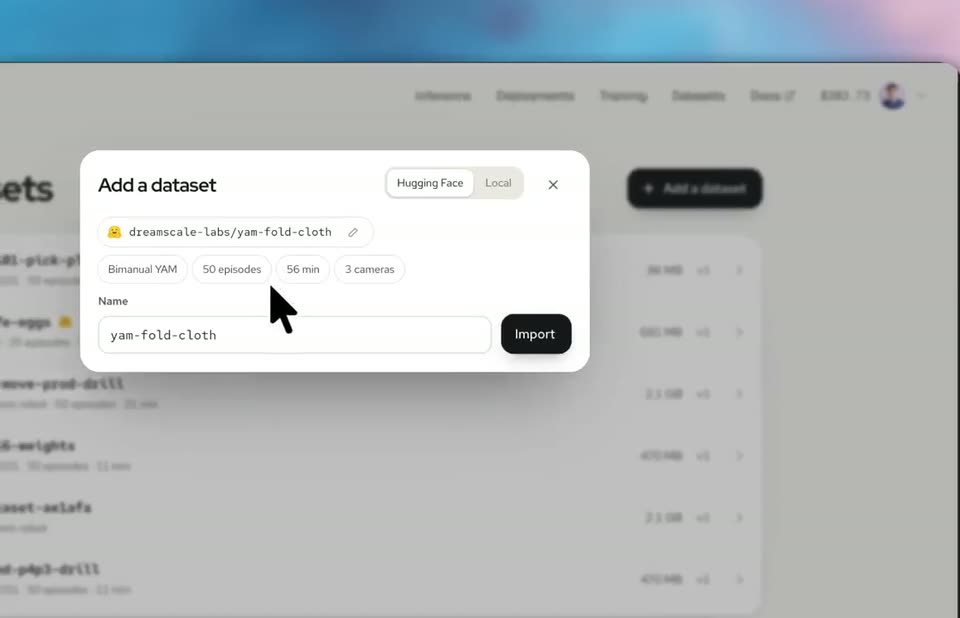 0:00–0:06Dreamscale Labs · Dreamscale Datasets is now live! | Dreamscale Labs (YC F26)A tilted 3D mockup of a Datasets dashboard floats on a blurred multicolor gradient. A cursor clicks Add a dataset, a search modal opens, the cursor selects a dataset, then a hand cursor presses the Import button.
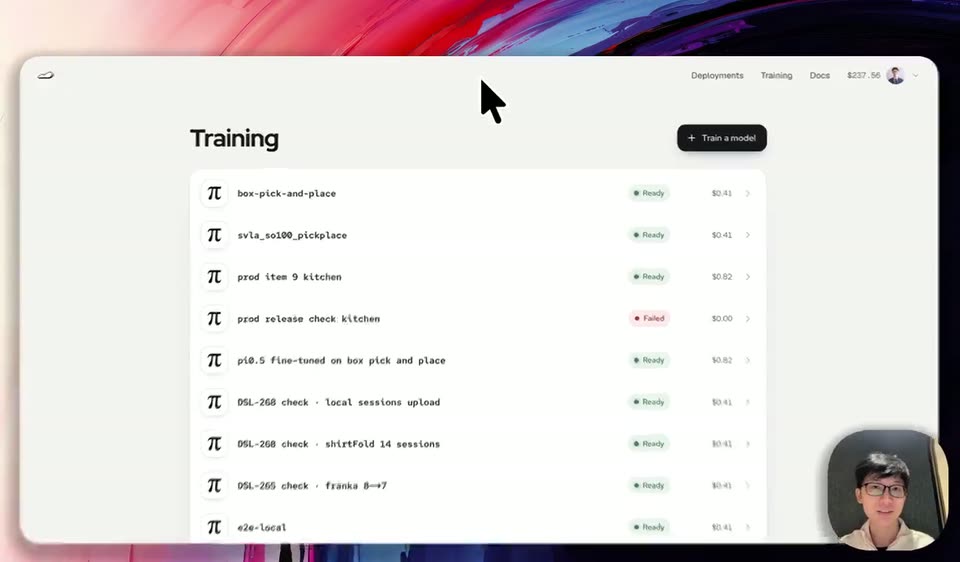 0:00–0:06Dreamscale Labs · Training is live on Dreamscale! | Dreamscale Labs (YC F26)A white Training dashboard floats over a pink and blue painted backdrop, listing model rows with Ready and Failed pills. The frame zooms into the interface as the cursor clicks the Train a model button, opening a Base model form. A presenter's webcam stays in the lower corner.
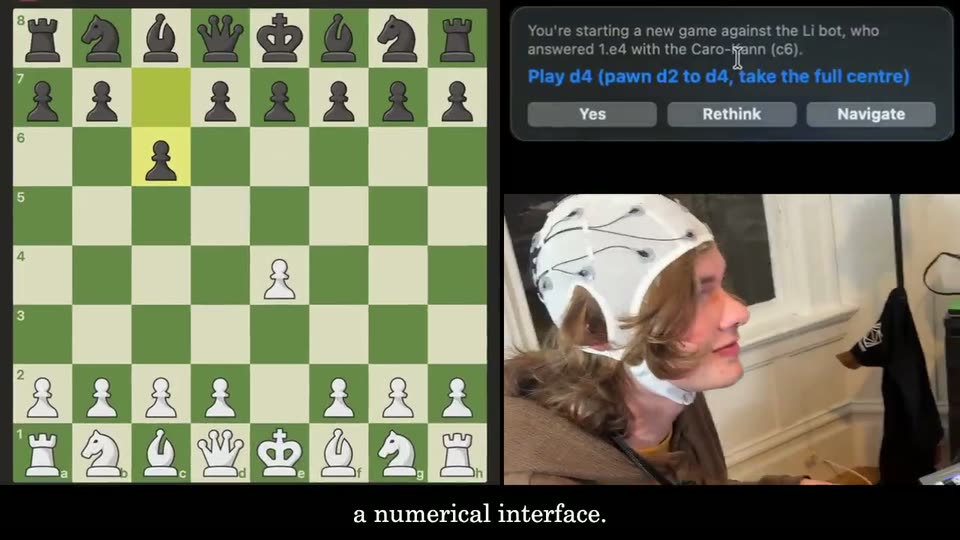 0:36–0:38Dydema · We’re officially launching with Y Combinator! Dydema is building personal, programmable brain–computer interfaces: you pick a thought and bind it to anything, like a key, a game or an agent. No… | Dydema (YC F26)A split screen pairs a chessboard on the left with a right column holding a dialog box over a man in a white EEG cap. The man turns his head while a cursor drifts across the dialog and board, and a blue suggestion line fades in.
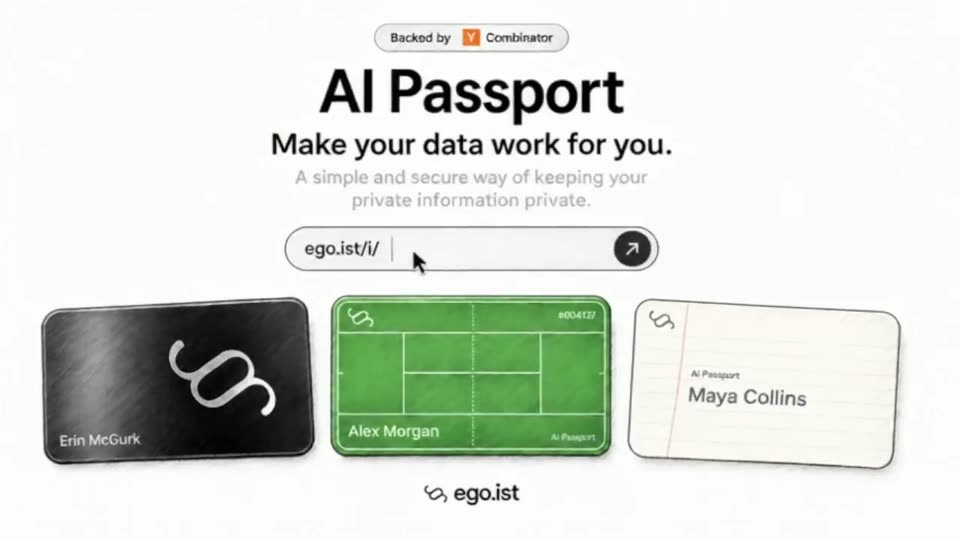 0:33–0:40Egoist Machines · See Egoist Machines, Inc.’s activity on LinkedInThree tilted ID-card mockups in black, green and cream settle into a row under a bold AI Passport headline and two buttons. A cursor clicks Claim passport, the buttons swap for a URL field where ego.ist/i/erin is typed, then the arrow is pressed.
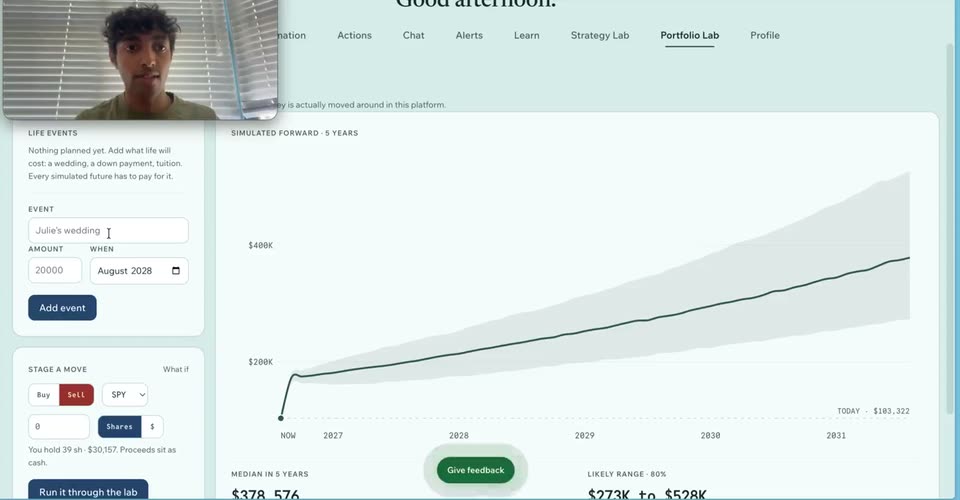 0:00–0:45Ekpa · New feature release! Portfolio Lab --> be confident about your financial future. goekpa.com | EkpaA presenter's webcam sits in the top-left corner over a Portfolio Lab interface. The cursor edits the event field, opens a dropdown, and clicks Add event, making the five-year projection chart dip at 2029 while the page scrolls to reveal the median and range figures.
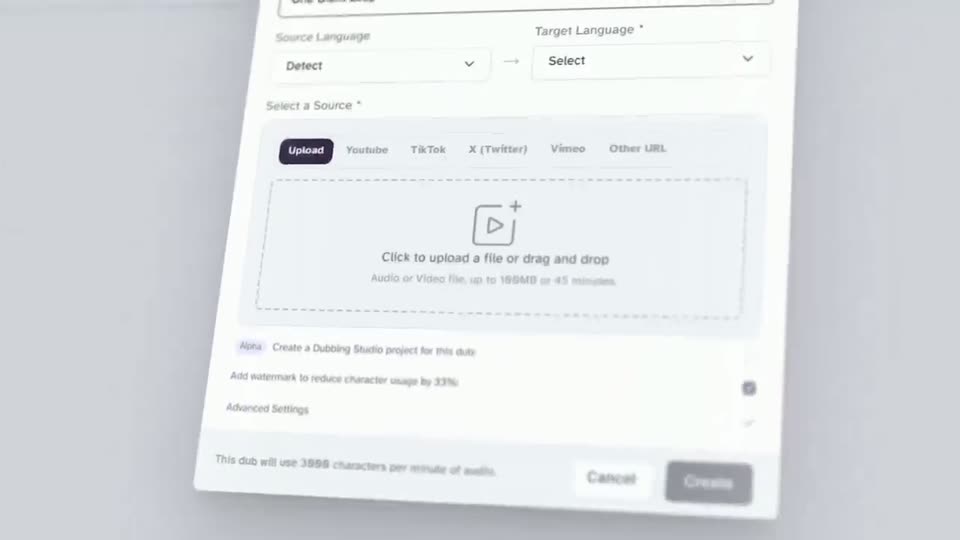 0:05–0:07ElevenLabs · Introducing Dubbing Studio. Our Dubbing Studio gives you precise control when translating your videos for global audiences. We detect and label each of your speakers and create an editable scriptA tilted dubbing upload screen floats on a white background, out of focus, then snaps sharp and straightens. The Upload tab shows a file row and a cursor hovers over the Create button as the panel settles.
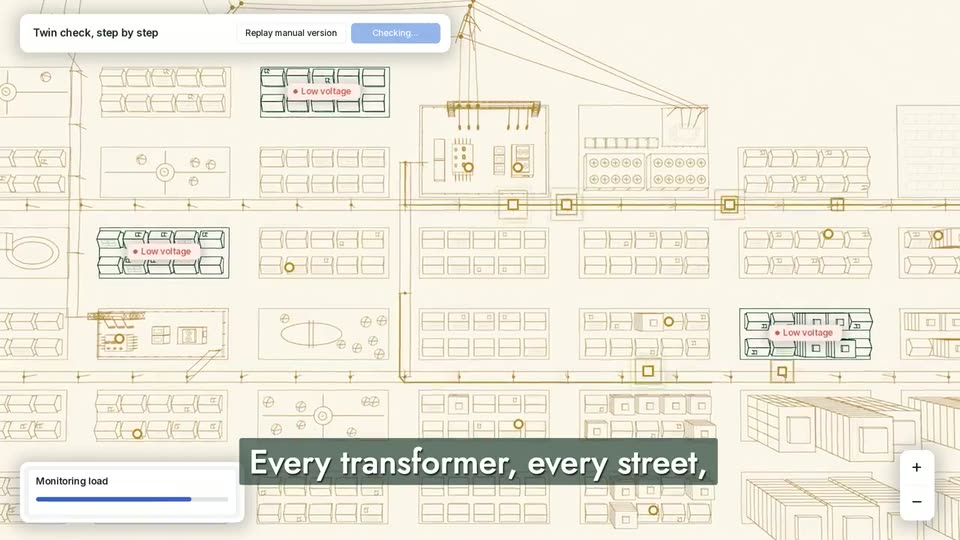 0:42–0:53Evardi · Evardi (YC F26) builds AI agents that engineer the grid edge: the transformers and local lines where rooftop solar, batteries, EVs, and data centers connect. Outages cost Americans up to $121B in aA top-down line-drawn map of a city power grid on a cream background. A cursor clicks the blue button, which changes to Checking, as gold nodes and lines light up and Low voltage tags pop in. Captions swap on a dark bar and a load bar fills bottom left.
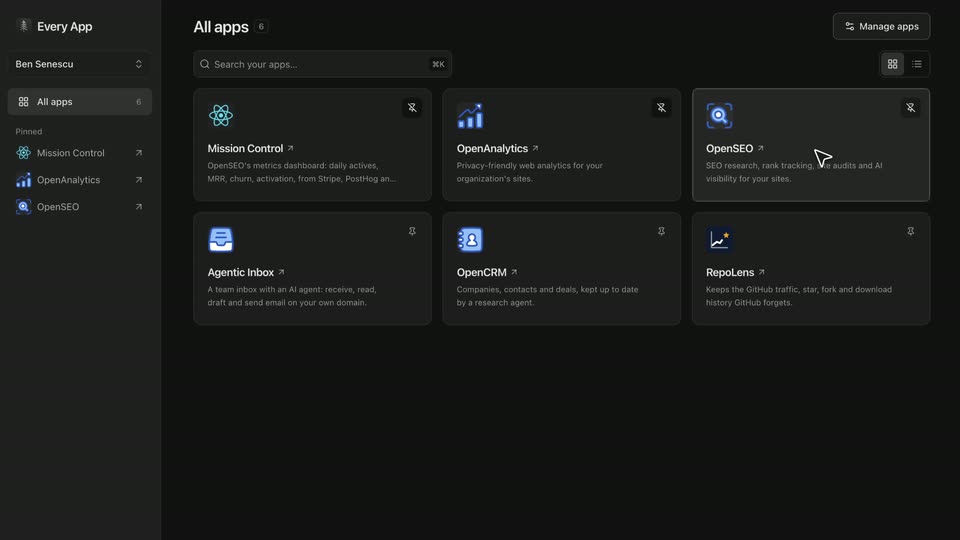 0:00–0:10EveryApp · EveryApp: apps demoA dark app dashboard titled All apps shows six product cards in a grid. A cursor glides across the sidebar and hovers each card, then the view crossfades into the OpenSEO Keyword Research screen with a keyword table and trend chart, before fading back.
 0:01–0:02Floot · Claude and ChatGPT can already write you an app. Getting it live is another story. Today we're fixing that: connect Floot, and you can build and ship real apps directly inside Claude and ChatGPT -Layered white code cards float in a soft peach 3D space, sharp in front and blurred behind, while an orange arrow cursor glides downward across the panels.
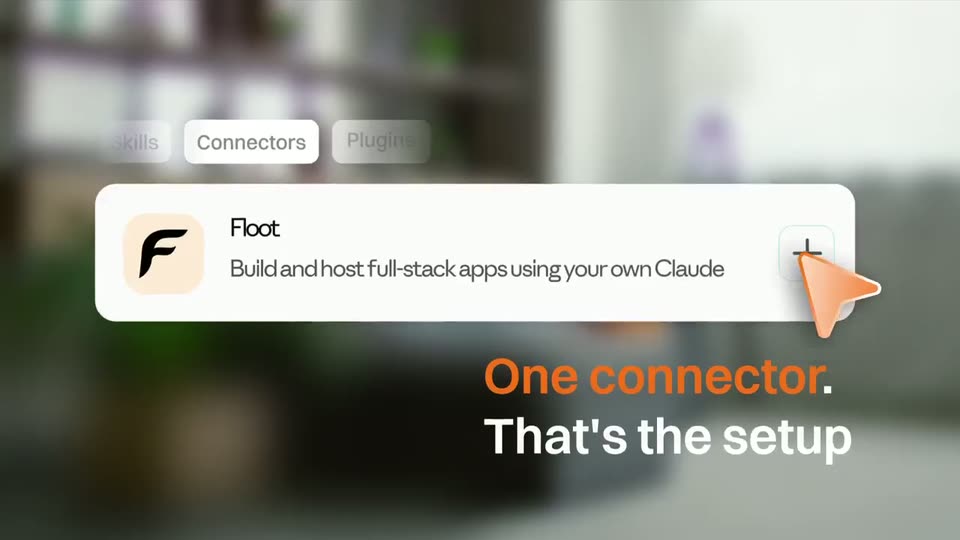 0:08–0:10Floot · Your website is now an iPhone app. Just ask ChatGPT or Claude. Take any website you’ve built on Floot, say “make this a mobile app,” and we’ll run the build and send your app to TestFlight andOver a blurred office, a tab row and a white connector card slide in. An orange cursor taps the card and a green check pops in. Below, the lines 'One connector.' and 'That's the setup' appear word by word.
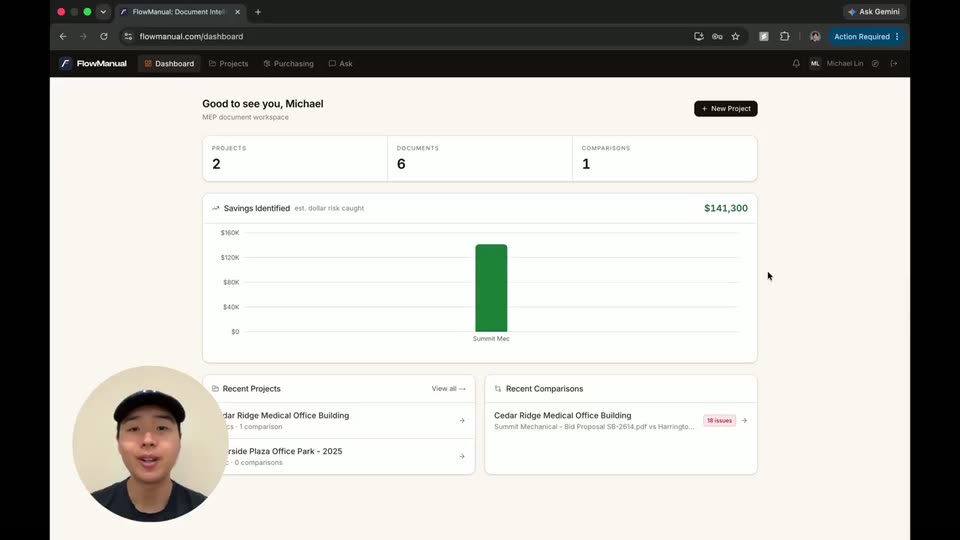 0:00–0:09FlowManual · Hey! This is FlowManual; an AI-native back office for construction contractors. Here’s a little demo to show you what we’ve been working on. We've talked with hundreds of contractors and realized… | FlowManual (YC S26)A static screen recording of the FlowManual dashboard in a browser, with stat tiles, a green bar chart, and project lists. A circular webcam of the presenter sits in the lower left as he speaks, and the cursor drifts across the page, hovering a project row.
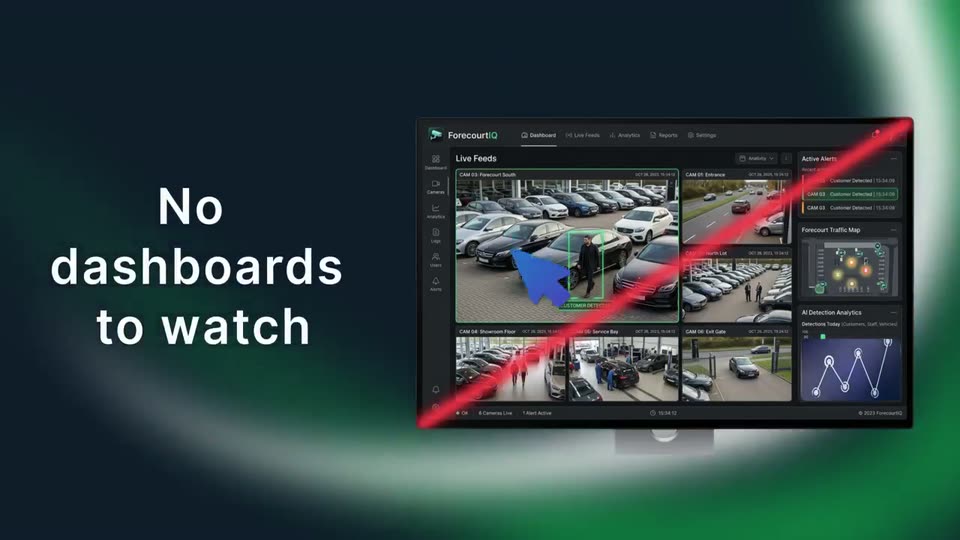 1:01–1:04ForecourtIQ · Most dealerships are losing sales… and don’t even realise it. Customers walk onto your forecourt. No one sees them. No one approaches them. They leave. That’s a missed opportunity - every single… | ForecourtIQA 3D monitor mockup of the ForecourtIQ dashboard stands on the right as the white headline No dashboards to watch fades in line by line on the left. Red beams sweep across the camera feeds, then the view zooms into a Notification button that a blue cursor points at.
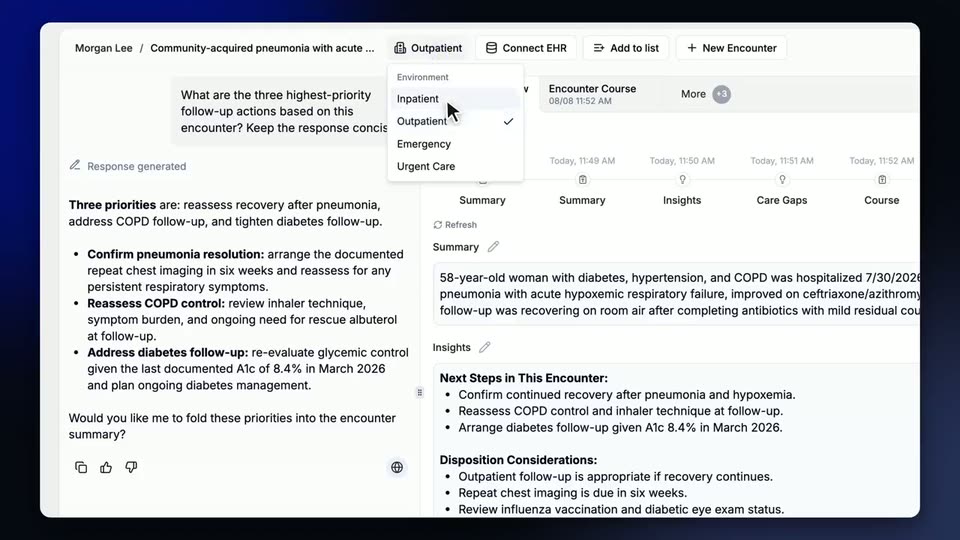 0:01–0:05Glass Health · Introducing Environments in Glass for Clinicians, a new way to tailor each patient encounter to the care setting. Clinicians can choose Inpatient, Outpatient, Emergency, or Urgent Care for each… | Glass HealthA clinical AI interface fills the frame. A cursor hovers over the Outpatient button, opening an environment dropdown, then the view zooms into the right panel showing Summary, Insights and Care Gaps cards.
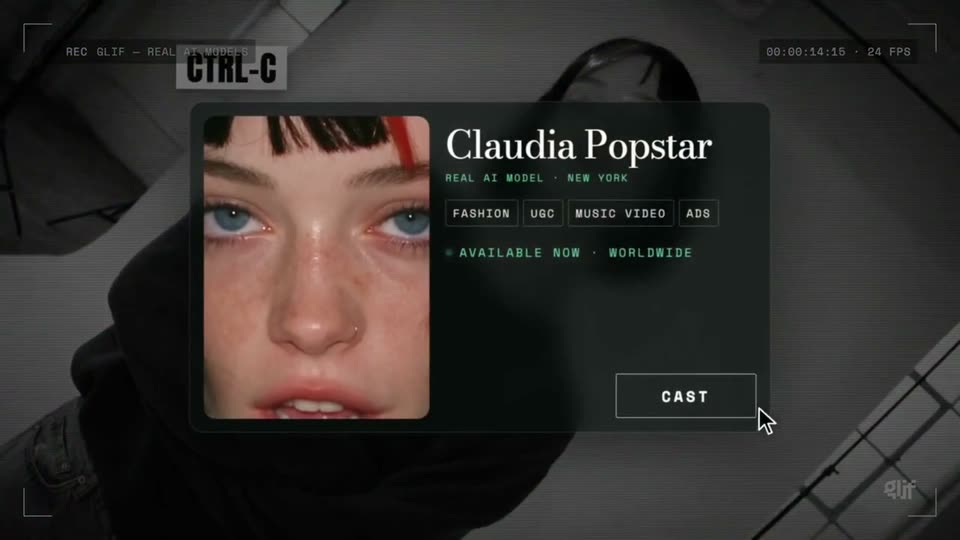 0:20–0:21GLIF · Glif Signs Claudia, the AI Pop StarGrainy overhead footage of a model's face with a green scan line and viewfinder HUD. A dark casting card for Claudia Popstar fades in over the center, a cursor arrow rests on the CAST button.
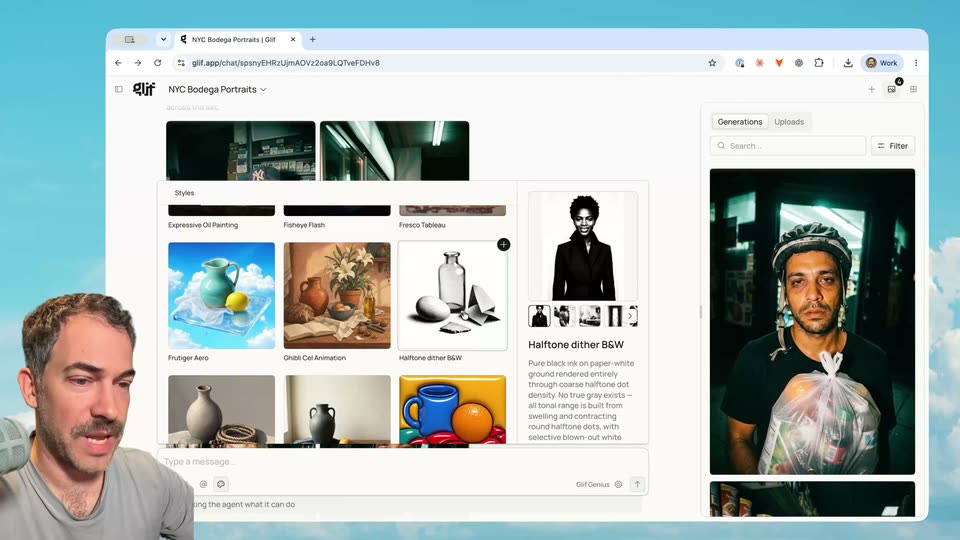 0:15–0:57GLIF · Glif Styles - Consistent AI Image AestheticsA presenter in the lower-left corner narrates over a screen recording of the glif web app. The cursor hovers across a grid of style thumbnails, and the preview panel updates with each selection, then the view scrolls to reveal generated bodega portraits.
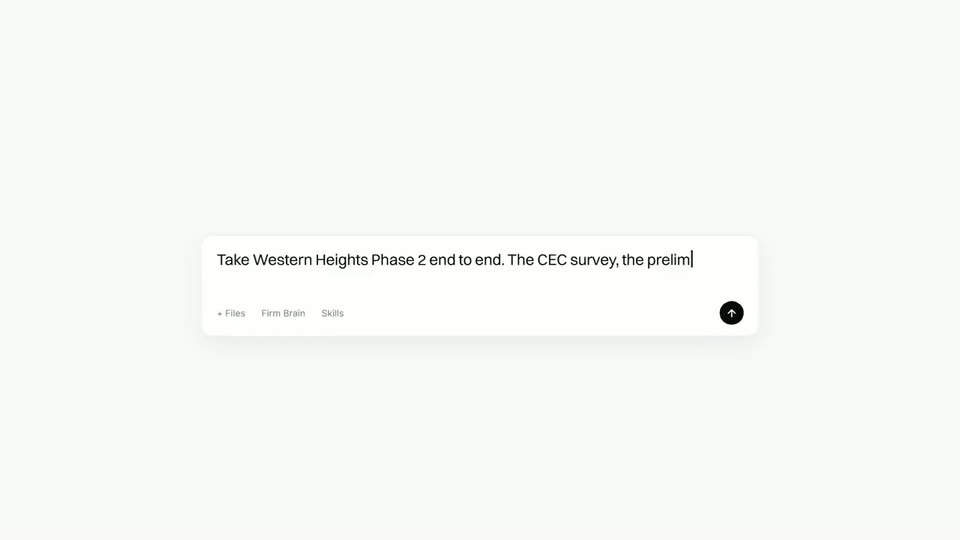 0:15–0:18Gradon · Gradon is the all-in-one AI workspace for AEC firms. From CAD and design to plans and calculations, here’s a breakdown of what it does 👇A cream screen shows the headline “All you have to do is ask.” above a white prompt card. The headline blurs out, a prompt is typed into the card, the cursor clicks the send button, and the view zooms out into the full app with a left sidebar.
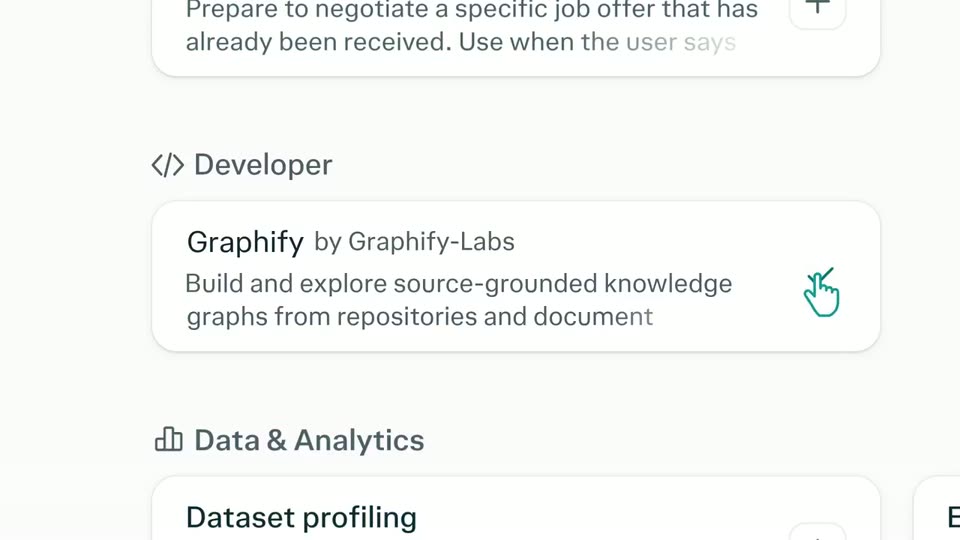 0:00–0:10Graphify Labs · Graphify is now in Perplexity Every user gets 5,000 free credits through Oct 31 to turn any codebase into an interactive map of files, functions, and dependencies. Point it at your repo and go. | Graphify Labs (YC S26)The Skills page scrolls down and reframes onto the Developer section. A teal cursor moves to the Graphify card and taps its plus button, which animates into a teal checkmark.
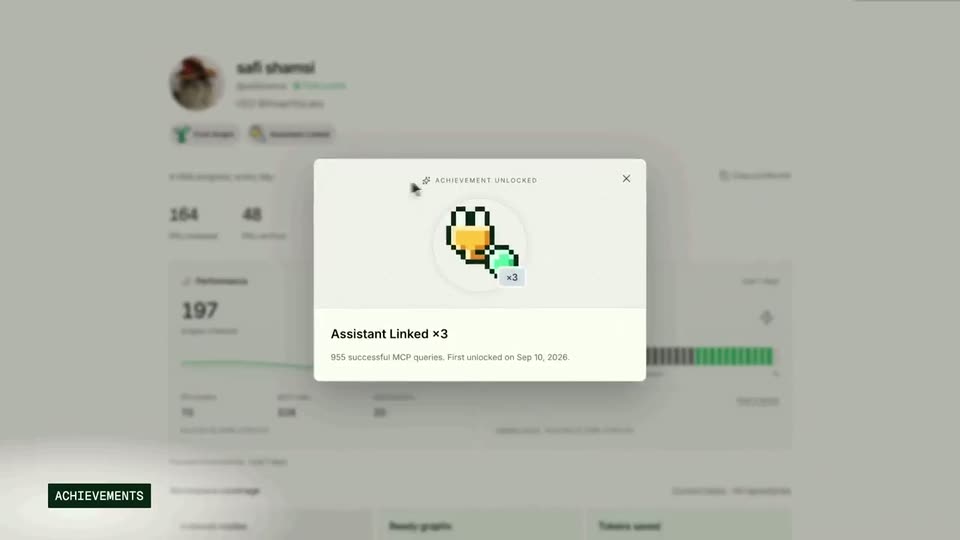 0:06–0:07Graphify Labs · introducing graphify profiles! Go claim for yourself graphify.com/@safishamsi | Graphify Labs (YC S26)A white achievement card holds sharp focus over a blurred dashboard, showing a pixel-art gold badge and the title Assistant Linked ×3. The cursor drifts from the card's edge to the close icon. A green ACHIEVEMENTS tag stays fixed in the lower left corner.
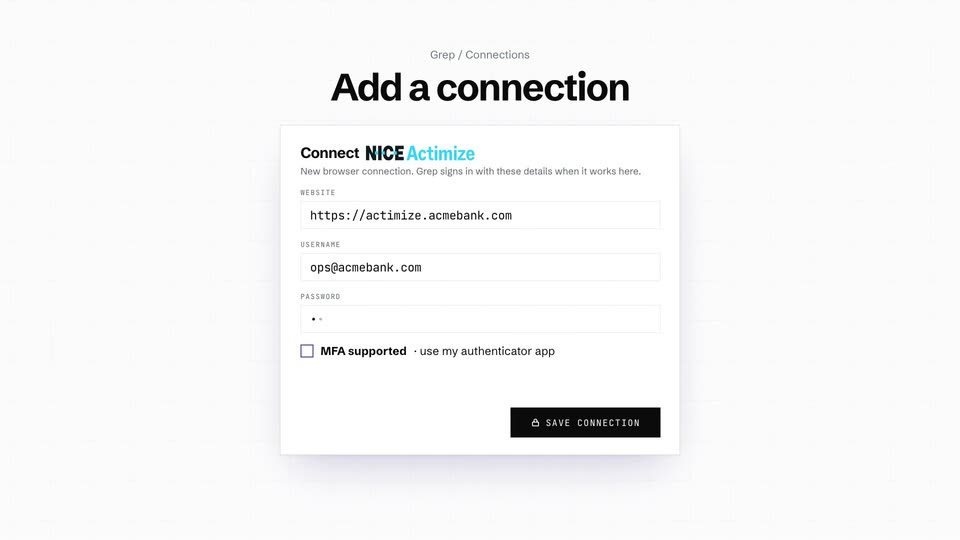 0:43–0:47Grep AI · Connected Accounts Across Grep 2026-10-14 10.55A white form card fades in on a faint grid background beneath a bold black heading. The fields type a URL, username and password, the MFA checkbox ticks, and a cursor moves to the save button.
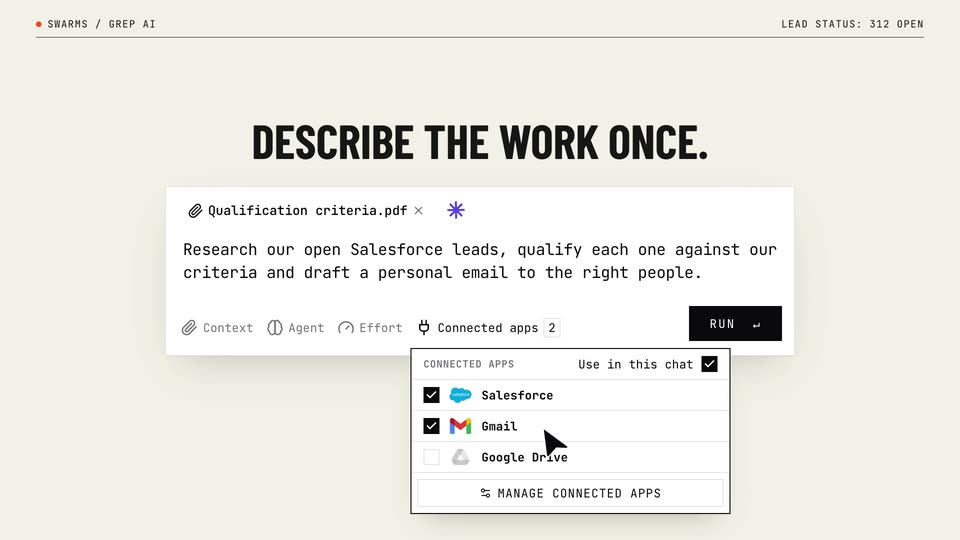 0:40–0:49Grep AI · Swarms Coordinating Agent Teams 2026-10-26 09.08On a cream screen, a black headline sits above a white prompt card. A research prompt types itself out, a PDF chip appears, then a cursor checks Salesforce, Gmail and Google Drive in a dropdown and rests on a blue RUN button as the frame blurs.
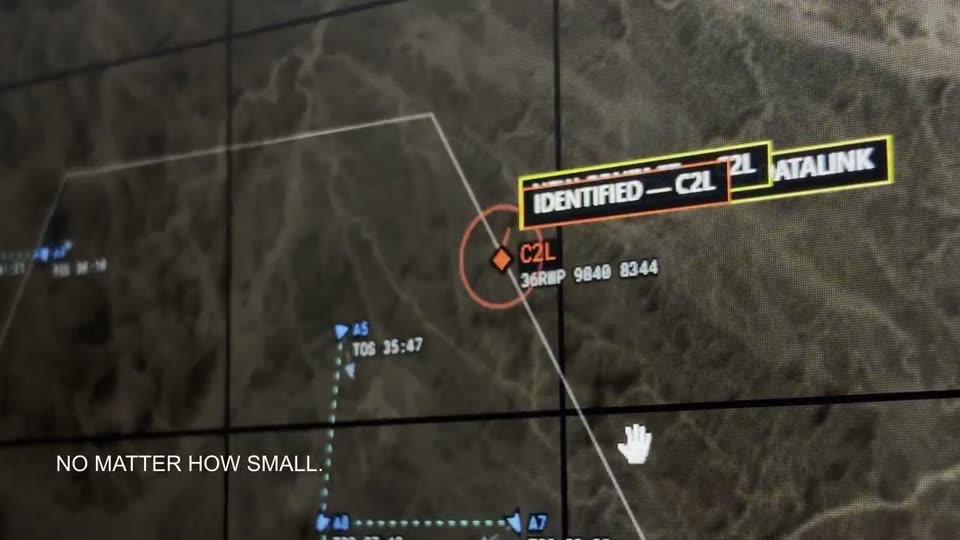 0:30–0:37Greypoint Industries · Greypoint Industries (YC S26) builds drone swarms that find enemy drone operators on the battlefield. Over 70% of casualties in Ukraine come from drones. The entire defense space is focused on… | Greypoint Industries (YC S26)A dark terrain map fills a tiled display wall; blue unit markers link by dashed lines, yellow contact tags pop up, then the view pushes in on a tiny red C2L blip while a caption builds phrase by phrase.
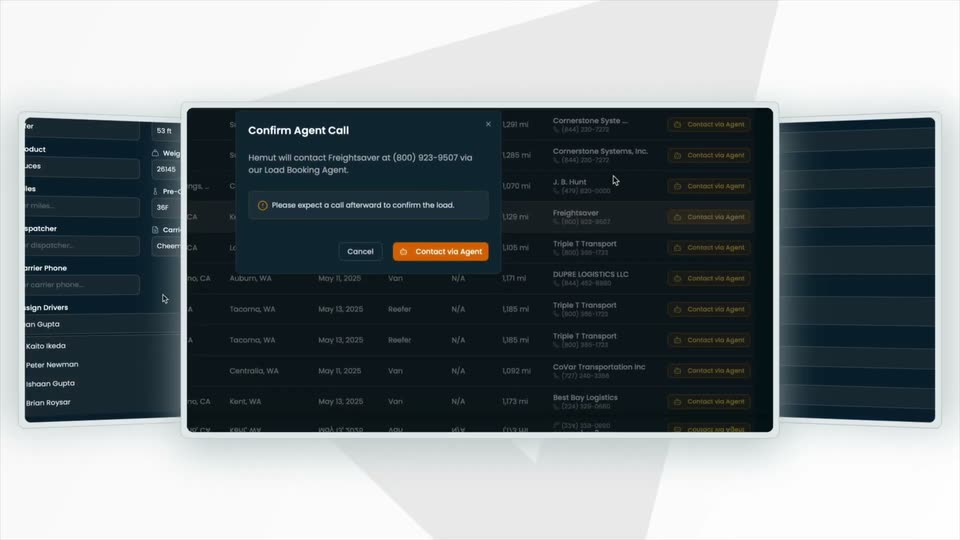 0:19–0:21Hemut · Hemut launch filmA dark logistics dashboard appears as a row of tilted interface panels in 3D perspective. A cursor opens a Confirm Agent Call dialog over the shipment table, then hovers over an orange Contact via Agent button.
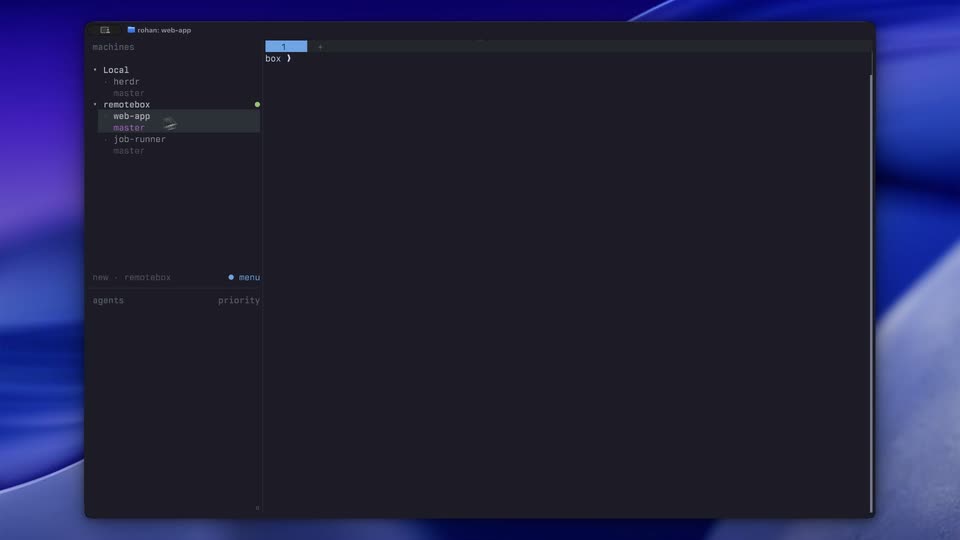 0:00–0:22herdr · herdr: connecting machines demoLocked-off shot of a dark terminal app on a blurred blue desktop. A mouse cursor types a machine-add command, the left sidebar refreshes to list a connected remote box, then the cursor clicks a project and types a prompt into a Codex pane, which prints a single reply line.
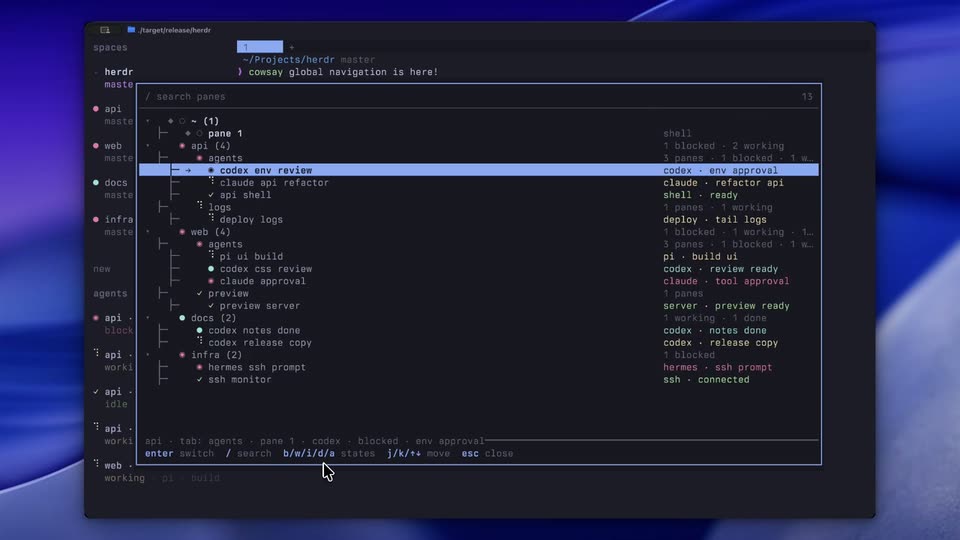 0:00–0:27herdr · herdr: session navigatorA dark terminal interface sits in slight 3D perspective over a blurred blue backdrop. A cursor scrolls the agents list, then a fuzzy-find overlay opens showing a pane tree with color-coded statuses. The cursor highlights rows as status filters and typed queries narrow the list; white captions name the features.
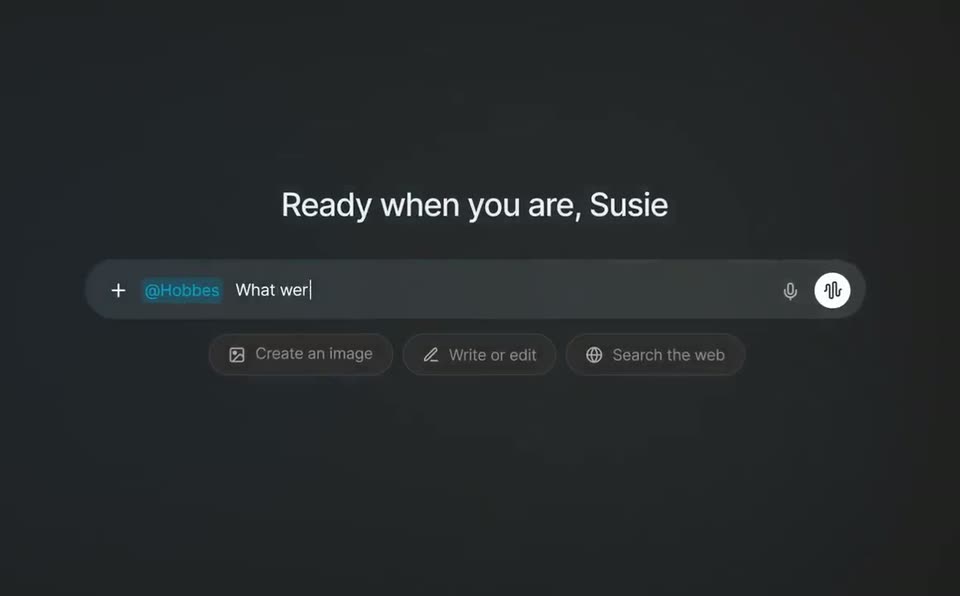 0:24–0:25Hobbes · Every decision in your business can now be backed by real buyer conversations. Today, the Hobbes API is live. Every demo Hobbes runs is a buyer sharing their use-case, what they want and where they… | Chirag KulkarniA dark interface holds a white greeting line above a rounded input bar. Inside the bar, text types from a blue placeholder into an @mention query, while three outlined action pills sit below. The frame stays locked.
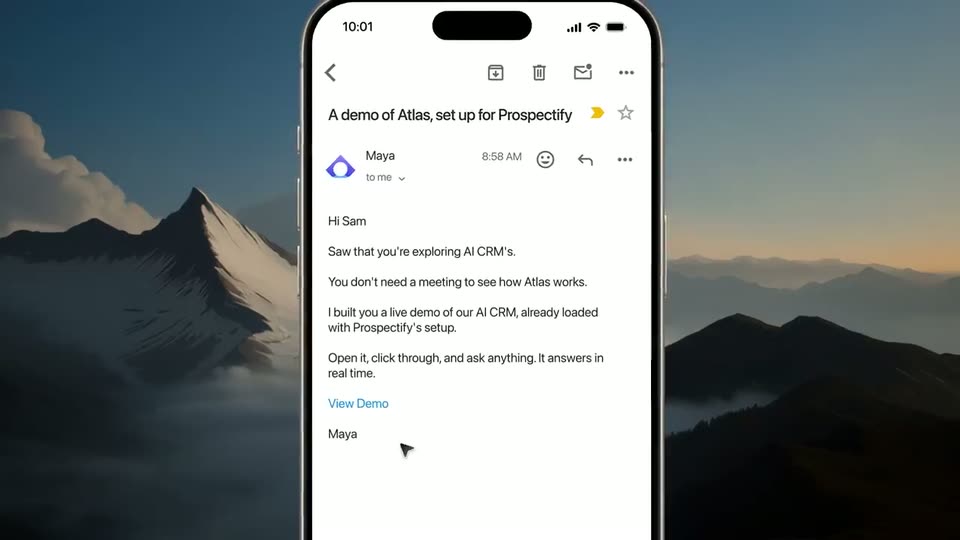 0:05–0:08Hobbes · Your outbound should not ask for 30 minutes. It should lead with a demo. We just launched Hobbes for Outbound. Every prospect gets a live demo, personalized to their context and use case. TheyA phone mockup centered over a mountain sunset backdrop. An email from Maya fills in line by line, then a cursor glides to the blue View Demo link.
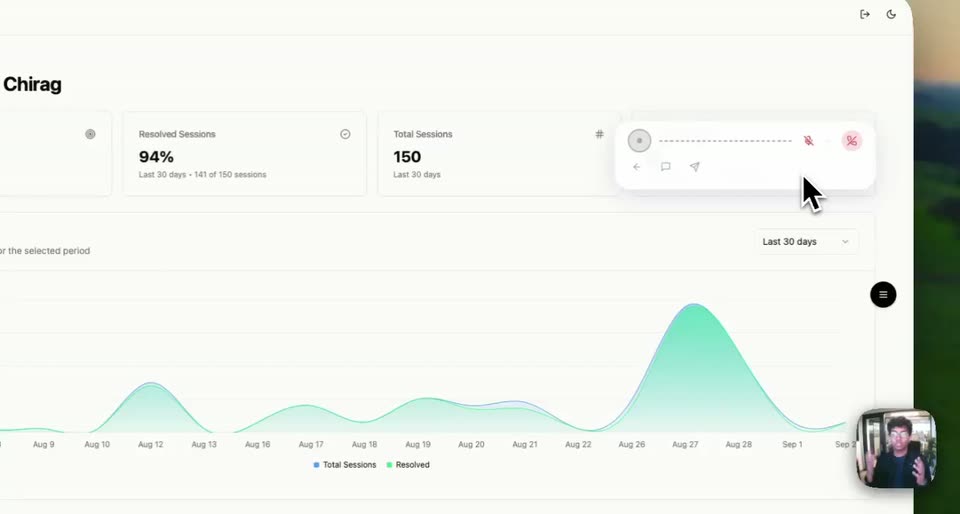 0:00–0:20Hobbes · 🎤 Hobbes speaks! 🎤 Why give Hobbes a voice? Because nobody likes dealing with the “learning curve.” Clicking through menus, digging through docs, hopping on a “quick” Zoom… even typing in chat -… | Chirag KulkarniA tilted 3D browser window shows the Hobbes dashboard with metric cards and a sessions chart over a blurred background. A cursor clicks the copilot button, allows microphone access, and ends the voice call as the camera zooms in and out. A presenter's webcam sits in the corner.
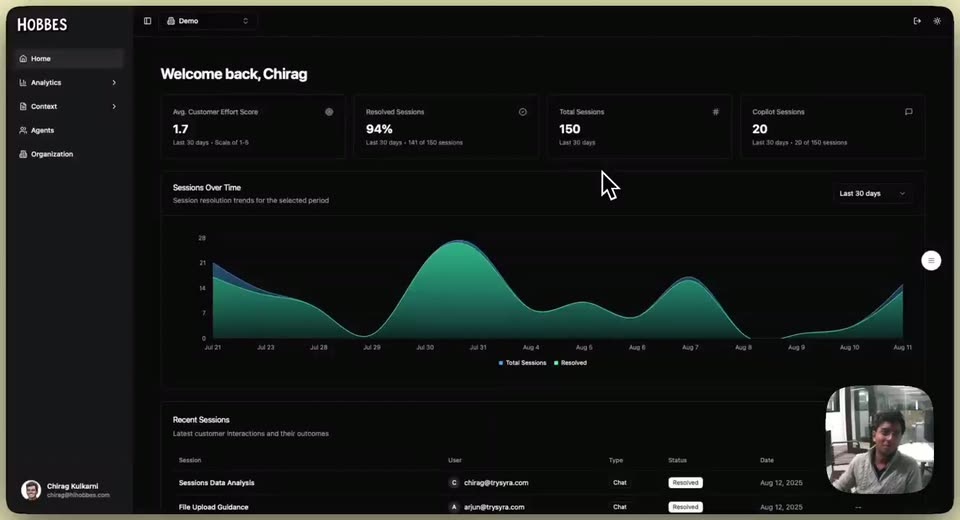 0:00–0:01Hobbes · 🚨Major update🚨 Syra is now Hobbes (hihobbes.com)! As we worked with some amazing teams this year, we saw a big gap in the agent landscape: visual context. Agents trained on knowledge bases + helpA dark analytics dashboard fills the frame: sidebar navigation, a welcome heading, four metric cards, an area chart and a sessions table. A cursor hovers over the chart. A small video-call tile in the corner shows a man waving.
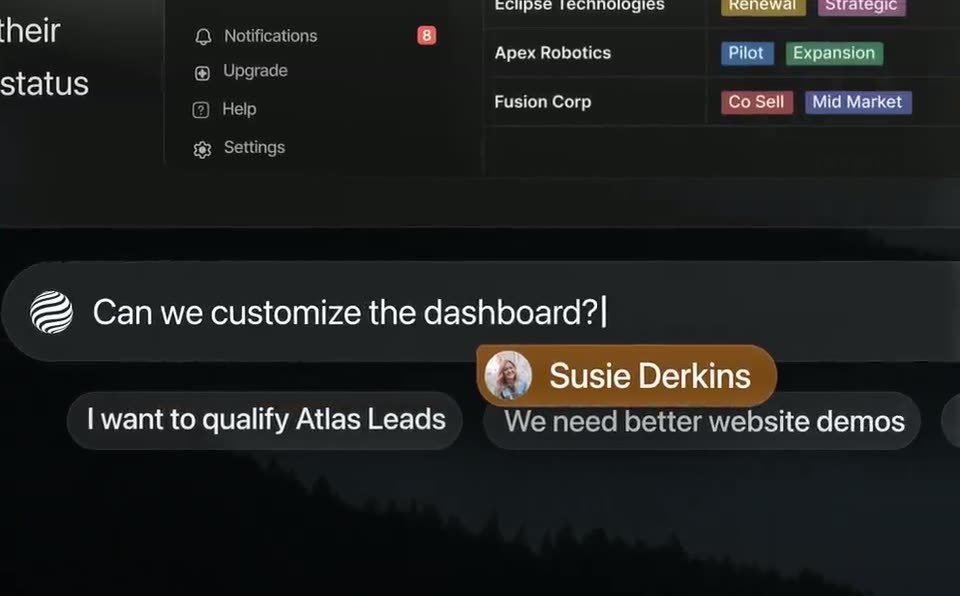 0:06–0:11Hobbes · Today, we are shipping Hobbes Sandboxes. Hobbes creates an interactive replica of your product that buyers can explore alongside your agent. A buyer asks how reporting works. Hobbes opens the rightA dark product screen pans right from a chat bar to a deals table. An orange cursor hovers a suggestion chip, an orange Susie Derkins badge pops in, and the chip text types itself into the message field.
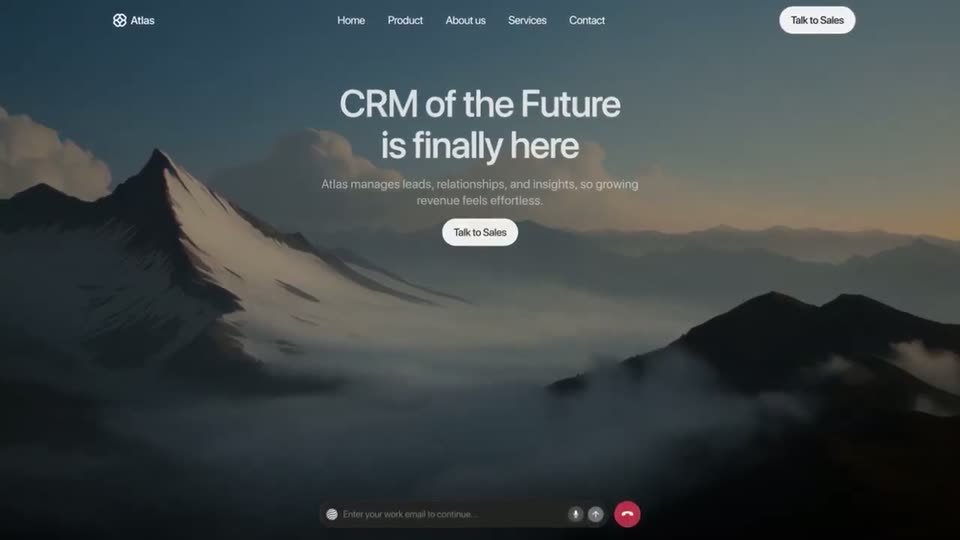 0:08–0:12Hobbes · We just launched a new look for Hobbes Modern products need modern buying experiences. Not static tours. Not demo request forms. Not “book time next week and we’ll show you around.” Buyers wantA website hero over a slow mountain sunset video: the Atlas nav and the headline 'CRM of the Future is finally here' fade in from black, then a cursor clicks the email field at the bottom and types 'calvi'.
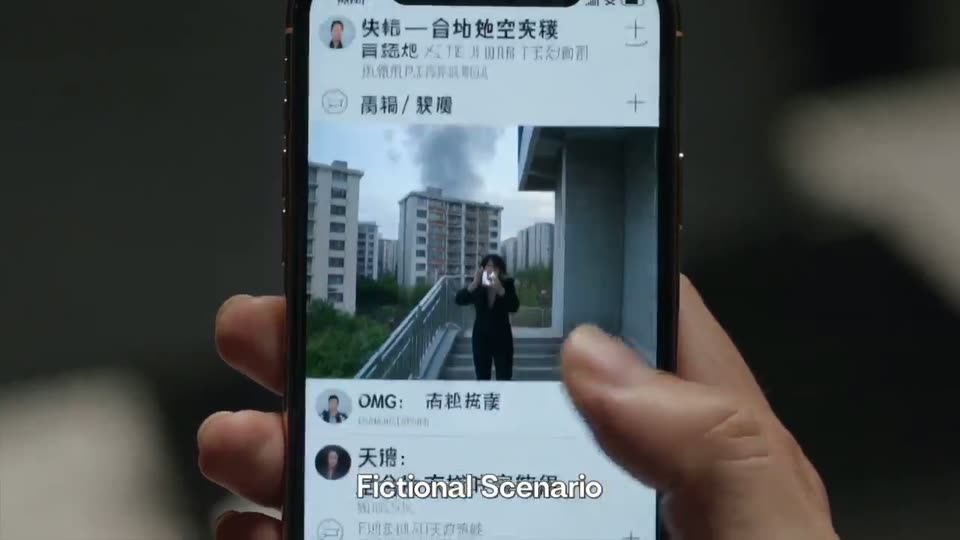 0:00–0:04Hop Aero · Hop AeroA hand holds a smartphone showing a news feed, and a thumb swipes up through video posts: a smoking tower at night, a subway station, a coast with police vans, and a person on stairs. The caption Fictional Scenario stays fixed at the bottom of the frame.
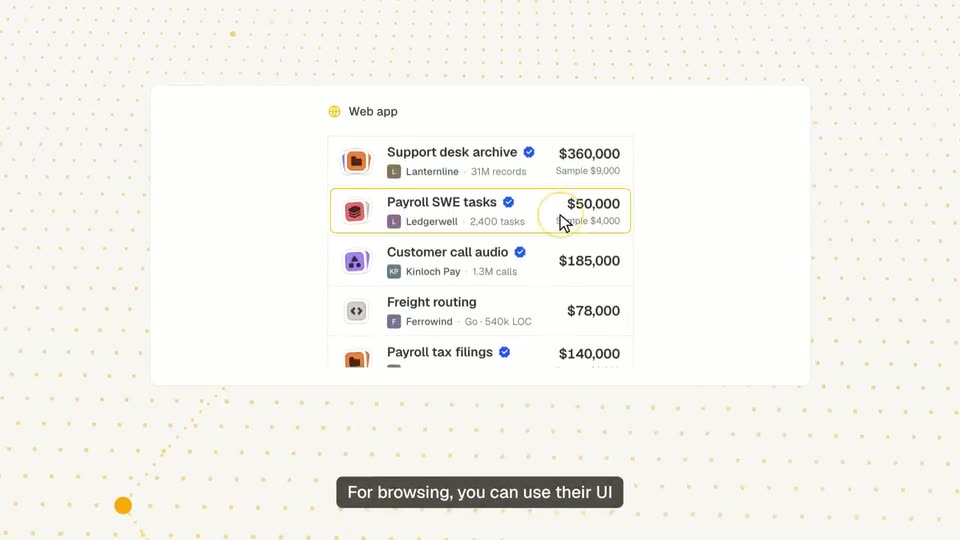 0:42–0:44HUD · We're announcing the public beta of datavendor.ai We spent the last two years building the best solution for people buying and selling data, whether you're a researcher in a lab or a company tryingA white card on a dotted cream background shows a list of dataset rows that blur into focus. A cursor glides to the Payroll SWE tasks row, which gains a yellow highlight border, while an orange hand-drawn arrow points into the card at the start.
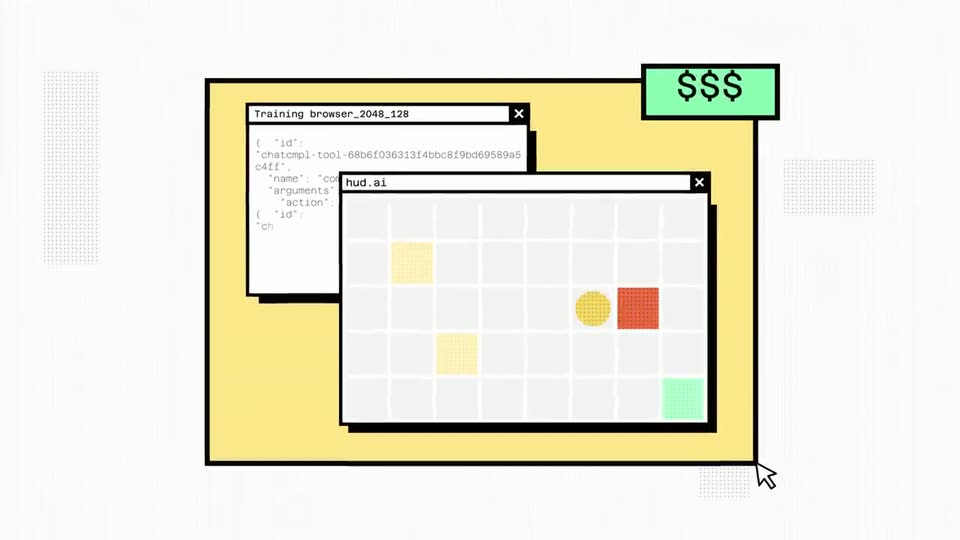 0:19–0:24HUD · Today, we're launching the public beta of the HUD platform. HUD lets you build reinforcement learning environments for training across 40+ models including GPT, Kimi, Qwen and many more. If you'reTwo pixel-style windows overlap on a light background. The back window, titled Training browser_2048_128, types JSON lines, while the front hud.ai window shows a 2048 grid with moving yellow tiles and an orange dot. A yellow panel and a green $$$ button pop in, and a cursor clicks the button.
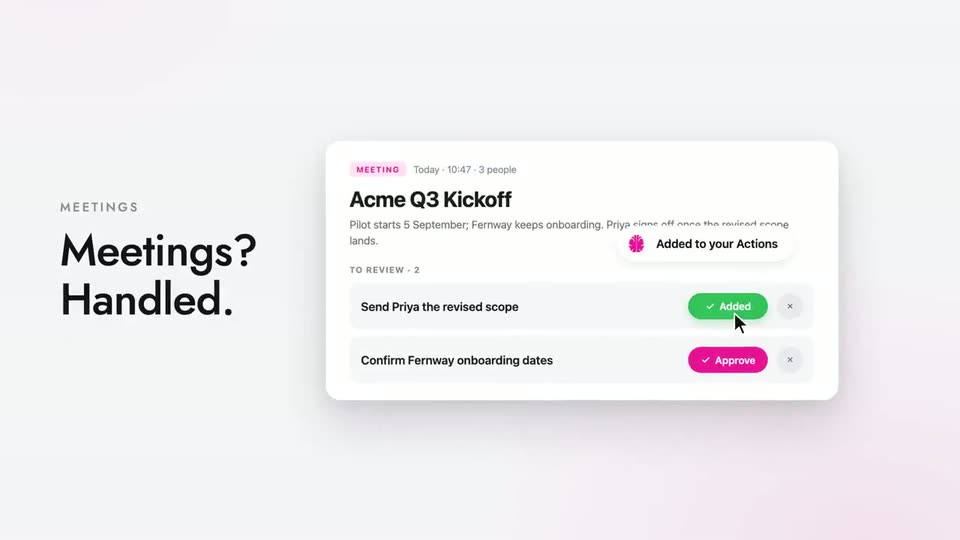 0:26–0:31MAI Second Brain · I didn't hire a motion designer for this launch video. I handed Opus 5.5 my codebase. Say hello to the newest member of the app family: MAI Second Brain 👇 My days are constant context switchingThe meeting card sharpens into focus. A cursor clicks the first pink Approve button, which turns green and reads Added, and a toast Added to your Actions pops in. On the left the headline Meetings? Handled. sits still, then the frame blurs out.
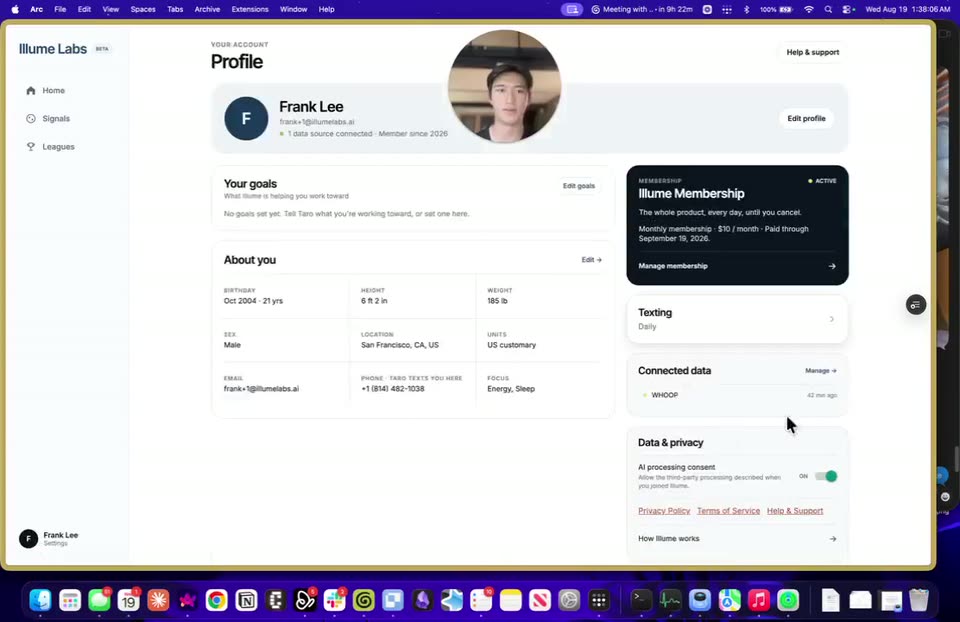 0:12–0:13Illume Labs · Sharing an update on Illume, your personal health companion you can text, anywhere, which we've been building at Y Combinator! It connects your wearables, lab results, nutrition, and workouts, to… | Illume Labs (YC S26)A full-screen view of the Illume Labs profile page in a browser window on a Mac desktop, cursor visible. The dark membership card on the right updates from a limited plan to an active state while the goals and connected-data sections populate.