1:29
wei-wei - Introducing Mo, the world's first AI QA engineer Point it at your ap
Momentic AI · Sep 2026
Billow AI Labs · 0:47 · Code only · AI-annotated
Billow AI Labs’s 0:47 launch film runs 10 scenes, about 4.8 s each. The product is on screen from the first frame and 1 feature is revealed, with social proof. The call to action lands at 0:43 (91% in), over a voiceover. The video runs as one continuous voiceover over a chain of frosted-glass panels and flat app screens, each resolved from a heavy blur into sharp focus, moving from a title pill to a checklist, a logo grid, a config screen, a chat demo, a stat card, and a URL close. Its signature moves are the blur-to-sharp title morphs, the horizontal drift of the integration logo grid, and a persistent dark caption bar that swaps one line at a time at a steady, unhurried pace.
Is this your launch? to your site or press kit.
Momentic AI · Sep 2026
Enrich Labs · Aug 2026
A blurred chat inbox fills the frame behind a centered lavender pill showing the Billow logo, “Billow on”, the Teams icon and “Microsoft Teams.” The pill sharpens from soft to crisp, then a dark caption bar with a one-line subtitle appears at the bottom.
On-screen text: “Billow on Microsoft Teams.”, “Today, we're introducing Billow on Microsoft Teams.”
Camera: Static
A blurred Teams board fills the frame behind a frosted glass pill centered on screen. The pill holds the line “Billow on Microsoft Teams.”, which blurs and dissolves as the pill widens into a rectangle, then a caption fades in at the bottom edge.
On-screen text: “Billow on Microsoft Teams.”, “Billow is an AI agent that handles your month-end close,”
Techniques: Masking
Camera: Static
A blurred Microsoft Teams chat sits behind a light gray rounded card. The headline fades in, then three list lines appear one by one, each circle filling with a checkmark, and a closing line with the Teams icon fades in. A dark caption bar at the bottom mirrors the voiceover.
On-screen text: “Billow is an Al agent that handles your”, “Billow is an AI agent that handles your month-end close,”, “Month-end close”, “Accounts Payable and Accounts Receivable, all from your Microsoft Teams chat.”, “Accounts Payable”, “Accounts Receivable”, “All from your Microsoft Teams chat.”
Techniques: Kinetic type
Camera: Static
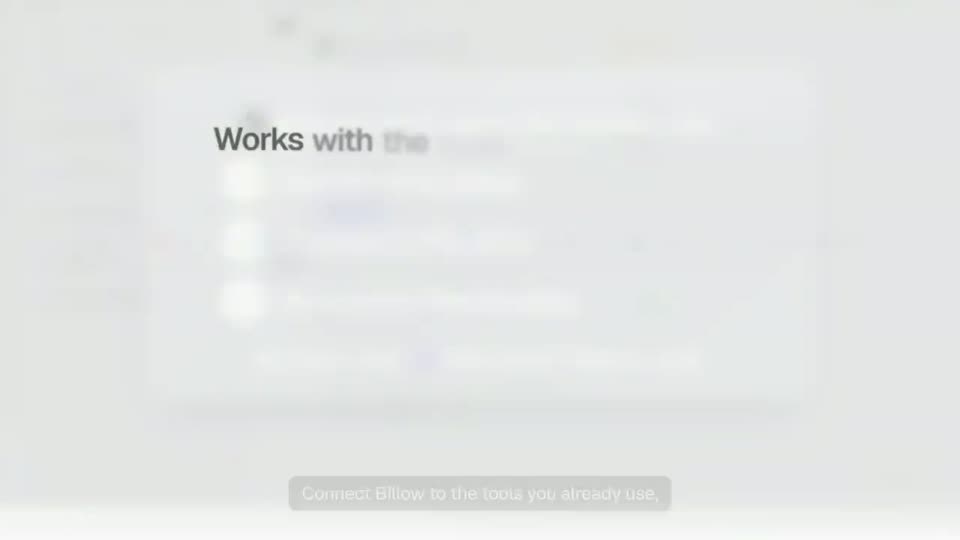
A white screen resolves from a heavy blur into focus, revealing a black headline above a grid of rounded logo pills for third-party tools. A dark caption pill sits at the bottom.
On-screen text: “Works with the tools you already use.”, “Connect Billow to the tools you already use,”
Camera: Static
A centered black headline sits above a grid of white pill-shaped integration logos on an off-white background. The logo grid blurs as it drifts horizontally, while a dark caption pill stays fixed at the bottom.
On-screen text: “Works with the tools you already use.”, “Connect Billo to the tools you already use,”
Camera: Static
A flat agent-configuration screen shows a workflow list on the left and rules and approvals panels on the right. A blue outline hops from panel to panel as a rule types itself and an approval row appears, then the screen fades to white. A caption runs along the bottom.
On-screen text: “and train it on your workflows, so it works the way your team does.”
Camera: Push in
A flat Teams chat screen zooms to the message box as three PDF files attach and a tagged Billow Agent message is sent. An agent review card with an invoice table appears, the cursor clicks Approve, and a completion card slides up. Dark caption bars swap at the bottom.
On-screen text: “Then hand off your manual finance work to Billow.”, “Send us your invoices, tag Billow, and press Run.”, “When something needs human review, a card appears right in the chat.”, “Click to confirm, reject, or steer as needed.”, “When it's done, you simply review and approve its results.”
Techniques: UI zoom, Cursor demo
Camera: Push in
A blurred UI resolves to a plain cream background where a black headline holds; a larger line, $2 billion in enterprise value, appears with the figure in blue, then three white shield badges pop in one by one as the bottom caption bar swaps its line.
On-screen text: “Live with public companies and enterprises”, “We're live with public companies and enterprises with $2 billion in enterprise value,”, “$2 billion in enterprise value.”, “and we're SOC 2 Type II, HIPAA and GDPR compliant.”, “SOC 2 Type II”, “HIPAA”, “GDPR”
Techniques: Kinetic type
Camera: Static
A light gray card shows the headline “$2 billion in enterprise value.” with three compliance pills, then blurs as a search bar types a letter and a dark “Book a demo” button slides up at the bottom.
On-screen text: “Live with public companies and enterprises”, “$2 billion in enterprise value.”, “SOC 2 Type II”, “HIPAA”, “GDPR”, “and we're SOC 2 Type II, HIPAA and GDPR compliant.”, “Book a demo at thebillow.ai.”
Techniques: Masking
Camera: Static
A browser search bar on a cream field types thebillow.ai, then blurs and fades as the Billow logo and wordmark settle in with a Book a Demo button and URL below. A cursor hovers on the button.
On-screen text: “Book a demo at thebillow.ai.”, “thebillow.ai”
Techniques: Kinetic type, Cursor demo
Camera: Static