
1:51
Dayjob | AI Agents for Industrial Logistics
Dayjob · B2B · Apr 2026
StackBlitz · Sep 2025 · 3:29 · AI-reviewed
StackBlitz’s 3:29 launch film runs 27 scenes, about 7.8 s each. The product shows up at 0:05 and 10 features are revealed, with social proof. The call to action lands at 2:16 (65% in), over a voiceover. Founder led launch film that alternates studio talking head beats with dark, high contrast UI demos, each feature opened by a bold two line headline card before its demo. Signature moves include 3D tilted floating cards, a Venn diagram merge, gradient number counters, and a locked YouTube player for the one year ago flashback.
Is this your launch? to your site or press kit.
Dayjob · B2B · Apr 2026
Voyager · B2B · Oct 2026
Films whose music sounds like this one, voice left out
Ramp · Upbeat electronic
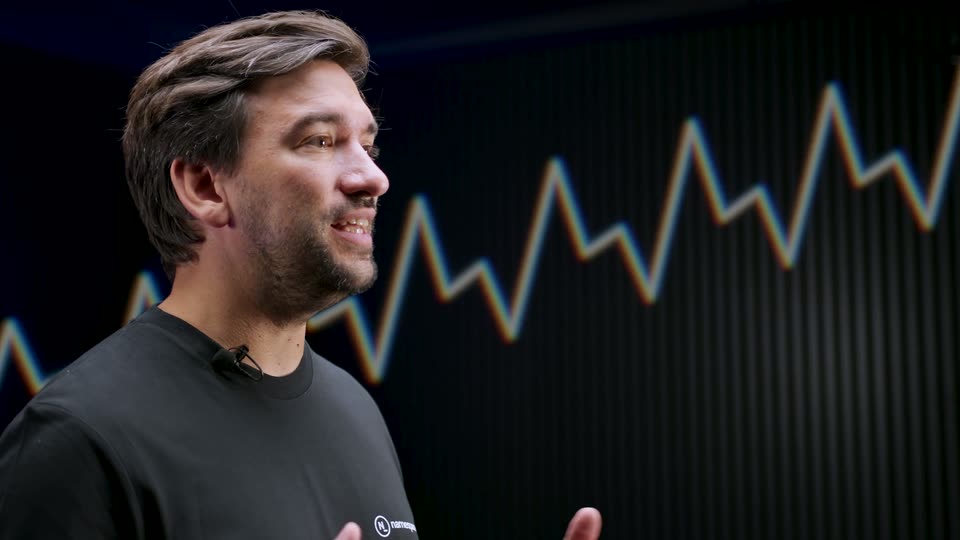
Namespace · Cinematic electronic
A presenter speaks in a room while error cards float around him. Short white captions change over the same shot.
On-screen text: “Getting”, “stuck”, “loops”, “been”, “the”, “2025.”
Techniques: Kinetic type, 3D mockup
Camera: Push in
The presenter introduces Bolt.new V2 in the same room. The product wordmark appears above him.
On-screen text: “Eric Simons”, “Founder”, “bolt.new”, “v2”
Camera: Static
A locked-off YouTube player, with its progress bar and subscribe button, sits on a blurred blue and red backdrop and shows a man in a black t-shirt speaking before a large bolt.new logo. A white headline fades in above.
On-screen text: “Bolt.new Launch (Oct 3rd, 2024)”
Camera: Static
A browser shows the original Bolt launch presentation at ViteConf with Anthropic. The older clip sits inside a video-player page.
On-screen text: “Bolt.new Launch (Oct 3rd, 2024)”
Camera: Static
An older Bolt interface appears with a small presenter webcam beside it. The preview area is still mostly empty.
On-screen text: “Bolt.new Launch (Oct 3rd, 2024)”
Camera: Static
The presenter explains the gap between easy app-building tools and tools for professionals. Captions and a Venn diagram appear over the same room.
On-screen text: “Product Teams”, “Agencies”, “Vibe”, “replit”, “Lovable”, “Vercel”, “home-grown”, “powerful”, “agents”, “Pro', 'Claude Code', 'Codex CLI', 'Gemini CLI', 'in', 'local', 'databases,', 'integrations,', 'bolt.new', 'v2”
Techniques: Kinetic type
Camera: Pull out
The presenter describes combining the two approaches in Bolt V2. The circles of the Venn diagram come together over the same room.
On-screen text: “Product Teams”, “Agencies”, “Vibe”, “replit”, “Lovable”, “Vercel”, “home-grown”, “powerful”, “agents”, “Pro', 'Claude Code', 'Codex CLI', 'Gemini CLI', 'in', 'local', 'databases,', 'integrations,', 'bolt.new', 'v2”
Techniques: Kinetic type
Camera: Pull out
A black title card introduces the next generation of the building agent. White words begin appearing near the end.
On-screen text: “The world's most powerful building agent”
Techniques: Kinetic type
Camera: Static
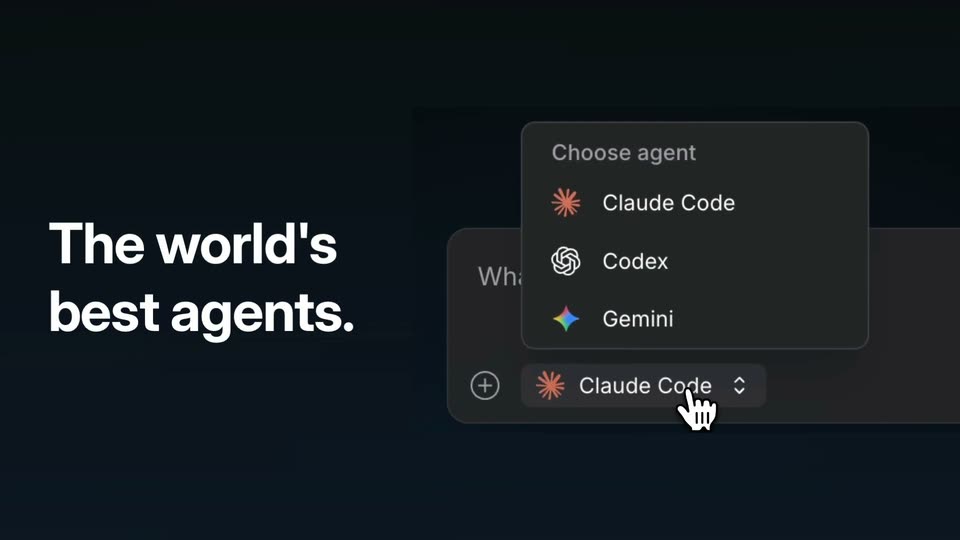
A dark input panel slides in from the right with a prompt field and a Claude Code selector. A white cursor taps the selector, a Choose agent menu opens listing Claude Code, Codex and Gemini, and the cursor moves between options, while the headline appears on the left.
On-screen text: “The world's best agents.”
Techniques: Kinetic type, Cursor demo
Camera: Static
The view moves into the agent selector and Deep Planning workflow. A planning panel opens and fills with steps for the same project.
On-screen text: “Deep Planning.”
Techniques: UI zoom
Camera: Static
On a black field, the white two-line headline 'Autonomous debugging. No more error loops.' settles in over the first second, then a smaller terminal-prompt caption fades in below it. Dark panels slide in as a grid to wipe the frame at the end.
On-screen text: “Autonomous debugging.”, “No more error loops.”, “Building the project to check for errors”
Techniques: Kinetic type, Masking
Camera: Static
A huge white-to-blue gradient 98% holds center on a dark grid background while two white lines, Autonomous debugging. and No more error loops., sit behind it. The caption below becomes fewer errors, a soft glow sweeps the digits, and Scale to millions. appears over the number.
On-screen text: “98%”, “Autonomous debugging.”, “No more error loops.”, “fewer errors”, “Scale to millions.”
Techniques: Kinetic type, Light sweep
Camera: Static
Feature icons and tilted interface panels move across a dark background as the scaling feature is introduced.
On-screen text: “Scale to millions.”, “Unlimited databases”, “Enterprise-grade”, “User Management & Authentication”, “Hosting with analytics & custom domains”, “Full-stack. Fu”, “Automa”
Techniques: 3D mockup
Camera: Static
The Bolt database area is toured through authentication, server functions and secrets. A cursor opens the related views within the same full-stack setup task.
On-screen text: “Full-stack.”, “Automagically.”, “Full-stack. Automagically.”
Techniques: Cursor demo
Camera: Pan
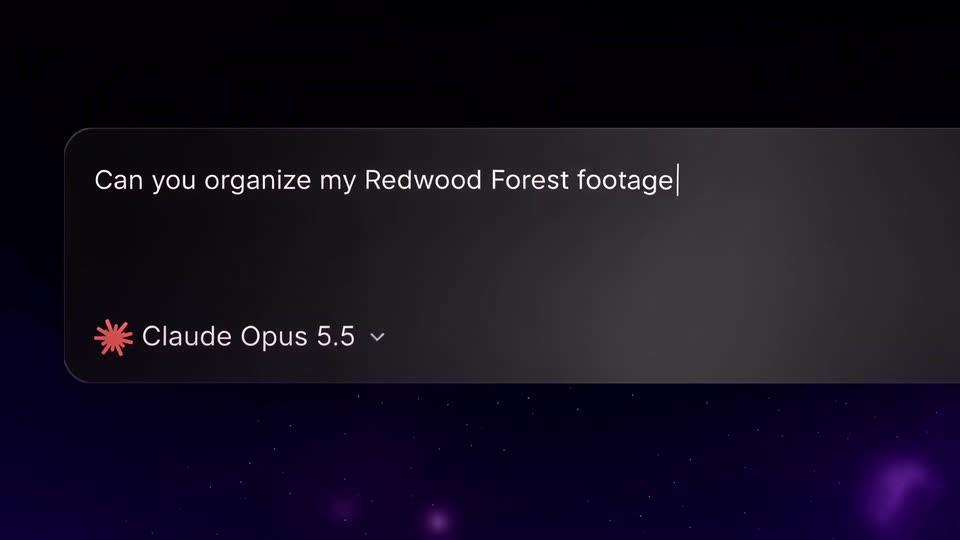
A dark prompt field under the headline “Integrate with any API.” types “Make me a tool for transcribing audio using OpenAI.” then slides up and away; the bolt agent types a reply while “Thinking...” swaps to “WebSearch.”
On-screen text: “Integrate with any API.”
Techniques: Kinetic type
Camera: Static
The view moves to the Publish dialog, then shows the published link and custom-domain settings.
On-screen text: “Integrate with any API.”
Techniques: Cursor demo
Camera: Pan
A dark domain search panel shows a filled input field above a table of domain options with prices and blue Buy buttons. A cursor glides to the first Buy button.
Techniques: Cursor demo
Camera: Static
A dark analytics dashboard fills the frame, four panels of blue line and bar charts drawing in. The view scrolls down to reveal the Bandwidth and Top pages panels as a white cursor hovers over a page row.
Techniques: Cursor demo
Camera: Pan
A dimmed analytics dashboard sits behind the white headline “Built for teams.” on the left. The interface fades out to a plain dark background while the text stays fixed in place.
On-screen text: “Built for teams.”
Camera: Static
A white headline holds on the left while a dark product window on the right opens a team-switcher dropdown. A cursor glides down the list of team names, then the whole frame fades to black.
On-screen text: “Built for teams.”
Techniques: Cursor demo
Camera: Push in
The Bolt logo and headline “Vibe code with your design system” fade in over a dark background, “your” italic and underlined. A row of flat design-system components, checkboxes, toggles, buttons, selects, and swatches, cycles through blue, green, yellow, and purple themes, with the word and background glow matching.
On-screen text: “Vibe code with your design system”, “Stop building from scratch. Start building on-brand.”
Camera: Static
A cross-dissolve from the previous design-system slide lands on a dark blue gradient card: the GitHub Octocat logo sits above the bold white headline “Collaboration.” on the left, and a second line “Built in” begins to fade in below.
On-screen text: “Collaboration.”, “Built in”
Techniques: Kinetic type
Camera: Static
On a blue gradient, the GitHub logo and the lines “Collaboration. Built in.” sit left. From the right, a tilted blue “Invite teammates” button and three circular people avatars slide in over thin concentric circles, then hold.
On-screen text: “Collaboration.”, “Built in.”, “Invite teammates”
Camera: Static
The presenter returns to explain that the features are available in one place and invites viewers to start building.
On-screen text: “available”, “you.”, “Publishing”, “Planning”, “20%”, “Lovable”, “25%”, “bolt”, “30%”, “replit”
Techniques: Kinetic type
Camera: Pull out
The presenter cites adoption and company statistics. Customer logos and large numbers appear over the room.
On-screen text: “available”, “you.”, “Publishing”, “Planning”, “20%”, “Lovable”, “25%”, “bolt”, “30%”, “replit”
Techniques: Kinetic type
Camera: Pull out
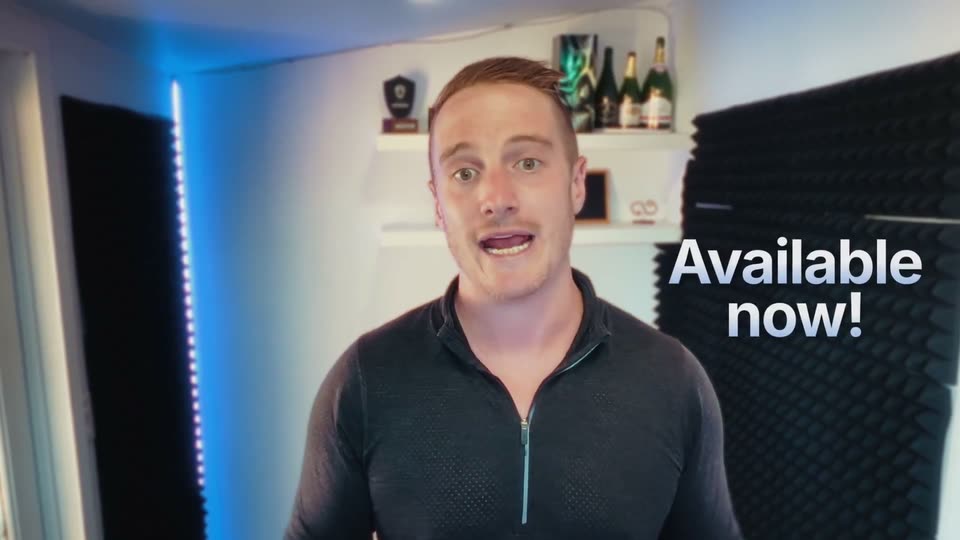
The presenter addresses different kinds of builders and announces that V2 is available. Changing captions emphasize the invitation to build.
On-screen text: “available”, “you.”, “Publishing”, “Planning”, “20%”, “Lovable”, “25%”, “bolt”, “30%”, “replit”
Techniques: Kinetic type
Camera: Pull out
A black frame holds the white bolt.new logo at the bottom while the headline “Try v2 today!” scales up from a blurred state to sharp in the center. The letters run from white to blue left to right, then hold still.
On-screen text: “Try v2 today!”, “bolt.new”
Techniques: Kinetic type
Camera: Static