0:24
Krijn - Announcing @InputSystems. A new way to email ✨ It handles your messa
Input Systems · Oct 2026
Hobbes · 0:31 · AI-annotated
Hobbes’s 0:31 launch film runs 8 scenes, about 3.9 s each. The product is on screen from the first frame. The call to action lands at 0:26 (84% in). The video bookends a dark UI tour with a slow 3D mountain reveal, reusing the same cloud-sea vista as the backdrop for the opening title and the closing call to action. Pacing is steady at 116 bpm, built on gentle camera dollies, 3D perspective pulls on the app window, and an orange cursor and avatar gliding across dashboards.
Is this your launch? to your site or press kit.
Input Systems · Oct 2026
A hazy 3D mountain peak sharpens as the camera dollies forward through morning mist, then pulls back to a wide vista of snow-capped summits above a cloud sea. White title text fades in at center.
On-screen text: “Introducing”, “Hobbes Sandboxes”
Camera: Push in
The scene fades up from dark: a large still headline sits over a blurred mountain dusk while the Hobbes interface assembles, a chat card with question bubbles on the left, a dashboard with metrics and a leads table on the right, three prompt pills below.
On-screen text: “Introducing”, “Hobbes Sandboxes”
Camera: Pan
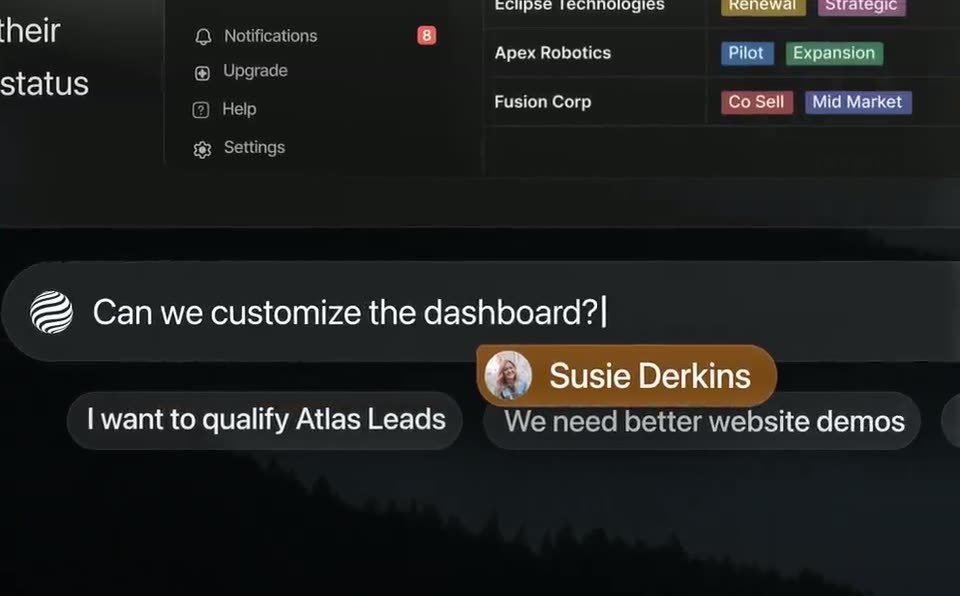
A dark product screen pans right from a chat bar to a deals table. An orange cursor hovers a suggestion chip, an orange Susie Derkins badge pops in, and the chip text types itself into the message field.
On-screen text: “our conversations, the lead answered their questions, qualification status, opportunities.”
Techniques: Cursor demo
Camera: Push in
A dark chat panel scrolls its conversation upward, then the camera pulls back to reveal the full dashboard behind it, with revenue metrics, a bar chart, and a leads table. A cursor hovers near the view controls.
Techniques: Cursor demo, UI zoom
Camera: Push in
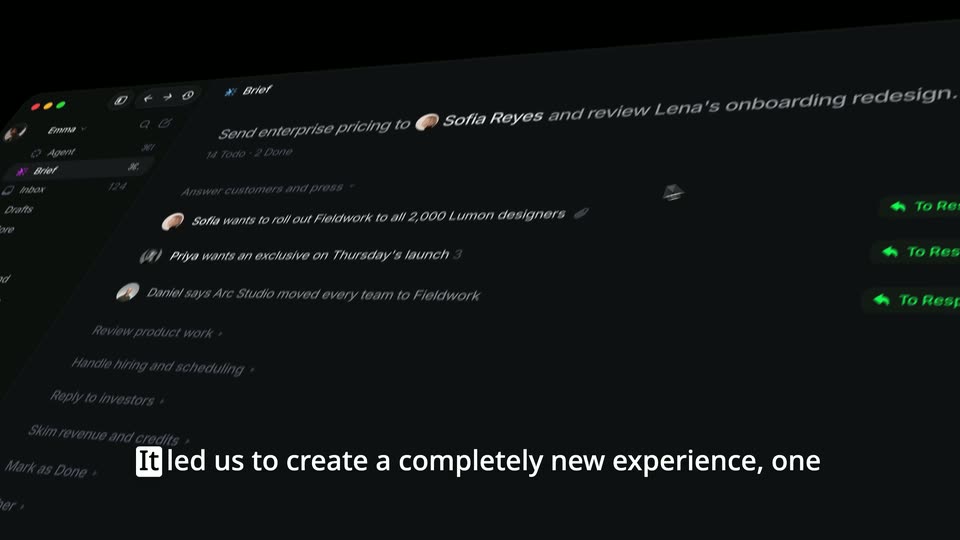
A dark CRM dashboard fills the frame, then pulls back to reveal it as an app window in 3D perspective. The window tilts and rotates while a circular avatar with an orange ring glides across the leads table, chart and sidebar.
Techniques: UI zoom, 3D mockup
Camera: Pull out
A dark reports dashboard zooms in from the full browser window to the metrics panel. An orange cursor with a circular user avatar hovers across the monthly revenue bar chart, popping a $57,817 tooltip, then the view pans left to reveal the app sidebar.
Techniques: UI zoom, Cursor demo
Camera: Pan
A dark project dashboard sits in 3D perspective, an orange cursor and a small circular avatar hover over the stats row while a chat panel ghosts in on the left and the project list scrolls.
Techniques: Cursor demo
Camera: Pull out
A blurred mountain ridge above a sea of clouds at dusk, locked off. White text types in at center: Prospects can now experience your product right on your website. It fades and is replaced by Create your Hobbes agent today with the URL hihobbes.com and an arrow.
On-screen text: “Prospects can now experience your product right on your website.”, “Create your Hobbes agent today”, “hihobbes.com ↗”
Techniques: Kinetic type
Camera: Pull out