1:06
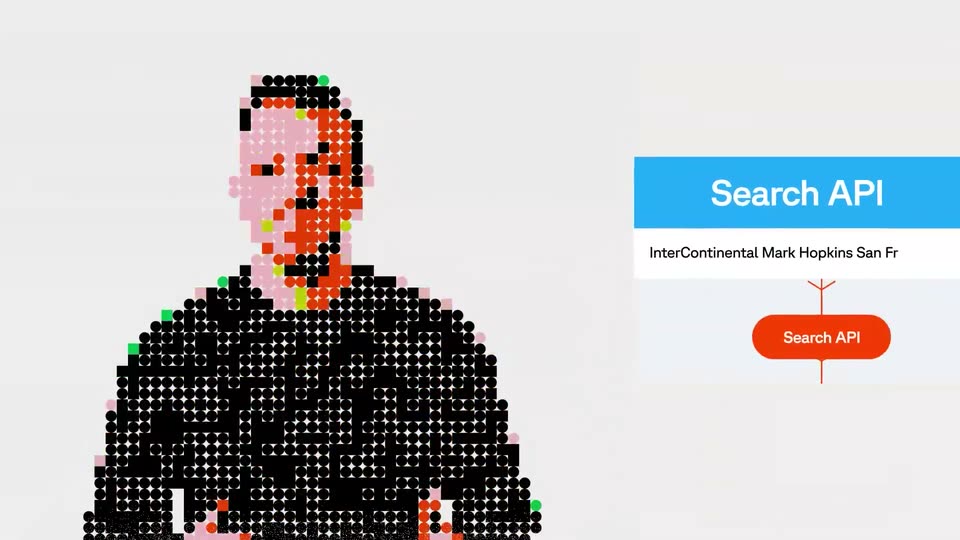

Paul Klein IV - Your agents suck when using the web because 85% of it doesn't have an
Browserbase · Apr 2026
Floot · 0:45 · AI-annotated
Floot’s 0:45 launch film runs 18 scenes, about 2.5 s each. The product shows up at 0:08. The call to action lands at 0:41 (92% in), over a voiceover. A warm, cream-toned launch film that alternates locked-off live action of one man with floating 3D phone mockups and crisp UI cards, all tied by a single peach cursor that taps and types through the flow. Pacing is slow and deliberate at 110 bpm with few cuts, using soft focus pulls, pixel wipes and 3D orbits as its signature moves, and it bookends the promise line at the open and close before landing on the logo and a single CTA button.
Is this your launch? to your site or press kit.
Browserbase · Apr 2026
Cognition · Sep 2026
Films whose music sounds like this one, voice left out
Posthog · Upbeat electronic
Superblocks · Electronic
Resin · Upbeat electronic
A man in an orange shirt reclines on a gray sofa holding his phone. A large 3D phone home screen with a mountain wallpaper floats in the foreground, and the blue App Store icon scales in beside it, all on a locked-off shot.
Techniques: 3D mockup
Camera: Pull out
Close-up of a phone home screen over a blurred office background. The App Store icon sits in sharp focus, then shifts aside as the ChatGPT and Claude icons slide into the top row and rack into focus.
Techniques: Morph
Camera: Push in
In a locked-off 3D shot, a phone shows a home screen with the ChatGPT and Claude icons in focus over a blurred wallpaper. The screen warps into the Claude app, revealing a serif “Evening thoughts” heading and a chat card.
Techniques: 3D mockup, Morph
Camera: Static
A close-up of a phone held in a blurred outdoor setting shows the app home screen. A red asterisk and the serif title 'Evening thoughts' settle into place while the input box border smooths from a wavy line into a clean rounded rectangle.
Techniques: Morph
Camera: Static
A blurred living-room backdrop sits behind a white rounded-square icon that shrinks as two white pills slide in from the left and right edges, the right pill carrying the label Connectors.
On-screen text: “Connectors”
Techniques: Kinetic type
Camera: Static
Over a blurred office, a tab row and a white connector card slide in. An orange cursor taps the card and a green check pops in. Below, the lines 'One connector.' and 'That's the setup' appear word by word.
On-screen text: “One connector.”, “That's the setup”
Techniques: Kinetic type, Cursor demo
Camera: Static
A blurred desk scene sits behind a white connector panel with a green check; an orange cursor drifts down as a pixel wipe clears the right edge, under the static caption “One connector. That's the setup”.
On-screen text: “One connector.”, “That's the setup”
Techniques: Cursor demo
Camera: Static
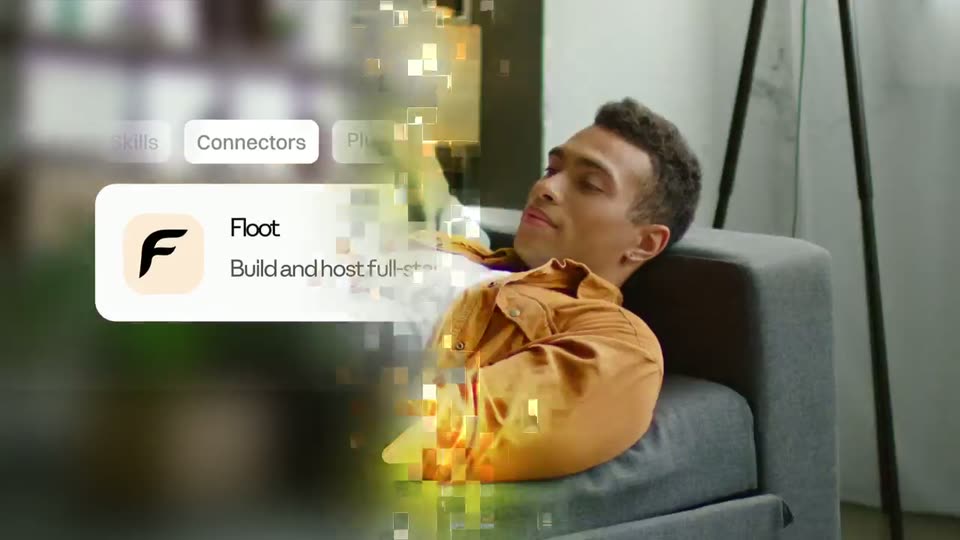
A man in a rust jacket lies on a gray couch, eyes closed, then lifts his phone and looks at it. A white connector card labeled Float pixel-dissolves across the left of the frame as the shot holds.
Techniques: Particles
Camera: Static
A man reclines on a gray sofa holding a phone as a white chat card floats over him; the prompt types out a habit tracker request, an orange cursor taps the send button, and the view zooms into the phone screen showing the app's setup steps.
Techniques: Cursor demo, UI zoom
Camera: Push in
A blurred app interface on the left slides left past a soft-focus person in an orange shirt on the right. The white word When fades in over the person as the clip ends.
On-screen text: “When”
Techniques: Parallax, Kinetic type
Camera: Pan
Over a blurred video of a person in an orange top, the caption “When it's ready,” slides in, with “ready” in orange. A white “Sign in with Apple” button scales in below it, then a blue “Sign in with Google” button appears.
On-screen text: “When it's ready,”
Camera: Static
A tilted iPhone mockup floats in 3D in front of a live-action clip of a man dancing in a living room. As the camera orbits the phone, the chat screen scrolls through a project recap, ending on the message input bar.
Techniques: 3D mockup, Parallax
Camera: Pan
A tilted smartphone mockup in 3D on the right types out a chat reply about a habit tracker app, beside a tilted video card of a man in headphones sipping coffee in a bedroom.
Techniques: 3D mockup
Camera: Pan
A 3D smartphone mockup angled left displays a grid of colorful app icons on a light peach background. A live-action video of a man on a couch plays on the screen, and a 'New App' label slides over one icon.
On-screen text: “New App”
Techniques: 3D mockup
Camera: Pull out
A filmed man lying in bed with a dog holds a phone on the left, beside a 3D phone mockup on a cream background. The mockup's habit app scrolls up, revealing a list of habits with green check marks.
Techniques: 3D mockup, Split screen
Camera: Pan
A cream title card assembles the centered tagline, with 'mobile apps' and 'AI' in orange and the rest black. Blurred app icons float at the edges and drift apart on a slow zoom, while a habit card and a video tile slide off at the start.
On-screen text: “Build mobile apps with the AI”, “you already pay for.”
Techniques: Kinetic type, Parallax
Camera: Pull out
The Floot app icon, a black F on a cream rounded square, snaps from blur to sharp at center, then shrinks and rises as a white pill button with an orange outline types out below it. The button fills in word by word until the arrow appears.
On-screen text: “Build mobile apps with the Al”, “you already pay for.”, “Floot it Today →”
Techniques: Kinetic type
Camera: Static
A cream rounded-square icon with a black F sits beside the bold black wordmark Floot as its last letter t drops into place. A peach cursor glides up from the bottom right and rests on the edge of the outlined Floot it Today button.
On-screen text: “Floot it Today →”
Techniques: Cursor demo
Camera: Static