Cursor demo
A visible cursor operates the interface.
14,869 scenes · page 2 of 248
 0:02–0:08Jinko · You want to go somewhere but don't know when? Looking for the cheapest, fastest route, or else? AI agents can find the best dates to fly before their users even open a calendar. When a user says “I… | Jinko (YC F26)A green flower meadow under a blue sky. White text types out word by word with a plane and lightbulb icon, then a white chat input card appears, the prompt is typed, a cursor clicks the red send button, and a Thinking status fades in.
 0:00–0:06Judgment Labs · See Judgment Labs’ activity on LinkedInA cursor clicks the red Create Ingest API Key button, opening a centered modal where it types 'production' from an autocomplete list. A success modal then shows the generated key as the cursor hovers the copy and Close buttons, the background blurring into a halftone pattern.
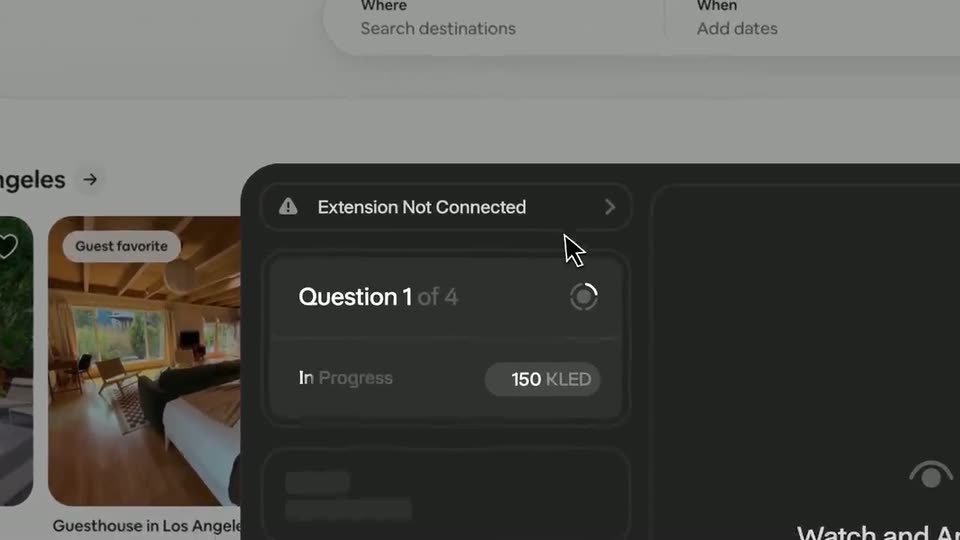 0:04–0:06Kled · We created the world’s best captcha. The first captcha that is: free for companies, pays you to solve it, impossible to bot, and instead of showing you images of random traffic lights, you’re shown… | Avi PatelA dark extension panel floats over a blurred travel listing page. The frame zooms in on the panel's top section, and a hand cursor glides to hover the Extension Not Connected bar. The adjacent panel holds a headphone icon and a two-line caption.
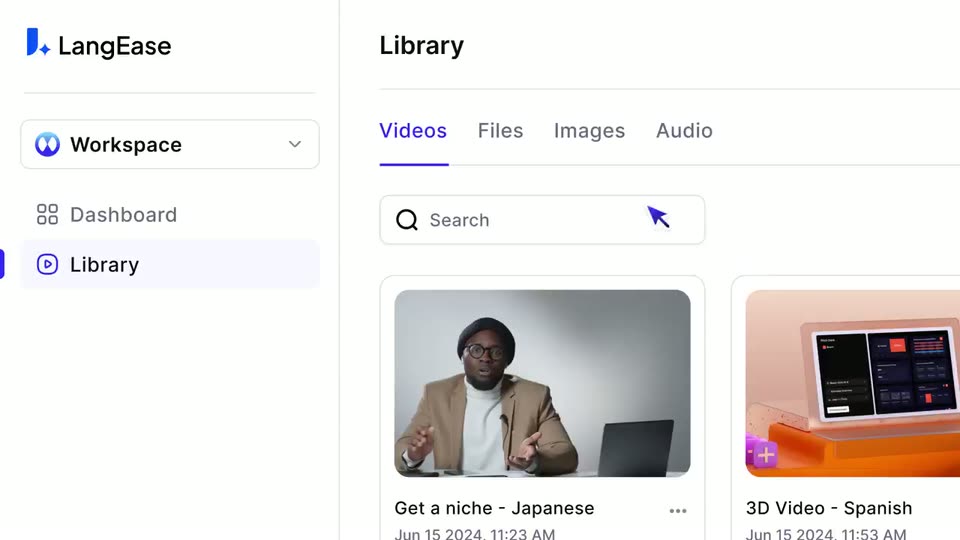 0:04–0:06LangEase · Imagine reaching a global audience without breaking a sweat. 🌎 LangEase is making it a reality. Our AI-powered localization platform is coming soon! Join the waitlist for exclusive early access.… | LangEaseTwo headline lines slide and scale in over a locked-off LangEase Library screen. Below, the Videos tab, search bar and two media cards sit static while a purple cursor glides from the tabs to the search field.
 0:09–0:10Lantern AI · See Lantern AI (YC F26)’s activity on LinkedInA rippling blue velvet terrain fills the lower frame under a pale sky. A frosted-glass input bar hovers above the waves, a cursor appears and types into its field. The headline sits centered at the top.
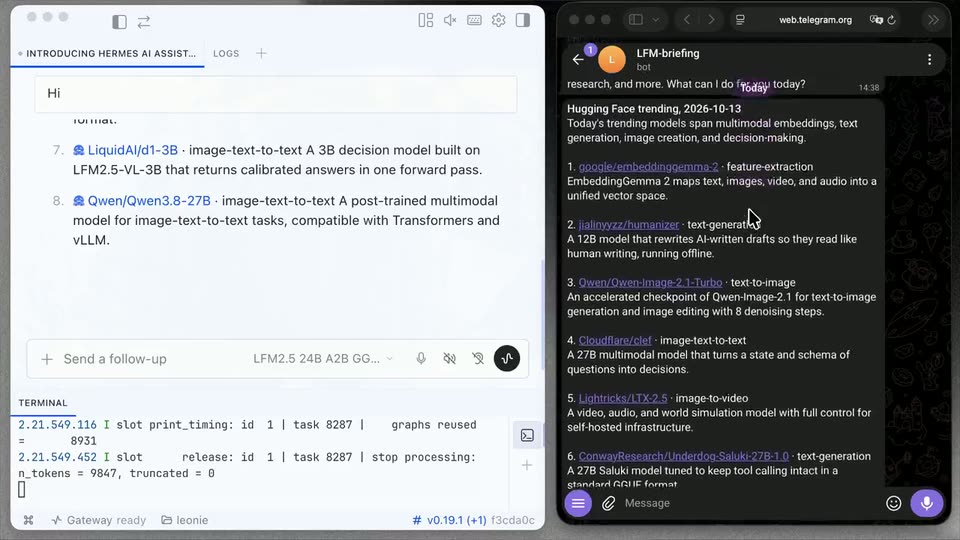 0:00–0:05Liquid AI · Today we release 𝙻𝙵𝙼𝟸.𝟻-𝟸𝟺𝙱-𝙰𝟸𝙱, the largest model in the 𝙻𝙵𝙼𝟸.𝟻 family. It is a 24B-parameter reasoning model with just 2B active parameters per token, designed to work throughA white desktop chat app and a dark phone mockup of a Telegram chat sit side by side. The left reply box streams a numbered model list while a terminal logs below. On the right, a cursor hovers as the chat scrolls to its top.
 0:11–0:12Magic Patterns · Announcing our $6M Series A and Magic Patterns 2.0. We’ve grown profitably, hit $1M ARR, and quietly built an AI design tool loved by product managers, designers, and website builders. PreviouslyOn a white canvas beside a left toolbar, a dashed rectangle with selection handles sits center as a dotted copy drifts to a new position, cursor at its corner. The shot fades in from a solid blue frame.
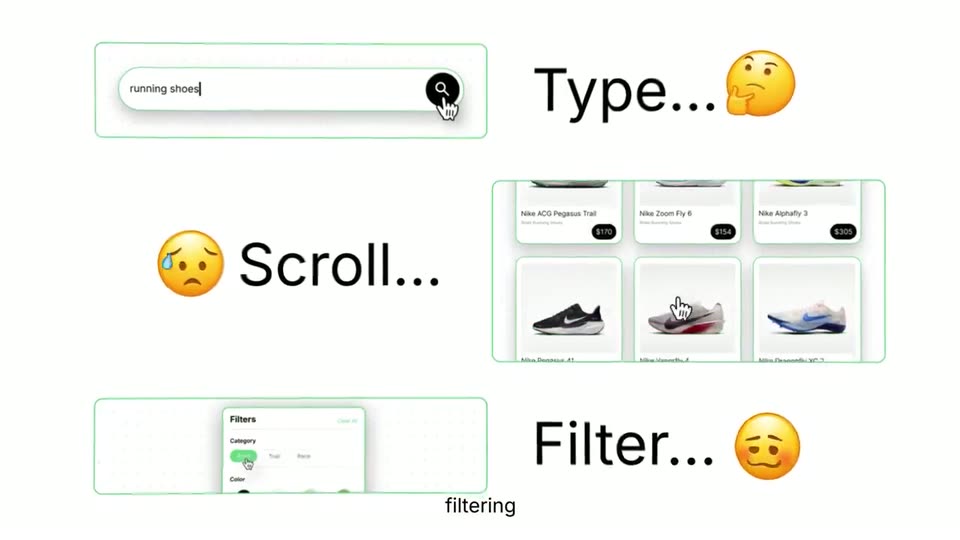 0:10–0:13magicX · Excited to announce this huge leap forward in search. Today, Shopify stores now have passed Amazon with the most powerful search, called AI Autocomplete. Search technology hasn’t changed for 15… | AI Autocomplete by MagicXOn a white canvas, a search bar, a shoe-results grid and a filter panel sit beside the labels Type..., Scroll... and Filter..., each paired with an emoji and a small caption. A hand cursor taps the search and the filter, then the whole layout zooms out and blurs.
 0:00–0:02Magnific · 🔥 Magnific Upscaler For Video 🔥 (BETA TESTING) Seedance at 720 res wasn't cool. You know what's cool? Seedance at 4k res! FINALLY The most anticipated Magnific feature of all times It's aA 3D rendered jungle scene: a woman in a pale blue gown stands in profile, her hand resting on the snout of a large green dragon, with a misty waterfall and ferns behind and glowing particles drifting. A thin vertical divider line with left and right chevrons and a hand cursor overlays the center, staged as a draggable slider over the canvas.
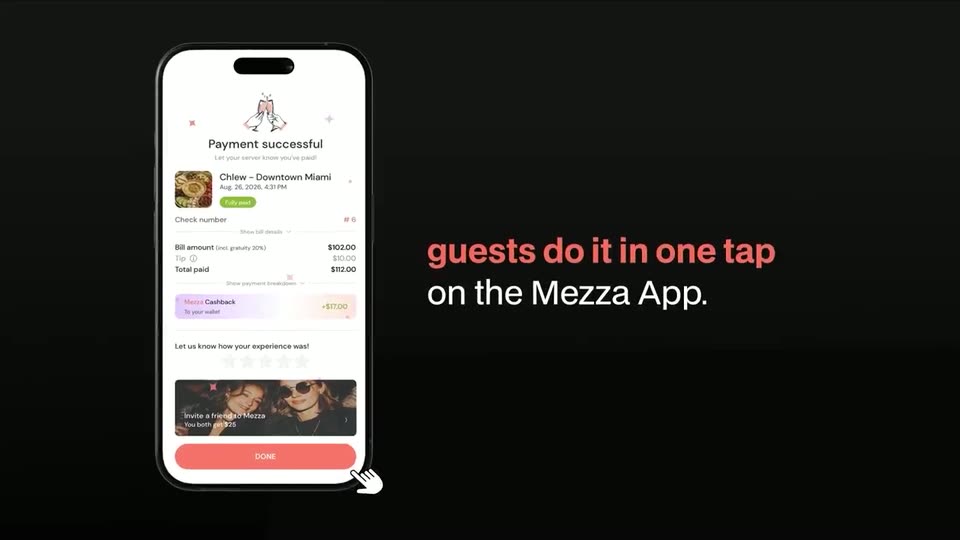 0:41–0:44Mezza Pay · Your restaurant tables: filled. ✅ Your restaurant funding: fixed. ✅ That’s Mezza. We help restaurants grow with upfront capital and bring them the diners to put that capital to work. No debt. No… | MezzaA front-facing iPhone mockup on black shows the Mezza payment-success screen while a hand cursor taps the DONE button, with the two-line headline on the right. The phone and text blur out as coral dollar-coin icons scatter across the frame.
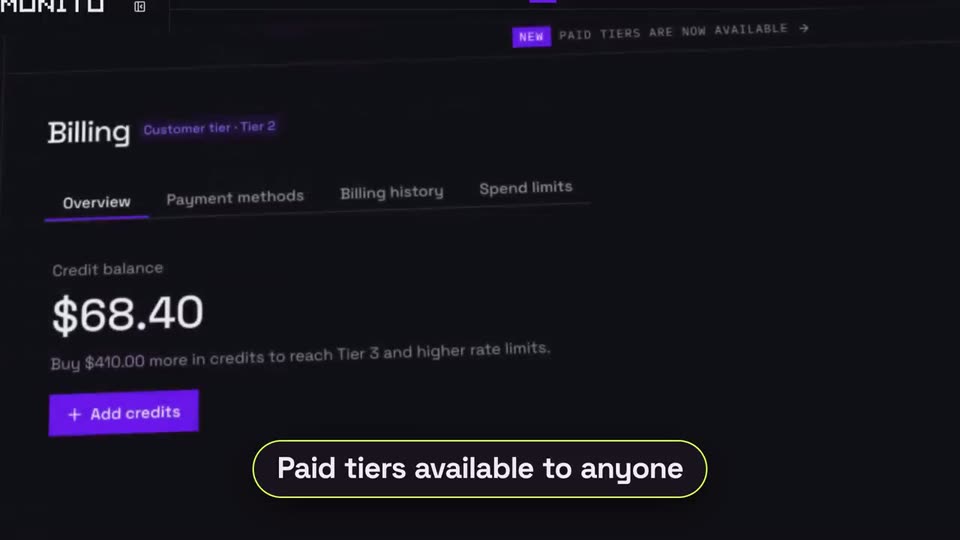 0:11–0:18Munito AI · Two new things today in the Munito console. Paid tiers, open to anyone. No “contact sales”, no “let’s find 30 minutes”. Add credits in the console: the more you add, the higher your tier and your… | Munito AIPixelated purple squares dissolve to reveal a dark billing dashboard. A cursor clicks Add credits, confirms 50.00 USD, and presses Pay; the balance jumps to $68.40 and the tier badge glows Tier 2 as the camera zooms in. A yellow-outlined caption sits at the bottom.
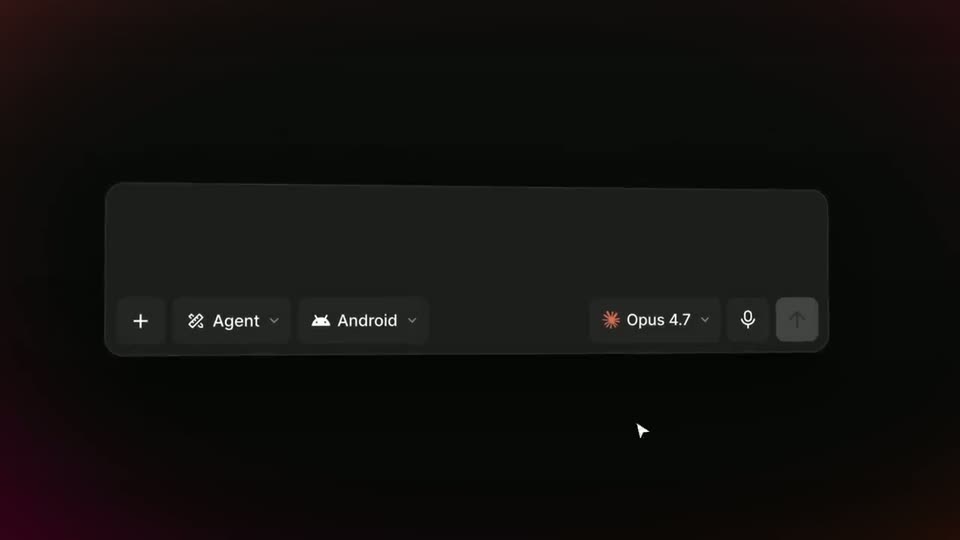 0:06–0:07MWM · #mwmai #android #kotlin #ios #swift #mobileapps #ai #googleplay #appstore | MWMA dark control bar with Agent, Android and Opus 4.7 buttons sits centered on a black field with a faint red edge glow. A white cursor moves from the lower right to the Android button, which flashes a red outline, then the highlight clears.
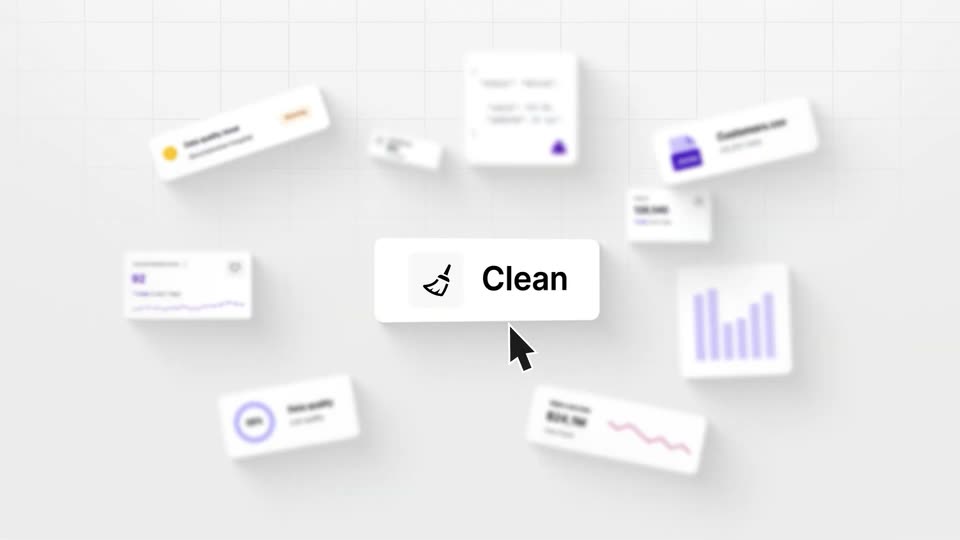 0:23–0:24Netter · NETTER 1 - Samuel LadroueA sharp white card with a broom icon and the word Clean floats centered over a field of blurred dashboard cards on a light grid. Two black cursors below it merge into one, and a small four-point sparkle pops in to the right of the text.
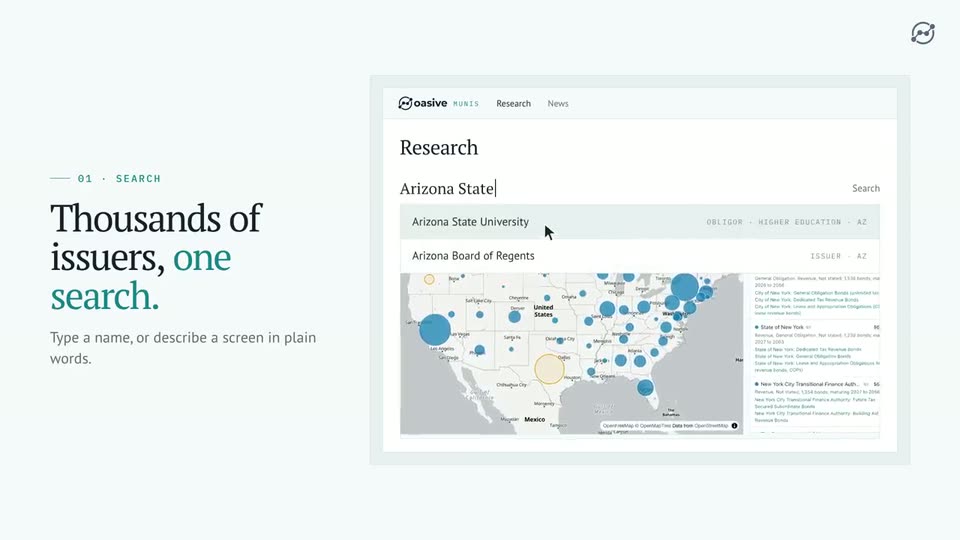 0:09–0:13Oasive · See Oasive (YC F26)’s activity on LinkedInOn the right, the Oasive Munis research screen zooms into the US bond map as “Arizona State” is typed into the search bar; a dropdown of issuer suggestions opens and a cursor hovers over the first. On the left, a static serif headline holds.
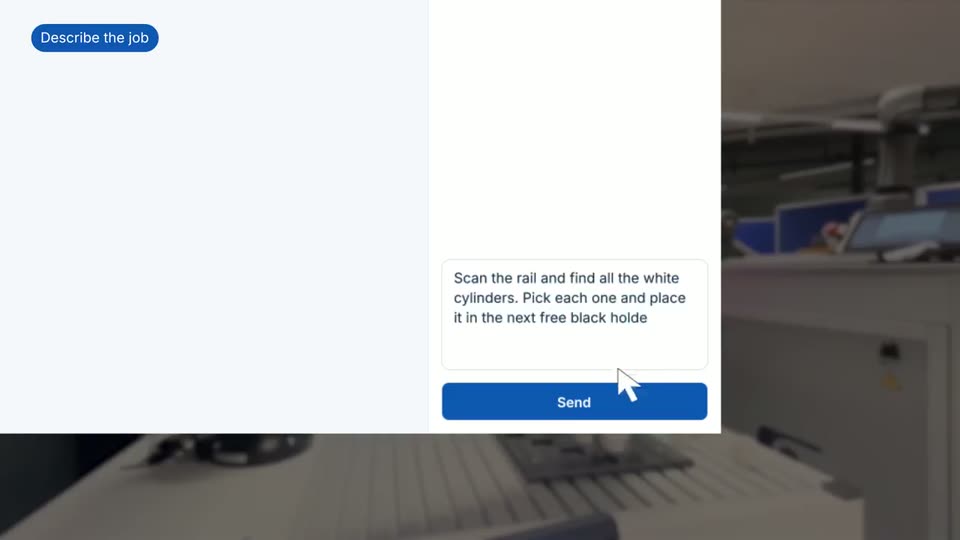 0:25–0:28Odin Robotics · See Odin Robotics (YC F26)’s activity on LinkedInA white chat panel floats over a blurred factory floor. A job description types out line by line, a cursor clicks the blue Send button, and the panel slides left to reveal the workshop.
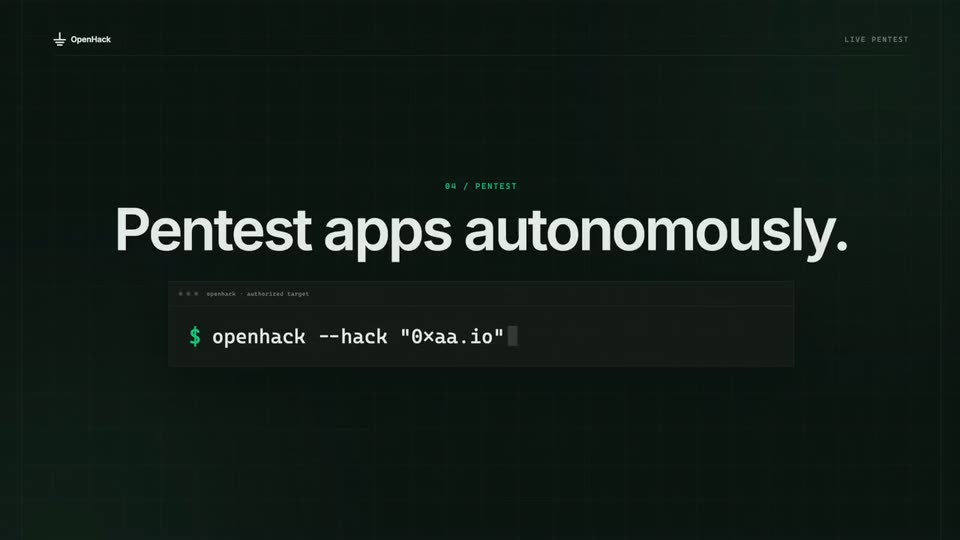 0:19–0:21OpenHack · Introducing the all new OpenHack TUI - an open source terminal interface for security tasks, codebase scanning and pentesting. Connect any model. Scan & auto verify vulnerabilities. Pentest any app.… | OpenHackA faded vulnerability list dissolves behind a large centered headline and a terminal window typing a hack command. The headline and terminal fade out, revealing a results screen titled Exploit path verified with a small entry card at lower left.
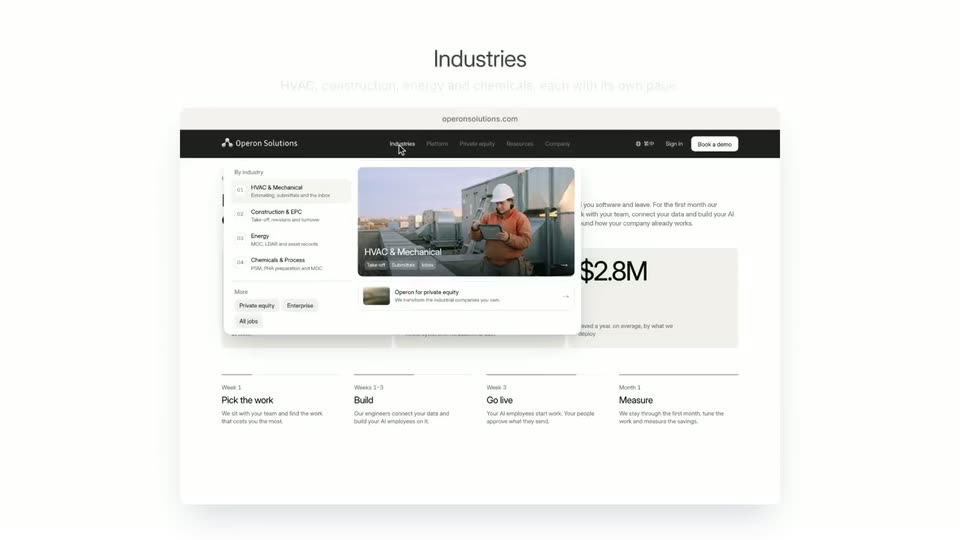 0:29–0:38Operon · Operon's New Home: operonsolutions.com | Operon SolutionsA tilted website mockup rotates flat to face the camera beneath a fading headline. A cursor hovers the Industries nav item, opening a mega menu; as it moves down the list, the preview image swaps between HVAC, energy and chemicals.
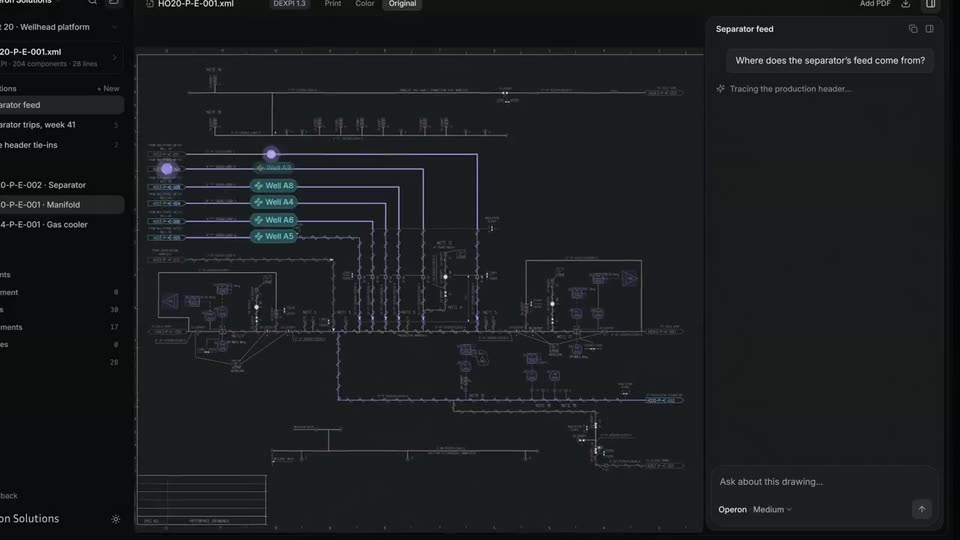 0:35–0:59Operon · Operon Solutions posted on LinkedInThe Operon Solutions logo holds above a dark P&ID viewer, then the camera zooms into the interface. A cursor types a question in the chat box, a purple line traces the feed across drawings to six well labels, and a hover tooltip shows one well's details.
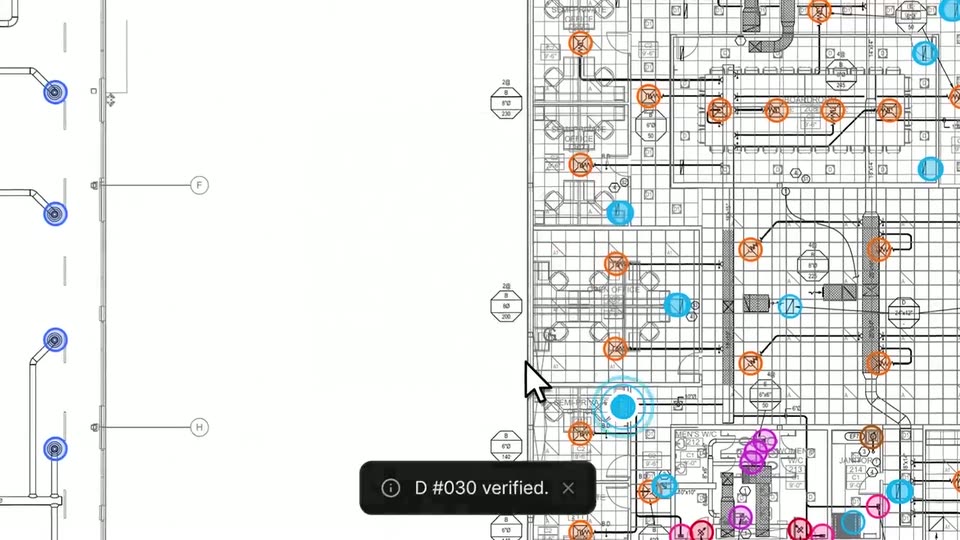 0:12–0:14Operon · We've received overwhelming requests from the HVAC & Construction industry over the past few months and today we're excited to launch our first product in this space! | Operon SolutionsA CAD drawing covered with orange, blue and purple pin markers. The cursor hovers a blue pin and a dark detail card pops up; it clicks Verify and a small toast confirms the action. A large 10x and a caption sit on the still frame.
 0:15 · 0.3sOrange Slice · we’re #1 on Product Hunt right now 🚀 most GTM teams are still copy pasting leads into spreadsheets we’re trying to kill that I have a discount for today only!!! → 10% off any plan forever (code… | Orange SliceA spreadsheet view titled Orange Slice displays a two-row table; a text caret types the funding amount into the rightmost cell while a Product Hunt callout bar with a tag and a button sits beneath the table.
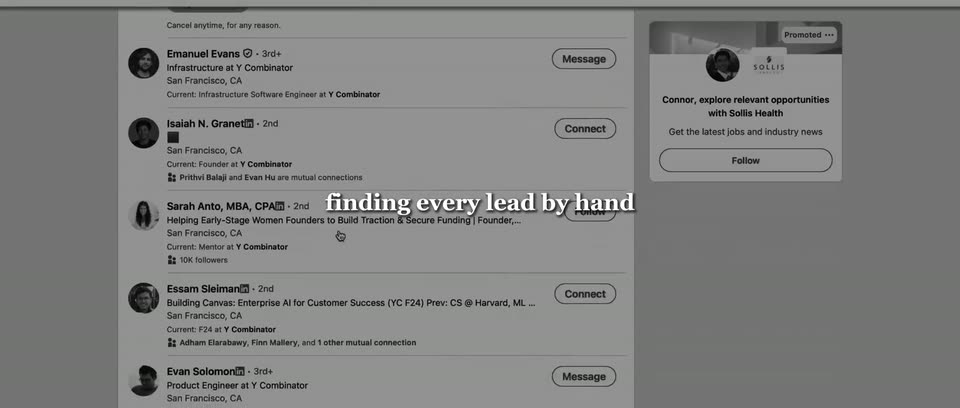 0:13–0:16Origami · Thrilled to announce Origami Agents (YC F24) is officially live as part of Y Combinator's F24 batch. We couldn't be more grateful for the support so far, and are excited to show the world what we'veA LinkedIn-style list of candidate profiles scrolls upward on the left while a promoted Sollis Health card stays fixed at the right. A cursor drifts across the rows beneath a centered white caption reading 'finding every lead by hand'.
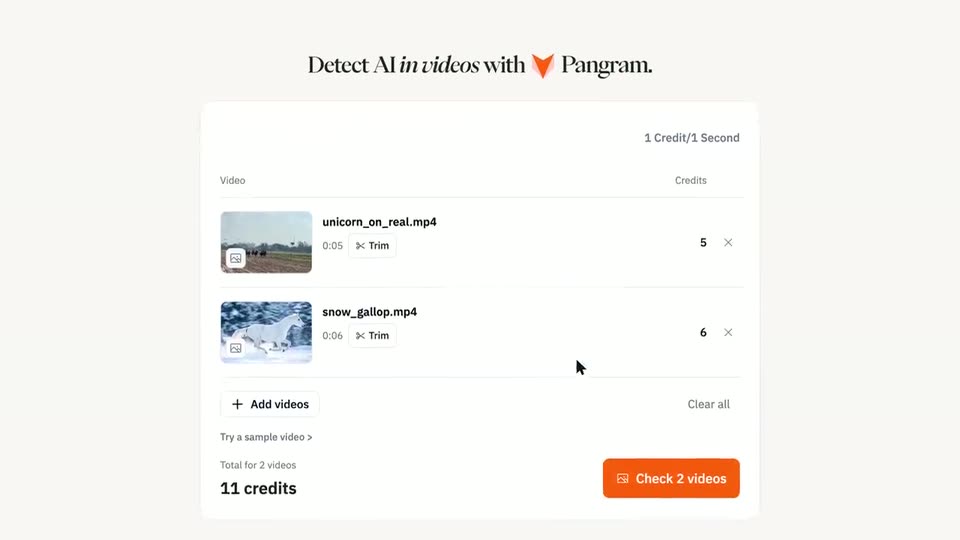 0:19–0:22Pangram · Introducing Pangram Image 1.0, our newest model for AI image and video detection. Pangram Image 1.0 identifies 99.2% of AI-generated images while maintaining a 0.27% FPR. It integrates into our… | Pangram LabsA product interface card sits under a serif headline on a cream background. A cursor drags a video file into the drop zone, the card populates with two video rows and an orange check button, then clears back to the empty state.
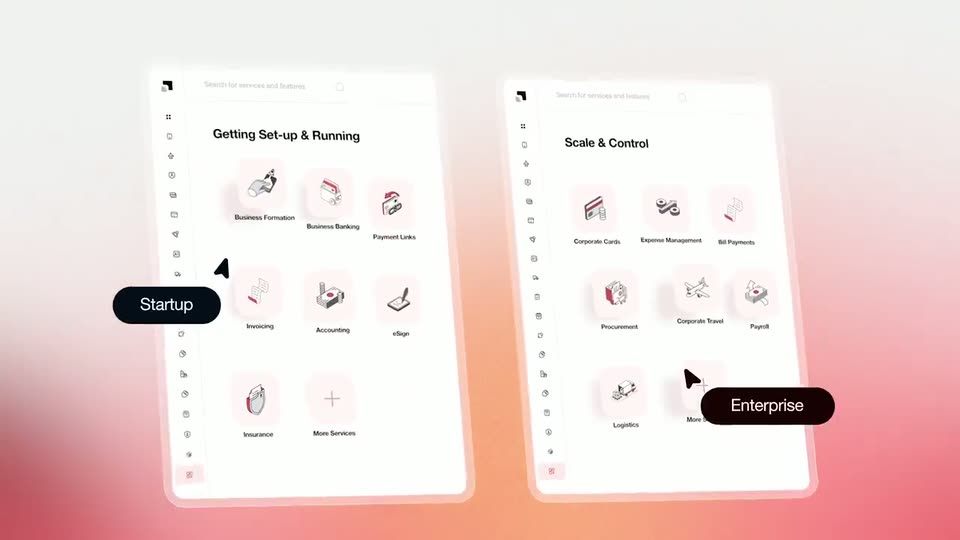 0:38–0:39Peko · See Peko’s activity on LinkedInTwo tilted phone mockups float side by side on a pink gradient, each showing a grid of service icons, while dark pill badges labeled Startup and Enterprise point to them and a cursor taps between the screens.
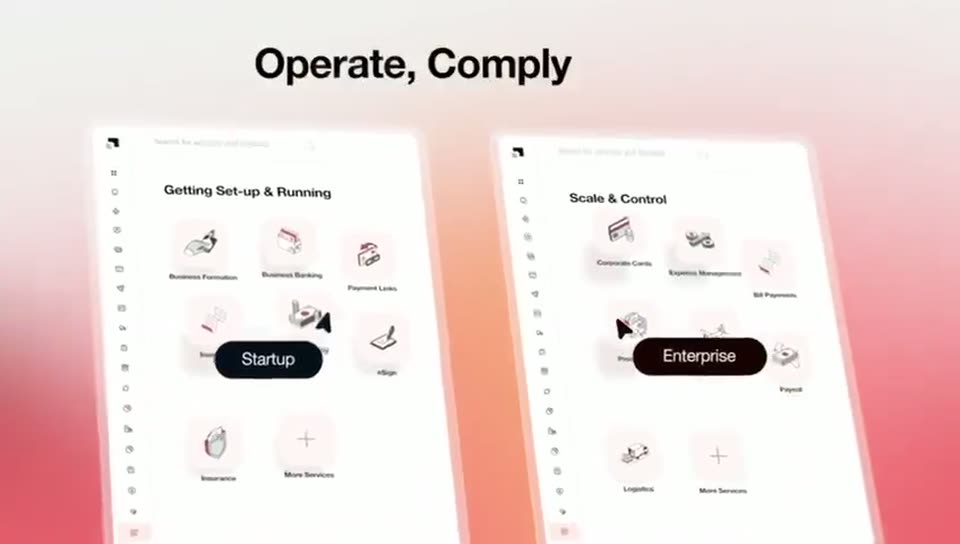 0:39–0:45Peko · The future of business starts with Peko. From the first invoice to the first payment, from payroll to compliance, everything a business needs, on one platform. Built for the next generation of… | PekoTwo white service-grid panels float in 3D perspective over a warm orange gradient, each tagged with a black Startup or Enterprise pill. The soft focus sharpens, the panels tilt and settle, then a bold black headline types on above them.
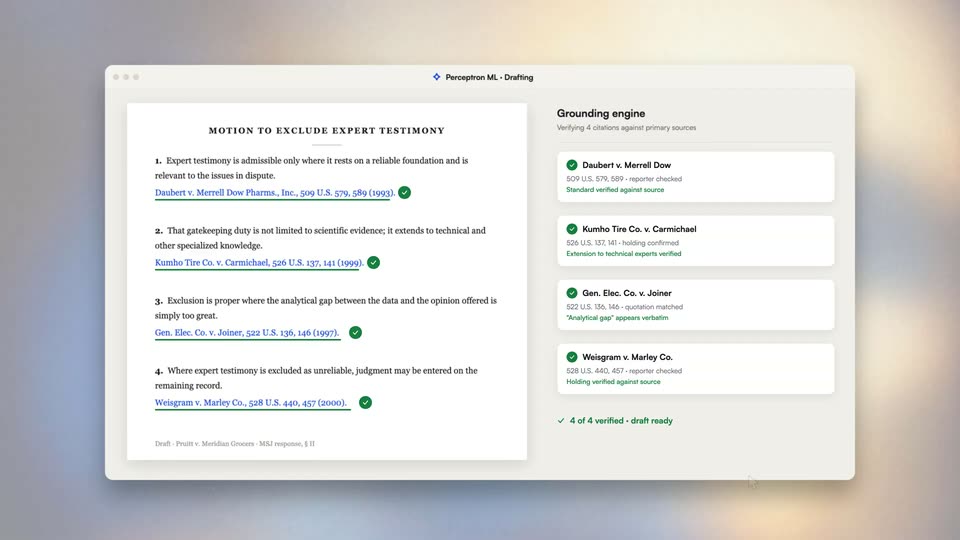 1:32–1:38Perceptron ML · Perceptron ML (YC S26)A drafting window shows a legal motion on the left and a grounding panel on the right. Four citation cards fill the panel with green checks, then a cursor clicks a blue citation and the panel swaps to the source court document.
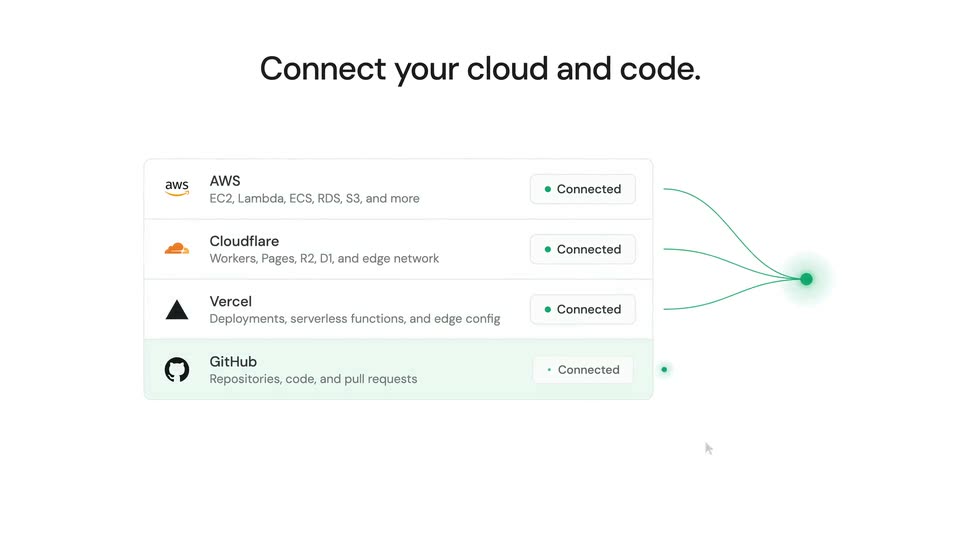 0:03–0:07Polylane · Introducing Polylane · PolylaneA white integration list under the headline shows four service rows. A cursor clicks each Connect button in turn, flipping it to a green Connected pill, while a green line draws from each row to a single glowing node on the right.
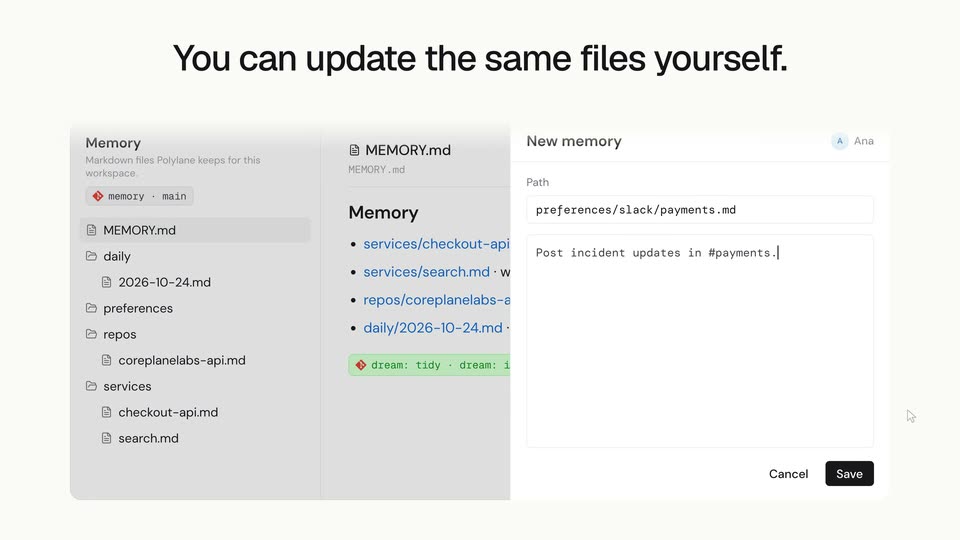 0:40–0:43Polylane · Memory you can read and edit · PolylaneA headline sits above the Memory interface, where a New memory form has a path filled in. Text types into the Post field, the cursor clicks Save, and the form closes to reveal the MEMORY.md document.
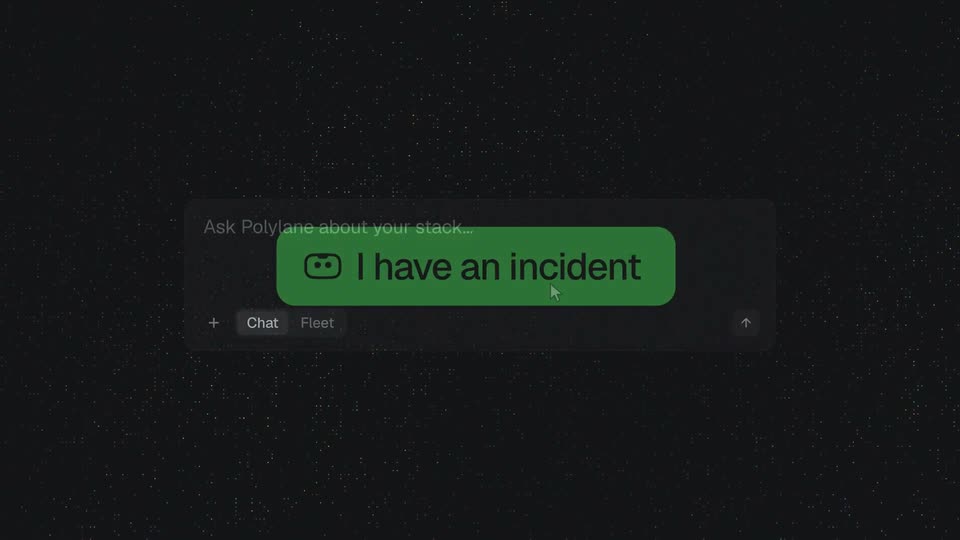 0:00–0:02Polylane · Polylane: fleet darkA green pill button reading “I have an incident” floats over a starry-sky background. A cursor moves in, hovers, and clicks; the button is replaced by a dark chat input bar with a placeholder and Chat and Fleet tabs, and the cursor taps them.
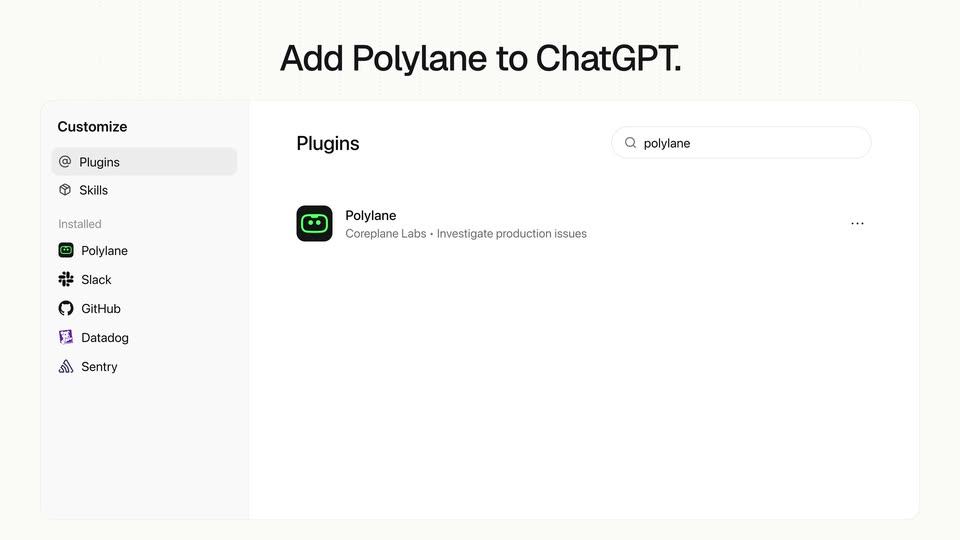 0:03–0:06Polylane · Polylane for ChatGPT · PolylaneA flat ChatGPT plugins screen under the headline “Add Polylane to ChatGPT.” A cursor moves to the plus button beside the Polylane entry and clicks it; Polylane appears in the installed sidebar and the plus becomes dots. The scene fades as the next headline fades in.
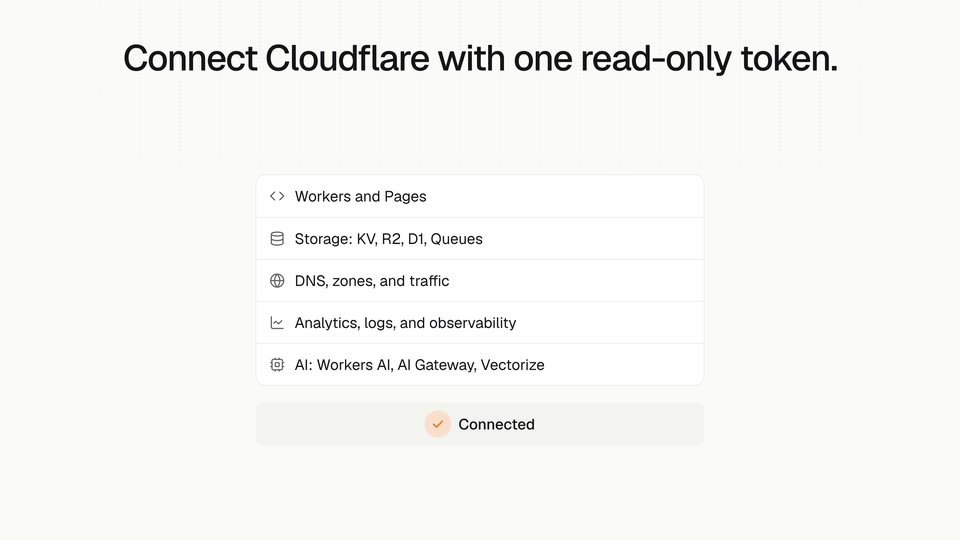 0:03–0:06Polylane · Polylane for Cloudflare · PolylaneA centered card of five Cloudflare capability rows resolves from a soft blur under the headline; a cursor clicks the dark Connect button, which crossfades into a light pill marked Connected with an orange check.
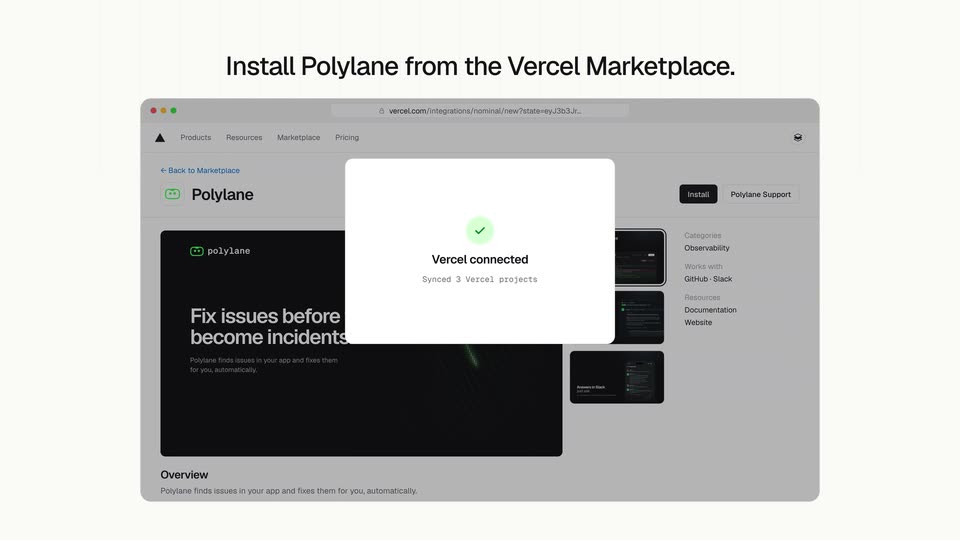 0:02–0:06Polylane · Polylane for Vercel · PolylaneA flat browser mockup of the Vercel marketplace page sits under a black headline. A cursor clicks the Install button, the page dims, and a white modal pops in with a green checkmark reading Vercel connected, then Synced 3 Vercel projects. The whole frame fades to white.
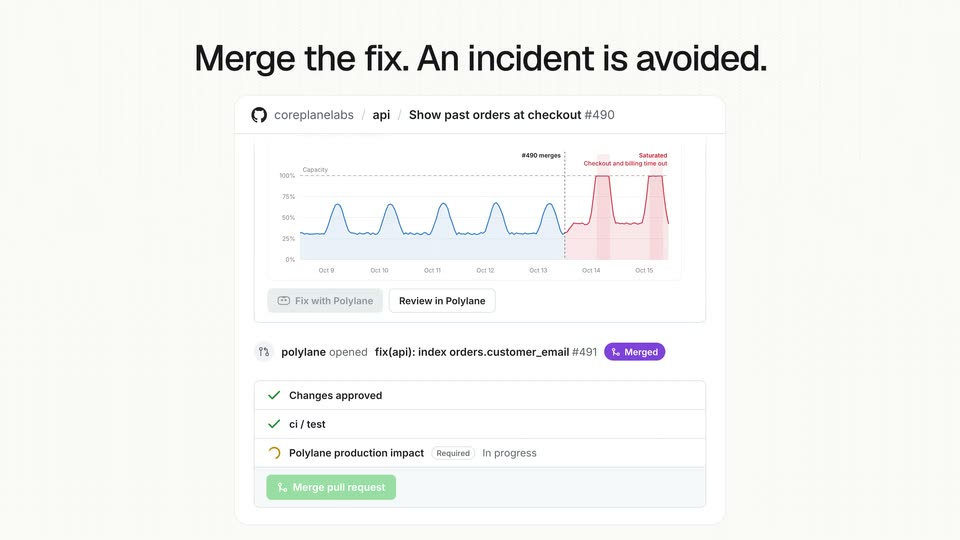 0:27–0:39Polylane · Polylane Impact Analysis · PolylaneA pull request card sits under a headline on a light background. It scrolls to reveal the checks list, a cursor clicks Fix with Polylane, and a new fix row appears. The headline swaps, the fix badge turns Merged, the impact check turns green, and the cursor clicks Merge.
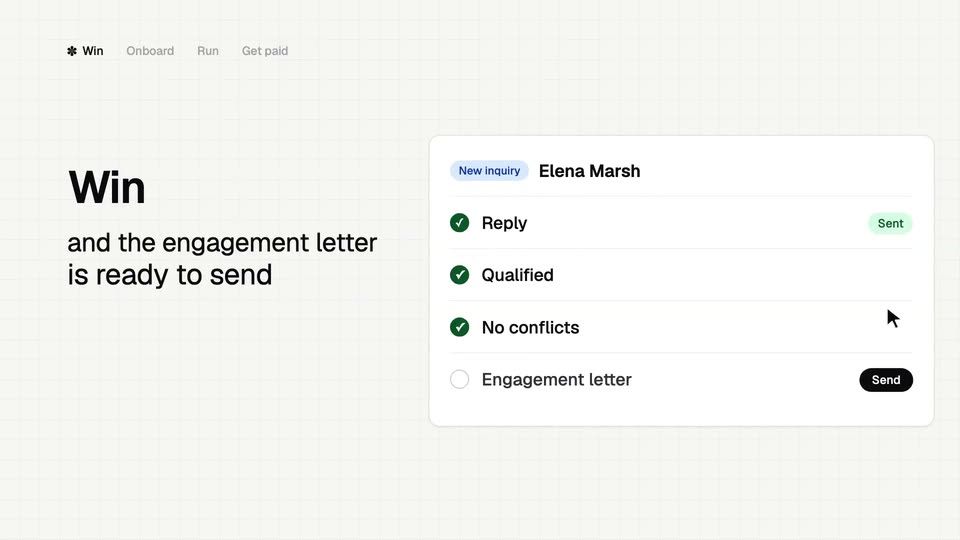 0:35–0:44Praxis · Praxis Launch YCA white inquiry card for Elena Marsh sits right of a large Win headline on a grid background. A cursor clicks Send on each row, turning black buttons into green Sent pills and filling checkmarks, while the body copy on the left swaps line by line.
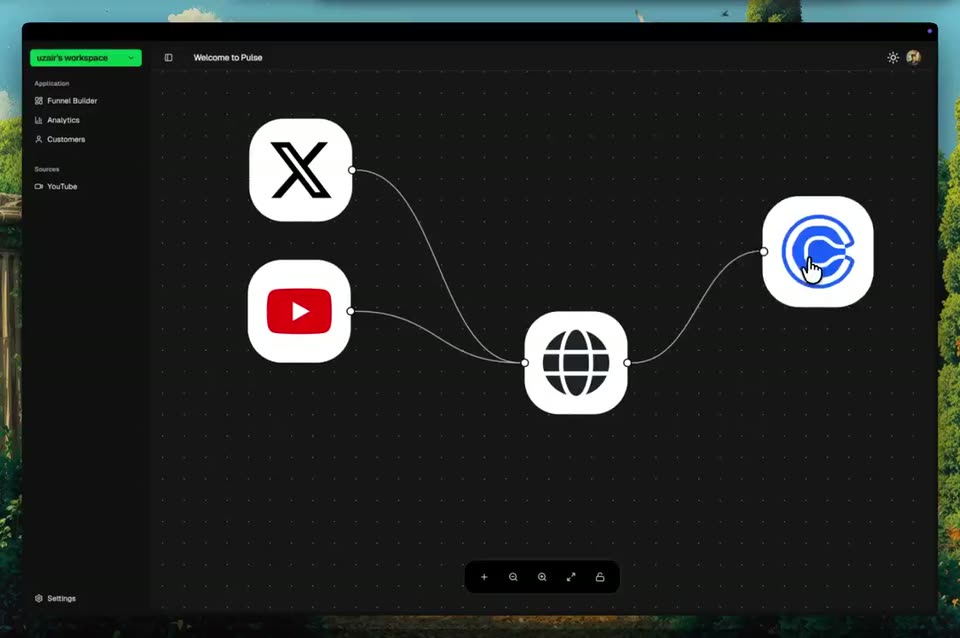 0:00–0:03Pulse · Psst, dark mode is here. If you're running youtube lead gen offers then you need to setup some tracking for your content, because YouTube dashboard only tells views. Pulse makes it easy by giving… | PulseA dark dot-grid canvas shows four white app tiles, X, YouTube, a globe and a blue C, linked by curved lines. The cursor moves to the blue tile, then the view zooms in as it hovers the plus button in the bottom toolbar, popping a green ACTION tag.
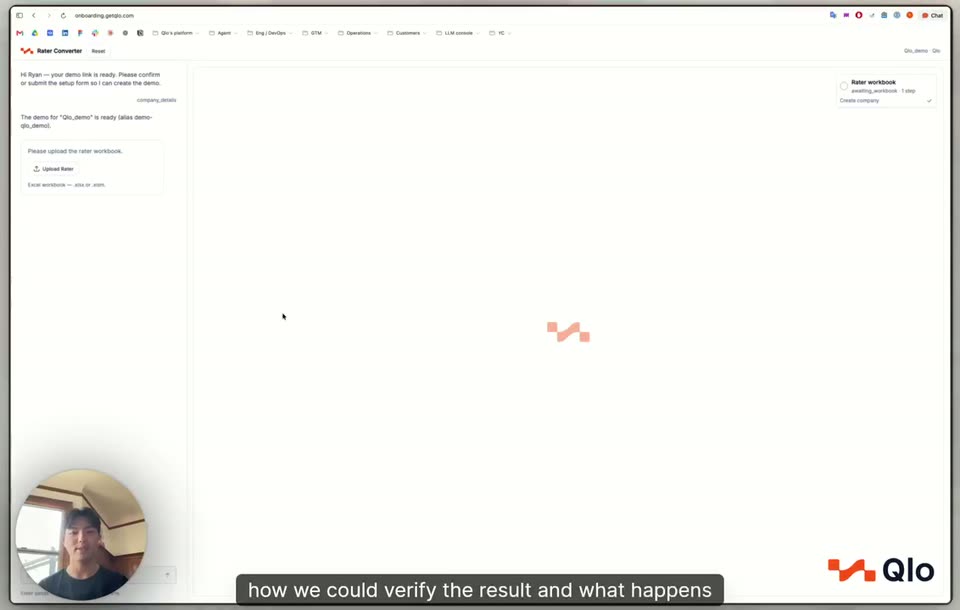 0:00–0:24Qlo · Your rater shouldn’t take months to implement. Today, we’re launching Qlo’s Rater Converter. Give it an existing Excel rating file. It turns that file into a working digital rater inside Qlo while… | Ryan HuA locked-off screen recording of the Rater Converter chat page in a browser, with a circular webcam feed of the presenter bottom-left and the Qlo logo bottom-right. Caption lines swap in at the bottom as he introduces the demo; the cursor moves to the Upload Rater button at the end.
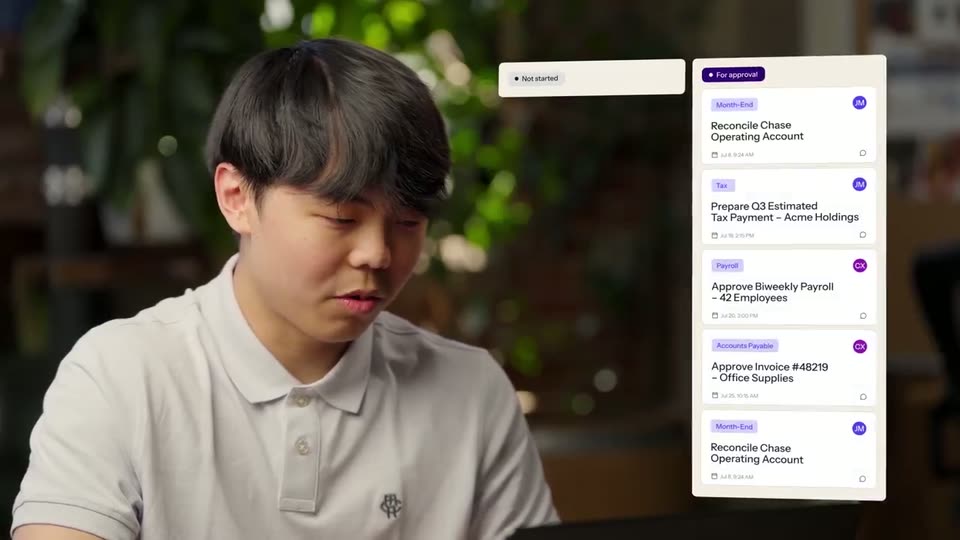 1:11–1:20Rational · Rational (YC S26) builds AI employees for accounting. Over 300,000 accountants have left the field in the past 5 years, and the talent shortage has led firms to reject clients and revenue because ofA man in a white polo works at a laptop against a blurred plant wall. A two-column task board floats on the right: a hand cursor drags the Reconcile card from Not started into For approval, then the remaining cards follow, leaving the first column empty.
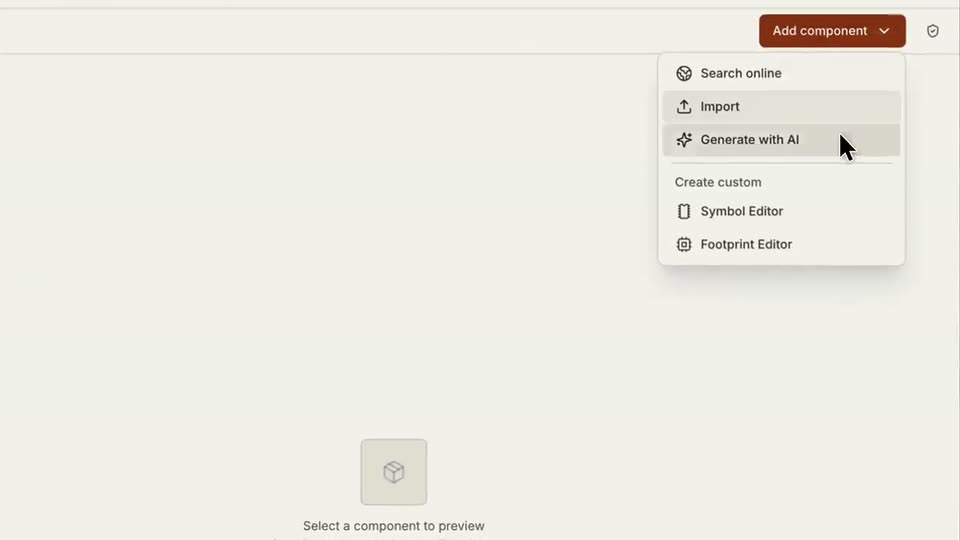 0:00–0:02Resin Technologies · Stop drawing component libraries by hand. Give Resin any MPN or datasheet and it builds the symbol and footprint, with every pin and pad traceable to the source datasheet. | Resin TechnologiesA component library screen with a left list fills the frame. The cursor clicks the orange Add component button, the view zooms into the form panel, and a dropdown menu opens with the cursor resting on Import.
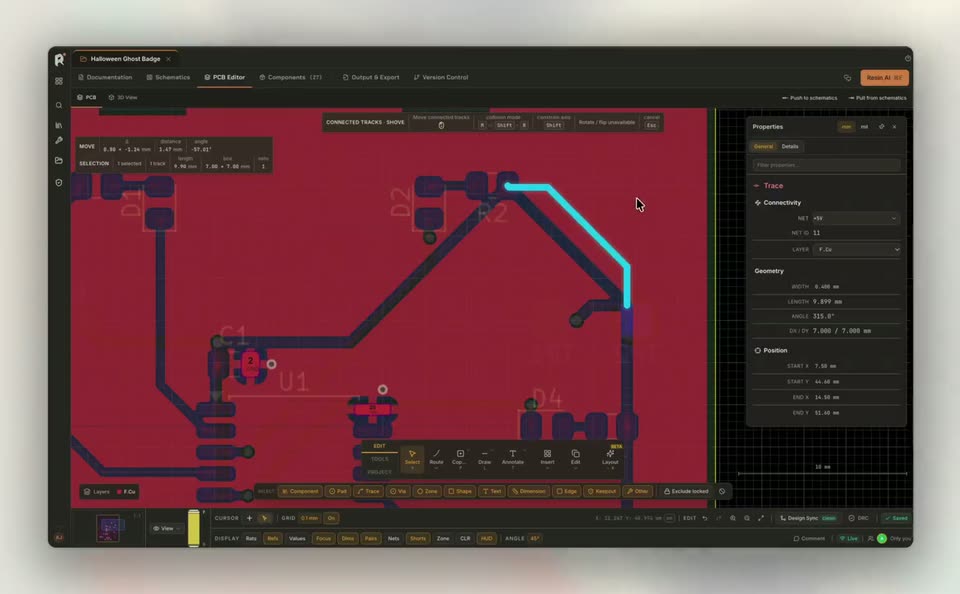 0:04–0:07Resin Technologies · Introducing Semantic Diffs. You can now *see* what changed across revisions -- parts, traces, vias etc. -- instead of inspecting blobs of text. Live now for all users! | Resin TechnologiesA red PCB editor canvas shows a circuit board. The cursor clicks a copper trace, which glows cyan as a properties panel slides in from the right listing its geometry. The view then zooms into the board.
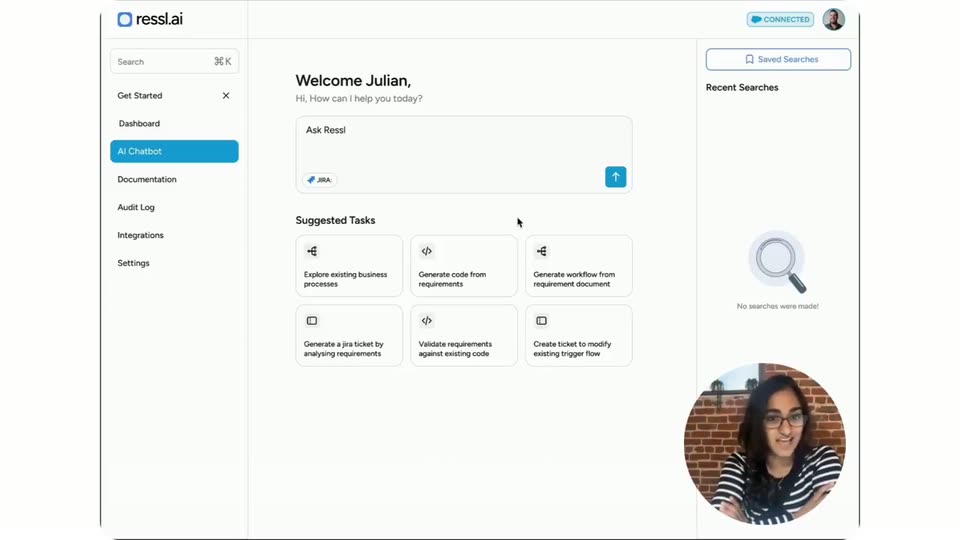 0:18–0:24Ressl · Introducing Ressl AI ~ We're building an AI Admin to help companies fall in love with their Salesforce orgs again ❤️ Our product is aimed at assisting admins in every phase of the SalesforceThe product dashboard is displayed with a cursor moving over an input field and a task card. Large black text phrases appear sequentially at the bottom of the screen. A circular video of a woman talking sits in the bottom right corner.
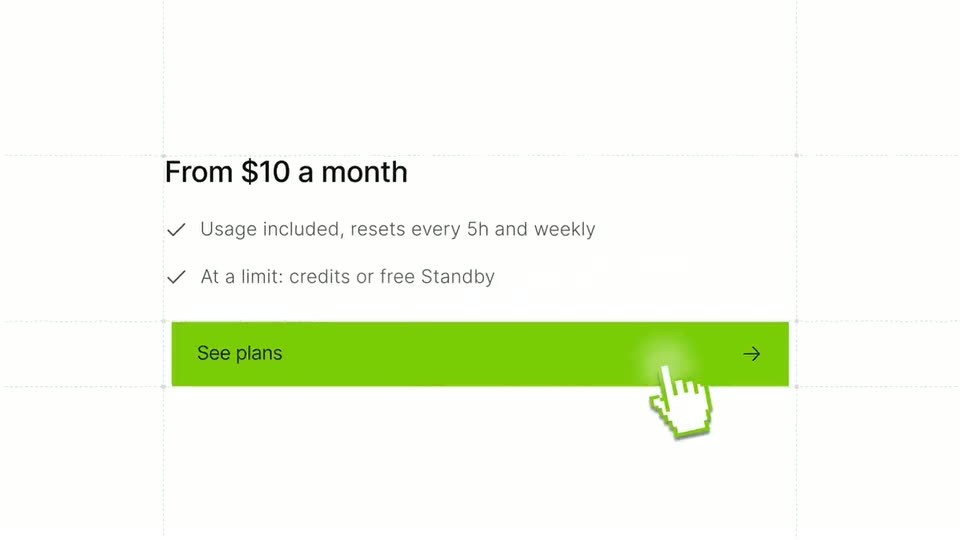 0:24–0:26RightNow · runinfra coding plan is live the fastest open models in claude code, codex, opencode and 16 more agents. from $10 a month more usage per dollar and faster tok/s than other providers. both, not one… | RightNow InferenceA pricing card assembles on a white grid: the heading and two checkmark bullets fade and scale in, then a green See plans button with an arrow appears. A white hand cursor with a green outline slides in from the lower right and hovers over the button.
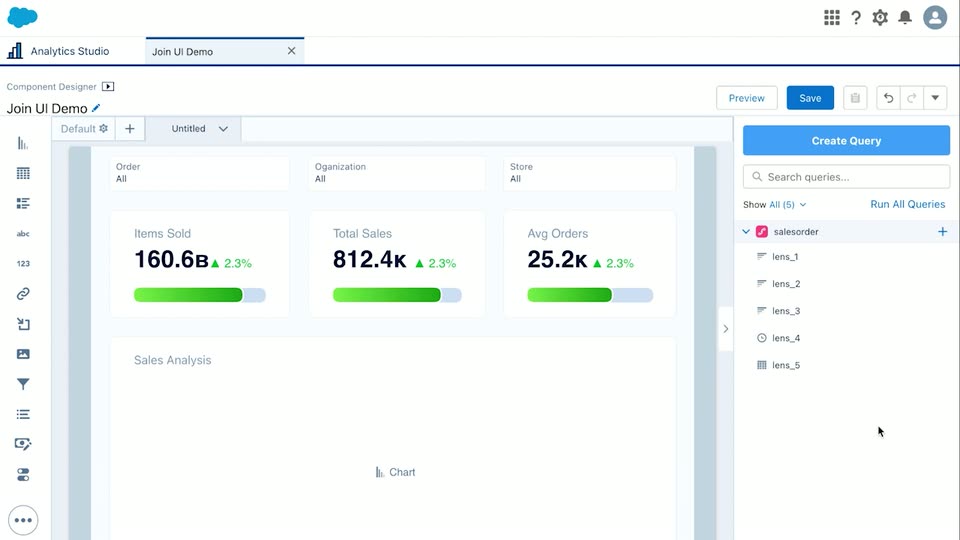 0:20–0:26Salesforce · Analytics - Join Data User InterfaceA locked-off view of an analytics builder: a center canvas holds three metric cards with green progress bars above an empty Sales Analysis chart, while a right panel lists queries under a blue Create Query button. A cursor glides in from the lower right and rests on the button.
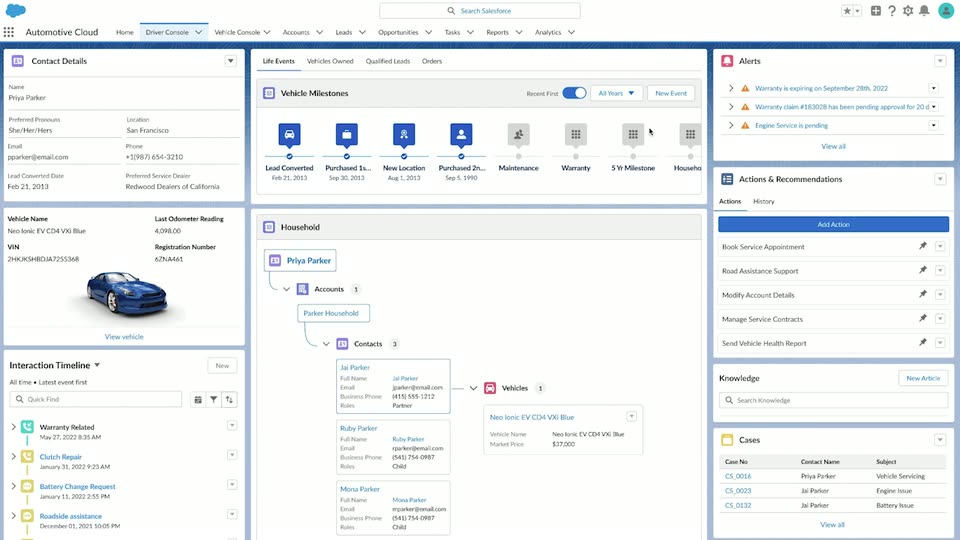 0:05–0:16Salesforce · Automotive Cloud - Automotive Cloud IntelligenceA full-screen automotive CRM dashboard holds static, showing contact details, a vehicle milestone strip, a household tree, and side panels for alerts and cases. A mouse cursor drifts from the milestone icons to the top menu and hovers over Analytics.
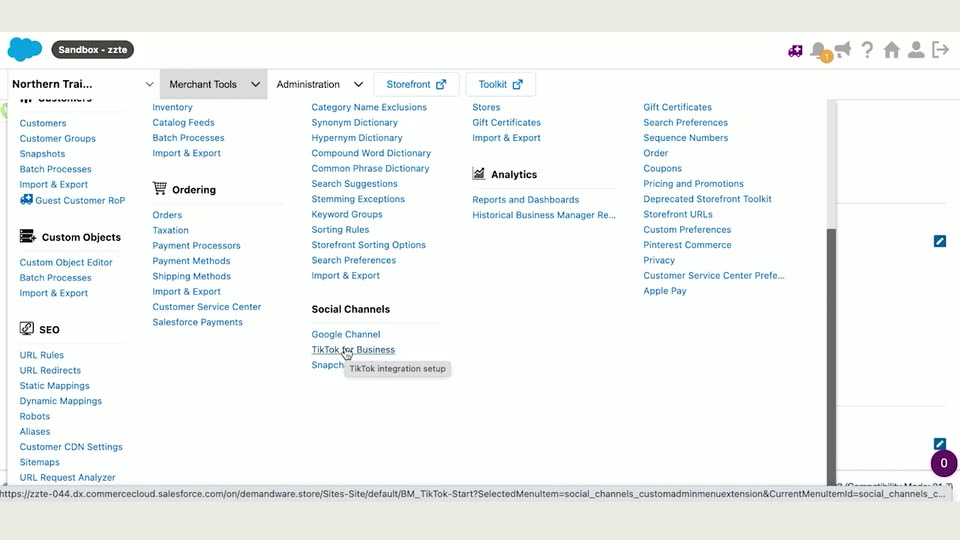 0:21–0:27Salesforce · Commerce Cloud - TikTok Integration for Commerce EnhancementsA screen capture of a commerce admin menu scrolls down as the cursor hovers over TikTok for Business, a tooltip pops up, then a click opens a page confirming the TikTok Shops connection beside a red disconnect button.
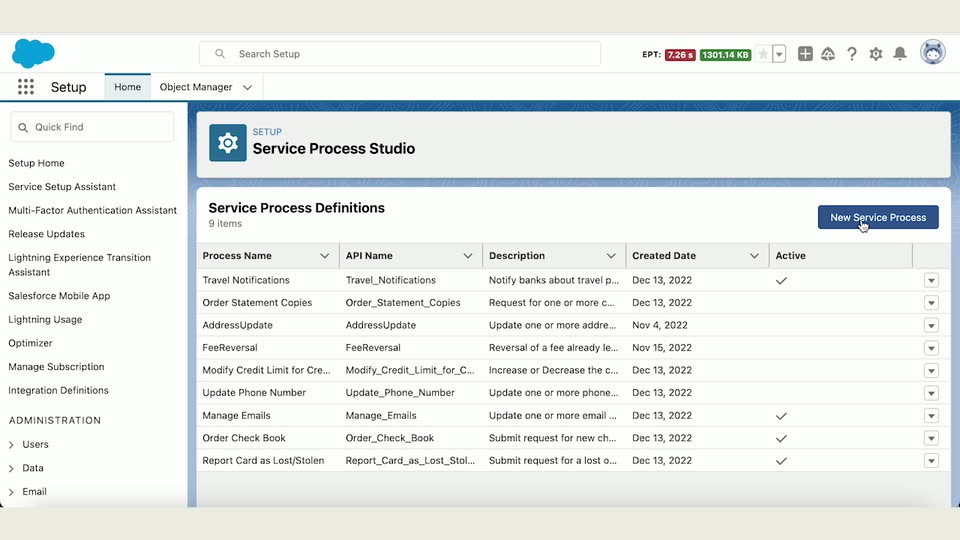 0:27–0:32Salesforce · Financial Services Cloud - Service Process AutomationA flat Salesforce Setup screen shows the Service Process Studio page with a table of nine service process definitions. A white cursor drifts from the top of the panel down to the blue New Service Process button and rests on it. The frame stays locked off throughout.
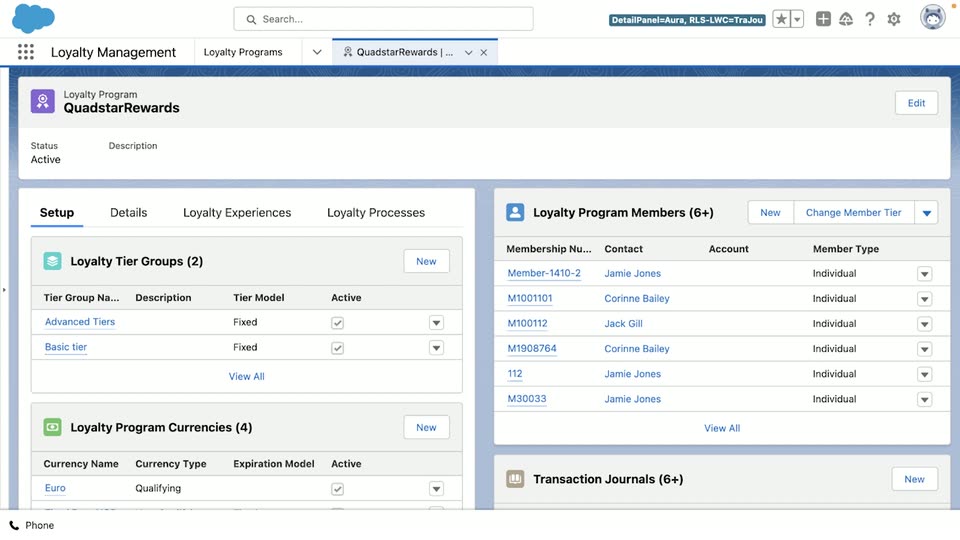 0:14–0:19Salesforce · Loyalty Management - Quick Promotion SetupA locked-off screen of a loyalty management dashboard shows the QuadstarRewards program with tier groups and member tables. A cursor drifts in from the left and rests on the Loyalty Experiences tab near the end.
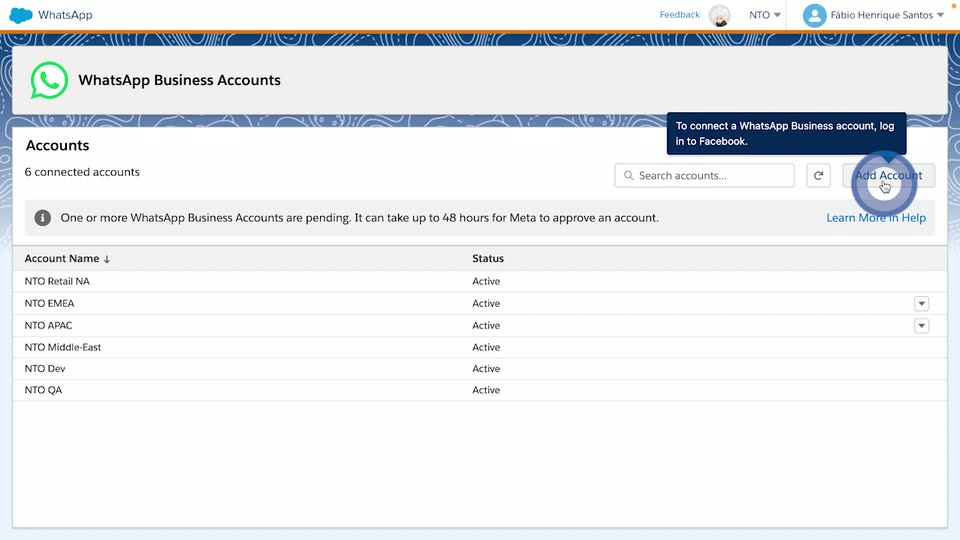 0:04–0:06Salesforce · Marketing Cloud - WhatsApp Business Messaging: Direct IntegrationThe WhatsApp Business Accounts page lists six connected NTO accounts. A cursor hovers over the Add Account button, then clicks it as a ripple ring spreads, while a dark tooltip explains the Facebook login step.
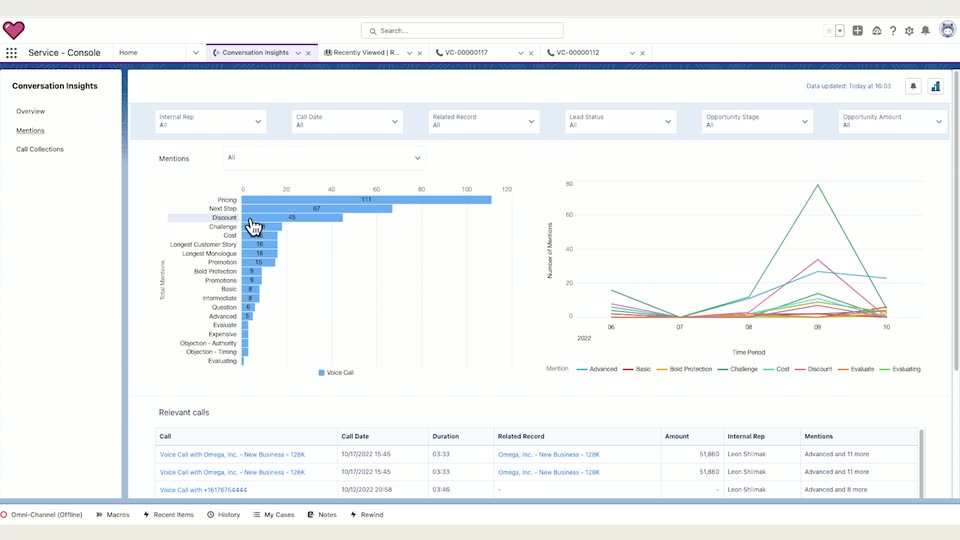 0:08–0:25Salesforce · Service Cloud - Salesforce Contact Center: Insights & SchedulingA locked-off Salesforce Service Console dashboard shows a horizontal bar chart of mention categories, a line chart over time, and a calls table. A cursor glides across the bar labels, then hovers the line chart, opening a dark tooltip that reads the Pricing count for September 2022.
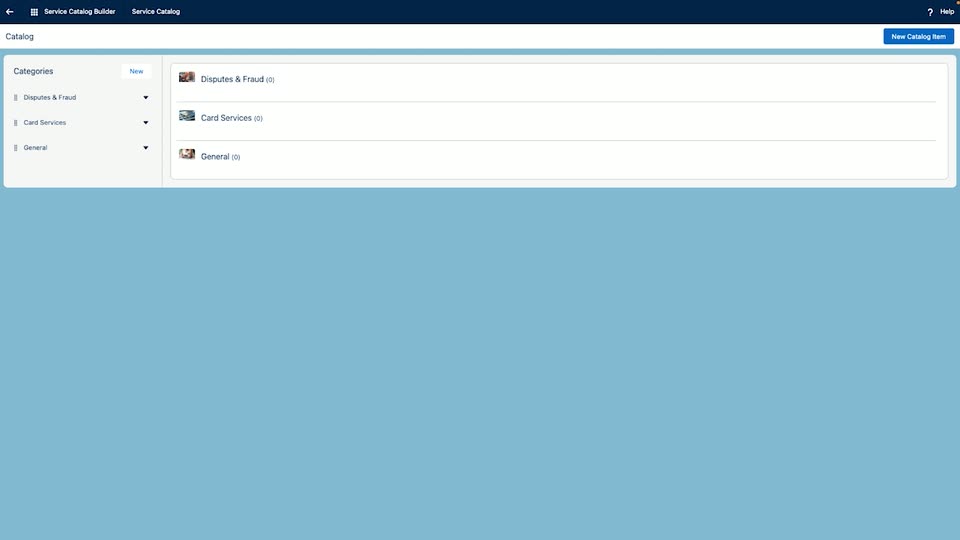 0:13–0:21Salesforce · Service Cloud - Service CatalogA light-blue service catalog screen shows a categories list on the left and three empty category rows on the right. A cursor drifts across the empty lower area, then moves up to hover the New Catalog Item button in the top-right corner.
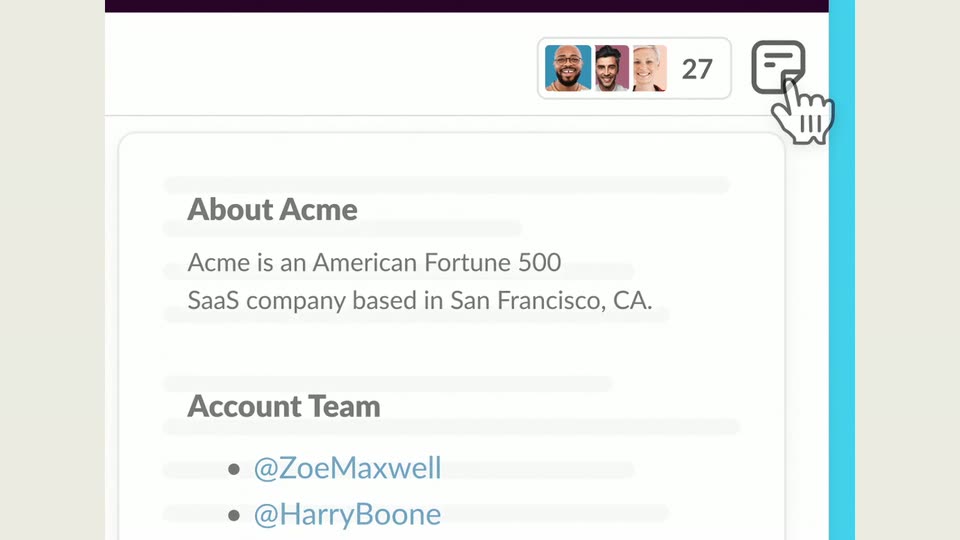 0:35–0:39Salesforce · Slack - CanvasA full Slack-style window sits on a teal field. The view zooms into the top-right corner where a white hand cursor clicks the canvas icon. A document panel opens, revealing an About Acme section and an Account Team list of blue handles.
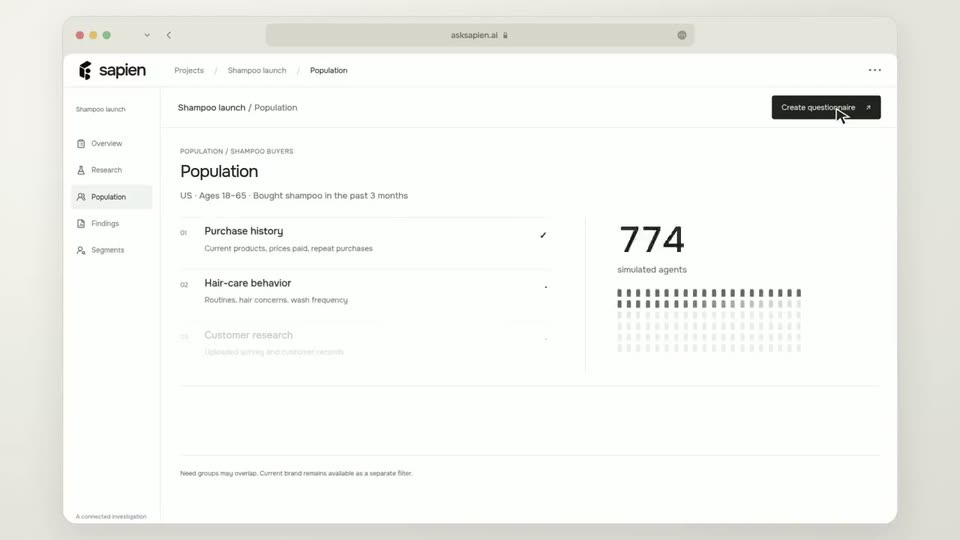 0:10–0:21Sapien · Introducing Sapien: simulated populations for predicting consumer behavior. Companies invest millions in products and campaigns based on what people say they want. But people’s intentions don’tA flat browser window on a light background opens on the Sapien New study page as it fades in; a cursor attaches a brief and types the research question. The view switches to Population, where a counter rolls to 10,000 and a dot grid fills.
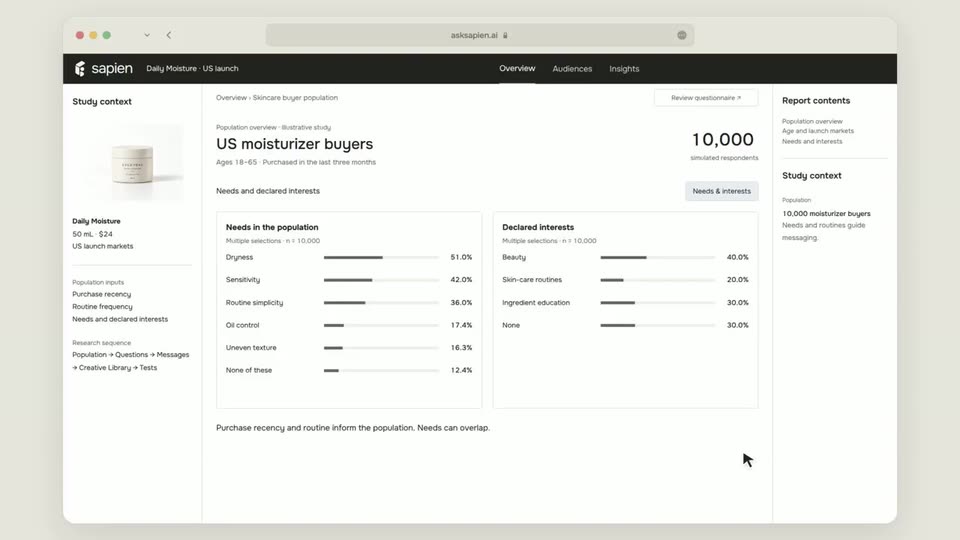 0:13–0:21Sapien · Introducing Sapien for marketing: predict what converts before you spend. Test messaging, creative, branding, landing pages, offers, and targeting against simulated populations of your exact ICPA browser window shows the Sapien dashboard with bar charts for US moisturizer buyers. A cursor glides to the Needs & interests tab and clicks it, swapping the age and market charts for needs and interests. The view then dissolves to a questionnaire page.
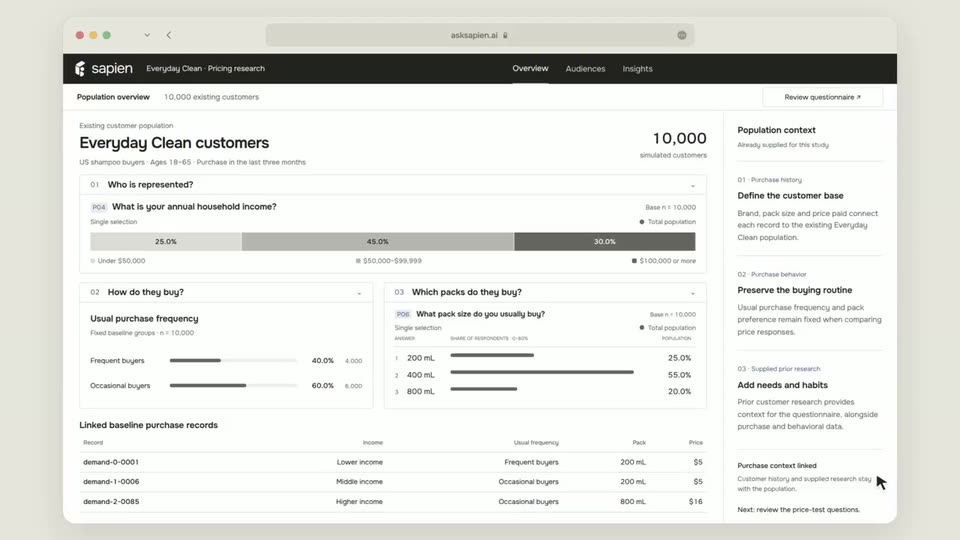 0:17–0:26Sapien · We’re launching Sapien for pricing and offer testing. See how demand changes at each price, which customers you’d keep, and which new buyers you could win. Before you change a single priceA browser window shows the Sapien pricing dashboard: a customer header, three bar-chart panels, a records table, and a right context sidebar. The frame holds, then a cursor moves to the top-right button and the screen switches to a list of price-test questions.
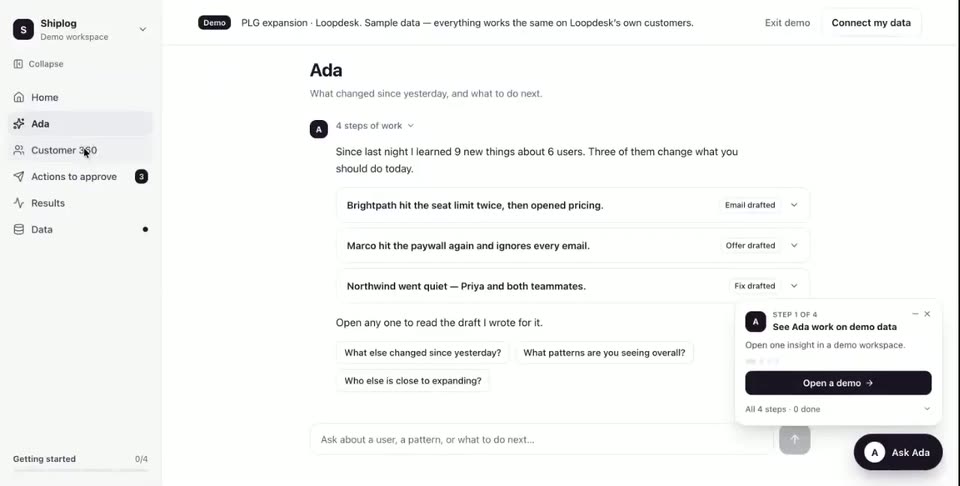 0:27–0:45Shiplog · #customersuccess #ai #saas #productledgrowth #revenuegrowth | Shiplog (F/AI F26)A flat dashboard screen of the Shiplog app shows the Ada page with a list of customer insights and a small demo card bottom right. A mouse cursor drifts from the content area into the left sidebar and rests on the Customer 360 menu item.
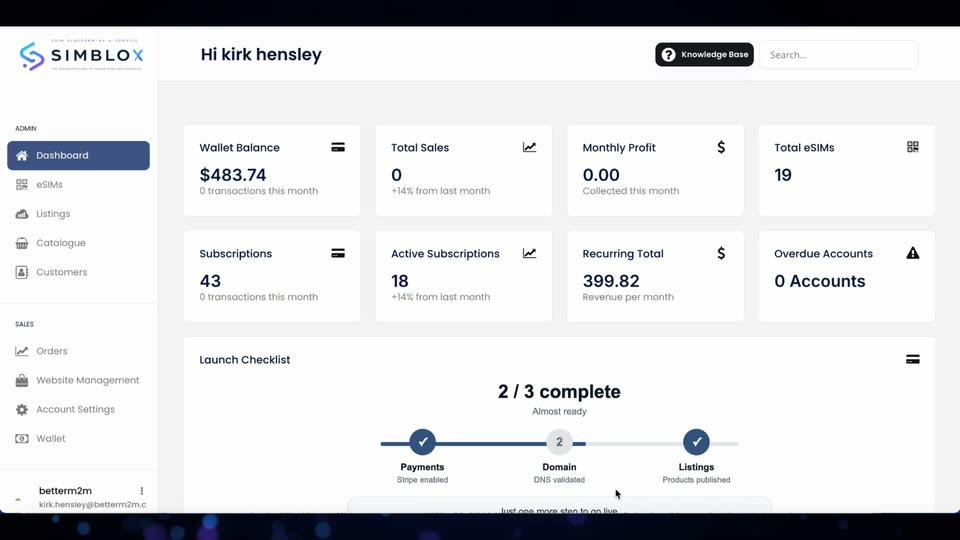 0:11–0:12SimBlox · SimBlox: minute demoA locked-off view of the SIMBLOX eSIM dashboard, with a greeting, stat cards and a launch checklist. The small tagline slides in beneath the logo at top left while a cursor glides across the recurring total card.
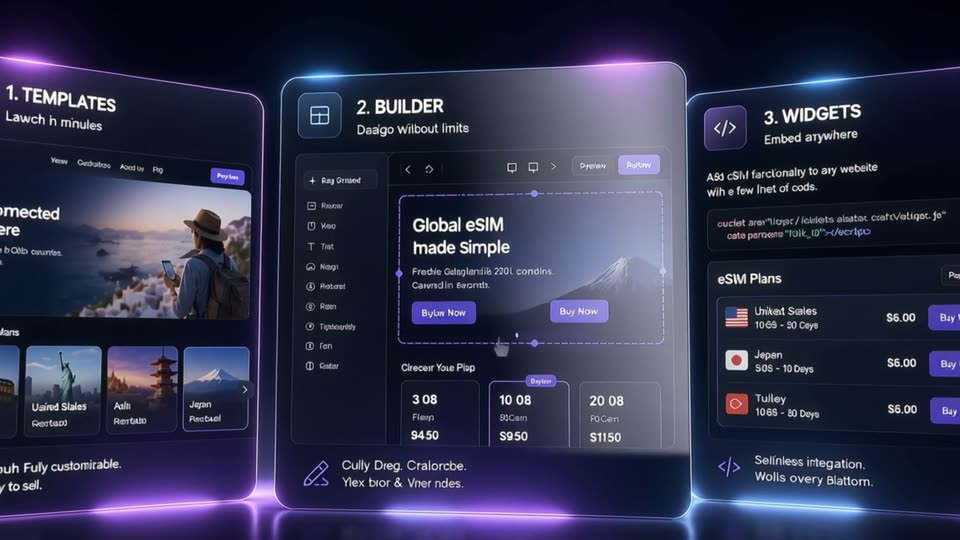 0:24–0:29SimBlox · SimBlox: advertThree glowing glass panels titled Templates, Builder and Widgets float in 3D on a dark reflective floor under a neon headline. A cursor hovers the Builder panel while the camera pushes in toward the center, the side panels sliding out of frame.
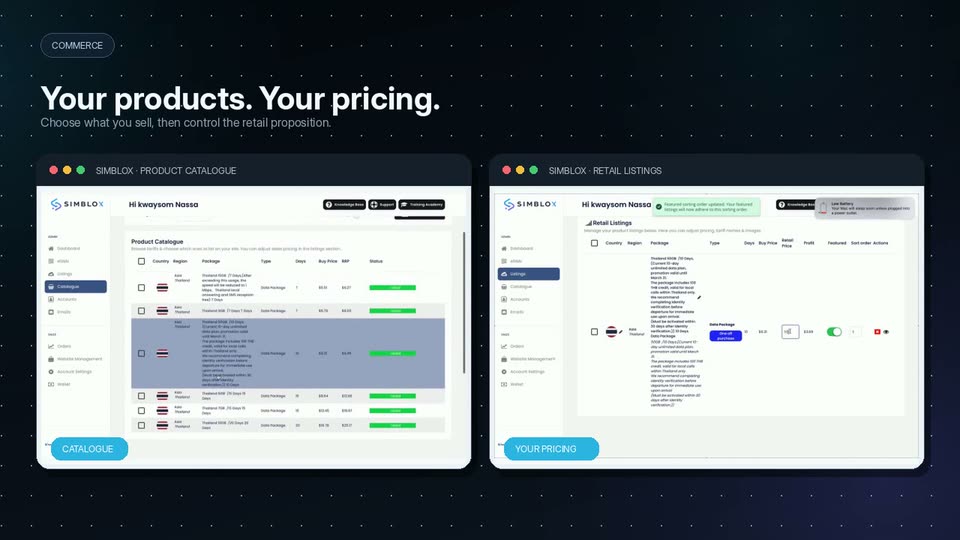 0:32–0:43SimBlox · SimBlox launch filmThe clip settles from a crossfade into two flat browser windows, catalogue and retail listings, side by side under a bold white headline on a dark dotted grid. A cursor ticks rows, a toggle flips green, a price jumps, and toasts pop top right.
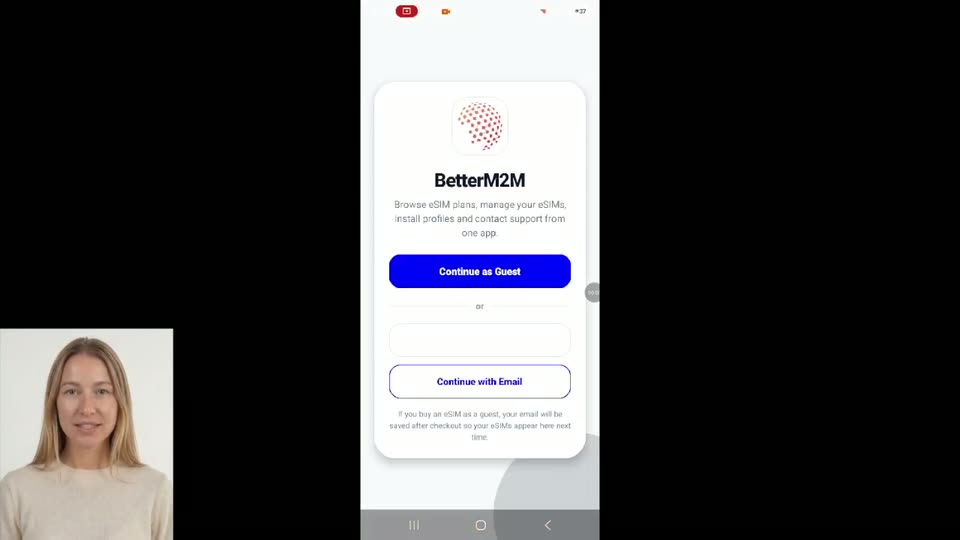 0:55–0:57SimBlox · SimBlox: apps demoA portrait phone screen on black shows the blue Roami splash, then cuts to a white BetterM2M onboarding card with a dotted globe icon and two buttons. A presenter's inset stays in the lower-left corner; a text caret appears in the email field.
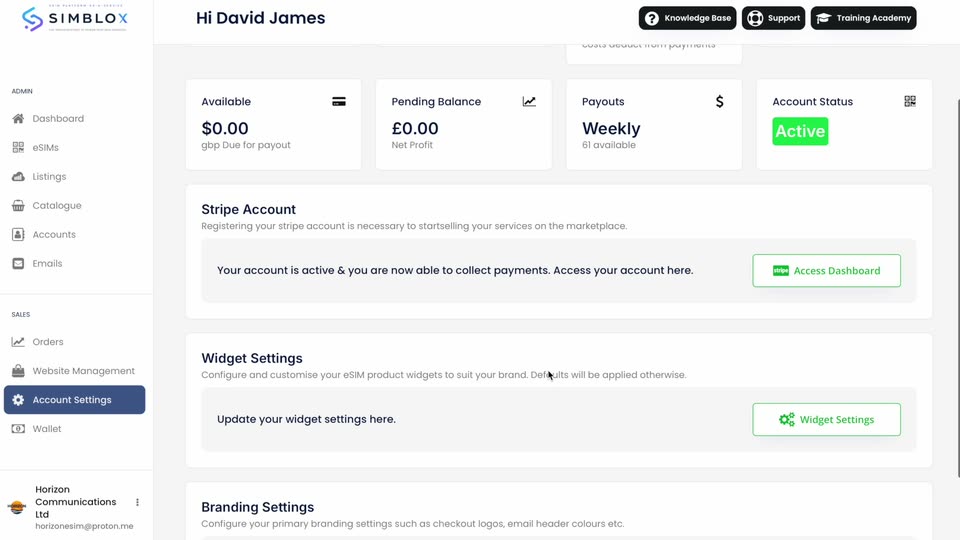 0:00–0:02SimBlox · SimBlox: web widgets demoA light admin dashboard scrolls slowly downward, passing account status cards and the Stripe Account panel. A mouse cursor drifts in and hovers over the Access Dashboard and Display Settings buttons.
 0:14–0:17SKUVE · Big thanks to the Zelios team for bringing Skuve to life in such a clear and engaging way! Skuve is all about making e-commerce product data smarter, simpler, and more actionable - and we love how… | SkuveOn a dark background, the white headline 'smart search' scales in with a green caret, then a glowing search bar appears and the prompt 'Find me a green hiking backpack' types out letter by letter. A hand cursor moves in and presses the green arrow button.
 0:00–0:03Skydive · Agents should work where you already work Bring your agents directly into Slack Give them tasks, ask questions, loop them into team conversations | SkydiveA black headline builds word by word on a white background. A cursor slides in, clicks the word team, which morphs into a blue #team chip as the line zooms in and a purple panel wipes in from the right.