0:40
Explore
See Judgment Labs’ activity on LinkedIn
Judgment Labs · 0:59 · Full motion · AI-annotated
- Length
- 0:59
- Scenes
- 12 · 5.0 s avg
- Product on screen
- 0:00
- Features shown
- 5
- Voiceover
- No
00:00:00 / 00:59:16
- Length
- 0:59
- Scenes
- 12 · 5.0 s avg
- Product on screen
- 0:00
- Features shown
- 5
- Voiceover
- No
Judgment Labs’s 0:59 launch film runs 12 scenes, about 5.0 s each. The product is on screen from the first frame and 5 features are revealed. There is no explicit call to action. The video is built as a chain of onboarding steps, each shown as a white UI panel on a dark flowing backdrop and advanced by a single red button click. Its signature moves are slow camera pushes, blur transitions between panels, and a final line-drawing logo reveal.
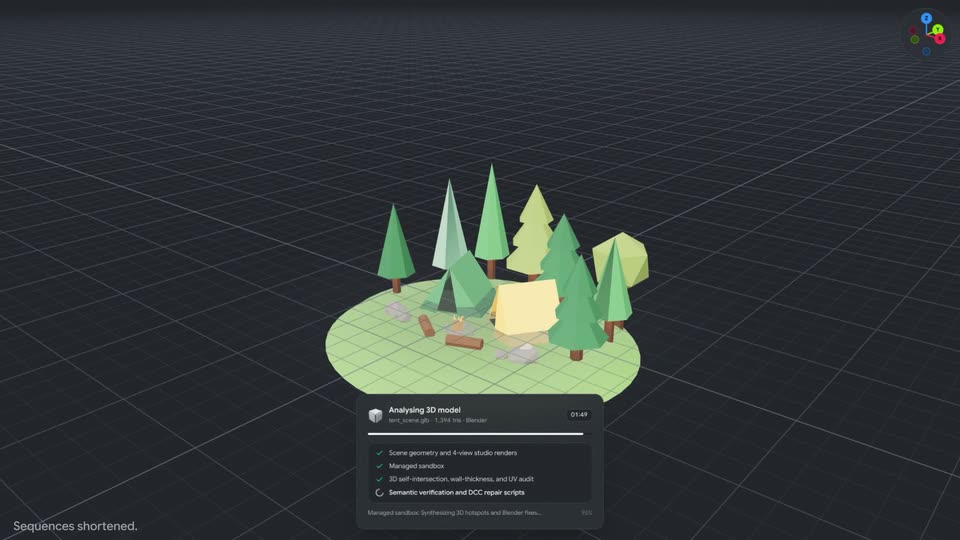
No filming indicatedEstimated needs: 5 capture groups — your screens or recordings · 1 official logo — reused across the film · 1 3D passage — build or supply
Is this your launch? to your site or press kit.
More like this


See Judgment Labs’ activity on LinkedIn, scene by scene
· 12 scenes as text
01 · Feature reveal · 0:00–0:06
A cursor clicks the red Create Ingest API Key button, opening a centered modal where it types 'production' from an autocomplete list. A success modal then shows the generated key as the cursor hovers the copy and Close buttons, the background blurring into a halftone pattern.
Techniques: Cursor demo
Camera: Static
02 · Feature reveal · 0:06–0:13
A product window floats tilted in 3D over a dark flowing background. A cursor clicks the red Copy button, a tooltip pops up, then the setup steps tick to Configured and a progress bar counts up to 8 of 10 traces while the window rotates flat.
Techniques: 3D mockup, Cursor demo
Camera: Static
03 · Feature reveal · 0:13–0:25
A white app window on a dark backdrop shows a scanning checklist left and a dot grid with colored markers right. The camera pushes in, the heading changes to See what needs a closer look, a cursor clicks Continue, and a diagnosis card with an incidents chart zooms in.
Techniques: UI zoom, Cursor demo
Camera: Push in
04 · Feature reveal · 0:25–0:27
A close-up of a scan-scheduling panel; a hand cursor hovers over the red Save & continue button beside an issue detail card. The view then pulls back to frame the whole interface inside a tablet mockup on a dark background.
Techniques: Cursor demo, UI zoom
Camera: Pull out
05 · Feature reveal · 0:27–0:28
A white settings card on a dark blue background. The left text column and the right diagram switch from a recurring-scans view to a classify-traces view, the right accent panel shifts from teal to purple, and a hand cursor stays on the red Generate button. The frame is locked-off.
Techniques: Cursor demo
Camera: Static
06 · Feature reveal · 0:28–0:31
A white onboarding panel floats on a dark abstract background. Left side holds a heading and a red Continue button; right side shows a node linking to three colored bar charts. A cursor glides to the button, clicks it, and the panel blurs into a new Judges list view.
Techniques: Cursor demo
Camera: Static
07 · Feature reveal · 0:31–0:37
Close-up of a Judges panel listing four catalog rows on a soft pink gradient. The cursor clicks the red Continue button, the first row expands into a trace table with checkmarks, then the camera pulls back to the full app window with a heading on a dark blue backdrop.
Techniques: Cursor demo, UI zoom
Camera: Pull out
08 · Feature reveal · 0:37–0:48
A two-panel product screen sits flat on a dark backdrop, a Slack thread fixed on the right. A cursor clicks Set up Slack on the left, the panel wipes to a channel picker, the cursor types and picks a channel, then clicks Save and continue as the frame tilts.
Techniques: Cursor demo
Camera: Static
09 · Feature reveal · 0:48–0:49
A cursor clicks a red button on a Slack setup panel beside a thread preview; the screen fades to white and a 'Saved configuration' toast slides in at the bottom right.
Techniques: Cursor demo
Camera: Static
10 · Feature reveal · 0:49–0:54
A white onboarding card on a dark abstract backdrop shows a Judgment Agent prompt above an embedded chat preview with 3D shapes. A hand cursor clicks the send button; the card collapses and the screen becomes a chat with a Thinking spinner and a bottom input bar.
Techniques: Cursor demo
Camera: Static
11 · Feature reveal · 0:54–0:54
A white chat interface window displaying a prompt and a 'Thinking' indicator fades out against a dark abstract background, leaving a blank white screen.
Camera: Static
12 · Outro · 0:54–0:59
Thin red and gray lines sweep in from the frame edges, thicken into gradient bars, and fold into a red logo mark while the wordmark Judgment Labs fades in in black, its last letters settling from magenta.
On-screen text: “Judgment Labs”
Techniques: Morph
Camera: Static