1:07
Explore
00:00:00 / 01:03:24
- Length
- 1:03
- Scenes
- 17 · 3.7 s avg
- Product on screen
- 0:00
- Features shown
- 3
- Voiceover
- No
Polylane’s 1:03 launch film runs 17 scenes, about 3.7 s each. The product is on screen from the first frame and 3 features are revealed. There is no explicit call to action. A single-screen explainer built on a flat cream field: a centered headline crossfades line by line above a two-pane memory UI that assembles, zooms, and reorders in place, with blur-to-focus reveals marking each new beat. Pacing is even and unhurried at about 112 bpm; the signature moves are the zoom into markdown documents, green highlight flashes on file rows, and typed chat bubbles that land as cards.
No filming indicatedEstimated needs: 4 capture groups — your screens or recordings · 1 official logo — reused across the film
Is this your launch? to your site or press kit.
More like this
Similar soundtrack
Films whose music sounds like this one, voice left out
1:06


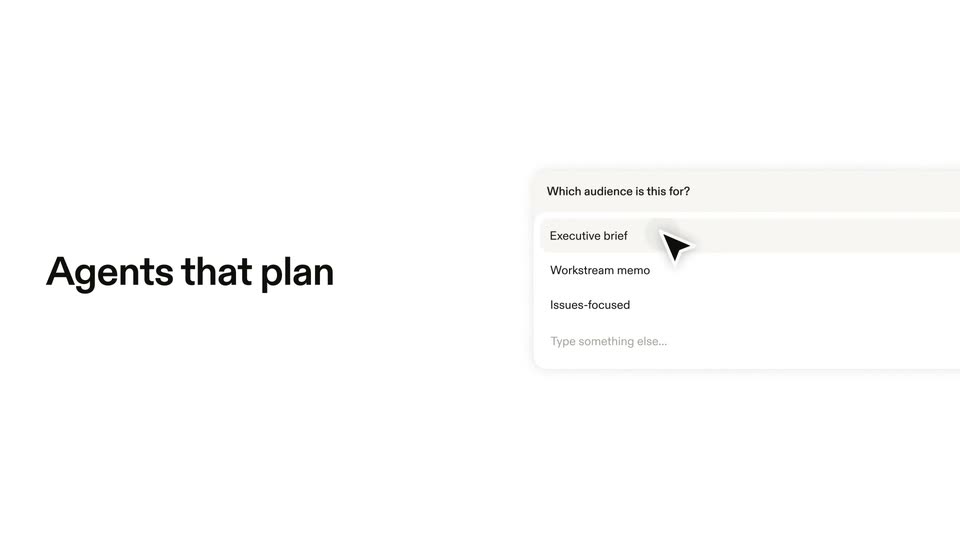
Perplexity - Introducing Brain in Computer. Brain is a continuously learning memo
Perplexity · Electronic
1:30

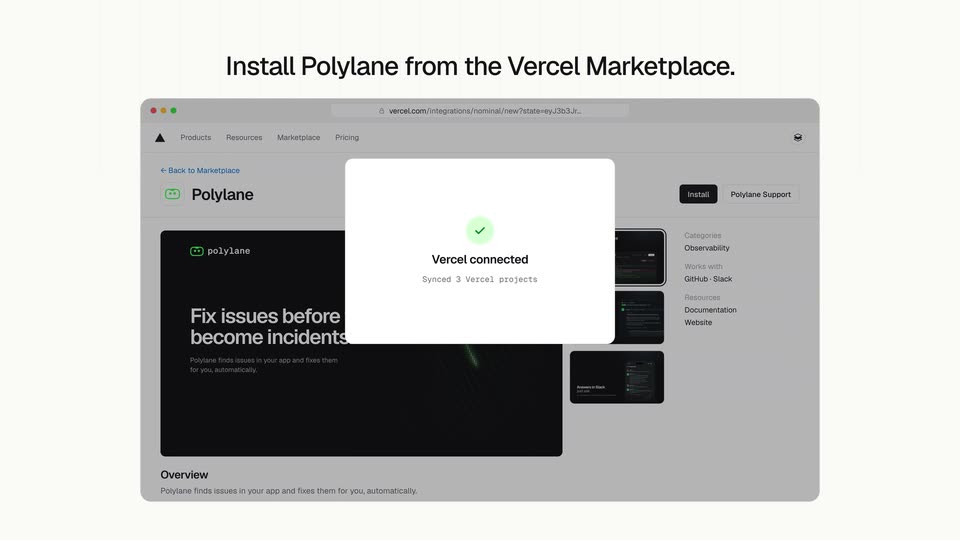
Introducing Webflow Campaigns – Launch While It Still Matters
Webflow · Modern electronic dance music with progressive house and future house elements
0:52

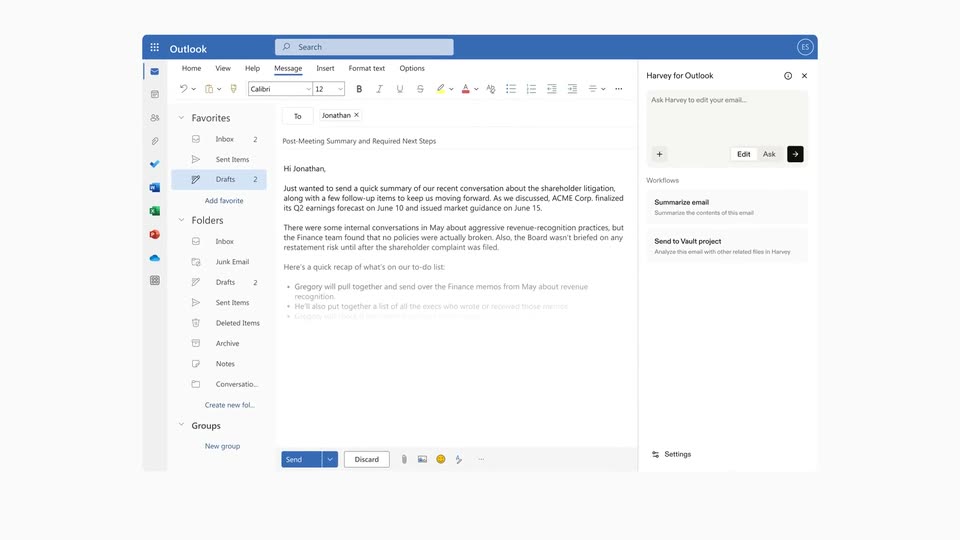
Harshil Mathur - First, we put an AI agent inside the @Razorpay dashboard. Now we’re
Razorpay · Electronic
Memory you can read and edit · Polylane, scene by scene
· 17 scenes as text
01 · Product intro · 0:00–0:02
The polylane logo and wordmark sit centered on a cream field. A bold black headline, How Polylane's memory works., fades in below as faint vertical dashed lines appear behind. The lockup and headline then fade while a new sentence fades in at the top.
On-screen text: “How Polylane's memory works.”, “Polylane's memory is a git repository of markdown files.”
Techniques: Kinetic type
Camera: Static
02 · Feature reveal · 0:02–0:16
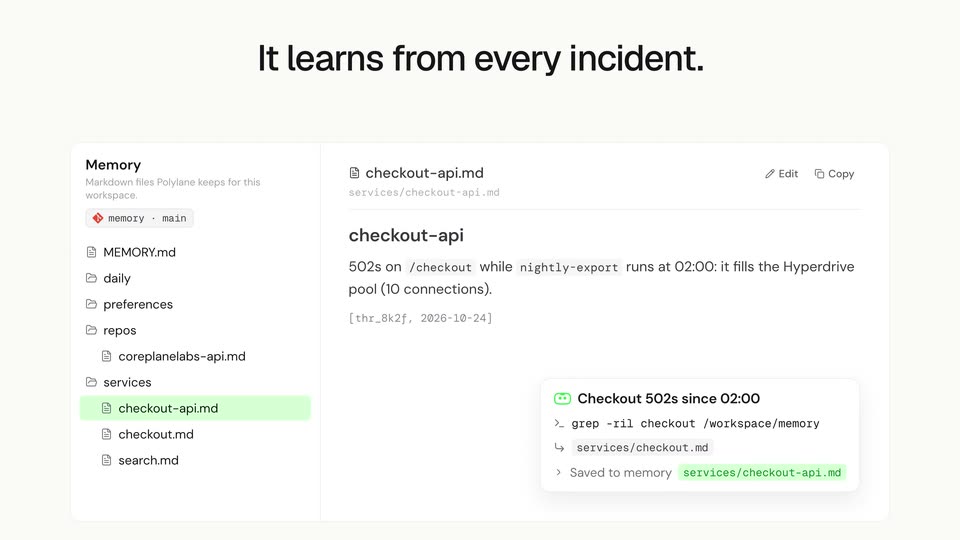
A flat two-pane Memory UI fades in under a centered headline that crossfades through three lines. A chat bubble types a grep command, a result row appears, a new file lands in the tree with a green highlight, and the view zooms into the open document.
On-screen text: “Polylane's memory is a git repository of markdown files.”, “Any thread can search it. It's just files.”, “It learns from every incident.”, “Other investigations see it on their next turn.”
Techniques: UI zoom
Camera: Push in
03 · Feature reveal · 0:16–0:16
A flat workspace interface assembles under a static headline. The left file tree, the center markdown document and the right chat panel fade and slide into place, settling into a three-column layout.
On-screen text: “Other investigations see it on their next turn.”
Camera: Pull out
04 · Feature reveal · 0:16–0:19
A flat product interface shows a Memory file tree on the left and a markdown document on the right, with a black headline across the top. Two investigation cards on the right swap a green highlight between them, then the headline and cards fade out, leaving the document.
On-screen text: “Other investigations see it on their next turn.”
Camera: Static
05 · Feature reveal · 0:19–0:20
A blurred file-list and document interface fades toward a pale off-white field. A single centered line of dark gray text appears and holds still, locked-off, over the ghosted UI.
On-screen text: “Every night, Polylane dreams.”
Camera: Static
06 · Feature reveal · 0:20–0:21
A centered black sentence reads over a faint, blurred document layout on an off-white field. The frame is locked off and static, with no motion in the text or background.
On-screen text: “Every night, Polylane dreams.”
Camera: Static
07 · Feature reveal · 0:21–0:22
A centered gray headline holds over a blurred product screen, then the screen snaps into focus as the headline fades, exposing a memory file tree on the left and a markdown document on the right.
On-screen text: “Every night, Polylane dreams.”
Camera: Static
08 · Feature reveal · 0:22–0:22
A black headline resolves from a soft blur into sharp focus above a static memory interface. The panel shows a file tree on the left and a checkout-api note with body text on the right.
On-screen text: “It writes down the key learnings of the day.”
Camera: Static
09 · Feature reveal · 0:22–0:27
A flat memory file browser sits below a centered headline that crossfades to a second line. The right pane shows the daily note with three bullets and a green tag, then the view zooms into the document and the repo file loads as the headline swaps.
On-screen text: “It writes down the key learnings of the day.”, “It learns from the pull requests your team merged.”
Techniques: UI zoom
Camera: Push in
10 · Feature reveal · 0:27–0:31
A product memory viewer sits under a bold headline. The right panel resolves from a crossfade, then bullet notes and two merged pull request rows fade in with a green outcomes tag. The headline crossfades to a new line and the whole panel dims out.
On-screen text: “It learns from the pull requests your team merged.”, “It checks each file against production, and fixes what's wrong.”
Camera: Pull out
11 · Feature reveal · 0:31–0:35
A product UI shows a file tree and document panel under a headline. The view zooms into the search.md file, where a red us-east-1 is struck through and replaced by a green eu-west-1, then a green status banner slides in. The headline swaps to a new line.
On-screen text: “It checks each file against production, and fixes what's wrong.”, “Then it reorganises the files.”
Techniques: UI zoom
Camera: Push in
12 · Feature reveal · 0:35–0:36
A centered headline sits above a two-panel product interface: a file tree on the left and a markdown document on the right. The panels resolve from a faint, offset duplicate into a crisp, settled layout over the clip.
On-screen text: “Then it reorganises the files.”
Camera: Pull out
13 · Feature reveal · 0:36–0:40
A two-pane memory file browser sits beneath a large headline. The file tree reorders and the detail pane crossfades from one markdown note to the MEMORY.md index. The headline then swaps to a second sentence as a New memory form slides in from the right over the dimmed interface.
On-screen text: “Then it reorganises the files.”, “You can update the same files yourself.”
Camera: Static
14 · Feature reveal · 0:40–0:43
A headline sits above the Memory interface, where a New memory form has a path filled in. Text types into the Post field, the cursor clicks Save, and the form closes to reveal the MEMORY.md document.
On-screen text: “You can update the same files yourself.”
Techniques: Cursor demo
Camera: Static
15 · Feature reveal · 0:43–0:53
A flat file tree and markdown viewer sit beneath a centered headline that crossfades between three lines. A code terminal slides up and types a command, after which the highlighted file and its content change to a new note.
On-screen text: “You can update the same files yourself.”, “Or your agent can.”, “So when it happens again, Polylane already knows.”
Camera: Static
16 · Demo · 0:53–0:58
Under a black headline, a flat product UI shows a Memory file tree beside a # payments chat. A PolyLane reply types out beneath a Datadog alert while file rows flash blue and green, then the whole card fades to white.
On-screen text: “So when it happens again, PolyLane already knows.”
Techniques: Kinetic type
Camera: Static
17 · Outro · 0:58–1:03
A light off-white end card holds the polylane logo centered above the black headline. Faint dotted vertical lines hang from the top edge, and a short green dotted segment drifts down the right-hand line while the text stays locked.
On-screen text: “Fix issues before they become incidents.”
Camera: Static