1:03
Explore
00:00:00 / 01:07:10
- Length
- 1:07
- Scenes
- 17 · 4.0 s avg
- Product on screen
- 0:00
- Features shown
- 5
- Voiceover
- No
- Views
- 74K on X
as of November 14, 2026
Harvey’s 1:07 launch film runs 17 scenes, about 4.0 s each. The product is on screen from the first frame and 5 features are revealed. There is no explicit call to action. The video is a lockstep feature tour: a wordmark and one typed prompt open it, a five-step roadmap frames the middle, and each step becomes a beat with a bold headline on the left and a UI card on the right, closing on a two-line tagline and the logo. Signature moves are word-by-word text builds, right-side card slides, ticking checkmarks and status pills, and hard white-to-black inversions between beats.
No filming indicatedEstimated needs: 7 capture groups — your screens or recordings · 1 official logo — reused across the film
Is this your launch? to your site or press kit.
More like this

Harvey - Announcing Harvey Agents that execute legal work end-to-end. They re, scene by scene
· 17 scenes as text
01 · Product intro · 0:00–0:02
The wordmark builds in the center: “Harvey” in a serif face, then “Agents” in a bold sans slides in beside it. It cuts to a light gray chat card on white, where “Hey, Harvey” sits with a blinking cursor and “Files” and “Sources” tabs anchor the bottom.
On-screen text: “Harvey Agents”
Techniques: Kinetic type
Camera: Static
02 · Demo · 0:02–0:05
A zoomed-in view of a prompt field reframes to the full interface, where the prompt text types out character by character and a cursor glides to the black send button.
Techniques: UI zoom, Cursor demo
Camera: Static
03 · Other · 0:05–0:07
On a black background, a small gray monospace 'Introducing' fades in above a larger white sans-serif line that builds word by word into 'Agents that work end-to-end'. The text fades out, then the frame turns white as a gray '01' appears at the left edge.
On-screen text: “Introducing”, “Agents that work end-to-end”, “01”
Techniques: Kinetic type
Camera: Static
04 · Other · 0:07–0:12
On a plain white background, five numbered steps appear one after another from left to right, each fading from light gray to black: 01 Plan, 02 Research, 03 Work, 04 Deliver, 05 Review.
On-screen text: “Introducing”, “Agents that work end-to-end”, “01 Plan”, “02 Research”, “03 Work”, “04 Deliver”, “05 Review”
Techniques: Kinetic type
Camera: Static
05 · Feature reveal · 0:12–0:19
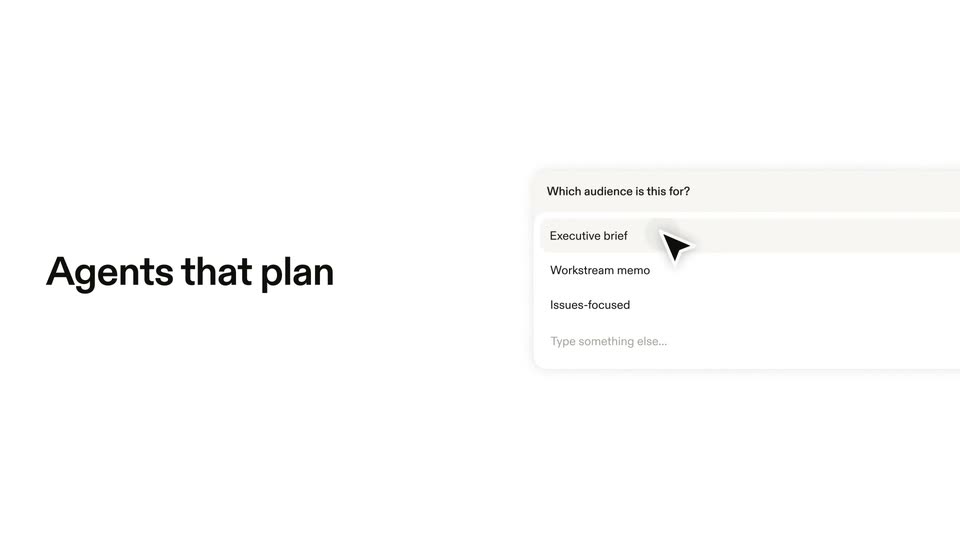
A faint row of numbered workflow steps sits behind the gray headline on white. The labels fade as the headline turns black and slides left, revealing a UI card on the right; a cursor hovers over an option, then the card switches to an agent plan checklist.
On-screen text: “01 Plan”, “02 Research”, “03 Work”, “05 Review”, “Agents that plan”
Techniques: Kinetic type, Cursor demo
Camera: Static
06 · Feature reveal · 0:19–0:21
A white card listing an Agent Plan slides in from the right, its five rows gaining checkmarks one by one, while the bold black headline Agents that plan on the left slides out and fades. Plain white background, locked-off frame.
On-screen text: “Agents that plan”
Techniques: Kinetic type
Camera: Static
07 · Feature reveal · 0:21–0:28
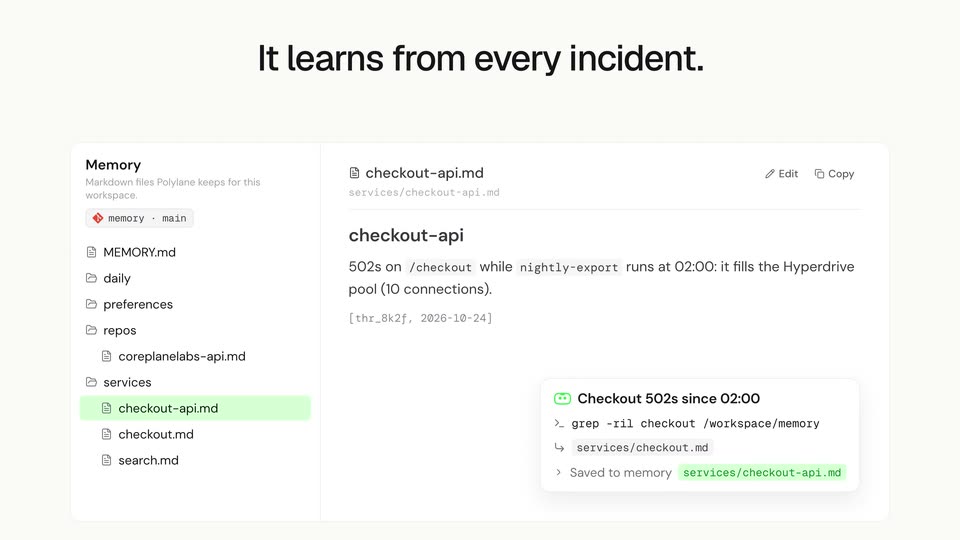
A bold black heading holds on the left of a white field while a compact agent log assembles on the right: a Working header, an iManage note, web case results and a file list with formats appear line by line, then a gray word fades in at center for the next beat.
On-screen text: “Agents that research”, “Agents that deliver”
Camera: Static
08 · Feature reveal · 0:28–0:29
A black headline builds word by word on a pale gray field, starting with “Agents that” and extending to the full line as a task card fades in on the right.
On-screen text: “Agents that work async”
Techniques: Kinetic type
Camera: Static
09 · Feature reveal · 0:29–0:36
A white frame holds a static black headline on the left while a rounded task-list panel on the right fades in and fills with rows. Status pills cycle from In progress to Awaiting response and Ready for review as the list completes, then the whole composition eases out of frame.
On-screen text: “Agents that work async”
Camera: Static
10 · Feature reveal · 0:36–0:42
The headline Agents that deliver slides from center to the left as a file-list card fades in on the right. Rows tick from Generating to five filenames, a cursor hovers over two rows, then the card fades out.
On-screen text: “Agents that deliver”
Techniques: Cursor demo
Camera: Static
11 · Feature reveal · 0:42–0:45
A large black headline holds on the left while a document editor opens on the right and its body text fills in line by line. The editor pane then slides out to the right, leaving a small file list card.
On-screen text: “Agents that deliver”
Camera: Static
12 · Feature reveal · 0:45–0:48
Black headline 'Agents that deliver' holds left of frame while a file-list card sits right. A cursor travels down the five file names, pauses on the last, and a presentation window with a blue slide slides in beneath the card.
On-screen text: “Agents that deliver”
Techniques: Cursor demo
Camera: Static
13 · Feature reveal · 0:48–0:51
A large black headline holds on the left while a document editor window on the right eases upward, exposing a dark slide with six colored cards in a two-column grid.
On-screen text: “Agents that deliver”
Camera: Static
14 · Feature reveal · 0:51–0:52
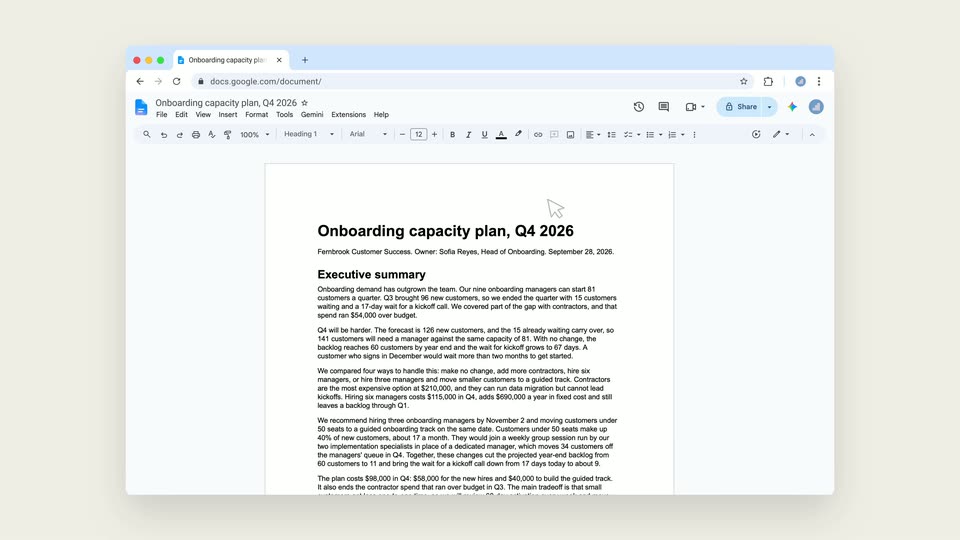
On a plain white field, the bold black word “Agents” sits next to a gray phrase that swaps from “that deliver” to “that work with you” while scaling up and drifting to the lower left. A page of a legal memorandum with black serif body text appears at the right edge, holds briefly, then exits as the headline settles.
On-screen text: “Agents that deliver”, “Agents that work with you”
Techniques: Kinetic type
Camera: Static
15 · Feature reveal · 0:52–0:57
A legal document fills the right side beside a bold black headline, Agents that work with you. The garbled text resolves into clean copy, a white edit card slides in over it, and a cursor moves to the Accept button before the card vanishes and the page scrolls up.
On-screen text: “Agents that work with you”
Techniques: Cursor demo
Camera: Static
16 · Other · 0:57–1:01
A plain black field holds two lines of white serif text. The first line, Delegate the Work., slides into place, then the second line, Own the Judgment., builds up word by word beneath it. The frame stays locked off throughout.
On-screen text: “Delegate the Work.”, “Own the Judgment.”
Techniques: Kinetic type
Camera: Static
17 · Outro · 1:01–1:07
A black background holds the white wordmark “Harvey” in a serif face, centered. The bold sans-serif word “Agents” slides in from the right to join it, settling into a centered lockup that holds for the rest of the clip.
On-screen text: “Harvey Agents”
Techniques: Kinetic type
Camera: Static