
1:07
Explore
Claude for Google Workspace™
Anthropic · Oct 2026 · 1:00 · Full motion · AI-annotated
- Length
- 1:00
- Scenes
- 20 · 3.0 s avg
- Product on screen
- 0:00
- Features shown
- 3
- Voiceover
- No
- Views
- 381K on YouTube
as of November 22, 2026
00:00:00 / 01:00:01
- Length
- 1:00
- Scenes
- 20 · 3.0 s avg
- Product on screen
- 0:00
- Features shown
- 3
- Voiceover
- No
- Views
- 381K on YouTube
as of November 22, 2026
Anthropic’s 1:00 launch film runs 20 scenes, about 3.0 s each. The product is on screen from the first frame and 3 features are revealed. There is no explicit call to action. The video opens on a serif title card, runs three back-to-back in-app demos (Docs, Sheets, Slides) built as prompt-to-result transformations, and closes on a tagline and the logo lockup. Its signature moves are ghosted elements snapping into sharp focus, plain text reflowing live into formatted layouts, sliding window transitions between apps, and the spinning starburst loader, all cut at a steady five cuts per minute.
No filming indicatedEstimated needs: 3 capture groups — your screens or recordings · 1 official logo — reused across the film · 1 graphic passage — draw or supply
Is this your launch? to your site or press kit.
More like this
Similar soundtrack
Films whose music sounds like this one, voice left out
0:59
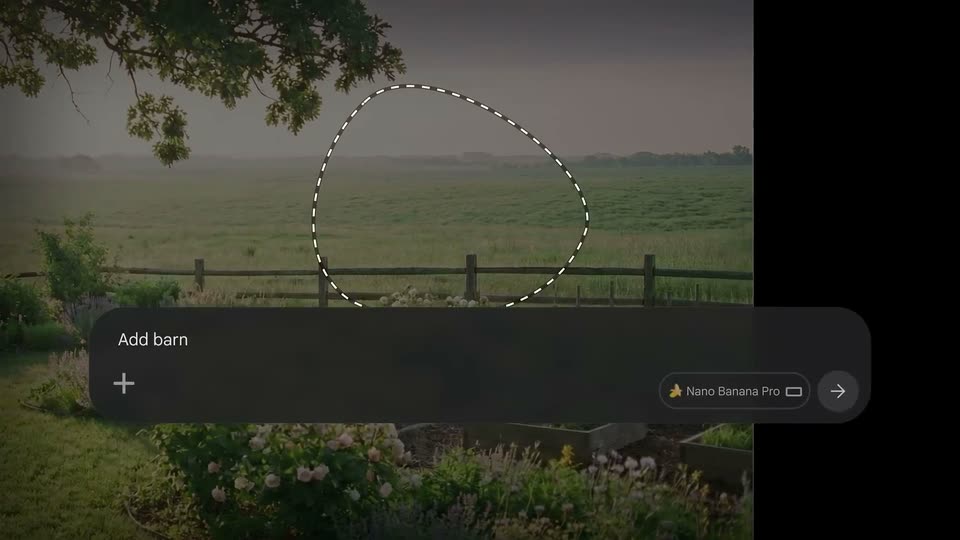

Introducing the New Flow, Your AI Creative Studio
Google · Electronic / Lo-fi Hip-hop
0:35
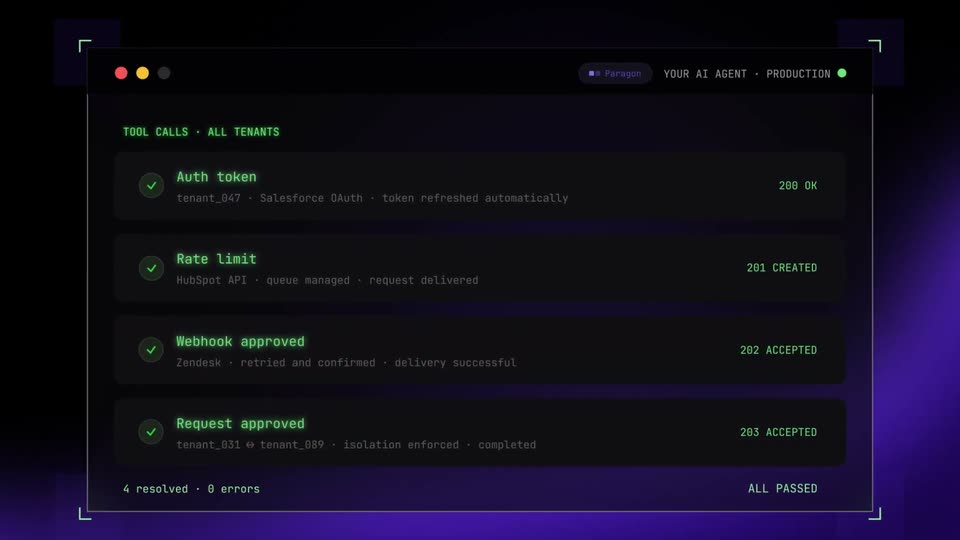

Agents in Production - Ad | Paragon x MotionCue
Paragon · Lo-fi hip-hop
2:24

Introducing Midjourney V1 Video
Midjourney · Jazz-fusion, lo-fi hip-hop, deep house, and electronic dance music
Claude for Google Workspace™, scene by scene
· 20 scenes as text
01 · Product intro · 0:00–0:04
Blue document, green spreadsheet, and yellow presentation icons settle into a horizontal row on a cream background, then a two-line black serif headline fades in centered beneath them.
On-screen text: “Introducing Claude for”, “Google Workspace”
Camera: Static
02 · Feature reveal · 0:04–0:06
A Chrome window holding a Google Docs page sits centered on a light gray field. The document starts soft and blurred, then snaps into sharp focus, and a mouse cursor drifts in to hover over the page.
On-screen text: “Introducing Claude for”, “Google Workspace”
Camera: Static
03 · Feature reveal · 0:06–0:10
Close-up of a light browser toolbar. A hand cursor taps the Extensions button, a dropdown opens with a Claude entry, and the cursor hovers over it. The frame reframes slightly upward as the menu appears.
Techniques: UI zoom, Cursor demo
Camera: Pan
04 · Feature reveal · 0:10–0:11
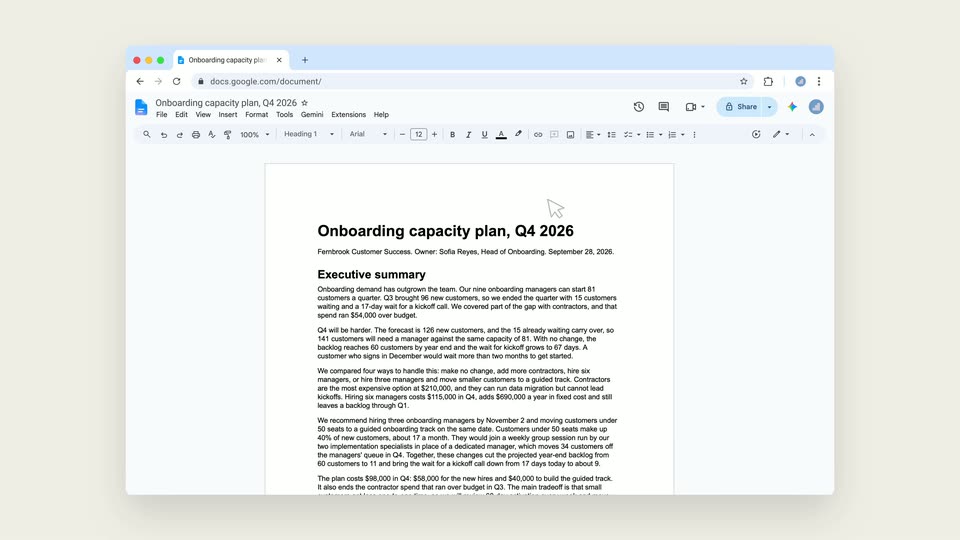
A Google Docs document titled Onboarding capacity plan, Q4 2026 fills a browser window. The menu bar and body copy slide horizontally, resolving from a doubled, ghosted state into a clean, readable layout.
Techniques: Kinetic type
Camera: Static
05 · Feature reveal · 0:11–0:12
A Google Docs window sits centered on a pale gray field, the capacity-plan body text sliding a few pixels down while the open Claude sidebar on the right holds still in a locked-off frame.
Camera: Push in
06 · Feature reveal · 0:12–0:13
A Google Docs document with the Claude for Docs side panel open. The view zooms into the panel as the document behind blurs, settling on a gray chat bubble holding an editing instruction and a prompt field below it.
Techniques: UI zoom
Camera: Push in
07 · Feature reveal · 0:13–0:15
A close-up of a document editor shows an AI panel with a prompt and a spinning loader. The view zooms out to reveal the top toolbar as the AI begins typing its response.
Techniques: UI zoom
Camera: Pull out
08 · Feature reveal · 0:15–0:19
A browser window opens on a close-up of a Google Docs document beside a Claude for Docs side panel, then pulls back to show the full page. The plain text reflows live into a dark green title banner, a light green recommendation callout, and a row of four stat figures.
Techniques: UI zoom
Camera: Pull out
09 · Feature reveal · 0:19–0:19
Two browser windows sit side by side, a Google Docs document on the left and a Google Sheets sheet with a Claude sidebar on the right. The left window slides out and the right one centers, its sidebar label switching from Claude for Docs to Claude for Sheets.
Camera: Pan
10 · Feature reveal · 0:19–0:21
A browser window holding a blank spreadsheet grid and a Claude for Sheets side panel settles from a doubled overlay into a fixed two-column layout. A file chip labeled Q3_approval_revenue_by_team.csv slides in at the bottom right as a cursor hovers beside it.
Techniques: Cursor demo
Camera: Static
11 · Feature reveal · 0:21–0:27
A close-up of a chat panel beside a spreadsheet. A cursor drags two CSV file thumbnails into the input field, where they settle as labeled cards. A prompt then types out line by line, and the send button turns black.
Techniques: Cursor demo
Camera: Static
12 · Feature reveal · 0:27–0:30
A Google Sheets grid sits beside the Claude for Sheets side panel. The panel shows two CSV cards and a prompt, then a status line and a reply with a Structure heading stream in as the frame pulls back to the full browser window.
Techniques: UI zoom
Camera: Pull out
13 · Feature reveal · 0:30–0:34
A Google Sheets window on a gray backdrop dissolves from an empty grid into a formatted budget report: bold title, red KPI row, team table with colored status cells. The Claude for Sheets panel on the right streams a bulleted summary that scrolls up.
Camera: Pull out
14 · Feature reveal · 0:34–0:35
A Google Slides editor with the Claude for Slides panel open on the right, listing Slide, Image, Templates, Blocks and a prompt box. The view pushes in from a wider two-panel layout to a close-up of the slide and the extension menu.
Techniques: UI zoom
Camera: Pan
15 · Feature reveal · 0:35–0:44
Close-up of a chat interface. A cursor clicks the plus button, a menu opens, the cursor picks Connectors and flips on the Salesforce toggle. The menu closes, then a prompt is typed into the input box as the view scrolls up.
Techniques: Cursor demo
Camera: Static
16 · Feature reveal · 0:44–0:47
A slide editor on the left sits beside the Claude for Slides chat panel. The chat's status line, with a spinning star, resolves into a Used 4 tools tag and a response paragraph, while the left slide's title box clears and its title grows.
Camera: Pull out
17 · Feature reveal · 0:47–0:50
A Google Slides editor sits in a browser window with a Claude for Slides panel on the right. The view fades in from an overlapping prompt, then the panel text streams through connector checks, a slide list, and final notes while the green title slide stays fixed.
Camera: Pull out
18 · Other · 0:50–0:51
A slide editor interface with a green bar-chart slide and a notes panel fills the frame, the tagline overlaid across the lower center. The interface fades away, leaving the tagline centered on a plain cream background, locked and still.
On-screen text: “Claude wherever you work”
Camera: Pan
19 · Other · 0:51–0:53
A centered black serif line reads “Claude wherever you work” on a plain off-white background, held static on a locked-off frame for the full duration.
On-screen text: “Claude wherever you work”
Camera: Static
20 · Outro · 0:53–1:00
On a cream background, a terracotta starburst mark rotates slowly at center as the black serif word Claude settles in beside it, forming the brand lockup. The frame stays locked off.
On-screen text: “Claude”
Camera: Static