Cursor demo
A visible cursor operates the interface.
14,869 scenes · page 4 of 248
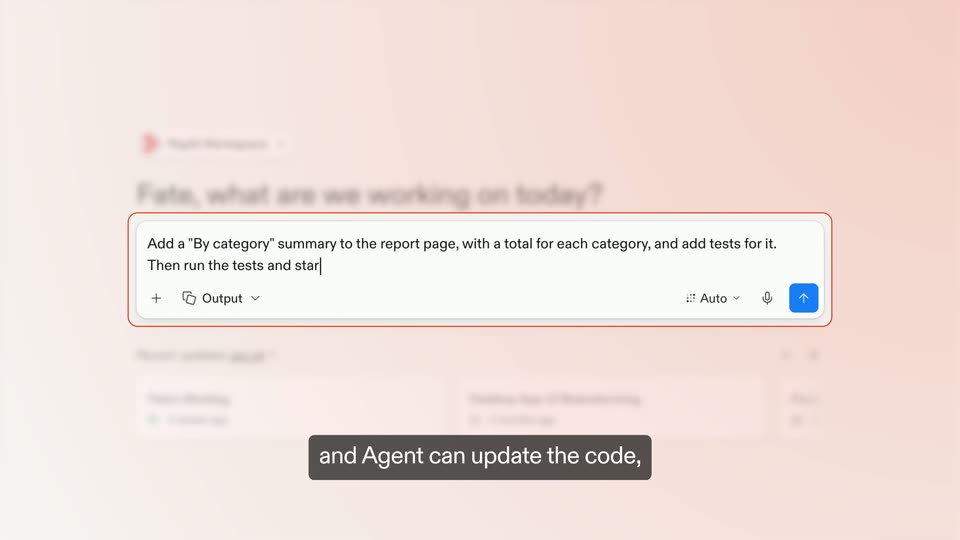 0:24–0:28Replit · Replit Desktop | Agent meets your work where it already isThe Replit prompt field is framed in close-up against a blurred workspace as a request types itself into the input, then a cursor moves to and clicks the blue send button. Bottom captions swap phrase by phrase.
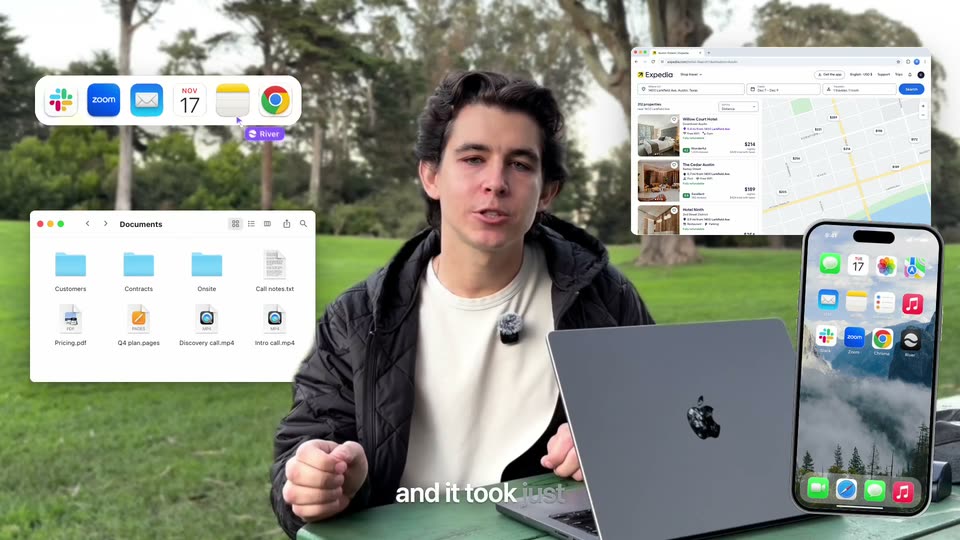 0:00–0:08Riverside · Chandler Supple - We gave AI its own desktop on your computer Today we're launching RiA man in a black puffer jacket sits at a green park table with a MacBook, talking to a locked-off camera. Floating UI panels, a dock, a file browser, a browser window and a phone, pop in around him while white captions run along the bottom.
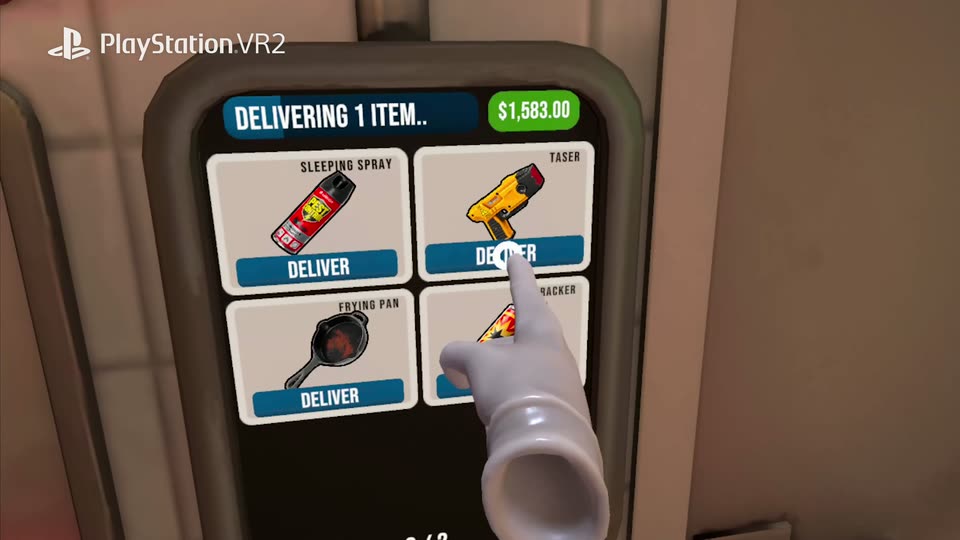 0:42 · 0.4sScary Hot Dogs · Scary Hot Dogs - Launch Trailer | PS VR2 GamesA wall-mounted touchscreen in 3D perspective lists four item cards with deliver buttons. A white-gloved VR hand taps the taser card, the header updates to delivering two items, and that card flips to a gray out-of-stock state as the hand slides down.
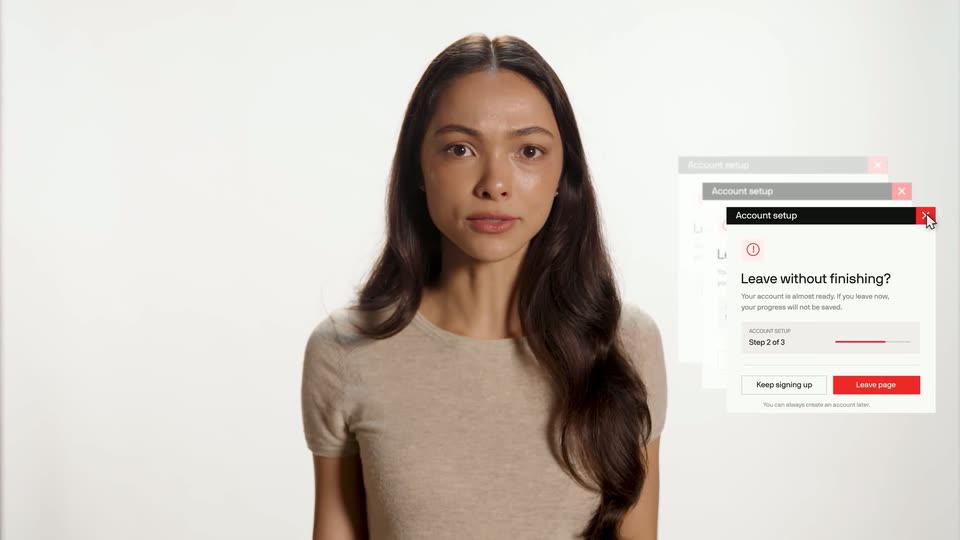 0:04–0:07Tenera · Nicole Orsak - Today, Tenera is launching Biv, the first stimulus-response model forA woman in a beige tee speaks to camera on a white backdrop. A sign-up form panel floats in at her left, then a leave-without-finishing dialog floats in at her right, both in 3D perspective with cursors. The panels fade out, leaving her alone.
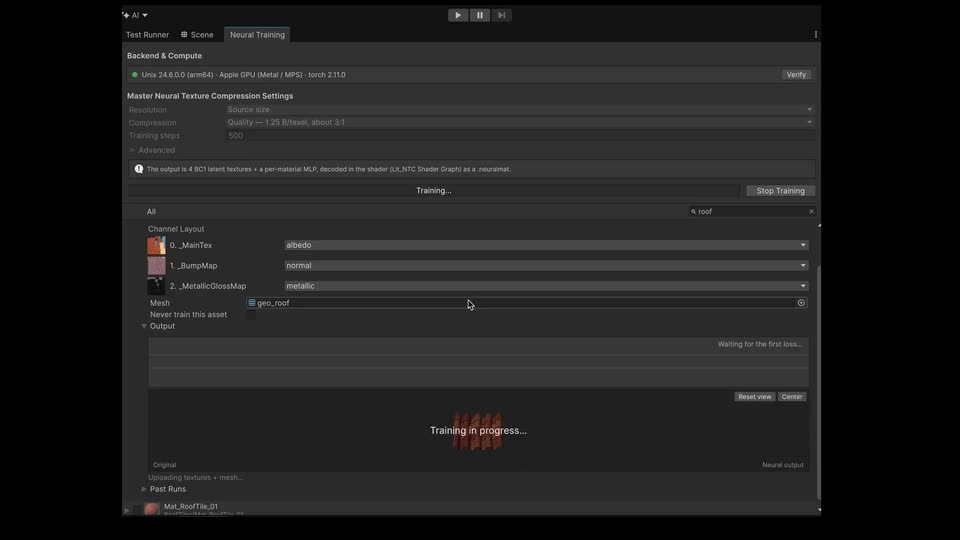 0:35–0:54Unity · Unity Texture Compression (NTC) and Unity Graphics Kernel (UGK)A dark Unity Editor window shows the Neural Training tab. A cursor types roof in the search field, filtering the material list, then expands an entry, ticks its checkbox, and clicks Train. A progress bar fills while a loss graph draws in the Output panel.
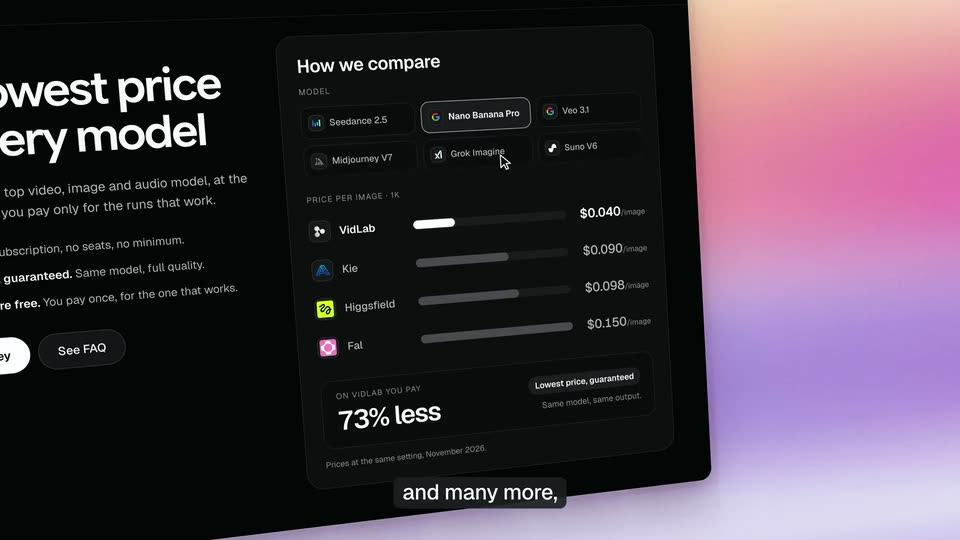 0:13–0:21VidLab · Miko - Introducing VidLab The cheapest API for generating video, images &amA dark pricing page sits on a tilted tablet against a warm gradient background. The camera pushes in on the comparison card as a cursor clicks through model chips, swapping the price bars and figures.
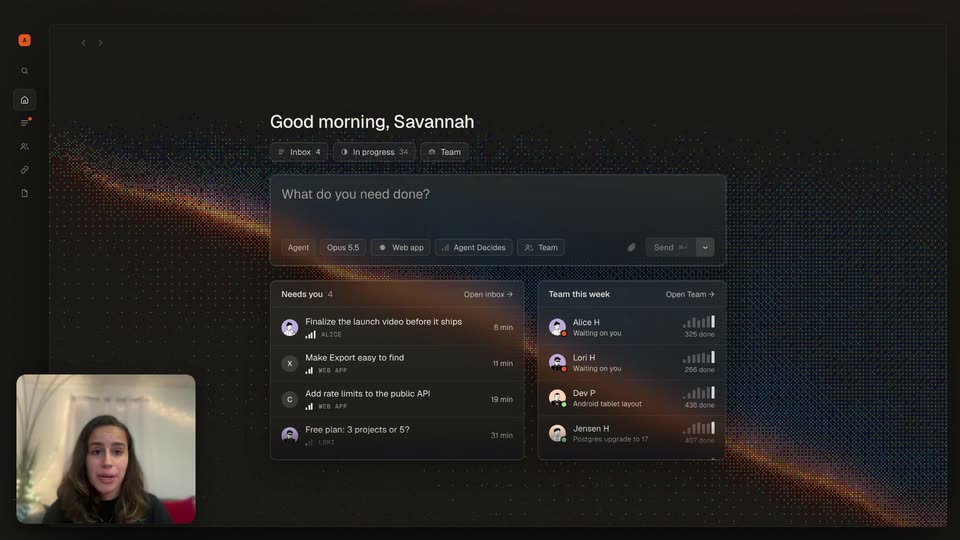 0:00–0:04Agentbox · Savannah - introducing multiplayer for coding agents. the place you code is nowA dark dashboard opens on a greeting, a prompt bar and two task panels. In the lower left, a small video tile shows the presenter waving at the camera. A cursor drifts in and hovers over the In progress tab.
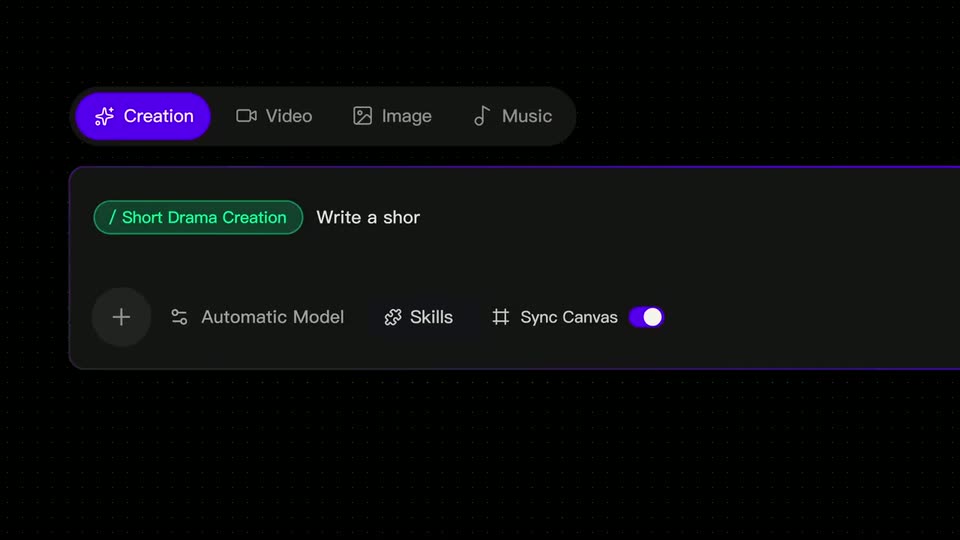 0:03–0:11Alibaba Cloud · Alibaba Cloud - 3D Studio is now live on WonderClip. Try it free for a limited timeThe WonderClip home interface digitally enlarges its Creation prompt. A pointer enables Sync Canvas, selects the Short Drama Creator skill and enters a story request about a young chef skateboarding to work. The layout expands into the session view as processing begins.
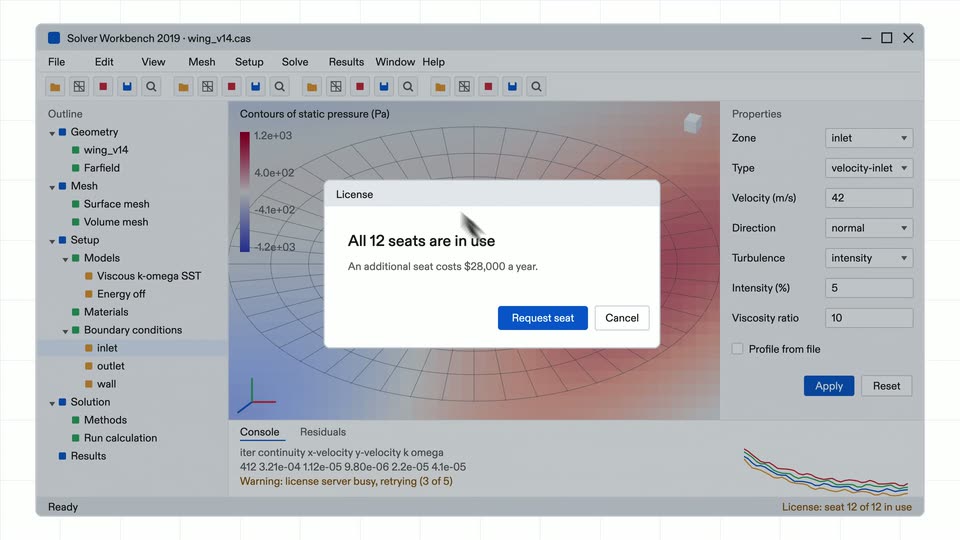 1:38–1:43Antinuous · Antinuous - Today, we're launching Antinuous (@ycombinator P26), a research and eA solver window displays a color pressure contour plot of an airfoil over a mesh grid. A cursor clicks the Solve menu, a white license dialog fades in at the center, and the cursor moves to the blue Request seat button.
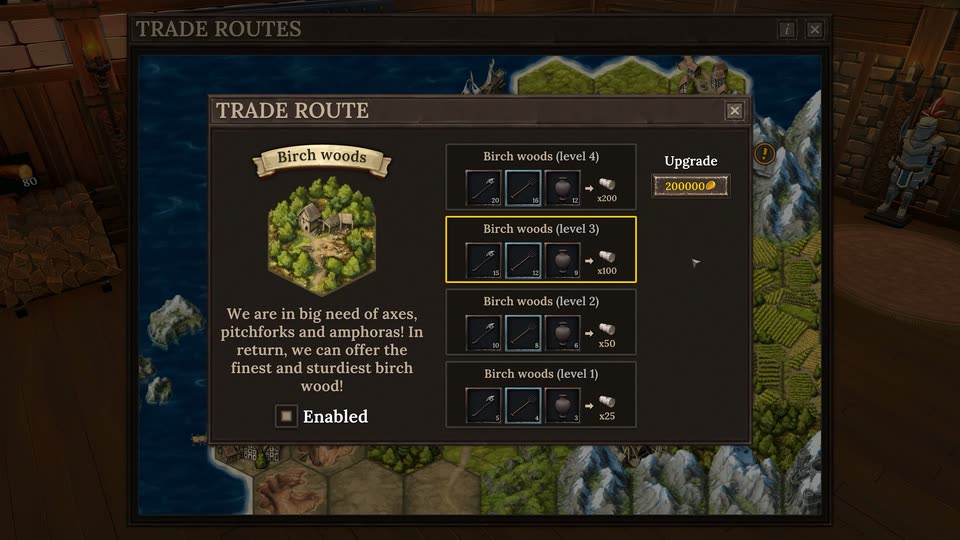 0:45–0:46Blacksmith Master · Blacksmith Master - 1.0 Launch TrailerA dark trade route panel lists four birch woods levels. A cursor enters and the yellow selection frame jumps from the level 2 row to level 3, while the upgrade price on the right changes from 150000 to 200000.
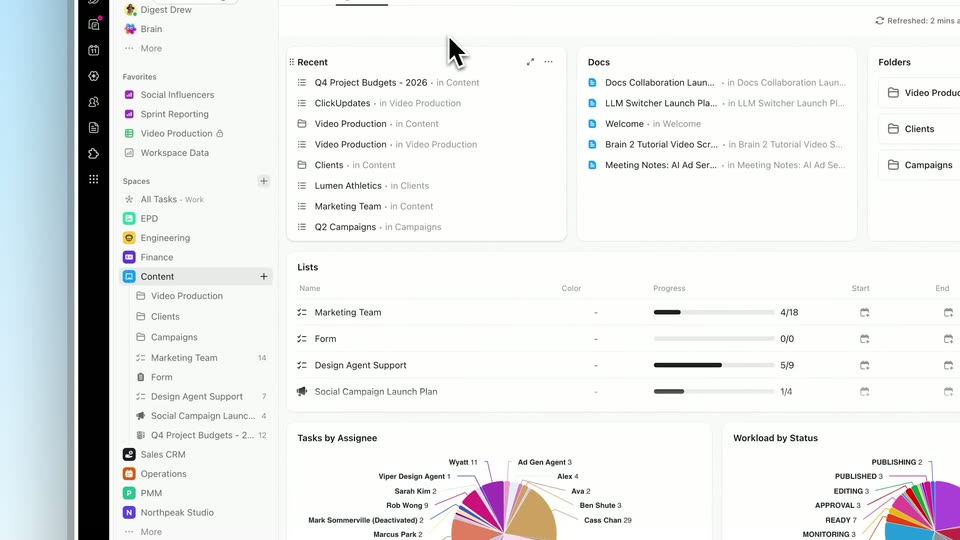 0:21–0:23ClickUp · ClickUp Release 4.10: Sheets, Work Schedules, Email Triggers, and more!The ClickUp dashboard window rests on a pale blue field, then the camera tightens onto the left sidebar as a cursor drifts down to the All Tasks row. The overview pane lists recent spaces, docs, folders and two pie charts.
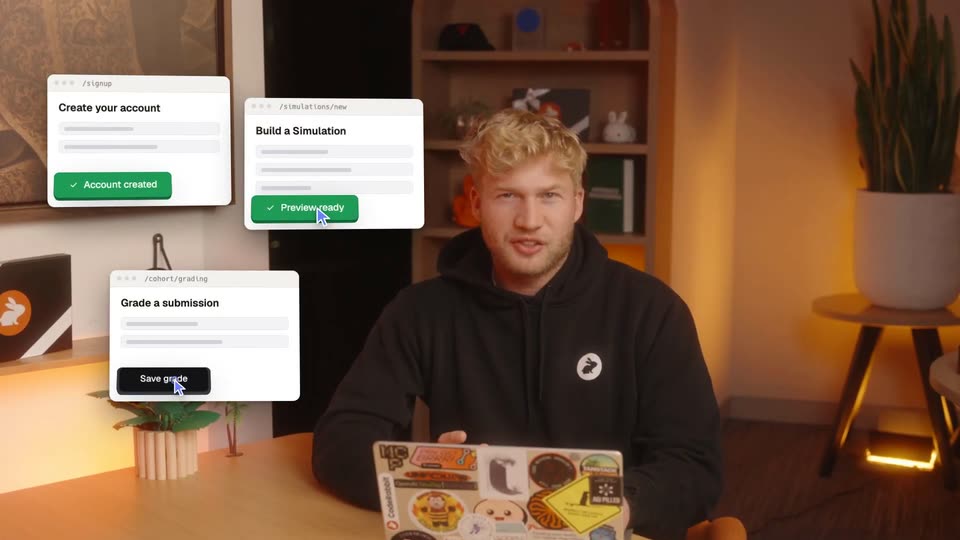 0:05–0:10CodeRabbit · CodeRabbit Verify: AI Testing for Your Running ApplicationA presenter in a black hoodie sits at a sticker-covered laptop in a warm-lit room while three floating UI cards on the left cycle their button states. Blue cursors click each button, flipping labels to green success or red error states as the cards fade in.
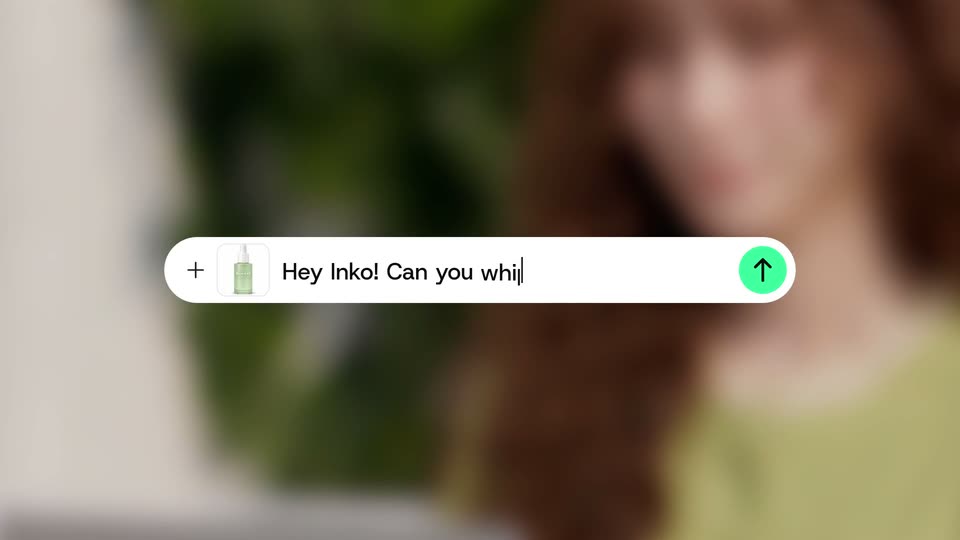 0:04–0:06DomoAI · DomoAI official - Start your next ad in one click with InkoAI Agent. 🎬 Upload a produA white pill-shaped prompt bar floats over a blurred background of a person and greenery. A plus icon, a green bottle thumbnail and a green up-arrow button frame it. A hand pointer appears, then a request to Inko types out letter by letter.
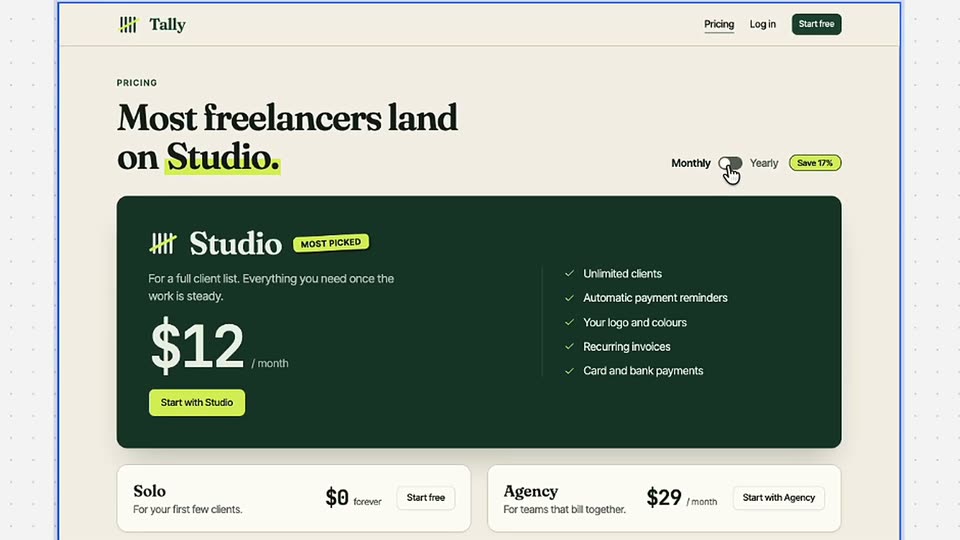 0:18–0:20Floot · Floot DesignA Tally pricing page fills the frame. A cursor moves to the Monthly Yearly toggle and clicks it, flipping the switch to Yearly. The Studio price drops from $12 to $10 and the Agency price from $29 to $24.
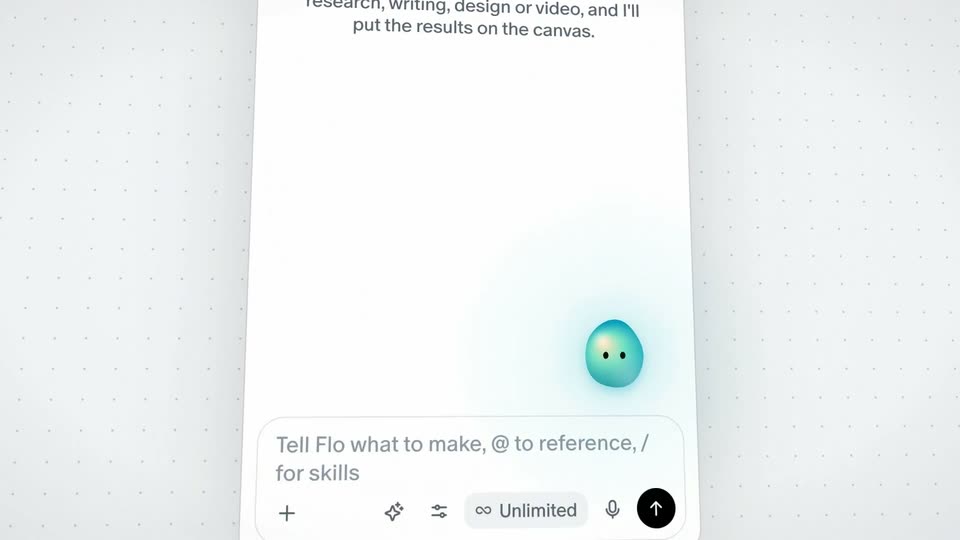 0:02–0:05Flowith · Flowith - introducing Flowith 3.0. the ultimate canvas for human-ai creation.A white canvas on a dotted gray background hosts a teal gradient egg mascot with dot eyes that hops around the frame. A dark headline scales in above a gray intro paragraph. The view scrolls down to a chat input, where a prompt is typed behind a caret, and a second input box with the mascot slides in below.
 0:00–0:04Higgsfield · Higgsfield AI 🧩 - Introducing Higgsfield GPU Harness. Rent on-demand GPUs in Claude anFades in from black to a 3D rendered skyline at sunset, a lit Ferris wheel centered above a marina. The camera pushes in, then a viewport axis gizmo and cursor appear top left as the scene darkens to night.
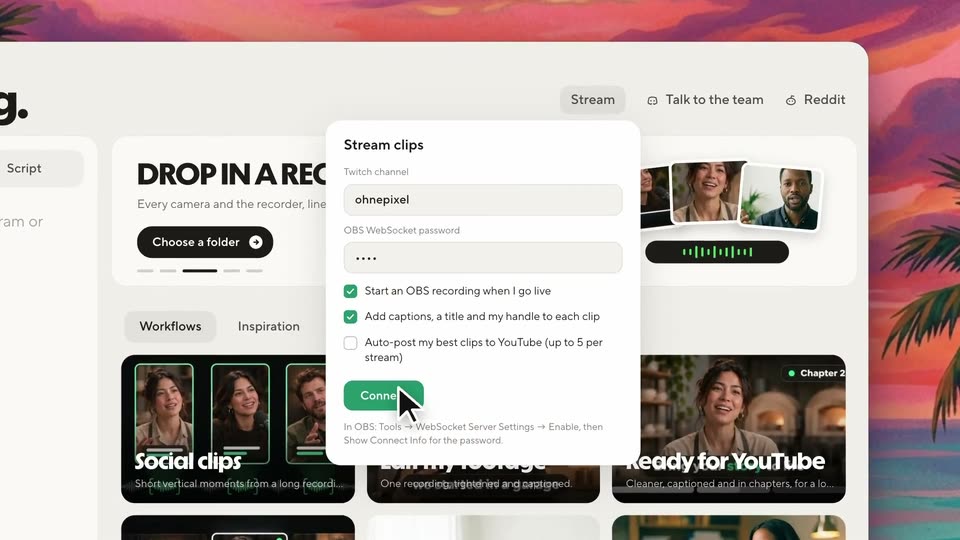 0:05–0:06HyperFrames · HyperFrames - we couldn't get the day off to play GTA VI, so we found a way to playA cursor taps the Stream button on a white dashboard panel set against a sunset backdrop, opening a Stream clips menu with channel and password fields. The cursor then slides down to hover the green Connect button.
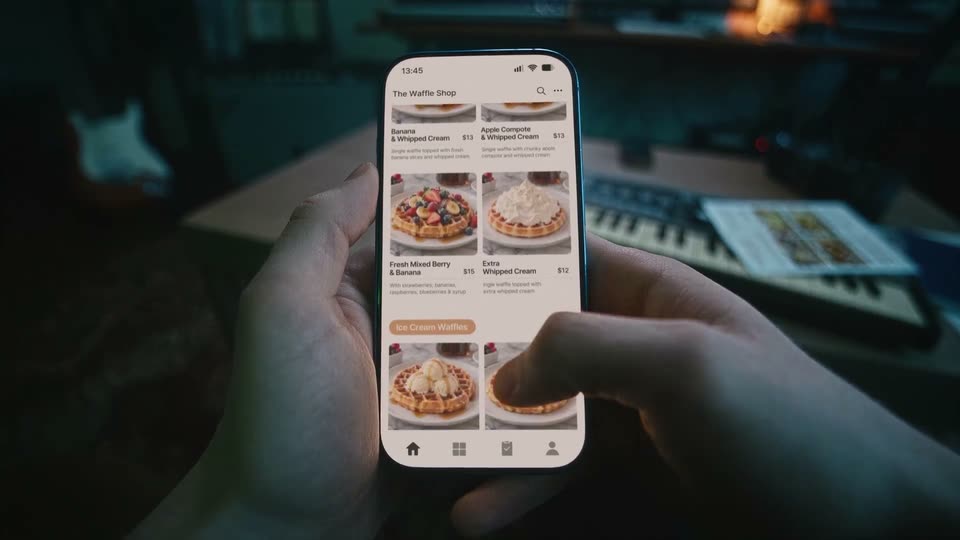 0:13–0:14Hyundai · The all-new ELANTRA – My Dynamic Move | Main FilmA hand holds a phone in a dim, firelit room while a finger swipes the waffle menu list upward. New items slide into view as the grid scrolls, the background softly blurred.
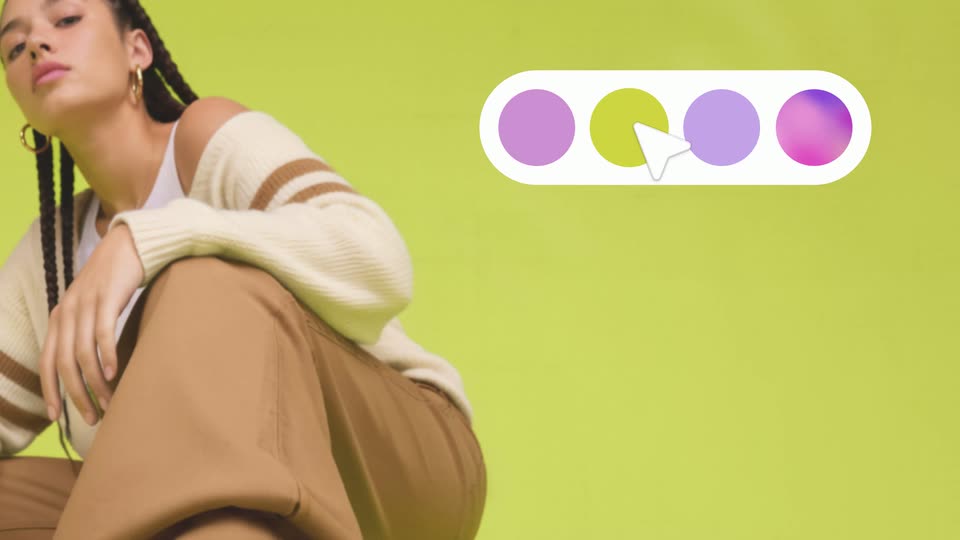 0:19–0:21Ideogram · Ideogram - Introducing Ideogram 4.6: the new frontier of precise editing, now inA white four-swatch color-picker pill appears at top right while the colorway headline disperses and clears. The image digitally zooms toward the pill and model, the cursor selects chartreuse, then the framing pulls back as the backdrop and clothing change.
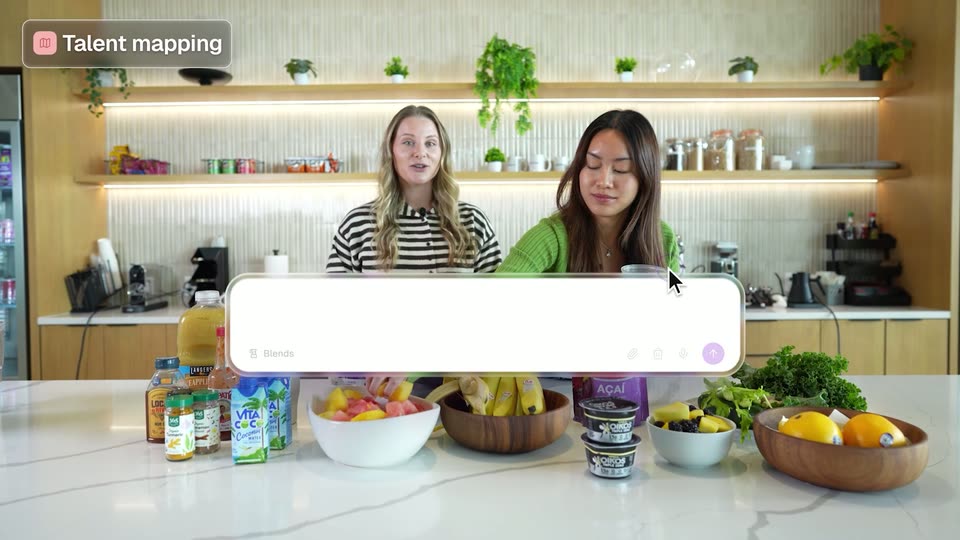 0:25–0:27Juicebox · Introducing Blends in your Juicebox AgentsTwo women stand at a bright kitchen counter with bowls of fruit and juice; one pours açaí into a blender. A white Blends dropdown menu pops up over the scene, the cursor hovers over it, then the menu collapses into a single bar. A Talent mapping badge sits top left.
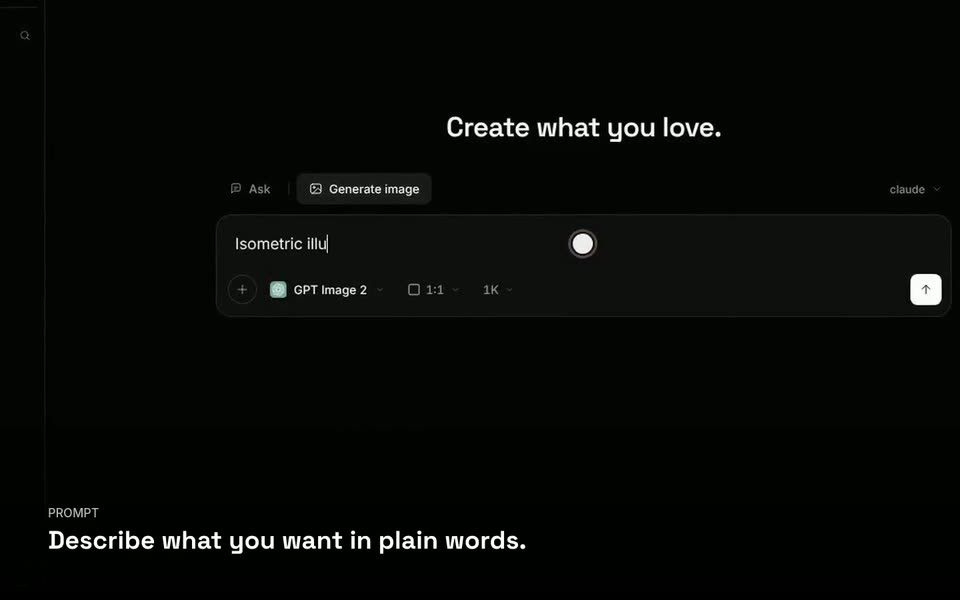 0:00–0:32LetzAI · Introducing LetzAI V5 | LetzAI BlogA dark AI app screen with sidebar and centered prompt bar. A white dot cursor slides the Ask/Generate toggle, swapping the placeholder and model, then types a studio prompt as the ratio chip flips to 16:9. The view zooms in and out on the input while lower-left captions swap.
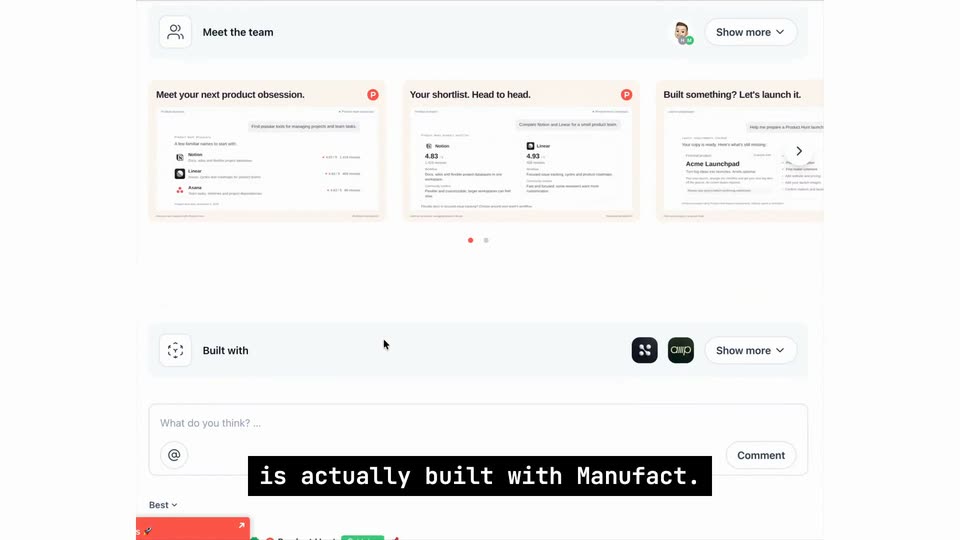 0:03–0:05Manufact · Manufact - how do you win on @ProductHunt?? well, being the product they used tA Product Hunt launch page scrolls down past the intro text, three preview cards, and a built-with row. A cursor hovers and moves as a black caption bar at the bottom updates with new words.
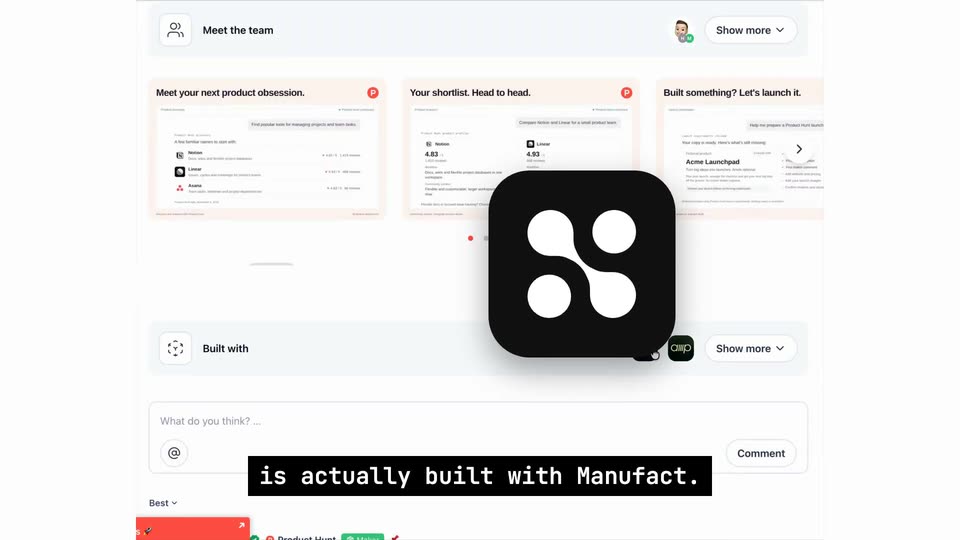 0:03–0:06Manufact · Manufact is live on Product Hunt!A Product Hunt product page for Product Hunt MCP scrolls down past the description and preview cards. A black rounded square with a white four-petal mark scales up over the center of the screen while a cursor moves.
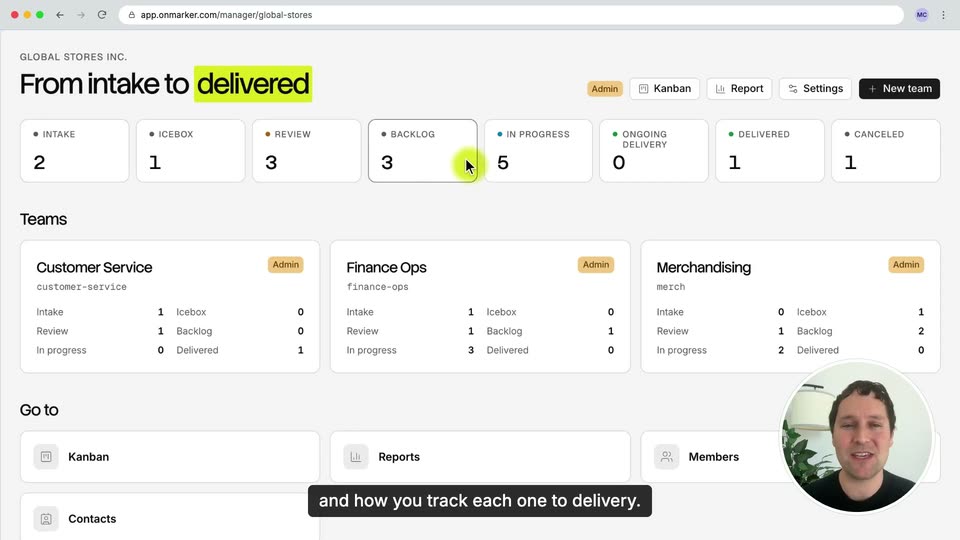 0:03–0:12Marker · Introducing Marker ManagerA locked-off Marker Manager dashboard shows the heading 'From intake to delivered' over status counts and team cards. A glowing cursor hovers the INTAKE, REVIEW, BACKLOG, IN PROGRESS, and DELIVERED cards, then the Kanban tab. A circular presenter video sits bottom right; dark caption bars swap lines below.
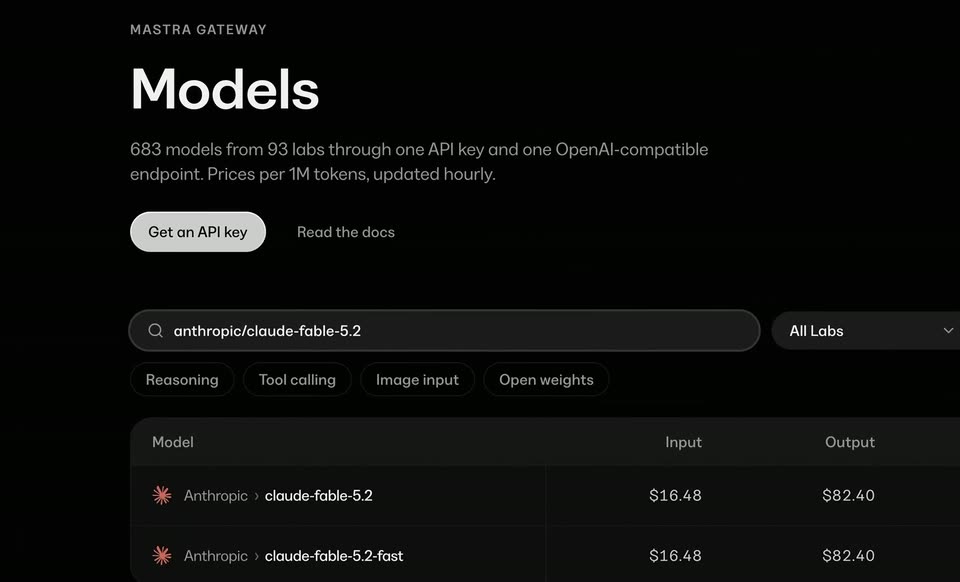 0:00–0:02Mastra · Sam Bhagwat - Today we're excited to launch something we've been cooking for a whilA dark model-pricing table and search field fill the frame, a cursor rests over the search bar. The view then zooms out to reveal the full page: top navigation, an orange banner, the Models heading, and a grid of lab logos.
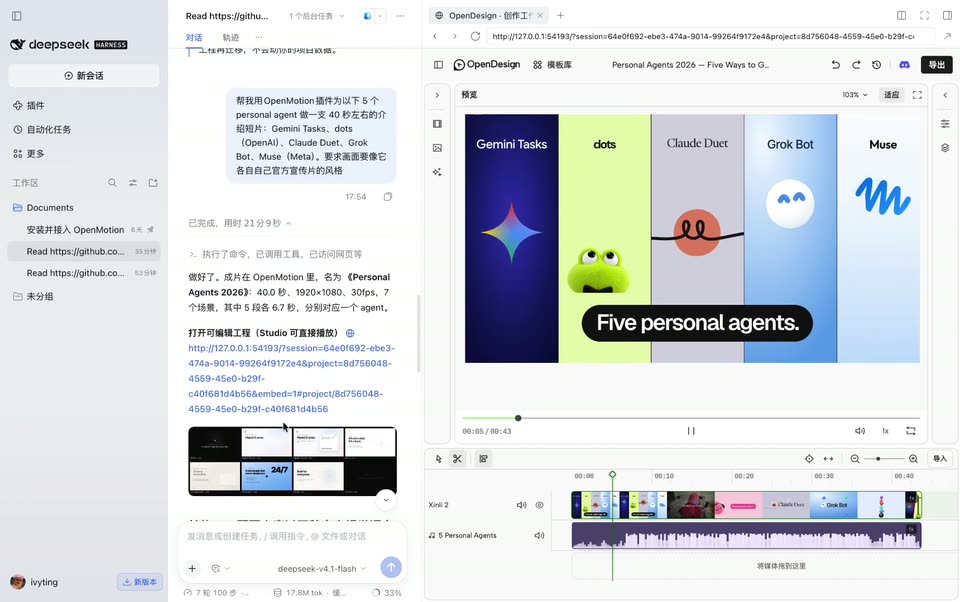 0:00–0:08OpenDesign · OpenDesign - DeepSeek Video AGI moment has come. OpenMotion, our open-source plug... #1Split screen: a chat assistant on the left, a video editor on the right. The editor's preview plays an animated promo of five agent mascots, cycling a green blob, an orange circle and a blue squiggle, captioned Five personal agents. The timeline scrubber advances as the chat scrolls.
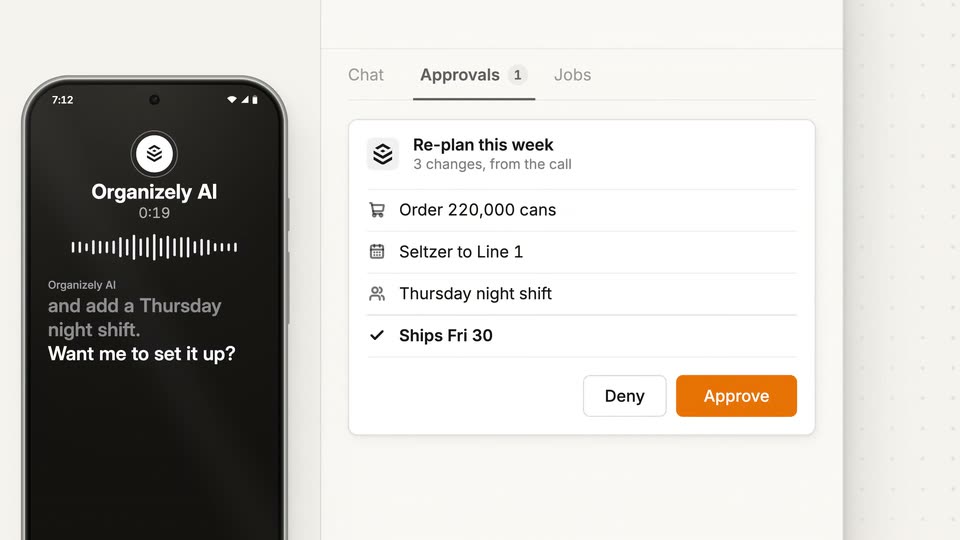 1:20–1:22Organizely · Christian Santos - Introducing Organizely (YC F26): an AI-native ERP to help the 268,000A phone on the left streams an Organizely AI transcript while the desktop view zooms in on the Approvals card. A cursor moves to the orange Approve button and clicks it as the transcript finishes.
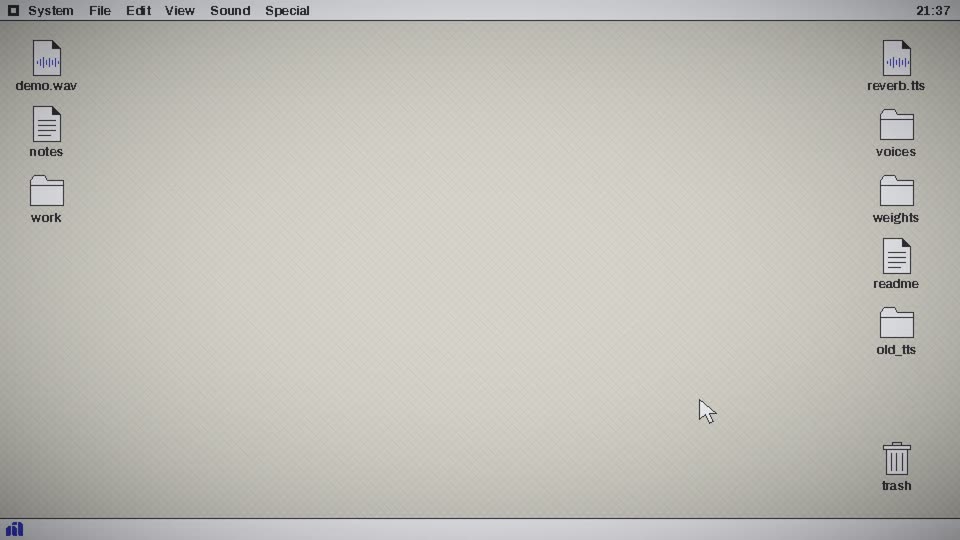 0:05–0:07Software Mansion · Software Mansion AI Labs - Introducing Reverb-TTS, a state-of-the-art voice-cloning text-to-speeA retro beige desktop with a pixel menu bar shows a purple terminal window full of hex text that closes, revealing file and folder icons lined along the left and right edges. A white arrow cursor drifts down into the empty center.
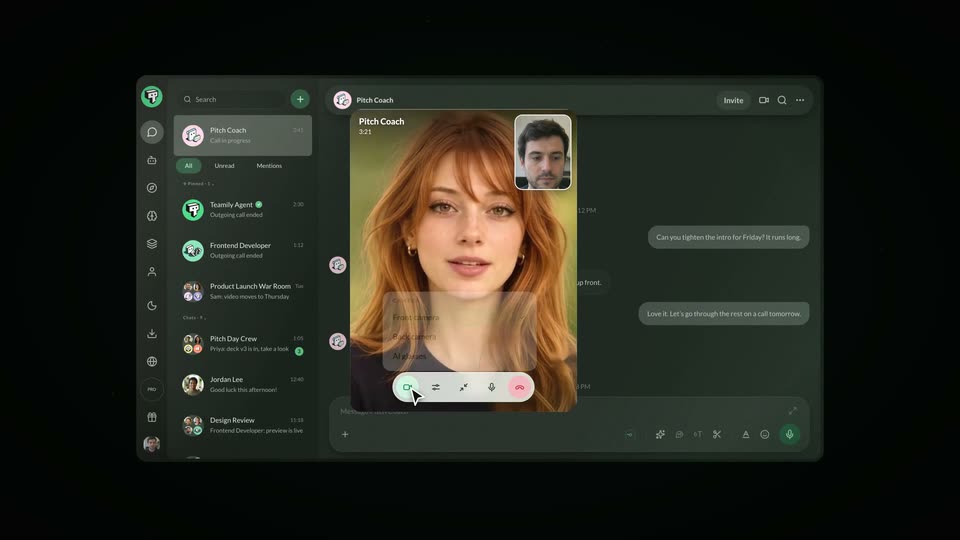 0:14–0:15Teamily AI · Teamily AI - Introducing Teamily Video Agent We give all Teamily agents a face.In a dark chat interface, a video call overlay shows a woman with red hair and a small self-view of a man. A cursor clicks the camera control, opening a dropdown with front, back and AI glasses options, then moves to the last one.
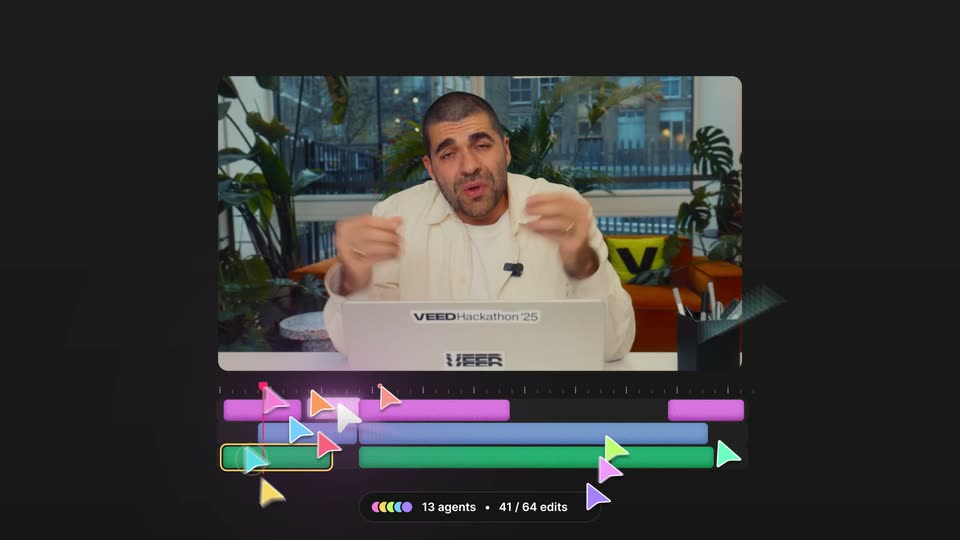 0:01–0:04Veed · Sabba Keynejad - Introducing the world’s first video editing agent that actually worksA man in a cream shirt talks at a laptop inside a video editor. The shot reframes into a rounded preview card above a timeline of purple, blue and green clips, while colored agent cursors dart across the tracks and an edit counter climbs to 64.
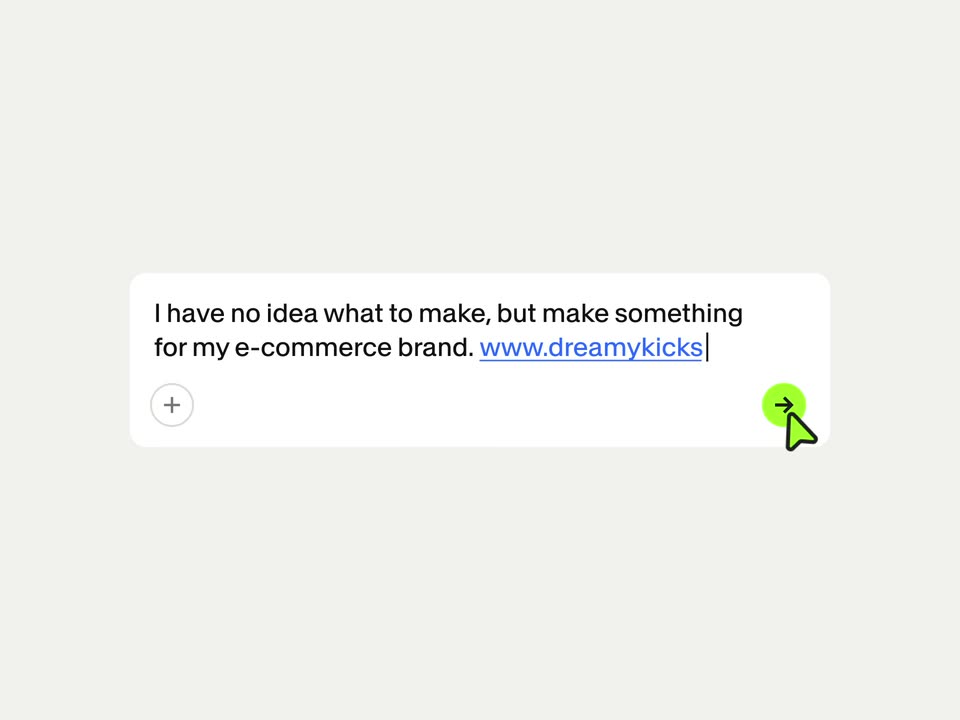 0:12–0:14Veed · VEED | AI Video Creation - Today, we are launching VEED AI. The world's first video editing ageA white rounded input box sits centered on a light gray background. A prompt is typed character by character, ending with a blue underlined URL, then a green arrow cursor moves to the green send button.
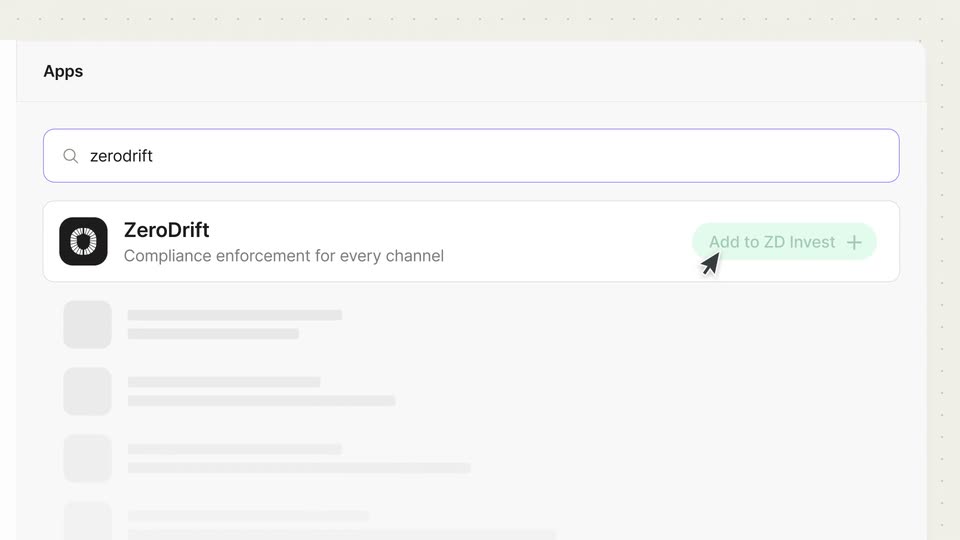 0:13–0:17ZeroDrift · Kumesh Aroomoogan - We’re launching @zerodrift_ai for @SlackHQ today ⚡️ Your team moveA Slack-style workspace opens on the Apps panel; the cursor types zerodrift in the search field and a ZeroDrift result card fades in. The view zooms onto the card, the cursor clicks the green Add to ZD Invest button, which flips to Added with a check, then the frame pulls back to a toast.
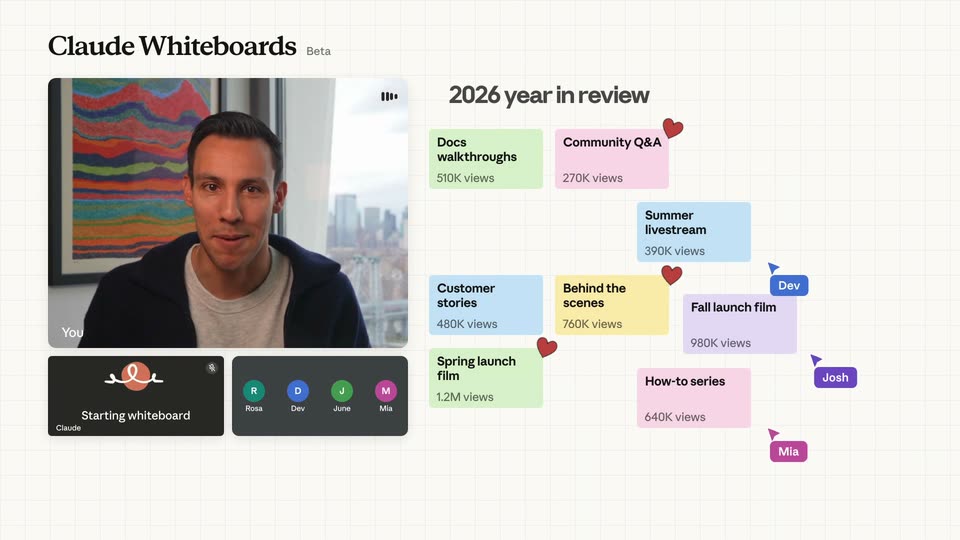 0:05–0:29Anthropic · Five brand new ways to use Claude at workA man in a left video tile speaks as a whiteboard fills with pastel cards, each with a content name and view count. Named cursors drift between cards, hearts pop on, then the view zooms out to a full grid as a chat box types a question to Claude.
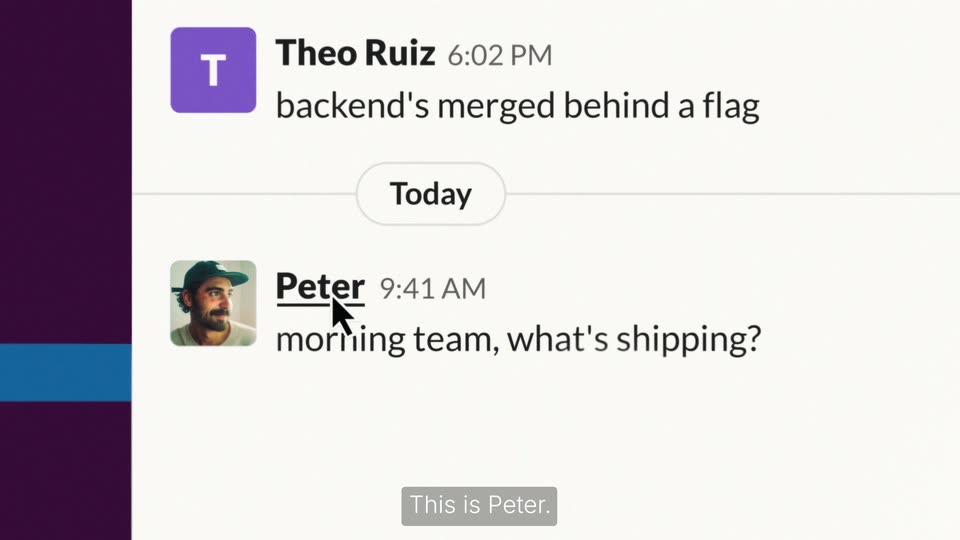 0:07–0:08Arcade · Caroline Clark - Frontier AI has solved math. Science. Coding. But it still hasn’t solA light chat thread scrolls up, revealing earlier messages above Peter's question. A cursor hovers over his name while the bottom caption switches from “This is Peter.” to “He runs marketing.”
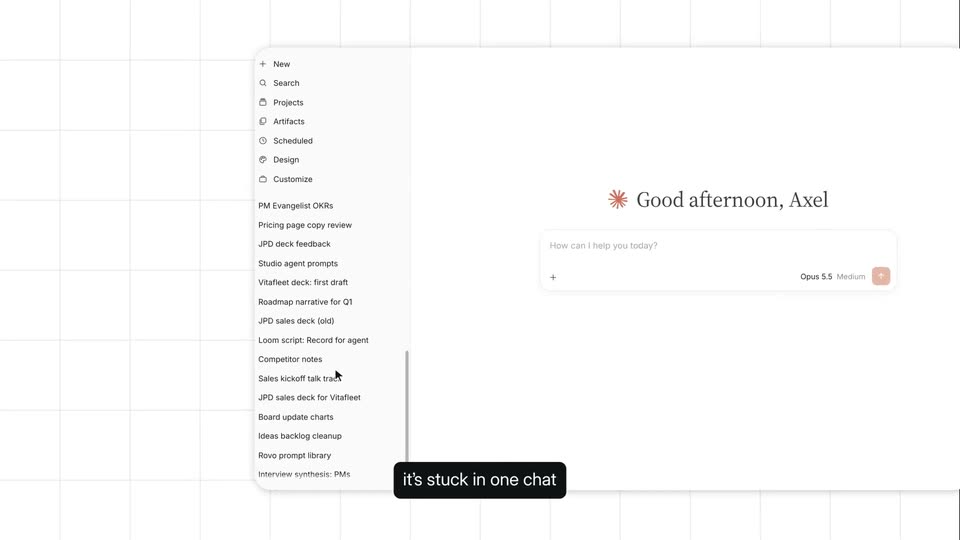 0:03–0:07Atlassian · Give your AI work a home with Artifacts App | Rovo at WorkA Claude chat window fades in on a faint grid backdrop and scales up, then the view pushes into the left sidebar list. A cursor rests on the entry “JPD sales deck for Vitafleet” while black subtitle boxes cycle at the bottom.
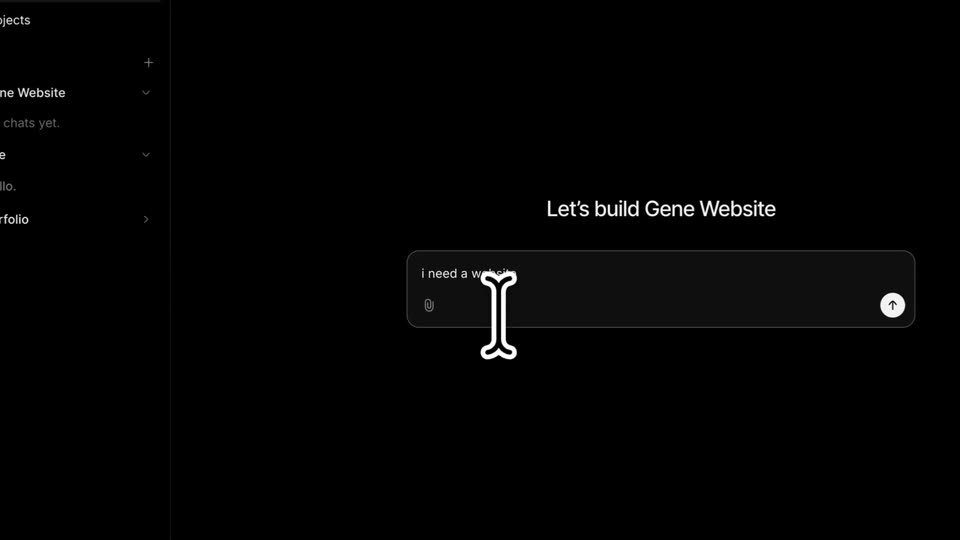 0:24–0:25Cencori · Bola Banjo - Introducing Tensor. The ADE for doing real work with AI. Live now oA dark chat interface with a left project sidebar and a centered input field under the heading “Let's build Gene Website.” A large white cursor hovers over the field, then the typed text “i need a website” fills it as the cursor lifts away.
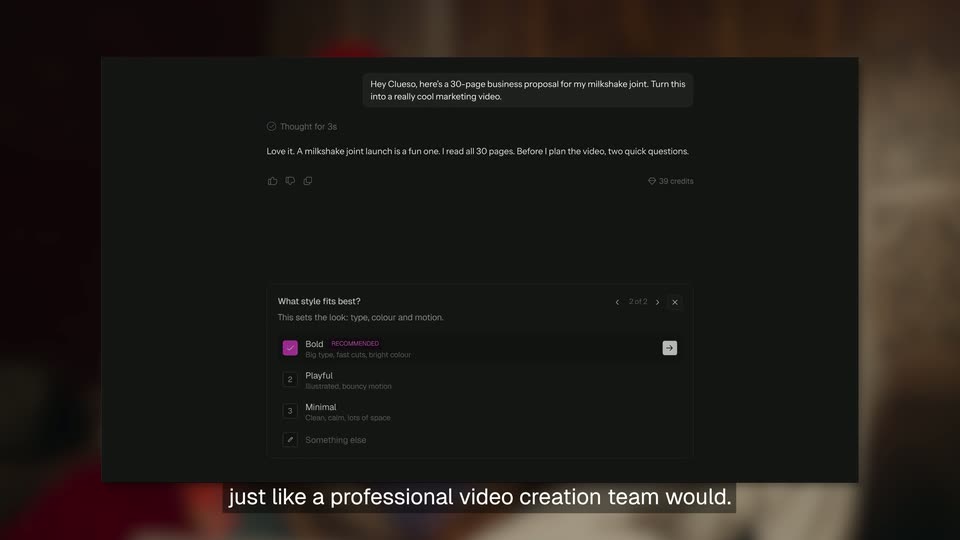 0:16–0:23Clueso · Akash Anand - Today, we're launching Clueso v2. AI has finally become good enoughA dark chat interface plays out over a blurred live-action set: a user prompt appears, the assistant thinks, then asks two multiple-choice questions that a cursor clicks through. The interface then drops away to reveal a man in a fez holding a milkshake beside a laptop.
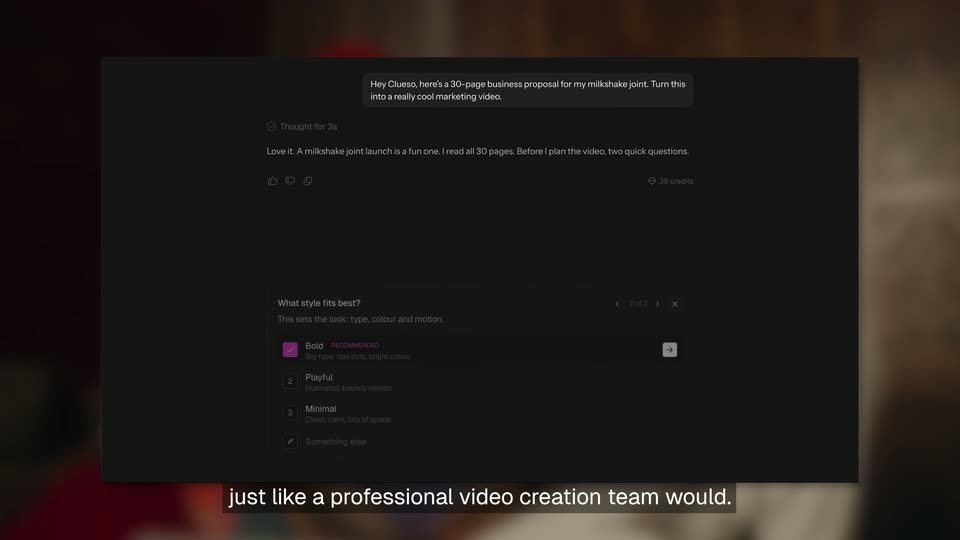 0:16–0:23Clueso · Announcing Clueso AI | World's First Collaborative AI Video EditorA dark chat panel floats over a blurred set. A prompt appears, the assistant replies, and a question card slides in; the cursor picks options as the card swaps, then a numbered plan fills the screen. It cuts to a man in a fez with a milkshake.
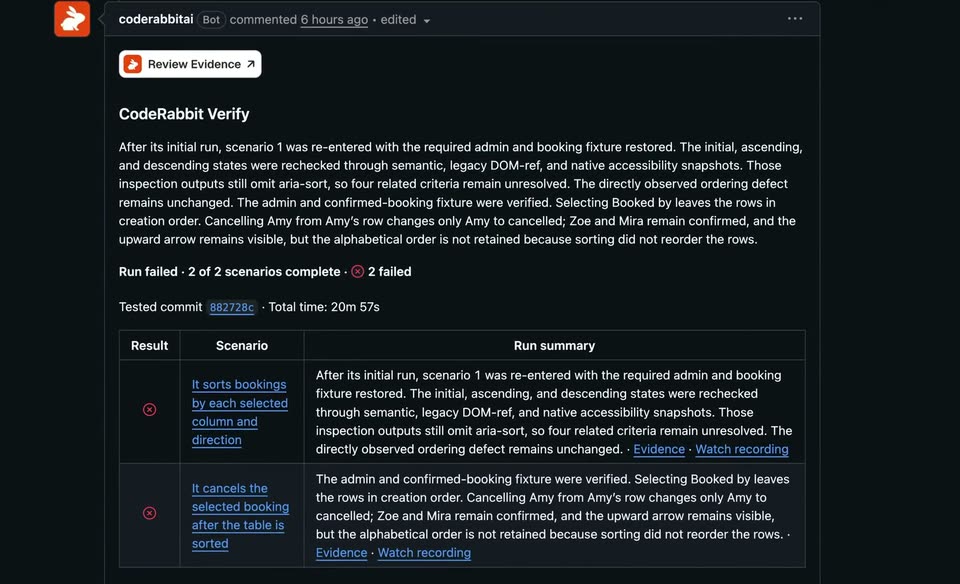 0:00–0:08CodeRabbit · CodeRabbit - Introducing CodeRabbit Verify Don't let your users be the first testA dark pull-request card floats over a red fur backdrop while an ASCII rabbit animates in the bot comment. The camera zooms into the CodeRabbit Verify report, then pulls back as a cursor hovers the Review Evidence button.
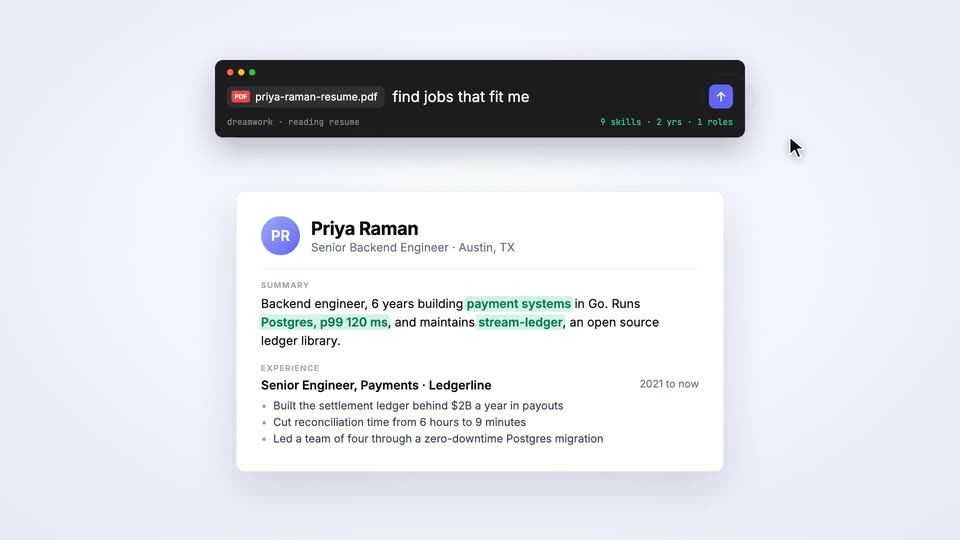 0:05–0:08Dreamwork · Colin @ Dreamwork - there’s a reason i don’t fill out job applications anymore today we’A dark command bar holds a PDF chip while a prompt types out letter by letter; a cursor drifts to the bar, then a white resume card slides up below as the status line updates to 16 skills, 6 yrs, 3 roles.
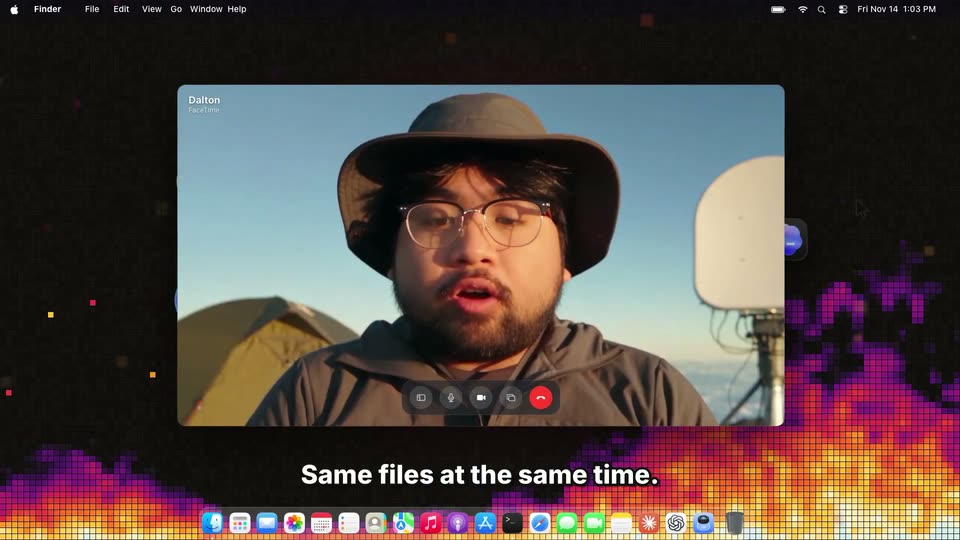 0:13–0:14Evokoa · FlashDrive (YC F26): A shared drive for your team and all your AI agentsA macOS desktop shows a folder linked by dotted lines to two user avatars and three app icons. A FaceTime window pops up in the center with two people on video, and the bottom caption switches from “working together.” to “Same files at the same time.”
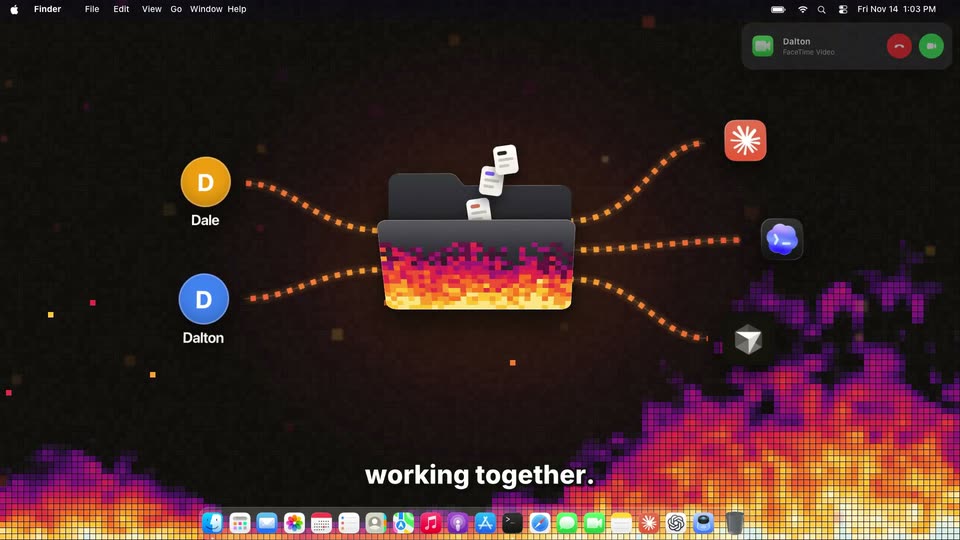 0:11–0:13FlashDrive · dale - Today we’re launching FlashDrive with @ycombinator 🚀 FlashDrive is aA flat macOS desktop centers a folder filled with a pixelated orange-purple gradient, dashed lines linking two avatar circles on the left to app icons on the right. A white bottom caption reads for people and agents, then swaps to working together. as document cards and a FaceTime banner pop in.
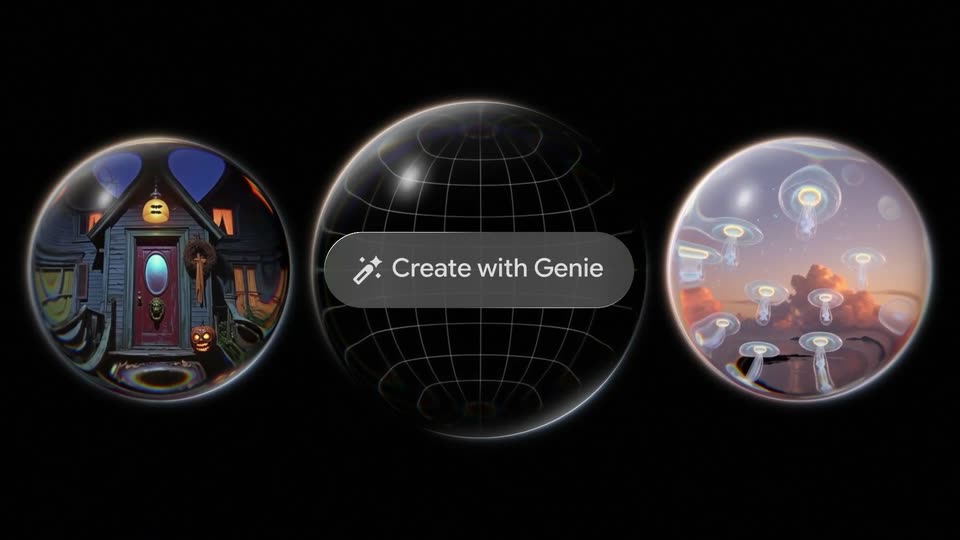 0:00–0:01Google · Google DeepMind - Genie 4 is now available in Project Genie. It brings native audio, rThree glowing spheres float on a black background: a haunted house, a wireframe globe holding a Create with Genie button with a hand cursor, and a pink jellyfish scene. The orbs drift and rotate slowly.
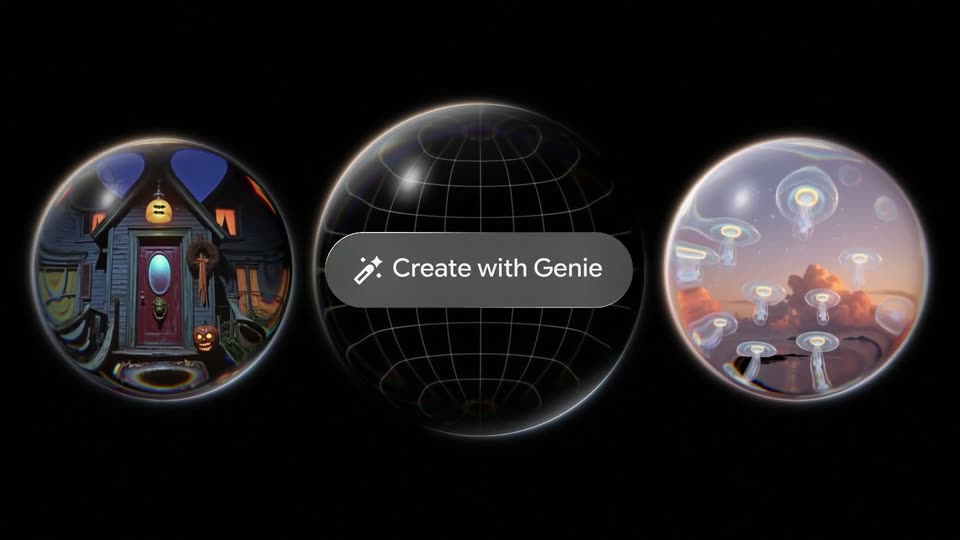 0:10–0:11Google · Introducing the new Project Genie, powered by Genie 4Three glowing orbs float on black: a wireframe globe in the center, a Halloween house on the left, a jellyfish scene on the right. A pill button labeled 'Create with Genie' slides in at the center while a hand cursor rises and clicks it, flashing the button lighter.
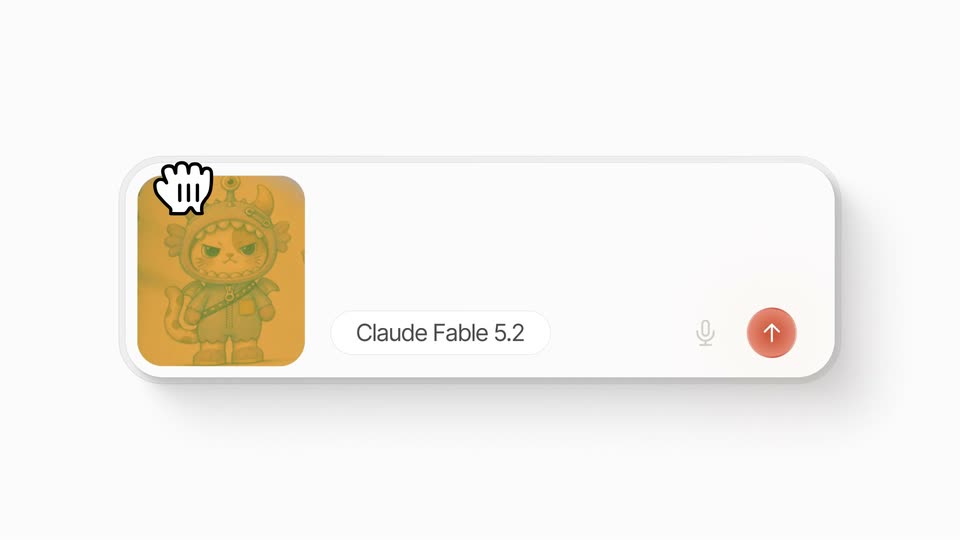 0:07–0:08Higgsfield · Higgsfield AI 🧩 - Introducing Higgsfield MCP 2.0 for Claude. Your entire creative studA white rounded prompt bar sits centered on a light gray field, holding a cartoon character thumbnail on the left, the text Claude Fable 5.2 in the middle, and a mic icon with an orange up-arrow button on the right. A white hand cursor rests on the thumbnail as the whole bar scales up from small to large.
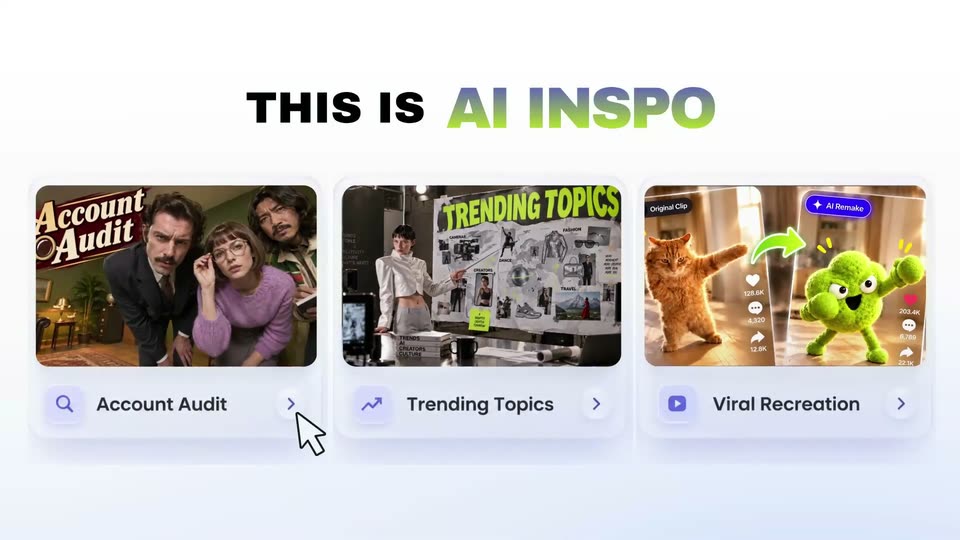 0:04–0:05Inspo · Meet AI Inspo, your all in one AI powered social media management platform.A large Trending Topics card scales down to its slot in a three-card row, revealing the headline above. The left Account Audit card takes a dark selection border while a cursor arrow rests beneath it.
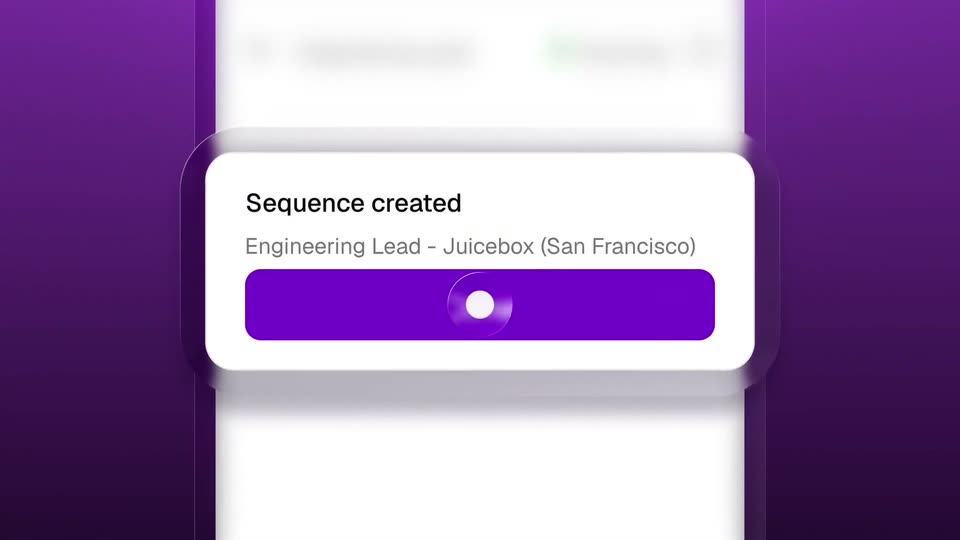 1:01–1:02Juicebox · Introducing Juicebox for MobileA white notification card pops into the center of a phone screen on a purple gradient, its title scaling in and the role line sliding in. A white tap dot ripples on the purple Open button, then the card slides up to reveal an approved contact row at the top.
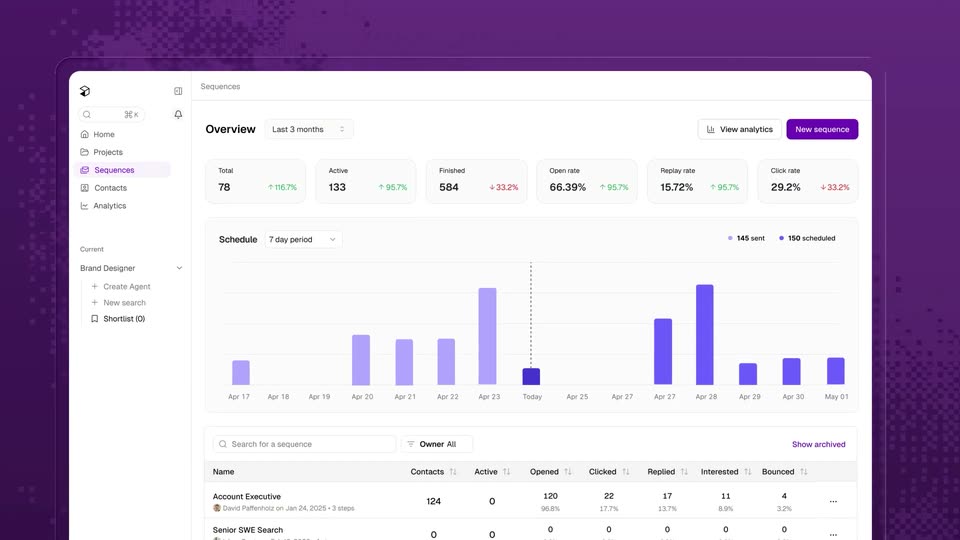 0:43–0:46Juicebox · Introducing Smarter Sequences from JuiceboxA purple dotted backdrop frames the Sequences dashboard as the camera zooms in on the overview metrics and bar chart. A cursor then drifts in and hovers the purple New sequence button.
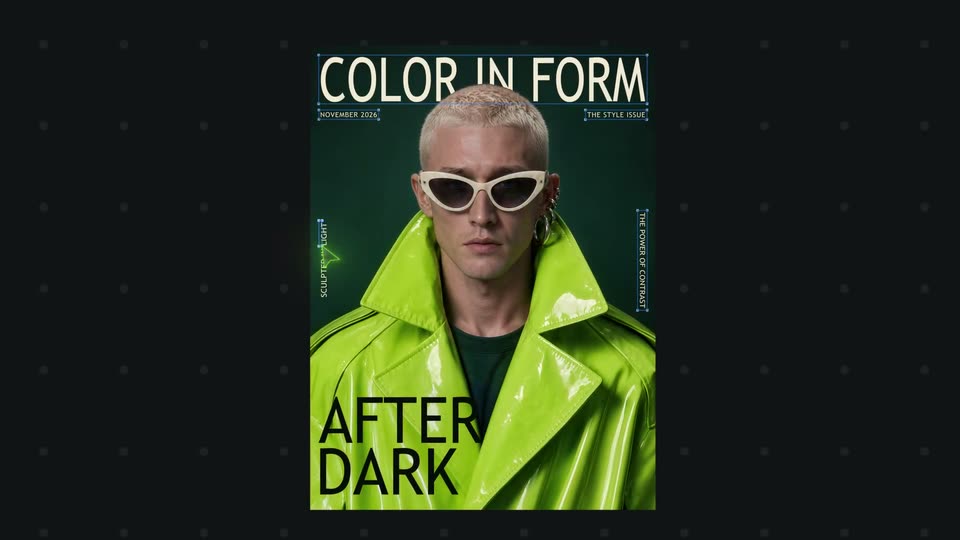 0:58–1:01Kling AI · Meet Kling Image 4.0A magazine cover with blue selection handles on its type sits on a dark dotted canvas. A green 15K Tokens callout fades out on the right as a cursor moves over the boxes and the frame zooms in on the AFTER DARK title.
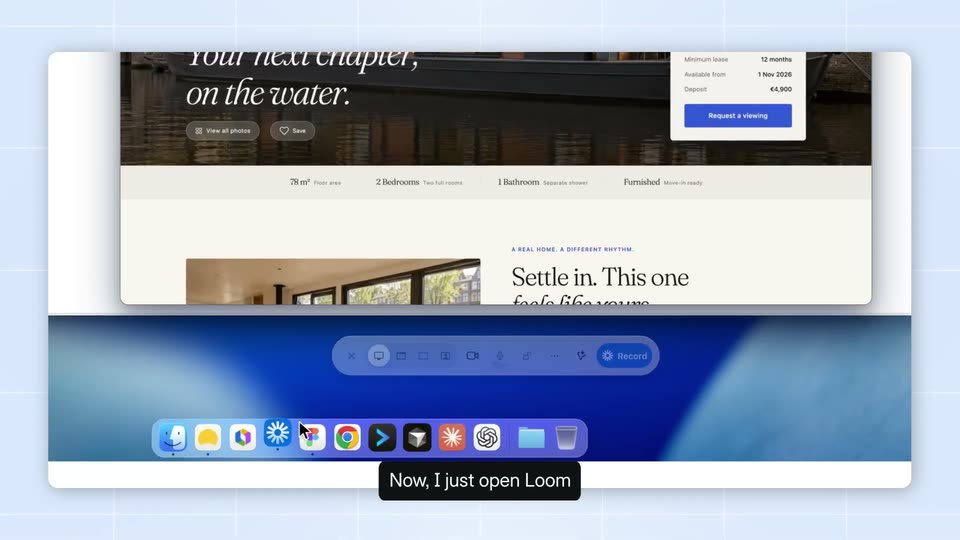 0:14–0:16Loom · Show your AI agent what to do with Record for agent | Rovo at WorkA desktop screen shows stacked property-listing windows over a blue wallpaper. The view zooms in as the cursor moves down to the dock and clicks the Loom icon.
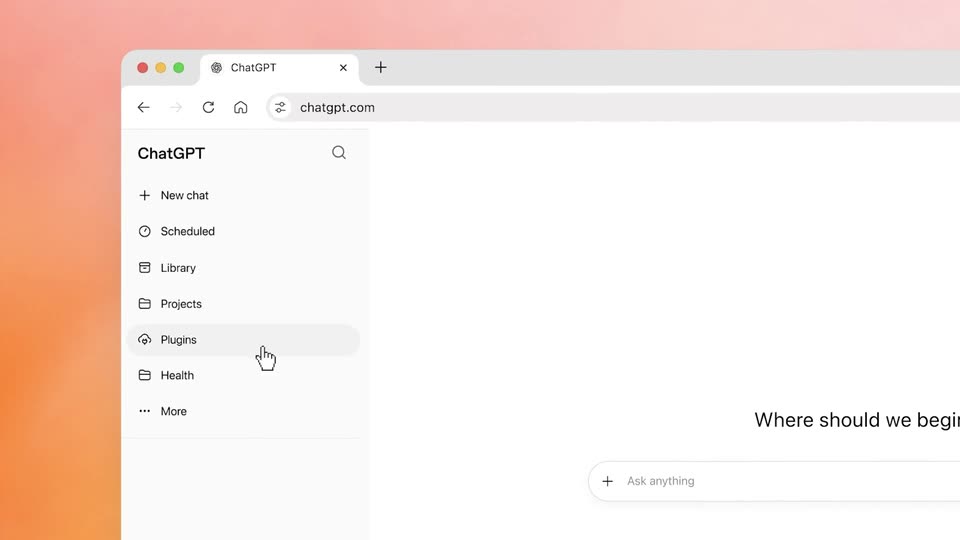 0:02–0:03OpenAI · Introducing ChatGPT for AccountingA ChatGPT browser window on a peach gradient settles from a ghosted double into a crisp frame, then a hand cursor glides to the Plugins item in the sidebar, which highlights in a gray pill.
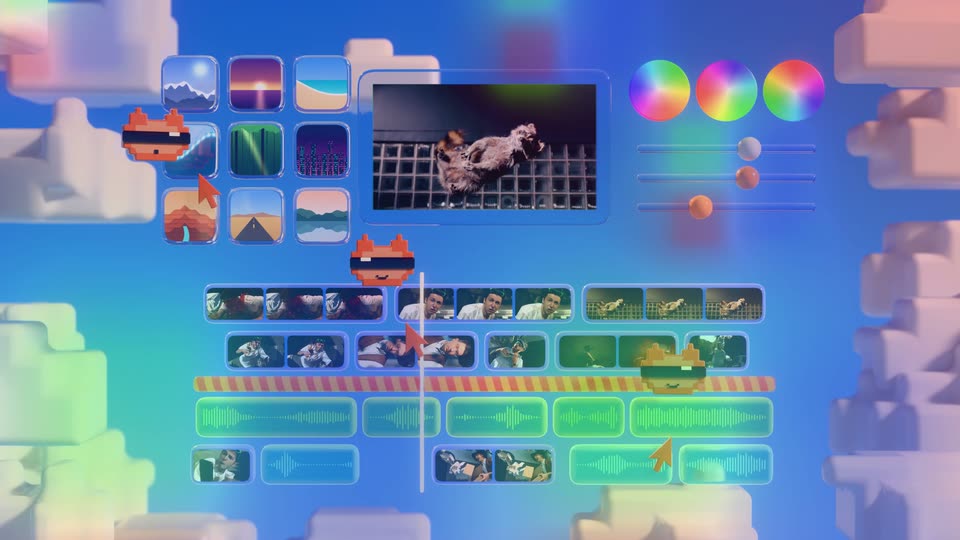 0:36–0:37Osmo Studio · Osmo Studio - Some very personal news: we’re rebranding as an applied AI lab and arA 3D video editor interface floats in a blue sky with blocky white clouds, resolving from motion blur into focus. A thumbnail grid, a chicken video preview, color wheels and a waveform timeline fill the panel, with two orange visored figures and a cursor on it.
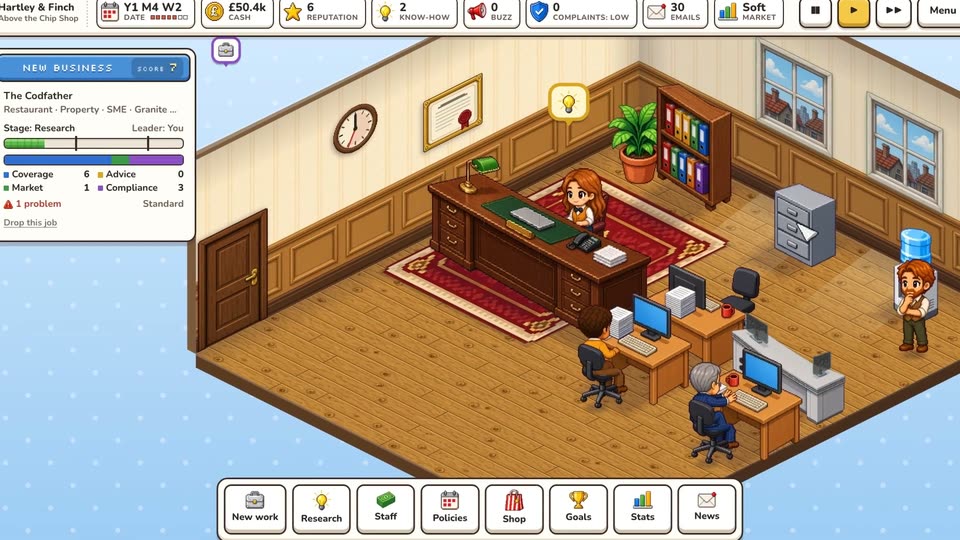 0:09–0:11Parsewise · Parsewise presents... Insurance Broker SimulatorAn isometric office room from a business sim: a boss sits at a desk, two staff work at computers. A cursor moves from the filing cabinet to a framed certificate on the wall, which gets a purple selection box and a glowing lightbulb icon. Static UI panels frame the view.
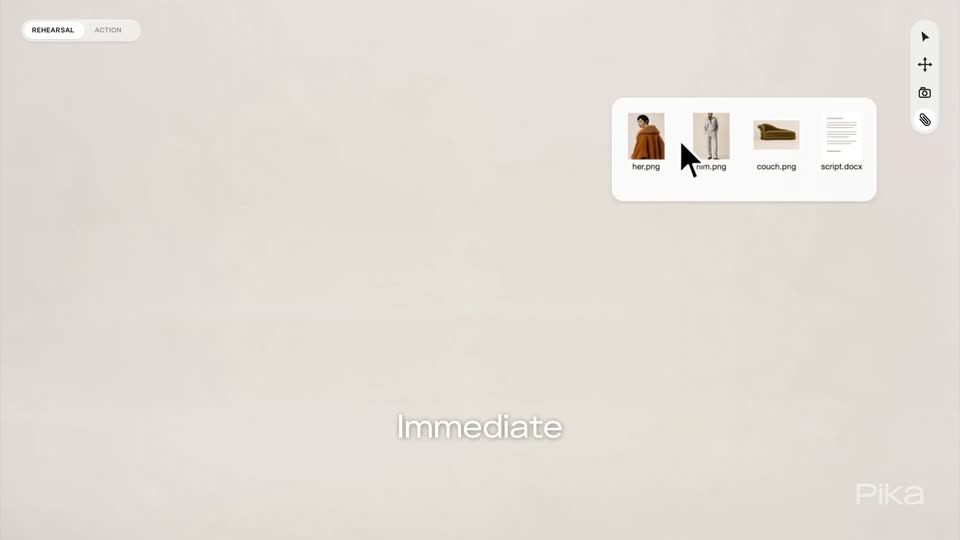 0:31–0:33Pika · Pika Enact | A Research Preview of Scenes that RespondOn a beige canvas, a cursor taps the paperclip icon in the right toolbar, a file panel pops up with four thumbnails, and the cursor drags a woman in an orange sweater out onto the canvas as a framed image. The caption “Immediate” sits at the bottom center.
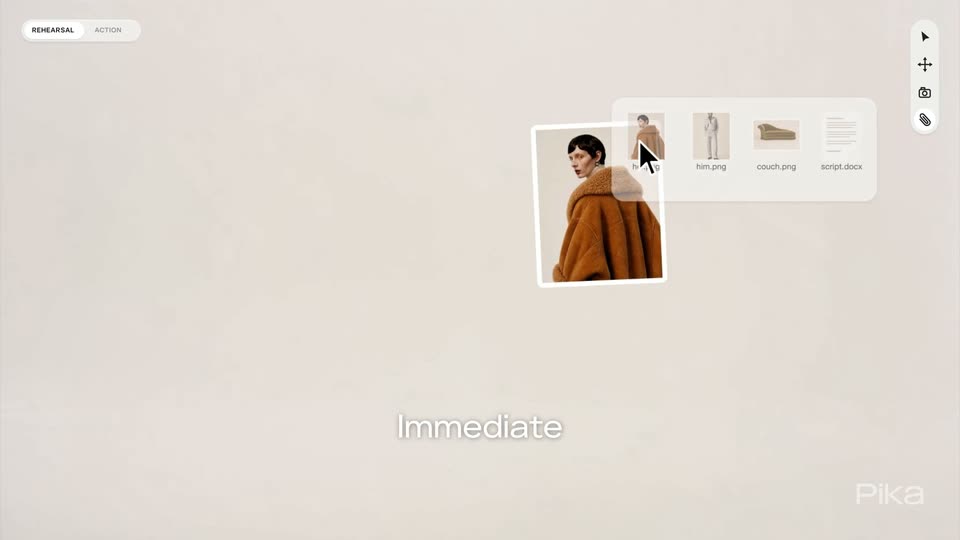 0:31–0:34Pika · Pika - Today, we’re excited to share Enact, a research preview of scenes thaA beige editor canvas with a top-left REHEARSAL/ACTION toggle and a right-side icon rail. A file tray of reference thumbnails and a script slides in, two cursors hover the images, then the tray clears and a single photo card of a woman in an orange coat drops to the center above the word Immediate.
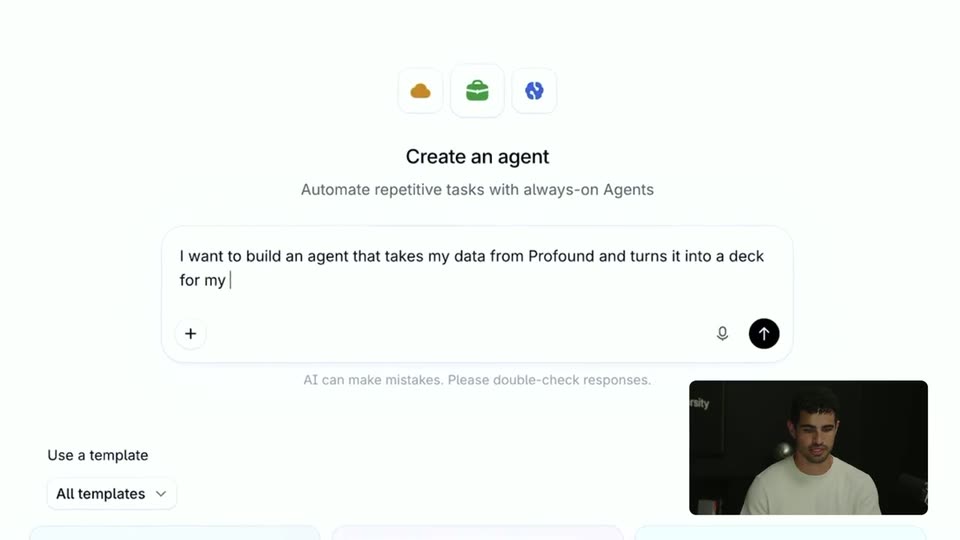 0:07–0:33Profound · Dylan Babbs - Today we're launching a new generation of Agents in @profound, now poA browser shows the 'Create an agent' page, icon tiles cycling above the heading. The view zooms into the prompt box as text is typed, then send is clicked. A chat view follows, with a 'Working' timer, a black 'Aim is creating your agent' pill, and a speaker inset.
 0:57–0:59ReachAgents · Razvan Roman - You can now advertise directly to people’s agents with ReachAgents.A red pill button reading Get in touch, with a cursor on it, sits above the URL reachagents.com on a cream background. The button scales up to fill the frame in solid red as the URL grows.
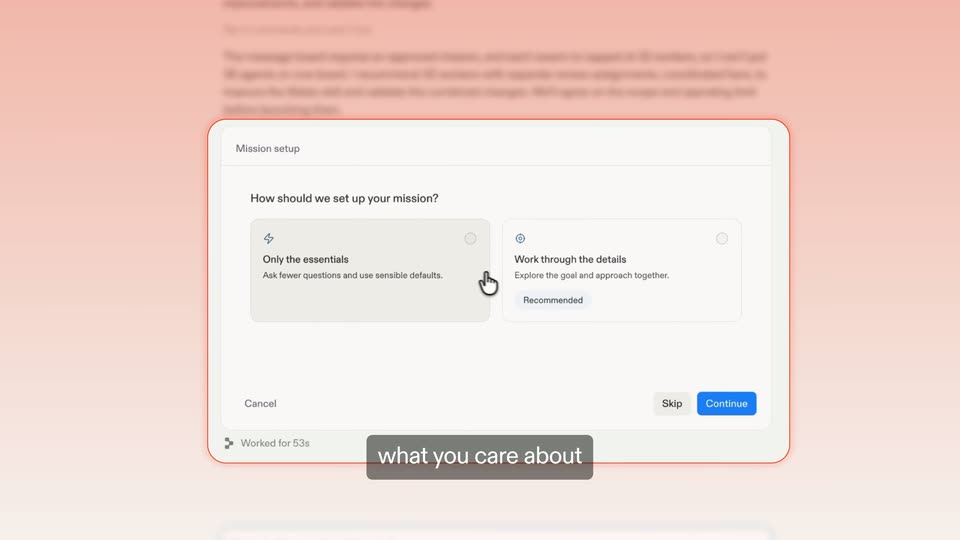 0:58–1:02Replit · Replit Missions | Pursuing outcome-based resultsReplit chat shows a Mission setup dialog. The frame zooms from the full browser to the dialog over a pink gradient. A cursor picks the Work through the details option and clicks Continue; the panel switches to Reviewing your answers while caption pills appear at the bottom.
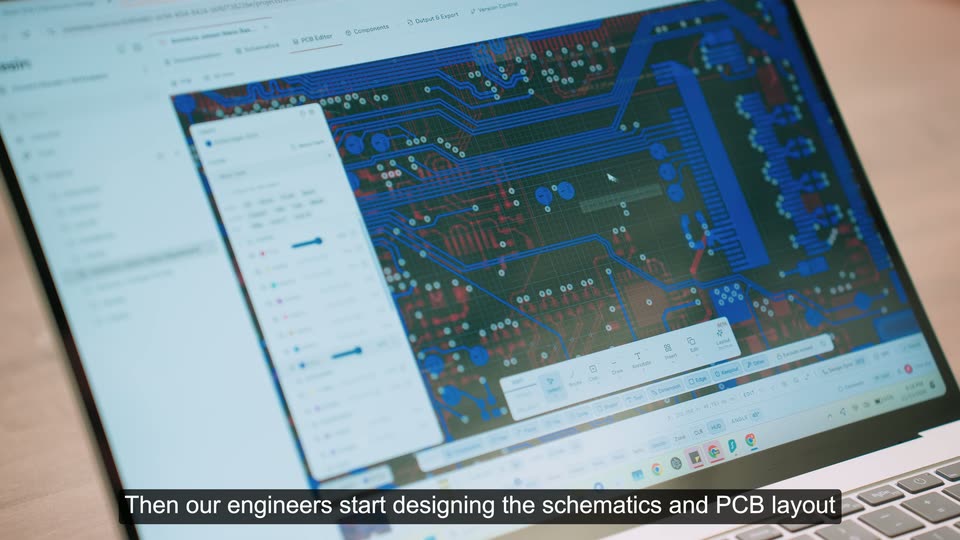 0:54–0:56Resin · Resin: A new electronics firmAn angled close-up of a laptop screen runs a PCB editor, blue and red circuit traces filling the canvas beside a left properties panel and a bottom toolbar, a cursor hovers over the layout, shallow focus softens the bezel, a white caption sits at the bottom.
 0:09–0:13Roma · Turn Granola Meeting Notes Into Tasks AutomaticallyIsometric sheets of paper stack up on a dark dotted grid, then the top sheets lift off to expose an orange highlighted line on the bottom sheet. A cursor hovers over that line. A white caption bar at the bottom shows the voiceover text line by line.