
0:54
Explore
00:00:00 / 01:01:07
- Length
- 1:01
- Scenes
- 17 · 3.6 s avg
- Product on screen
- 0:32
- Features shown
- 1
- Call to action
- 0:58 · 95%
- Voiceover
- Yes
- Views
- 6 on YouTube
as of November 19, 2026
Roma’s 1:01 launch film runs 17 scenes, about 3.6 s each. The product shows up at 0:32 and 1 feature is revealed. The call to action lands at 0:58 (95% in), over a voiceover. The video alternates a talking-head presenter in a warm living room with isometric 3D paper animations on a dark dotted grid, moving from the note-overload problem through a single continuous feature demo to a flat orange end card. Pacing runs near 15 cuts per minute with white caption pills carrying every line, and the signature move is the paper sheets stacking, lifting apart and collapsing to visualize meeting notes.
Footage neededEstimated needs: 1 capture group — your screens or recordings · 1 official logo — reused across the film · 11 filmed passages — shoot, supply or replace · 4 3D passages — build or supply
Is this your launch? to your site or press kit.
More like this
1:11

Topaz Labs - 1/7: 📢 Big release! Introducing Astra 2 🚀 Our next-gen creative model
Topaz Labs · Apr 2026
1:27

Kiwi (YC F26) - Launch Video
Kiwi · B2B · Oct 2026
Similar soundtrack
Films whose music sounds like this one, voice left out
1:19
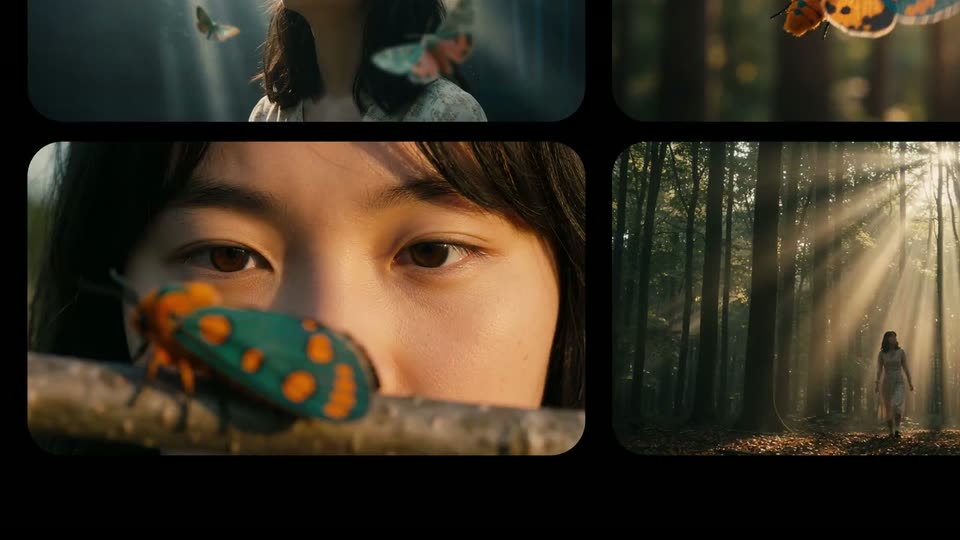
Google DeepMind - We just dropped Nano Banana Pro, built on Gemini 3. 🍌 With state-of-
Gemini 3 Pro Image · Electronic
2:12
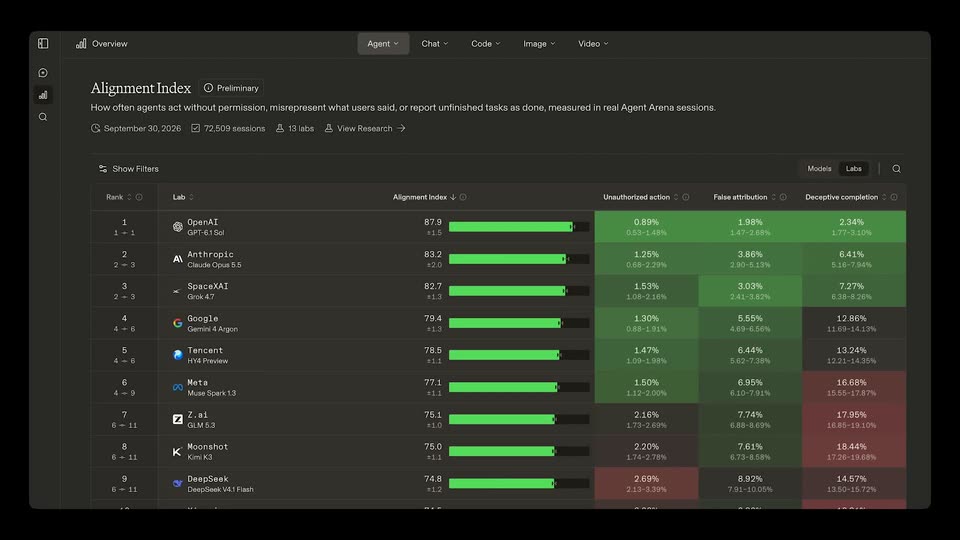
Arena.ai - Today, we're announcing our Series B: $200M at a $3.1B valuation, and
Arena · Modern Electronic
1:17


Abhishek Das - We're excited to launch Delegate. An agent you delegate work to and m
Yutori · Modern electronic
Turn Granola Meeting Notes Into Tasks Automatically, scene by scene
· 17 scenes as text
01 · Hook · 0:00–0:03
On an orange background, a man in a black vest speaks to camera on the left while a dark task app lists “Tasks from meetings” on the right; the interface zooms to reveal assignee names as white caption boxes roll his words at the bottom.
On-screen text: “It's so easy to take”, “meeting notes these days.”, “But even with all the summaries,”
Techniques: Split screen, UI zoom
Camera: Pull out
02 · Problem · 0:03–0:08
An isometric sheet of paper with gray text lines floats on a dark dotted background. An orange highlight grows across one line as caption lines swap below, then the scene cuts to a man at a laptop in a living room.
On-screen text: “But even with all the summaries,”, “you still have to figure out”, “what you actually need to do.”, “What's mine?”, “What's my team taking care of?”, “Here's what I mean.”
Techniques: Kinetic type, 3D mockup
Camera: Static
03 · Problem · 0:08–0:09
A man in a gray and black jacket sits at a desk with a laptop, gesturing with both hands as he speaks. The softly lit living room behind him holds plants, lamps and a couch. A white caption pill sits at the bottom center.
On-screen text: “Here's what I mean.”
Camera: Static
04 · Problem · 0:09–0:13
Isometric sheets of paper stack up on a dark dotted grid, then the top sheets lift off to expose an orange highlighted line on the bottom sheet. A cursor hovers over that line. A white caption bar at the bottom shows the voiceover text line by line.
On-screen text: “Here's what I mean.”, “You have six meetings,”, “a lot of great notes,”, “and somewhere in there”, “is the thing that you need to get done.”
Techniques: 3D mockup, Cursor demo
Camera: Static
05 · Problem · 0:13–0:20
A man in a black vest talks to camera from a bright living room, gesturing. Three app icons pop in at the top right as he names tools, with white caption boxes below. It cuts to a 3D isometric stack of documents on a black dot grid.
On-screen text: “You've got Granola, Circleback,”, “Wispr Flow.”, “These are all great tools.”, “And you come out of a meeting,”, “and it's all there.”, “You haven't lost a thing.”, “But then you have another meeting”
Camera: Static
06 · Problem · 0:20–0:27
An isometric stack of cream document pages grows on a dark dotted grid as new sheets drop in from above, then tilts and collapses into a scattered pile while a cursor hovers nearby. White subtitle captions swap at the bottom.
On-screen text: “But then you have another meeting”, “and another and another.”, “And by the time you finally”, “sit down to get some work done,”, “you have a bunch of notes to go through”, “just to figure out where to start.”
Techniques: 3D mockup, Cursor demo
Camera: Static
07 · Problem · 0:27–0:32
A man in a gray and black vest sits in a softly lit living room, gesturing with both hands as he speaks to the camera, the edge of a dark laptop at the right. White subtitle boxes with black text sit at the bottom. The frame stays locked off.
On-screen text: “And if I'm still figuring that out,”, “my team's waiting on me”, “or I'm waiting on them.”
Camera: Static
08 · Product intro · 0:32–0:33
A man in a grey vest sits at a laptop in a softly lit living room, talking to camera with small hand gestures. The frame stays locked off; a white K logo sits in the top-left corner and a caption line at the bottom reads “This is where Roma comes in.”
On-screen text: “This is where Roma comes in.”
Camera: Static
09 · Feature reveal · 0:33–0:36
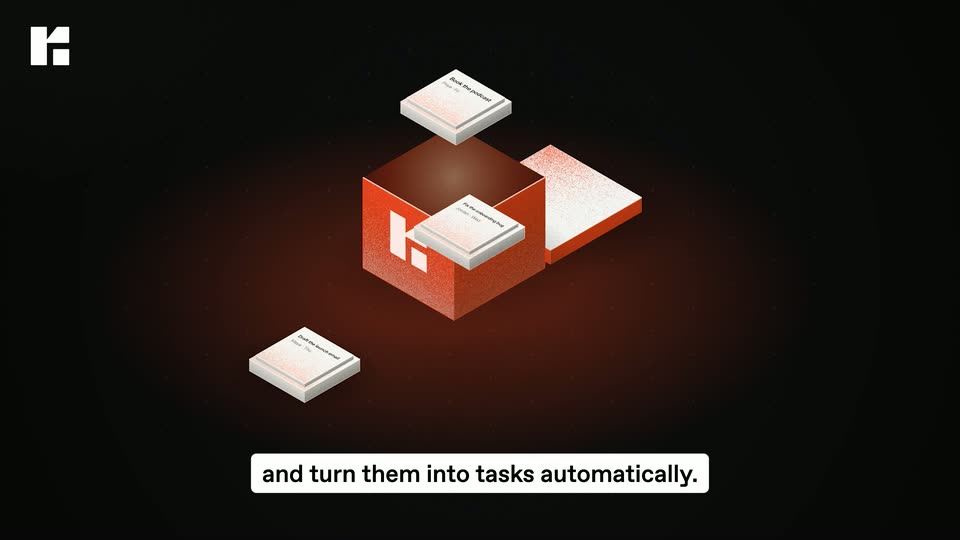
Isometric 3D on black: a stack of white documents slides toward an orange cube with a white K logo, is absorbed, and small task cards pop out around it. A white caption pill at the bottom swaps the line.
On-screen text: “Take your meeting notes”, “and turn them into tasks automatically.”
Techniques: 3D mockup
Camera: Pan
10 · Feature reveal · 0:36–0:40
A dark task list pushes in on rows tagged with assignee and day chips, then cuts to a split screen: a man speaks on the left while a task detail panel on the right shows meeting notes and next steps. White caption boxes carry the narration.
On-screen text: “Each task now has an owner”, “and the context from the meeting with it.”, “Now whoever's assigned to the task”
Techniques: UI zoom, Split screen
Camera: Push in
11 · Feature reveal · 0:40–0:41
Split screen: a man in a dark vest speaks to camera on the left, while a dark task app shows a task page with notes and a checklist on the right. A white caption pill at the bottom reads 'Now whoever's assigned to the task'.
On-screen text: “Now whoever's assigned to the task”
Techniques: Split screen
Camera: Static
12 · Feature reveal · 0:41–0:48
Split screen on an orange backdrop: a man in a black vest speaks to camera on the left, while a dark task detail screen with checkboxes sits on the right, settling from a brief crossfade of a list view. White caption boxes swap at the bottom center.
On-screen text: “can just open it”, “and see what we talked about.”, “They don't have to dig through the notes,”, “and I'm not sending yet another message”, “just to explain what needs to happen.”
Techniques: Split screen
Camera: Pull out
13 · Feature reveal · 0:48–0:51
A man in a black vest sits in a softly lit living room, speaking to the camera and gesturing with his hands while a laptop sits open in front of him. White caption boxes appear at the bottom of the frame.
On-screen text: “That's my favorite part.”, “We're not all trying”, “to piece it together afterwards.”
Camera: Static
14 · Feature reveal · 0:51–0:55
Split screen: a man is interviewed on the left while a dark checklist on the right lists next steps. A white arrow cursor clicks each box, filling them blue in order. The right panel then slides away, expanding the man to full frame in front of a laptop.
On-screen text: “When somebody finishes the work,”, “they just check it off.”, “I can see when it's done without asking.”, “The whole thing comes with tracking.”, “to piece it together afterwards.”
Techniques: Split screen, Cursor demo
Camera: Static
15 · Feature reveal · 0:55–0:56
A man in a black vest sits in a softly lit living room, speaking to camera and gesturing with his hands beside an open laptop. A white caption box with black text holds at the lower center.
On-screen text: “The notes were already there.”
Camera: Static
16 · Feature reveal · 0:56–0:58
A man in a black and gray fleece vest sits at a table with a laptop, talking to the camera in a bright living room with plants and lamps. White caption text appears at the bottom center as he speaks.
On-screen text: “Now somebody just knows”, “what to do with them.”
Camera: Static
17 · CTA · 0:58–1:01
A white blocky logo mark on a flat orange field shrinks into a small square icon, then the white URL roma.app appears centered and holds for the sign-off.
On-screen text: “roma.app”
Techniques: Morph
Camera: Static