Cursor demo
A visible cursor operates the interface.
14,884 scenes · page 6 of 249
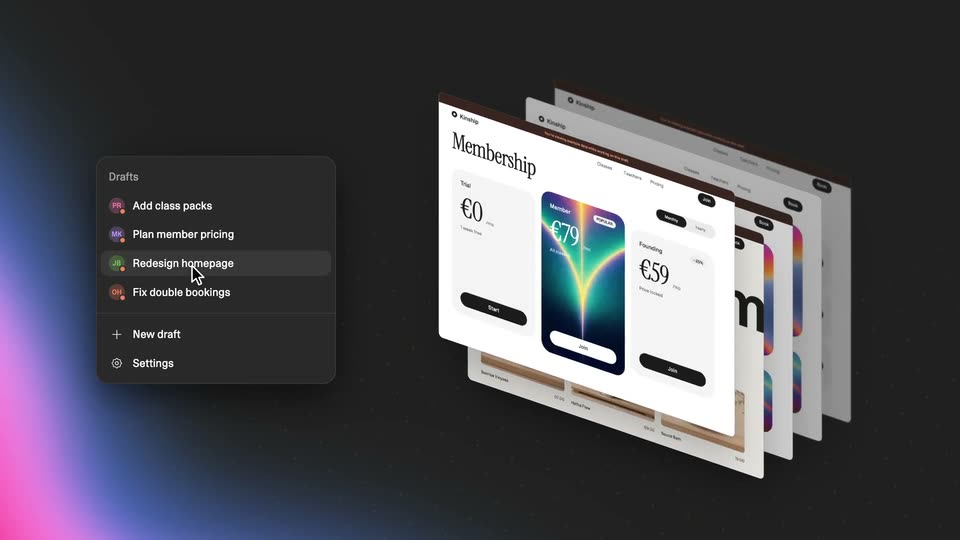 0:00–0:06Lovable · Anton Osika - Today, we’re launching Drafts in @Lovable. Build a new feature, tryA close-up of a Kinship Studio dropdown pulls back into a 3D scene with a drafts list on the left and fanned website pages on the right. The cursor clicks items, and the front page swaps to matching designs, ending on a zoom into the Show up calm page.
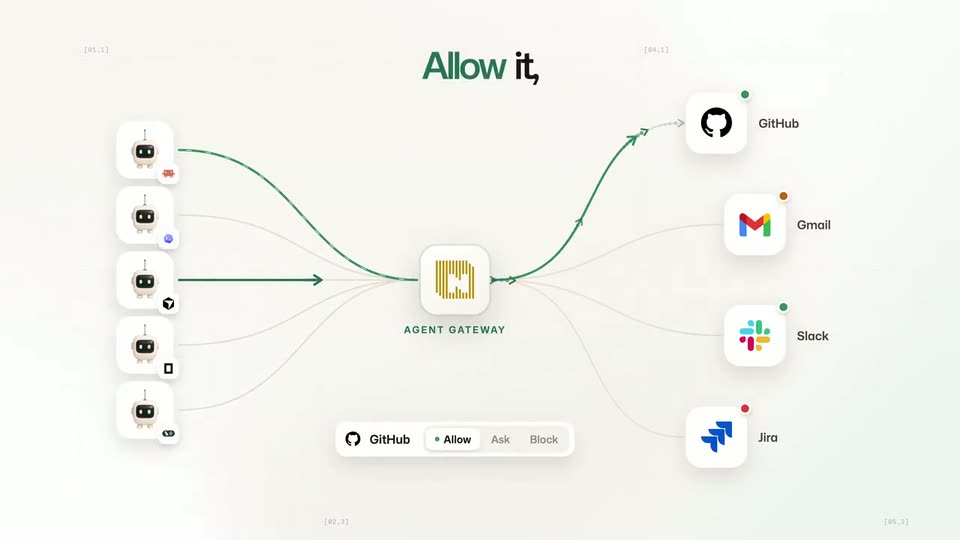 0:37–0:41Nasiko · Nasiko - Nasiko - Open Runtime platform for managing AI agents. See every agenFive agent icons on the left and four tool icons on the right route through a central Agent Gateway tile as a cluster of circular icons clears away. The headline types out, then an approval card pops up with a cursor clicking Approved and an Allow/Ask/Block pill appears.
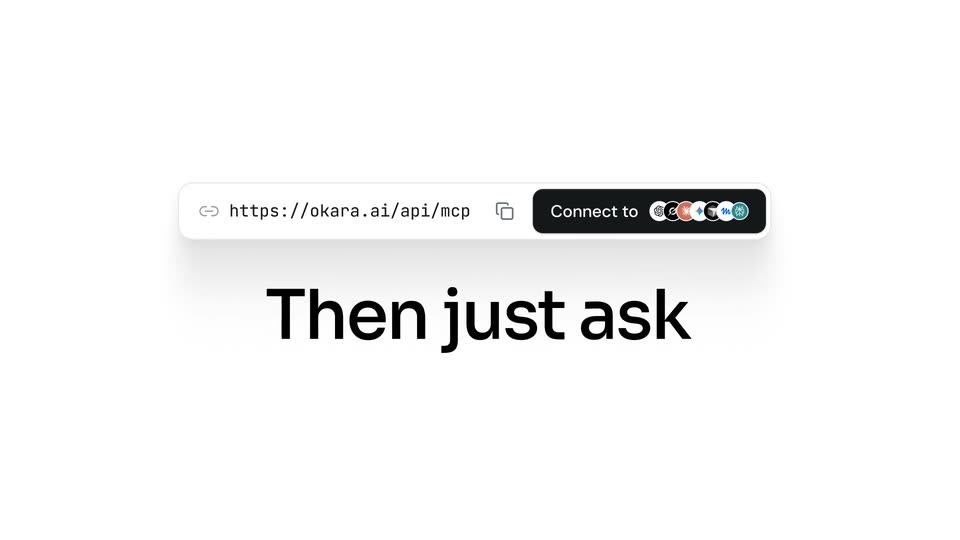 0:05–0:11Okara · Okara - Today, we're introducing Okara MCP. Connect it to Claude, Cursor, CoA black Connect to pill with overlapping app icons expands into a white bar showing the endpoint URL. Captions Set up once, then Then just ask appear below. The frame zooms in as a cursor clicks the pill, collapsing the icons to one and graying it.
 0:08–0:09Paper · Stephen Haney - Good morning! Today @paper launches Remote MCP This may change theA white card sits on a light gray field, holding a green rounded button with a white play icon. A black cursor with a white outline slides in from the lower right and settles over the play icon.
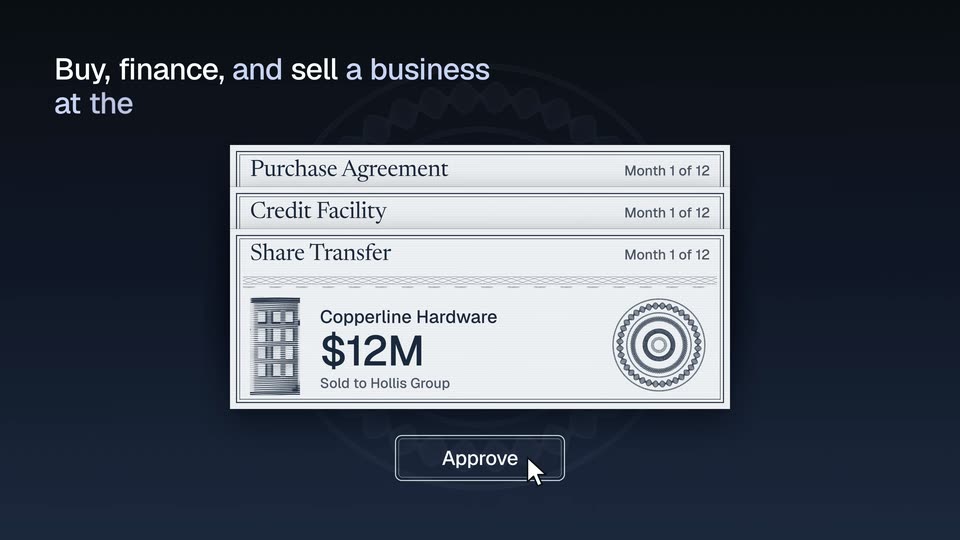 0:37–0:40Preambient · Introducing Preambient: The Next $1,000,000,000,000 CompanyA banknote-style deal card sits center on a dark navy field, its body cycling through Purchase Agreement, Credit Facility and Share Transfer rows while Closed, Funded and Sold seals pop in. A cursor taps the white Approve button below as the headline builds word by word top left.
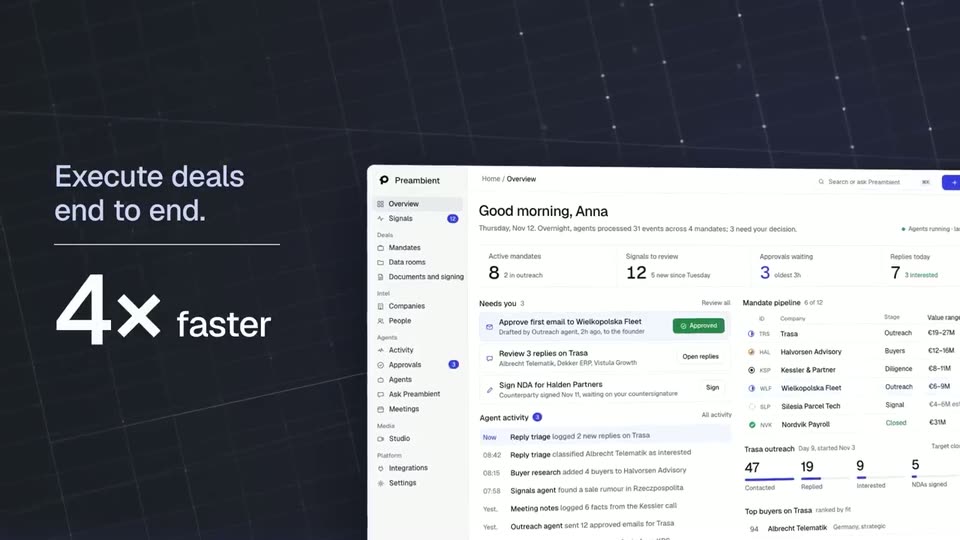 0:25–0:28Preambient · You shouldn't need to build a billion dollar company to get a world class investment bank to take you seriously. Introducing Preambient. The autonomous investment bank for founders. We help youA Preambient dashboard sits in 3D perspective on the right as a white headline 'Execute deals end to end.' holds on the left. A cursor taps Approve, then oversized white type flips from '4x faster' to '1/2 the fees' while the 3D view rotates to a timeline.
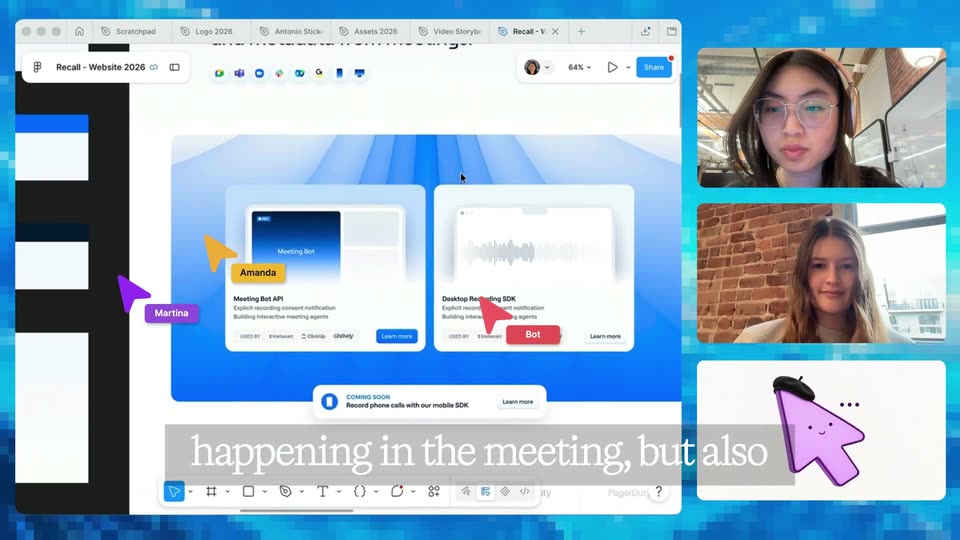 0:43–0:48Recall.ai · David Gu - Huge announcement: We launched our API to send agents to meetings!A browser window shows the Recall website scrolling down from the hero headline to two product cards, while named cursors (Amanda, Martina, Bot) glide across the page. A right column holds two webcam feeds of women and a smiling purple cursor character; bottom captions read the voiceover.
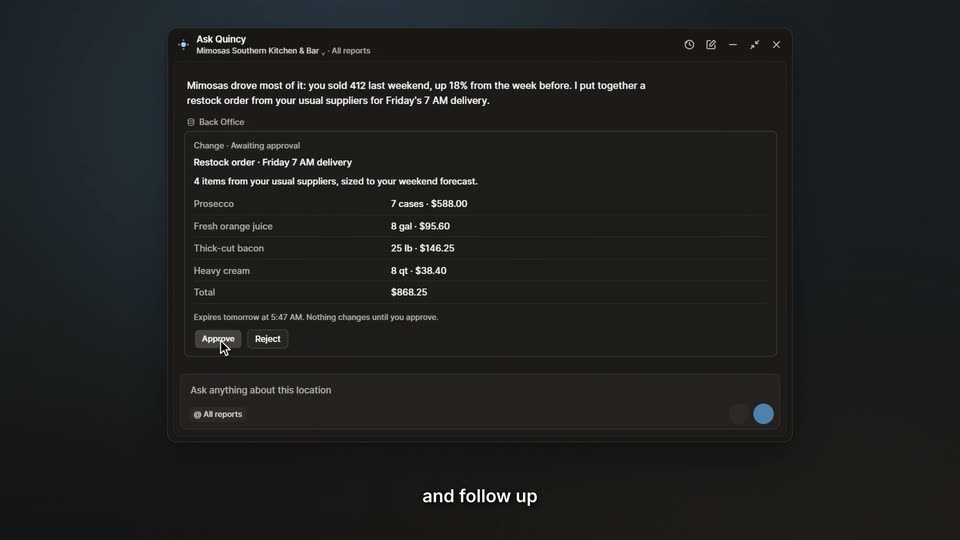 1:02–1:03Shire · Introducing ShireA dark “Ask Quincy” chat window displays a restock order card listing four items and a total, with a cursor resting on the Approve button. The card settles from a brief overlapping transition. White captions at the bottom swap from “order inventory,” to “and follow up”.
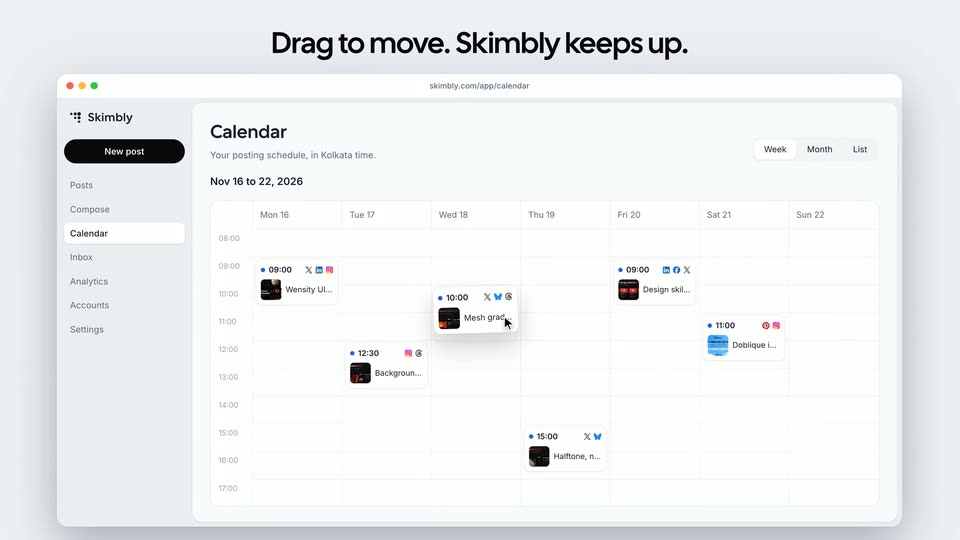 0:10–0:12Skimbly · Parth Sharma - Introducing Skimbly ❤️ | Ask your AI, post everywhere > Write oncA flat browser window shows the Skimply week calendar grid. Paper planes glide along a dashed curve across the cells while a cursor hovers a post. The top headline then swaps to a second line.
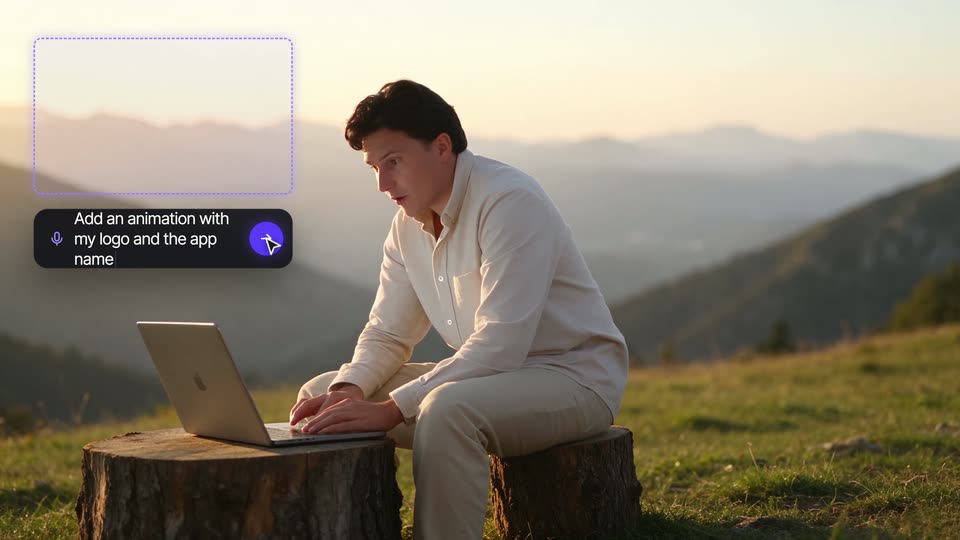 0:00–0:06SpaceCut AI · Theo - Today I'm launching AI video editor 🎞️ Works locally with your ClaudA man in a cream shirt types on a laptop on a tree stump in a sunset meadow. A dashed purple box and prompt bar overlay the upper left; the prompt types itself, then becomes the purple SpaceCut logo, and a settings panel opens at the right.
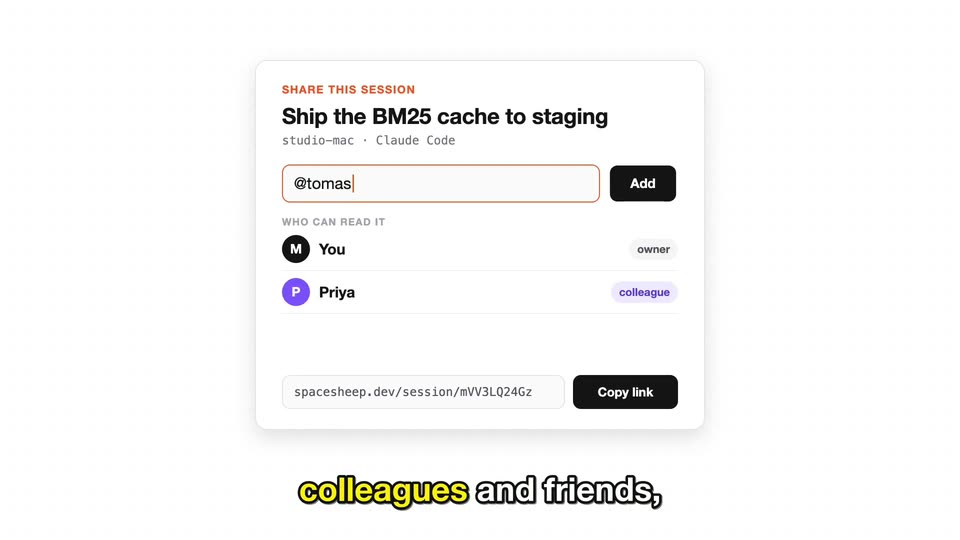 0:53–0:55Spacesheep · Michael Makarov - We launched sessionpipe open source. It connects all your coding-ageA white share-session card sits centered on a light background. A caret types @priya into the input, a Priya row slides in under You, then @tomas is typed and a Tomas row appears, while bottom captions swap between two phrases.
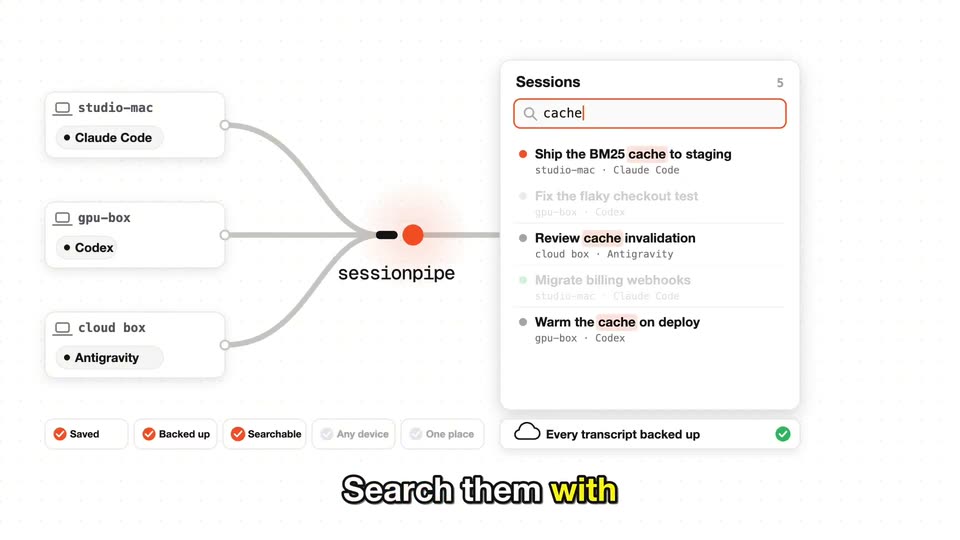 0:27–0:33Spacesheep · sessionpipe: all your coding-agent sessions, connected (open source)Flat diagram: three device cards link by gray lines to a central sessionpipe node; a Sessions panel on the right fills with five entries; bottom chips tick in sequence; a bold caption swaps in at the bottom while 'cache' is typed into the search field.
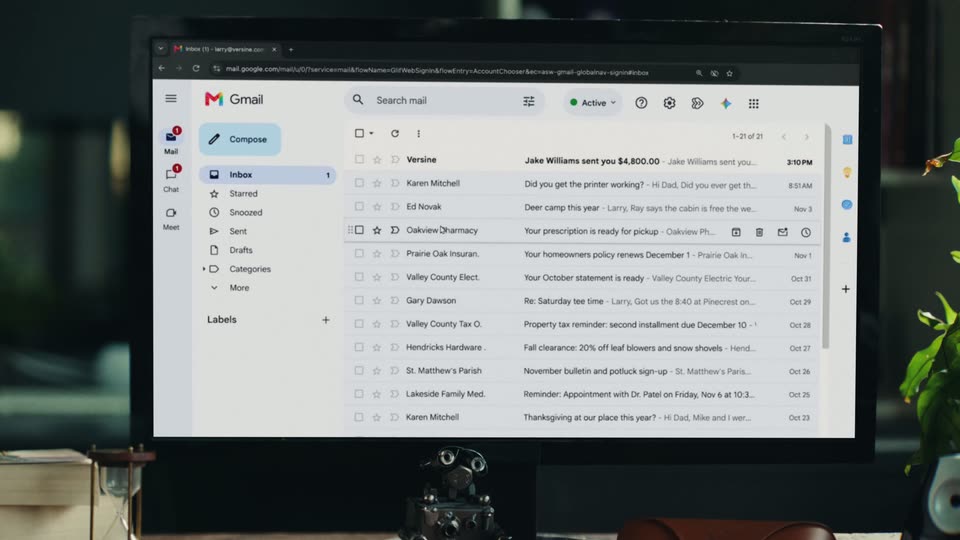 1:02–1:03Versine · Versine: Send money with AIA home-office monitor shows an email inbox list, framed in a shallow-focus desk with a plant and lamp. The camera pushes in slowly toward the screen while a cursor hovers over a row.
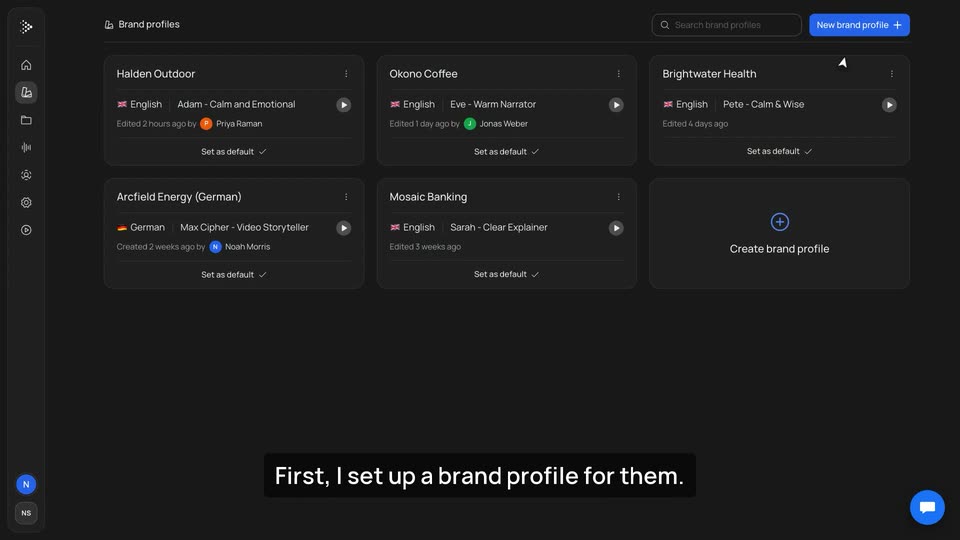 0:36–0:38VidRush · Noah Morris - We just KILLED Claude Opus 5.5 Video Editing Introducing VidRush V2A dark brand profiles dashboard fills the frame, a grid of profile cards under a left icon rail. A cursor glides from the create card up to the blue New brand profile button. A caption line at the bottom swaps text.
 0:29–0:30VoiceOS · AI Voice Agent for Mac and Windows - VoiceOSA locked-off close-up of a device's lower bezel, showing a globe icon and a glowing ring, set above a teal-green desktop. A white cursor hovers near small status icons on the right while a caption rests at the bottom center.
 0:13–0:14Wondering · a big launch is comingA plugins screen with a serif heading and a wide search field. The query types in letter by letter, a Searching panel drops down beneath it, and a list of plugin rows stays below. Two caption lines appear at the bottom right.
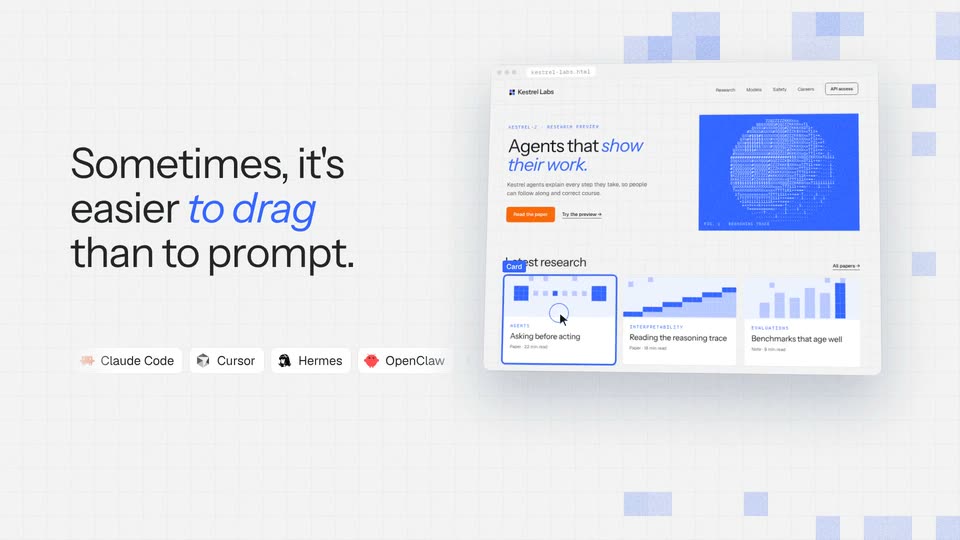 0:04–0:09AgentGrid · michal cohen - For the visual thinkers out there, we’re launching Agentic Canvas byA browser mockup and a prompt card sit on a grid background above a scrolling row of AI logos, while a counter ticks from 3 to 20 and black bars stack up. The headline swaps, the card slides off, and a cursor selects two research cards on the page.
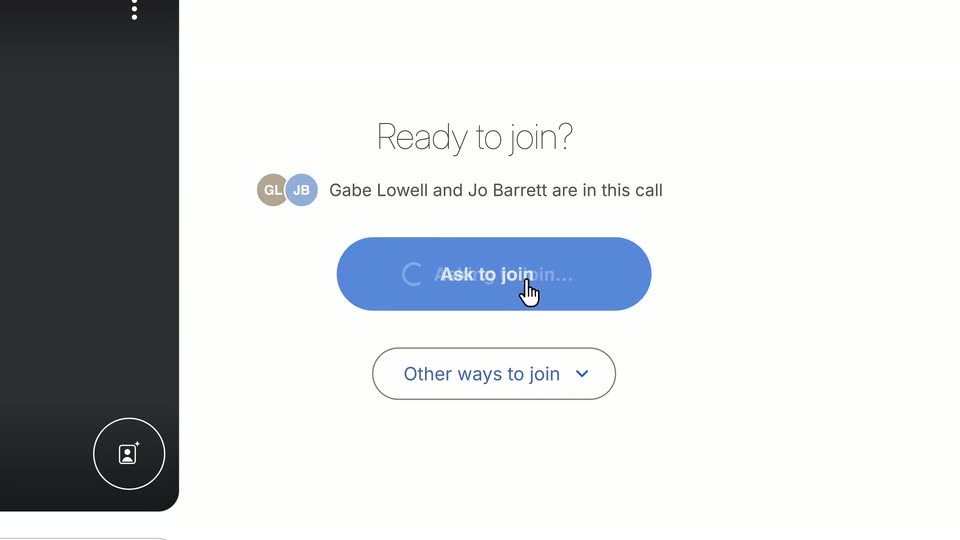 0:10–0:11Dreamteam · Introducing Dreamteam: $53M to build an AI-native CRMA white join panel sits beside a dark sidebar. The interface slides into place, then a hand cursor clicks the blue Ask to join button, and the label switches to Asking to join with a loading spinner.
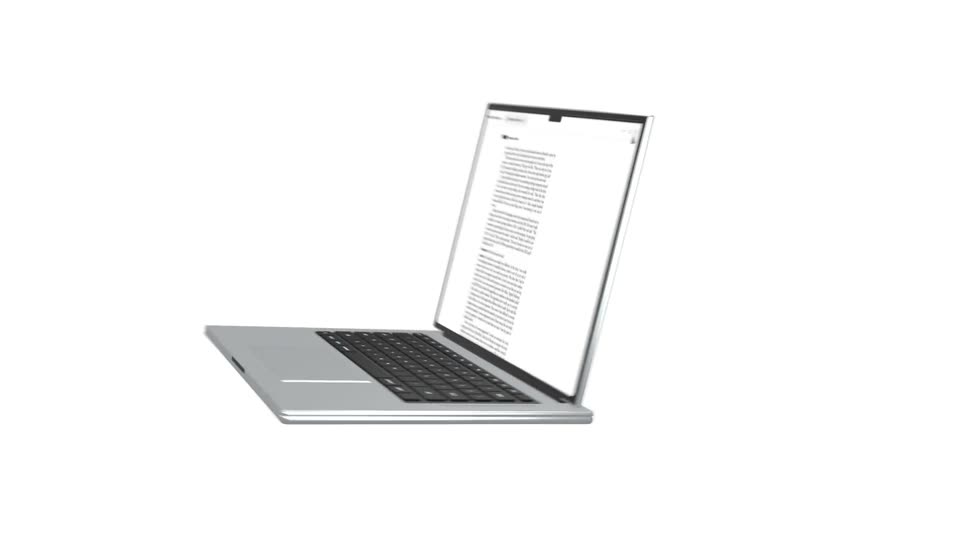 0:20–0:48Free Reader · Reader | A quiet workspace for your readingA silver laptop in 3D perspective on a white background rotates between front and side views while its screen cycles through a reading app: highlighted passage, chapter page, question panel, split book and search view. Side captions appear, then the laptop shrinks below the title Reader.
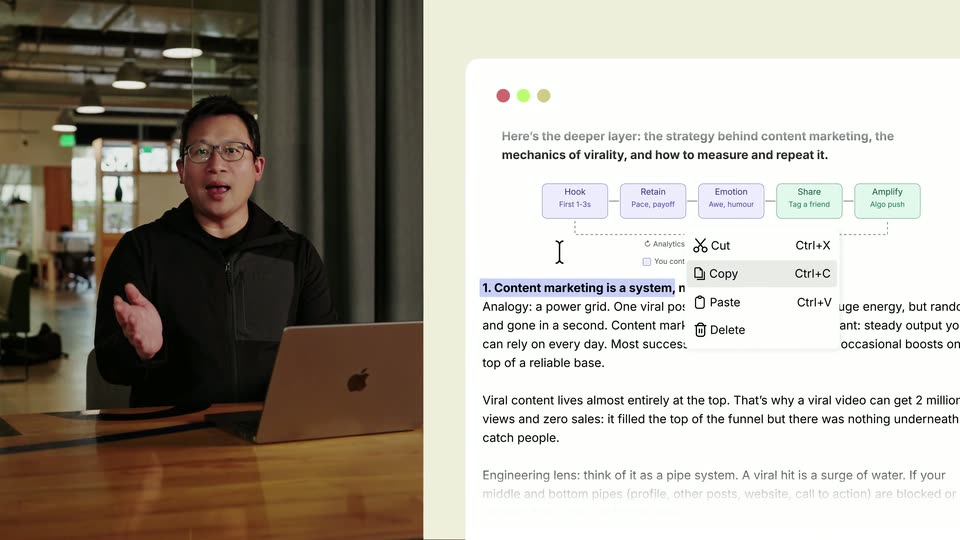 0:08–0:09Frevana · Amy Hua - Frevana Multiplayer is LIVE on Product Hunt your entire team can nowSplit screen: a presenter in a black jacket gestures at a desk on the left, while the right panel cuts between a document with a copy menu, a team chat, and a flowchart diagram. A green cursor hovers the Copy option before the views switch.
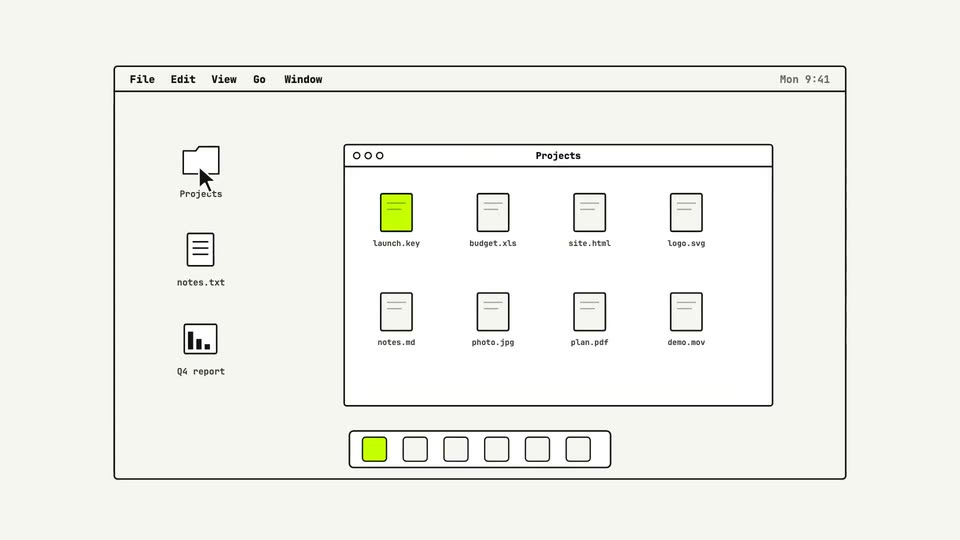 0:29–0:35Simular AI · box by Simular - Give your AI a computer.Thin lines sketch a hand-drawn desktop window on a cream background: menu bar, sidebar of three file icons, a dock with one yellow square. A cursor clicks the Projects folder, and a second sketch window opens, its eight file thumbnails fading in, the first highlighted yellow.
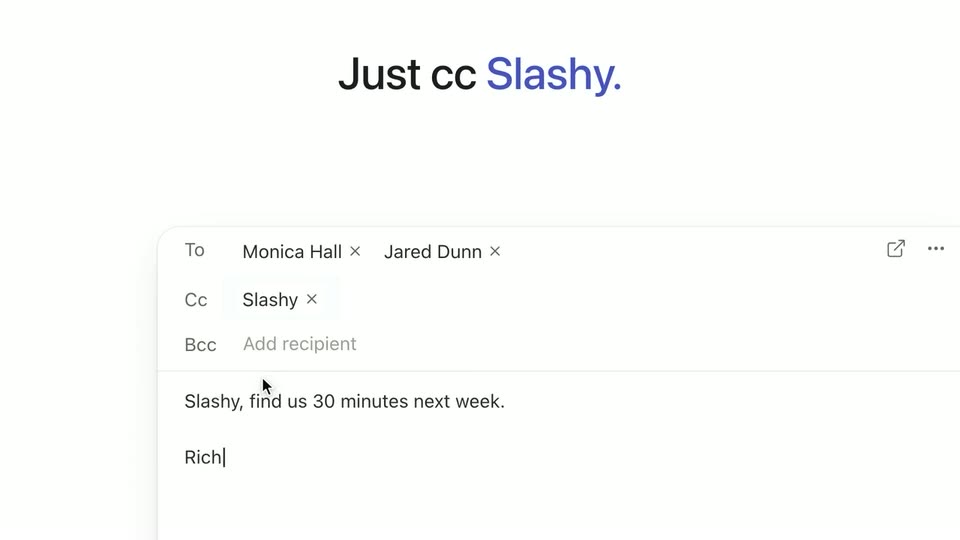 0:15–0:18Slashy · Slashy Scheduling | Just CC SlashyA white compose card sits under the headline Just cc Slashy. The cursor taps the Slashy chip in Cc, the card pulls back to show the finished note, the cursor clicks Send, and the view cuts to an empty October 2026 calendar.
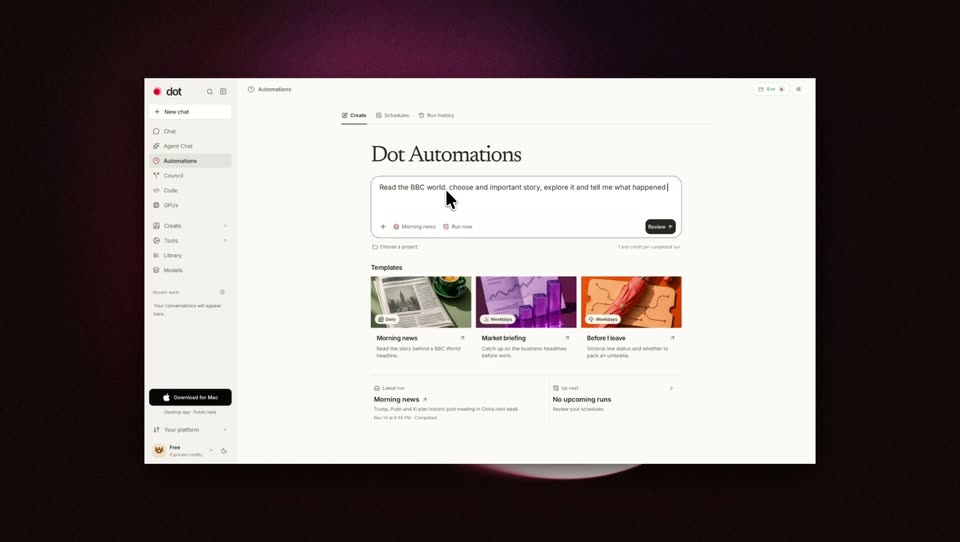 0:00–0:09Dot · Dot - We’ve increased the agentic capabilities of the Dot platform. GiveA white product interface with a left sidebar sits on a dark maroon background. A black cursor types a sentence into the prompt field, then moves to the Review button.
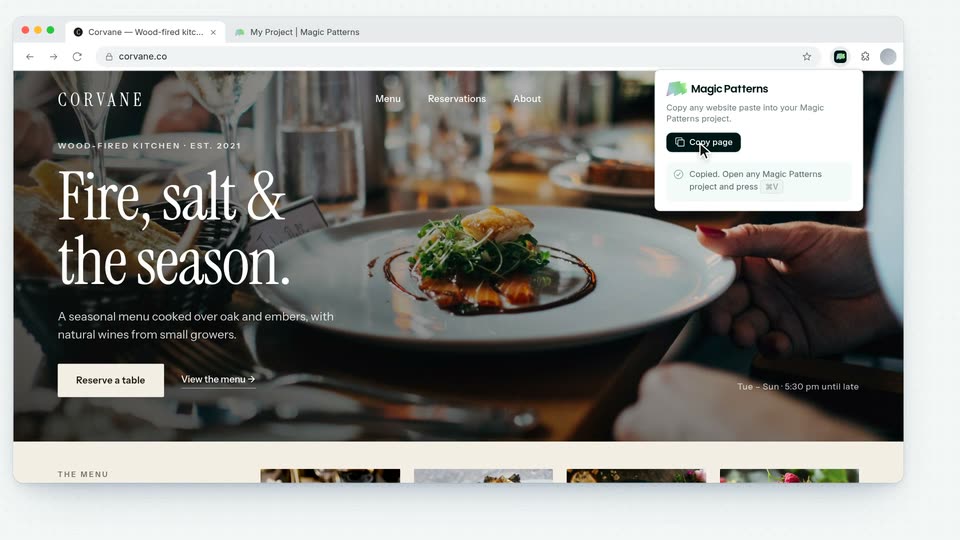 0:01–0:07Magic Patterns · Alex Danilowicz - Launching our new Chrome Extension: copy paste any website, edit andA browser window displays a restaurant website with a plated-dish hero image. A cursor clicks the Magic Patterns extension icon, a popup opens, the cursor clicks Copy page, and a copied confirmation message appears below the button.
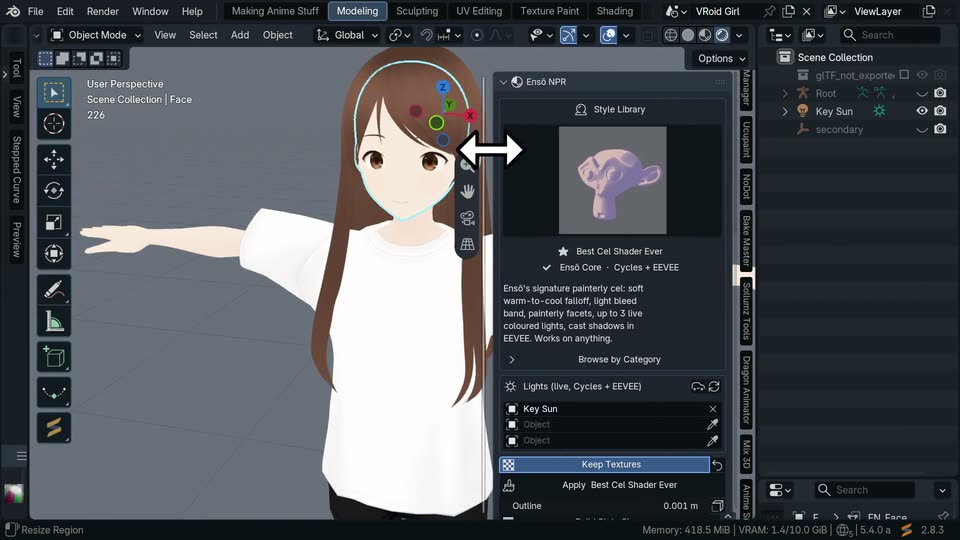 0:00–0:11Mix 3D Design · Mix 3D - Your 3D character is just ONE shader away from looking like an ANIME!A 3D anime girl in a T-pose fills a dark viewport; the view zooms from full body to the face and a cyan outline traces the head. A cursor opens a shading panel, then a grid of style thumbnails slides in.
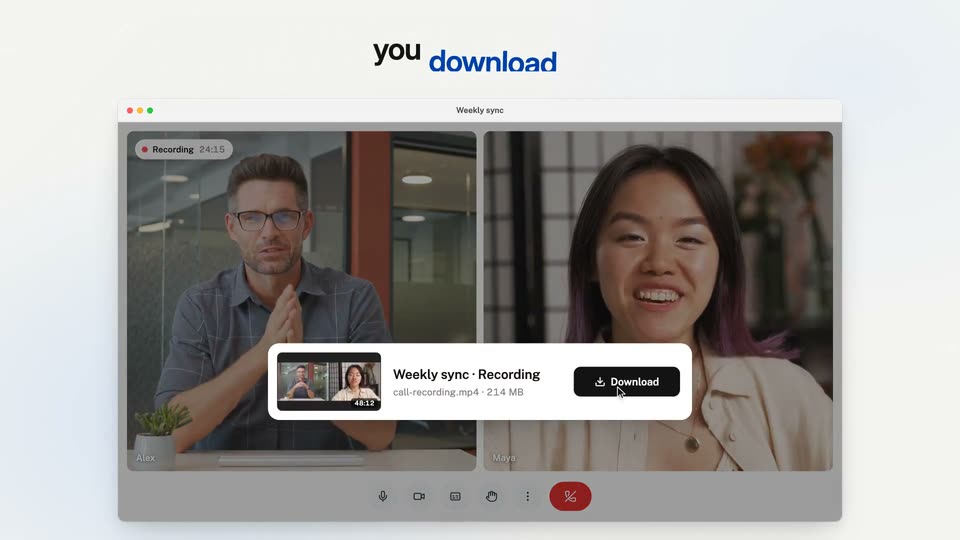 0:06 · 0.8sOpenside · Gruz - Introducing Openside open source and self hostable alternative to riA video-call window shows two participants, a man clapping and a woman smiling, as a download toast with a file card and a cursor on the Download button slides in. The headline above swaps from the record line to “you download”.
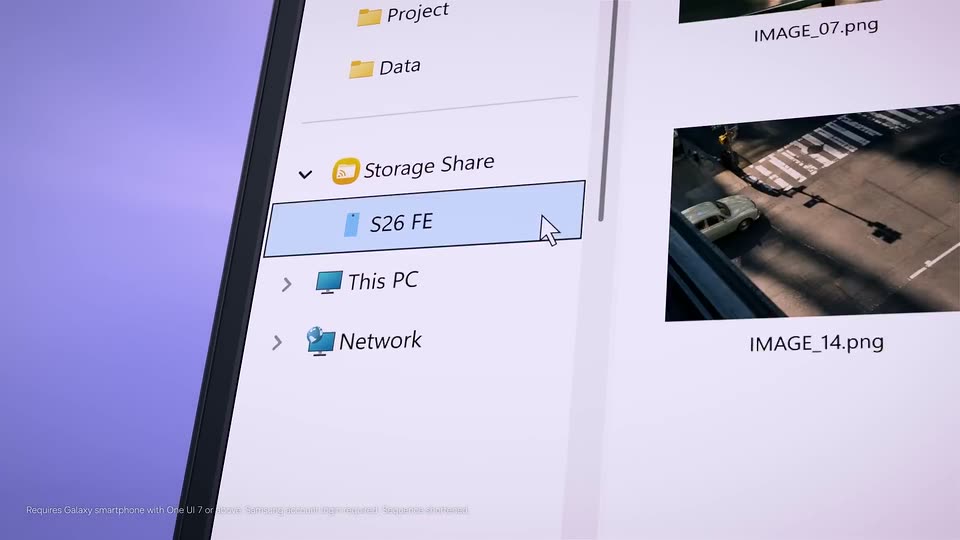 0:14–0:16Samsung · Introducing Galaxy Book6 | SamsungA laptop sits at an angle on a soft blue surface, its screen showing a Windows file explorer. A magnified crop of the sidebar floats on the left beside the full window on the right. A cursor glides to the S26 FE row and clicks it, the row lighting up blue as image thumbnails populate the right pane.
 0:14–0:16Vanish · Vanish - For ten years, people have asked: what's a better way to record my scA black mound with a glitching vertical line and the year 2026 resolves into a light gray frame where 2016 sits above a 3D phone mockup. The phone shows a dark interface with a search bar and a white cursor arrow hovering over it.
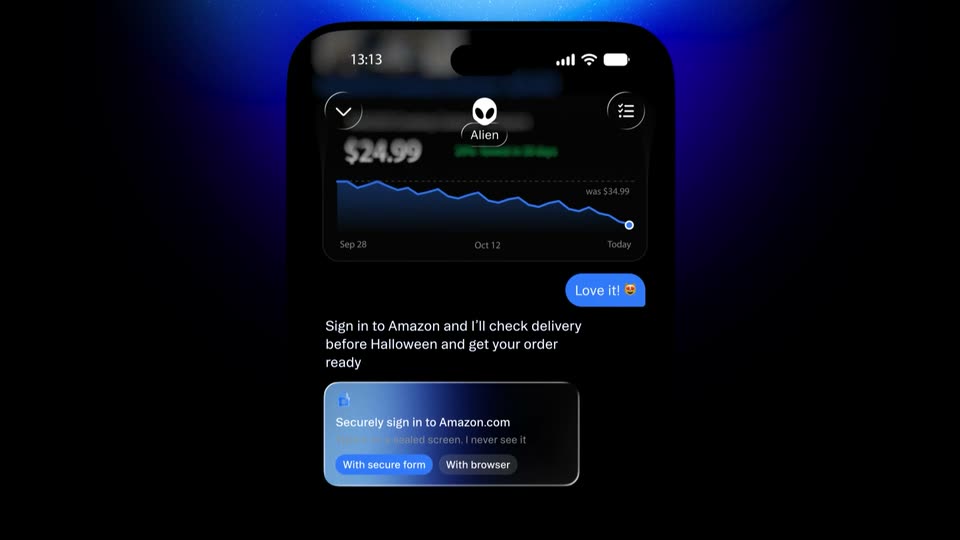 0:13–0:18Alien · kirill avery - Introducing Alien — the most private AI agent You shouldn't give youA front-facing phone on a dark, blue-lit background displays a chat with an AI contact, Alien. The thread scrolls up past a cat-costume message and a price-trend graph to a secure sign-in card, where a glowing cursor rests on a button.
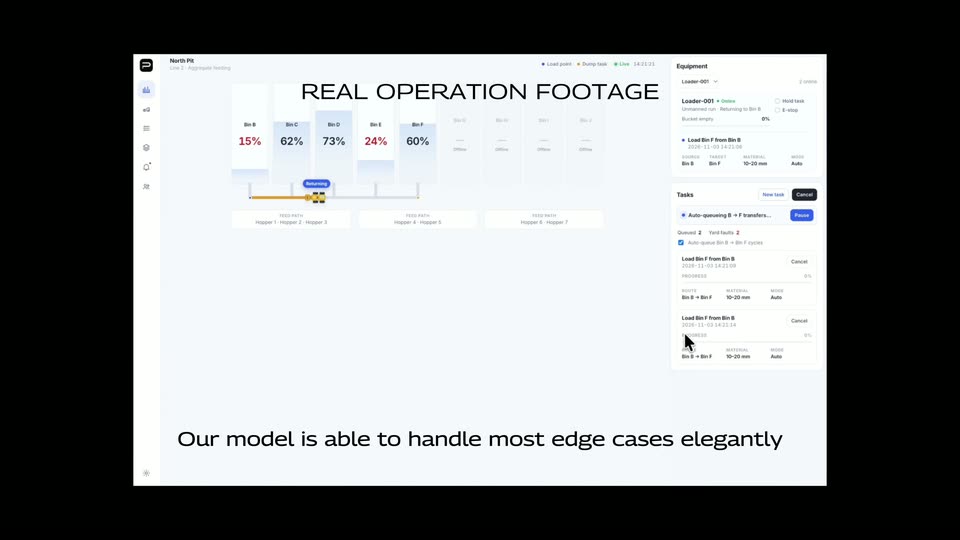 0:58–0:59Alliance · Alliance - Heavy machinery is running out of operators. Introducing @pilot_roboA light operations dashboard fills the frame, a bin diagram with percentage labels on the left and an equipment and tasks panel on the right. A cursor rests over a task card as the Bin F figure ticks from 52% to 60%. Two black captions bracket the screen.
 0:11–0:15Aokumo · Ctrl+Z for AI: the motion design video we made for AokumoA dark rounded chat field fills the frame as “How should I fix payments-api?” types out letter by letter with a blinking caret. The camera pulls back to reveal a dim room with a warm desk lamp and framed photo, and a white cursor drifts below the field.
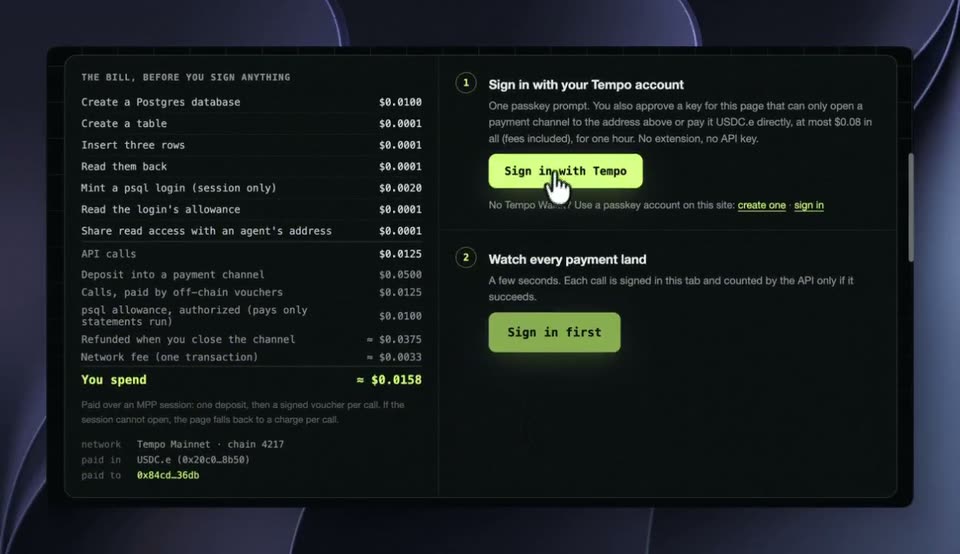 0:06–0:07Boundless · Emiliano Bonassi - This Friday, we run an experiment at Boundless. Announcing AmphoraDBA dark pricing panel tilts in 3D over a purple abstract background. The left lists bill line items with dollar amounts and a 'You spend' total; the right shows two numbered sign-in steps with green buttons, a hand cursor hovering on the first.
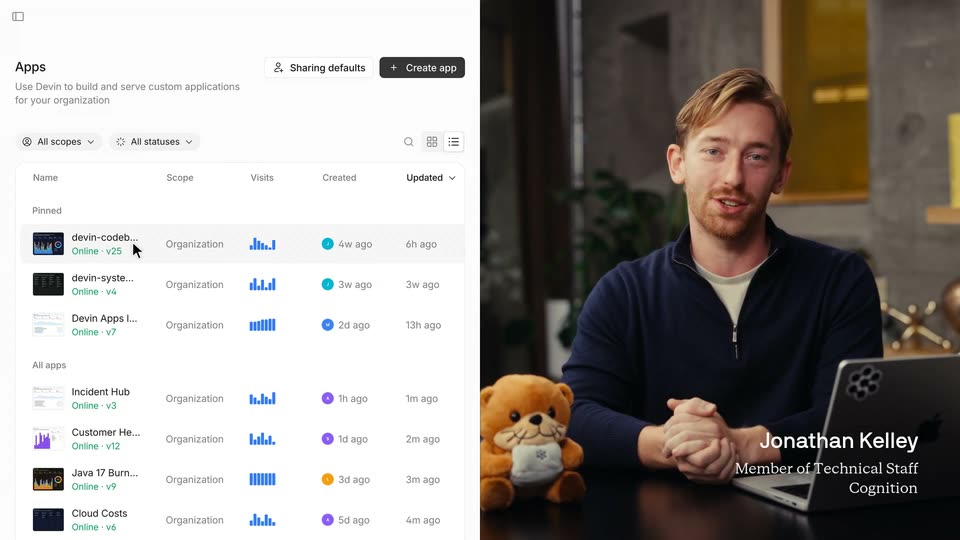 0:02–0:04Cognition · Cognition - Introducing: Devin Apps Private, secure, sharable web applications rSplit screen: the left half shows the Devin Apps interface, the pinned list view switching to a detail page with a page-views line chart, while the right half shows a man at a desk with a laptop and a teddy bear, identified by a name caption.
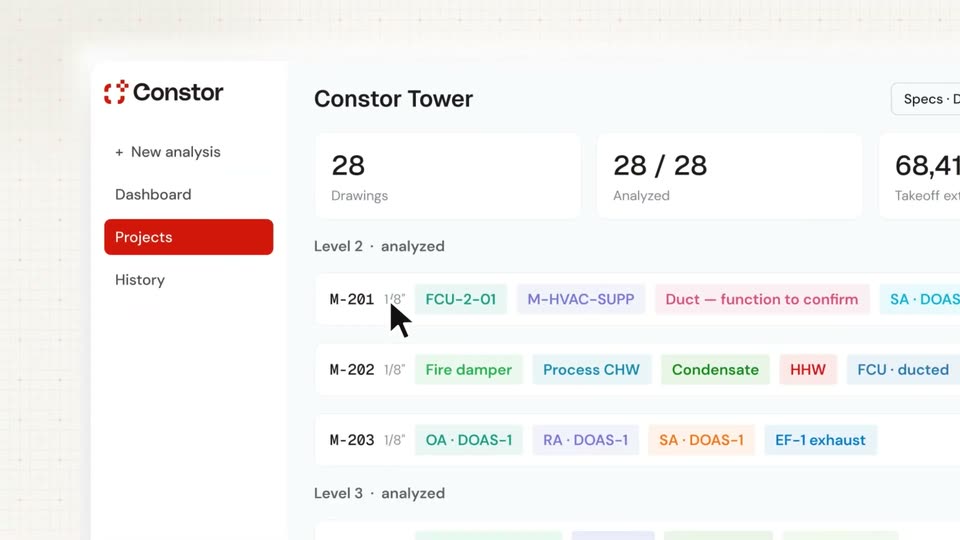 0:40–0:43Constor · Constor YC26A dashboard card fades in on a dotted grid background. Stats count up from 22 to 28 drawings, then the camera zooms into the drawing list where a cursor hovers over the M-201 row, and a caption slides in.
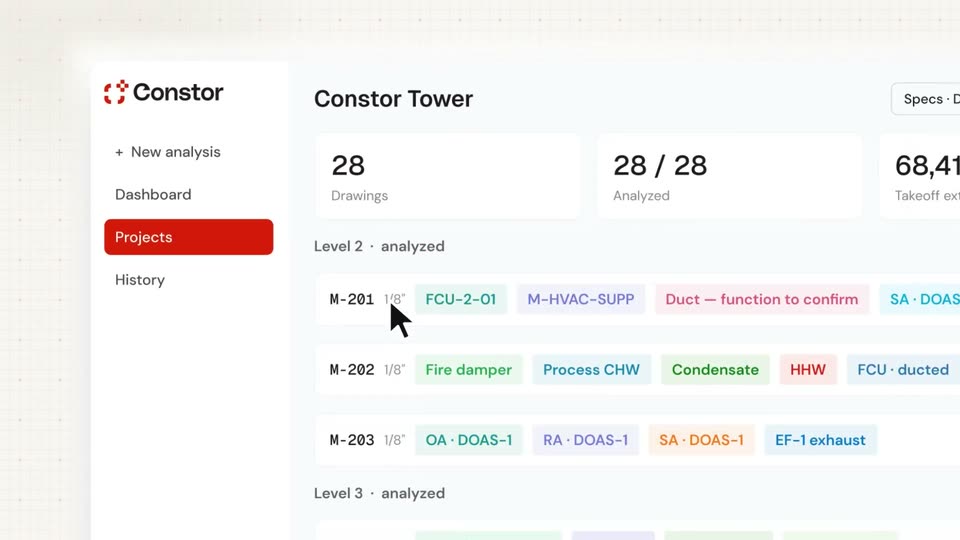 0:40–0:43Constor · Dany - Construction still runs on manual work and tools that weren't built fA light Constor dashboard fills the frame; the stat numbers tick up from 22 to 28 drawings and 19/28 to 28/28 analyzed while the view zooms in on the M-201 row as a cursor hovers over it.
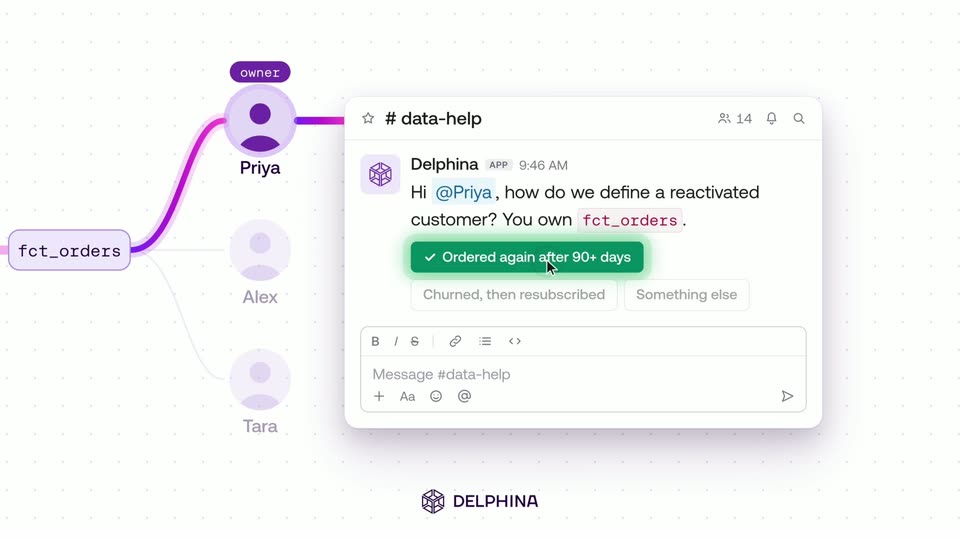 1:23–1:25Delphina · Duncan Gilchrist - Twelve months ago @jeremyhermann and I bet the company that AI + contA chat window beside a node graph links the fct_orders tag to teammate Priya, tagged owner. A cursor hovers the green chip “Ordered again after 90+ days,” which scales into a large green card as the rest of the message fades.
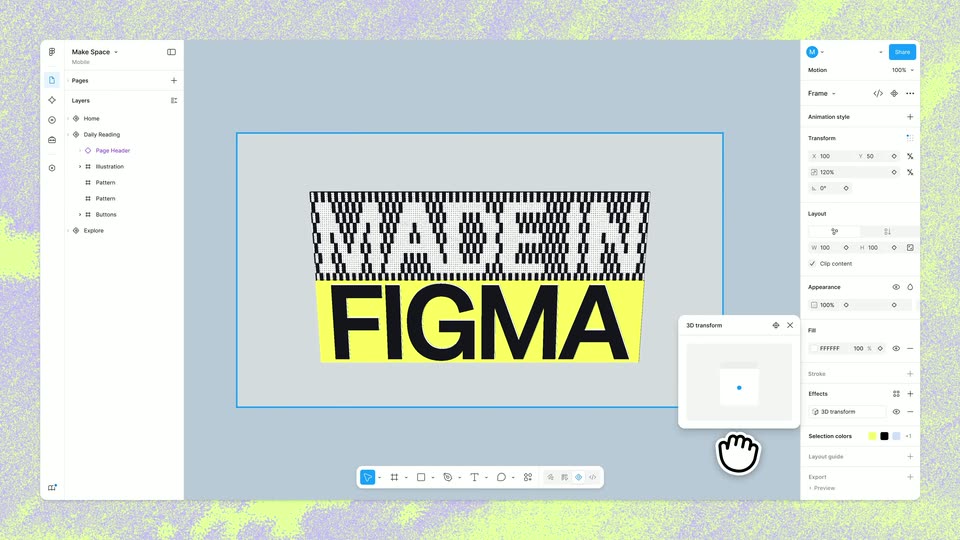 0:28–0:31Figma · 3D Transforms are now in FigmaA Figma canvas holds a bold MAKE SPACE type block on yellow and blue halftone fields. The block tilts into 3D perspective, then flattens into a MADE IN FIGMA block while a cursor works in the right panel.
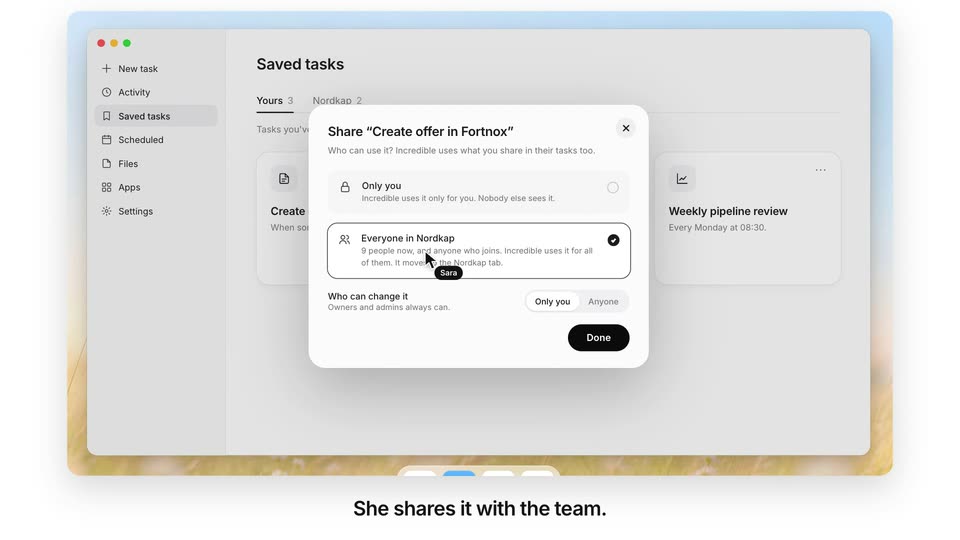 0:02–0:05Incredible · Incredible - We just launched Incredible for teams. One person shows Incredible hA cursor tagged Sara clicks the overflow menu on a task card, opens a Share dialog, highlights Everyone in Nordkap and presses Done. A white caption fades in along the bottom edge.
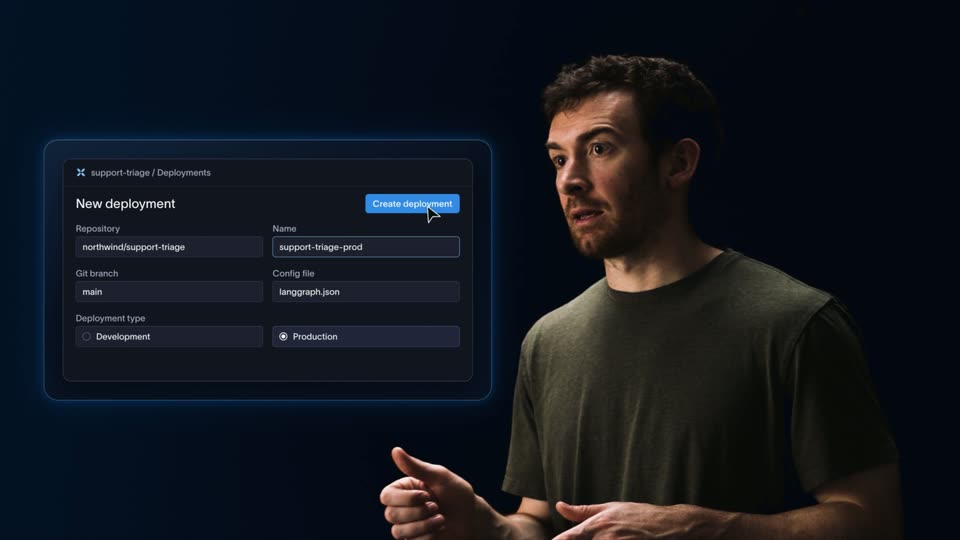 0:53–0:55LangChain · Harrison Chase - Today we announced that LangChain raised $300M at a $3B valuation. WA bearded man in a green t-shirt gestures and speaks on the right against a dark blue void. A floating dark deployment form panel with a blue glow sits on the left, and a cursor clicks the Create deployment button.
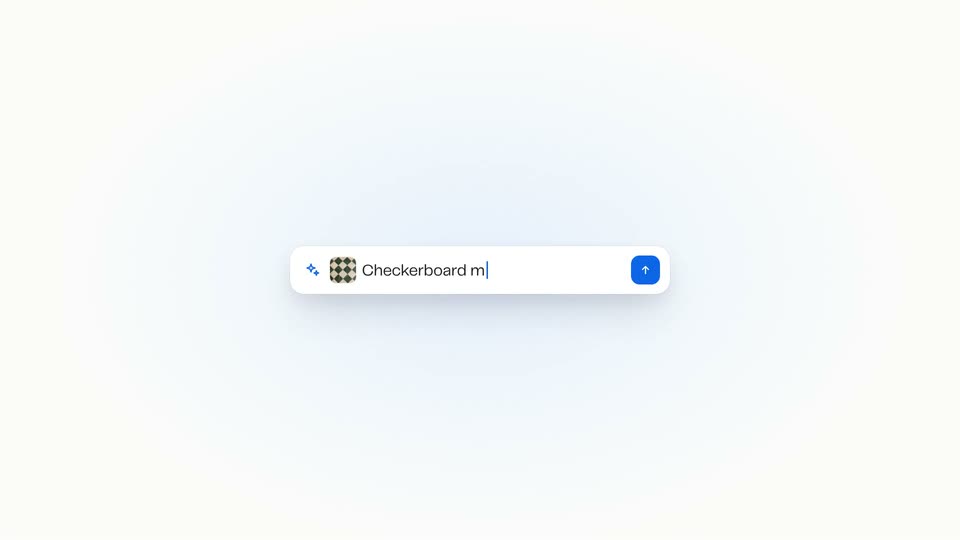 0:00–0:04Maket · Maket - Generate floor and wall textures from text or an image. Light oak, tA centered prompt bar with a sparkle icon and blue arrow button rests on a plain off-white field. A cursor drags a checkerboard marble thumbnail into the bar, where it shrinks to a small icon, then types Checkerboard marble, like this beside it.
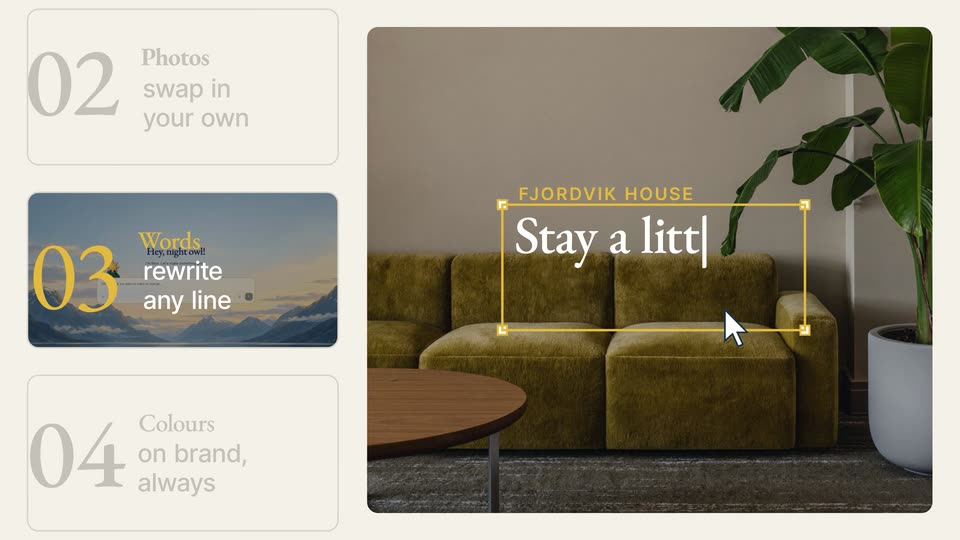 0:02–0:05Native AI · Introducing: Native Edits - Create and edit your marketing contentA numbered feature list scrolls up on the left, each card lighting up with a photo as it centers. On the right, a gold selection box frames a post headline that a cursor retypes, then the card swaps to a cream layout with a small plant illustration.
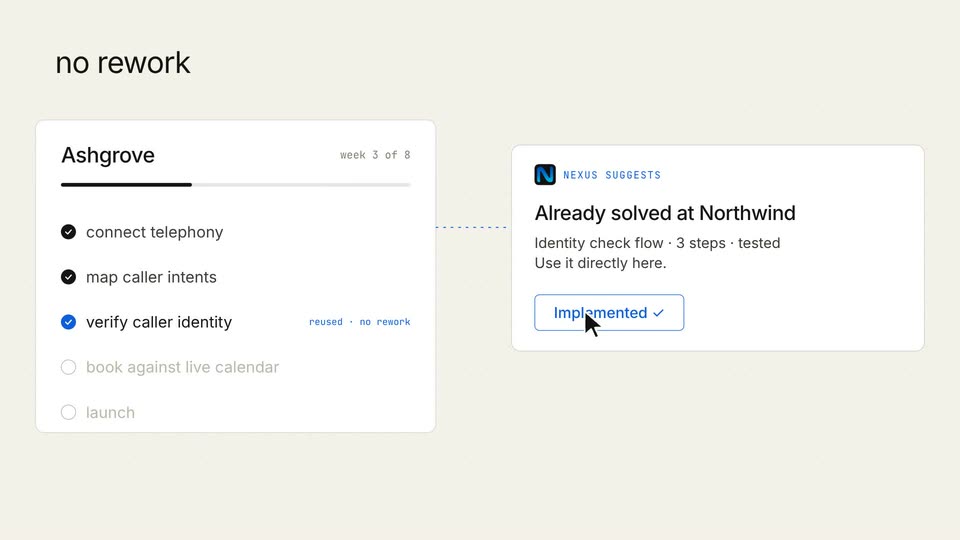 1:04–1:06Nexus · Nikhil - Introducing Nexus The agentic workforce for deployment teams that heA cream screen holds two flat UI cards side by side, a task list left and a suggestion panel right, linked by a dashed line. A cursor clicks the Implement button, flipping it to Implemented, as the top headline swaps from mid-deployment to no rework and the cards fade.
 0:36–0:37Nintendo · RACCOIN: Chaos Max Edition – Launch Trailer – Nintendo Switch 2Pixel-art orange and yellow debris bursts across the bottom of a teal field, then a yellow BUY button scales up in the center. A glowing blue pixel ring holding a hand cursor hovers above the button.
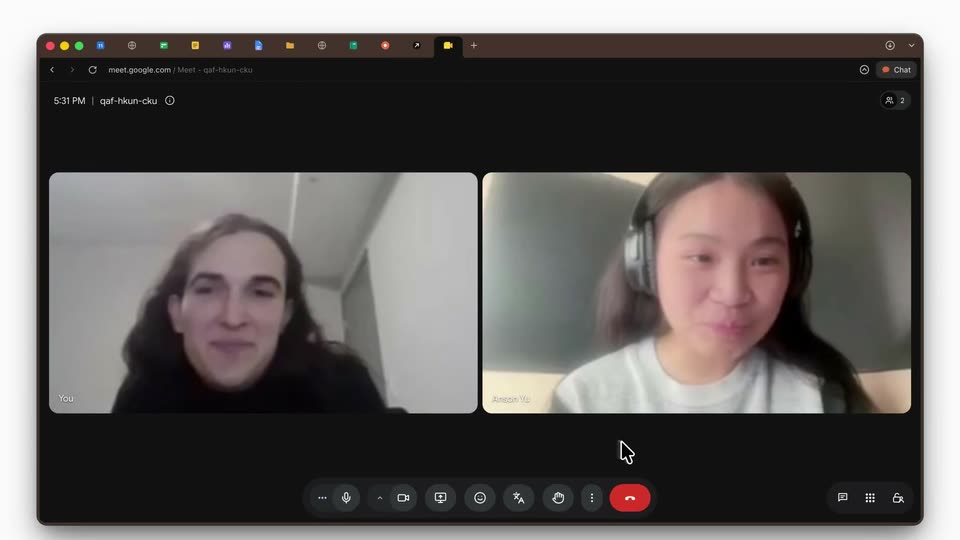 0:12–0:13Normal · Normal - We gave AI one week to build a giant drone It helped design it, ordeA dark chat interface is shown close-up as a yellow notification card with a purple video icon pops up in the center, a hand cursor resting on it. The view then reframes to a full browser window showing a two-person Google Meet video call.
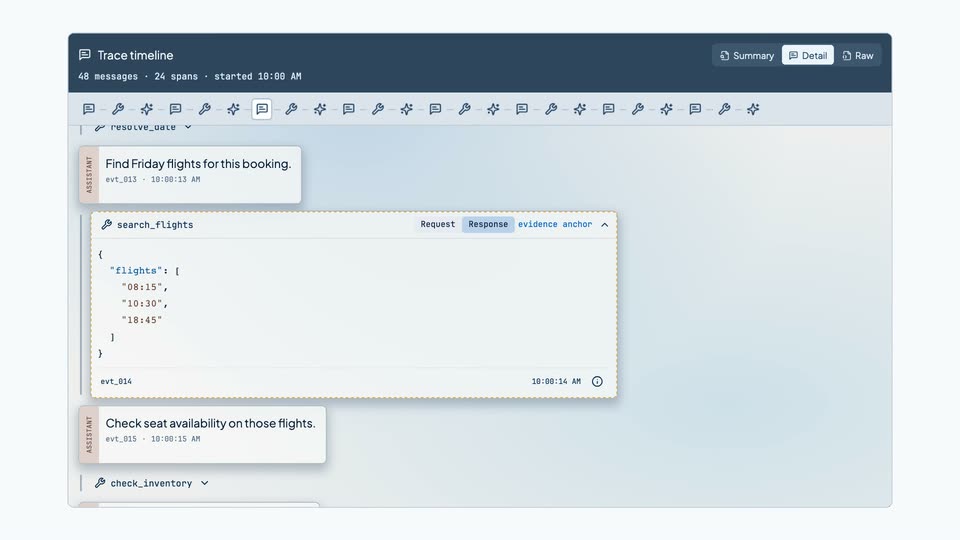 0:00–0:07Papaya · Papaya: trace summaryA Trace timeline panel with a dark navy header shows a vertical list of step cards on a pale gradient. The view swaps to a Detail layout with assistant messages and a JSON block; a white cursor glides in and clicks the Raw tab, fading the panel.
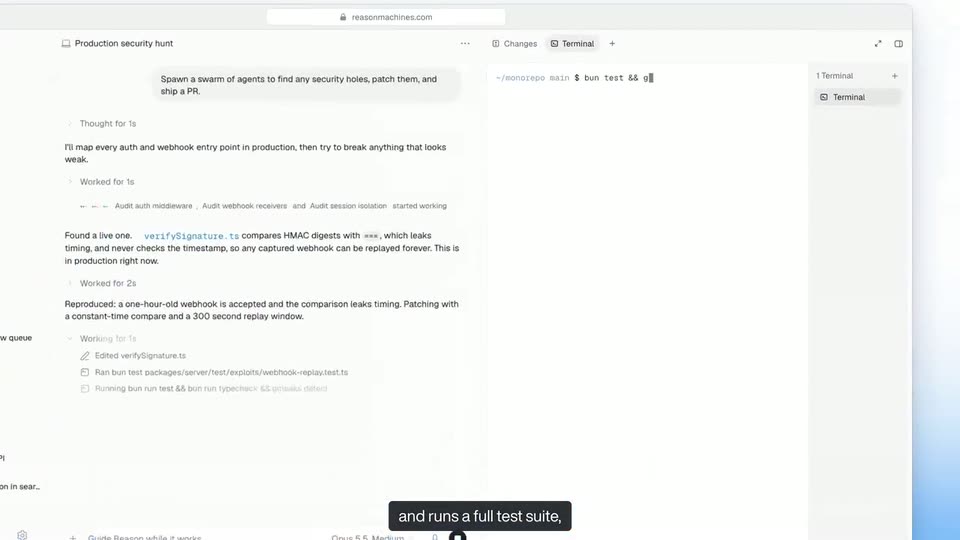 0:43–0:44Reason Machines · Adi Singh - Frontier coding performance at up to 20x lower cost. Introducing theA tilted 3D mockup of the desktop app fills the frame. The camera zooms in as a cursor clicks the Terminal tab, swapping the right panel from a code diff to a terminal log. A black caption bar sits at the bottom.
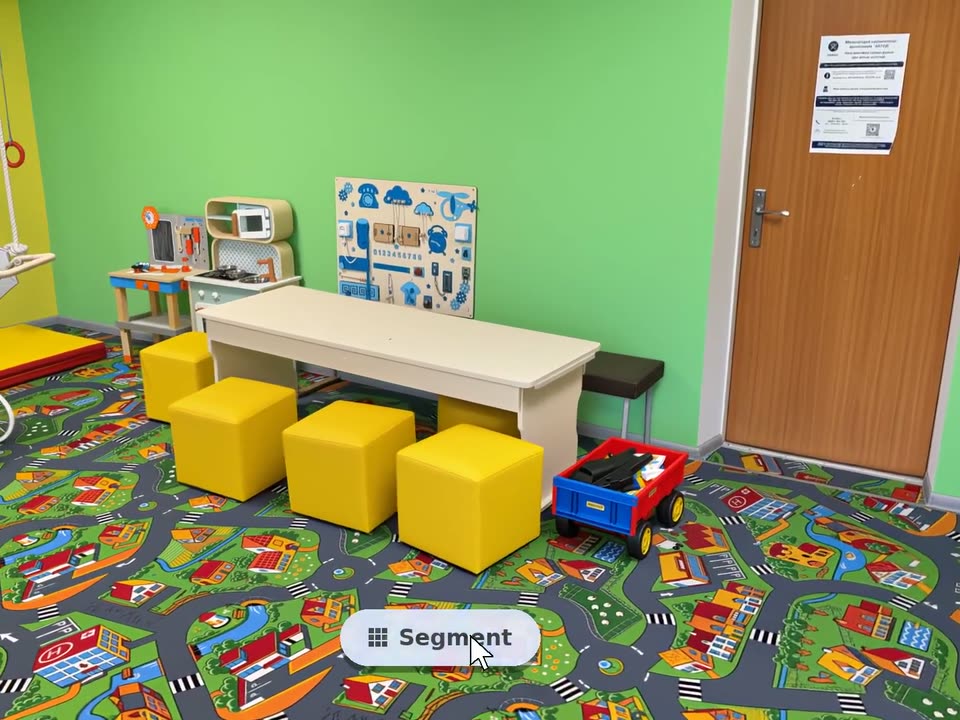 0:02–0:06SpAItial AI · SpAItial AI - Understanding a 3D scene starts with object segmentation. This is whyA slow pan moves left across a green-walled playroom with a road-print carpet, revealing yellow cube stools, a white table, a play kitchen and a row of lockers. A blue Segment pill with a mouse cursor rests at the bottom center.
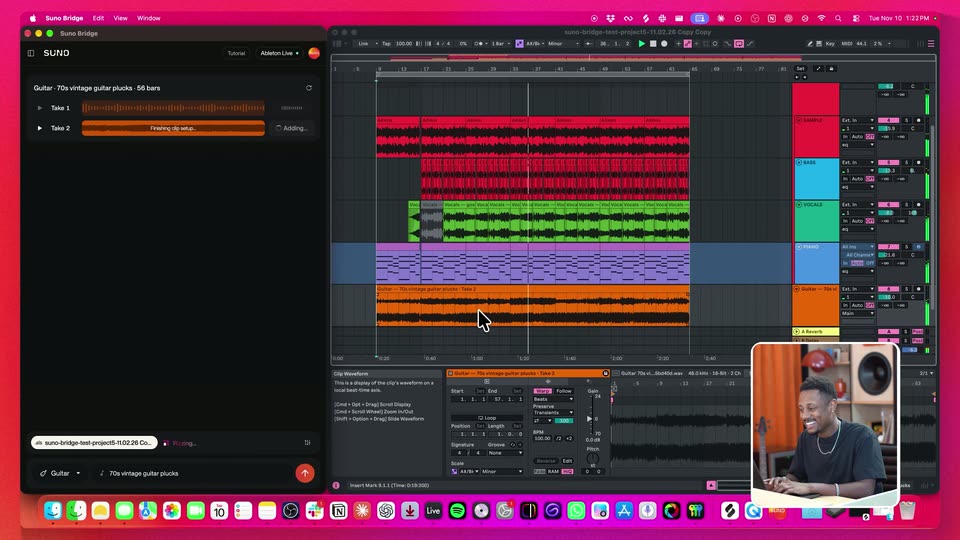 0:12–0:18Suno · Introducing Suno Bridge (beta): Your DAW, Suno-poweredA locked-off macOS desktop shows the Suno Bridge panel on the left beside a multitrack DAW on the right. An orange guitar clip fills the timeline as the cursor works, and a small inset video of a man in a studio plays in the lower-right corner.
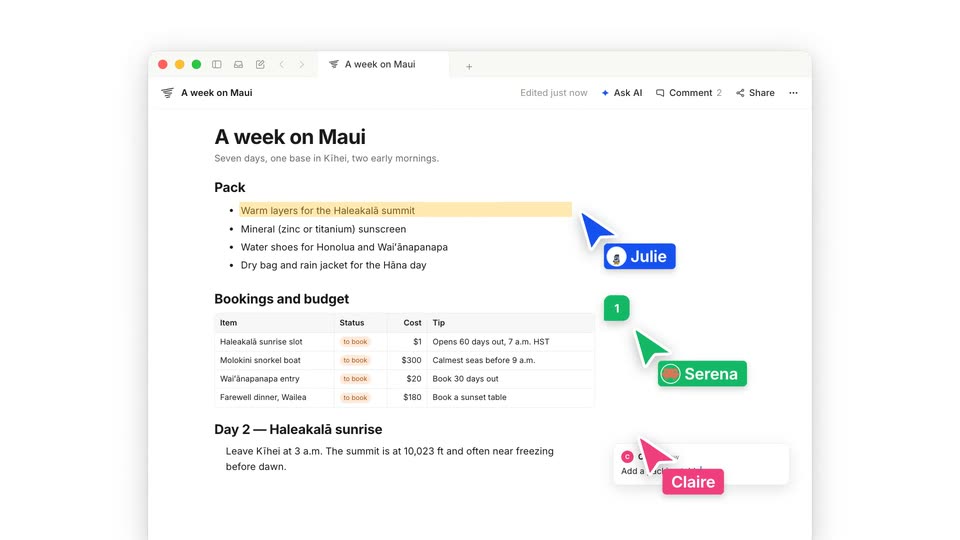 0:02–0:06tdoc · julie shi - Introducing tdoc: ping any AI agent from your doc. Claude, Codex, InsA collaborative travel document fills the frame. Named cursors for Julie, Serena and Claire drift across the page as a packing line highlights in yellow. The view zooms into that line, then into a dark comment popup where the blue cursor sits in the text field.
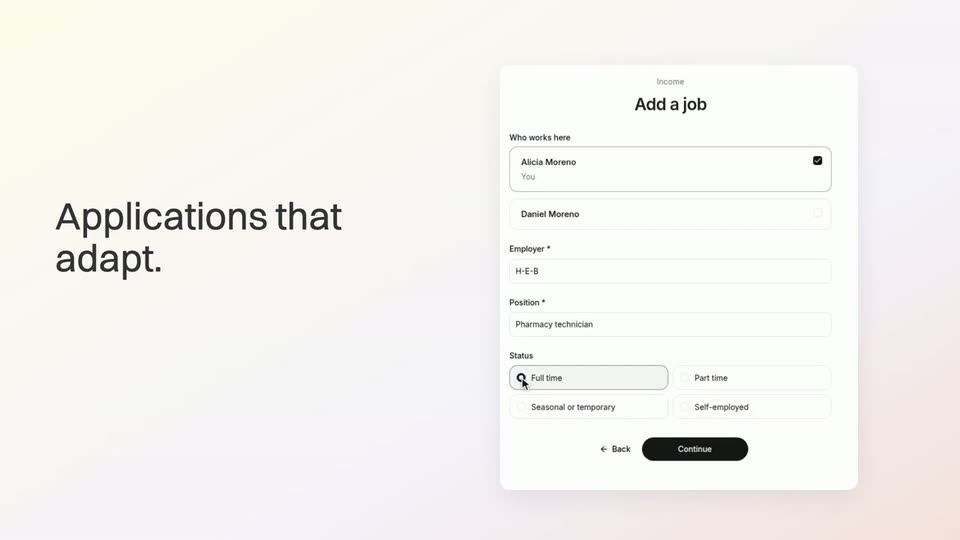 0:18–0:21Tire Swing · Paul Witten - Today we’re launching Tire Swing, now fully autonomous. Affordable hA white “Add a job” form sits on the right over a soft pink gradient while the headline “Applications that adapt.” holds the left. A cursor finishes typing “Pharmacy technician”, selects “Full time”, and moves to the Continue button.
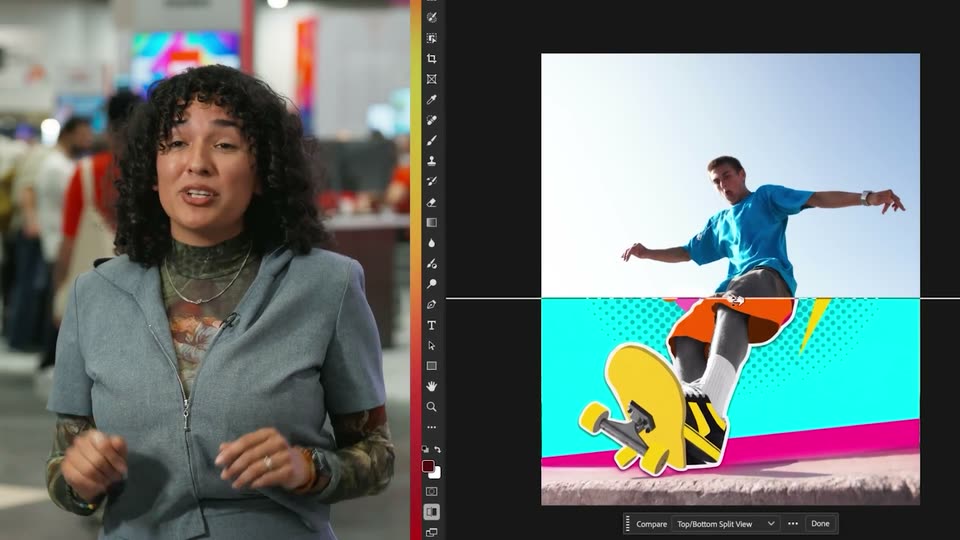 0:21–0:27Adobe · These Features Came From Your Feedback | The Update | Adobe Creative CloudA presenter in a gray suit gestures in a convention hall while a flat Photoshop panel on the right shows a Quick Compare tooltip, a hand cursor dragging a before/after divider on a portrait, then a top/bottom split view of a skateboarder. It cuts to a wider shot.
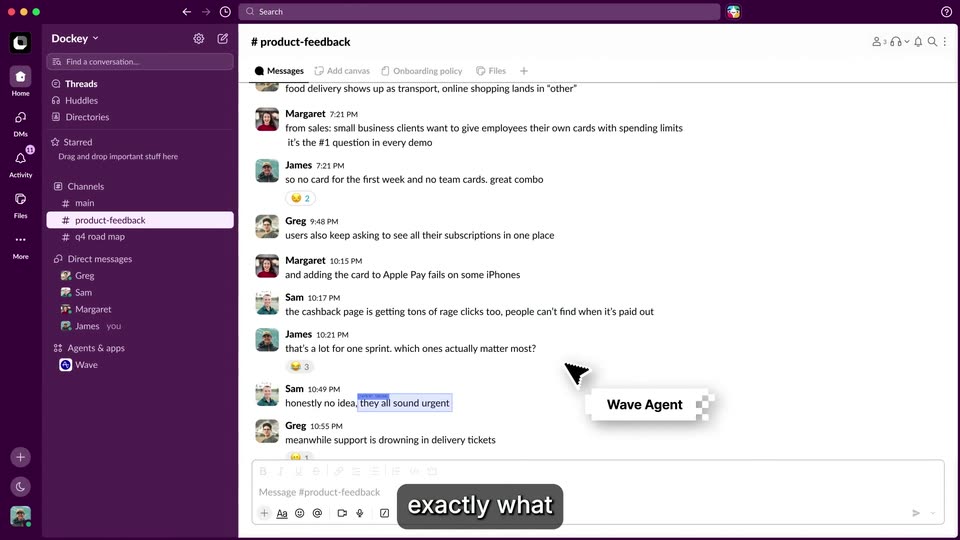 0:03–0:06Amplitude · Spenser Skates - Introducing Wave. The world's first AI that reads your customers' miA chat app interface fills the frame as the camera zooms into the message list. A cursor hovers over the thread while a Wave Agent posts a pixelated message that types itself in. White caption pills swap in at the bottom.
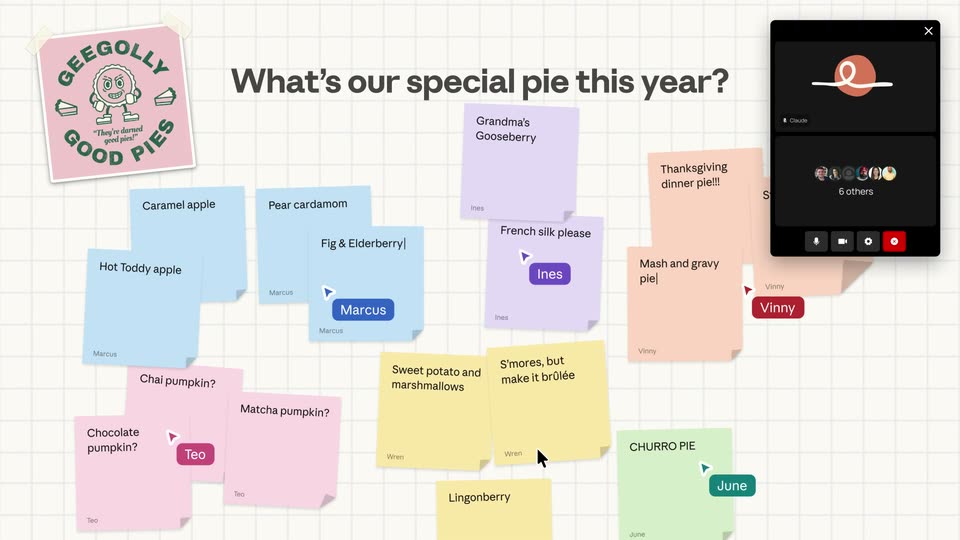 0:21–0:25Anthropic · Claude - Introducing Claude Meetings: add Claude to your team’s video call andA white grid whiteboard fills the frame as a gray heading types in word by word. Colorful sticky notes pop in one by one, each with a pie idea and a colored name tag. A black video-call panel with the Claude logo stays pinned top-right while a cursor drifts.
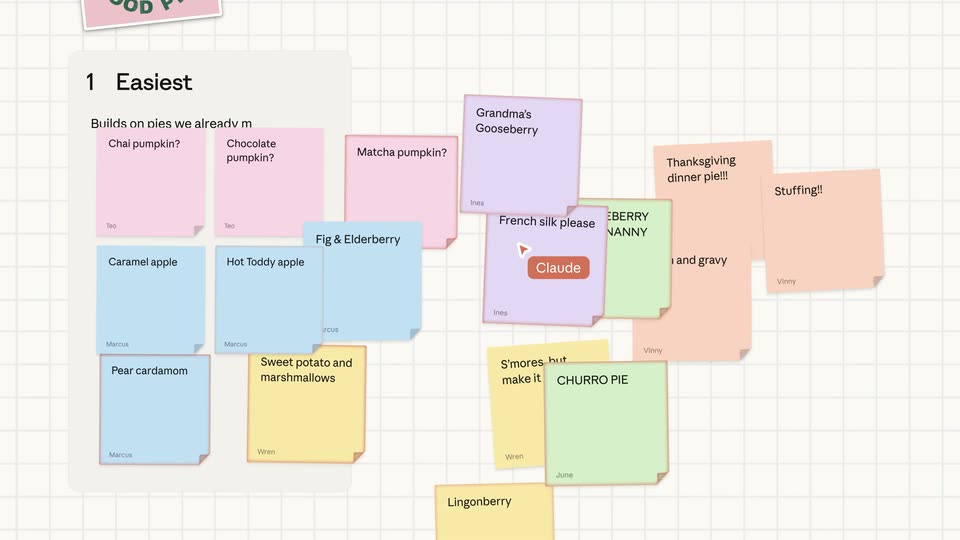 0:31–0:33Anthropic · Introducing Claude MeetingsA whiteboard of pastel sticky notes with pie names re-sorts itself into two numbered columns as the view pans across the board. A red Claude cursor tag glides from one note to another while the caption Organizing ideas holds over the canvas.
 0:04–0:06Aurora AI · Mehul Nath Jindal - Introducing Aurora - the Search Engine for IRL Have you ever had toOn a near-black background, a thin search field with a magnifying glass icon sits at the upper left, and a Google Search button rests at the lower right. A small white cursor arrow hovers beside the field and shifts position as the clip plays.
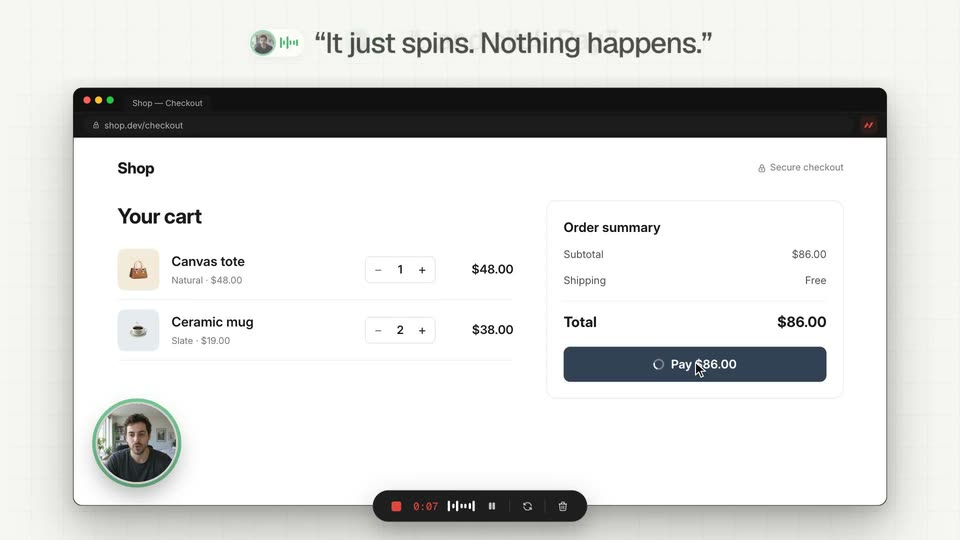 0:03–0:08Builder.io · Steve (Builder.io) - Introducing Agent-Native Clips, now in beta. Give any agent eyes andA flat browser window shows a shop checkout page on a light grid background. A cursor clicks the plus button to raise the mug quantity, then clicks Pay, which spins while quote captions swap above. The view zooms to the window and a Clip ready badge appears.
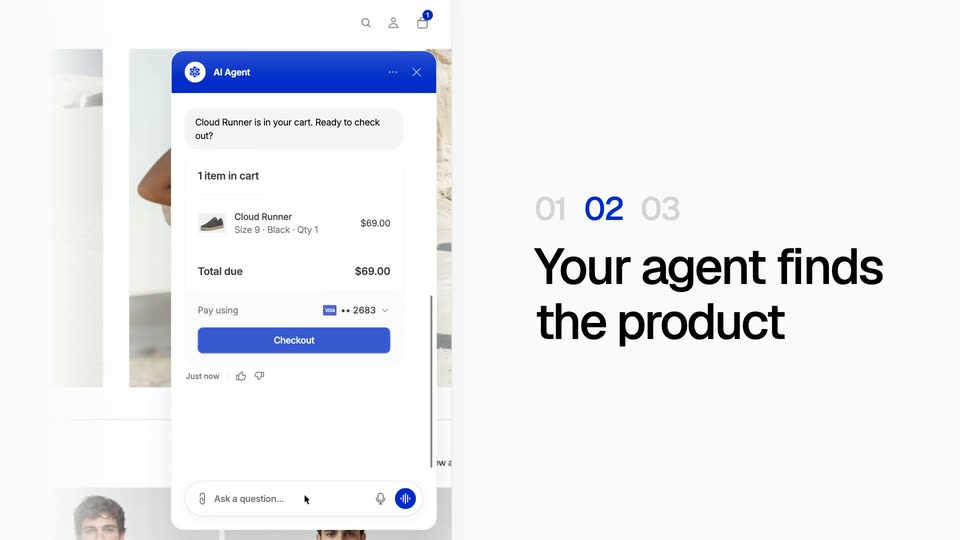 0:05–0:25Chatbase · Chatbase - Today we’re launching Search by image for Chatbase agents on Shopify.A cursor drives the chat demo on the left: a shopper attaches a screenshot, types a question, the agent replies with a product card, options, cart and checkout. On the right, step numbers 01 to 03 and a heading change per stage.
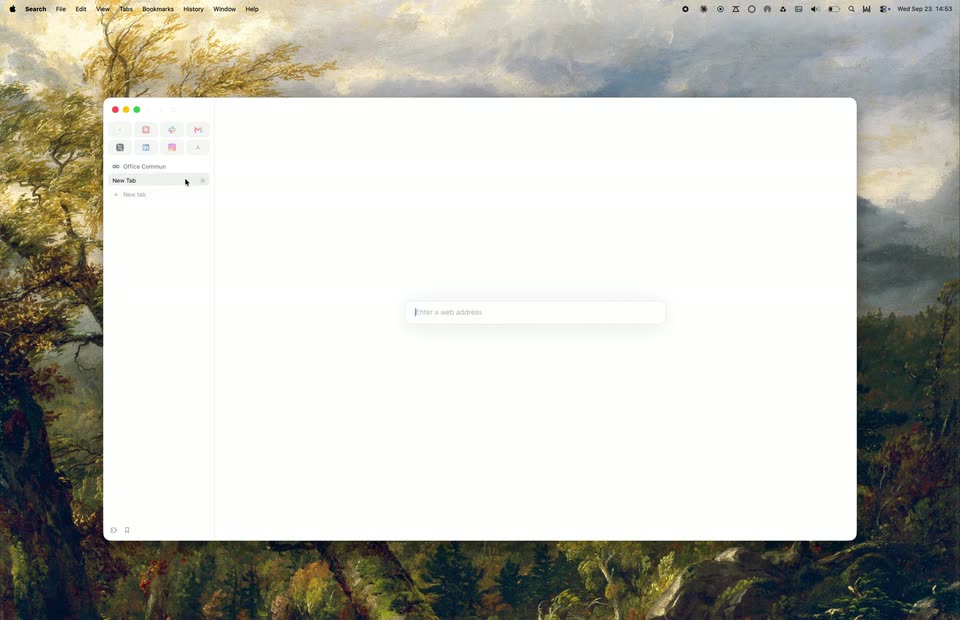 0:01–0:06Drice · Drice: sourceA browser window on a painterly desktop shows a new tab page: a studio blurb and black Start a project button fade in, then project thumbnails scatter around the text and fade out. The cursor clicks New Tab and types nor in the address bar, revealing suggestions.
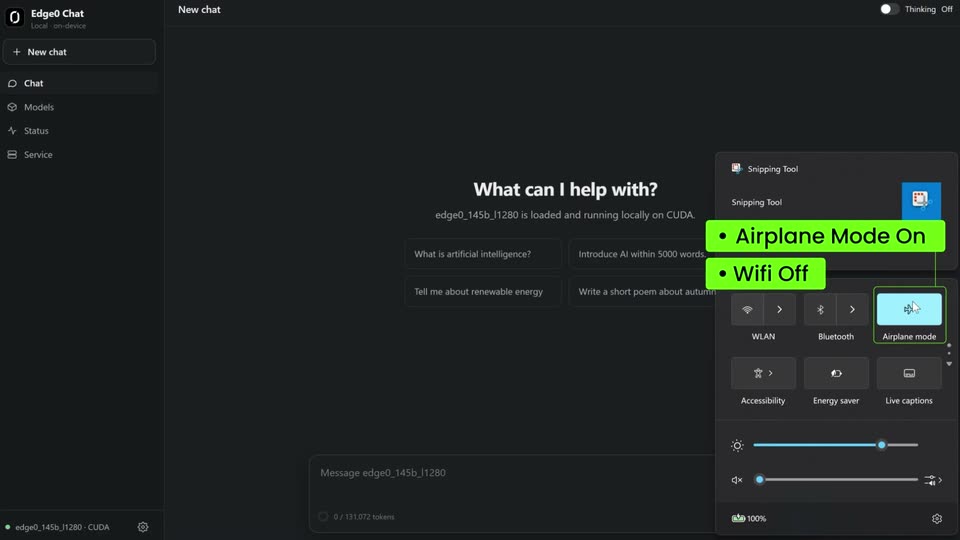 0:01–0:05Edge0 · Samuel Zeng - Introducing Edge0-145B and Edge0-120B, @Edge0_AI’s first device-nativA dark chat app fills the frame, sidebar left, centered “What can I help with?” prompt, quick settings panel at right. A cursor clicks the WiFi toggle, then the Airplane mode toggle; green callout labels “Wifi Off” and “Airplane Mode On” pop in beside each.
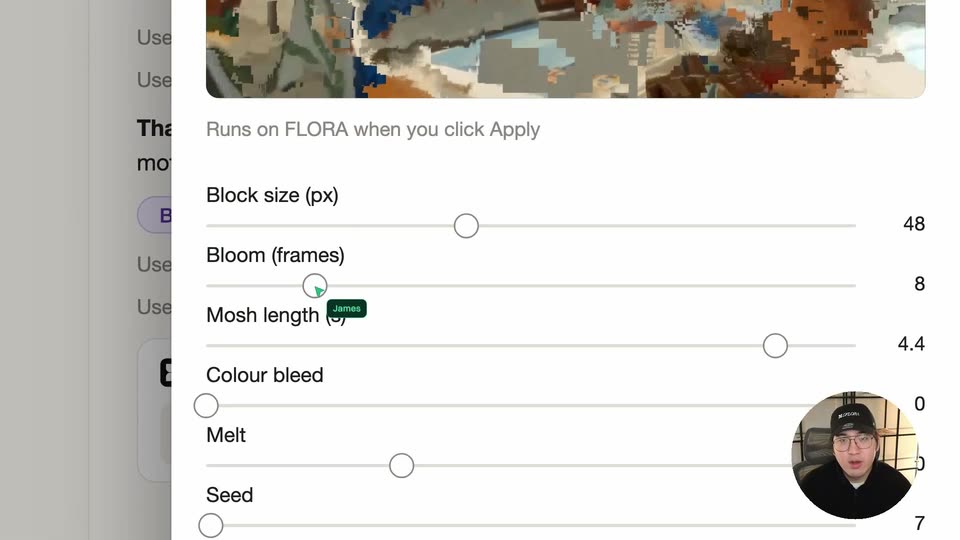 0:52–0:53FLORA · FLORA © - Creative tools are meant to be shared FLORA Apps allow you to buildA close-up of a settings panel with labeled sliders; a cursor tagged James drags the Bloom slider from 8 to 37 while the pixelated boat preview above blooms. A dimmed duplicate of the panel slides out to the left. A circular facecam sits in the bottom right corner.