0:20
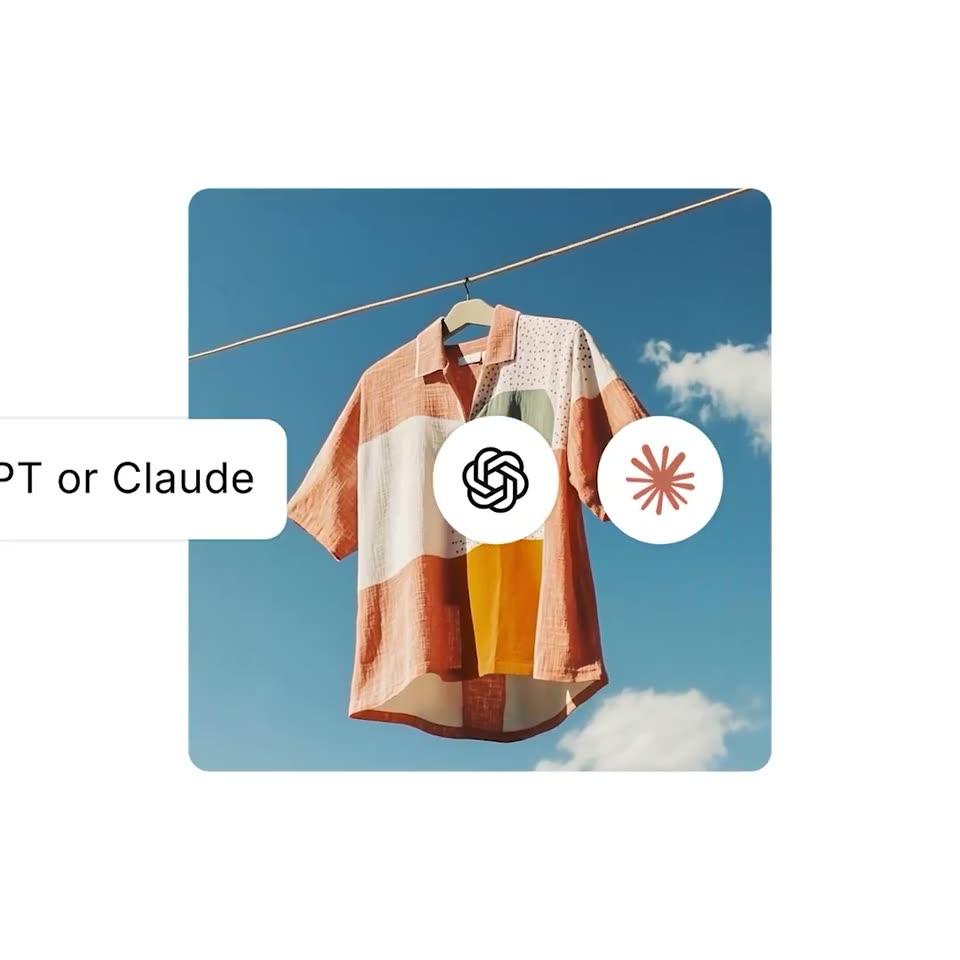

Shopify - manage your store inside ChatGPT or Claude get insights, add product
Shopify · Business software · May 2026
Anthropic · Nov 2026 · 1:02 · AI-annotated
Anthropic’s 1:02 launch film runs 17 scenes, about 3.7 s each. The product is on screen from the first frame and 3 features are revealed. There is no explicit call to action; a voiceover carries the film. The video runs as one unbroken meeting that shifts from a video call to a shared whiteboard, then to a chat, notes and a Gantt plan, with each capability introduced by a serif line on cream. Its look pairs a cream-and-black palette with a hand-drawn coral mark, monospaced chat pills and quick cuts of about seven per minute.
Is this your launch? to your site or press kit.
Shopify · Business software · May 2026
ClickUp · Productivity · Oct 2026
On black, a video-call grid builds tile by tile as participants join, then reflows into a four-across row; a new tile with a coral blob fills the last slot, and a white outline marks the active speaker.
Techniques: Morph
Camera: Pull out
A video call grid on black: webcam tiles of two men at the top and left, plus a large dark tile for Claude. Its logo, an orange semicircle on a white wave, sprouts white rays one by one, and “Hey team” fades in below.
Camera: Push in
A black serif title “Claude Meetings” sits centered on cream as two dark chat pills pop in, the top typing a voice request, the bottom replying. It cuts to a dark screen with an orange circle, a white hand-drawn loop, and “Taking notes...”.
On-screen text: “Claude Meetings”
Techniques: Kinetic type
Camera: Push in
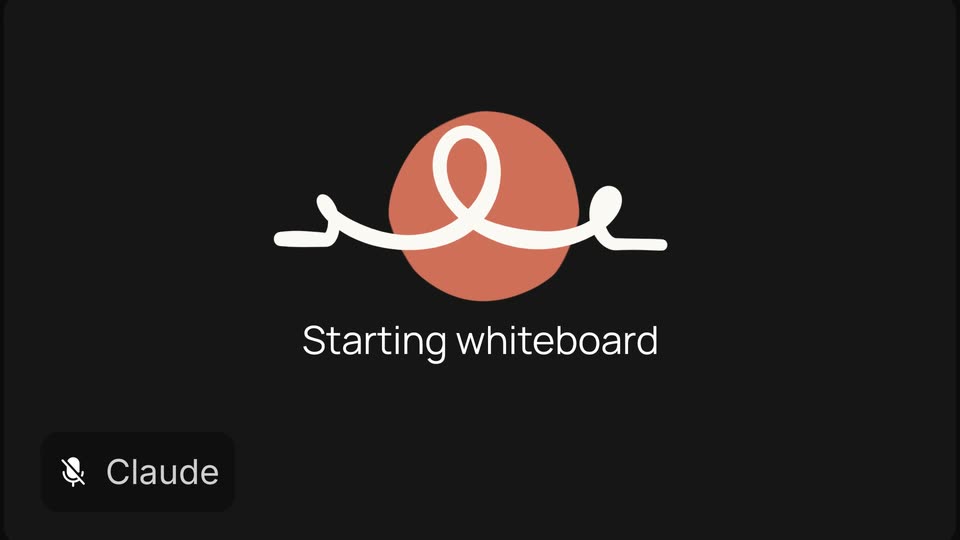
A dark product screen shows an orange circle crossed by a white looping line that continuously reshapes. The status below switches from Taking notes... to Starting whiteboard, then the emblem shrinks and fades out, leaving an empty dark frame.
Techniques: Morph
Camera: Push in
A dark pixelated whiteboard icon with a red dot sits over black as the word Claude scales in lower left and Starting whiteboard stays still behind it. It shifts to a light grid canvas with a small red mark and the gray serif line Claude joins your call.
On-screen text: “Claude”, “Starting whiteboard”
Camera: Static
A black serif headline, 'Claude joins your call and builds alongside you,' sits on a cream grid canvas. A dark call window pops in at the upper right, the orange avatar sketches a white line, then avatars appear. A pink pie poster slides in at the upper left as the first line fades out.
On-screen text: “Claude joins your call”, “and builds alongside you”
Techniques: Kinetic type
Camera: Static
A white grid whiteboard fills the frame as a gray heading types in word by word. Colorful sticky notes pop in one by one, each with a pie idea and a colored name tag. A black video-call panel with the Claude logo stays pinned top-right while a cursor drifts.
Techniques: Kinetic type, Cursor demo
Camera: Static
On a plain beige background, two centered lines of dark serif text appear at once. A dark rounded notification card with a circular icon of three vertical bars and the label Claude, slides in from the top edge.
On-screen text: “So the work starts”, “before the meeting ends”
Camera: Static
A dark prompt bar sits top right on a cream field. Its icon's equalizer bars morph into a four-dot ellipsis as the prompt types out, while a static black serif caption holds centered below.
On-screen text: “So the work starts before the meeting ends”
Techniques: Morph
Camera: Push in
On a near-black background, a white stroke draws itself across a coral circle, forming two loops as it grows from left to right. The caption “Organizing ideas” stays fixed below while a small Claude voice chip sits in the bottom-left corner.
On-screen text: “Organizing ideas”
Camera: Static
A collaborative whiteboard on a grid fills the frame, scattered colored sticky notes with pie ideas and named cursors. The notes glide into three labeled columns, Easiest, Medium and Hardest, while a heading and a video call tile with a heart reaction slide in at the top.
On-screen text: “Organizing ideas”
Camera: Pull out
A whiteboard canvas titled “What's our special pie this year?” shows three columns of sticky notes with pie ideas. Named cursors drift and emoji reactions pop onto notes while a call tile's checkmark morphs into a person; the view zooms in and pans right.
Techniques: UI zoom, Morph
Camera: Push in
A dark chat thread scrolls up at a steady pace on a black background, revealing message cards with circular avatars and names. Teo declares Huckleberry the winner, June reacts YAYYY!!!, Vinny says his grandma would approve, and Claude, an orange starburst avatar, adds Berry good choice.
Camera: Pan
A dark chat thread on black shows a user bubble with a round profile photo and the text 'Ok Claude, organize next steps to get this launched by the holidays' plus a praying-hands emoji. A Claude bubble with an orange sparkle logo slides up below it, reading 'On it.'
Camera: Static
A meeting-notes document scrolls as a launch-plan card with a Gantt chart scales up to fill the frame. The view then blurs and zooms out to a white background where a serif sentence assembles word by word.
On-screen text: “Sync at the end of the week”
Techniques: UI zoom, Kinetic type, Speed ramp
Camera: Push in
A serif headline on a cream background cycles its first word from Sync to Sketch to Work under a blue selection highlight with a red Claude tag. Then a cursor clicks, a blue pill of clapping emojis pops in, and the headline fades out.
On-screen text: “Sync at the speed of thought”, “Claude”, “Sketch at the speed of thought”, “Work at the speed of thought”
Techniques: Kinetic type, Cursor demo
Camera: Static
A small terracotta asterisk mark scales up at the center of a cream field, then the black serif wordmark Claude resolves to its right. A tagline fades in beneath the lockup as the frame holds.
On-screen text: “Work at the speed of thought”
Camera: Static