0:50
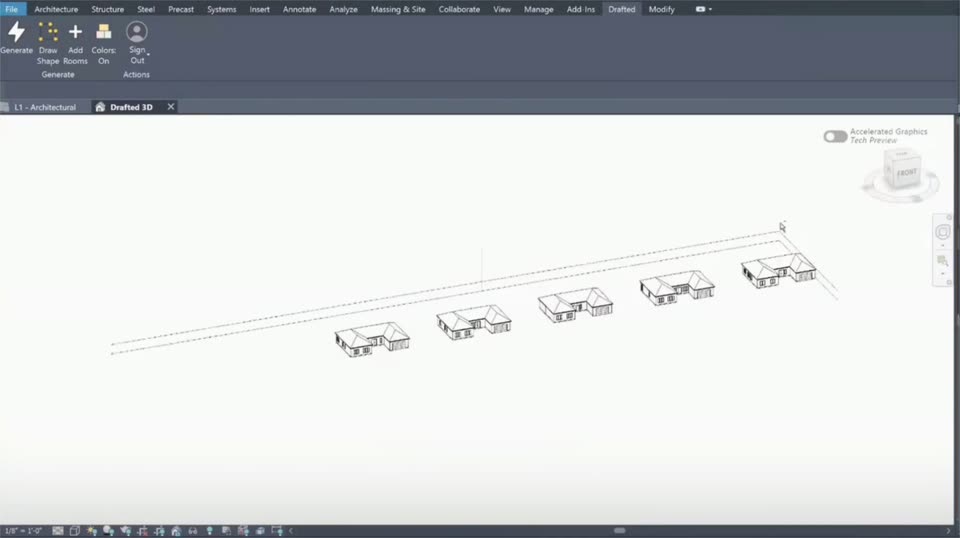

Drafted - Introducing Drafted in Revit. Draw a footprint, add your room list,
Drafted · Consumer · Sep 2026
Builder.io · Nov 2026 · 1:01 · AI-annotated
Builder.io’s 1:01 launch film runs 26 scenes, about 2.4 s each. The product shows up at 0:56 and 8 features are revealed. The call to action lands at 0:58 (95% in). The video alternates flat grid-paper title cards with cycling words and flat or 3D-tilted UI demos, cutting about 18 times a minute to keep the pace brisk. Its signature moves are the word-cycling headlines, the 3D camera pans across dark app windows, and the monospace terminal that bookends the hook and the fix.
Is this your launch? to your site or press kit.
Drafted · Consumer · Sep 2026
Showroom · Oct 2026
Motionfly · Oct 2026
A dark Claude Code terminal sits flat and centered on a light grid background. A checkout bug report types out beneath a small checkout screenshot, ending at 441 characters.
Techniques: Kinetic type
Camera: Static
On a pale grid background, the line “Explaining bugs to your AI?” slides in centered, then dims to light gray as the bold line “Just show it.” appears directly beneath it.
On-screen text: “Explaining bugs to your AI?”, “Just show it.”
Techniques: Kinetic type
Camera: Static
A flat browser window shows a shop checkout page on a light grid background. A cursor clicks the plus button to raise the mug quantity, then clicks Pay, which spins while quote captions swap above. The view zooms to the window and a Clip ready badge appears.
On-screen text: “Okay, here's the checkout bug.”, “Change the quantity on the second one...”, “It just spins. Nothing happens.”, “Clip ready”
Techniques: Cursor demo, UI zoom
Camera: Static
A close-up of a dark checkout window with a spinning Pay button zooms out to reveal the full app library, showing the recording title, metadata, and a transcript panel on the right.
On-screen text: “Bug: checkout Pay button hangs”
Techniques: UI zoom
Camera: Pull out
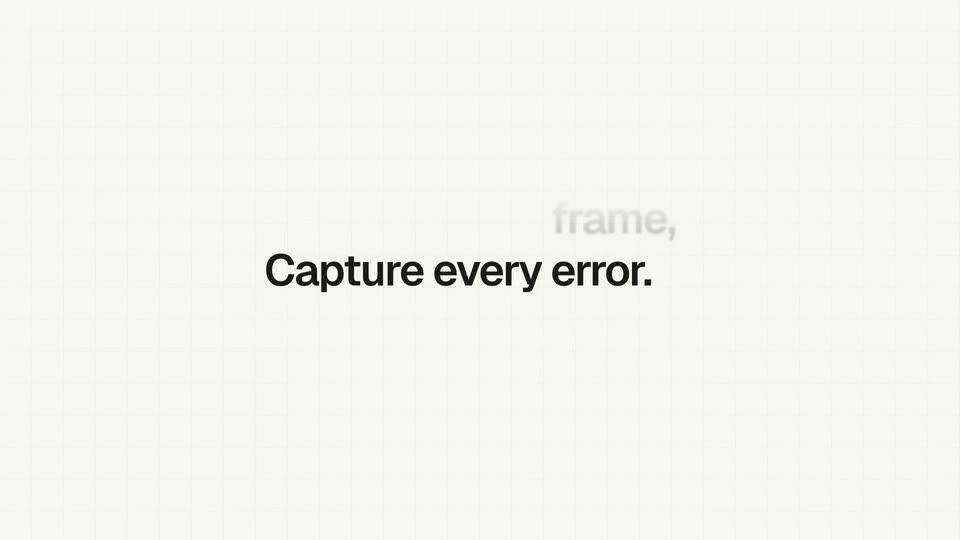
On a cream grid-paper background, the line 'Capture every' holds fixed while its last word cycles: 'word,' 'frame,' and 'error.' take turns sliding into place and fading to black, each outgoing word drifting up and fading out.
On-screen text: “Capture every word,”, “frame,”, “Capture every error.”
Techniques: Kinetic type
Camera: Static
A dark bug-report window sits in 3D perspective on a faint grid, a white checkout card floating at its left edge. The camera pans right and tilts the window, reframing onto the transcript panel while the card slides out of view.
Techniques: 3D mockup, UI zoom
Camera: Push in
A dark bug-report panel with a white checkout card and transcript list pulls back to reveal the full page: sidebar, video player with cart frames and thumbnails, title and description. The view pans right to the transcript panel as a cursor hovers over a highlighted line.
Techniques: UI zoom, Cursor demo
Camera: Pan
A dark diagnostics panel and a lighter checkout preview sit side by side on a faint grid background. A cursor clicks the failed POST /api/checkout error row, which expands to reveal a red 500 status and 842 ms duration.
Techniques: Cursor demo
Camera: Static
A centered black headline reads All of it, in one link. on a light gray grid background. The frame stays locked and static for the full shot.
On-screen text: “All of it, in one link.”
Camera: Static
A dark interface shows a recording player beside a diagnostics panel. The cursor clicks Share, opening a popover, then hovers Copy agent prompt, which flips to a green Copied check. A tagline reads at the top of the frame.
On-screen text: “All of it, in one link.”
Techniques: Cursor demo
Camera: Pan
The headline “Your agent” holds center on a pale grid background while the phrases “sees it,” “hears it,” and “fixes it.” roll upward in sequence, each fading in at center and out above, ending on “Your agent fixes it.”
On-screen text: “Your agent sees it,”, “hears it,”, “fixes it.”, “Your agent fixes it.”
Techniques: Kinetic type
Camera: Static
A dark Claude Code terminal on a light grid background reveals a debugging session line by line: bug report, clip context with four thumbnails, a 500 error, and a red/green diff ending 'Fixed. Pay works again.' Agent chips slide in at the bottom as static headlines lock off.
On-screen text: “Your agent sees it,”, “Your agent fixes it.”
Techniques: Kinetic type
Camera: Static
A pale grid pattern covers a flat background. The black sentence 'Then clips the fix for you.' holds centered in the middle of the frame for the full duration.
On-screen text: “Then clips the fix for you.”
Camera: Static
A dark terminal window titled Claude Code sits on a light gray grid background. Its monospaced transcript scrolls upward and settles, revealing a row of four video thumbnails, a red-and-green code diff, and a green Fixed line.
Camera: Static
A dark editor view shows a playing video of a shop cart with an order-placed badge, next to a comments panel listing a review. The video's timeline advances, dropping a green avatar and a pointing-hand marker at the two-second mark.
Camera: Static
A faint gray grid fills a light off-white background as the centered black headline remains static in the middle of the frame.
On-screen text: “Find any moment.”
Camera: Static
A dark Library screen shows a grid of recording cards. A cursor moves to the search field and types checkout; the grid blurs and a centered results list appears with the matched word highlighted.
On-screen text: “Find any moment.”
Techniques: Cursor demo
Camera: Static
A faint grid on an off-white field holds a single centered line of bold black text, locked in place for the full shot with no motion.
On-screen text: “Ask across every recording.”
Camera: Static
A dark app panel floats in 3D perspective over a white grid. A cursor rests in the search field showing “checkout” while a list of recordings drifts upward, each entry’s “checkout” term highlighted in blue.
On-screen text: “Ask across every recording.”
Techniques: 3D mockup, Cursor demo
Camera: Pull out
A dark chat panel sits on the right of a blurred recording library. A cursor types a query into the input field, which then submits as a message bubble. An assistant reply lists three action items with timestamps, appearing line by line.
Techniques: Cursor demo
Camera: Static
A centered bold headline reads “And it's not just your screen.” on a pale gray grid background. A second line, “Capture every meeting.”, fades in beneath it while the first line dims to gray.
On-screen text: “And it's not just your screen.”, “Capture every meeting.”
Techniques: Kinetic type
Camera: Static
A dark Standup app window sits tilted in 3D on a light grid. The transcript on the right types out three speaker lines while the Summary panel fills with AI notes and action items, and a recording timer ticks at the bottom.
Techniques: 3D mockup
Camera: Static
A single line of black text is centered on a pale gray field marked with a faint square grid. The frame is locked off and the line holds perfectly still for the entire clip.
On-screen text: “And every thought.”
Camera: Static
A dark notes app window on a light grid, a white 'fn' card at right with a blue border. A voice waveform pulses in a bottom pill, then a sentence pastes into the note with a brief highlight as the pill reads 'Pasted' and the border fades.
On-screen text: “And every thought.”
Camera: Static
A cream grid background holds a small line-art cat logo above the gray line “Free and open source.” It cuts to the wordmark “Agent-Native Clips” with a BETA tag, above “Capture screens for your agents.” where “screens” sits in a dark pill. Both frames are static and centered.
On-screen text: “Free and open source.”, “Agent-Native Clips”, “BETA”, “Capture screens for your agents.”
Camera: Static
A cream grid backdrop holds the Agent-Native Clips BETA lockup over the line Capture [word] for your agents. The word in the black pill crossfades through screens, console, network, minutes, and settles on context. A small gray URL line fades in beneath.
On-screen text: “Agent-Native Clips”, “BETA”, “Capture”, “screens”, “for your agents.”, “console”, “network”, “minutes”, “context”, “clips.agent-native.com · Free and open source”
Techniques: Kinetic type
Camera: Static