0:43
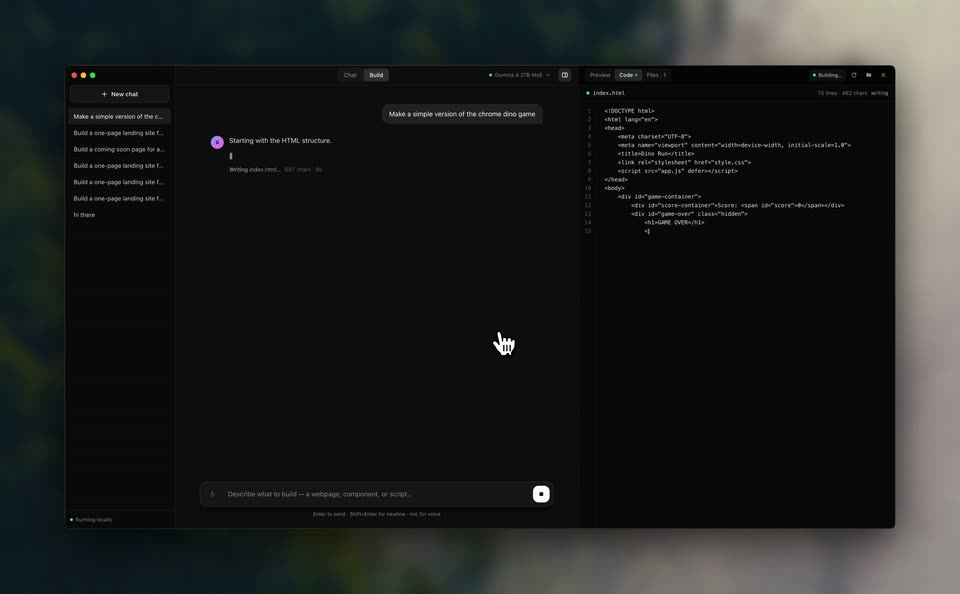

Google Gemma - Offline vibe coding with Gemma 4. This open-source Electron app runs
Google · AI · Apr 2026
Drice · Nov 2026 · 0:42 · Clip · AI-annotated
Drice’s 0:42 clip runs 6 scenes, about 7.0 s each. The product shows up at 0:01. The video is a single continuous screen recording of the Search browser on a painterly macOS desktop, moving from a Spotlight search into the app's new tab page and then a slow tour of browsing, the tabs menu, keyboard shortcuts and the side search panel. Its style is defined by the contrast between the warm oil-painting wallpaper and the crisp minimal white interface, with soft fades, small cursor-driven interactions and no on-screen text or narration.
Is this your launch? to your site or press kit.
Google · AI · Apr 2026
Notion · Productivity · Apr 2026
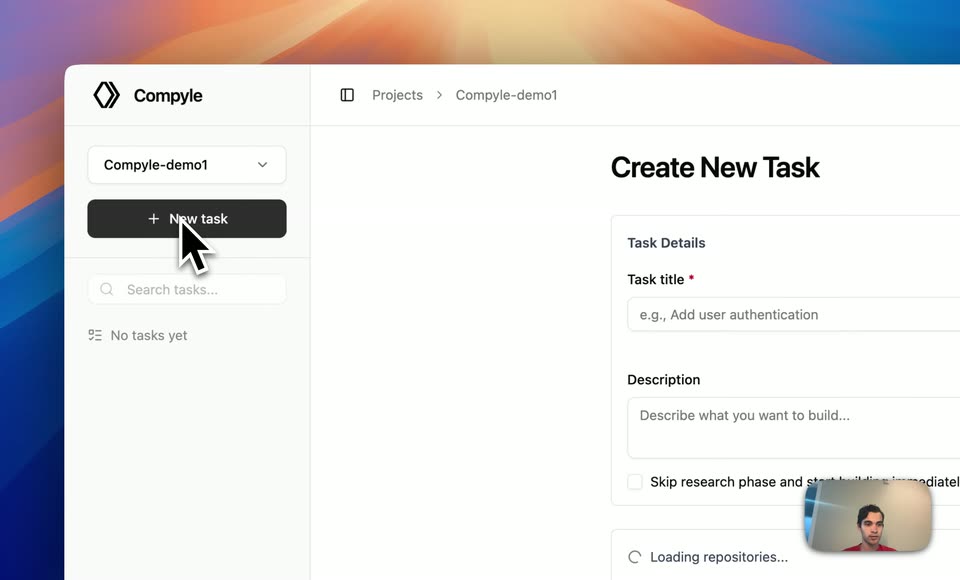
Compyle · B2B · Oct 2025
A macOS desktop with a painted mountain landscape wallpaper. The Spotlight search panel fades in at the center, showing a search field and a list of search categories plus two file entries.
Camera: Static
A browser window on a painterly desktop shows a new tab page: a studio blurb and black Start a project button fade in, then project thumbnails scatter around the text and fade out. The cursor clicks New Tab and types nor in the address bar, revealing suggestions.
Techniques: Cursor demo
Camera: Static
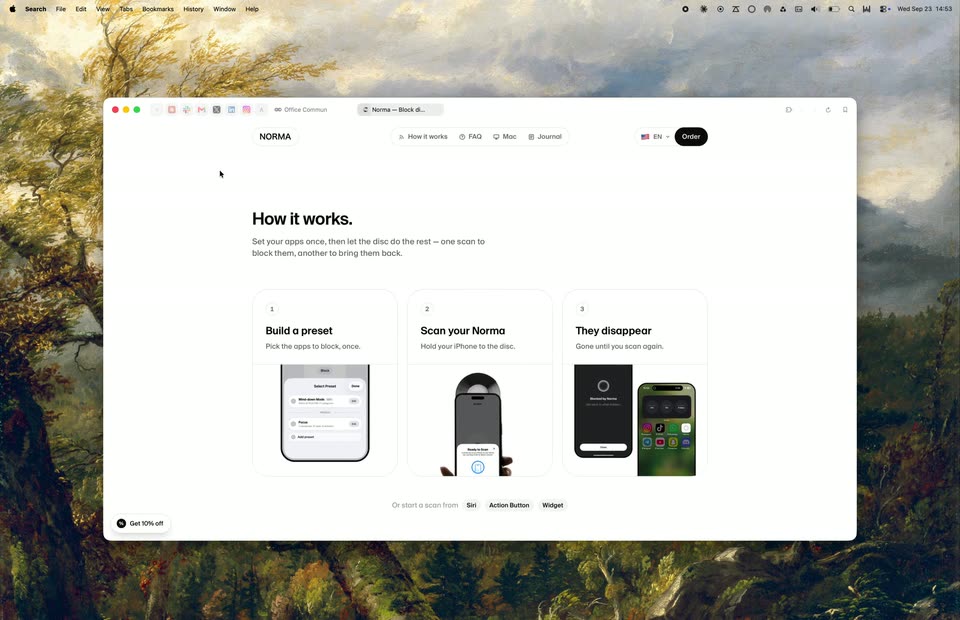
A desktop browser window shows the NORMA site. The page scrolls down past a hero image of a hand scanning a disc to a three-card how-it-works section. The sidebar collapses and the window resizes wider, then shrinks and returns to its original size.
Techniques: Cursor demo, UI zoom
Camera: Static
A browser window on a painted desktop background loads the X interface. The window brightens from a dimmed state with a centered X mark, then the feed fills with a compose box and two posts, one carrying a grid of dark screens, while a cursor hovers the sidebar.
Techniques: Cursor demo
Camera: Static
A browser window centered on a painterly macOS desktop. The cursor types a URL and the page loads a product landing page with a black Download pill. The cursor opens the Tabs menu, switches the sidebar to letter icons, then clicks a tab to load a social feed.
Techniques: Cursor demo
Camera: Static
A flat browser window with an X-style feed floats over a forest wallpaper. A cursor opens the top T menu, then marks sidebar items Chat, Grok and History with small esc badges as a bottom hint appears. A white search panel slides in from the right.
Techniques: Cursor demo
Camera: Static