0:48
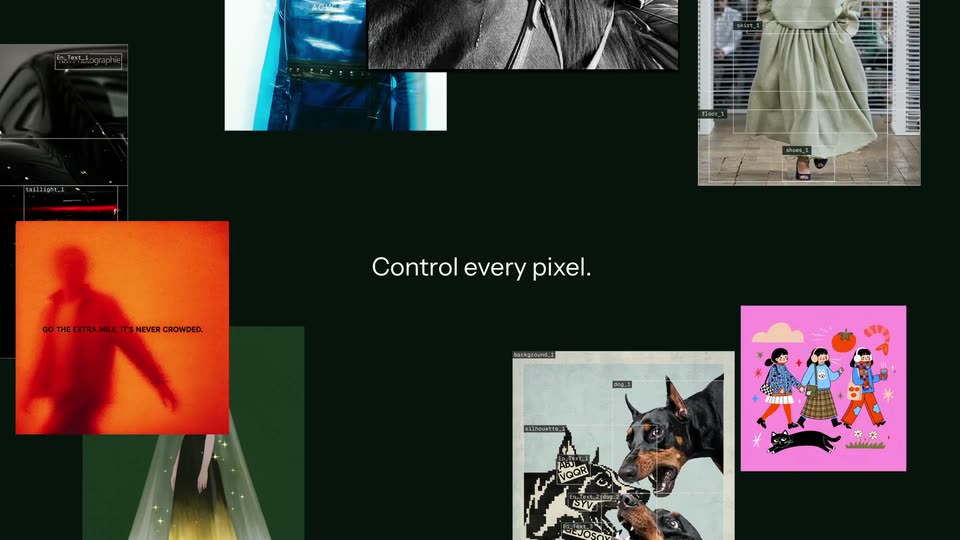

Black Forest Labs - Introducing FLUX 3 Image. Control every pixel. Make precise multi-t
Black Forest Labs · Oct 2026
Figma · Nov 2026 · 0:35 · Full motion · AI-annotated
Figma’s 0:35 launch film runs 24 scenes, about 1.5 s each. The product is on screen from the first frame and 1 feature is revealed. There is no explicit call to action. The video is built as a rapid montage of isolated 3D type and object studies, with each shot isolating one transform move such as tilt, fan, spin, or blur. Its style is defined by hard cuts, halftone and checkerboard textures, chrome props, and a final return to the Figma interface and logo.
Is this your launch? to your site or press kit.
Black Forest Labs · Oct 2026
Pitch · Productivity · May 2026
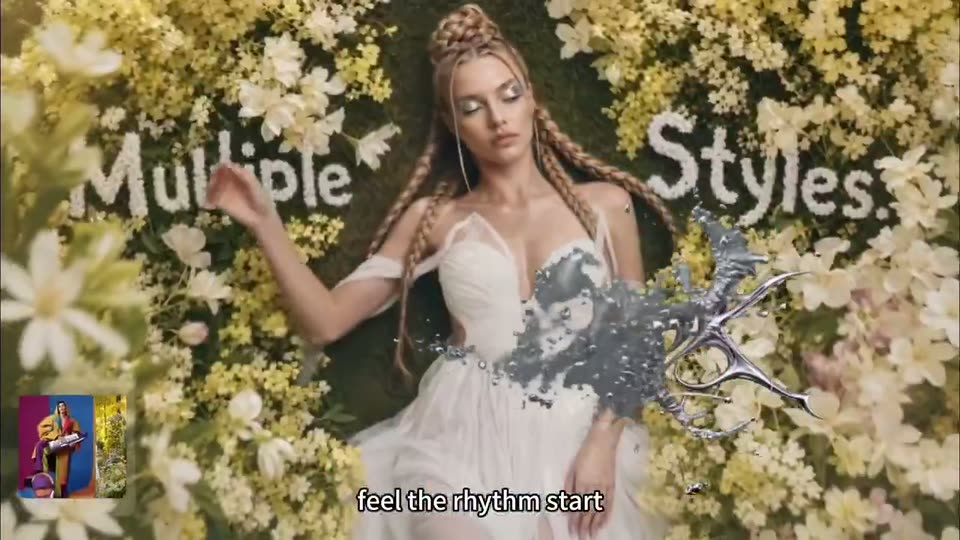
Films whose music sounds like this one, voice left out
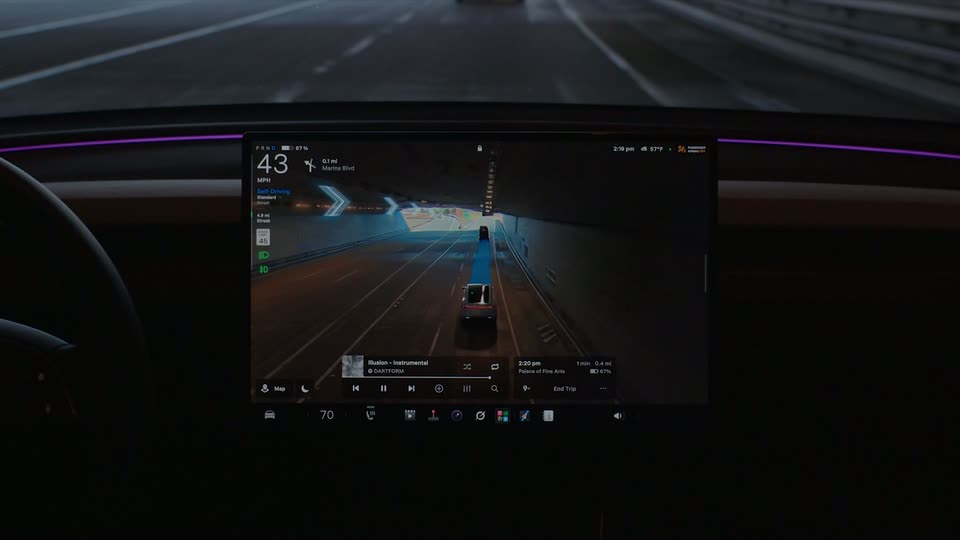
Tesla · Modern funk, soul, and electronic dance music with synth-pop influences
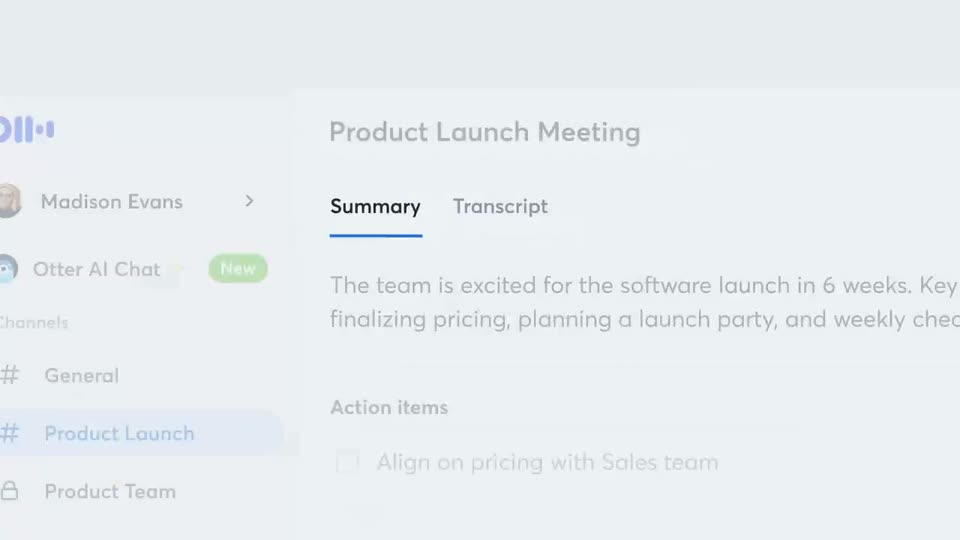
Otter.ai · Electronic dance, funk
Logitech · Nu-disco, indie dance, funk
White headline with blue Figma slides in tilted, then rotates into 3D as multiple copies recede into depth. A blue bar with lime PERSPECTIVE slides across the lower left corner.
On-screen text: “3D TRANSFORMS”, “NOW IN FIGMA”, “PERSPECTIVE”
Techniques: Kinetic type
Camera: Pull out
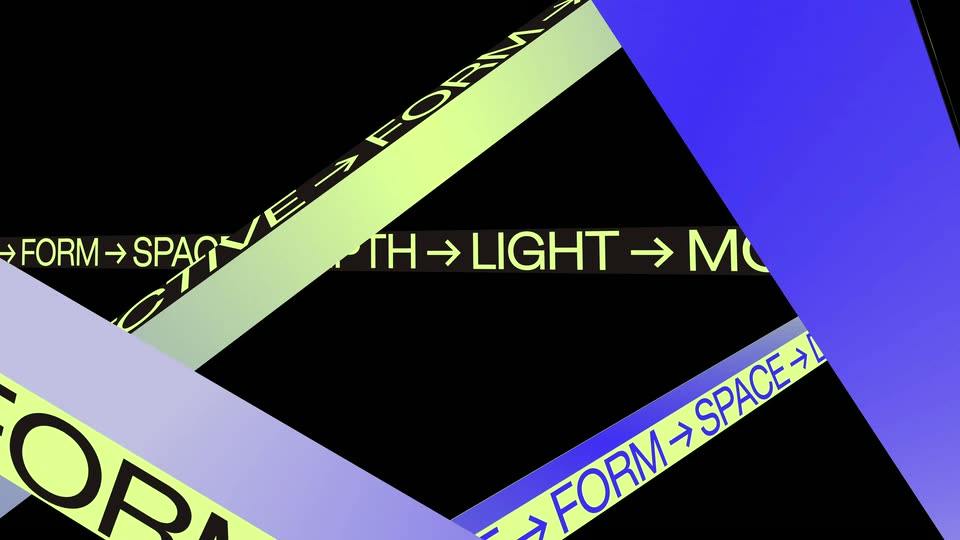
Diagonal 3D ribbons in lime and blue cross a black field, each printed with arrow-linked words like SPECTIVE → FORM and DEPTH → LIGHT. The camera drifts slowly across the angled bars, revealing new strips and their text fragments.
On-screen text: “SPECTIVE → FORM”, “DEPTH → LIGHT → M”, “FORM → SPACE → D”, “FORM → SPACE → U”
Techniques: Parallax
Camera: Pull out
Diagonal purple and yellow text ribbons spin off frame, clearing to reveal a 3D carousel of event cards. The front orange card shows runners on stairs with event details, two more cards fan out to the right over a dotted backdrop and a month timeline.
On-screen text: “→FORM→SPACE→DEPTH→LIGHT→”, “UPCOMING EVENTS”
Techniques: Kinetic type, 3D mockup, Morph
Camera: Static
A 3D carousel of event cards rotates on a dark stage, bringing a white surf card to the front while orange and blue cards fan out to the sides. The Offtrail wordmark sits at the top and a month timeline runs along the bottom.
Techniques: 3D mockup
Camera: Static
A rounded event card on a dark blurred background scrolls up. The top shows a black and white surfer photo stamped with pixelated 'WEEKEND SURF SESSION'. The white panel below reveals a title, date line, body copy, a Register button, a location map and guest avatars.
Camera: Pan
A light pink rounded blob on a hot pink field holds three lines of dark maroon condensed text that slide and scale in, while a chrome sneaker floats at right and a second sneaker enters from the bottom left.
On-screen text: “SURF”, “EVERY DOLLAR.”, “EVERY GOAL.”, “EVERY DAY.”
Techniques: Kinetic type
Camera: Static
On a lime-green field, a pale cream blob frames a dark green headline. The lines EVERY DOLLAR, EVERY GOAL, EVERY DAY scale in, then SPEND SMART, SAVE MORE, LIVE BETTER slide in and un-clip. Two chrome 3D cursor arrows drift and rotate at the corners. The frame is locked off.
On-screen text: “EVERY DOLLAR.”, “EVERY GOAL.”, “EVERY DAY.”, “SPEND SMART.”, “SAVE MORE.”, “LIVE BETTER.”
Techniques: Kinetic type, Masking
Camera: Pull out
Three rounded cards in purple, yellow, and pink sit on a cyan background, each filled with a scrolling list of bold words. Chrome 3D props, a star, a globe, a sneaker, and cocktail glasses, rotate and drift across the cards as the camera pulls back to frame all three.
On-screen text: “SKATEBOARD”, “RING LIGHT”, “KEYBOARD”, “SKI TRIP”, “LAPTOP”, “GAME”, “GUITAR”, “CONCERT”, “PROJECTOR”, “PROM TICKET”
Techniques: Kinetic type
Camera: Pull out
A centered vertical panel of maroon checkerboard and an orange bar bursts apart into a loose collage of black and white photos, colored circles and checkerboard squares that drift across a pale gray field.
Camera: Static
Three flat discs in orange, blue and green float over a blue-to-pink gradient, rotating in 3D and tilting as the camera flies past, the shapes blurring into large soft ellipses that fill the frame.
Camera: Static
A chartreuse organic blob grows from the top right and floods a light gray frame while the black date line 10.14 to 12.20 holds at the top. The question What if structure wasn't stable, but alive? builds line by line on the left, then M*SF [NOW ON VIEW] FERAL STRUCTURES fades in at center.
On-screen text: “10.14 → 12.20”, “What if structure wasn't stable, but alive?”, “M*SF”, “[NOW ON VIEW]”, “FERAL STRUCTURES”
Techniques: Kinetic type
Camera: Static
A blurred green organic shape with a glowing yellow-green rim sits on a light gray background. The centered text block, logo, title, artist name and date fade in from translucent to solid black as the rim glow intensifies.
On-screen text: “M*SF”, “{NOW ON VIEW}”, “FERAL STRUCTURES”, “DAN BRADY”, “Ends 08.22”
Camera: Static
The word Dimension stacks in repeated rows on a black field, the whole block rotating from level to a steep diagonal. Some rows are solid white, others a halftone dot pattern, and the frame drifts across the repeating type.
On-screen text: “Dimension”
Techniques: Kinetic type
Camera: Push in
A vertical line splits the frame into a dark olive field and a light gray field. Translucent blue planes fan open on the left while orange and pink planes fan open on the right, rotating in 3D perspective.
Camera: Static
A yellow-green field of pink wireframe grid and halftone dots. A green wavy line draws across the frame as stacked orange and blue circle outlines pop in at center, trailing a diagonal row of small squares right. A pink-orange gradient band with a green zigzag fills the bottom.
Camera: Push in
A pink wireframe grid fills a yellow-green field while a tangled red circle scribble rotates and drifts down the left side. A yellow-green looped line and a red jagged line cross the frame over a pink floor with a green zigzag in the corner.
Camera: Push in
A flat abstract layout of orange, blue and black blobs surrounds a central lens motif with a green square, white core and halftone frame. The scene rotates and pushes in as black and white slats fan out toward the lower right corner.
Camera: Static
A flat abstract collage of orange, blue, black, red and green shapes spins around a central green diamond holding a white circle. The patterned tiles, including black and white radial stripes, rotate in a kaleidoscopic sweep.
Camera: Static
A circular emblem of red, green, yellow and white segments spins at the center, ringed by black-and-white striped wedges and blue, orange and black panels that tilt and shift with the rotation.
Camera: Static
A 3D prism with a yellow and purple pixelated pattern and the word MAKE on its front face rotates from a tilted perspective to a flat, front-on view.
On-screen text: “MAKE”
Techniques: Kinetic type
Camera: Static
A 3D stack of three tilted text planes, MAKE on yellow, DESIGN on a blue checkerboard, SPACE on yellow, fills the canvas. The view pulls back to reveal the design tool interface, with the planes now flat inside a blue selection box and a properties panel on the right.
Techniques: UI zoom, 3D mockup
Camera: Pull out
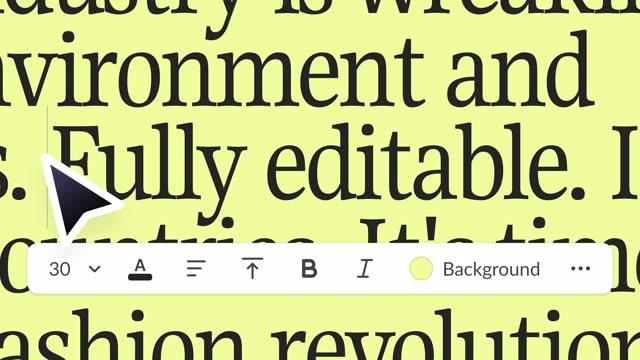
A Figma canvas holds a bold MAKE SPACE type block on yellow and blue halftone fields. The block tilts into 3D perspective, then flattens into a MADE IN FIGMA block while a cursor works in the right panel.
On-screen text: “MAKE”, “SPACE”, “MADE IN”, “FIGMA”
Techniques: Cursor demo, 3D mockup, Kinetic type
Camera: Pull out
On a black field, the Figma mark assembles in the center: an orange pill, a purple and blue circle, and a green circle snap into a vertical stack, then hold still as the brand sign-off.
On-screen text: “FIGMA”
Techniques: Morph
Camera: Static
On a black background, a small logo of colored shapes assembles at center: a red pill on top, a purple and a blue circle in the middle, a green circle below. The offset pieces slide into place and hold.
Camera: Static