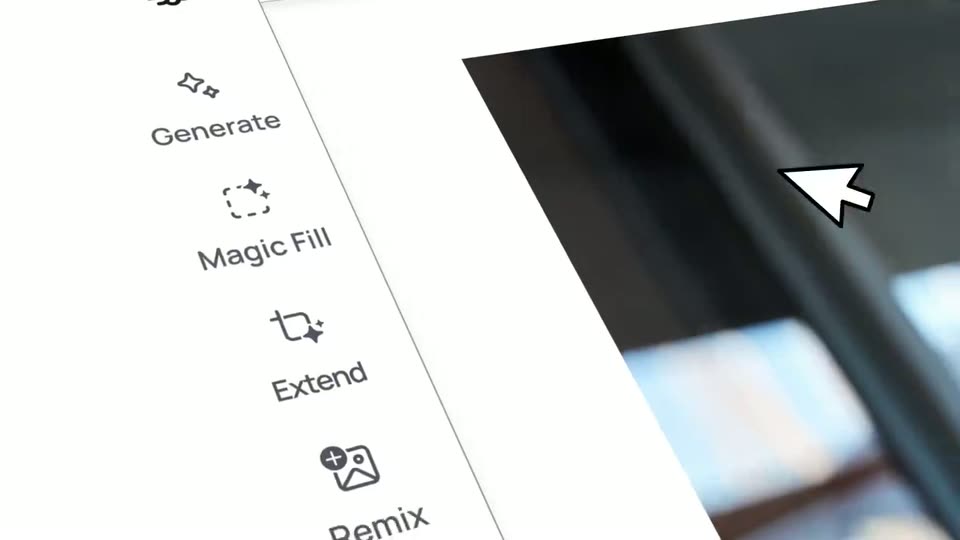
0:32
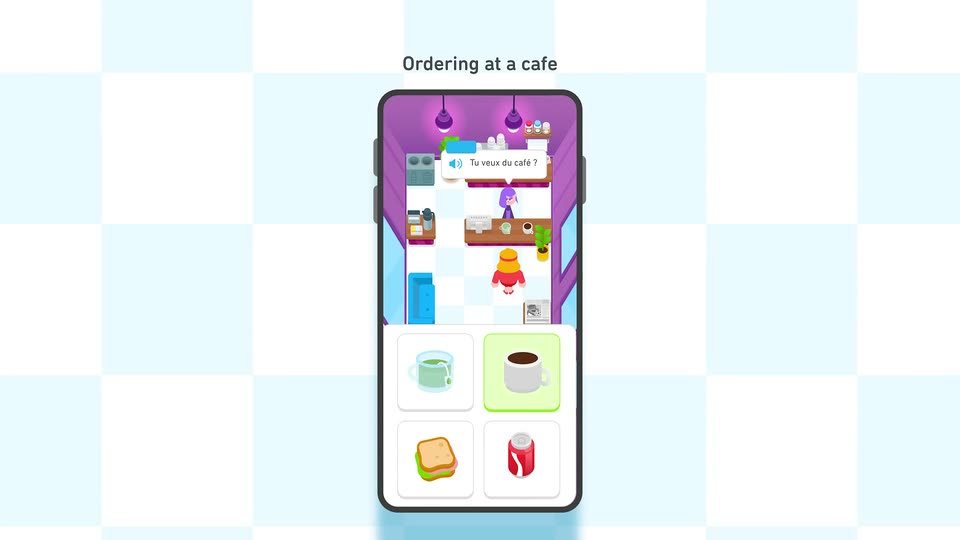

Introducing Duolingo Adventures
Duolingo · Consumer · Sep 2024
Otter.ai · Feb 2024 · 1:03 · AI-annotated
Otter.ai’s 1:03 launch film runs 12 scenes, about 5.3 s each. The product is on screen from the first frame and 2 features are revealed. The call to action lands at 1:00 (95% in), over a voiceover. The video alternates flat blue brand cards with pale gray UI mockups, moving from the logo into feature title cards and then into scrolling interface demos. Signature moves are the dot-gather logo animation, circular mascot icons that morph between shapes, and dark speech-bubble taglines that pop in over the UI.
Is this your launch? to your site or press kit.
On a solid blue field, scattered white dots gather into the Otter.ai mark, an O ring beside three vertical strokes, with the name Otter.ai set below. The mark then breaks back into dots and a white circle blooms at center.
On-screen text: “Otter.ai”
Techniques: Morph
Camera: Static
A blue title with a small sparkle icon sits centered on a light gray field. The title slides up as a dark Zoom meeting panel rises from the bottom, revealing a smiling woman on a video call.
On-screen text: “Introducing Meeting GenAI”
Techniques: Kinetic type
Camera: Static
A floating Zoom meeting window scales up and centers on a pale gray backdrop. Its four tiles fill in with three smiling participants, while the blue tile fades in the label and an otter mascot icon rises from the bottom edge.
On-screen text: “Introducing Meeting GenAI”
Camera: Static
A flat video-call window on a light gray background holds a four-tile grid. Three tiles show smiling participants; the bottom-right tile is a solid blue card reading Madison's OtterPilot above a small camera icon. The frame stays locked and static.
Camera: Pan
A light app window fades in showing a meeting transcript; messages type in one by one as a corner otter mascot pops up a dark speech bubble reading “Get automatic meeting notes!”. The view then zooms onto the Summary and Transcript tabs and fades out to an empty gray field.
On-screen text: “Get automatic meeting notes!”
Techniques: UI zoom
Camera: Push in
A flat Otter AI meeting-summary card resolves from blur on a pale background. The first action-item checkbox ticks blue and an Outline block with a photo thumbnail slides in below. The card drifts left as a blue 3D disc with a dark center enters from the right.
Techniques: Parallax
Camera: Pull out
A flat two-tone circular icon centered on a pale gray background grows and morphs into a cartoon character, gaining a white face, a wide open eye with a dark pupil, a small closed eye, and a teal lower body.
Techniques: Morph
Camera: Static
A light gray frame holds the Otter AI Chat logo, name and a green New button. A white chat panel slides up from the lower right, expanding to reveal a sidebar listing channels and direct messages while the header row shifts left.
Camera: Static
A flat chat mockup on a pale gray background. The camera zooms into the input bar as a question types itself and sends; the AI answers with a bulleted list while a dark blue speech bubble pops in with a tagline. The view zooms out for a second, follow-up question.
On-screen text: “use GenAI across all your meetings!”
Techniques: UI zoom
Camera: Push in
The chat window opens zoomed on the sidebar, then pulls back to the full interface. Messages fill the Product Launch channel one by one, the list scrolling up. A dark speech bubble reading 'Chat with AI and teammates!' with a teal owl slides in on the right.
On-screen text: “Chat with AI and teammates!”
Techniques: UI zoom
Camera: Pull out
A flat vector avatar, a face and light-blue shoulders inside a blue circle, sits on a pale lavender background. The circle scales up and back down while a small white dot orbits around its perimeter.
Camera: Static
A solid blue background holds a white Otter logo that assembles from loose shapes into its final mark, while the tagline fades in beneath it.
On-screen text: “Get started for free at Otter.ai”
Techniques: Morph
Camera: Static