0:23
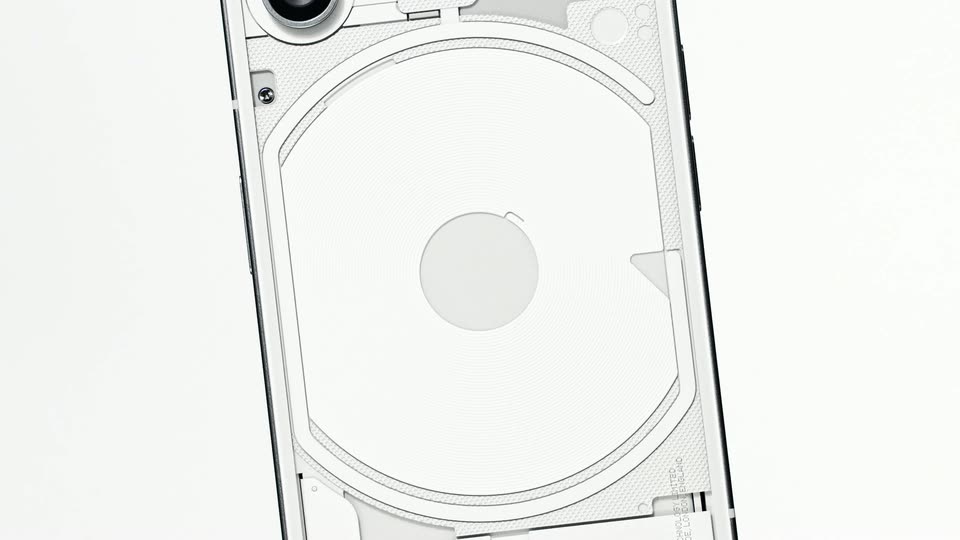

Nothing Phone (1)
Nothing · Hardware · Jul 2022
Free Reader · Nov 2026 · 1:22 · AI-annotated
Free Reader’s 1:22 launch film runs 8 scenes, about 10 s each. The product shows up at 0:14. There is no explicit call to action. The video alternates typographic title cards on white with 3D laptop renders, building a slow question before the product is named. Signature moves are words scattering and settling in place, and the laptop rotating in 3D to link each captioned feature.
Is this your launch? to your site or press kit.
Nothing · Hardware · Jul 2022
Runtime.si · Industrials · Nov 2026
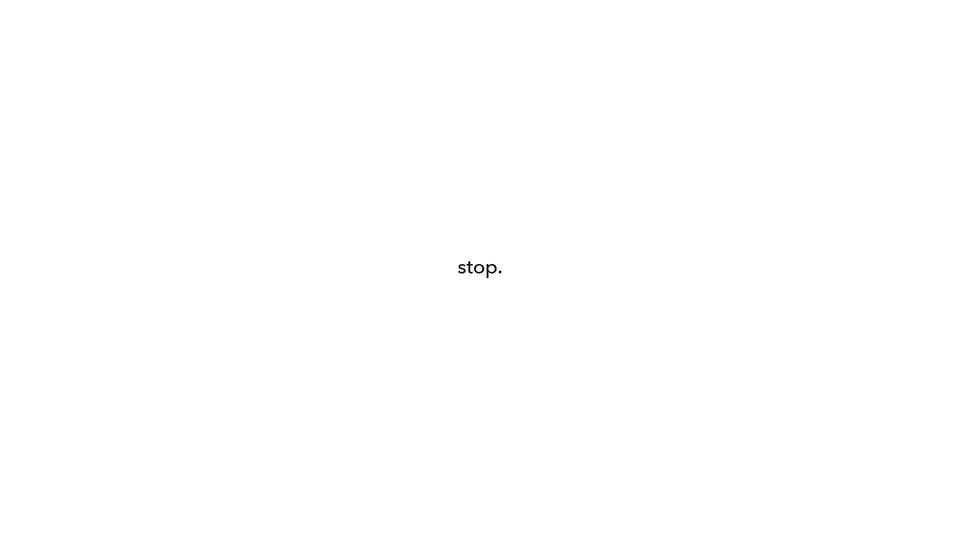
Small black sans-serif lines appear one at a time in the center of a plain white background: Quick question. then when was the last time, whose words scatter outward as a book made you settles in, then stop. and finally and think. The pace is slow and minimal.
On-screen text: “Quick question.”, “when was the last time”, “a book made you”, “stop.”, “and think”
Techniques: Kinetic type
Camera: Static
A small lowercase caption, stop. and think, holds centered on a plain white background, then the frame cuts to two static words, what at the left edge and if? at the right edge.
On-screen text: “stop. and think”, “what”, “if?”
Camera: Static
A 3D stack of four hardcover books sits centered on a white background. A book flips over the top of the stack, cycling its cover, while the words “what” and “if?” hold still on either side.
On-screen text: “what”, “if?”
Techniques: 3D mockup
Camera: Static
A plain white field holds a small centered line of black text that builds word by word into “some words deserve ...”, the word “words” set in bold. The line then swaps to “more than a highlight.” in the same size and position, with no other elements.
On-screen text: “some words deserve …”, “more than a highlight.”
Techniques: Kinetic type
Camera: Static
A silver laptop, open and angled in 3D perspective, fades in from white against a plain white background. The device settles into a three-quarter view showing the keyboard deck and the back of the lid.
Techniques: 3D mockup
Camera: Static
A silver laptop turns in 3D on a white backdrop, its screen filled with a grid of book covers in a reading app. As it rotates from a left angle through front to a right angle, the captions “Your books.” and “All here.” fade in on either side.
On-screen text: “Your books.”, “All here.”
Techniques: 3D mockup
Camera: Pan
A silver laptop in 3D perspective on a white background rotates between front and side views while its screen cycles through a reading app: highlighted passage, chapter page, question panel, split book and search view. Side captions appear, then the laptop shrinks below the title Reader.
On-screen text: “Keep”, “what it says.”, “See it”, “another way.”, “Ask”, “your book.”, “Follow”, “the thought.”, “Reader”, “An AI workspace for your reading.”
Techniques: 3D mockup, Cursor demo, Split screen
Camera: Pull out
A plain off-white frame holds one centered line of small gray text. It reads “We left the beat on.”, then the second half “Why not :)” is appended, and the line fades out, leaving the frame empty for the rest of the clip.
On-screen text: “We left the beat on.”, “Why not :)”
Techniques: Kinetic type
Camera: Static