0:50
Explore
Mix 3D - Your 3D character is just ONE shader away from looking like an ANIME!
Mix 3D Design · Nov 2026 · 2:22 · AI-annotated
- Length
- 2:22
- Scenes
- 15 · 9.5 s avg
- Product on screen
- 0:00
- Features shown
- 4
- Voiceover
- No
00:00:00 / 02:22:53
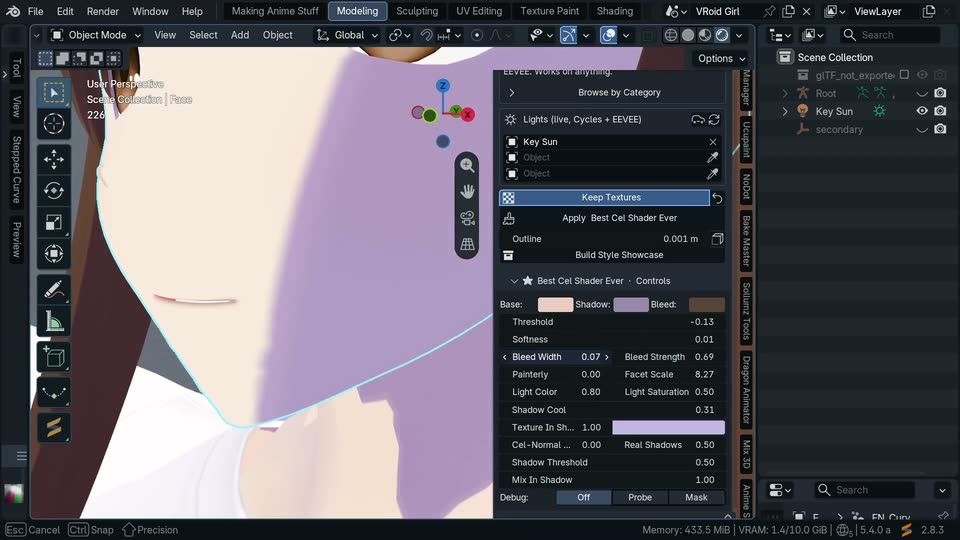
Mix 3D Design’s 2:22 launch film runs 15 scenes, about 9.5 s each. The product shows up at 0:00 and 4 features are revealed. There is no explicit call to action. A single continuous screen capture of Blender, cut into short beats that follow the cursor as it applies non-photorealistic styles to the same T-pose character. The pacing is steady and procedural: each style is picked from the thumbnail library, tuned with sliders, and shown live on the model, with the dark interface framing every shot.
No filming indicatedEstimated needs: 7 capture groups — your screens or recordings
Is this your launch? to your site or press kit.
More like this
1:27


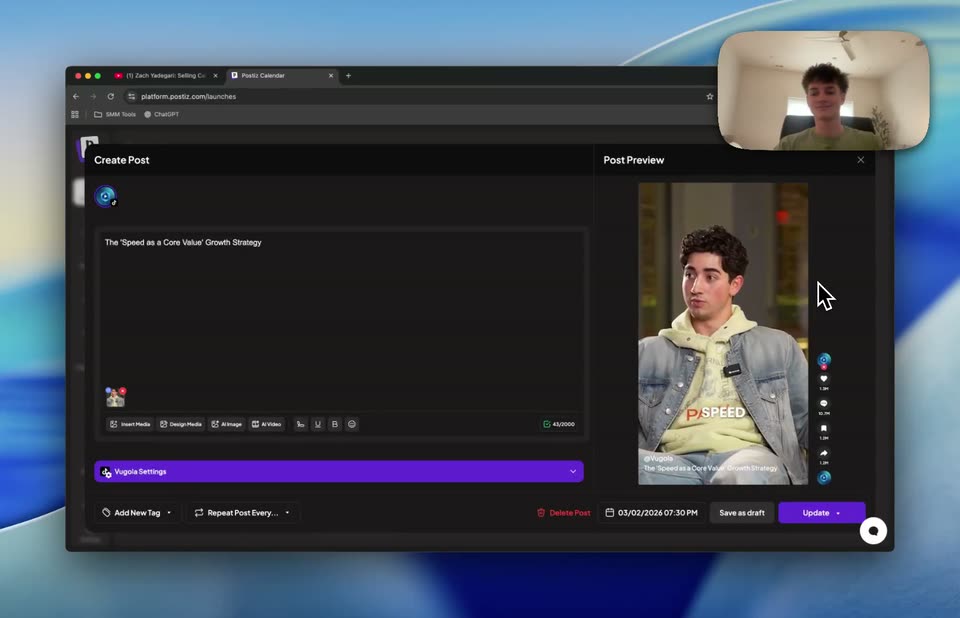
Libra AI Demo Video
Libra Robotics · Industrials · Oct 2026
2:06
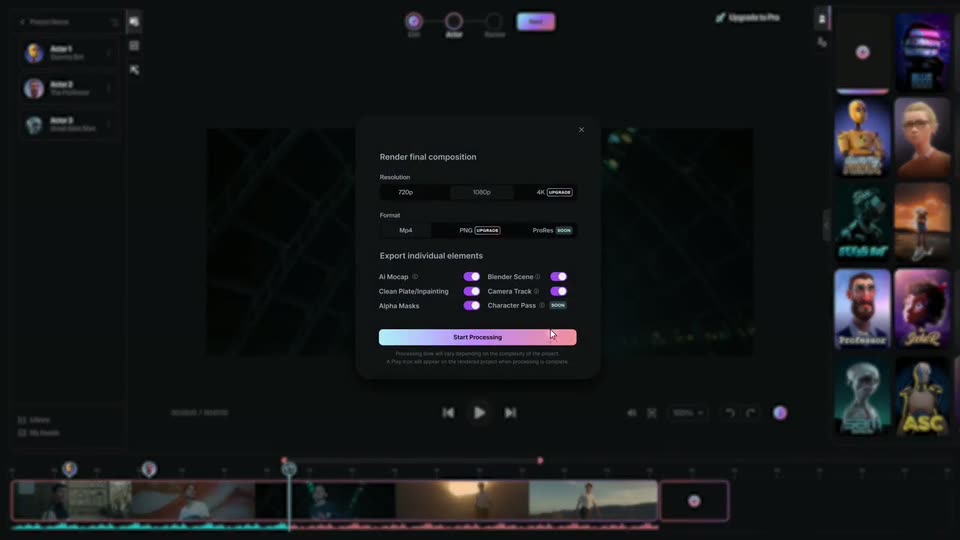
Autodesk Flow Studio - We are proud to introduce Wonder Studio. An AI tool that automatical
Wonder Studio · Mar 2023
Mix 3D - Your 3D character is just ONE shader away from looking like an ANIME!, scene by scene
· 15 scenes as text
01 · Hook · 0:00–0:00
A screen capture of a 3D modeling app shows a gray female character model in a T-pose on a grid viewport. The view orbits the model, leaving a faint motion trail as it tilts. Dark interface panels and toolbars frame the viewport.
Camera: Static
02 · Product intro · 0:00–0:11
A 3D anime girl in a T-pose fills a dark viewport; the view zooms from full body to the face and a cyan outline traces the head. A cursor opens a shading panel, then a grid of style thumbnails slides in.
Techniques: UI zoom, Cursor demo
Camera: Static
03 · Feature reveal · 0:11–0:58
Blender's viewport shows an anime girl model; a side panel applies a cel shader that tints her shadow side lavender. The cursor drags sliders while the view zooms from full body to feet, then face and mouth.
Techniques: 3D mockup, UI zoom, Cursor demo
Camera: Static
04 · Feature reveal · 0:58–1:01
A 3D modeling app interface fills the frame, an anime girl on the left and a shader style library grid on the right. A cursor glides across the grid, hovering over presets so the blue highlight jumps from tile to tile.
Techniques: Cursor demo
Camera: Static
05 · Feature reveal · 1:01–1:03
A Blender interface shows an anime character model in the viewport. A cursor moves across a floating style library panel, hovering over entries and then selecting a texture option.
Techniques: Cursor demo
Camera: Static
06 · Feature reveal · 1:03–1:19
A screen capture of Blender frames an anime girl in the viewport as a shader menu pops open over her face. Applying a cross-hatch ink style speckles her skin and shirt with lines and a black outline, then the view orbits and pulls back to the full body.
Techniques: Cursor demo
Camera: Static
07 · Feature reveal · 1:19–1:20
A static Blender viewport shows an anime character with brown hair and a white shirt, her face textured with a cross-hatch pattern. To the right, an Ensō NPR style library panel displays a grid of shader thumbnails, with Cross Hatch Ink highlighted. The frame holds steady on this layout.
Camera: Static
08 · Feature reveal · 1:20–1:25
A 3D modeling app shows an anime girl model in the viewport while a cursor opens a style dropdown and applies a manga shadow hatch, toggling the model between a clean and a hatched ink look. The right panel scrolls to reveal the style's parameter sliders.
Techniques: Cursor demo
Camera: Static
09 · Feature reveal · 1:25–1:40
Blender's dark interface frames an anime-style 3D girl with long brown hair in a white T-shirt. Raising the Line Density slider spreads fine manga hatch lines across her face and shirt. The viewport zooms onto her face, then a color wheel opens and the ink swatch turns light lavender.
Techniques: UI zoom, Cursor demo
Camera: Static
10 · Feature reveal · 1:40–1:42
A dark 3D modeling interface shows an anime character in the left viewport and a grid of shader thumbnails in a style library panel on the right. A cursor glides across the grid, highlighting each preset in turn.
Techniques: Cursor demo
Camera: Static
11 · Feature reveal · 1:42–2:10
A 3D modeling app displays an anime girl model in the viewport, which orbits from front to back. Sliders in the right panel adjust the Ink Wash style values, and the model's shading updates live as the view reframes onto her head, torso and legs.
Techniques: Cursor demo
Camera: Static
12 · Feature reveal · 2:10–2:12
A dark 3D modeling interface shows an anime girl with an outstretched arm on the left and an open style library panel on the right, its grid of shaded thumbnails filling the lower half. The cursor drifts across the grid.
Techniques: Cursor demo
Camera: Static
13 · Other · 2:12–2:14
A dark 3D modeling interface shows an anime girl in a T-pose in the central viewport. The right properties panel switches from scene collection to render settings, and a dropdown menu opens listing EEVEE, Workbench and Cycles.
Camera: Static
14 · Other · 2:14–2:15
The full Blender interface fills the frame, an anime girl in a white shirt and black shorts stands in a T-pose in the left viewport. On the right, the render panel shows an open device dropdown with CPU highlighted above GPU Compute.
Camera: Static
15 · Other · 2:15–2:22
A dark Blender viewport shows an anime girl in a T-pose. The view zooms in on her torso, then back out as the right panel switches from the Ink Wash style library to the Anime Compositor settings.
Techniques: UI zoom
Camera: Static