
0:36
Explore
00:00:00 / 00:23:15
- Length
- 0:23
- Scenes
- 9 · 2.6 s avg
- Product on screen
- 0:00
- Features shown
- 1
- Voiceover
- No
- Views
- 25K on X
as of November 21, 2026
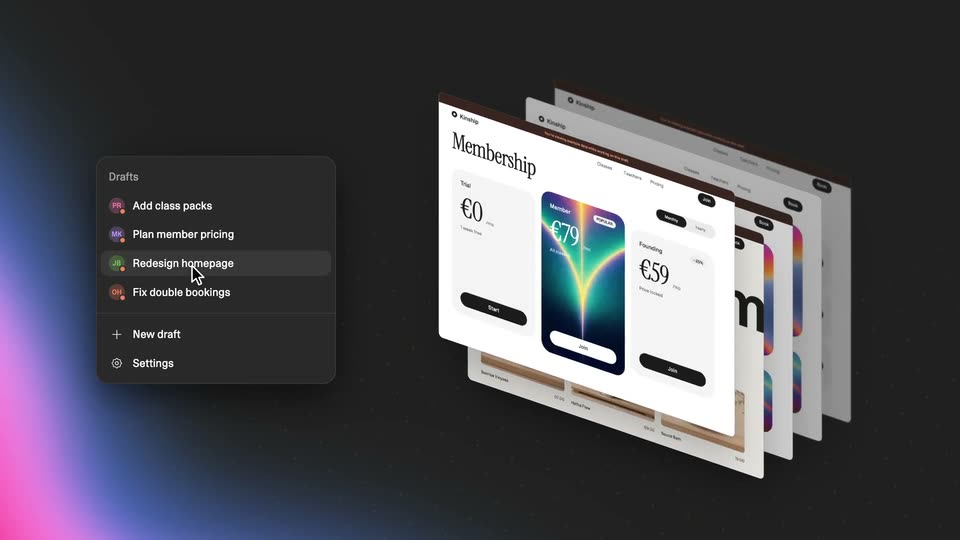
Lovable’s 0:23 launch film runs 9 scenes, about 2.6 s each. The product is on screen from the first frame and 1 feature is revealed. There is no explicit call to action. The video is one continuous feature demo built around a 3D fanned stack of draft pages that swaps its front page as the cursor clicks the drafts list, then flattens into the builder to accept and publish, and it repeats the pass for a second draft before closing on the project pill. Signature moves are the smooth 3D pull-backs, the page swap on the fanned stack, and tight zooms into the Accept-to-Publish button, all eased to a steady ~102 bpm pulse on a dark stage with a pink glow.
No filming indicatedEstimated needs: 1 capture group — your screens or recordings · 4 3D passages — build or supply
Is this your launch? to your site or press kit.
More like this

Similar soundtrack
Films whose music sounds like this one, voice left out
1:01
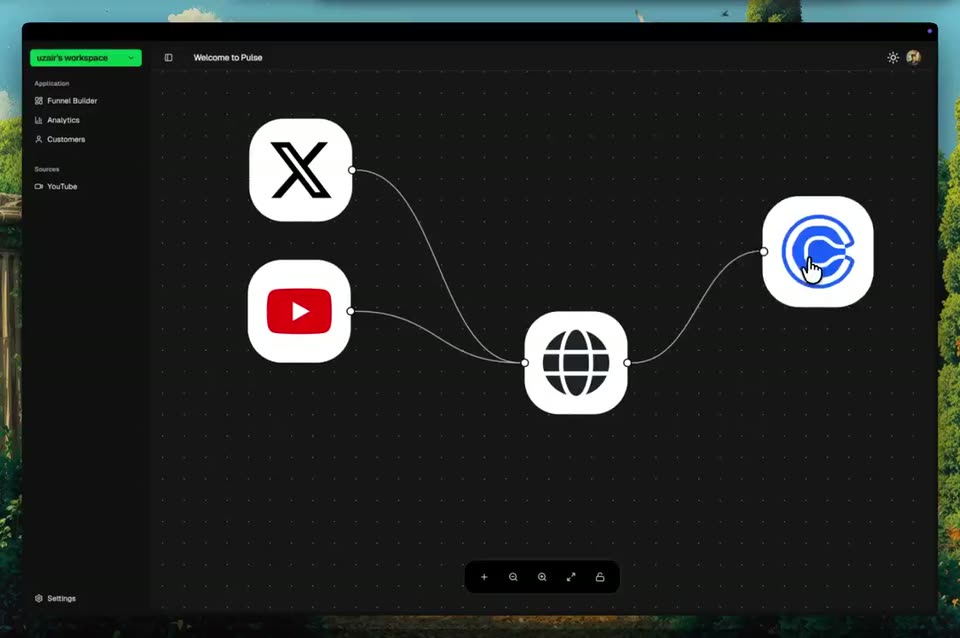
Deep Principle - We’re introducing Mira Science, a general-purpose computing platform
Deep Principle · Modern corporate electronic
0:50

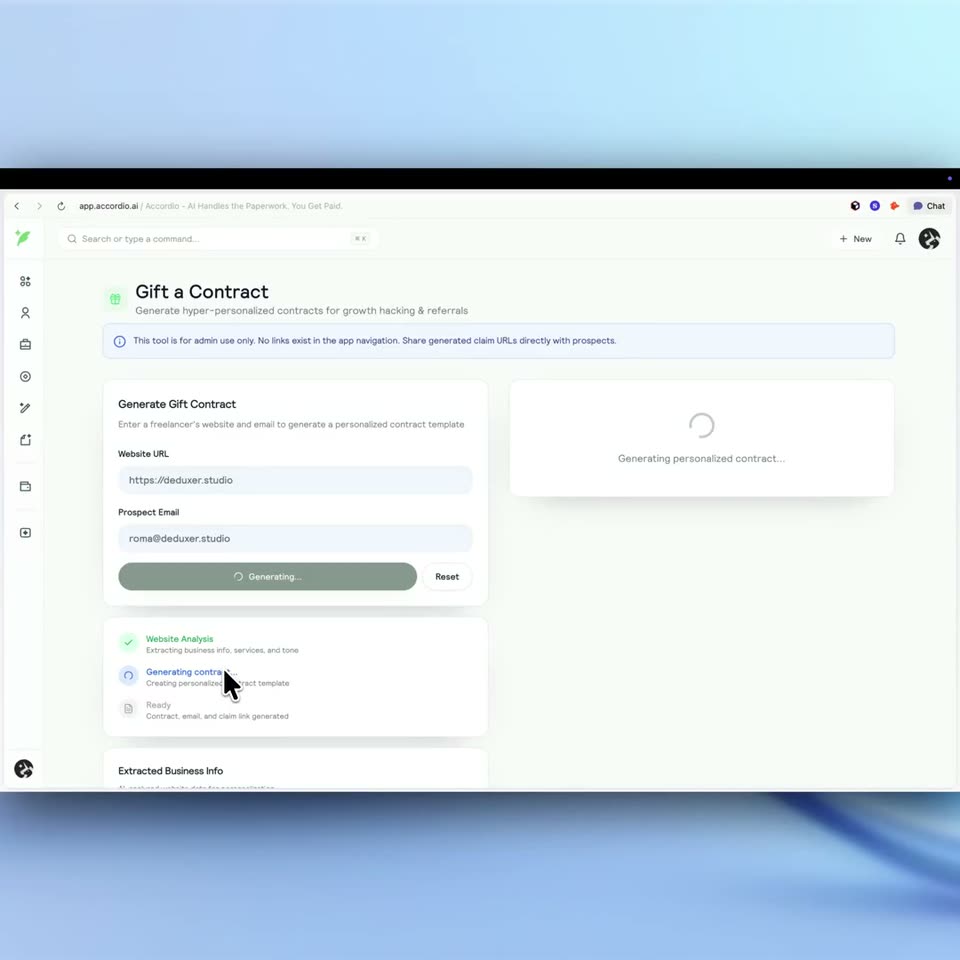
Harsha from Slashy - Today We’re Launching @slashymail Slashy is the new era of email, th
Slashy · Electronic dance music, progressive house, uplifting trance
0:47
Polylane for Cloudflare · Polylane
Polylane · Electronic, synth-pop, and lo-fi hip-hop
Anton Osika - Today, we’re launching Drafts in @Lovable. Build a new feature, try, scene by scene
· 9 scenes as text
01 · Feature reveal · 0:00–0:06
A close-up of a Kinship Studio dropdown pulls back into a 3D scene with a drafts list on the left and fanned website pages on the right. The cursor clicks items, and the front page swaps to matching designs, ending on a zoom into the Show up calm page.
Techniques: 3D mockup, Cursor demo, UI zoom
Camera: Pull out
02 · Feature reveal · 0:06–0:10
A dark website-builder frame holds a Kinship homepage draft with the headline Show up calm. The view zooms into the top-right corner as a cursor clicks the blue Accept button, which becomes Publish.
Techniques: UI zoom, Cursor demo
Camera: Push in
03 · Feature reveal · 0:10–0:12
Close-up of a dark editor toolbar, then a cut to the Kinship Studio | 4 drafts pill with a glowing gradient border as a sparkle pops in. The cursor clicks the pill and the frame pulls back to reveal a Drafts dropdown listing Add class packs.
Techniques: Cursor demo, UI zoom
Camera: Pan
04 · Feature reveal · 0:12–0:13
A dark stage with a pink glow on the left holds a Kinship website card in 3D perspective and a dark Drafts card. The Drafts card recedes and shrinks while the website card eases toward center, revealing a second browser window behind it.
Techniques: 3D mockup, Parallax
Camera: Pull out
05 · Feature reveal · 0:13–0:15
A dark drafts panel sits left while a fanned stack of website mockups stands in 3D perspective on the right. The front mockup swaps from a headline page to a pricing page as a cursor hovers a draft item.
Techniques: 3D mockup, Cursor demo
Camera: Pull out
06 · Feature reveal · 0:15–0:18
A dark starfield with a pink glow on the left. A drafts panel lists four tasks while a cursor clicks down the list. On the right, a fanned stack of 3D web mockups swaps its front page between a pricing table, membership tiers, and a class schedule.
Techniques: 3D mockup, Cursor demo
Camera: Static
07 · Feature reveal · 0:18–0:20
A fanned stack of the same webpage mockup in 3D perspective collapses flat into a single builder preview. A cursor moves from the left drafts list to the Book button in the top bar.
Techniques: 3D mockup, Cursor demo
Camera: Push in
08 · Feature reveal · 0:20–0:22
A cursor hovers the blue Accept button in the dark editor toolbar; on click the example-data banner vanishes and the button becomes Publish. The view then zooms into the page, reframing on the navigation links and the large serif headline.
Techniques: Cursor demo, UI zoom
Camera: Push in
09 · Feature reveal · 0:22–0:23
A dark interface close-up holds a pill-shaped project selector with a red-to-blue gradient border, reading “Kinship Studio” and “4 drafts”, with a cursor resting beside the label. A line of body text is cut off at the bottom.
Camera: Pan