0:10

Loom - 😎 Record with confidence: Loom AI automatically removes the ums, ah
Loom · Productivity · Sep 2023
Screen Studio · Mar 2025 · 0:18 · AI-annotated
Screen Studio’s 0:18 launch film runs 6 scenes, about 3.1 s each. The product is on screen from the first frame and 1 feature is revealed. There is no explicit call to action. One continuous masking demo that alternates flat interface shots with the app window tilted in 3D over a gray backdrop, using tight zooms to move between the editor, the timeline and the recorded content. Pacing is brisk with few cuts, and the signature moves are the camera dive into the UI and a diagonal light glint sweeping the window.
Is this your launch? to your site or press kit.
Loom · Productivity · Sep 2023
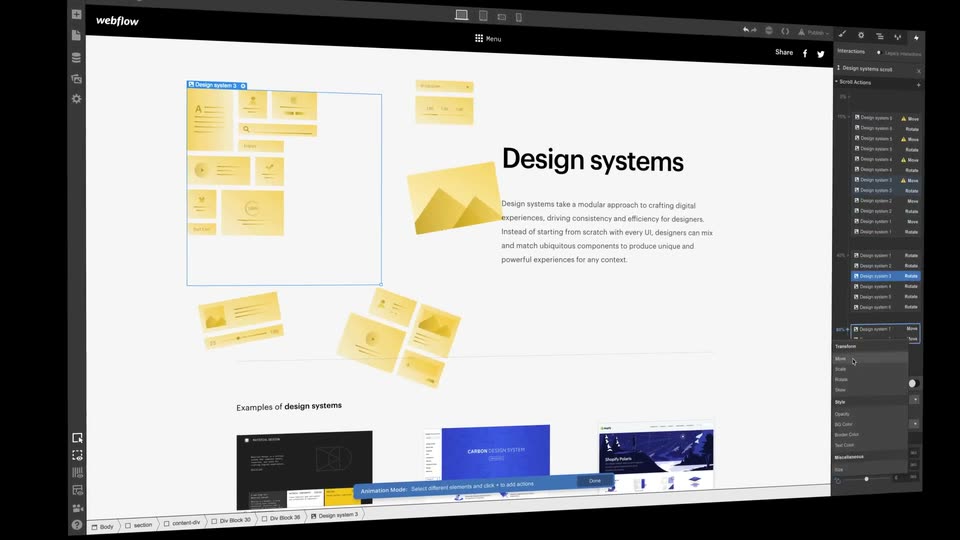
Webflow · Design · Oct 2018
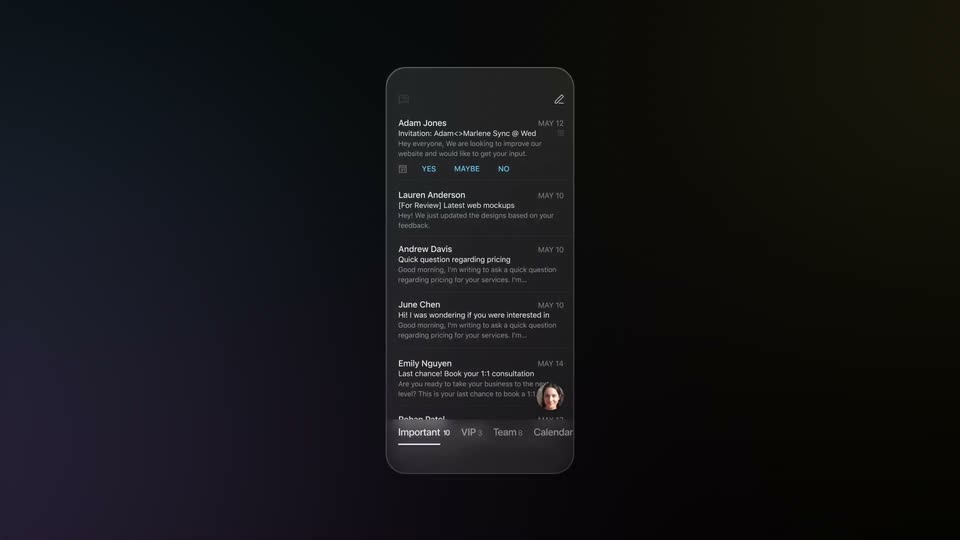
Superhuman · Productivity · Jan 2024
A 3D window of a screen-recording editor sits on a gray backdrop, then the view zooms into the flat interface. A cursor clicks the Mask button, opens a dropdown, picks Sensitive data, and drags a selection box over the code field.
Techniques: 3D mockup, UI zoom, Cursor demo
Camera: Push in
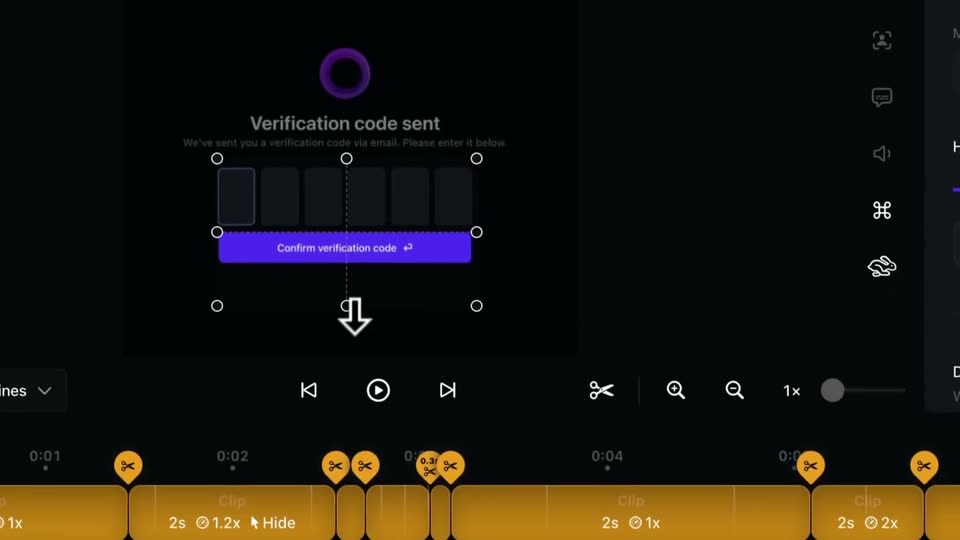
A close-up of a dark editor timeline zooms out to reveal the full interface tilted in 3D over a gray background, its preview showing a verification code screen, while a hand cursor rests on the edge of a pink mask clip.
Techniques: UI zoom, Cursor demo, 3D mockup
Camera: Pull out
A dark masking interface sits in 3D perspective over a grayscale backdrop, its right panel open on mask options. A cursor hovers on the Highlight 50% track at the bottom right as a diagonal light glint crosses the window and the frame eases slightly outward.
Techniques: 3D mockup, Light sweep, Cursor demo
Camera: Pull out
The full Screen Studio editor fills the frame, then the view zooms into the embedded activation window. A text caret sits in the email field with a Space keycap hint below, and a mouse cursor clicks Continue, blurring into the verification-code screen.
On-screen text: “Space”
Techniques: UI zoom, Cursor demo
Camera: Push in
A dark verification-code form reframes from a tight crop to a full windowed view as the purple logo morphs into two overlapping rings. Digits one through five fill the input boxes in sequence, a caret blinks in the last box, and a purple confirm button sits below.
Techniques: Morph, UI zoom
Camera: Pull out
A dark video editor window zooms out from a tight crop of a verification code card to reveal the full interface, with an orange timeline and a right-hand speed panel. The card shows a six-digit code row and a purple confirm button.
Techniques: UI zoom
Camera: Pull out