0:17
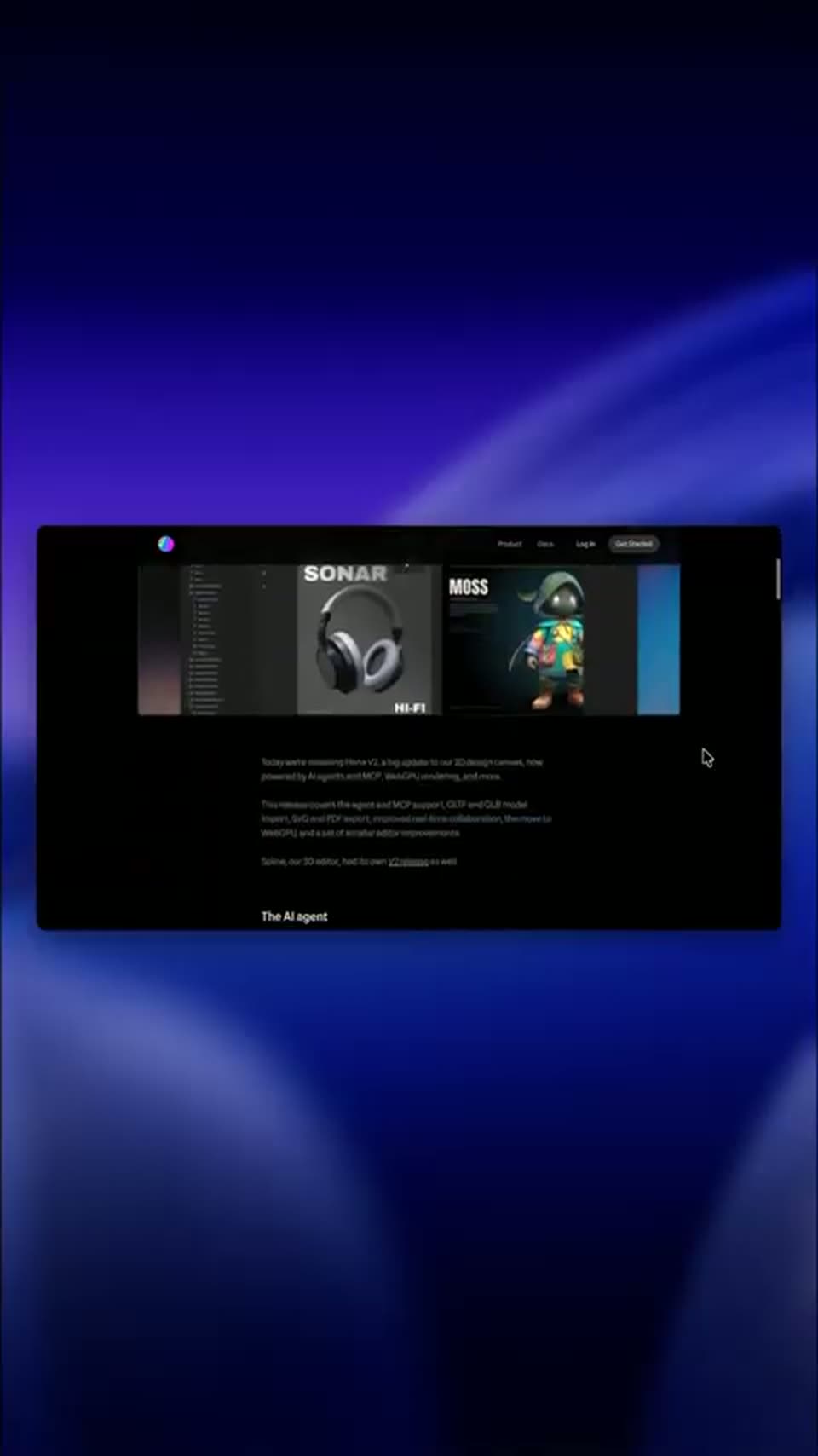

Hana V2 is here to stay 🌸 #3d #3danimation #uiux #productdesign #graphicdesign
Spline · Design · Sep 2026
Ant Ling · Oct 2026 · 1:42 · AI-annotated
Ant Ling’s 1:42 launch film runs 59 scenes, about 1.7 s each. The product is on screen from the first frame and 7 features are revealed. The call to action lands at 1:38 (95% in). The video opens with the logo and open-source announcement, then runs a sequence of titled feature sections, each pairing a title card, a typed prompt and glowing browser-window demos. Signature moves are 3D card flips, heavy motion-blur whip transitions and the prompt-to-result pattern on blue-to-pink gradients.
Is this your launch? to your site or press kit.
Spline · Design · Sep 2026
Mix 3D Design · Nov 2026
Zapier · Productivity · Jan 2025
On a black background, a stylized wordmark assembles letter by letter. A hand-drawn blue loop forms the first glyph, then multicolor letters in mixed typefaces pop in across the line, separated by a small white star.
On-screen text: “6”
Techniques: Kinetic type
Camera: Static
On a black field, a purple brush-stroke mark sits left of the wordmark Ling-3.1-flash, drawn in a rough sketch style with white, blue and green letters. The lockup scales gently in a locked-off frame.
On-screen text: “Ling-3.1-flash”
Techniques: Kinetic type
Camera: Static
A silver circular logo mark and the white wordmark Ling-3.1-flash sit centered on a black background and scale in together over the short clip, locked off in frame.
On-screen text: “Ling-3.1-flash”
Techniques: Kinetic type
Camera: Static
A white disc holds the Ling logo and the label Ling-3.1-flash on black, ringed by a blue halo and scattered dots and symbols. The blue halo expands to fill the frame, wiping the disc away and bringing the white word NOW into sharp focus at center.
On-screen text: “Ling-3.1-flash”, “Now Open Source”
Techniques: Kinetic type, Masking
Camera: Static
A blue gradient fills the frame as white text reading Now Open Source blurs into focus at center, holds steady, then shrinks and blurs out.
On-screen text: “Now Open Source”
Techniques: Kinetic type
Camera: Static
A blue gradient with faint dot and line patterns fills the frame. A small overlapping cluster of app screens in the center scales up and fans out to a scattered layout of phones and cards, while a large white headline holds still behind them.
On-screen text: “Now Open Source”
Camera: Push in
A blue gradient backdrop holds five device mockups in a loose grid, each cycling through different app screens, while faint code snippets and rounded squares drift behind a centered white headline.
On-screen text: “See It in Action”
Camera: Static
A dark field of glowing gradient-bordered cards and code snippets frames the centered title. The cards flip in 3D to cycle through app screens, a Blender scene, dashboards and phone mockups, while the title and dot-grid corners hold still.
On-screen text: “See It in Action”
Techniques: 3D mockup
Camera: Push in
A blue folder holding a white document rises from the bottom of a pale dotted-grid background, settling under the centered blue title Blender 3D Architecture. Faint code symbols sit in the corners, and a small tagline fades in near the end.
On-screen text: “Blender 3D Architecture”, “See It in Action”
Camera: Static
A flat blue folder holding a white document bobs gently on a light gray dotted grid scattered with small code symbols, beneath the locked blue headline Blender 3D Architecture.
On-screen text: “Blender 3D Architecture”
Camera: Static
A flat browser window on a dark grid background frames a side-by-side comparison: a low-poly green 3D village on the left, the live-action match of a man walking a dog on the right. White labels sit above each panel inside a purple-glow border.
On-screen text: “Blender Draft”, “Final Controlled Video”, “Blender 3D Architecture”
Techniques: Split screen
Camera: Push in
A flat browser window mockup with macOS traffic lights sits on a dark grid background over a blue-to-pink gradient. A frosted glass prompt card scales up in the center while the prompt text builds in line by line, a small photo thumbnail fades out, and a model selector with mic and send icons appears at the card's bottom right.
On-screen text: “Final Controlled Video”, “Build a detailed wooden house with nice lighting and a cinematic shot,”, “expand it int a neighborhood, surround it with a forest.”, “Ling-3.1-flash”
Techniques: Kinetic type
Camera: Static
A browser-style window with a blue-to-pink gradient holds a glass input box typed with a prompt about a wooden house. The window scales down to the bottom right as a second window, a code editor with a 3D viewport, slides in at the bottom left.
Camera: Static
A macOS window on a blue-to-pink gradient stacks a dark code editor beside a Blender viewport. As code lines scroll, a 3D floor and scattered objects assemble in the viewport. A white pill caption, 'Blender Scene Construction,' sits static along the bottom edge.
On-screen text: “Blender Scene Construction”
Camera: Static
A macOS window on a blue-to-pink gradient holds a terminal with scrolling code on the left and a Blender viewport on the right, where a low-poly house zooms out to a neighborhood and back. A white pill caption reads Blender Scene Construction.
On-screen text: “Blender Scene Construction”
Techniques: Split screen
Camera: Pull out
A dark 3D laptop opens against a white dot grid scattered with gray code symbols, revealing a code editor and a green low-poly Blender viewport. A blue caption bar reads “Blender Scene Construction”. The laptop then closes, its blue lid facing the camera.
On-screen text: “Blender Scene Construction”
Techniques: 3D mockup
Camera: Pull out
A flat blue laptop illustration slides up to center on a pale dotted grid, its white screen filling with the blue headline in mixed sketch, dot and outline lettering as the word Interactive scales in, then the laptop slides down out of frame.
On-screen text: “Web 3D”, “Interactive”, “Teaching”
Techniques: Kinetic type
Camera: Pan
A laptop mockup settles into 3D over a dark backdrop with a violet-to-pink glow. Its screen shows the Timber Frame House Construction app: an isometric foundation model, a left step list, a right info card. A caption pill slides in below while a large headline word scales in.
On-screen text: “Web 3D”, “Interactive”, “Teaching”, “Timber Frame House Construction”
Techniques: 3D mockup
Camera: Static
A glowing browser window on a purple-to-pink gradient holds an isometric 3D house foundation with a step sidebar and an info card. The window content then swaps to a quadcopter simulator with a control panel and telemetry. A pill caption below updates its text.
On-screen text: “Timber Frame House Construction”, “Quadcopter In-Flight Attitude Auto-Balance”
Techniques: 3D mockup, Kinetic type
Camera: Static
A flat browser mockup with a purple neon glow sits on a dark gradient, its viewport showing a 3D quadcopter on a circular platform with corner control panels. A glowing pill at the bottom swaps its label from the quadcopter demo to an internal combustion engine.
On-screen text: “Quadcopter In-Flight Attitude Auto-Balance”, “Internal Combustion Engine”
Techniques: 3D mockup, Kinetic type
Camera: Static
A browser window with a glowing purple border sits centered on a dark blue gradient, running a 3D cutaway of a four-cylinder engine with side control panels. A translucent pink pill below the window holds the caption.
On-screen text: “Internal Combustion Engine”
Camera: Static
A 3D model of a four-stroke engine rotates inside a dark software interface window, with a cursor hovering over the control panel. Below the window, a pink pill-shaped badge displays the title against a blue and pink gradient background.
On-screen text: “Internal Combustion Engine”
Techniques: 3D mockup, Cursor demo
Camera: Static
A macOS window on a blue-to-pink gradient shows a 3D simulation: an optical disc with a laser beam on the left, a beam-path view on the right. Pink vector arrows bloom over the disc while the caption pill swaps from Optical Disc Data Reading to Vector Field Divergence.
On-screen text: “Optical Disc Data Reading”, “Vector Field Divergence”
Camera: Pull out
A flat browser window with a neon glow shows a 3D vector field of blue arrows. A cursor clicks through field-type buttons, swapping the arrow pattern from a radial burst to a vortex, while a pink caption reads Vector Field Divergence.
On-screen text: “Vector Field Divergence”
Techniques: Cursor demo
Camera: Static
A flat browser window mockup with a purple glow frames a dark 3D view of a green paramecium cell with labeled organelles. A frosted pill caption reads Organelles of Paramecium below it, while thin vertical lines fall across the dark background.
On-screen text: “Organelles of Paramecium”
Techniques: Particles
Camera: Static
A close-up of a 3D Paramecium model in a dark window zooms out to reveal a full dashboard interface with multiple panels and a blue gradient background.
Techniques: UI zoom
Camera: Pull out
A browser window mockup showing a collage of interface panels, a green concrete-foundation card and a dark 3D paramecium anatomy view, scrolls fast upward with heavy motion blur.
Camera: Pan
A dark browser window holds stacked panels; the center viewport shows a 3D inline four-stroke engine with a rotating crankshaft, flanked by a power-stroke readout on the left and animation sliders on the right, with a quadcopter panel below.
Techniques: 3D mockup
Camera: Static
A light gray dotted grid with faint code symbols drifts slowly; the words Web Design fade in at the center from gray to solid black, framed by a dashed selection box with corner handles.
On-screen text: “Web Design”
Techniques: Kinetic type
Camera: Static
Black “Web Design” sits inside a selection box with corner handles on a light dotted grid scattered with faint code glyphs. The handles vanish, a thin horizontal line draws across, and the text scales down toward the center.
On-screen text: “Web Design”
Techniques: Kinetic type
Camera: Static
Inside a browser window on a blue-to-pink gradient, a cluster of glowing content cards flies in with heavy motion blur, then settles into a scattered collage and drifts gently. A cursor rests in the lower right corner.
Techniques: Parallax
Camera: Pull out
A browser window mockup on a dark grid background holds a cluster of glowing UI cards floating in 3D. The cards converge as the view zooms into one dark beach tile, expanding it to the center while the others recede.
Techniques: 3D mockup, Parallax, UI zoom
Camera: Static
A dark restaurant website sits in a browser window with a glowing blue and pink border. A cursor moves from a dish card to the next arrow as the Featured Dishes carousel slides left, swapping four food cards.
Techniques: Cursor demo
Camera: Static
A browser window with a soft blue-to-pink glow border rests on a dark background. The restaurant website inside scrolls downward, moving from the harbor hero headline through a questions section and a social handle to a cocktail and reservation form.
Camera: Static
A browser window with a glowing gradient border sits on a dark backdrop. Inside, the restaurant site's FAQ page, with a cursor on an accordion, slides out to reveal the menu page with food cards.
Camera: Static
A dark browser window frames a blue-to-peach gradient where several glowing design cards float and drift at offset speeds, each displaying a different web layout, while a cursor rests on the lower card.
Techniques: Parallax
Camera: Static
A browser window frames a field of website mockups floating in 3D over a blue-to-pink gradient. The Nest Cleaning page zooms forward to fill the frame as the other cards drift back, and a cursor rests on one card.
Techniques: 3D mockup, Cursor demo, UI zoom
Camera: Static
A front-facing browser window mockup sits on a dark blue-to-pink gradient background with a corner grid. Inside, the Nest Cleaning website scrolls down: pricing cards and a From $120 bar dissolve into a dark green testimonials panel with a star rating and a customer quote, ending on the footer.
Camera: Static
A glowing 3D browser mockup of the booking page on a dark dotted stage cuts to a light gray grid of code glyphs, where a dark Rooms card rises from the bottom and taglines slide in.
On-screen text: “The 200% Happiness Guarantee”, “Your weekend belongs to you.”
Techniques: 3D mockup
Camera: Pull out
A dark phone mockup floats center with a blurred second phone behind it, on a light dotted grid scattered with code symbols. The camera pushes in on the device as the words Develop and Mobile Applications sit at either side.
On-screen text: “Develop”, “Mobile Applications”
Techniques: 3D mockup, Parallax
Camera: Push in
A field of floating UI cards sits in 3D perspective on a dark background, with a finance panel, a fitness logger and a sleep score at the edges. The central Harmony Home card scales forward as the headline Living in Harmony sharpens into focus.
On-screen text: “Living in Harmony”
Techniques: 3D mockup
Camera: Static
A browser window shows a prompt typed into a rounded input field on a blue-to-pink gradient, then a tilted phone mockup appears in 3D perspective. The phone's top is blurred while a sharp Rooms panel with an air conditioner card sits below, a cursor hovering on the Living Room tab.
Techniques: Kinetic type, 3D mockup, Cursor demo
Camera: Static
A macOS window over a blue-to-pink gradient holds a blurred phone behind a sharp smart-home card. The cursor clicks the Living Room tab; the device row swaps from an air conditioner at 22.5 degrees to an ambient lamp at 16.0 degrees.
Techniques: Cursor demo
Camera: Static
A locked-off browser window frames a smart-home control card over a blurred phone mockup on a blue-to-peach gradient. A cursor taps the lamp toggle, dimming the Ambient Lamp panel, then slides down to the orange Secure Home button.
Techniques: Cursor demo
Camera: Static
Inside a dark browser window on a blue-to-pink gradient, two phone mockups of a smart-home app rearrange, the overlapping pair sliding into a side-by-side layout that exposes the main dashboard. A pointer hovers over a control card.
Techniques: Cursor demo
Camera: Static
A browser window with a blue-to-peach gradient and a glassy prompt field sits on a dark grid background. The prompt types out across four lines as the window scales down to fit the text, and a circular send arrow appears at the field's right edge.
Techniques: Kinetic type
Camera: Pull out
A white prompt card sits on a light dotted background scattered with faint code glyphs. A prompt about an office agent types out in the input field, then a black play-shaped cursor glides in and rests on the blue up-arrow send button.
Techniques: Cursor demo
Camera: Static
A white prompt card floats on a light gray dotted grid of faint code symbols. Inside, the typed line Agent for Multiple Office Scenarios sits above a model dropdown reading Ling-3.1-flash and a blue up-arrow button, with a black cursor resting on the button.
Techniques: Cursor demo
Camera: Static
On a dark field of falling line streaks, a centered window shows a blue-to-pink gradient card reading Agent for Multiple Office Scenarios, then quickly swaps to the GLSL Playground screen: a heading, a paragraph, three chips, a code block, and a square filling with a cyan-to-magenta gradient.
On-screen text: “Agent for Multiple Office Scenarios”, “Ling-3.1-flash”
Techniques: Particles
Camera: Static
A browser window over a blue-to-peach gradient holds a dark app with a syntax-highlighted GLSL code panel left and a live preview right. The preview and code swap from a rainbow UV field with Strength and Spliced sliders to a purple 3D fractal with Iteration and Power sliders.
Camera: Pull out
A dark browser window holds a two-by-three grid of document cards. Each card's content scrolls vertically to reveal new sections, while thin vertical lines fall across the black background and a square grid sits top left.
Techniques: Split screen
Camera: Pull out
A perspective app window floats on a pink-blue gradient. The left pane shows a chat with asset text and an input box; the right pane flips from a CSV list to a JSON view as a cursor moves. A 'Quantitative Analysis' pill caption stays fixed at the lower left.
On-screen text: “Quantitative Analysis”
Techniques: 3D mockup, Cursor demo
Camera: Static
A tilted browser window floats in 3D over a dark blue gradient with vertical streaks, holding a chat panel and a risk-return dashboard. It breaks into four floating cards: a model grid, a risk bar chart, a correlation heatmap. A glowing pill label reads Quantitative Analysis at the lower left.
On-screen text: “Quantitative Analysis”
Techniques: 3D mockup
Camera: Static
A browser window on a dark background shows a blue-to-pink gradient with a center glow, filled with floating dark dashboard cards of charts and tables. The cards drift as the Key Insights card scales up to the upper right; a white pill label reads Quantitative Analysis at the lower left.
On-screen text: “Quantitative Analysis”
Techniques: Parallax
Camera: Static
A browser window over a blue-to-pink gradient shows a tablet with a financial report that dissolves from a metrics table into a risk-and-return view. The window then switches to an agent chat with the report as a phone artifact on the right, while a caption pill fades out.
On-screen text: “Quantitative Analysis”
Camera: Static
A tilted macOS browser window hovers over a blue-to-pink gradient, its inner panels cycling from a chat thread to a GLSL playground document. A translucent pill caption sits at the lower left.
On-screen text: “Development of Teaching Courseware”
Techniques: 3D mockup
Camera: Pan
A browser-window mockup of the Tiger Agent interface on a blue-to-pink gradient card scales down toward center over a dark background, with a square grid pattern top-left. A translucent pill caption, Development of Teaching Courseware, sits lower left and shrinks with the frame.
On-screen text: “Development of Teaching Courseware”
Camera: Pull out
On a black background, the headline “Try Ling-3.1-flash Now” sits centered, the model name in blue. Below it, three white rounded icons for Hugging Face, ModelScope and Ling Studio sit in a row, each with a small gray caption. The frame is locked off as the elements settle into place.
On-screen text: “Try Ling-3.1-flash Now”, “Hugging Face”, “ModelScope”, “Ling Studio”
Camera: Static
A locked-off black frame with a soft purple glow at the bottom. The headline reads Try Ling-3.1-flash Now, with the model name in blue. Below it, three white rounded icons sit side by side, labeled Hugging Face, ModelScope and Ling Studio.
On-screen text: “Try Ling-3.1-flash Now”, “Hugging Face”, “ModelScope”, “Ling Studio”
Camera: Static