
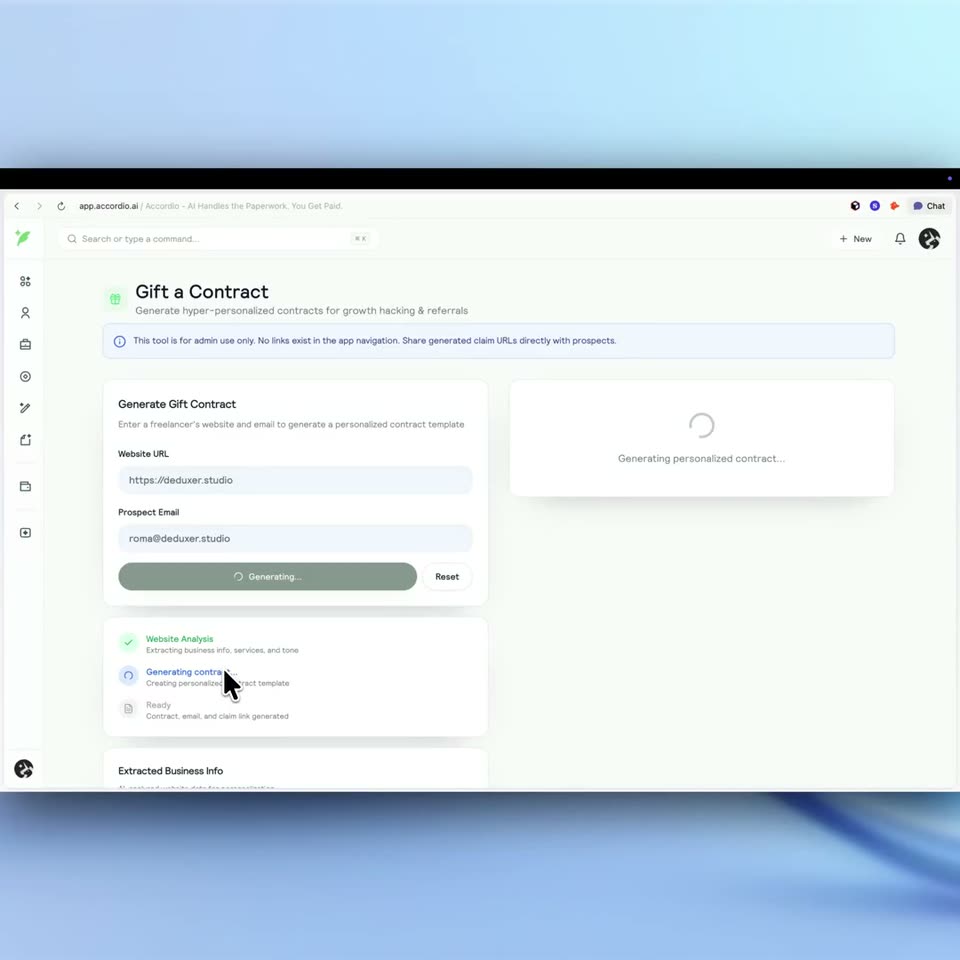
0:36
Explore
Accordio AI - Vibe coded a gift contract tool yesterday. Took 2 hours. Add someone
Accordio · Jan 2026 · 1:03 · Full motion · AI-annotated
- Length
- 1:03
- Scenes
- 8 · 8.0 s avg
- Product on screen
- 0:00
- Features shown
- 5
- Voiceover
- No
- Views
- 148 on X
as of November 15, 2026
00:00:00 / 01:03:37
- Length
- 1:03
- Scenes
- 8 · 8.0 s avg
- Product on screen
- 0:00
- Features shown
- 5
- Voiceover
- No
- Views
- 148 on X
as of November 15, 2026
Accordio’s 1:03 launch film runs 8 scenes, about 8.0 s each. The product is on screen from the first frame and 5 features are revealed. There is no explicit call to action. The video is a continuous UI walkthrough built from push-ins, pull-backs, scrolls, and 3D perspective tilts. Pacing stays steady around cursor actions, state changes, and blur swaps between panels.
No filming indicatedEstimated needs: 5 capture groups — your screens or recordings · 1 3D passage — build or supply
Is this your launch? to your site or press kit.
More like this
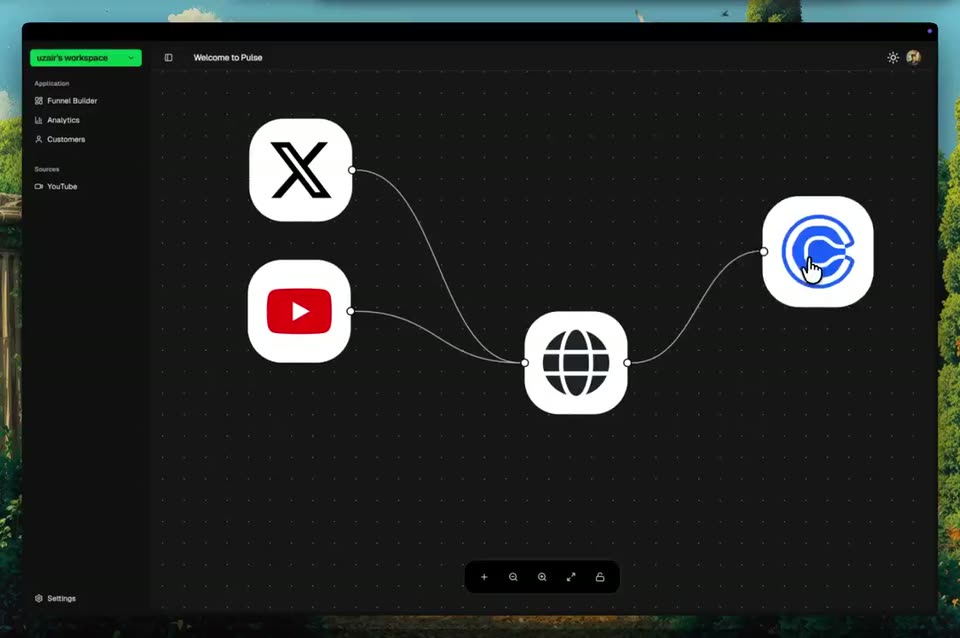
0:23
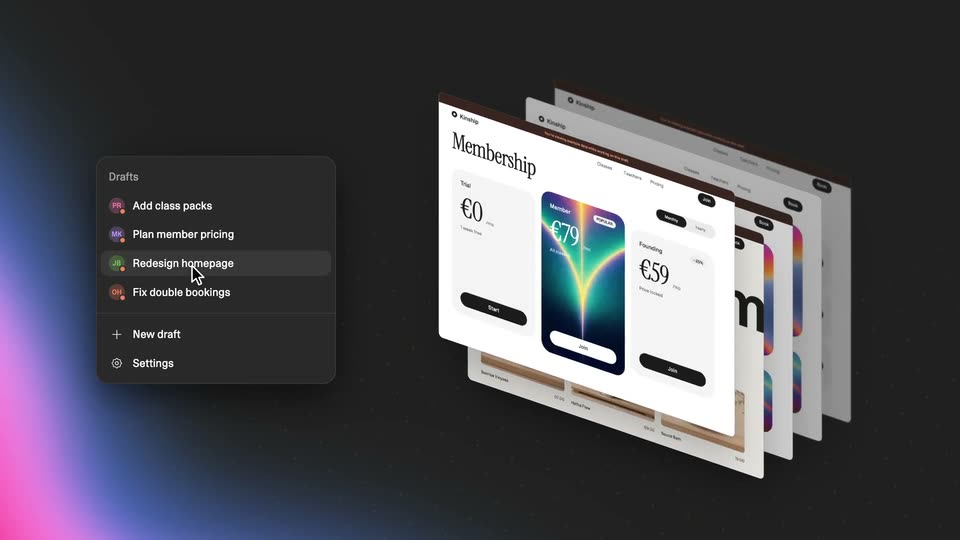

Anton Osika - Today, we’re launching Drafts in @Lovable. Build a new feature, try
Lovable · Developer tools · Nov 2026
0:18
Screen Studio - Screen Studio 3.1 is here Introducing Masks: Blur sensitive data or
Screen Studio · Mar 2025
Accordio AI - Vibe coded a gift contract tool yesterday. Took 2 hours. Add someone, scene by scene
· 8 scenes as text
01 · Feature reveal · 0:00–0:17
A browser window shows the Accordo app's Gift a Contract form. A cursor types a URL and email, then clicks Generate Contract. The frame zooms into the form and back out, then scrolls down to reveal an extracted business info table with tags.
Techniques: UI zoom, Cursor demo
Camera: Push in
02 · Feature reveal · 0:17–0:30
Close-up of the Extracted Business Info panel as a cursor highlights a line, then the frame pulls back to the full Accordio browser window. The cursor clicks Generate Contract, a success toast appears, the claim link fills in, and the view pushes in on the external link icon.
Techniques: Cursor demo, UI zoom
Camera: Push in
03 · Feature reveal · 0:30–0:33
A close-up of a dashboard shows a hand cursor tapping the Email tab, then an arrow cursor as the email text and a green leaf mark fade in. The view pulls back to reveal the full interface tilted in 3D perspective.
Techniques: Cursor demo, 3D mockup
Camera: Pull out
04 · Feature reveal · 0:33–0:39
A browser window in 3D perspective shows a Gift a Contract tool. A cursor scrolls the email preview past a green Grab the Contract button, then the page blurs and swaps to a new email view with a leaf logo.
Techniques: 3D mockup, Cursor demo, Speed ramp
Camera: Push in
05 · Feature reveal · 0:39–0:42
A cursor clicks the Contract tab, the view zooms into the agreement document as it scrolls through highlighted fill-in fields, then pulls back to reveal the full interface with a left sidebar and a green Generate Contract button.
Techniques: Cursor demo, UI zoom
Camera: Pull out
06 · Feature reveal · 0:42–0:45
A browser window on a desk shows the Accordion app's Gift a Contract screen. The left form scrolls to reveal extracted business details while the contract preview on the right scrolls upward under a hovering cursor; a tap icon flashes at the top right.
Techniques: Cursor demo
Camera: Push in
07 · Feature reveal · 0:45–1:00
A close-up of an email composer shows a green Send Email Now button. A black arrow cursor glides in, a hand pointer clicks the button, which turns gray with a Sending spinner. The view zooms out to the full dashboard as a green success toast appears top right.
Techniques: Cursor demo, UI zoom
Camera: Pull out
08 · Feature reveal · 1:00–1:03
The Accordo dashboard tilts in 3D perspective on a soft blue gradient while a cursor taps the green send button. The view then zooms through a motion blur into a flat close-up of the Campaign Tracking panel, where the cursor opens a follow-up dropdown listing three options.
Techniques: 3D mockup, UI zoom, Cursor demo
Camera: Push in