2:51
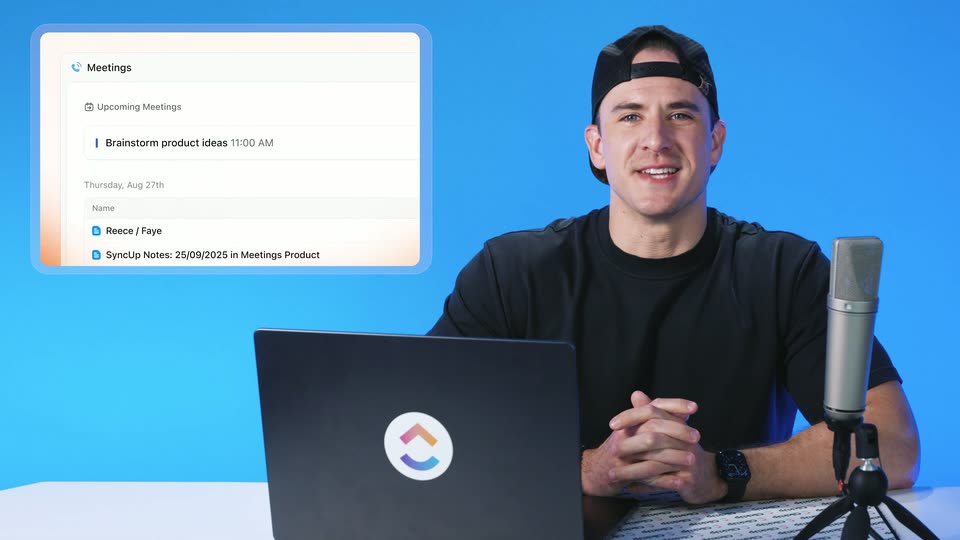

ClickUp Release 4.08: Meetings Hub, Super Agent Cloning, and more!
ClickUp · Productivity · Sep 2026
Accordio · Jan 2026 · 1:25 · Full motion · AI-annotated
Accordio’s 1:25 launch film runs 10 scenes, about 8.6 s each. The product is on screen from the first frame and 4 features are revealed. There is no explicit call to action. One continuous workflow demo: the creator answers four guided questions, the AI streams a contract into the document, the contract is signed and sent, then the client asks the AI about payment obligations. Steady pacing of about three cuts per minute with push-in and pull-out moves on the browser mockup, blur and crossfade transitions, and a cartoon hand cursor performing every click.
Is this your launch? to your site or press kit.
ClickUp · Productivity · Sep 2026
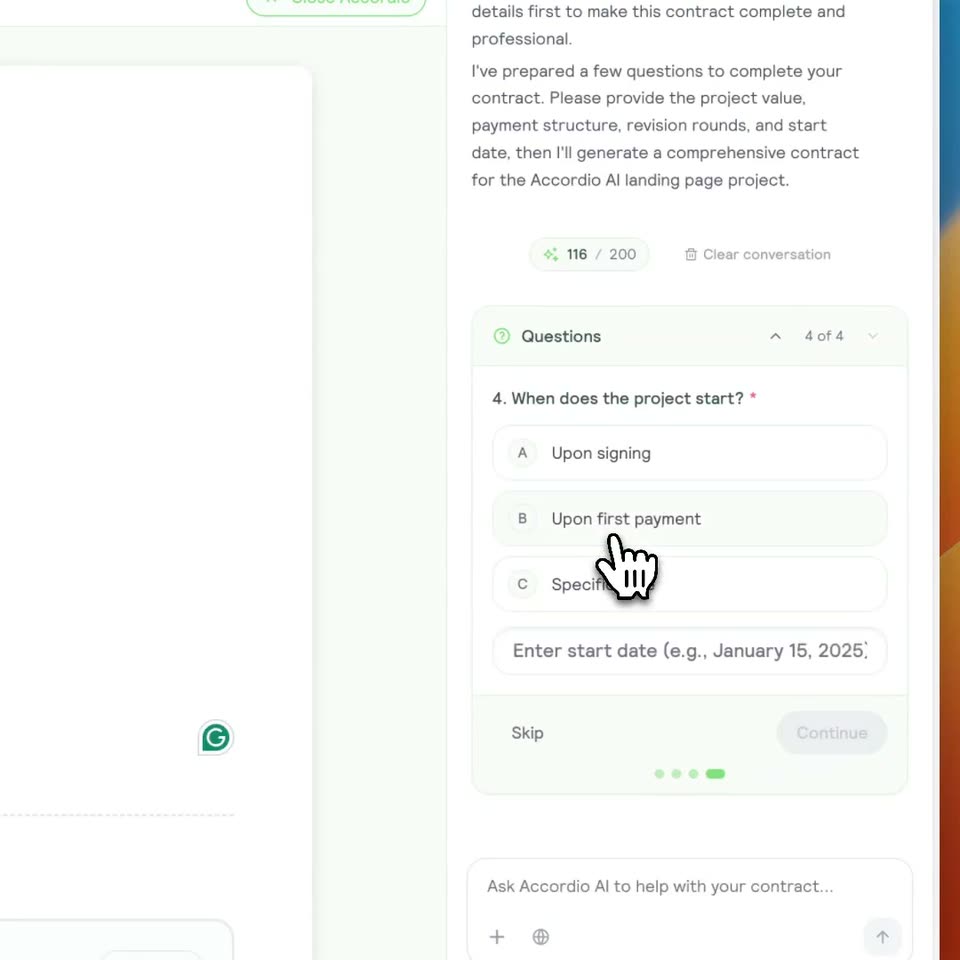
A browser window of a contract app on a colorful abstract background zooms into its right-hand AI panel. A cursor clicks through four multiple-choice questions in a chat card; each selected option highlights green as the next question loads.
Techniques: UI zoom, Cursor demo
Camera: Push in
A close-up of the Accordio chat panel zooms out to the full browser window on a gradient desktop, then back in on the chat as the AI status pill cycles through steps and a cursor rests on the input box, ending in a blur.
Techniques: UI zoom, Cursor demo
Camera: Pull out
A tilted browser mockup floats over a colorful abstract backdrop. Inside, a contract document fills in section by section on the left while an AI chat panel streams updates on the right. A cursor glides to the Sign & continue button.
Techniques: 3D mockup, Cursor demo
Camera: Push in
A contract document sits on the left while a Send Contract panel fills the right, its fields pre-filled with a client name and email. A hand cursor hovers over the green Sign & continue button as the frame settles from a soft crossfade.
Techniques: Cursor demo
Camera: Push in
A cursor fills the client and message fields in a Send Contract panel, clicks send, and a spinner appears. The view then pulls back to the full browser window on a colorful desktop as a success checkmark and share link appear.
Techniques: Cursor demo, UI zoom
Camera: Pull out
A product screen shows a contract-sent confirmation: a green check, the headline Contract Sent!, and a shareable link field, with a hand cursor hovering over the copy icon. The panel and the blurred document beside it scale up and fade out to a plain gray background.
Camera: Push in
On a flat light gray background, a white hand pointer cursor with a black outline sits near the center while a small dark shape spins to its right with heavy motion blur, then the shape drifts out of frame.
Camera: Static
A flat browser mockup of the Accordio contract app rests on a curved multicolor background. The shot opens zoomed in, eases out to the full window, a hand cursor clicks a suggestion, then the view pushes into the AI panel showing a Thinking state.
Techniques: Cursor demo, UI zoom
Camera: Pan
A split product view shows a contract document on the left and an Ask AI chat panel on the right. A question bubble holds the payment obligations query, a green spinner marks a Thinking state, and a cartoon hand cursor hovers over the panel.
Techniques: Cursor demo
Camera: Static
A browser window of the Accordio contract app floats on a colorful abstract background, opening zoomed into the AI chat panel before pulling back to a flat view. A cursor scrolls the streaming payment answer, then hovers the green Continue to Sign button.
Techniques: UI zoom, 3D mockup, Cursor demo
Camera: Pull out