1:35
Explore
00:00:00 / 00:46:06
- Length
- 0:46
- Scenes
- 3 · 15.4 s avg
- Product on screen
- 0:00
- Features shown
- 1
- Voiceover
- No
- Views
- 3.3K on X
as of November 23, 2026
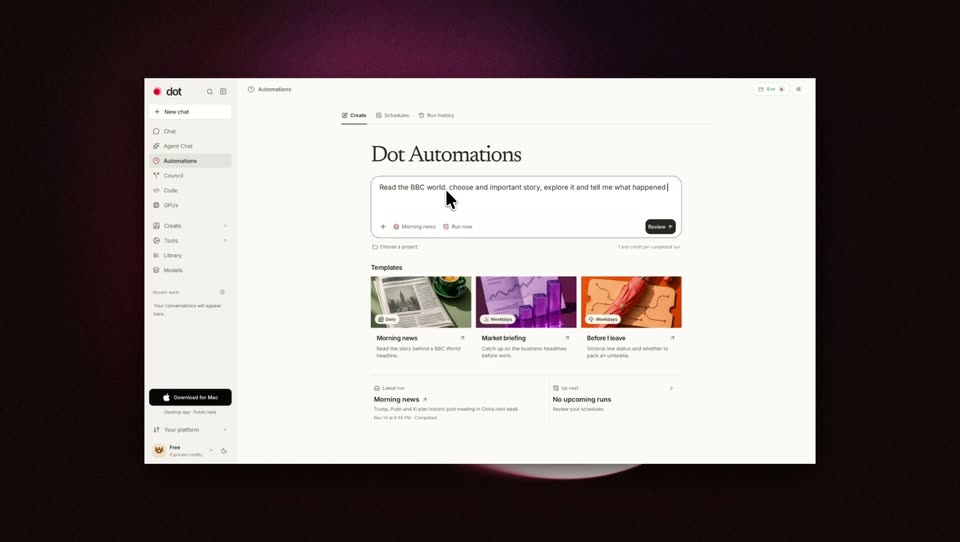
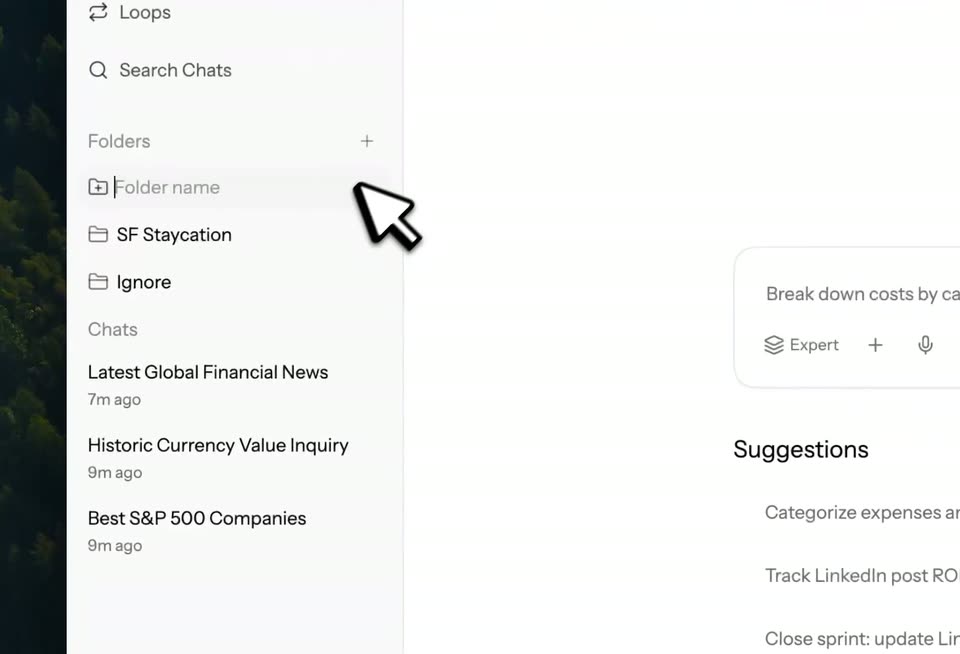
Dot’s 0:46 launch film runs 3 scenes, about 15 s each. The product is on screen from the first frame and 1 feature is revealed. There is no explicit call to action. A single unbroken screen capture of the dot app, holding one flat white window centered on a deep maroon to purple gradient for the full length of the clip. Pacing is slow and cursor led, with each beat introduced by a small UI state change (typed prompt, review modal, live activity feed) rather than cuts or transitions.
No filming indicatedEstimated needs: 1 capture group — your screens or recordings · 1 official logo — reused across the film
Is this your launch? to your site or press kit.
More like this
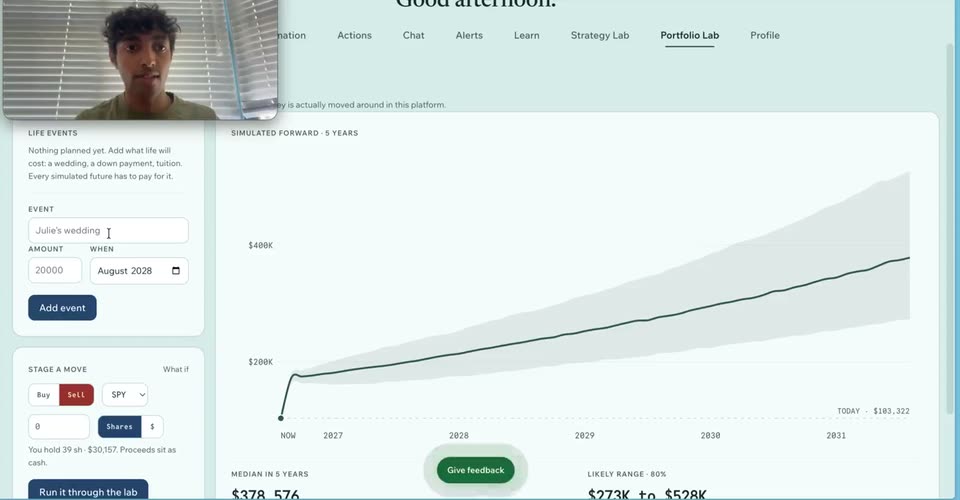

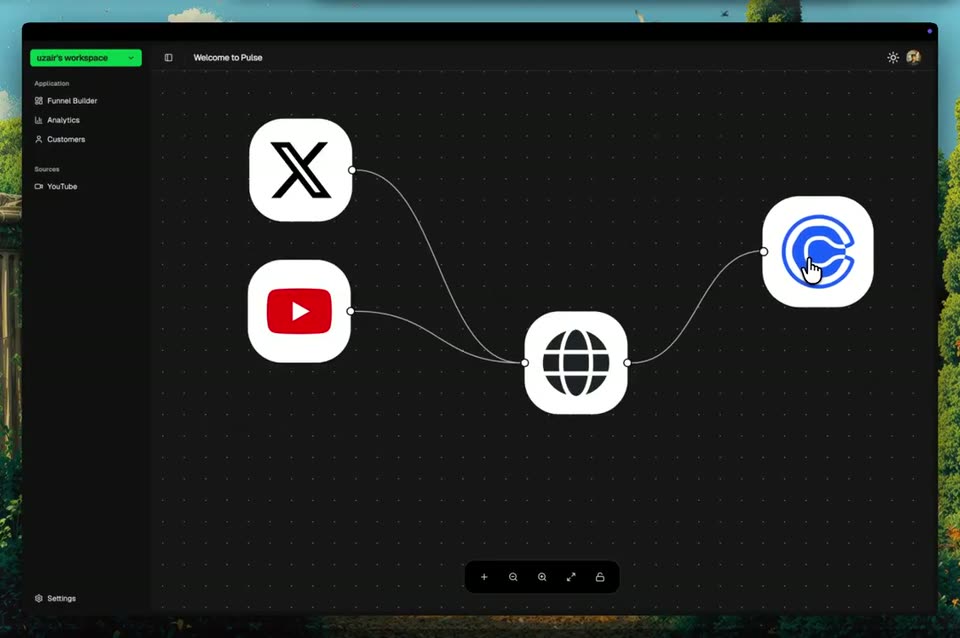
Dot - We’ve increased the agentic capabilities of the Dot platform. Give, scene by scene
· 3 scenes as text
01 · Feature reveal · 0:00–0:09
A white product interface with a left sidebar sits on a dark maroon background. A black cursor types a sentence into the prompt field, then moves to the Review button.
Techniques: Cursor demo
Camera: Static
02 · Feature reveal · 0:09–0:13
A dimmed dashboard sits behind a centered Review automation modal on a dark maroon gradient. A cursor opens the When and Briefing dropdowns, picks options, then clicks the red Create and run button.
Techniques: Cursor demo
Camera: Static
03 · Feature reveal · 0:13–0:46
A flat white window of the dot app sits on a dark purple gradient. The Morning news automation runs in place, its status line and activity list filling in, then a hand cursor clicks the Schedules tab to switch the view to a list of paused automations.
Techniques: Cursor demo
Camera: Static