0:36
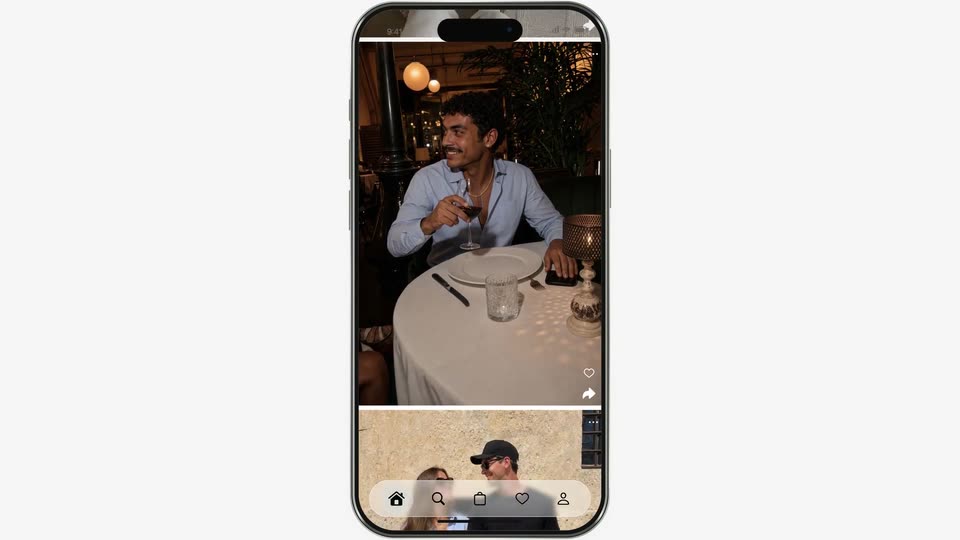

Omer Bar Tal - We raised a $7M pre-seed to make shopping fun again. @daletlabs gene
Dalet Labs · Oct 2026
Native AI · Nov 2026 · 0:23 · Full motion · AI-annotated
Native AI’s 0:23 launch film runs 12 scenes, about 1.9 s each. The product shows up at 0:07 and 1 feature is revealed. The call to action lands at 0:17 (74% in). A type led narrative in five beats: a promise line, an interface demo, a product statement, one feature, and a closing line, each held on long still frames at a slow cut rate. Signature moves are high contrast serif type scaling in and out on cream or navy, post cards tilting and drifting in 3D, and gold accents that bridge the two color worlds.
Is this your launch? to your site or press kit.
Dalet Labs · Oct 2026
Showroom · Oct 2026
Gojiberry · Oct 2026
Films whose music sounds like this one, voice left out
Anything · Electronic dance music
Google · Electronic Dance Music (House, Nu-Disco)
Strawberry Browser · Electronic dance music with house, nu-disco, and electro influences
A slate-blue serif word 'Edit' sits centered on cream, then shrinks as the line expands to 'Edit every word and every element.' It scales away to reveal a two-panel view: a left card over a dark photo, and a right green-sofa shot carrying the white headline 'A slower'.
On-screen text: “Edit every word and every element.”
Techniques: Kinetic type
Camera: Pan
A numbered feature list scrolls up on the left, each card lighting up with a photo as it centers. On the right, a gold selection box frames a post headline that a cursor retypes, then the card swaps to a cream layout with a small plant illustration.
Techniques: Cursor demo, Kinetic type
Camera: Pan
A white card on a cream glow loads with a green progress bar as its text switches from 'Designing your post' to 'Ready to edit'. The card clears to reveal a small easel illustration boxed by selection handles on dashed guides, with 'Ready to edit' scaling in below.
On-screen text: “Designing your post”, “Layer by layer”, “Ready to edit”
Techniques: Kinetic type
Camera: Pull out
On a cream canvas with faint dashed grid lines, eight watercolor postcard cards sit scattered and faded around a selected central card. The grid fades out, the cards sharpen and slide into a ring around a dark serif headline in the center.
On-screen text: “Everything Native makes”
Camera: Pan
On a cream field with a warm radial glow, the serif phrase “is now editable” sits low left, then “is now” is swapped for “Make it” as a soft-focus newspaper page with ad copy fades in at center, partially covering the word so “litable” remains on the right. The frame stays locked off while the text scales.
On-screen text: “is now editable”, “Make it”
Camera: Static
A fanned stack of newspaper mockup cards sits in 3D perspective on a cream background, the dark blue serif tagline Make it yours floating at center right. The camera pushes in, enlarging the cards and the tagline until the headlines fill the frame.
On-screen text: “Make it yours”
Techniques: 3D mockup, UI zoom
Camera: Push in
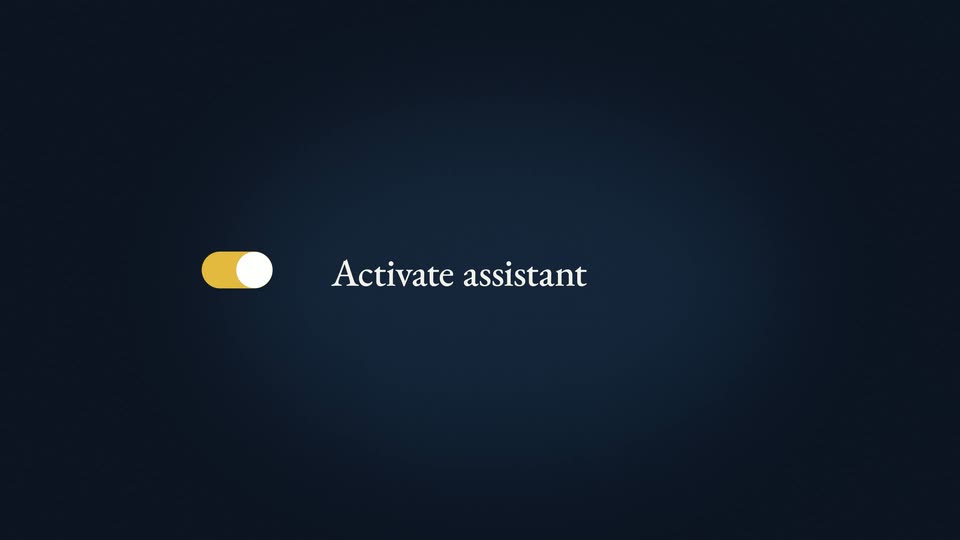
A dark navy field holds a toggle switch beside the white serif label Activate assistant. The knob slides from left to right, the track shifts from gray to gold, and the label eases into place.
Camera: Pan
Tilted Native post cards float in two rows on a dark navy field, rotating and drifting apart to reveal more panels. White serif text builds in the center as the cards slide.
On-screen text: “Every post. Every layer.”
Techniques: Kinetic type, 3D mockup
Camera: Pan
On a dark blue field, white serif text “Edit by hand” and “or just ask” flank a yellow rounded square with a black starburst. The right phrase and the icon slide down and fade into a locked horizontal line.
On-screen text: “Edit by hand”, “or just ask”
Techniques: Kinetic type
Camera: Static
A white serif tagline flanking a yellow sparkle icon slides on a dark navy field, then gives way to a tilted 3D post card showing a soil cross-section illustration, its left edge catching a light sweep.
On-screen text: “Edit by hand”, “or just ask”
Techniques: Kinetic type, 3D mockup, Light sweep
Camera: Pan
Cream definition cards with bold words and small food photos float in a diagonal 3D row on dark navy, drifting past as the line scrolls. The cards clear and the white serif line Make it perfect. fades in at center.
On-screen text: “Make it perfect.”
Techniques: 3D mockup, Parallax
Camera: Pull out
On a dark blue field, the centered white serif line “Make it perfect.” dissolves out, then after a beat “Live today.” fades in at the same spot and holds. The frame stays locked and still throughout.
On-screen text: “Make it perfect.”, “Live today.”
Techniques: Kinetic type
Camera: Static