
0:58
Explore
Strawberry 1.0 is here. It marks a shift in how your team can work with AI. In Strawberry, you can create or hire virtual colleagues, called "Companions". Companions learn your preferences and
Strawberry Browser · 1:30 · Full motion · AI-annotated
- Length
- 1:30
- Scenes
- 45 · 2.0 s avg
- Product on screen
- 0:05
- Features shown
- 3
- Call to action
- 1:16 · 86%
- Voiceover
- No
00:00:00 / 01:30:00
- Length
- 1:30
- Scenes
- 45 · 2.0 s avg
- Product on screen
- 0:05
- Features shown
- 3
- Call to action
- 1:16 · 86%
- Voiceover
- No
Strawberry Browser’s 1:30 launch film runs 45 scenes, about 2.0 s each. The product shows up at 0:05 and 3 features are revealed, with social proof. The call to action lands at 1:16 (86% in). The video is built as a rapid-fire cut of short 3D mascot gags and flat UI mockups on a cream dotted grid, alternating a typographic claim with the interface that proves it. Its signature moves are tumbling clay-style characters, a recurring pointing-hand cursor, and text that types, slides or counts up in sync with the 120 bpm pace, ending on a logo-and-URL end card.
No filming indicatedEstimated needs: 4 capture groups — your screens or recordings · 1 official logo — reused across the film · 14 graphic passages — draw or supply · 8 3D passages — build or supply
Is this your launch? to your site or press kit.
More like this



Similar soundtrack
Films whose music sounds like this one, voice left out
3:34
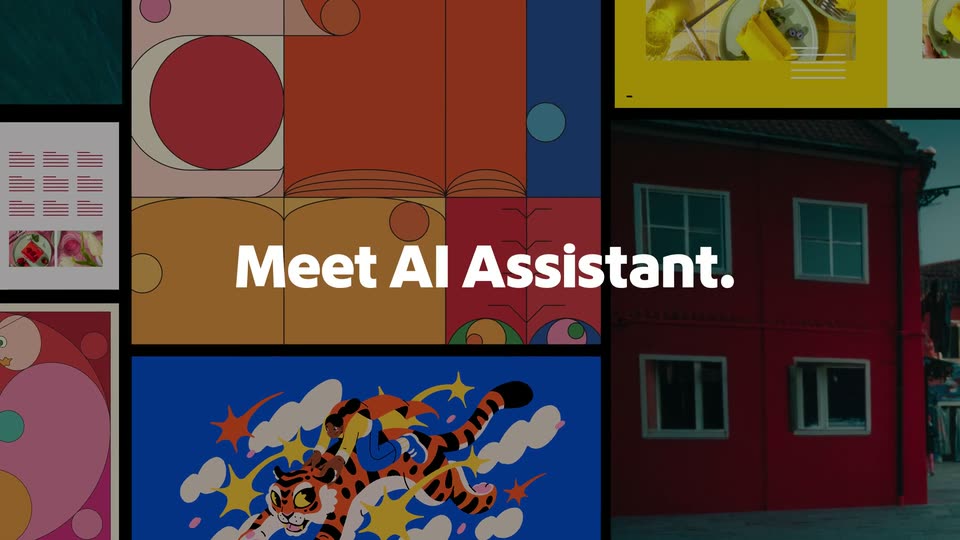

What’s New in Creative Cloud and Adobe Firefly | Adobe MAX 2026
Adobe · Electronic dance music, house, deep house, and pop-rap crossover.
0:44
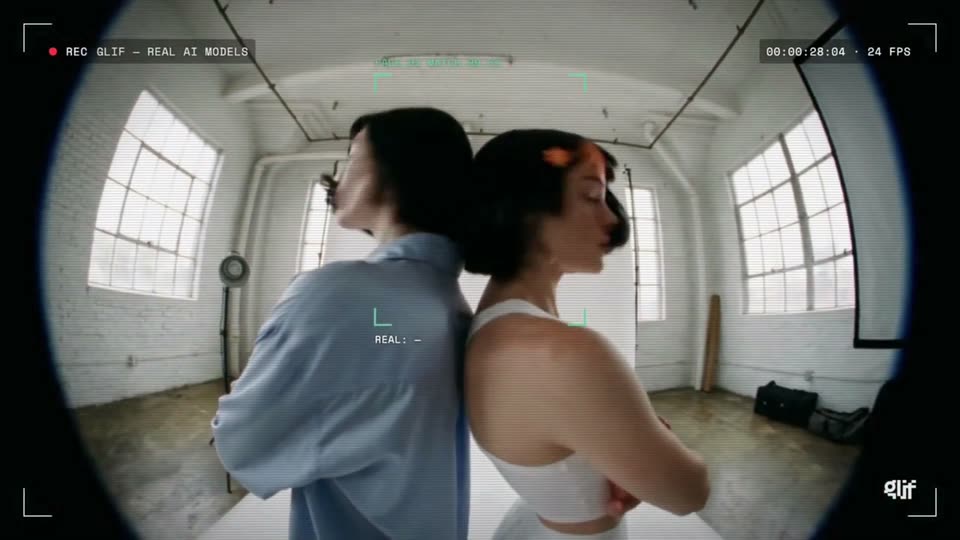
Glif Signs Claudia, the AI Pop Star
GLIF · Electronic Pop, Electro House
2:41
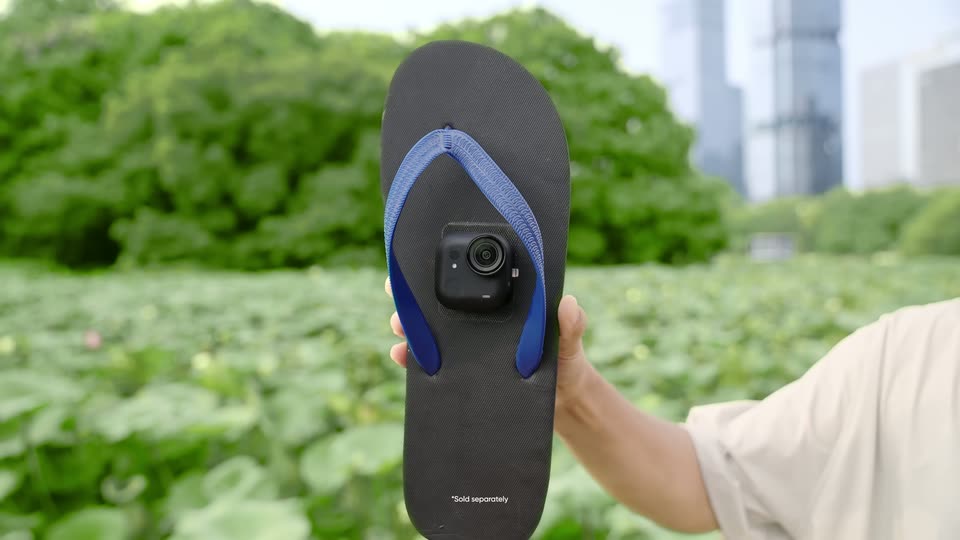
Meet Insta360 GO Ultra - The Tiny 4K Cam Built for the Moment
Insta360 GO Ultra · Modern hip-hop and dance-pop
Strawberry 1.0 is here. It marks a shift in how your team can work with AI. In Strawberry, you can create or hire virtual colleagues, called "Companions". Companions learn your preferences and, scene by scene
· 45 scenes as text
01 · Hook · 0:00–0:01
On a white dotted grid, a pink 3D figure holding a heart pops in at center and slides left, while the bold black phrase “You have” types out letter by letter beside it.
On-screen text: “You have”
Techniques: Kinetic type
Camera: Static
02 · Hook · 0:01–0:02
A pale blue halftone-dotted background holds the lowercase word “dreams” in bold blue sans-serif, centered and static. A small maroon 3D shape in the top-left corner slides out of frame during the first half.
On-screen text: “You have”
Camera: Static
03 · Hook · 0:02–0:02
The word “plans” in bold purple lowercase sits centered on a pale lavender field, carrying a soft 3D extrusion to its right. Faint halftone dots fade in the top-right and bottom-left corners. The lettering holds a locked-off frame with only a subtle 3D tilt.
On-screen text: “plans”
Camera: Static
04 · Hook · 0:02–0:03
A pale mint background with halftone dot clusters in two corners holds a large green lowercase word. The word reads “plans”, then cuts to “goals” in the same locked-off position.
On-screen text: “plans”, “goals”
Camera: Static
05 · Problem · 0:03–0:03
Black sans-serif lines read 'You want to move' centered on a cream dotted background. The lines slide into place, then 'fast' drops in below in gray while 'You want' shifts to purple.
On-screen text: “You want to move”, “fast”
Techniques: Kinetic type
Camera: Static
06 · Problem · 0:03–0:04
Large text reading 'You want to move fast' slides left off a white dotted background as three cartoon runners in purple, red and green dash in from the right.
On-screen text: “You want to move fast”
Techniques: Kinetic type
Camera: Pan
07 · Problem · 0:04–0:05
Three flat cartoon characters in purple, red, and green run in single file from left to right across a white dotted background and exit the frame. The headline “You need a team” slides in at center, with “a team” in red.
On-screen text: “You need a team”
Techniques: Kinetic type
Camera: Static
08 · Product intro · 0:05–0:06
On a white dotted background, the headline “You need a team” slides in, black with “a team” in orange. It then gives way to the Strawberry mark, a red square ringed by red dots with a yellow square on top, beside the serif wordmark scaling up at center.
On-screen text: “You need a team”, “Strawberry”
Techniques: Kinetic type
Camera: Static
09 · Product intro · 0:06–0:07
A pink 3D strawberry character rises and rotates in the lower left, briefly covering the black serif wordmark and dot logo, then settles into a face on the left. The white background carries a faint dot grid in the top right corner.
On-screen text: “Strawberry”
Techniques: 3D mockup, Masking
Camera: Static
10 · Product intro · 0:07–0:10
A maroon squid-like alien tumbles in upside down, then a purple robot and a green one-eyed alien join it, and the trio poses beneath the headline. A color-coded second line slides in, then the characters float off to the sides.
On-screen text: “The AI team”, “that works alongside you”
Techniques: Kinetic type
Camera: Static
11 · Product intro · 0:10–0:11
A black headline reads “The AI team that works alongside you” with colored words over a white field. A red mascot drops from above and a purple one tumbles in from the lower left, then five cartoon avatars pop into a pill-shaped bar below.
On-screen text: “The AI team”, “that works alongside you”
Techniques: Kinetic type
Camera: Static
12 · Demo · 0:11–0:15
A flat browser window shows six cartoon avatars in a pill and an Ask Strawberry search bar. The view zooms into the bar as Book 100 sales calls fills it, a hand cursor taps the send button, then the UI scales down and a small blue agent character pops in.
Techniques: UI zoom, Cursor demo
Camera: Pull out
13 · Demo · 0:15–0:16
A blue 3D mascot with glasses and curly hair stands center on a white background, arms spread wide, beside a light gray speech bubble reading “I’ve got you!”. A faint dissolve from the previous scene lingers at the start.
On-screen text: “I’ve got you!”
Camera: Static
14 · Demo · 0:16–0:17
A blue cartoon figure holding a paper plane flies across a tilted browser window, then exits as the window flattens to show a New Tab, a Connections tab and a search field.
Techniques: 3D mockup, Cursor demo
Camera: Static
15 · Demo · 0:17–0:18
A zoomed-in LinkedIn search field pulls back to reveal the full browser window with a results list, then a cursor moves down and hovers a blue Connect button.
Techniques: UI zoom, Cursor demo
Camera: Pull out
16 · Demo · 0:18–0:22
A white message card with a profile photo and a typed pitch sits on a pale blue dotted background. A blue cursor presses the Send button, then the card tilts and fans out into a stack of identical cards for other contacts.
Techniques: Cursor demo, 3D mockup
Camera: Pull out
17 · Demo · 0:22–0:24
A browser window shows a calendar app on a pale background. A profile card with a woman's photo and title clears, then blue event blocks fill the day grid in sequence as a cursor moves down the screen.
Techniques: Cursor demo
Camera: Static
18 · Demo · 0:24–0:25
A browser window showing a Google Calendar view slides down and out of frame as a small blue cartoon character pops in at the top center.
Camera: Static
19 · Feature reveal · 0:25–0:26
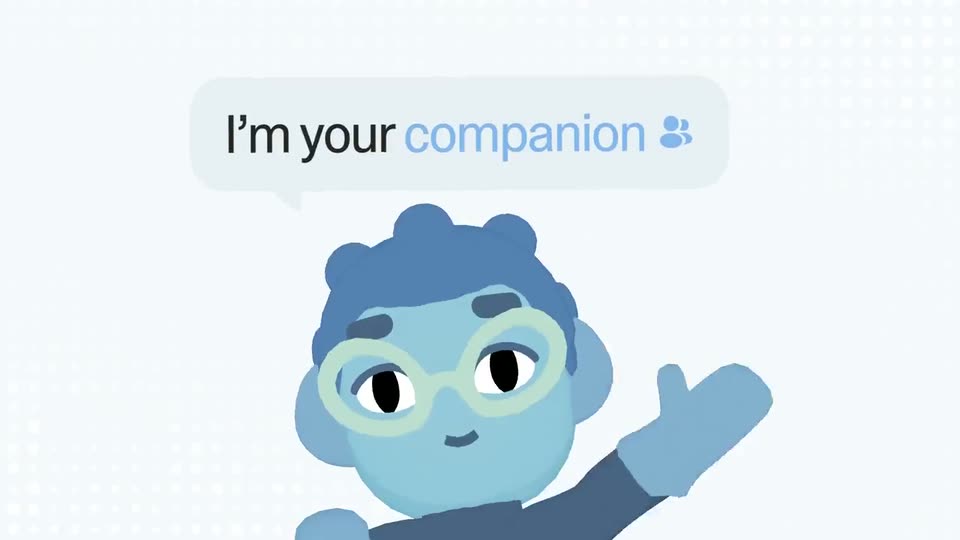
A blue cartoon man with glasses tumbles in from the left, spins upright, then drops to the bottom edge and waves a gloved hand. A light gray speech bubble reading 'I'm your companion' with a people icon stays fixed at the top on a dotted white background.
On-screen text: “I'm your companion”
Camera: Static
20 · Feature reveal · 0:26–0:28
A black “I can do” holds left on a white dotted background as a stack of colored pill labels with icons scrolls up on the right, cycling through sales, research, marketing, outreach, accounting, design and napping, each fading in below and out above.
On-screen text: “I can do”, “sales”, “research”, “marketing”, “outreach”, “accounting”, “design”, “napping”
Techniques: Kinetic type
Camera: Static
21 · Feature reveal · 0:28–0:31
On a cream dotted background, the line “I can do” types out beside a column of pastel task pills (accounting, design, coding, writing, reports). The line swaps to “I work”, then to “in your apps” with a hand cursor clicking a plus, while tabs and docs labels slide in.
On-screen text: “I can do”, “accounting”, “design”, “coding”, “writing”, “reports”, “I work”, “in your”, “tabs”, “apps”
Techniques: Kinetic type, Cursor demo
Camera: Static
22 · Demo · 0:31–0:32
A flat browser new-tab window sits on a pink dotted field. Three tilted 3D app icons (black, blue, yellow) settle into the center as a hand cursor taps the yellow one, while the Ask Strawberry headline and search bar fade in below.
Techniques: 3D mockup
Camera: Static
23 · Demo · 0:32–0:33
A flat browser window on a pale pink patterned background shows a slide editor open on a Market Research Deck file. Two hand-cursor icons point at the slide title and subtitle, drifting slightly while the frame holds.
Camera: Push in
24 · Demo · 0:33–0:34
A close-up of a white interface panel on a pink dotted background. A hand cursor slides up to the Chat button, which carries a red pixel logo, and presses it, darkening the button.
Techniques: Cursor demo
Camera: Static
25 · Demo · 0:34–0:36
Close-up of a white chat input bar on a pale pink backdrop. The prompt “Help me finish this research deck” types itself into the field, then a white hand cursor moves to and presses the brown round send button.
Techniques: Cursor demo
Camera: Static
26 · Demo · 0:36–0:41
A white chat screen shows a gray bubble with the request, then a sunglasses avatar and a reply line slide in. Below, three stylized heads pop into rounded squares one by one while the status label cycles through researching, finding sources, and summarizing findings.
Camera: Pan
27 · Demo · 0:41–0:42
A white chat interface scrolls upward. A brown-haired avatar with sunglasses sits above the message, and below it three colored avatar icons sit beside a status line, while a yellow icon beside another status line fades gray as a new row enters from the top.
Camera: Pull out
28 · Demo · 0:42–0:47
A Google Slides window on a pink background auto-advances through data slides as charts draw in. A right-hand AI chat panel shows a fox assistant updating the deck. Colorful 3D paper arrows spin and drift across the slides while the left thumbnail strip fills in.
Techniques: Parallax
Camera: Pull out
29 · Demo · 0:47–0:49
A document editor with a right-side chat panel fills the frame. A dark notification card reading 'Meeting starting now' scales in at the center, a cursor hand rests on its 'Join and record' button, then the view zooms onto the bar chart.
Techniques: Cursor demo, UI zoom
Camera: Static
30 · Feature reveal · 0:49–0:50
A mint pill holding a microphone icon and the word Transcribe rests on a white dotted field. The dark word meetings sharpens from a blur into solid type beside it.
On-screen text: “Transcribe meetings”
Techniques: Kinetic type
Camera: Static
31 · Feature reveal · 0:50–0:53
A flat browser window mockup shows a Google Meet grid of six pastel participant tiles. A small purple robot with a green waveform floats in on the right, then a black pill reading Taking notes... slides in and docks beside it. The window scales up slightly to settle.
Camera: Static
32 · Feature reveal · 0:53–0:57
A purple 3D mascot with a headset and glasses sits left, typing on a small keyboard and bobbing, while white chat bubbles slide in one by one on the right, each ending with a colored word and a small icon.
On-screen text: “Great call!”, “I've already drafted a follow-up”, “Updated HubSpot!”, “And booked the next call!”
Techniques: 3D mockup, Kinetic type
Camera: Static
33 · Feature reveal · 0:57–1:00
On a white dot-grid background, the coral word Everyone scales down as on your team slides in beneath it in dark gray. The line is replaced by gets a companion, then by four circular headshots labeled Product, Sales, Marketing and Founder.
On-screen text: “Everyone”, “on your team”, “gets a companion”
Techniques: Kinetic type
Camera: Static
34 · Feature reveal · 1:00–1:01
Four circular headshots with colored role labels (Product, Marketing, Sales, Founder) start clustered in the center, then slide apart and shift left while a green cartoon mascot slides in from the right edge.
On-screen text: “Product”, “Marketing”, “Sales”, “Founder”
Techniques: Kinetic type
Camera: Pan
35 · Feature reveal · 1:01–1:02
On a dotted off-white background, four illustrated characters in blue, purple, green and purple stand in a row, shifting poses. Above each, a circular headshot sits over a colored label that scales and slides into place: Founder, Sales, Product, Marketing.
On-screen text: “Founder”, “Sales”, “Product”, “Marketing”
Techniques: Kinetic type
Camera: Static
36 · Feature reveal · 1:02–1:04
Four cartoon mascots with circular headshots and role tags stand in a row, then tumble off in different directions as a flat file-library screen with a grid of folder cards fades in behind them. The role tags drift toward the edges and shrink while the interface becomes fully opaque.
On-screen text: “Founder”, “Sales”, “Product”, “Marketing”
Techniques: Kinetic type
Camera: Static
37 · Feature reveal · 1:04–1:07
A light Drive-style library screen shows a grid of folder cards; a purple cursor hovers as the view zooms into the Campaign card, then pulls back to document thumbnails while colored Founder, Sales, Product and Marketing pills float over the grid.
On-screen text: “Founder”, “Sales”, “Product”, “Marketing”
Techniques: UI zoom, Cursor demo
Camera: Push in
38 · Feature reveal · 1:07–1:08
A white Campaign dashboard fills the frame on a pale lavender background, showing a grid of document cards. Four colored tags, Product, Sales, Marketing and Founder, float and drift above the cards while a purple cursor hovers over a slide deck.
On-screen text: “Product”, “Sales”, “Marketing”, “Founder”
Camera: Static
39 · Social proof · 1:08–1:10
A faint dot grid on a cream field surrounds a ring of app icons that fade from transparent to full color. In the center, the headline reads Works on with a coral figure counting up from 1.4 to 1.8 billion, then the word websites drops in below in black.
On-screen text: “Works on 1.4 billion”, “Works on 1.7 billion”, “Works on 1.8 billion websites”
Techniques: Kinetic type
Camera: Pull out
40 · Social proof · 1:10–1:10
White testimonial cards slide horizontally in a 3D carousel against a light purple dotted background. The central card stays in focus while the side cards blur.
Techniques: 3D mockup, Parallax
Camera: Push in
41 · Social proof · 1:10–1:14
A fan of white testimonial cards sits on a lavender dot-grid background, the center card sharp and the side cards blurred. The deck slides left in a soft blur crossfade, swapping Amanda Back's quote for Johan Matton's.
On-screen text: “Strawberry has completely changed how I work in every layer of my day.”, “Amanda Back”, “Head of Marketing, Epicenter Group”, “I'm pausing Claude and GPT to use Strawberry for Agentic tasks, no joke!”, “Johan Matton”, “Founder, Pulse”
Techniques: Parallax
Camera: Pull out
42 · Social proof · 1:14–1:16
A coral counter ticks up from 239k to 267k above a black 'already created' line, both centered on cream. A grid of flat cartoon avatars fades in behind them, filling the frame.
On-screen text: “267k companions”, “already created”
Techniques: Kinetic type
Camera: Pull out
43 · CTA · 1:16–1:18
The word Discover slides in large on a cream dotted background, then shrinks as the line a new way to work appears beneath it. The view opens onto a 3D scene of colorful cartoon characters floating at different depths, with the tagline held centered over them.
On-screen text: “Discover”, “a new way to work”, “267k companions”, “already created”
Techniques: Kinetic type
Camera: Pull out
44 · CTA · 1:18–1:22
Four flat cartoon characters, a red-haired person with glasses, a blue astronaut, a purple figure and a green alien, bounce in a row on a white dotted background. The headline reads Discover a new way to work, then swaps to Claim your companion today, and the whole scene fades out.
On-screen text: “Discover”, “a new way to work”, “Claim your”, “companion today”
Techniques: Kinetic type
Camera: Static
45 · CTA · 1:22–1:30
A white end card with a faint pink dot grid in the corners. “Claim your companion today” gives way to the Strawberry logo and bold “Download now” over coral “for free”. Black Mac and Windows store badges appear below, then swap for a beige pill with the URL.
On-screen text: “Claim your”, “companion today”, “Strawberry”, “Download now”, “for free”, “strawberrybrowser.com”
Camera: Static