0:52
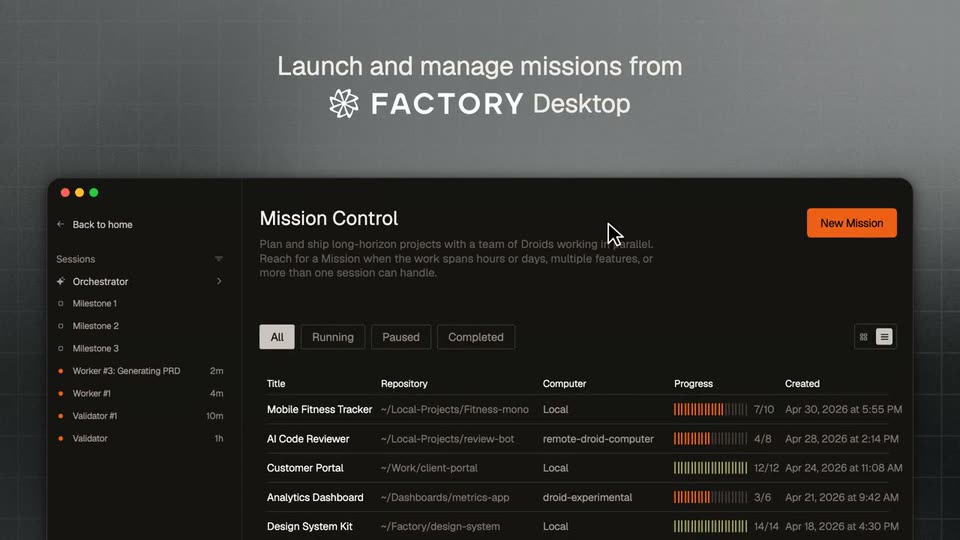

Factory - Missions are now available on Factory Desktop.
Factory · Jun 2026
Mastra’s 0:39 launch film runs 8 scenes, about 4.9 s each. The product is on screen from the first frame. There is no explicit call to action. One continuous screen-recording tour that moves from the models page through the dashboard, key creation, code editor, and agent chat without cuts or title cards. Its signature move is tilting the live interface into 3D over the metallic ribbons to punctuate each workflow beat, then settling back to a flat front view.
Is this your launch? to your site or press kit.
Factory · Jun 2026
Replit · Developer tools · Jun 2025
A dark model-pricing table and search field fill the frame, a cursor rests over the search bar. The view then zooms out to reveal the full page: top navigation, an orange banner, the Models heading, and a grid of lab logos.
Techniques: Cursor demo, UI zoom
Camera: Static
A tilted 3D view of the Mastra interface shows the Models page, then the camera rotates and zooms to a flat frontal dashboard with a left sidebar and a usage panel sliding in from the right. A white tagline at the bottom scales up and out as the view settles.
On-screen text: “Start building today”
Techniques: 3D mockup, UI zoom
Camera: Pan
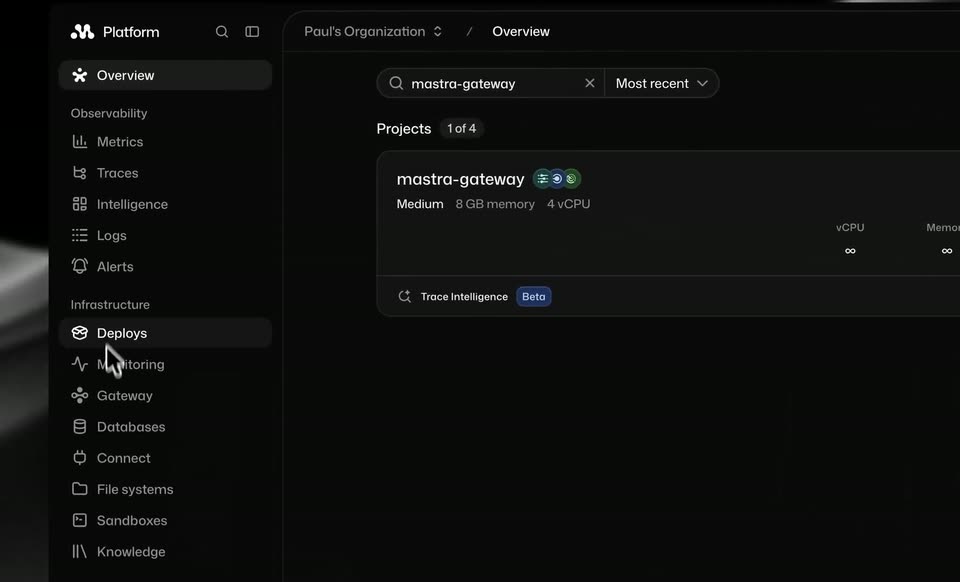
A dark dashboard rotates from a 3D angle into a flat front view, the metallic backdrop blurring past. The frame tightens on the left sidebar while a hand cursor glides down to rest on the Gateway item, the project card and usage panel staying still.
Techniques: 3D mockup, UI zoom, Cursor demo
Camera: Push in
A dark dashboard: a cursor clicks API keys in the sidebar, the screen blurs into a keys table, then a New API key modal opens centered. The cursor types a label, flips on the spend limit toggle, types an amount, and moves to the Create button.
Techniques: Cursor demo
Camera: Pull out
A dark API keys dashboard floats in a 3D scene over abstract black ribbons. A New API key dialog with a hand cursor on Create closes, revealing the key table, a success banner with the generated key, and the cursor moving to Copy to clipboard.
Techniques: Cursor demo, 3D mockup
Camera: Pull out
Two overlapping dark editor windows collapse into one as an API key is typed into the .env file. The view zooms into a syntax-highlighted TypeScript file where a model string is typed on line twelve, then pulls back to a two-pane studio layout.
Techniques: Morph, UI zoom, Cursor demo
Camera: Pan
A dark dashboard lists one agent. A cursor glides to the Research Agent row and clicks it, and the panel crossfades into a chat view while a config panel slides in from the right.
Techniques: Cursor demo
Camera: Static
A dark app interface zooms into the chat's model search, where a cursor picks Claude Fable 5.2 Fast and types a comparison prompt. The view pulls back as the agent streams a long answer with a pricing table.
Techniques: UI zoom, Cursor demo, Kinetic type
Camera: Pan