0:54
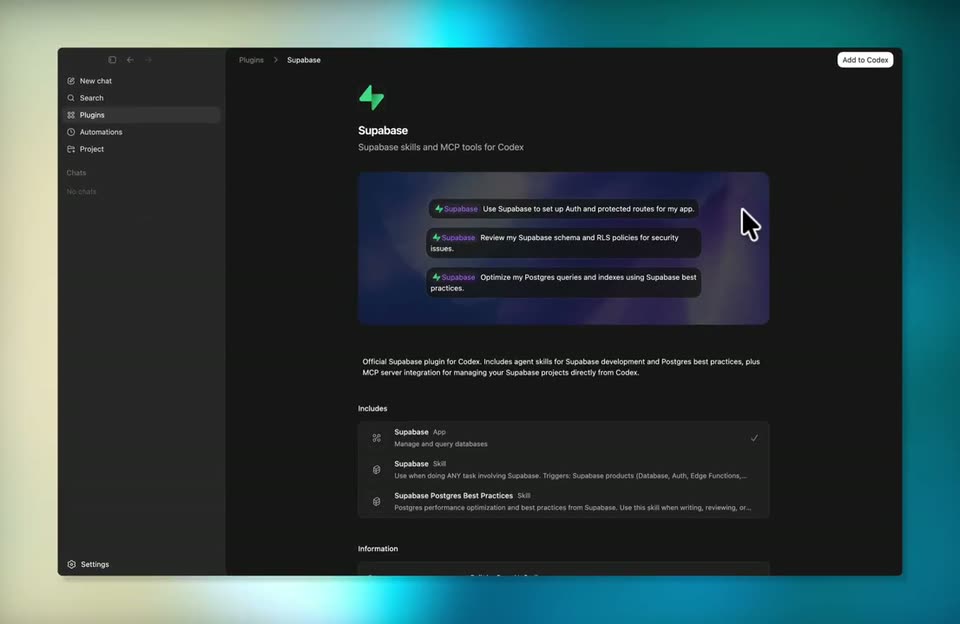

Supabase - You asked, we delivered! Supabase is now available as a Codex plugin!
Supabase · Developer tools · Apr 2026
Replit · Jun 2025 · 0:18 · AI-annotated
Replit’s 0:18 launch film runs 10 scenes, about 1.8 s each. The product is on screen from the first frame. There is no explicit call to action. A single unbroken product demo: a brand lockup, then a step-by-step screen recording of importing a Figma design into Replit, then a closing tagline over a 3D fan of finished apps. The style is defined by dark warm gradients, monospace typewriter text, orange accent highlights, and 3D rotations of UI panels.
Is this your launch? to your site or press kit.
Supabase · Developer tools · Apr 2026
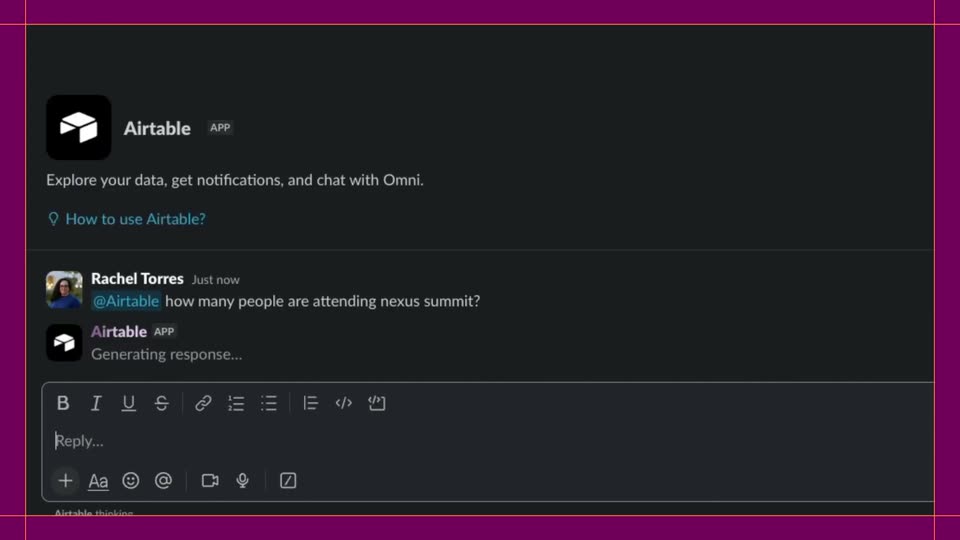
Airtable · Productivity · Oct 2026
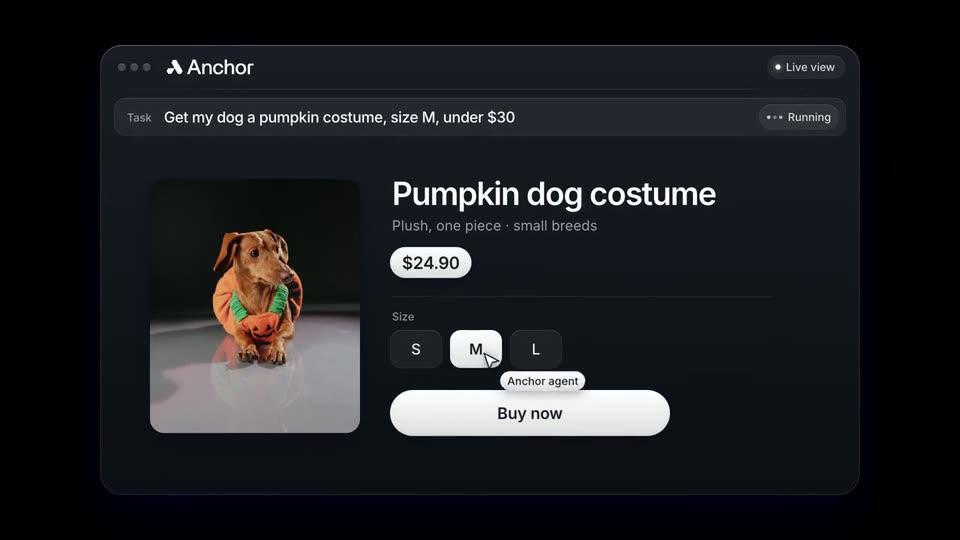
Agentcard · Fintech · Nov 2026
On a dark background with a warm glow, the Replit and Figma logos scale in around a white ×, then cut to a centered headline. Design to app. appears in white, followed by Even faster... typed in orange.
On-screen text: “replit ×”, “Design to app. Even faster...”
Techniques: Kinetic type
Camera: Static
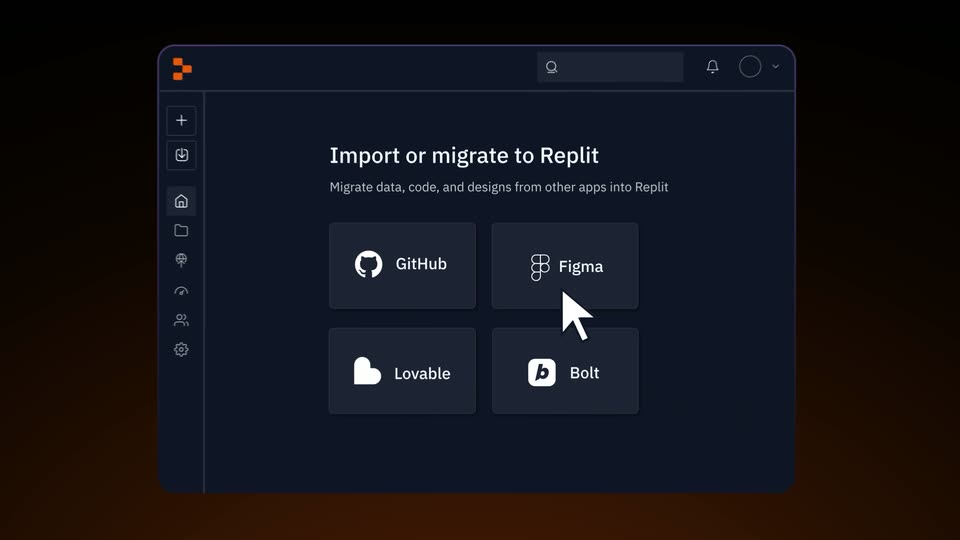
A dark app window showing an import panel with four source icons rotates from a 3D angle to a flat front view, passing in front of a static headline.
On-screen text: “Design to app. Even faster...”
Techniques: 3D mockup
Camera: Push in
A dark Replit interface shows an import screen with four app tiles. A white cursor clicks the Figma tile, and a URL field with an Import from Figma button appears below as the view zooms in slightly.
Techniques: Cursor demo, UI zoom
Camera: Push in
A blurred dark import screen racks into focus and pushes in on the blue Import from Figma button, which the cursor clicks. A white card then appears, an orange ring drawing itself around the Figma and Replit icons above the caption Importing Design...
Techniques: UI zoom, Cursor demo
Camera: Push in
A white rounded card on a dark gradient shows an orange loading ring around two app icons, a black multicolor dot icon and an orange icon, above the text “Importing Design...”. The ring and icons give way to a purple splash shape that fades, leaving a blank card.
Camera: Static
On a dark brown gradient, the purple logo begins centered, then shifts left as a dark rounded search bar slides in beside it, carrying the line Let's get to work.
On-screen text: “Let's get to work”
Camera: Static
A rounded dark-blue chat bar with a purple logo on the left sits on a black background. Its white text crossfades through status lines: Let's get to work, Importing design, Scaffolding code, then Done! Here's your app:, as a second preview bar fades in below.
Camera: Static
A dark pill banner reading “Done! Here's your app:” sits above a flat watchlist UI showing movie posters, with the caption “Movies To See Before You Die” below. The whole stack scrolls upward with motion blur, enlarging the watchlist panel and pushing the banner off the top.
On-screen text: “Done! Here's your app:”, “Movies To See Before You Die”
Techniques: UI zoom
Camera: Pan
A fan of app and web screens rotates into a 3D arc on a dark background. The Replit logo holds center while the headline types in letter by letter beneath it.
On-screen text: “Turn your ideas into ap”
Techniques: 3D mockup, Kinetic type
Camera: Pull out
Five angled app screens fan out in 3D perspective against a black background, rotating slightly as a group. The Replit logo and the tagline sit centered at the bottom, with the word “apps” highlighted in orange.
On-screen text: “Turn your ideas into apps”
Techniques: 3D mockup
Camera: Static