1:02

Introducing Claude Meetings
Anthropic · AI · Nov 2026
Skydive · 0:24 · Full motion · AI-annotated
Skydive’s 0:24 launch film runs 10 scenes, about 2.5 s each. The product shows up at 0:04 and 1 feature is revealed. There is no explicit call to action. The video runs as a promise-to-proof arc: a word-built typographic hook, a purple-branded chat UI demo of one scrolling thread where the agents delegate and finish work, then a word-built tagline into the petal logo lockup. Its signature moves are word-by-word headline builds, cursor-led UI close-ups, and a single continuous thread scroll that stacks the agents' replies.
Is this your launch? to your site or press kit.
Anthropic · AI · Nov 2026
Descript · Design · Nov 2022
Anthropic · AI · Nov 2026
A black headline builds word by word on a white background. A cursor slides in, clicks the word team, which morphs into a blue #team chip as the line zooms in and a purple panel wipes in from the right.
On-screen text: “Agents your entire team can use.”, “#team”
Techniques: Kinetic type, Cursor demo, Morph
Camera: Static
Split frame: a black headline types on word by word on the white left panel, while a purple right panel lists four clay-figure avatars. The names River, Moss, Poppy, Sol slide in from the right as the avatars fade from dim to full color.
On-screen text: “Agents your entire team can use.”, “River”, “Moss”, “Poppy”, “Sol”
Techniques: Kinetic type, Split screen
Camera: Pull out
The Skydive chat window zooms up to fill the frame, then reframes to a close-up of the sidebar and composer. A cursor moves from the agents list into the message field, where a text caret appears. A static headline reads “Agents your entire team can use.”
On-screen text: “Agents your entire team can use.”
Techniques: UI zoom, Cursor demo
Camera: Push in
A chat window shows a message from Philip above a text field holding a long @River note. A cursor hovers the formatting toolbar, then the field slides left across a locked frame, revealing the full sentence and a green send button.
Techniques: Cursor demo
Camera: Push in
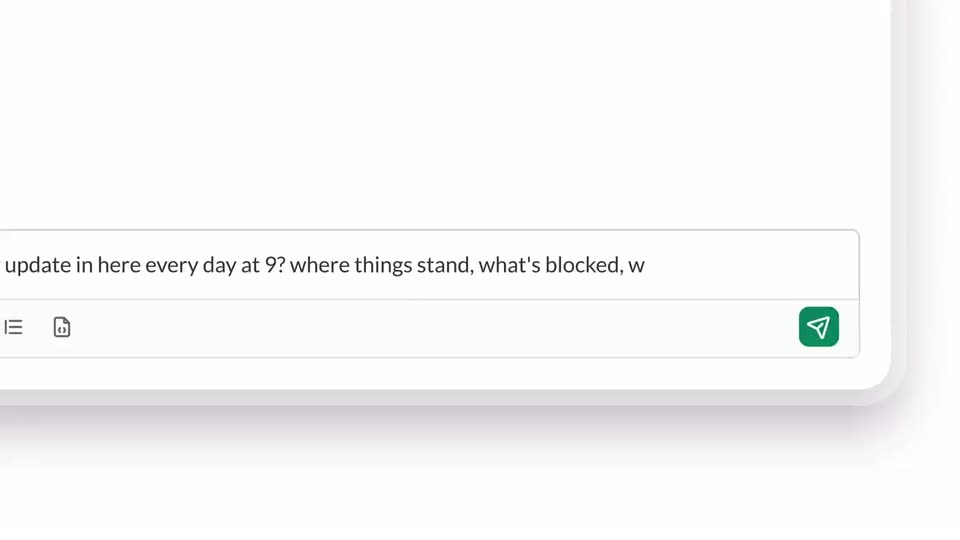
A white chat panel with a teal send button exits left as a red rule sweeps across the frame. The word New fades in on the right while a small caption slides in below.
On-screen text: “New”, “n here every day at 9? where things stand, what's blocked, what needs us.”
Techniques: Kinetic type, Masking
Camera: Static
A white chat card on a soft pink background, topped by a thin red rule. The thread scrolls down as messages from River, Zaria, Moss and Poppy stack in sequence, each with an avatar and timestamp, the newest line settling at the bottom.
Camera: Pan
A white chat card listing three team messages scrolls upward out of frame, revealing the green word Agents centered in the open space below it.
On-screen text: “Agents”
Camera: Pan
A plain off-white frame holds a centered line of text that builds word by word. Each new word enters in green as the line completes into the full sentence, with the camera locked off.
On-screen text: “Agents that work as a team”
Techniques: Kinetic type
Camera: Static
On a plain off-white background, the centered sentence builds word by word from left to right. “Agents that” and “as a” are dark gray, “work” is green, and “team” is blue, each word entering in turn.
On-screen text: “Agents that work as a team”
Techniques: Kinetic type
Camera: Static
On a plain white background, a small cluster of six colored petals scales up into the full logo mark as the dark gray wordmark appears to its right, then the lockup holds centered.
Camera: Static