0:57
Claude - Starting to roll out today: Claude Whiteboards, Claude Sheets and Cla
Anthropic · AI · Nov 2026
Anthropic’s 1:00 launch film runs 22 scenes, about 2.7 s each. The product is on screen from the first frame and 4 features are revealed. There is no explicit call to action. The video alternates flat cream title cards with sketched arrows against full-bleed UI recordings, zooming app windows in and out as floating rounded cards on white. Signature moves: the outlined cursor and hand-drawn arrow guiding the eye, app icons sliding across in rows, and confetti bursts on each reveal.
Is this your launch? to your site or press kit.
Anthropic · AI · Nov 2026
Anthropic · AI · Nov 2026
Films whose music sounds like this one, voice left out
TAL · Electronic, cinematic sound design
Dia · Jazz, Funk, Electronic
Claude Design · Electronic, Lo-fi Hip-Hop, Dance
An orange rounded-square app icon with a white radial burst sits centered on a cream background. A hand-drawn black arrow slides in from the right, and a cursor glides in, hovers over the icon, which lifts with a soft shadow, then the cursor moves away and the arrow exits.
Techniques: Cursor demo
Camera: Static
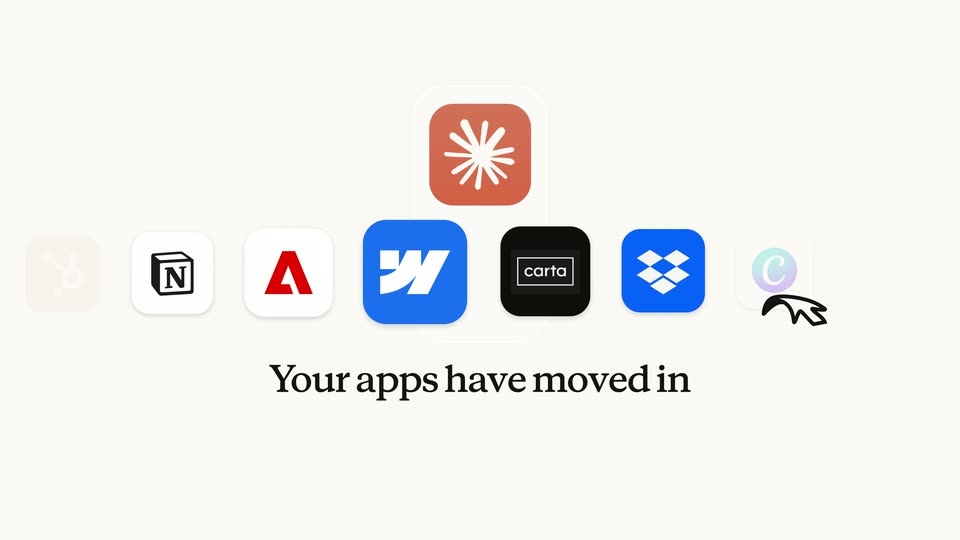
A row of app icons slides left past a central orange icon on a white tile, a cursor tracking the right edge. The caption fades in below, then the icons scatter into a loose cluster as an Add tile pops into the center under the cursor.
On-screen text: “Your apps have moved in”
Techniques: Cursor demo
Camera: Static
A large outlined cursor clicks a rounded “Add” button centered on a cream background. The button morphs into a blue mountain icon with a small “0” beneath it, releasing a brief burst of multicolored confetti shapes.
Techniques: Cursor demo, Morph, Particles
Camera: Static
A hand-drawn black arrow points at a small white app icon with a blue A mark. The icon scales up and slides right while the arrow flips to the left, revealing a serif headline and body text behind it.
On-screen text: “Momentum”, “Momentum is the launch channel for Arc. We've curated a live blog, updates on the milestones, the launch channel, and the launch. And everything.”
Techniques: Masking
Camera: Static
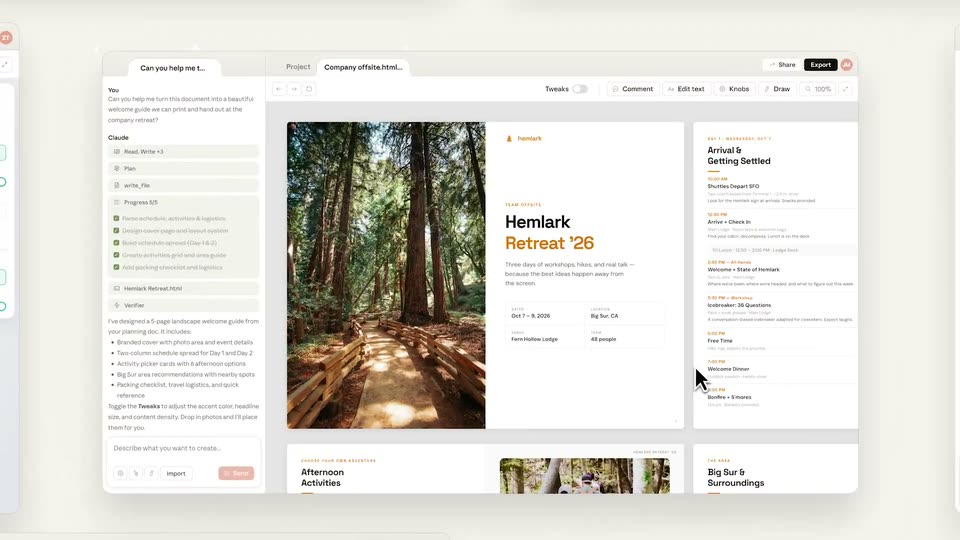
A split view pairs a chat panel on the left with a launch-plan document on the right, a blue shape clearing from the doc. The frame zooms to the input box as a cursor types a command, then reframes to the document header.
Techniques: Split screen, UI zoom, Cursor demo
Camera: Push in
A Confluence page titled Project Meridian launch plan shows a highlighted summary paragraph with small Claude tags, then a cursor moves up to the toolbar and clicks Status, opening a dropdown with status options above the document.
Techniques: Cursor demo
Camera: Static
A full-screen Confluence editor showing the Project Meridian launch plan zooms out and shrinks into a rounded card centered on a white background. A cursor arrow rests over the summary box before the reframe.
Techniques: UI zoom
Camera: Pull out
Rounded app icons, a blue V, three red dots, a blue peak, a red A and a blue box, slide left in a row across a cream field. A white UI card with gray text briefly covers the center icon before clearing.
Camera: Pull out
A row of rounded app icons (red dots, blue peaks, red A, blue box, black cart) slides horizontally across a cream background, with a small photo of people briefly appearing between them.
Camera: Static
A portrait photo of a man sitting on a white tiled wall sits in a white rounded card on a pale background. The card scales up as a gray caption bar appears at the bottom.
On-screen text: “Adobe, add Dither effects”
Camera: Static
A white agent interface types out a status message and a numbered list of next steps while a cursor arrow hovers mid-screen. A small photo thumbnail and a gray button reading Adobe, add Dither effects anchor the top right corner.
Techniques: Cursor demo
Camera: Static
A screen recording of a chat app: a cursor drags the sliders in a Dither editor panel, refining a pixelated photo of people on a wall. The view pulls back to the full browser window, then cuts to a second panel showing an isometric workplace floor plan.
Techniques: Cursor demo, UI zoom
Camera: Pull out
A split screen pairs a chat panel on the left with a file preview on the right. The chat text refreshes in a quick crossfade, while a cursor hovers over an isometric floor plan labeled Level 4 Workplace Layout.
Techniques: Split screen, Cursor demo
Camera: Push in
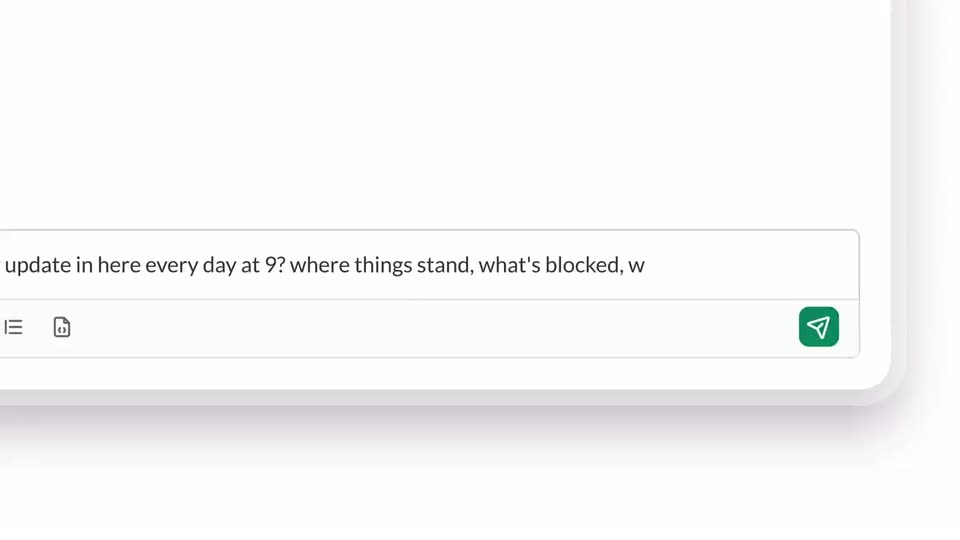
A close-up of a white AI chat screen frames a rounded prompt box near the bottom. A black arrow cursor hovers as a long instruction is typed out letter by letter, the text wrapping to a second line. The frame stays static on the input field.
Techniques: Cursor demo
Camera: Static
On a white background, gray task lines with orange dot bullets, a play icon and a timecode scroll upward, one line at a time. Each line scales in at center while the previous fades out, and the orange dots on the left grow from one to four.
On-screen text: “Checking the door coordinates against the stair's footprint 1m 37s”, “Checking whether the stair's door shows in the render 1m 40s”, “Correcting the misplaced stair door and checking clearances 1m 47s”, “Relocating a pod that blocks the stair's clear zone 1m 58s”, “Placing two meeting rooms and wellness room 2m 8s”
Techniques: Kinetic type
Camera: Static
A split screen pairs an AI chat pane on the left with an isometric office floor plan preview on the right. A cursor scrolls the chat text, then the whole window lifts into a rounded card floating on a white background.
Techniques: Split screen, Cursor demo
Camera: Pull out
A two-page document, a text memo left and a colored floor plan right, fills the frame in close-up with a hand-drawn black arrow pointing at the text. The view zooms out, shrinking the document into a small card on a cream background as the arrow drifts to the upper left.
Techniques: UI zoom
Camera: Pull out
A row of flat app icons, including Box, Canva and Carta, scrolls left across a cream background while a hand-drawn cursor arrow moves along the top edge.
Camera: Pan
A horizontal row of flat app icons slides left across a cream background while a mouse cursor travels along them, switching from a solid black arrow to an outline arrow.
Techniques: Cursor demo
Camera: Static
A blue rounded Arc logo slides off the left edge as the phrase reveals word by word in dark serif type on a cream field. A mouse-pointer outline hovers under the first word, which flashes with a light-blue selection highlight.
On-screen text: “Plan at the speed of thought”
Techniques: Kinetic type
Camera: Static
On a cream background, a centered serif line ends with “at the speed of thought” while the first word swaps from “Plan” to “Review” to “Work” under a pale blue selection highlight. An outlined cursor arrow rests below the line, then glides to the left edge and fades out.
On-screen text: “Work at the speed of thought”
Techniques: Kinetic type
Camera: Static
A cream field holds the orange asterisk mark beside the gray serif word “thought”; the word crossfades to the black “Claude” wordmark while the mark holds, then the scene cuts to black.
On-screen text: “Work at the speed of thought”
Camera: Static