0:27
Explore
00:00:00 / 00:28:29
- Length
- 0:28
- Scenes
- 10 · 2.9 s avg
- Product on screen
- 0:00
- Features shown
- 2
- Voiceover
- No
- Views
- 7.8K on X
as of November 17, 2026
HeyBrain’s 0:28 launch film runs 10 scenes, about 2.9 s each. The product is on screen from the first frame and 2 features are revealed. There is no explicit call to action. The video is built as a slow, locked-off UI tour: macro-to-micro zooms into the input and the streaming answer, a scroll that reveals the source files, then two centered headline cards that each fade a Claude workspace in and out. Its signature moves are the type-on prompt, the line-by-line answer, and the cream title cards that hold still while the interface blurs behind them.
No filming indicatedEstimated needs: 4 capture groups — your screens or recordings · 1 official logo — reused across the film
Is this your launch? to your site or press kit.
More like this


HeyBrain - Your team shouldn’t have to wait for someone else to provide context., scene by scene
· 10 scenes as text
01 · Product intro · 0:00–0:01
A flat view of the Brain app interface sits locked off: a left navigation rail, a central blue dotted logo above the greeting Good Evening, Jayson, three suggestion pills, and an input box. The Opus 5 tag in the box scales while a cursor drifts into the field.
Techniques: Cursor demo
Camera: Static
02 · Demo · 0:01–0:04
A locked-off close-up of a chat input field with an Opus 5 chip and plus button. The gray placeholder 'Ask anything...' fades as the prompt types in, the line scrolling left. A cursor moves to the blue send button, which appears with a loading ring and mic icon.
Techniques: Kinetic type, Cursor demo
Camera: Pan
03 · Demo · 0:04–0:11
The clip opens on a tight close-up of the chat input row, a cursor resting on the blue send button, then pulls back to the full Brain app window as the AI answer streams in line by line beneath the user's question.
Techniques: Cursor demo, UI zoom
Camera: Static
04 · Demo · 0:11–0:11
A static close-up of a note interface on white. A bold heading and paragraph sit above gray action icons and three colored app chips with a sources count. A gray follow-ups label then lists two question lines with return arrows. The frame holds without motion.
Camera: Static
05 · Demo · 0:11–0:15
A close-up of a document interface scrolls slowly downward. A bold heading and one body line exit the top, bringing a toolbar with a five-sources badge and a list of source files, each with a colored file-type icon, into view.
Camera: Pan
06 · Feature reveal · 0:15–0:17
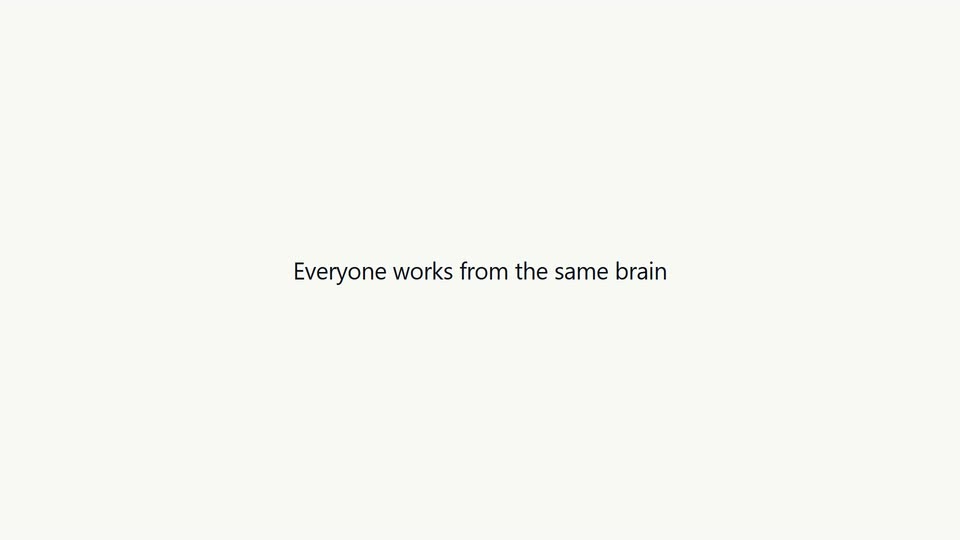
A centered headline in dark gray sans sits on a cream background. A blurred chat interface with sidebar and composer fades in softly behind it while the text holds still.
On-screen text: “Everyone works from the same brain”
Camera: Pull out
07 · Feature reveal · 0:17–0:22
A Claude workspace shows a prompt above a brain search field that fills with four tagged document rows. The frame then zooms into the list, cropping the side tags out of view.
On-screen text: “Everyone works from the same brain”
Techniques: UI zoom
Camera: Push in
08 · Feature reveal · 0:22–0:24
A Claude chat window settles onto a blurred blue background as a draft release note streams into the main pane, heading first, then three bullet points in sequence. The sidebar list stays static throughout.
Techniques: Kinetic type
Camera: Static
09 · Feature reveal · 0:24–0:26
A centered headline sits over a Claude chat interface displaying a draft release note and a knowledge search; the interface fades out, leaving the headline alone on a cream background.
On-screen text: “Agents start with the same context”
Camera: Static
10 · Outro · 0:26–0:28
A dotted ring icon and the brain wordmark fade in at the center of a cream background. The wordmark deepens to black while heybrain.io fades in below, then the lockup holds still.
On-screen text: “heybrain.io”
Camera: Static