1:04
Explore
Turn Technical Notes Into Professional Updates In Seconds | BridgeOpsOne
BridgeOpsOne · 0:32 · Code only · AI-annotated
- Length
- 0:32
- Scenes
- 6 · 5.3 s avg
- Product on screen
- 0:08
- Voiceover
- Yes
00:00:00 / 00:32:01
- Length
- 0:32
- Scenes
- 6 · 5.3 s avg
- Product on screen
- 0:08
- Voiceover
- Yes
BridgeOpsOne’s 0:32 launch film runs 6 scenes, about 5.3 s each. The product shows up at 0:08. There is no explicit call to action; a voiceover carries the film. The video opens on a question card, stacks three stakeholder pain points as blue icon tiles with popping question marks, then hands off to one long UI demo where a cursor picks an audience and generates customer, executive and operational updates side by side, and closes on a benefit line and the assembled B logo. Signature moves are the two-tone white-and-blue headline text with a blur slide-in, dashed connector arrows, and a smooth zoom into the interface panel.
No filming indicatedEstimated needs: 1 capture group — your screens or recordings · 1 official logo — reused across the film · 2 graphic passages — draw or supply
Is this your launch? to your site or press kit.
More like this


Turn Technical Notes Into Professional Updates In Seconds | BridgeOpsOne, scene by scene
· 6 scenes as text
01 · Hook · 0:00–0:04
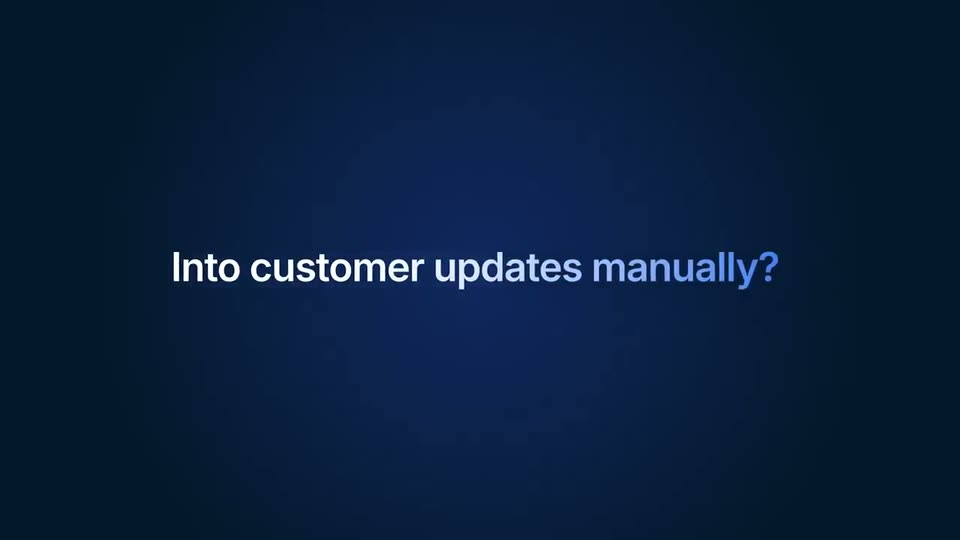
A dark blue field with a soft central glow holds one line of two-tone text that slides in, reading “Still turning rough incident notes”, then the line swaps to “Into customer updates manually?” in the same white-and-blue split.
On-screen text: “Still turning rough incident notes”, “Into customer updates manually?”
Techniques: Kinetic type
Camera: Static
02 · Problem · 0:04–0:05
A dark blue frame holds a white headline at top. Below, two blue square icons sit left and right: an engineer with a hard hat at a laptop, and a plain person silhouette. Dashed curved arrows loop between them. A bold white question mark fades in above the right person's head.
On-screen text: “Engineers send technical details”, “?”
Camera: Static
03 · Problem · 0:05–0:08
On a dark navy background, 'Leadership needs answers' sits above a blue tile with a person-at-desk line icon, question marks popping around it. The text swaps to 'Customers need clarity,' the icon becomes a head silhouette, and a dark UI panel slides down over the center.
On-screen text: “Leadership needs answers”, “Customers need clarity”
Camera: Static
04 · Product intro · 0:08–0:24
A dark interface panel scrolls as a cursor selects Customer in the audience dropdown and clicks Generate Update. The frame zooms into the form, then pulls back to a two-column layout where Customer, Executive, and Operational update cards fill with generated text.
Techniques: UI zoom, Cursor demo, Split screen
Camera: Push in
05 · Other · 0:24–0:27
A thin rounded-rectangle outline on a dark blue field holds the phrase “Less time writing”, first word white, rest blue, sliding in with motion blur. It then swaps to “More time solving incidents” in the same style, locked-off frame.
On-screen text: “Less time writing”, “More time solving incidents”
Techniques: Kinetic type
Camera: Static
06 · Outro · 0:27–0:32
Abstract blue and dark blue shapes assemble into a stylized 'B' logo on a white background. The brand name and a grey tagline appear below the logo.
On-screen text: “More time solving incidents”, “BridgeOpsOne”, “AI-POWERED OPERATIONAL INTELLIGENCE”
Techniques: Kinetic type, Morph
Camera: Static