4:52
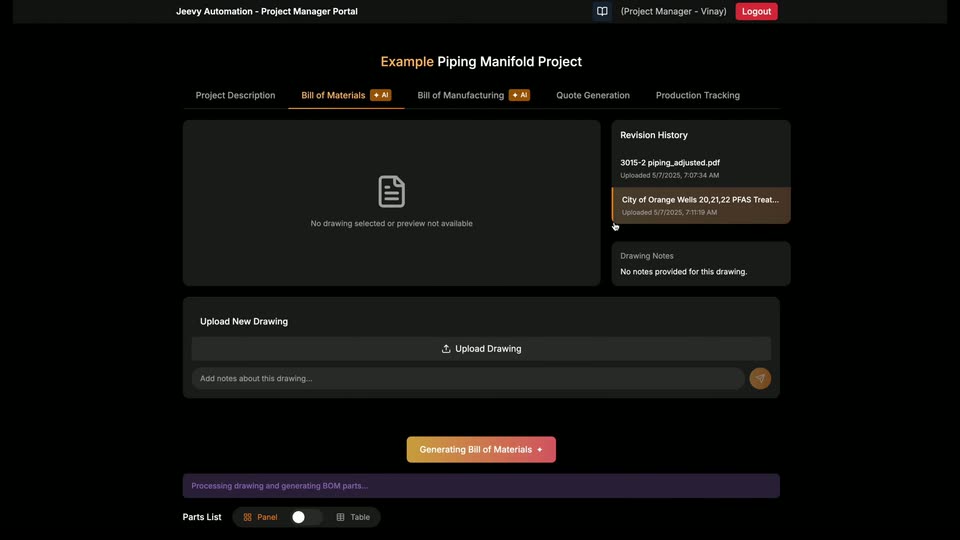

Introducing Jeevy Fabrication
Jeevy Fabrication · B2B · May 2025
Glass Health · 0:08 · Clip · AI-annotated
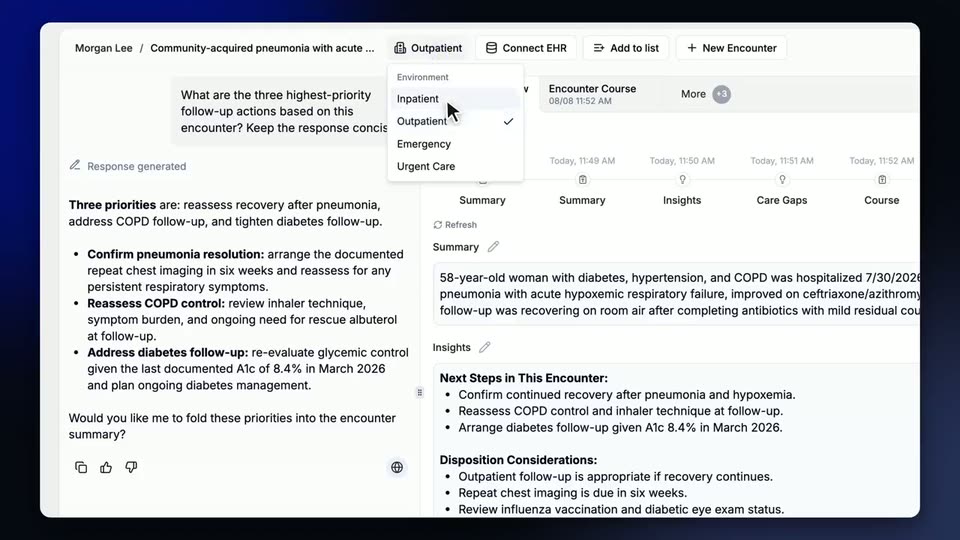
Glass Health’s 0:08 clip runs 3 scenes, about 2.8 s each. The product shows up at 0:01. The video opens with a tight zoom on the insights panel that pulls back to reveal the full clinical layout, then follows the cursor through an environment dropdown and a zoom into the document cards. The signature move is the smooth camera zoom that links macro and micro views, with the expanding Hospital Course block snapping into place as the closing beat.
Is this your launch? to your site or press kit.
Jeevy Fabrication · B2B · May 2025
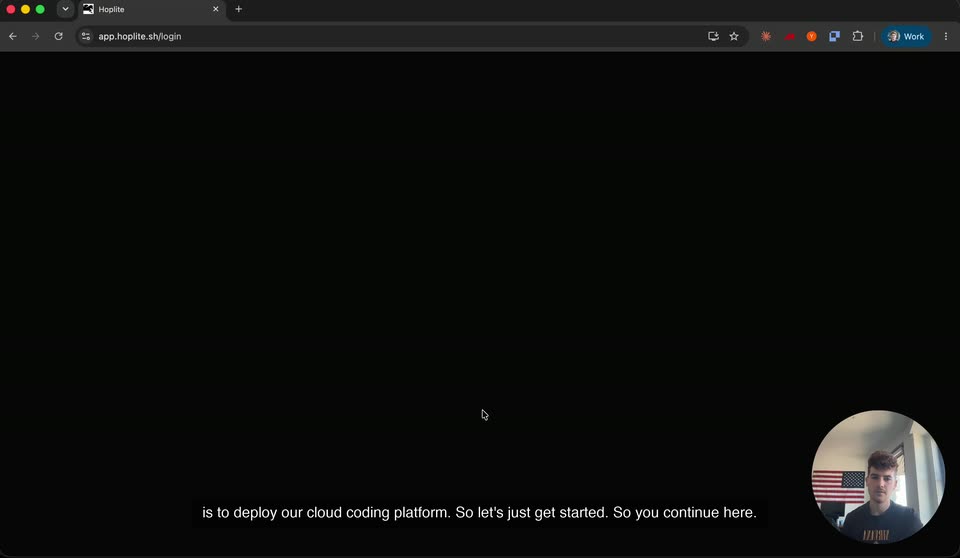
Hoplite · B2B · Jul 2026
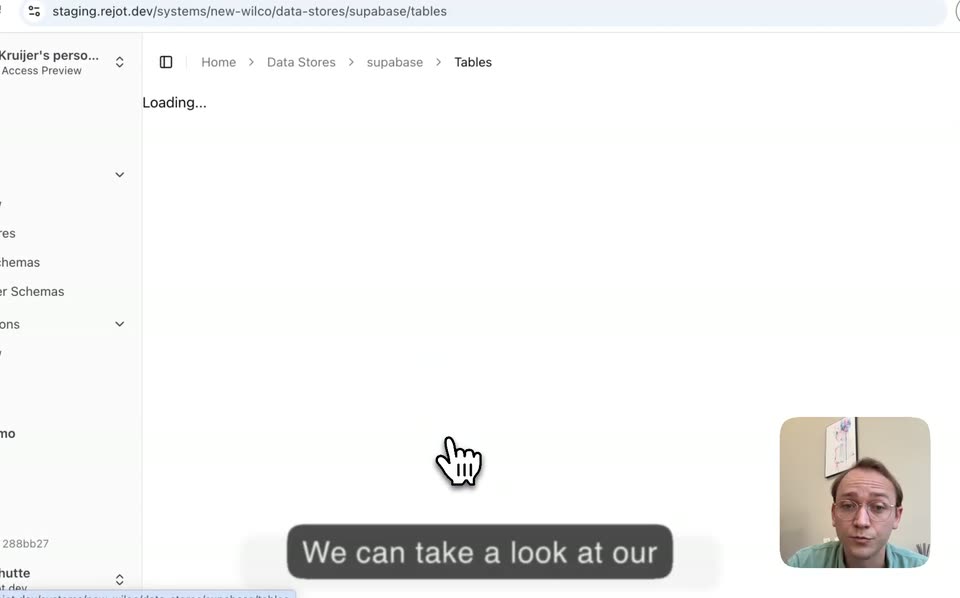
ReJot · B2B · Feb 2025
A zoomed-in view of an insights and care-gaps panel with a cursor, then the camera pulls back to reveal the full clinical app layout with a left summary column, a top tab bar, and a right timeline panel.
Techniques: UI zoom
Camera: Pan
A clinical AI interface fills the frame. A cursor hovers over the Outpatient button, opening an environment dropdown, then the view zooms into the right panel showing Summary, Insights and Care Gaps cards.
Techniques: Cursor demo, UI zoom
Camera: Pan
A light document panel fills the screen with Summary, Insights and Hospital Course sections. The Hospital Course block expands, its header and bullets briefly overlapping before snapping into place, then the frame holds still.
Camera: Static