0:43

Firecrawl - Introducing the new Firecrawl CLI 🔥 The toolkit for agents to scrape
Firecrawl · Mar 2026
ElevenLabs Developers · 1:00 · AI-annotated
ElevenLabs Developers’s 1:00 launch film runs 27 scenes, about 2.2 s each. The product is on screen from the first frame and 3 features are revealed. There is no explicit call to action; a voiceover carries the film. The video is built as a loop: a full-screen mosaic of clips sharpens into the brand line, then a retro TV morphs through modern screens before a radial blur zoom dives into the UI. Tilted 3D interface panels alternate with full-bleed dubbed clips (Popeye, a western), using focus racks and blur punches as transitions, and the closing line shatters the layout back into the opening mosaic.
Is this your launch? to your site or press kit.
Firecrawl · Mar 2026
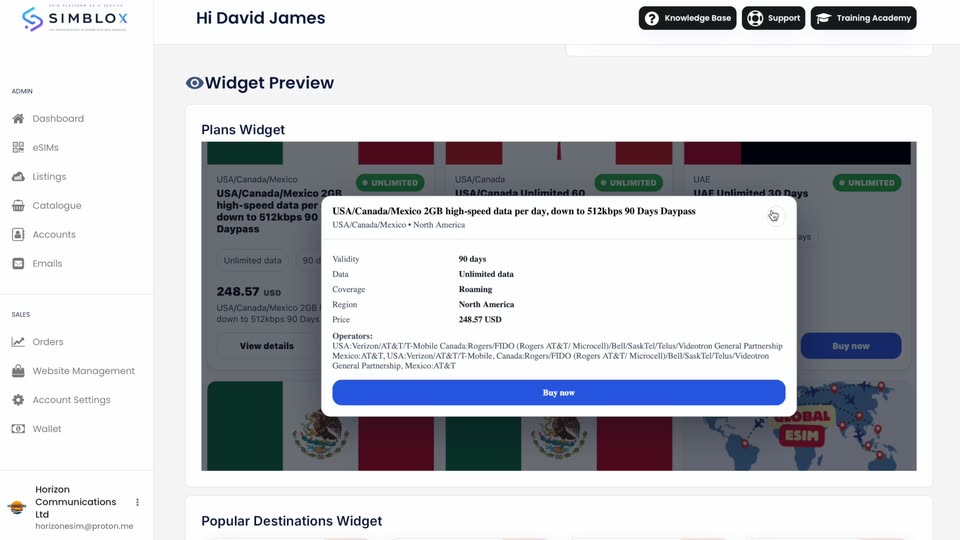
SimBlox · Business software
Deep Principle · Nov 2026
Films whose music sounds like this one, voice left out
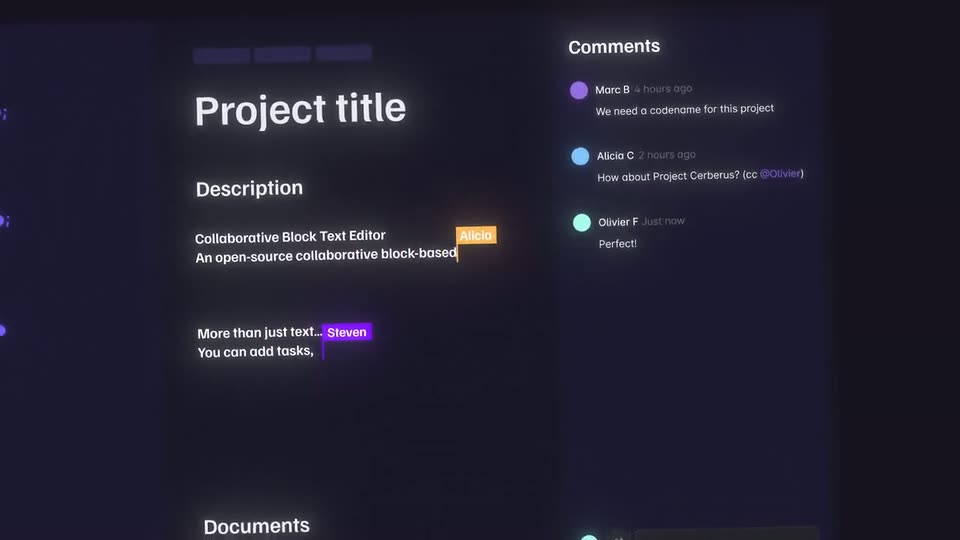
Liveblocks · Electronic
Apple · Modern electronic
Nexera · Electronic
A full-screen mosaic of movie and TV clips, mostly live action with a few animated frames, begins out of focus and sharpens. White centered text reads “Eleven Labs”, then “Dubbing Studio is here.” The grid stays locked off.
On-screen text: “Eleven Labs”, “Dubbing Studio is here.”
Camera: Push in
A close-up of an astronaut's helmet on the moon holds the caption in a dark badge. The frame pulls back to reveal the astronaut inside a small retro television on a wooden desk, the badge flipping to white.
On-screen text: “Dubbing Studio is here.”
Techniques: 3D mockup
Camera: Pull out
A vintage beige television rests on a wooden table against a pale wall. Its screen plays black and white astronaut footage, then switches to a grid of small video clips. The camera holds still on the centered set.
Camera: Push in
A beige television with side vents sits on a wooden desk against a white wall, its screen filled with a grid of video clips. The set morphs into a white Samsung monitor with a keyboard in front, keeping the same clip grid on screen.
Techniques: Morph, 3D mockup
Camera: Static
A silver laptop angled on a wooden desk shows a grid of video clips, then crossfades to a wall-mounted TV in a white living room displaying the same grid, with a black soundbar beneath it.
Techniques: 3D mockup
Camera: Static
A wall-mounted TV in a sunlit white living room displays a grid of video clips above a soundbar, framed by plants. The shot then rushes into the screen with a radial blur zoom.
Techniques: 3D mockup, UI zoom
Camera: Push in
A tilted dubbing upload screen floats on a white background, out of focus, then snaps sharp and straightens. The Upload tab shows a file row and a cursor hovers over the Create button as the panel settles.
Techniques: 3D mockup, Cursor demo
Camera: Push in
A tilted 3D panel shows a source picker with an uploaded video and a language dropdown. A cursor opens the dropdown, hovers Spanish, then clicks the dark Create button, which shows a loading spinner as the panel drifts and blurs.
Techniques: 3D mockup, UI zoom, Cursor demo
Camera: Pan
A light interface lists two Neil Armstrong quote rows, each pairing an English text field with a Chinese translation and audio buttons. Focus pulls from the top row to the bottom row, then a fast horizontal blur exits the frame.
Camera: Pan
A wall of video thumbnails tilted in 3D perspective scrolls diagonally across the frame. The grid of white-bordered cells shows film stills and clips, panning steadily so new rows enter from the top edge.
Techniques: 3D mockup
Camera: Push in
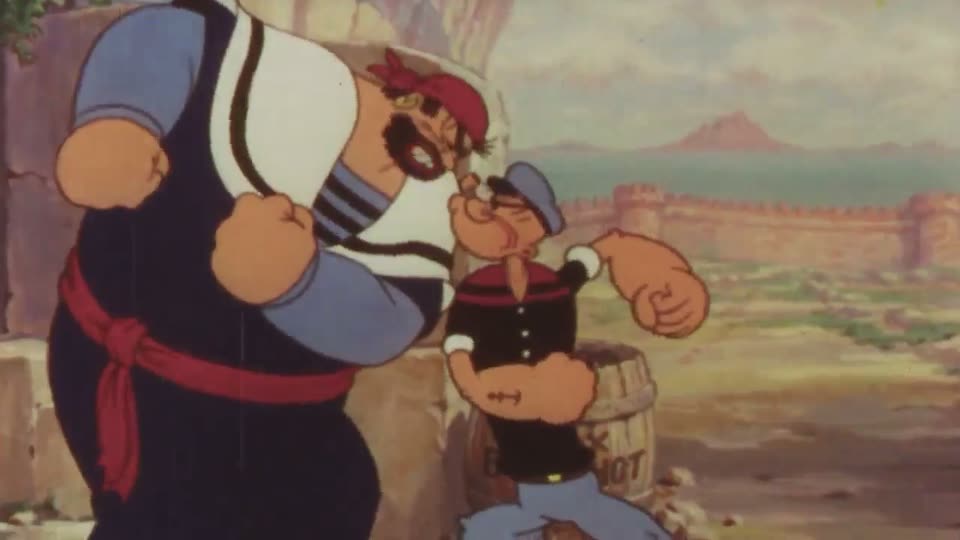
A diagonal 3D grid of mixed video clips, live action and animation, fills the frame, then the view punches into one cell: a 2D cartoon of a bulky red-belted fighter facing a small blue-capped character.
Techniques: 3D mockup, UI zoom
Camera: Push in
Two cartoon sailors flex their biceps against a painted backdrop of sea and stone wall. The bulky sailor in a red cap and striped shirt stands at left; the smaller one in a blue cap crouches at right by a barrel, his face squashing and stretching as he strains.
Camera: Pull out
A dubbing-studio interface floats in 3D perspective over a dotted grid: a Popeye cartoon plays in the left panel while transcript cards and a purple timeline sit right. The camera pushes in and tilts across the speaker cards as the cartoon animates.
Techniques: 3D mockup, Parallax, UI zoom
Camera: Push in
Tilted 3D view of a dubbing interface. A character list panel with Popeye and Bluto tracks fills the frame, then the camera glides right along the timeline past purple and pink waveform clips, and settles on English-to-Spanish dialogue rows beside a Popeye illustration.
Techniques: 3D mockup, Cursor demo, UI zoom
Camera: Pan
A tilted 3D view of a dubbing interface: dialogue cards with English and Spanish lines on the left, a Popeye still on the right, a purple waveform timeline below. The focus racks from the cards to the image while the playhead runs across the timeline.
Techniques: 3D mockup
Camera: Pan
A modal titled Add a Target Language floats over a dimmed interface. A cursor clicks the Select dropdown, expanding a list of languages, then glides down the options. The frame ends on a fade to white.
Techniques: Cursor demo
Camera: Static
A two-column layout scrolls up over a dotted white grid. The left column shows film clips of people walking, driving and riding a horse, while the right column shows matching timeline screens of the editing interface with blue and pink bars.
Techniques: Split screen
Camera: Pan
A light editing interface shows a transcript panel on the left and a tilted video preview on the right, then the camera zooms down into the bottom timeline, where blue, pink and purple clip blocks grow to fill the frame.
Techniques: UI zoom
Camera: Pan
A tilted card with a timeline on the left frames a hazy 3D valley at sunrise. The view zooms into the landscape, a yellow subtitle line appears at the bottom, and an Italian flag label sits top-left.
On-screen text: “In a land where the sun scorches the earth”
Techniques: UI zoom
Camera: Push in
A cowboy on a brown horse trots across a misty, sunlit grassland, hills and scattered pines in the background. A yellow caption line sits at the bottom and a small white pill with an Italian flag holds the top-left corner.
On-screen text: “In a land where the sun scorches the earth”
Camera: Static
A bearded man in a cowboy hat and leather jacket sits at a bar, head bowed, against warm-lit bottle shelves. A language chip in the top-left corner swaps from Italian to Portuguese as the yellow subtitle line at the bottom changes.
On-screen text: “Italian”, “In a land where the sun scorches the earth”, “Portuguese”, “You ain't from around here, are you boy?”
Camera: Static
A lone man in a cowboy hat stands with his back to the camera in a misty valley, dark pines and a mountain ridge fading into fog under a heavy cloud bank. A yellow subtitle sits at the bottom and a small language pill at the top left.
On-screen text: “You ain't from around here, are you boy?”, “Portuguese”
Camera: Static
A lone figure in a wide-brimmed hat and leather jacket sits at a bar counter, back to camera, in a warm dim bar with soft bokeh lights. A yellow subtitle runs along the bottom and a language pill sits top left. The shot holds still.
On-screen text: “Portuguese”, “You ain't from around here, are you boy?”
Camera: Static
A video player with a yellow subtitle line sits above a two-line headline and a grid of 29 language chips on a light dotted background. The frame opens blurred and sharpens into focus.
On-screen text: “Create for a global audience with 29+ languages”
Camera: Pull out
A video player at the top plays a cowboy rearing a horse through flames, then cuts to an indoor scene, while a headline and a grid of language chips with flags sit static below on a dotted background.
On-screen text: “Create for a global audience with 29+ languages”
Camera: Static
A video player with a western scene and a grid of language chips sits on a dotted white background, then the whole layout shatters into a full-screen wall of motion-blurred video thumbnails.
On-screen text: “Create for a global audience with 29+ languages”
Techniques: Morph
Camera: Push in
A mosaic of movie and TV clips plays in a staggered grid that settles into aligned rows. “Dubbing Studio is here.” appears centered in white, then the larger ElevenLabs wordmark replaces it.
On-screen text: “Dubbing Studio is here.”, “IIElevenLabs”
Camera: Pull out