1:57
Explore
Firecrawl - Introducing the new Firecrawl CLI 🔥 The toolkit for agents to scrape
Firecrawl · Mar 2026 · 0:43 · AI-annotated
- Length
- 0:43
- Scenes
- 25 · 1.8 s avg
- Product on screen
- 0:00
- Features shown
- 3
- Voiceover
- No
00:00:00 / 00:43:26
Firecrawl’s 0:43 launch film runs 25 scenes, about 1.8 s each. The product is on screen from the first frame and 3 features are revealed. There is no explicit call to action. The video alternates flat title cards on a white grid with 3D tilted browser and terminal mockups on a dark grid, each feature introduced by a pixel-grid icon and a two-line headline. Pacing is quick and rhythmic, built on typed commands, sweeping light beams and orange accent flashes that punctuate every transition.
No filming indicatedEstimated needs: 4 capture groups — your screens or recordings · 1 official logo — reused across the film · 2 graphic passages — draw or supply · 5 3D passages — build or supply
Is this your launch? to your site or press kit.
More like this


Firecrawl - Introducing the new Firecrawl CLI 🔥 The toolkit for agents to scrape, scene by scene
· 25 scenes as text
01 · Product intro · 0:00–0:01
A faint grid sits on a white background as the word “Introducing” scales into the center in dark gray. The word “Firecrawl” then appears beside it in orange.
On-screen text: “Introducing”, “Firecrawl”
Techniques: Kinetic type
Camera: Static
02 · Product intro · 0:01–0:03
The FirecrawlCLI wordmark, orange Firecrawl and dark CLI, holds center on a white background with faint grid lines and scattered dots, settling from a brief offset blur into a clean lock.
On-screen text: “FirecrawlCLI”
Techniques: Kinetic type
Camera: Static
03 · Demo · 0:03–0:07
A dark terminal window on a black grid background zooms in as an orange caret blinks and the command npx -y firecrawl-cli@latest init --all types out in white monospace. White and orange output lines then fill the screen as the install runs.
Techniques: UI zoom, Kinetic type
Camera: Pull out
04 · Feature reveal · 0:07–0:10
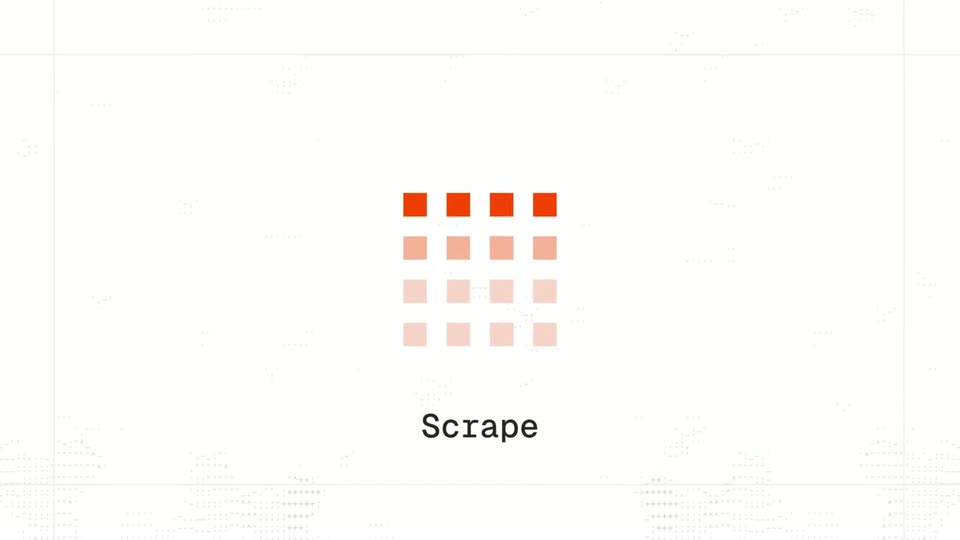
A 4x5 grid of red squares sits on a white background, with the top row solid and the rows below fading in opacity. The word Scrape is centered below the grid.
On-screen text: “Scrape”
Camera: Static
05 · Feature reveal · 0:10–0:11
A centered two-line headline, 'Extract' in orange and the rest in dark gray, sits on a white dotted grid. A Nike.com shoe-listing page fades in behind it, then the headline fades out, leaving the page.
On-screen text: “Extract structured data from the web”
Camera: Static
06 · Feature reveal · 0:11–0:12
A Nike product grid page sits inside a rounded browser window tilted in 3D perspective on a white dotted background. The window scales down slightly over the short clip.
Techniques: 3D mockup
Camera: Static
07 · Feature reveal · 0:12–0:14
A terminal window on the left types a command character by character under a soft orange glow, while a browser window with a Nike Jordan shoe grid slides in from the right. Both sit tilted on a white dotted-grid background with a faint orange wash below.
On-screen text: “firecrawl scrape https://nike.com/jordans”
Techniques: Kinetic type, Split screen
Camera: Static
08 · Feature reveal · 0:14–0:15
A flat orange screen gives way to a tilted, blurred Nike product grid in a browser mockup floating over a dotted 3D floor, as a diagonal beam of light sweeps across it and a terminal command line for the firecrawl scrape sits at the top.
On-screen text: “firecrawl scrape https://nike.com/jordans”
Techniques: 3D mockup, Light sweep
Camera: Pull out
09 · Feature reveal · 0:15–0:16
A dark code window on a faint grid displays orange monospace JSON for Nike shoes, with name, style_code, colorway and price entries revealing line by line and drifting down. The window fades in from black, holds, then dissolves back to black.
Techniques: Kinetic type
Camera: Push in
10 · Feature reveal · 0:16–0:19
A small icon of orange squares above the gray word 'Search' sits on a pale grid background, then fades as the headline 'Search the web and get full pages back' scales in, 'Search' in orange. A browser bar with colored dots and a folder name slides up.
On-screen text: “Search”, “Search the web”, “and get full pages back”
Techniques: Kinetic type
Camera: Static
11 · Feature reveal · 0:19–0:20
A flat terminal window with macOS traffic-light dots and a blue folder icon sits on a white background. The command firecrawl search “Find AI agent benchmarks 2026” types in at the top with an orange glow on the caret, then holds still.
Techniques: Kinetic type
Camera: Static
12 · Feature reveal · 0:20–0:22
A dark zsh terminal window holding the typed command firecrawl search “Find AI agent benchmarks 2026” sits flat at center while tilted browser mockups fill the black grid background. The camera pulls back, shrinking the terminal and revealing the 3D field of UI screens.
Techniques: 3D mockup, Parallax
Camera: Pull out
13 · Feature reveal · 0:22–0:24
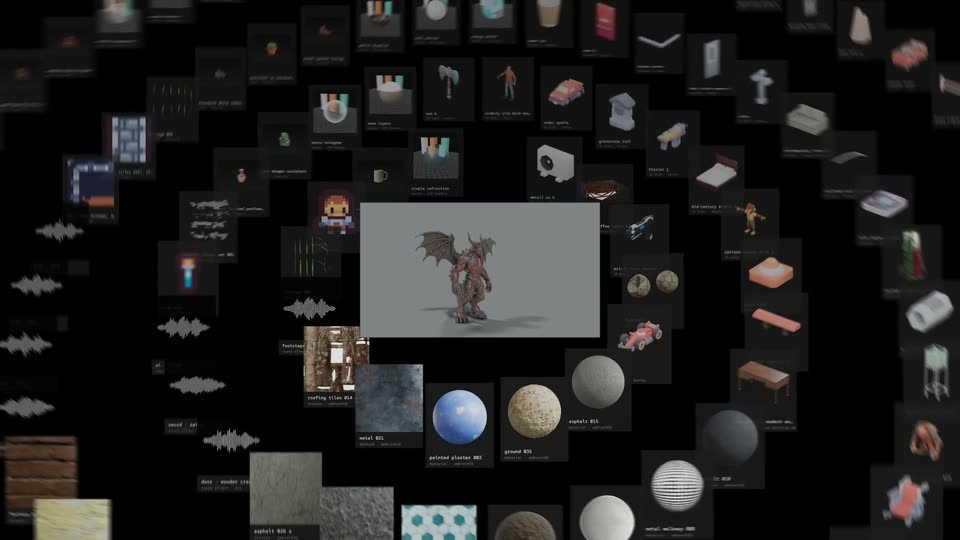
A row of website screenshots fans out in 3D perspective against a dark grid background, settling into a curved arc. A command-line caption sits centered in front of the cards while a cursor hovers over one panel.
On-screen text: “firecrawl search “Find AI agent benchmarks 2026””
Techniques: 3D mockup
Camera: Push in
14 · Feature reveal · 0:24–0:26
A dark browser window holds a JSON code block over a black grid. The code scrolls up to reveal three search results, then the view pushes in and blurs out. An orange glow sits at the left edge and a pixelated cross flickers in the top-left corner.
Techniques: UI zoom
Camera: Pull out
15 · Feature reveal · 0:26–0:27
A pixel grid icon of orange and peach squares sits centered on a white background with faint grid lines, the gray caption Browse fixed beneath it. The squares shift in color and opacity. A large two-line headline, Browser to take, slides in from the left edge.
On-screen text: “Browse”, “Browser to take”
Techniques: Kinetic type
Camera: Static
16 · Feature reveal · 0:27–0:29
A white grid-patterned background holds a two-line headline. The first line, with “Browser” in orange, eases into focus from a soft blur while the second line scales up to full size, then the frame holds still.
On-screen text: “Browser environments for Agents”, “to take action on the web”
Techniques: Kinetic type
Camera: Static
17 · Feature reveal · 0:29–0:30
A tilted 3D browser window sits on a white halftone background. The Browsing pill starts centered with scrambling letters, then slides to the lower left as a Google choose-an-account dialog fades in and a cursor appears at the corner.
On-screen text: “Browsing”, “Codex Agent”
Techniques: Kinetic type, 3D mockup
Camera: Static
18 · Feature reveal · 0:30–0:32
A flat browser window displays a Google sign-in page. The account chooser switches to a password field as the cursor clicks, and a black Codex Agent pill slides in beside it. A Browsing chip with an orange dot icon sits in the lower-left corner.
On-screen text: “Browsing”, “Codex Agent”
Techniques: Cursor demo
Camera: Static
19 · Feature reveal · 0:32–0:33
A locked-off browser window on drive.com crossfades from a Google sign-in page, cursor resting on the Sign in button, to a Drive file grid. The dark Codex Agent badge slides left toward the sidebar while a Browsing chip stays in the bottom-left corner.
On-screen text: “Codex Agent”, “Browsing”
Techniques: Cursor demo
Camera: Static
20 · Feature reveal · 0:33–0:36
A browser window mockup of Google Drive sits on a pale patterned background. A dark pill cursor labeled Codex Agent moves through the sidebar, opens the Market reports folder, then clicks a file that expands into a spreadsheet. A white Browsing pill marks the lower left.
On-screen text: “Codex Agent”, “Browsing”
Techniques: UI zoom, Cursor demo
Camera: Static
21 · Feature reveal · 0:36–0:37
A flat spreadsheet of a CSV file fills the frame, a black cursor drifts over the cells, a dark “Codex Agent” pill hovers at center with a “Browsing” tag at lower left, then the screen fades to white leaving only the pill.
Techniques: Cursor demo
Camera: Static
22 · Feature reveal · 0:37–0:37
A dark browser window displays JSON code that scrolls slowly upward. A white cursor hovers at the center with a black Codex Agent tooltip beside it, and a white Browsing pill rests at the lower left.
Camera: Pull out
23 · Outro · 0:37–0:41
On a light grid-lined background, the title Firecrawl CLI sharpens from a blur as it scales in, then gives way to the tagline The complete web data toolkit for agents. sliding in, ending on the orange Firecrawl flame logo.
On-screen text: “Firecrawl CLI”, “The complete web data toolkit for agents.”
Techniques: Kinetic type
Camera: Static
24 · Outro · 0:41–0:42
An orange flame icon and the black Firecrawl wordmark sit centered on a white background with a faint grid and scattered dot clusters. The frame is locked off and the logo holds still.
Camera: Static
25 · Outro · 0:42–0:43
A small white flame icon sits centered on a flat orange background. The mark holds still in the middle of the frame while its edges flicker and ripple gently, like a living flame.
Camera: Static