2:20
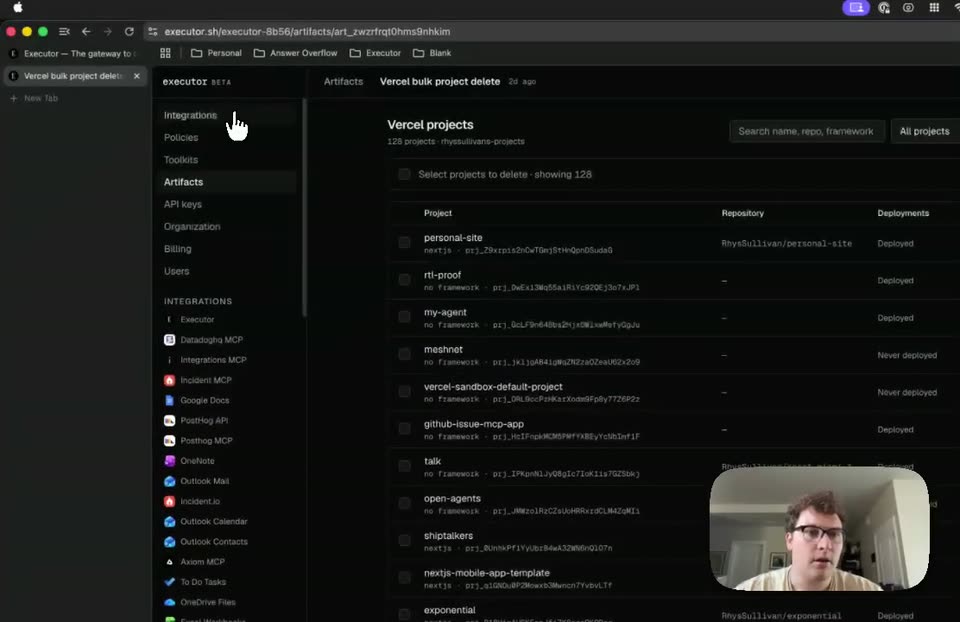

Executor Demo
Executor · B2B · Aug 2026
Docket · 2:20 · Full motion · AI-annotated
Docket’s 2:20 launch film runs 8 scenes, about 18 s each. The product is on screen from the first frame and 1 feature is revealed. There is no explicit call to action; a voiceover carries the film. One continuous screen recording of the Docket dashboard in a two pane layout of a scrolling action log and a screenshot viewer, shaped by slow zoom in and out moves that frame each step. A pinned presenter facecam and a calm step by step narration keep the pace documentary and product first, letting the agent run speak for itself.
Is this your launch? to your site or press kit.
A close-up of the Docket QA dashboard shows the Airbnb test instructions, then pulls back to a full browser window on a gradient desktop with a presenter video in the corner. The cursor clicks the Actions tab, revealing a log of the agent's clicks and waits beside the Airbnb screenshot.
Techniques: UI zoom, Cursor demo
Camera: Pull out
The Docket QA app fills a macOS window: a test-step log auto-scrolls down the left pane while the right pane cycles through before/after screenshots of a booking form, the counter ticking 8 to 119 of 142. A rounded webcam tile of the presenter sits in the corner.
Camera: Push in
Close-up of the docket dashboard: a cursor hovers over the instructions, then the view zooms out to the full window. The left action log scrolls step by step while the right viewer advances through Airbnb's itinerary flow, ending on the submit page. A facecam sits in the corner.
Techniques: Cursor demo, UI zoom
Camera: Pull out
A browser window shows the Docket QA dashboard with a chat log and a before/after screenshot panel of an Airbnb page. A cursor clicks the After screenshot tab as the view zooms into that panel. A small webcam of a presenter sits in the corner.
Techniques: UI zoom, Cursor demo
Camera: Push in
A screen recording of the Docket QA dashboard pairs a test report with checkmarks and an embedded Airbnb listings screenshot. The frame zooms out to the whole browser window, then back in as a cursor highlights text, while a small webcam shows the presenter.
Techniques: UI zoom, Cursor demo
Camera: Pan
A browser window shows a black video player with a hand cursor on the Record button; the frame then zooms into the player as the heading Your listings sits at the top, with a small webcam feed of a man in the lower right corner.
On-screen text: “Your listings”
Techniques: Cursor demo, UI zoom
Camera: Pan
A two-pane interface: a markdown document fades in on the left while a video player on the right loads from a spinner into a grid of listings, a hand cursor on the play control. A webcam tile of a presenter sits in the corner over a gradient backdrop.
Techniques: Cursor demo
Camera: Static
Split screen: a static markdown document on the left lists a completed Airbnb experience; a video player on the right plays an Airbnb host flow. A hand cursor drags the timeline, advancing through a years question, location list and photo upload, with a webcam of a man in the corner.
Techniques: Split screen, Cursor demo
Camera: Static