
1:39
Explore
How do you test a Gen AI platform… with personality? With Docket (YC X25), we created a Character.AI persona for their CEO - then had a full conversation with him, end-to-end, using just natural… | Docket (YC P25)
Docket · 1:39 · Full motion · AI-annotated
- Length
- 1:39
- Scenes
- 3 · 33.0 s avg
- Product on screen
- 0:00
- Voiceover
- Yes
00:00:00 / 01:39:00
- Length
- 1:39
- Scenes
- 3 · 33.0 s avg
- Product on screen
- 0:00
- Voiceover
- Yes
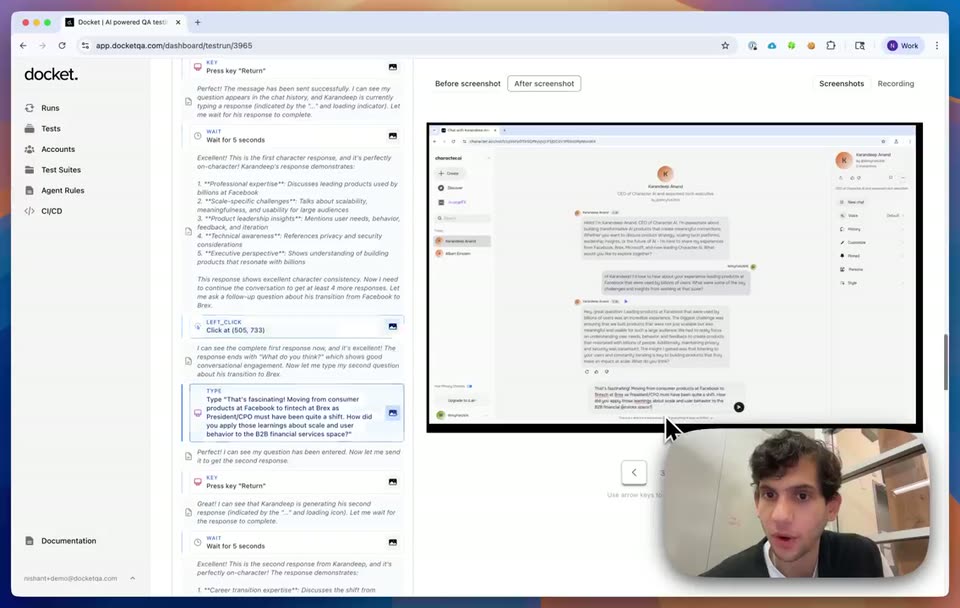
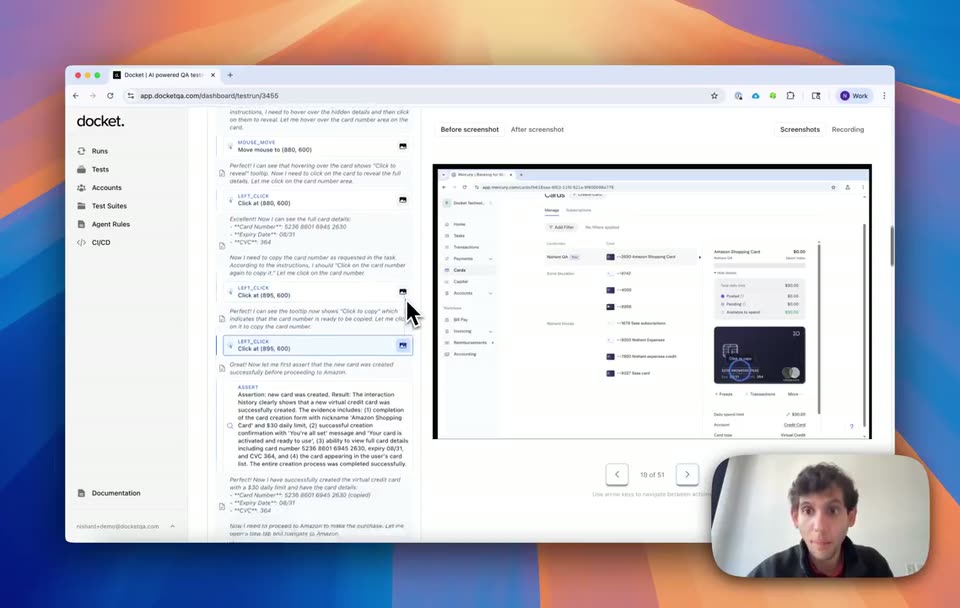
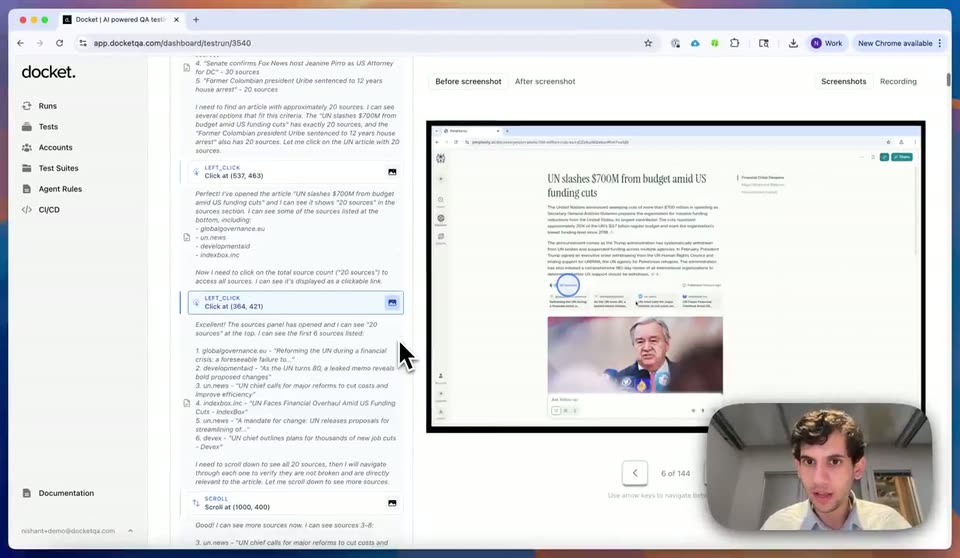
Docket’s 1:39 launch film runs 3 scenes, about 33 s each. The product is on screen from the first frame. There is no explicit call to action; a voiceover carries the film. A single uncut screen capture walks through one Docket test run, with the presenter's webcam pinned to the corner and the cursor narrating each step. The camera zooms into highlighted instruction text, then splits the screen between the scrolling QA log and the live browser as the agent fills forms and chats, closing on the green success summary.
No filming indicatedEstimated needs: 2 capture groups — your screens or recordings · 1 official logo — reused across the film
Is this your launch? to your site or press kit.
More like this

How do you test a Gen AI platform… with personality? With Docket (YC X25), we created a Character.AI persona for their CEO - then had a full conversation with him, end-to-end, using just natural… | Docket (YC P25), scene by scene
· 3 scenes as text
01 · Product intro · 0:00–0:23
A screen capture of the Docket test dashboard zooms in on the instructions card. A cursor drags to highlight each line of the prompt, then clicks the Actions tab to reveal a list of recorded steps, while a webcam video of the presenter plays in the corner.
Techniques: UI zoom, Cursor demo
Camera: Pan
02 · Demo · 0:23–1:34
A split-screen recording shows the docket QA log scrolling left while the character.ai browser right advances from a magic-link page to a filled character form and a growing chat. A presenter's webcam sits bottom right, then the view zooms into a highlighted assertion block.
Techniques: Split screen, Cursor demo, UI zoom
Camera: Push in
03 · Demo · 1:34–1:39
A screen recording of the Docket QA dashboard fills the frame. The test-run log on the left scrolls down through assertion text while a before/after screenshot panel zooms in on the right. A small webcam of the presenter plays in the bottom-right corner as he speaks.
Techniques: UI zoom
Camera: Pull out