1:32

Rindler Launch
Rindler · B2B · Jul 2026
Docket · 1:38 · Full motion · AI-annotated
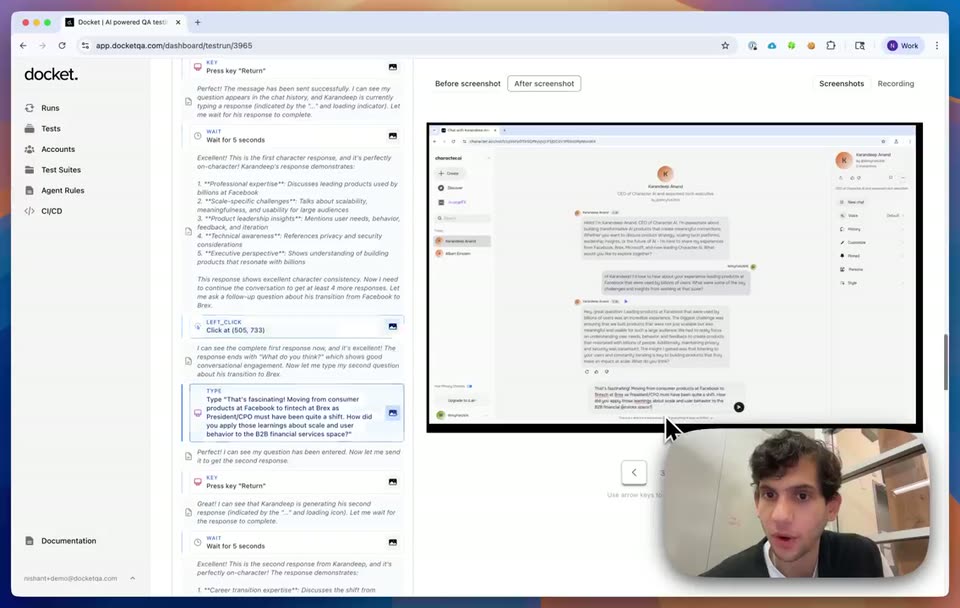
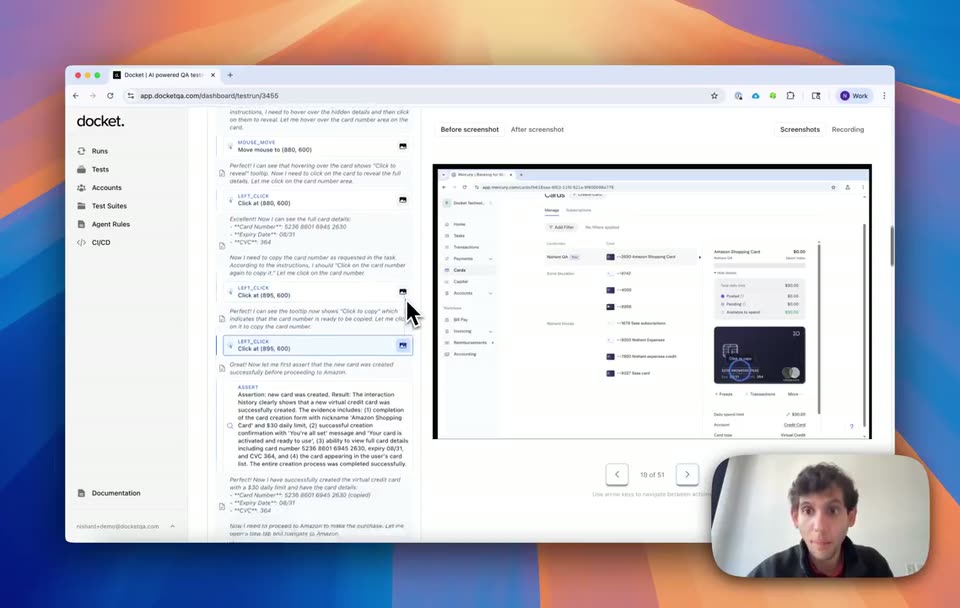
Docket’s 1:38 launch film runs 16 scenes, about 6.2 s each. The product is on screen from the first frame. There is no explicit call to action; a voiceover carries the film. The video is a single continuous screen recording of the Docket QA dashboard, laid out as a scrolling action log on the left and a cycling before/after browser preview on the right, with a small presenter webcam pinned to the bottom corner. Pacing is steady and documentary, built on zoom-ins into the instructions and the final report, blue text highlights for emphasis, and a fast-forwarded middle section that skips repetitive click steps.
Is this your launch? to your site or press kit.
A screen recording of the Docket QA dashboard zooms into a test run titled Perplexity Discover. A cursor traces the instructions, highlighting a phrase in blue, then clicks the Actions tab to reveal a step list. A small webcam of the presenter sits in the corner.
Techniques: UI zoom, Cursor demo
Camera: Push in
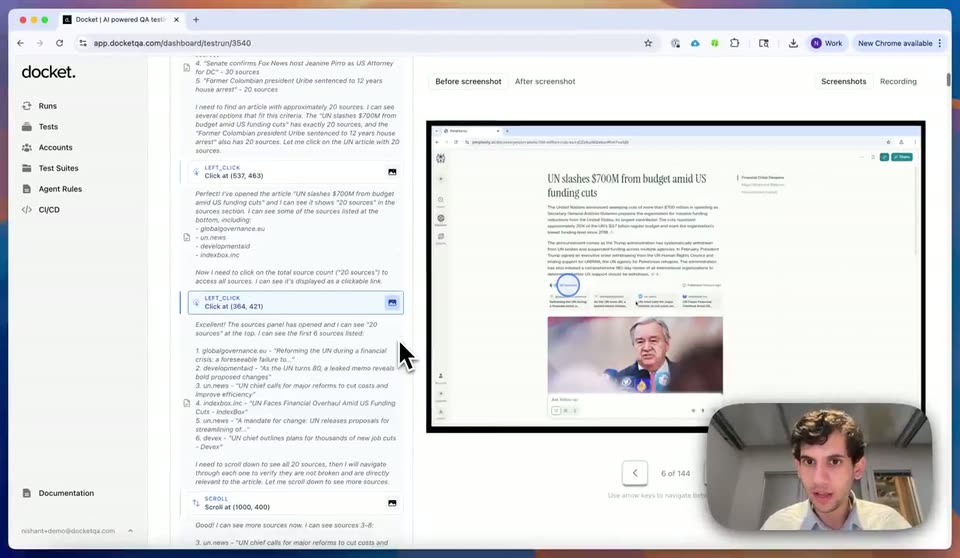
A docket test dashboard fills the screen: a numbered list of test steps scrolls down on the left while the right panel shows a browser screenshot of a Perplexity article beside a small webcam feed of a man. The right panel gains Before and After screenshot tabs.
Camera: Static
A Docket QA dashboard fills the frame: a scrolling list of test steps left, a before/after browser preview right, and a presenter webcam bottom right. The list scrolls as the preview cycles through source pages, then the view zooms into the left column.
Techniques: Cursor demo, UI zoom
Camera: Pan
A locked-off dashboard view: a column of test steps scrolls upward on the left while a screenshot panel on the right sharpens from a blurred state into a clear UN news article. A small webcam feed of a presenter sits in the bottom right corner.
Camera: Static
The Docket test dashboard fills the screen. On the left, a log of click steps scrolls upward past a highlighted entry, while on the right a browser screenshot of a UN article loads and a live webcam feed of a man sits in the corner.
Camera: Static
The docket app fills the screen: a scrolling action log on the left lists clicks and waits while the browser screenshot on the right jumps between UN news pages. A corner webcam shows a presenter and a step counter ticks from 36 to 53 of 144.
Techniques: Split screen, Cursor demo
Camera: Pan
A locked-off screen shows the Docketa app in two columns: a log list of click commands scrolls up fast on the left, while the right cycles through browser screenshots above a small webcam feed of a presenter. A bottom counter ticks from 53 to 67 of 144.
Camera: Static
A browser view of the Docket dashboard: a left sidebar, a middle column of test-reasoning text scrolling upward, and a right panel showing before and after screenshots of a webpage. A small video of a presenter sits in the bottom right corner.
Camera: Static
The dashboard screen shows a vertical list of test steps scrolling up on the left. On the right, a panel displays an after-screenshot of a Focus 2030 article above a live webcam of a man at his desk. A page counter advances from 77 to 78 of 144.
Camera: Static
A browser window shows the docket test dashboard. A long list of test steps scrolls up on the left while the right panel swaps its screenshot and the frame counter drops from 89 to 82, with a small webcam feed of a man at the bottom right.
Camera: Static
The Docket dashboard fills the frame: a step log scrolls up on the left, the right panel switches from a UN article to a Perplexity search page as the counter climbs from 86 to 97 of 144, and a corner webcam shows a man watching.
Camera: Static
A locked-off screen recording of the Docket dashboard. A long test log scrolls up fast in the center column while the left sidebar stays fixed. On the right, a recording panel shows a browser screenshot and a circular webcam feed of a man.
Camera: Static
A browser window shows the Docket dashboard: a left column of test steps scrolls up continuously while a right panel swaps between before and after browser screenshots. A pill-shaped webcam of the presenter sits in the corner, and the view zooms to the final assertion.
Techniques: Cursor demo, UI zoom
Camera: Push in
A screen recording of the docket dashboard scrolls a verification report down a list of twenty sources. A browser window on the right slides off screen, and a webcam feed of a presenter holds the bottom corner. A cursor tracks down the list as the text moves.
Techniques: Cursor demo
Camera: Pan
A screen shows a numbered list of verified sources with green checkmarks and a conclusion paragraph below. A cursor drags across the conclusion, highlighting it in blue. A small webcam clip of a man sits in the bottom-right corner.
Techniques: Cursor demo
Camera: Static
A document panel lists twenty verified sources with green checkmarks, the cursor highlights the conclusion paragraph in blue, and a small webcam feed of a gesturing man sits in the bottom right corner.
Techniques: Cursor demo
Camera: Static