
1:35
Explore
herdr: session navigator
herdr · 0:27 · Clip · AI-annotated
- Length
- 0:27
- Scenes
- 1 · 27.8 s avg
- Product on screen
- 0:00
- Features shown
- 1
- Voiceover
- No
00:00:00 / 00:27:23
- Length
- 0:27
- Scenes
- 1 · 27.8 s avg
- Product on screen
- 0:00
- Features shown
- 1
- Voiceover
- No
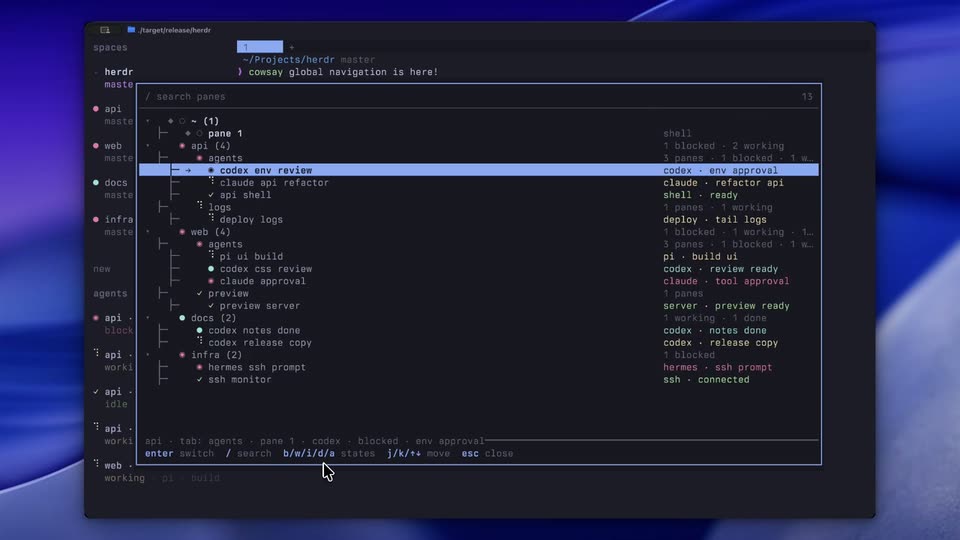
herdr’s 0:27 clip runs 1 scene, about 28 s each. The product is on screen from the first frame and 1 feature is revealed. A single uncut shot holds a terminal window tilted in 3D over a blurred deep blue field, letting the app's own UI motion carry the entire story. Small white captions appear at the bottom to name each capability, keeping the style minimal and product focused.
No filming indicatedEstimated needs: 1 capture group — your screens or recordings
Is this your launch? to your site or press kit.
More like this

0:12

0:22
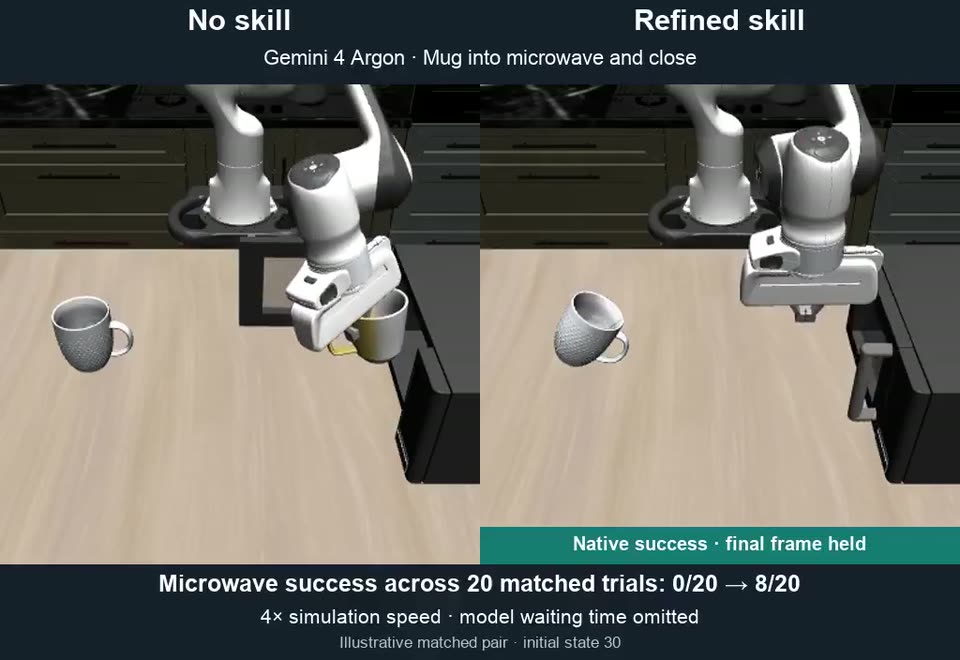

Runtime - Frontier models like GPT-6 Astra and Gemini Argon 4 can control robot
Runtime.si · Industrials · Oct 2026
herdr: session navigator, scene by scene
· 1 scenes as text
01 · Feature reveal · 0:00–0:27
A dark terminal interface sits in slight 3D perspective over a blurred blue backdrop. A cursor scrolls the agents list, then a fuzzy-find overlay opens showing a pane tree with color-coded statuses. The cursor highlights rows as status filters and typed queries narrow the list; white captions name the features.
On-screen text: “prefix + g”, “shortcuts for statuses”, “fuzzy find”
Techniques: 3D mockup, Cursor demo
Camera: Static