1:26
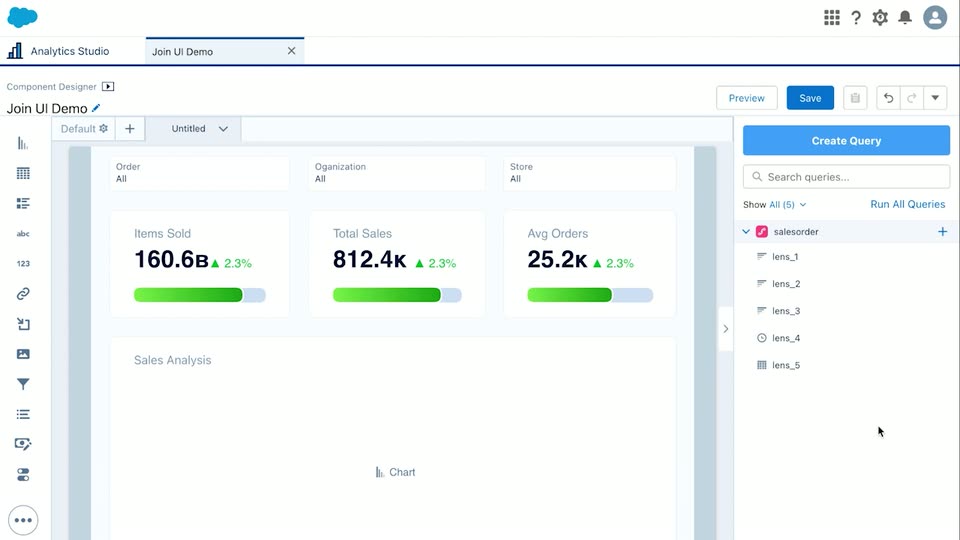
Analytics - Join Data User Interface
Salesforce
GLIF · 2:02 · Full motion · AI-annotated
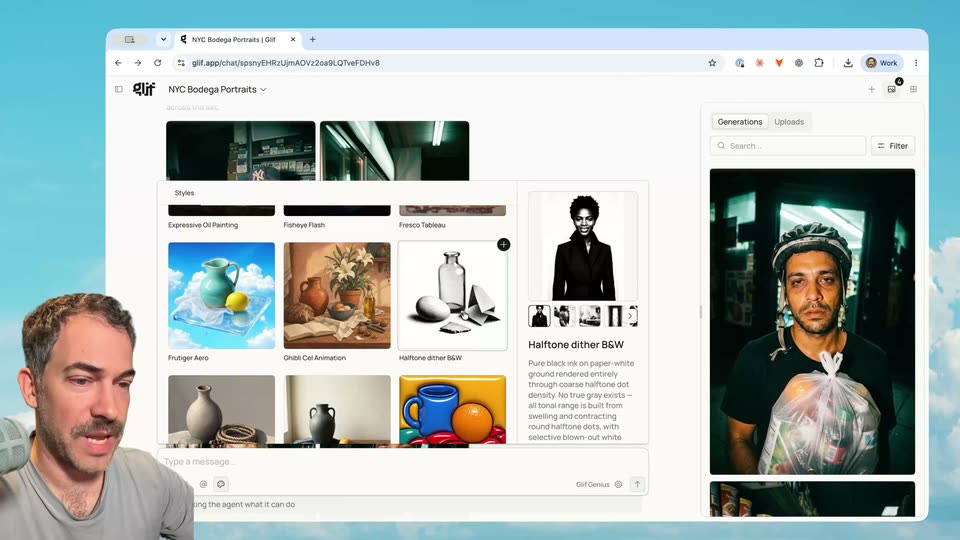
GLIF’s 2:02 launch film runs 7 scenes, about 17 s each. The product is on screen from the first frame and 1 feature is revealed. There is no explicit call to action; a voiceover carries the film. The video is built as one continuous screen recording of the Glyph app, framed by a sky backdrop and a corner presenter cutout, moving from a quick intro to a full browse of the Styles library and its detail view. Pacing is steady and conversational with almost no cuts, and the only visual punctuation is the final fade to black.
Is this your launch? to your site or press kit.
A locked-off screen of the Glyph chat window shows a grid of bodega portrait photos and a large preview of a man in a helmet holding a grocery bag. A presenter's head sits in the bottom-left corner, talking to the camera against a blue sky background.
Camera: Static
A presenter in the lower-left corner narrates over a screen recording of the glif web app. The cursor hovers across a grid of style thumbnails, and the preview panel updates with each selection, then the view scrolls to reveal generated bodega portraits.
Techniques: Cursor demo
Camera: Static
A browser window displays a bodega portrait that dissolves through four different subjects, the metadata panel on the right updating with each change. A presenter's cutout and microphone sit in the lower-left corner against a blue sky backdrop.
Camera: Push in
A browser window shows an image viewer with a details sidebar, while a presenter in the bottom-left corner speaks into a mic. A cursor hovers by the arrows, and the portrait slides sideways from a helmeted delivery worker to an older bodega owner.
Techniques: Cursor demo
Camera: Pan
A browser window displays a grid of four captioned portrait photos that scrolls down one row. A man with a microphone sits in the lower left corner against a blue sky backdrop, and a cursor drifts across the page.
Camera: Static
A browser window shows the Giff chat with a grid of generated portraits. A Styles panel opens in the center, and the cursor hovers over thumbnails as the right-side preview switches between two styles. A man in a gray t-shirt talks in a lower-left inset.
Techniques: Cursor demo
Camera: Static
A solid black screen holds for the full duration with no visible element, text, or motion. It reads as a blank transition frame or fade between scenes, with no staging or animation.
Camera: Static