1:22
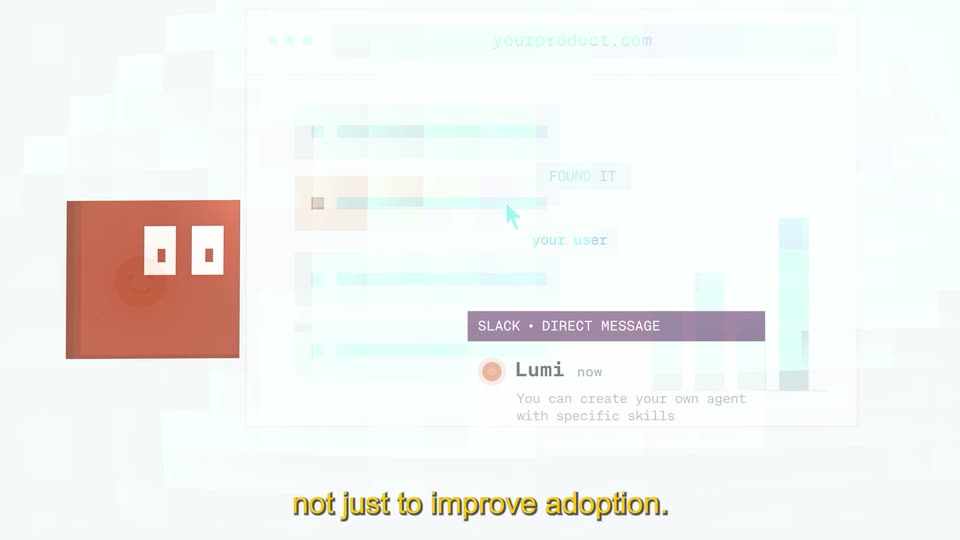

Hai Ta - We’re launching Lumi by @userlens_hq. Lumi is an adoption agent tha
Userlens · Sep 2026
Almanac · 0:55 · Full motion · AI-annotated
Almanac’s 0:55 launch film runs 22 scenes, about 2.5 s each. The product shows up at 0:11 and 3 features are revealed. The call to action lands at 0:50 (92% in), over a voiceover. The video is one continuous chat story that cuts between flat message fields, avatar close-ups and a rotating 3D phone mockup, with every beat triggered by a bubble typing in or a card sliding across. Pacing rides a fast 133 bpm cut rate, using pull-backs to the phone frame, avatar costume morphs and a blurred fast scroll as its signature moves.
Is this your launch? to your site or press kit.
Userlens · Sep 2026
Gemini Enterprise Agent Platform · Apr 2026
A white rounded message field sits on a light gray background. A blinking caret types “Taking next week off. Leaving the rest to you guys 🙏🙏” as the field widens and the text scrolls left, then a blue send button with an up arrow appears at the right.
Techniques: Kinetic type
Camera: Static
A blue chat bubble slides in on a plain gray background, then the frame pulls back to a 3D phone mockup. The chat list scrolls as teammate replies pop in one by one, ending on a meme of a fur-cloaked man holding a sword.
Techniques: Kinetic type, UI zoom, 3D mockup
Camera: Pull out
A grid of circular profile avatars with names and blue presence dots scales up on a light gray screen. A back arrow button and a video camera button fade in at the top corners as the zoom settles.
Techniques: UI zoom
Camera: Pan
A light gray chat view with a circular Greek-bust avatar and an Almanac pill at the top. A blue message bubble with white text scales in below the timestamp, followed by a small Delivered tag.
Camera: Static
A flat chat interface transitions into a 3D iPhone mockup. A green alien emoji slides in next to the blue message bubble.
Techniques: 3D mockup
Camera: Push in
A blue chat bubble with white text slides left and fades out while the view zooms onto a green pickle avatar with glasses. The avatar settles centered above the name Alex and a Delivered label on a white background.
Techniques: UI zoom
Camera: Static
A green cactus avatar in a blue circle scales up, morphing from black glasses and a tie into a straw hat, heart sunglasses, pink umbrella, and a drink. The status dot shifts from green to gray on the Alex pill below.
Techniques: UI zoom, Morph
Camera: Static
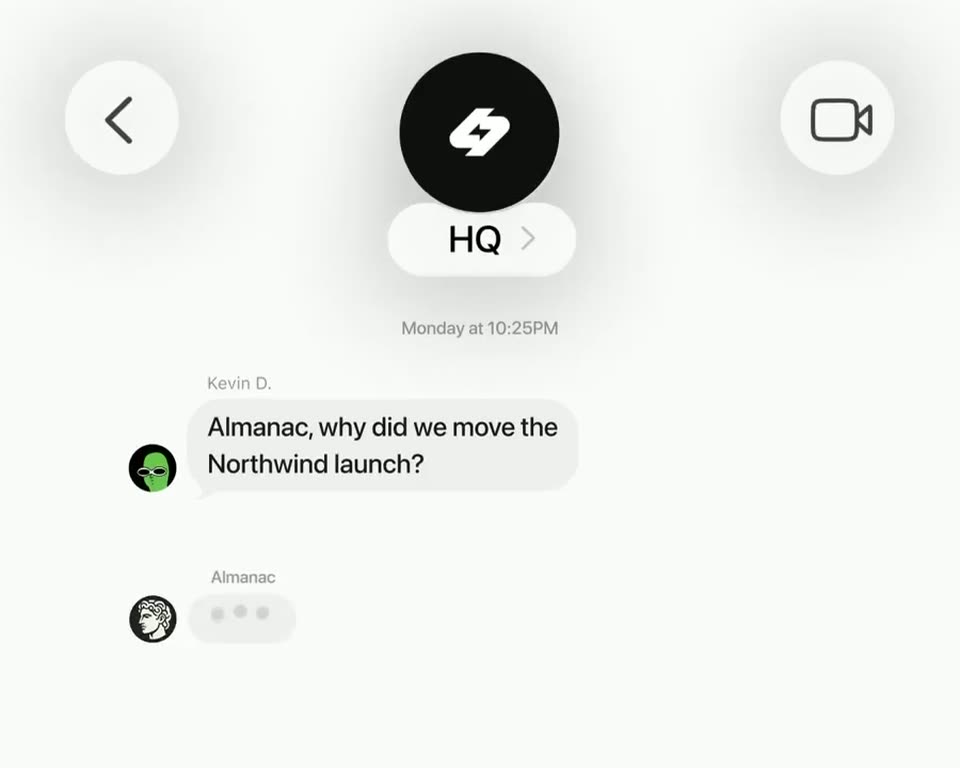
A light gray chat interface fades in from white. A black circular avatar with a white bolt mark and an HQ pill appear at the top, then a message bubble from Kevin D. about the Northwind launch, followed by two typing-indicator bubbles from Almanac.
Camera: Push in
A tight view of a chat thread with a question bubble and a typing indicator pulls back to a pale gray workspace holding four small white panels, one with a red dot and one with an avatar.
Techniques: UI zoom
Camera: Static
Four white UI cards: a discovery call transcript, a September calendar, a Slack thread, and an email thread, arranged in a two-by-two grid on a light gray background. The cards fade from a faint ghosted duplicate into a crisp static layout.
Camera: Pull out
A 3D iPhone mockup rotates from a tilted side view to a front view against a pale background, displaying a chat conversation. The chat scrolls down to bring a new question and a three-dot typing indicator into view.
Techniques: 3D mockup
Camera: Pull out
A front-facing 3D phone mockup on a pale background shows a chat thread that scrolls upward, new messages entering from the bottom. A black circular badge with a white logo and an HQ label stays fixed at the center of the screen.
Techniques: 3D mockup
Camera: Static
A small black round emblem holding a white classical head in profile rests at the center of a white field. It holds still, with a brief soft-focus pulse around the middle of the clip.
Camera: Static
A black circular logo with a curly-haired profile holds the left side as a vertical list of gray file cards scrolls upward on the right, revealing a green-bordered Final.xls card at the bottom.
Camera: Pan
A tight crop on a file list pulls back to reveal a phone mockup in 3D perspective. Its screen shows a chat thread where a user requests a pricing document and a reply drops a green Final.xls card.
Techniques: UI zoom, 3D mockup
Camera: Pull out
A front-facing phone on a white background shows a group chat. The message list scrolls up, revealing a spreadsheet attachment and a rollout card with two bullet points, then accelerates into a fast blurred scroll.
Techniques: Speed ramp
Camera: Pull out
A white phone mockup in 3D perspective, showing a call screen with a back arrow and camera icon, fades out, leaving a cartoon cactus avatar with a straw hat and heart sunglasses above a gray name pill that slides in.
Techniques: 3D mockup
Camera: Static
A cartoon pickle in glasses and a tie sits in a circular cloud backdrop. A pill-shaped name tag with a green dot and the label Alex slides up from below, then the status line Online · Monday fades in beneath it on a plain light-gray field.
Camera: Static
A blue chat bubble with a green avatar sits on white, then the frame pulls back to reveal the chat inside a 3D phone mockup. The screen shows the app header with a black logo and HQ label, the bubble, and a reply row with a typing indicator.
Techniques: UI zoom, 3D mockup
Camera: Pull out
A white card lists five status lines with blue check circles, from Rollout approved to One decision for Alex. It scales up to fill the frame, then shrinks left as a second list with a What all did i miss? bubble slides in from the right.
Techniques: UI zoom, Split screen
Camera: Pull out
A front-facing iPhone shows a chat with HQ. A checklist summary card and a blue bubble sit at the top as emoji reactions pop in, then the thread scrolls down through replies. The phone frame drops away, leaving the last two bubbles enlarged on a plain background.
Techniques: UI zoom
Camera: Pan
A black roundel with a cream classical head logo holds center on an off-white field. The tagline and URL below fade in from a soft blur and lock into place, ending on a static end card.
On-screen text: “Almanac. Consider it handled.”, “usealmanac.com”
Camera: Static