UI zoom
A zoom or reframe onto one part of the interface.
9,960 scenes · page 130 of 166
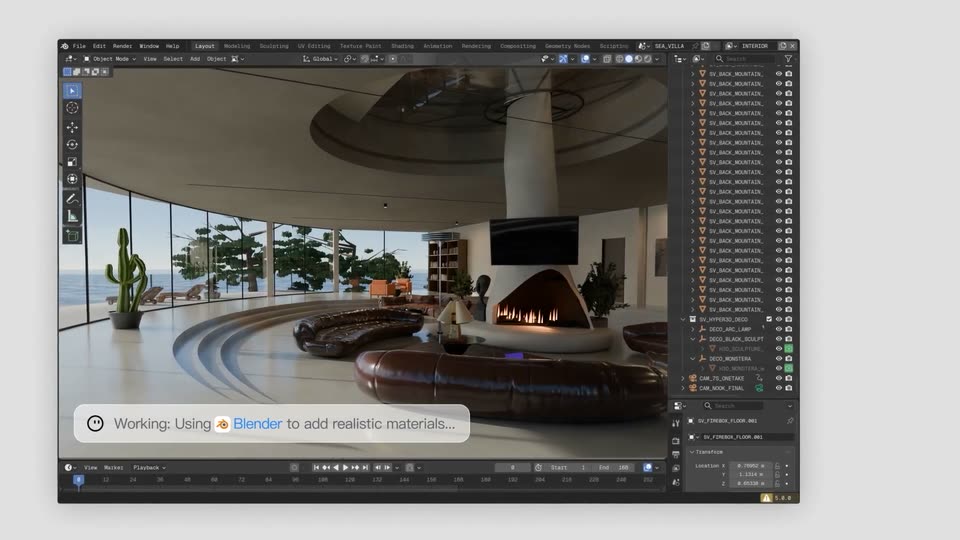 0:29–0:30Moonshot AI · Introducing 3D Make in KimiThe Blender app window, showing a rendered living room with a fireplace and ocean view, sits on a gray desktop and zooms in to fill the frame. A light status pill at the bottom slides in reading the working note.
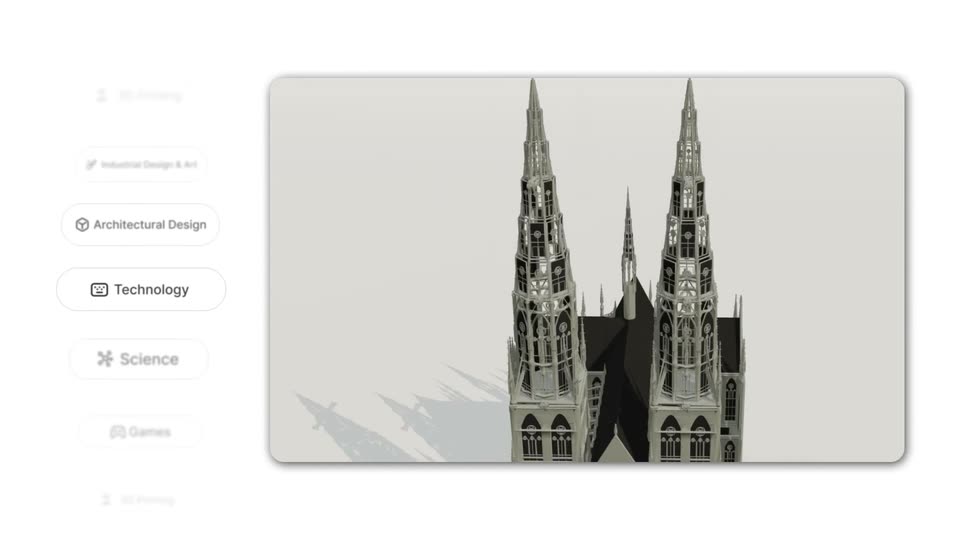 1:01–1:02Moonshot AI · Kimi.ai - Introducing 3D Make in Kimi. Kimi connects to tools like Blender andA category menu of rounded pills scrolls on the left as the highlight moves from Architectural Design to Technology. On the right, a card labeled Cologne Cathedral shows a gray 3D cathedral model; the view pushes in toward the twin spires until they fill the card.
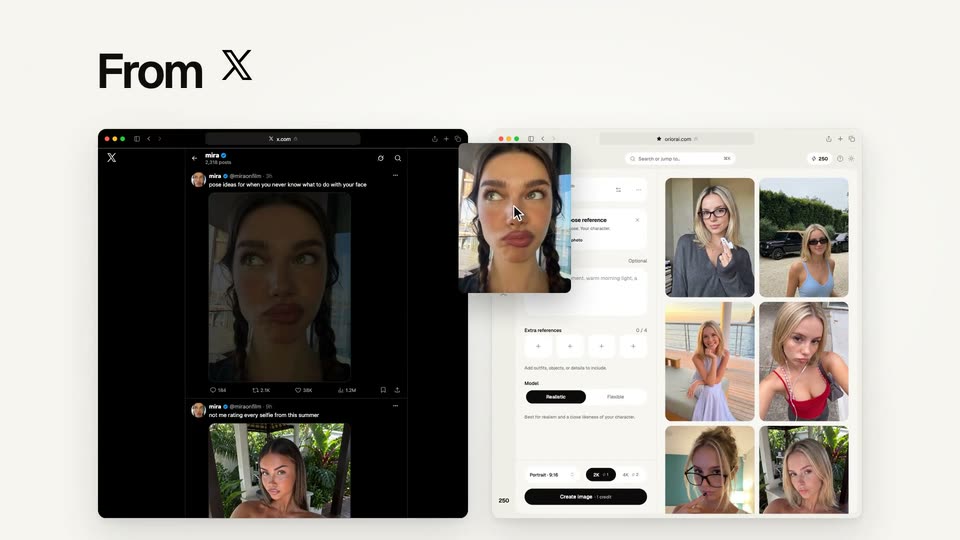 0:29–0:33Orior AI · Orior - you don’t need a prompt anymore. find a pose. drag it in. one click.A close-up of the Create image interface with a grid of reference photos pulls back to reveal a dark X feed beside it, under a From X headline.
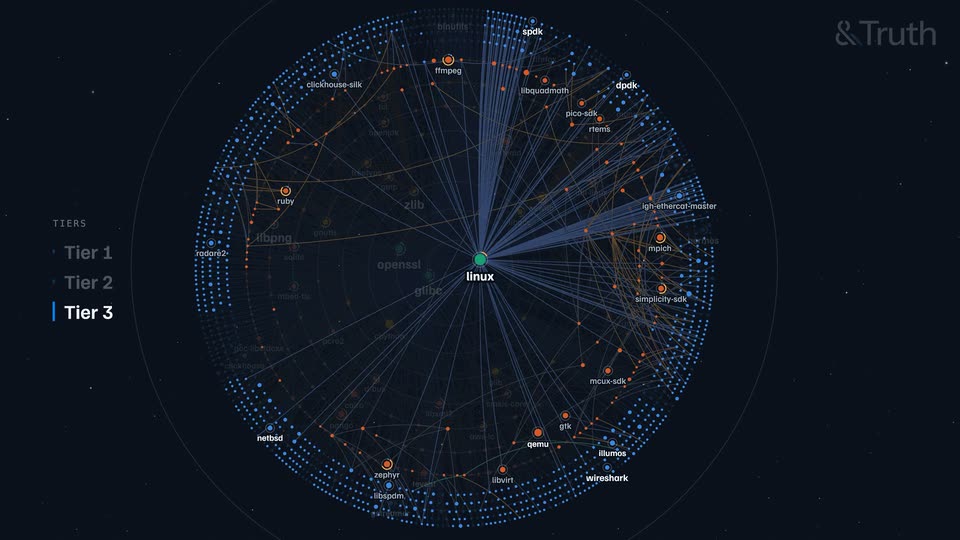 1:20–1:38andTruth · &Truth - We are out of stealth! As AI writes more code, we're building tools tA dark dependency graph opens on the openssl cluster, Tier 2 highlighted, then pulls back to a full circular network of labeled nodes. Tier 3 activates, isolating blue edges radiating from the linux node, and the camera pushes into the kernel's bubble map as blue curves draw in.
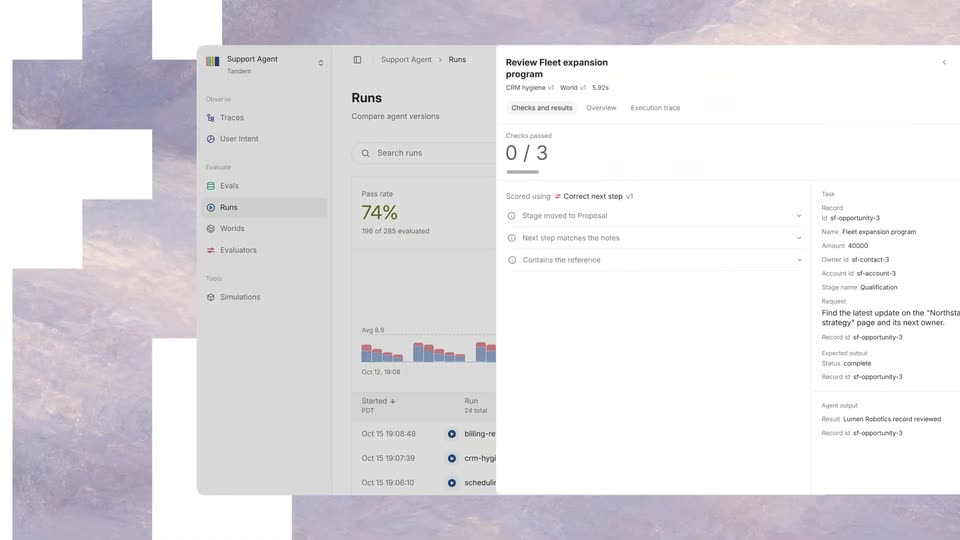 1:17–1:18Hue · Hue (YC F26) Launch VideoA monospace log of agent commands (gmail, slack, world) fills the frame, lines scrolling with a pink highlight on one entry. The view pulls back to reveal the full dashboard in 3D perspective, showing a run review with a 0/3 checks counter and a 74% pass rate.
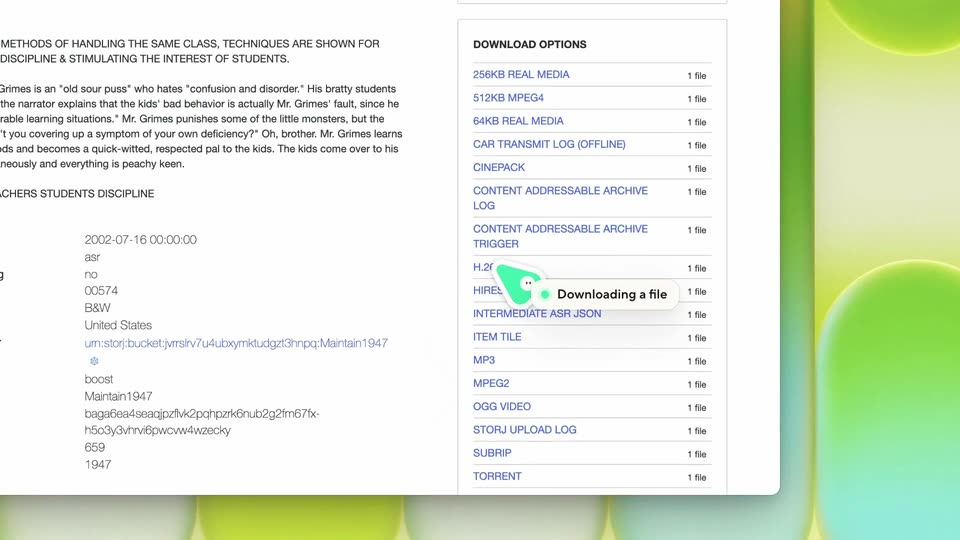 0:32–0:33HyperFrames · HyperFrames - the AI slop launch video killer is here Computer use is live in HypeA screen recording of an Internet Archive page zooms in on the download options list. A green pointer cursor moves over the page with white caption chips reading Scrolling, then Downloading a file.
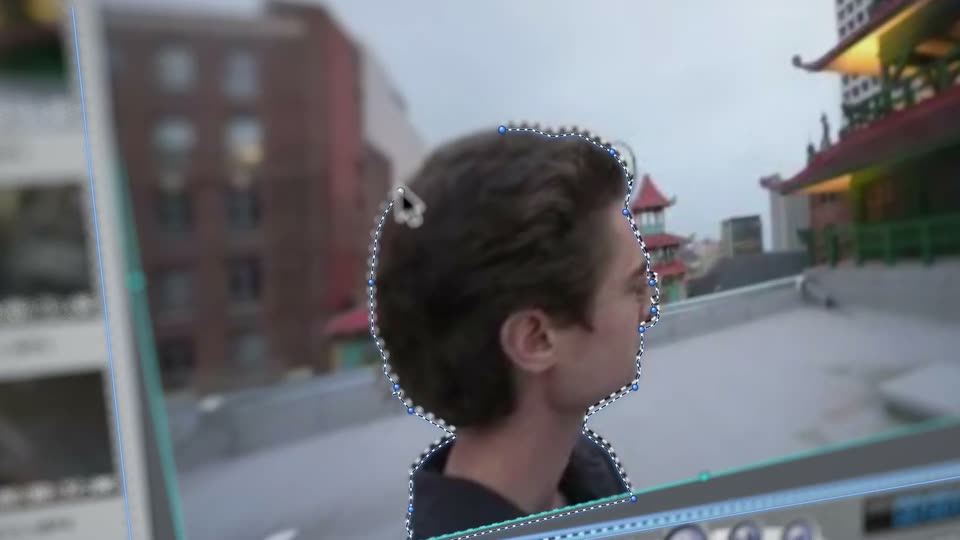 1:04–1:05Kino · Luke Igel - Introducing Kino: make videos end-to-end with Claude Code and Codex.A tilted 3D view of a video editing timeline shows keyframe rows and a yellow playhead. The camera then pushes into the preview monitor, where a dotted tracking outline traces a man's head in profile and a cursor rests on his face.
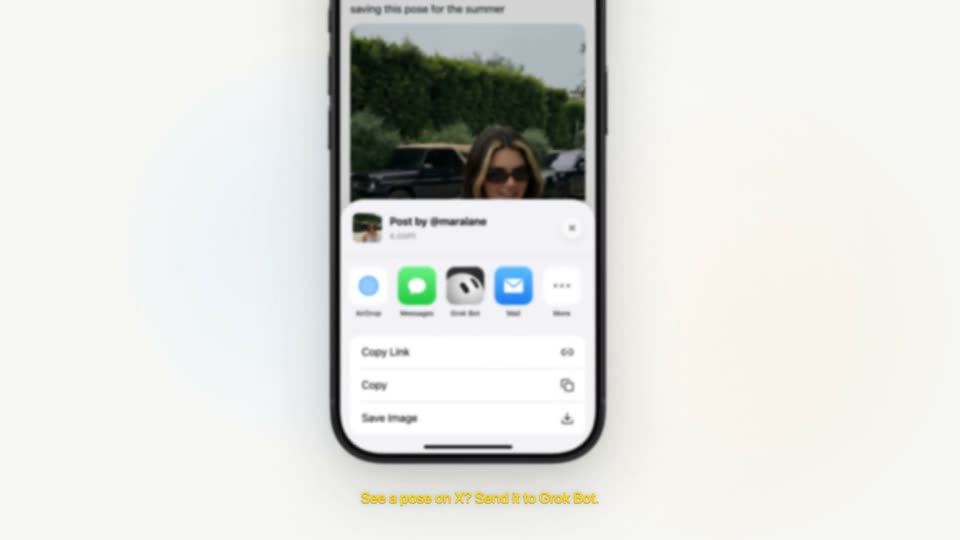 0:11–0:13Orior AI · Orior - Introducing Copy a pose in Grok @bot . See a pose on X or Pinterest?A flat phone mockup centered on a light background shows an X post with a photo of two women in swimwear. The camera zooms into the screen as an iOS share sheet slides up, listing the Grok Bot app among the share options.
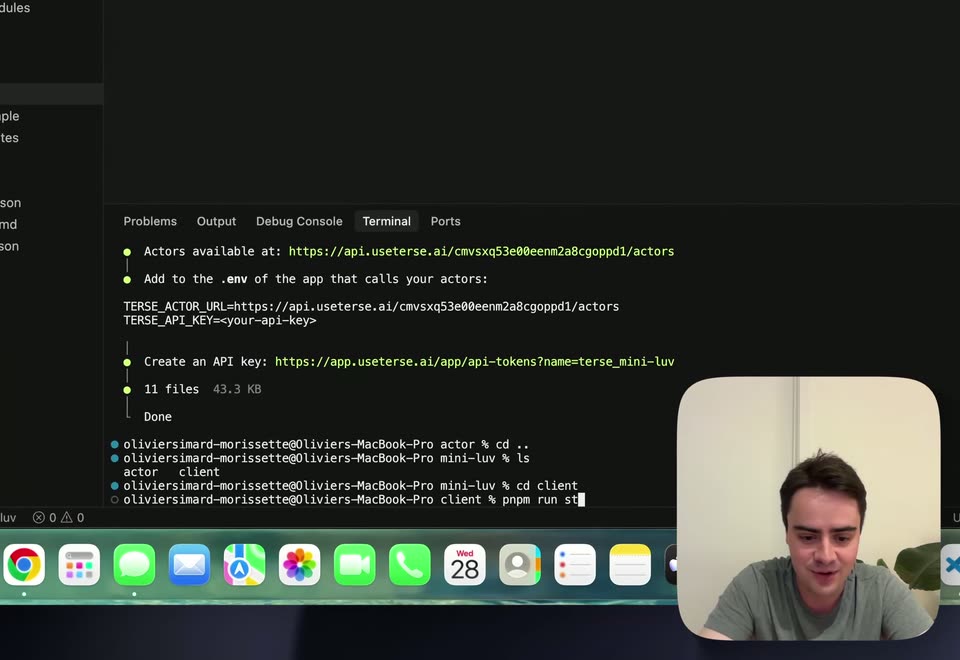 1:42–1:55Terse · Durable Actors Launch YC Demo VideoA macOS screen shows a code editor and terminal panel, with a man talking in a small webcam inset at the lower right. The view zooms into the terminal as he types commands; an error flashes, then he reruns with bun and the server starts.
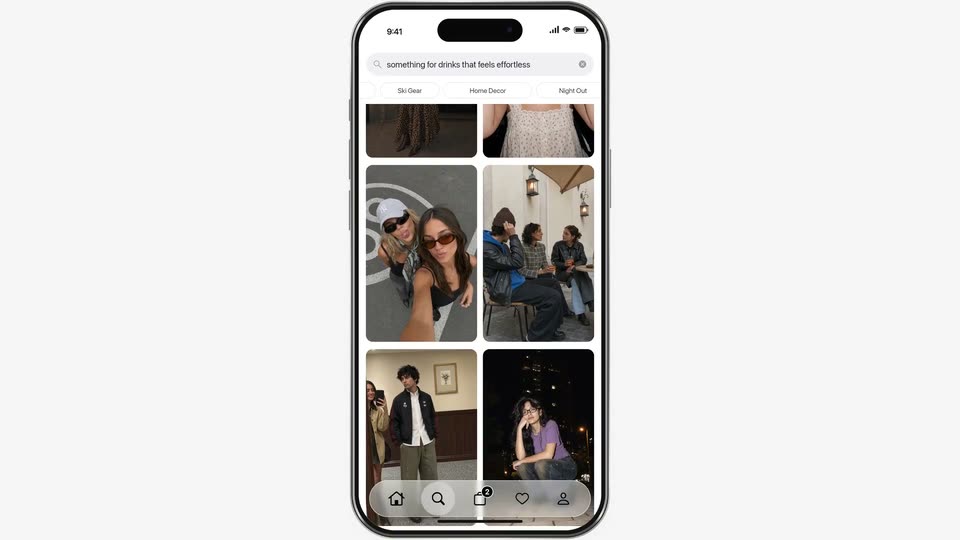 0:21–0:22Dalet Labs · Omer Bar Tal - We raised a $7M pre-seed to make shopping fun again. @daletlabs geneA flat iPhone mockup on a light gray background scales down from a close-up of the app screen to a full view, revealing a search bar, category chips, and a two-column grid of lifestyle photos with a bottom tab bar.
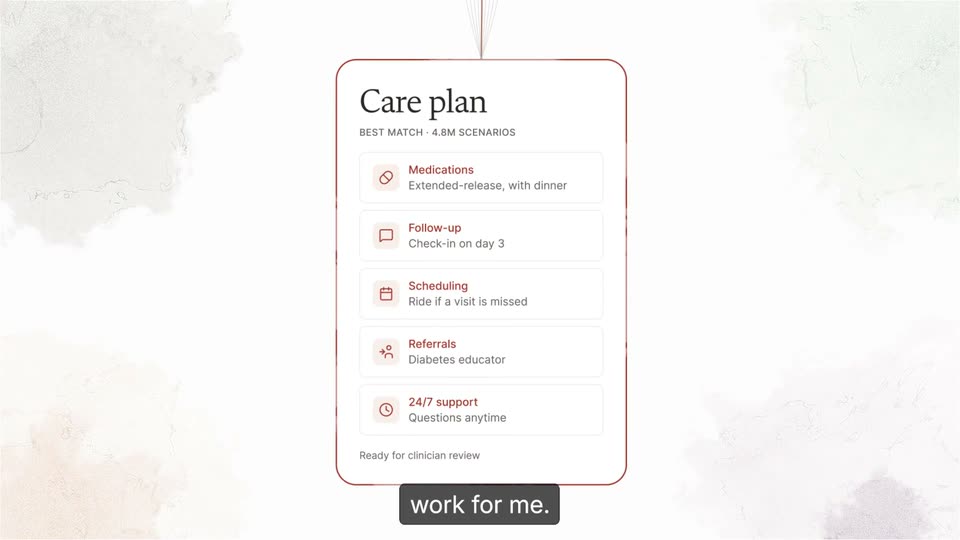 1:28–1:31Concurrence · Ali Khokhar - Today, we’re introducing the next chapter of Concurrence and the worlA white card with a red outline, showing SCHEDULING, Follow-up visit, In 6 weeks and 75%, recedes and fades to reveal the full Care plan card centered on a paper-textured background, listing five icon rows. A red block slides in from the left edge.
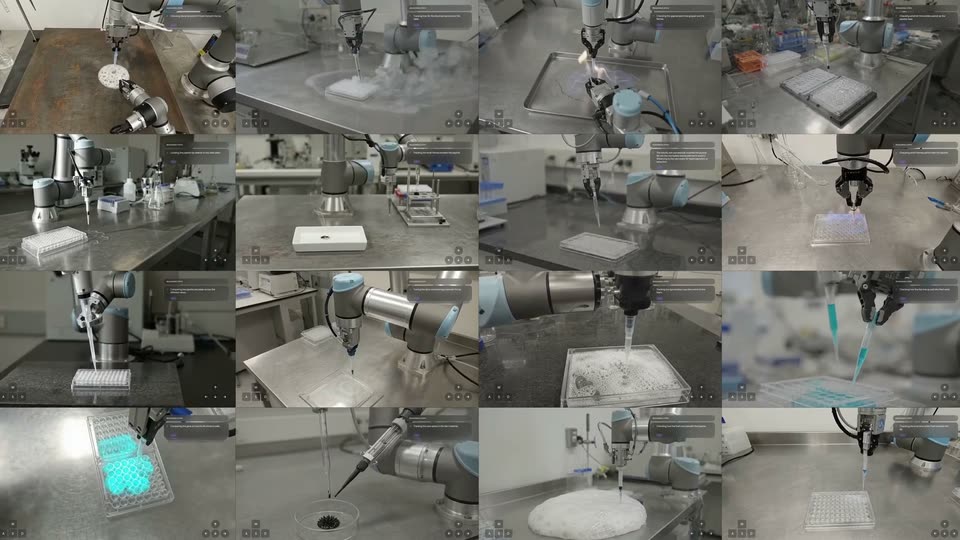 1:39–1:44Google · Google DeepMind - This is Genie 4, our most realistic and interactive world model yet.A 4x4 grid of lab clips shows robotic arms pipetting and handling plates, each tile tagged with a REASONING STEPS box and WASD keys. The grid slowly pulls back, then the view dives into the top-right tile, expanding it until it fills the frame.
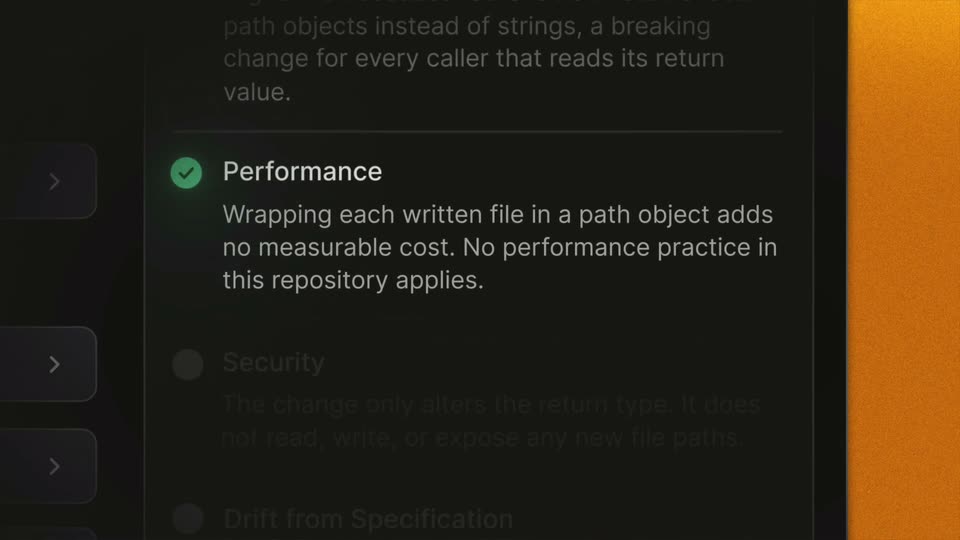 1:26–1:29SuperPlane · Darko Fabijan - Last month, 52% of the pull requests our team merged were automated tA dark interface panel zooms out from a close-up of the Blast radius warning to a full check list, then scrolls down past Performance and Security entries with green check icons and explanatory text, an orange textured strip running along the right edge.
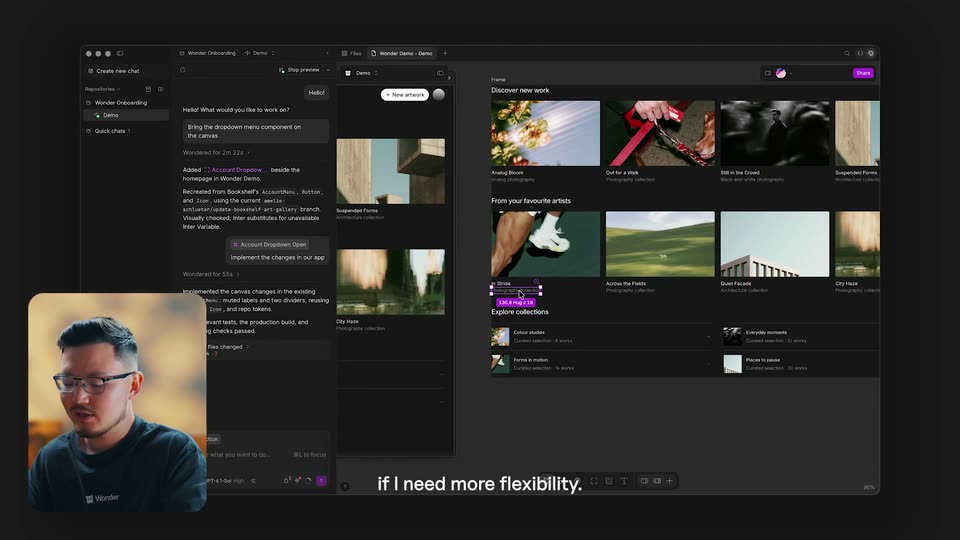 1:49–1:54Wonder · Wonder - Today we're launching the new Wonder! The fastest way to go from desA dark app window with chat, canvas and preview panels scales into frame beside a small talking-head video of a bespectacled man at bottom left. The interface zooms between 70, 90 and 50 percent while a cursor points at the gallery preview. White subtitles run along the bottom.
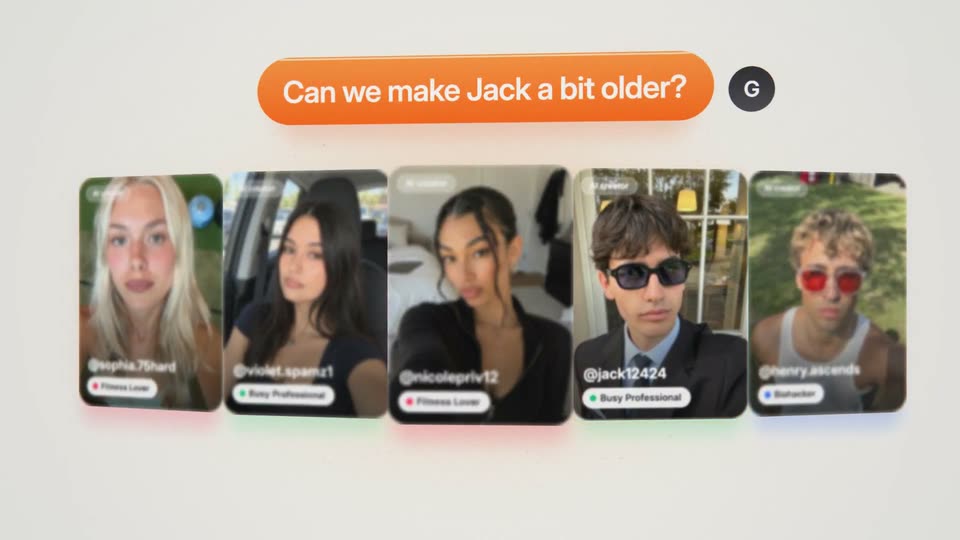 0:58–1:00Fastlane · Fastlane - Today we're introducing Claude for Ads. Just enter your website andA chat thread with an orange user bubble sits above five AI creator profile cards. A pixelated cursor hovers over the @jack12424 card, then the frame zooms into that card as a white “Sure.” bubble pops in at the left.
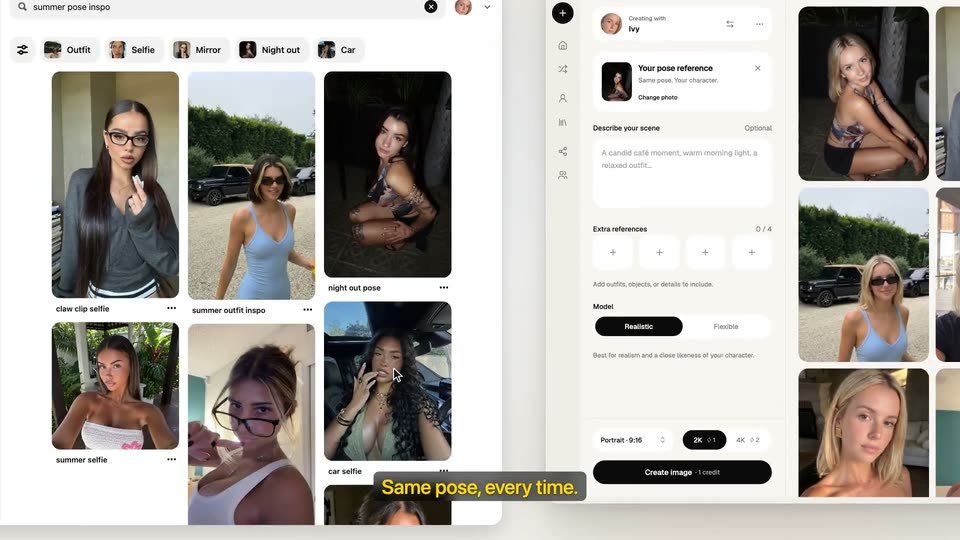 0:19–0:21Orior AI · Orior - Copy any pose, right from Pinterest. Any pin you find, recreated witA flat image-generator interface fills the frame. The camera pulls back to reveal a column of reference photos on the left and a grid of generated portraits on the right, the create panel between them. A yellow caption reads “Same pose, every time.”
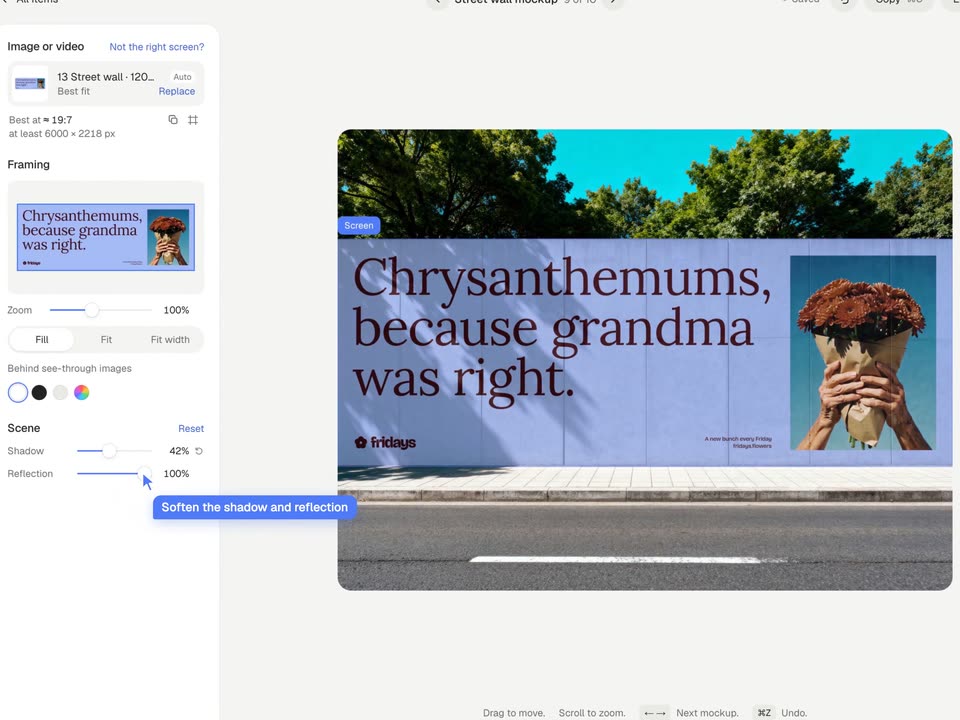 0:23–0:28Showroom · Seyi - Introducing Showroom, an app that lets you see your designs in everyA cursor drags the Shadow and Reflection sliders down in the left panel, softening the billboard's shadow and clearing its reflection on the road. The view zooms in on the street wall mockup as the values update live.
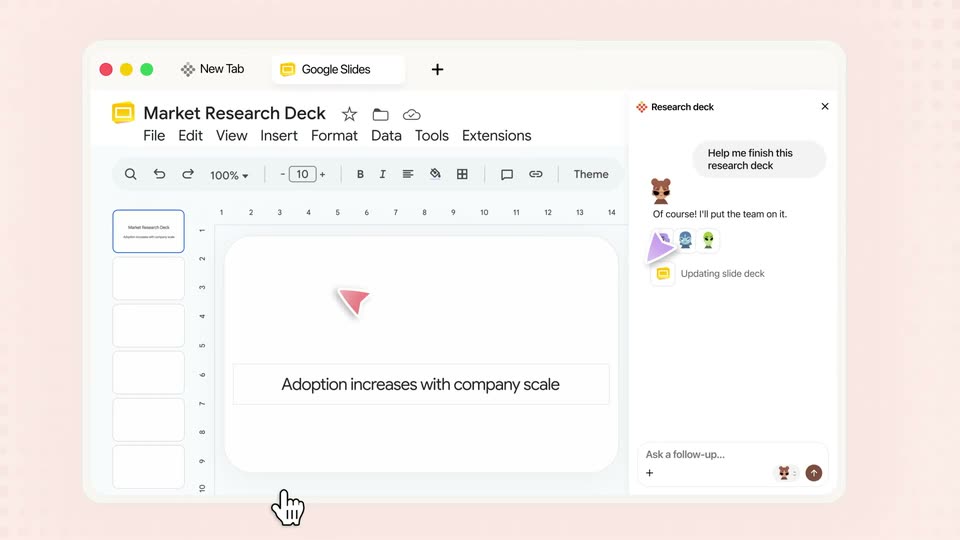 0:36–0:47Strawberry · Charles Maddock - Delete Chrome Delete Granola Delete Claude Strawberry 1.0 is here, tA chat panel slides in a request and a reply, then three agent avatars pop in with task labels. The view zooms out to a browser window on a pink dotted background, where a Google Slides deck fills in with charts as the assistant updates it.
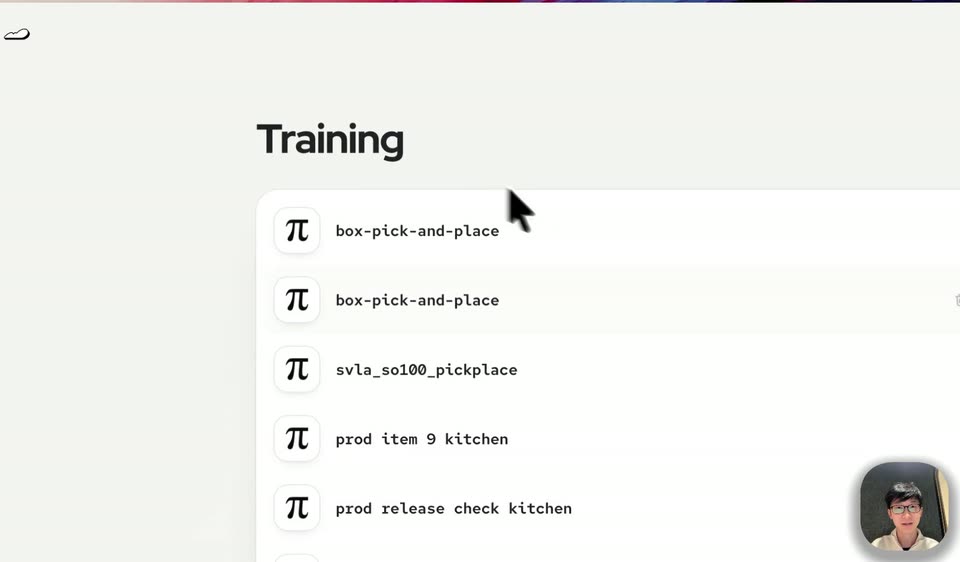 0:35–0:36Dreamscale Labs · Chris Yoo ⚡ CoRL - Fine-tuning VLAs just got so much easier. Today, we're releasing TraA training-run detail page settles in with a quick zoom-out from the title. A hand cursor hovers the back arrow, opening an “All training runs” tooltip, while a Queued progress bar and a Checkpoints card sit below.
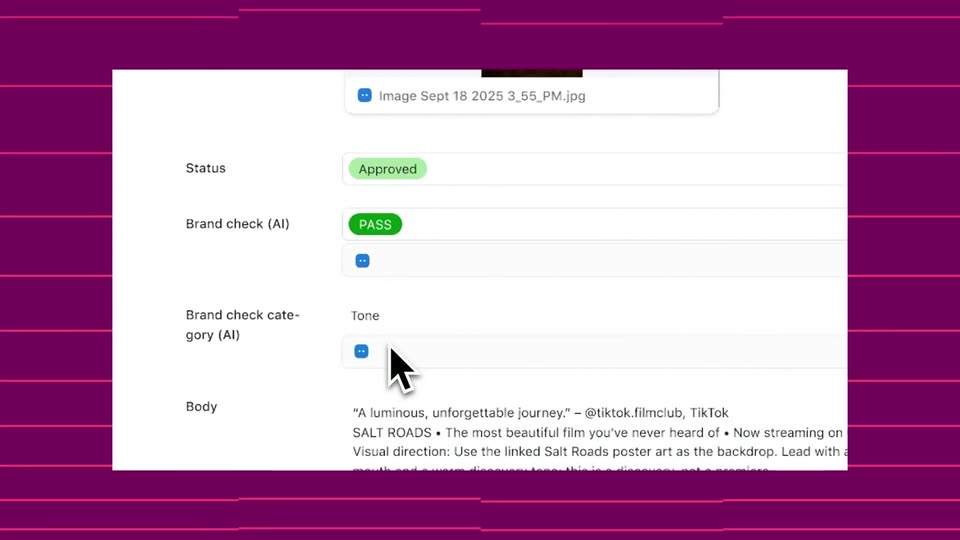 0:33–0:38Airtable · October 2026 Launch: BYO AgentsA screen recording of an asset tracker zooms in on the Status field. A cursor opens the dropdown and selects Approved, then the view scrolls down to the Brand check category field, where a green PASS pill sits.
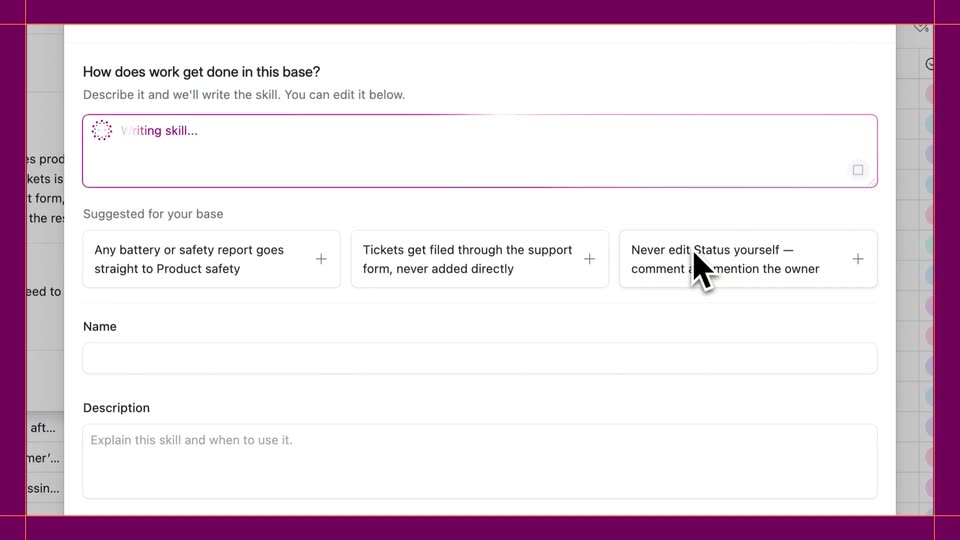 1:12–1:15Airtable · October 2026 Launch: MCPA form view marked by corner crosshairs zooms in on the prompt field. A cursor clicks a suggestion card, a spinner loads, then the name and description fields fill in and a 'Skill updated' note appears as a colored-label sidebar slides in from the right.
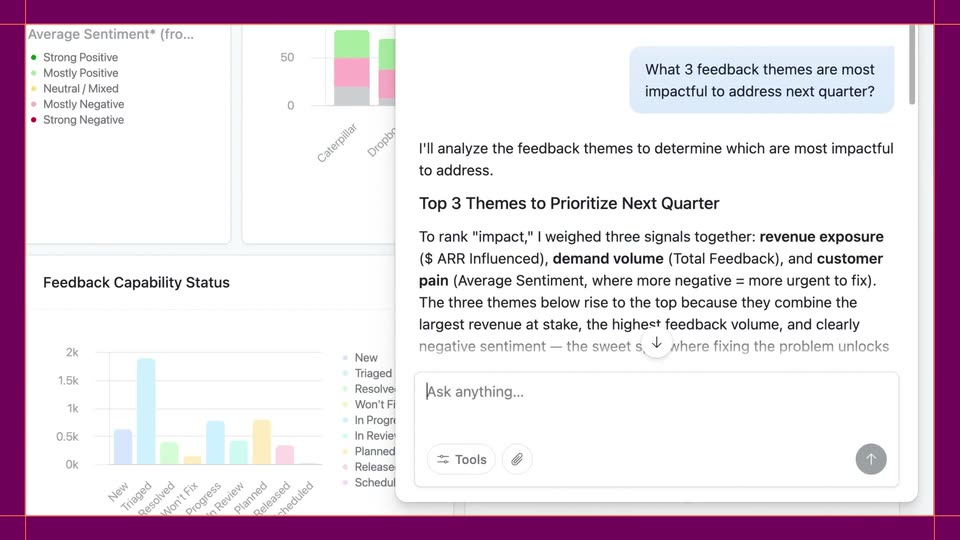 0:43–0:56Airtable · October 2026 Launch: OmniA magenta grid mask opens onto a feedback dashboard. A query is typed into the right chat panel and sent, the frame zooms into that panel, and the AI response streams in while scrolling.
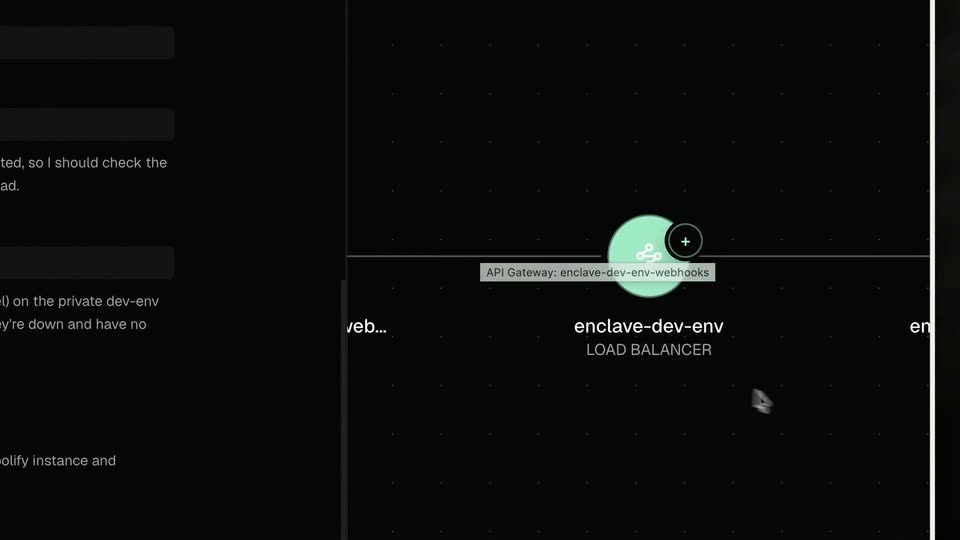 0:36–0:47Enclave · Enclave - Big news: Enclave is now open to everyone, and today we're launchingA tilted browser window of a dark assistant app sits on a black background; the left log scrolls while a graph panel opens on the right. The view zooms into three connected nodes as a cursor hovers one, revealing a tooltip, then pulls back.
 0:49–0:50HyperFrames · HyperFrames - script based editing is live in HyperFrames Studio edit long-form anA dark video editor shows a man speaking in the left preview, a transcript with a teal highlight on the right, and a thumbnail timeline below. The view zooms in as a rounded mask isolates the preview, blurring the surrounding panels.
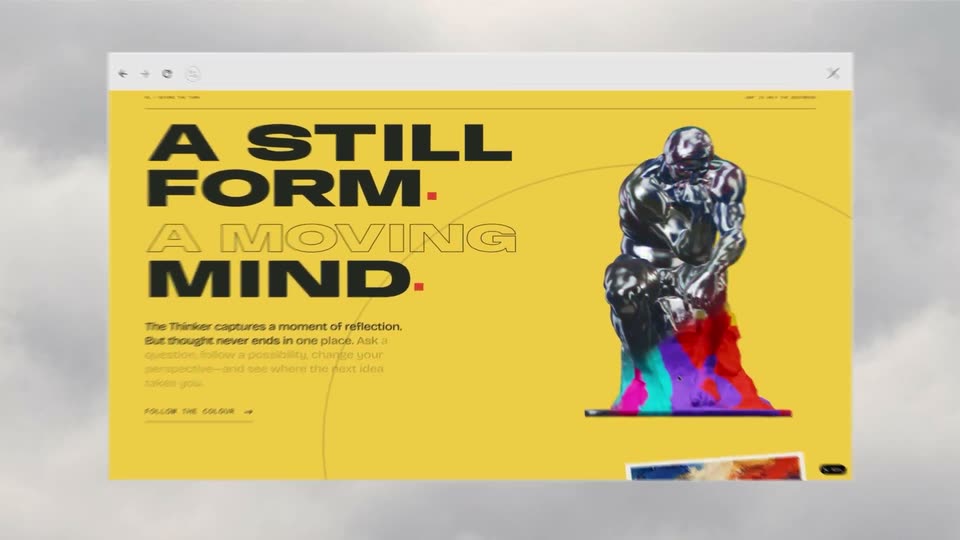 1:06–1:07Moonshot AI · Meet Kimi K3.1 ProA browser window over a cloudy gray backdrop zooms in on a yellow art site. A 3D Thinker statue on the right shifts through red, blue and metallic tones as the headline crossfades between 'A STILL FORM' and 'A MOVING MIND'. A bracketed caption reads 'INTERACTIVE ART WEBSITE'.
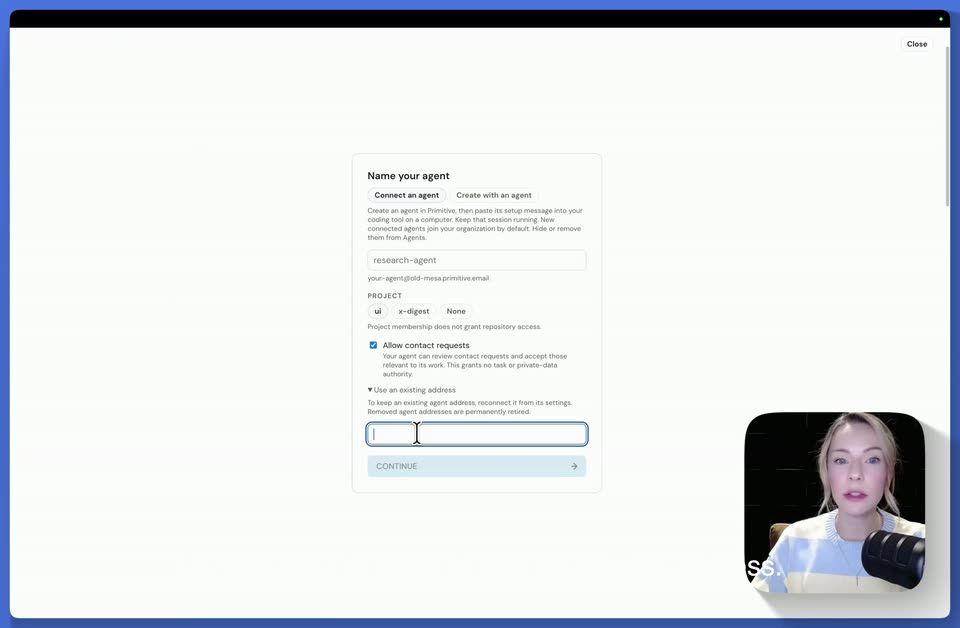 2:28–2:30primitive · Primitive - we 💌 emailA product dialog titled Name your agent sits on a white screen with a small webcam feed of a woman in the corner. The view zooms into the dialog as the cursor clicks the Use an existing address toggle, revealing an empty input field above the Continue button.
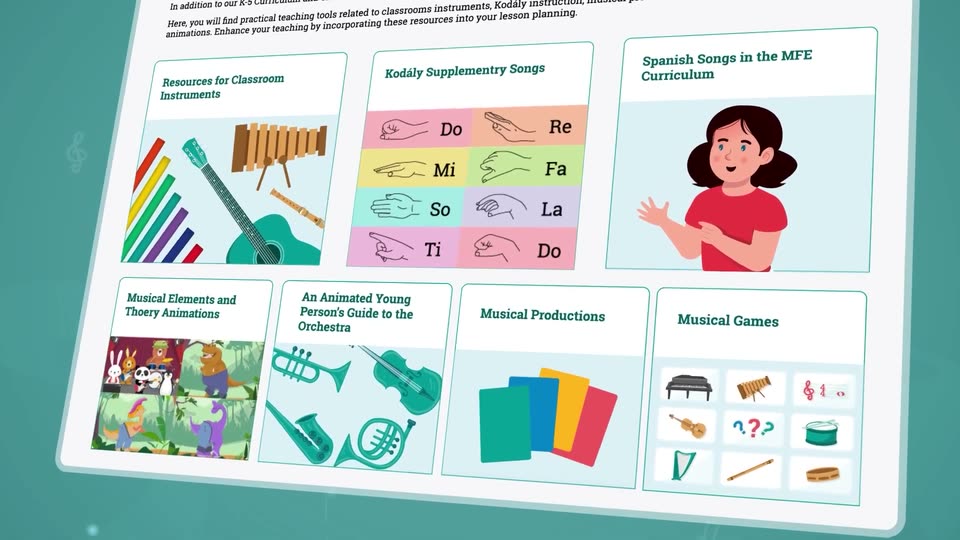 1:17–1:22MusicFirst · Music Education Software Explainer Video | MusicFirst x MotionCueA flat webpage for a music education site rests on a teal background, then tilts into 3D perspective while the camera pushes into a grid of resource cards with instrument illustrations and song charts.
 1:39 · 0.7sSloosh · Ajay PV - 483 days ago, @5aitec and I raised $20M from @binnybansal to build ShOn a black background, a rounded card holding a live-action clip of a person with raised arms against a rocky coast scales up from the left edge until it fills the frame. The white headline 'Pick a Space' sits at the bottom left and scales with the card.
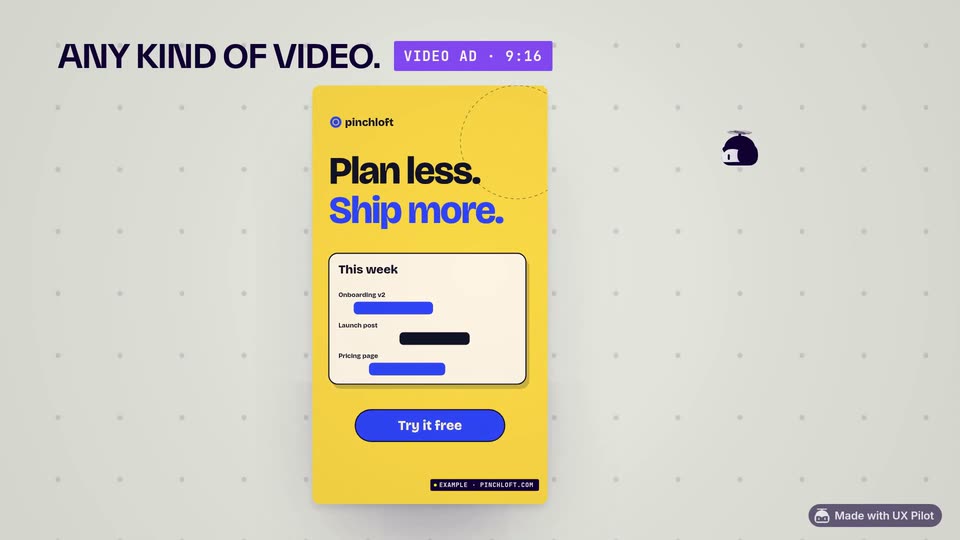 0:23–0:24UX Pilot · Adam Fard - Today we’re launching UX Pilot Motion ⚡️ Start with your website orOn a dotted light-gray backdrop, a yellow 9:16 ad card shows the pinchloft logo and the headline swapping to “Ship more.”, then a white Gantt-chart card scales up from inside it to fill the frame as the label changes to “ANIMATED CHART.” A small purple robot icon drifts at the right edge.
 2:15–2:20Ramp · Introducing Ramp for Accounting FirmsA white app screen pushes in on a loading line with a spinner and Drive icon, then swaps to a Working note; a card with two expense rows fades in below, and the scene cuts to a man at a desk with a laptop.
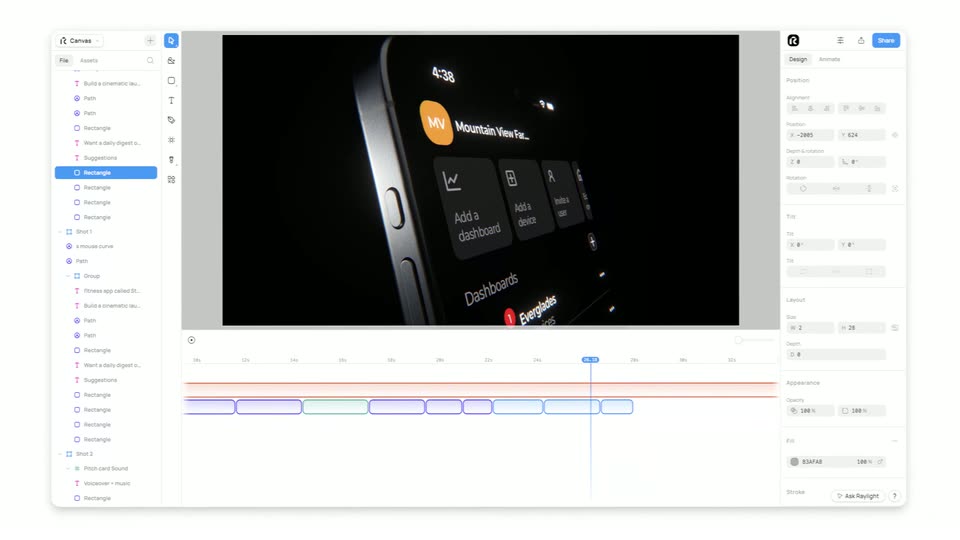 0:26–0:27Raylight · Raylight - Raylight API is live. Every release ships with a video, on autopilot.A screen capture of the Raylight editor slowly zooms in. The center canvas holds a 3D smartwatch on black, the left panel lists layers, the right panel shows design settings, and a multi-track timeline runs along the bottom with the playhead parked at 0:15.
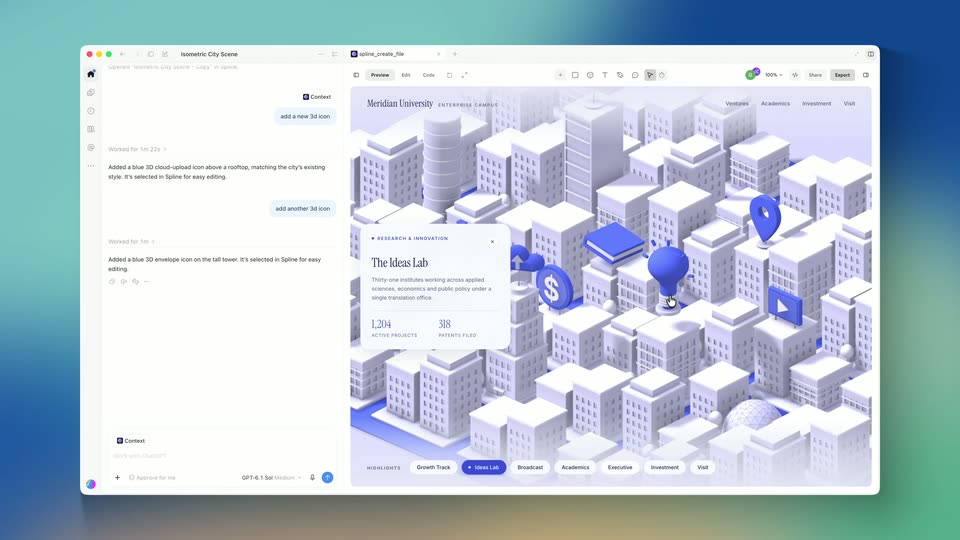 0:24–0:27Spline · Introducing Spline for ChatGPT 🚀Two app windows on a gradient background: a chat panel left, a Spline editor right showing a white isometric city with blue 3D icons. A cursor clicks the lightbulb and coin icons as info cards pop up beside them while the canvas reframes.
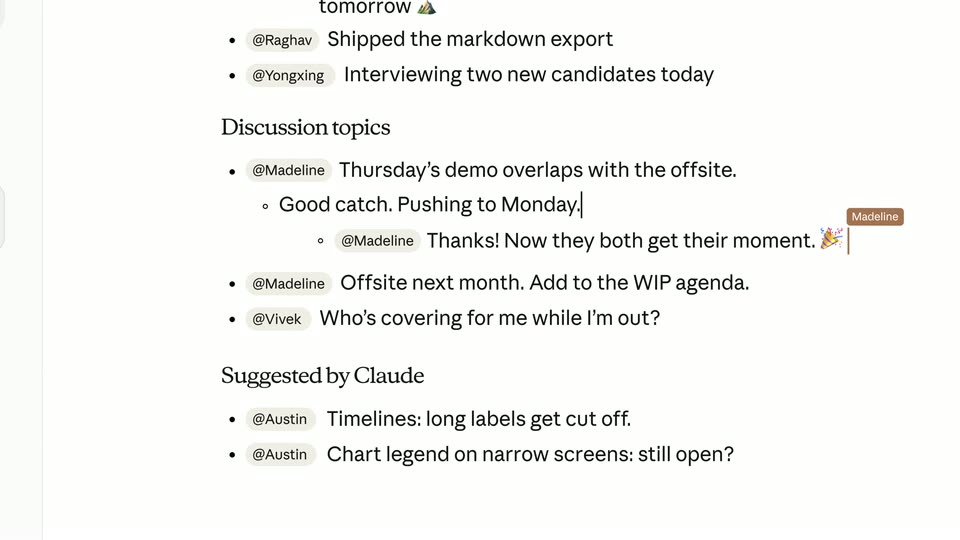 0:36–0:37Anthropic · How an Anthropic engineer uses Claude DocsA close-up of a white document interface lists team notes with @handles and a small Madeline badge. The view reframes wider to reveal a left panel, a center card with a Show on page toggle, and a right column of task labels.
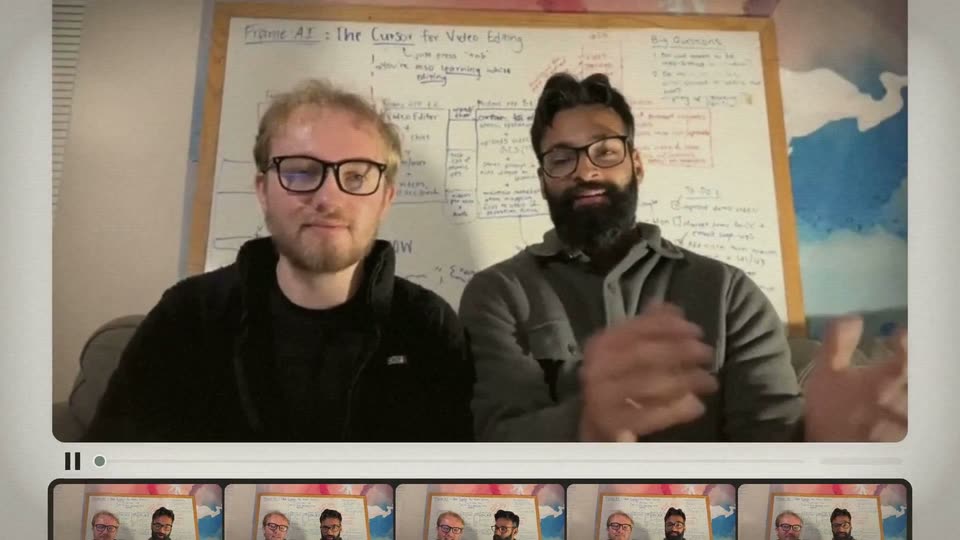 1:01–1:04Motion · Adish Jain ☕️ - today, we're launching the General Video Agent. GVA edited this entiA horizontal filmstrip of video thumbnails scrolls across a white background, then zooms into one frame, expanding it into a full player with a pause control and the strip docked below. Two men sit before a whiteboard in the clip.
 0:36–0:45Okara · Okara - Today we're launching the world's first LinkedIn Influencer Agent. TA cursor hovers over the white Influencer Agent panel, then the frame zooms in as it clicks the Shortlist 13 creators button, which shows a spinner. A cut lands on a welcome dashboard where the panel's Outreach step is active and creator rows read Sending.
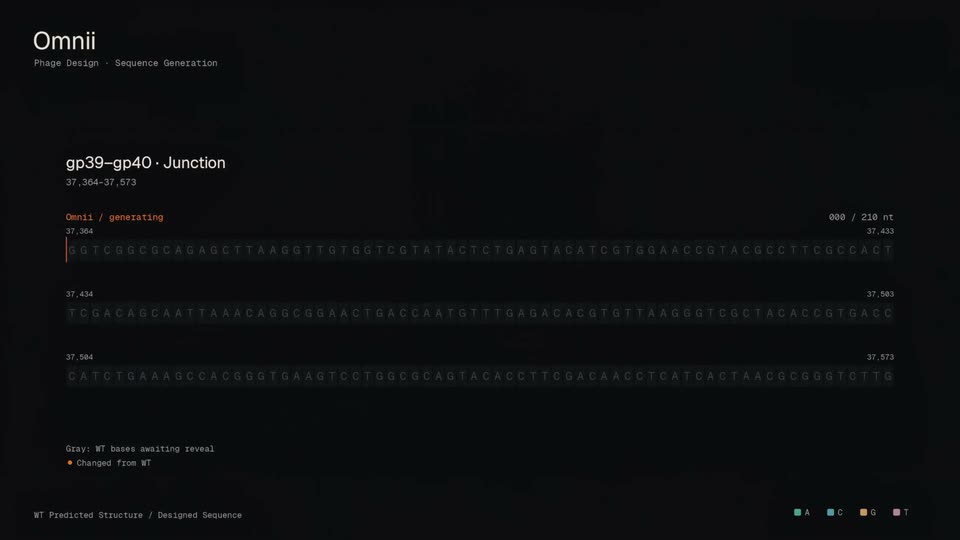 1:58–1:59Radical Numerics · Eric Nguyen - Introducing Omnii-1, our most powerful genome language model, and a mA gray phage head, white tail helix and orange protein tangle render in 3D above a horizontal gene track. The view reframes onto the junction as a leader line drops to a highlighted box, and junction labels fade in beside the track.
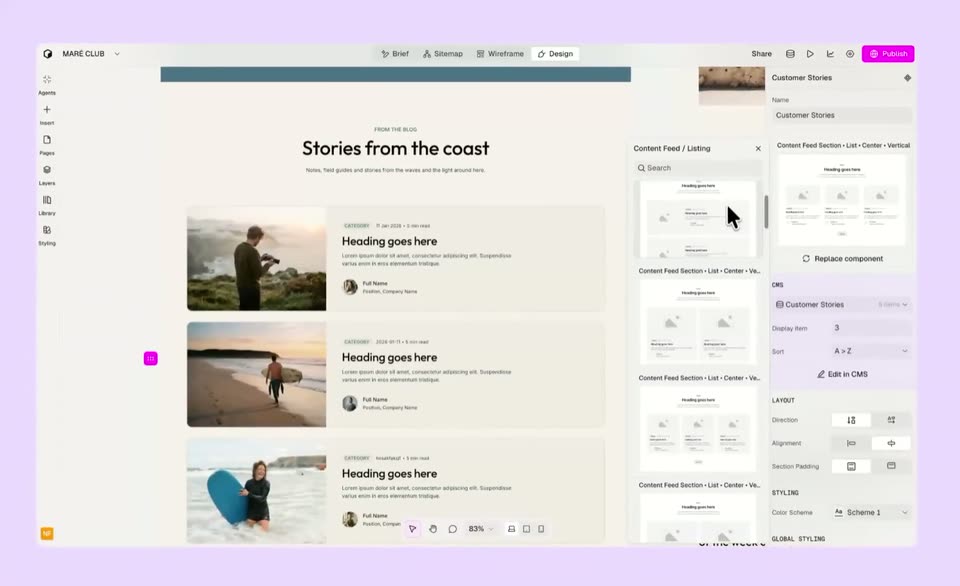 0:25–0:29Relume · Relume - Introducing Relume CMS. → Swap layouts without reconnecting anythingA close-up of a component card zooms out to reveal the full design-tool workspace: a blog page with three photo cards on the canvas, a component list in the center, and a properties panel on the right, while the cursor moves across the list.
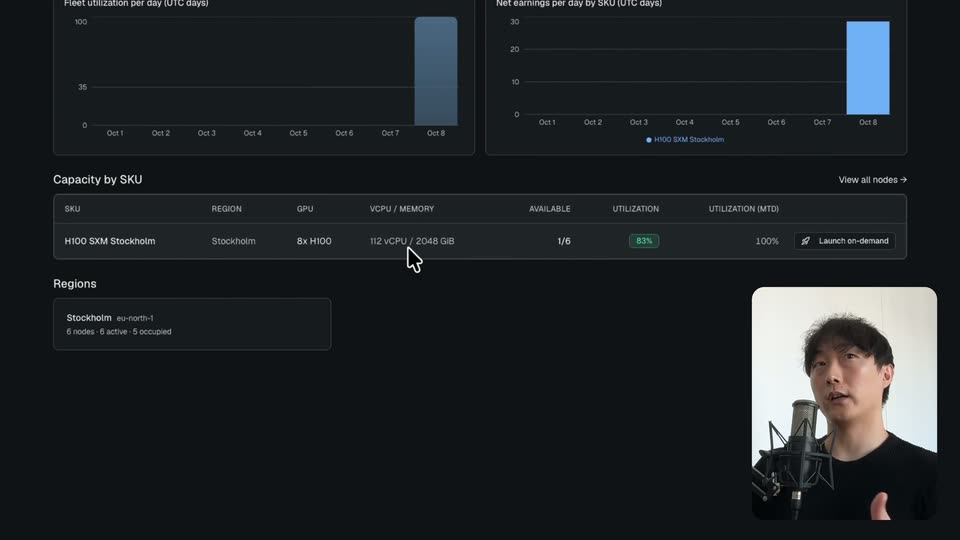 1:34–2:17Shadeform · Shadeform - Some of the most in-demand GPUs on Earth are sitting idle right now,A dark dashboard titled Northlight Compute AB Overview eases in, then scrolls to a capacity table and regions card. A cursor hovers a cell as the row's available and utilization figures update live, then the view zooms onto the Launch on-demand button while a presenter talks in a corner webcam.
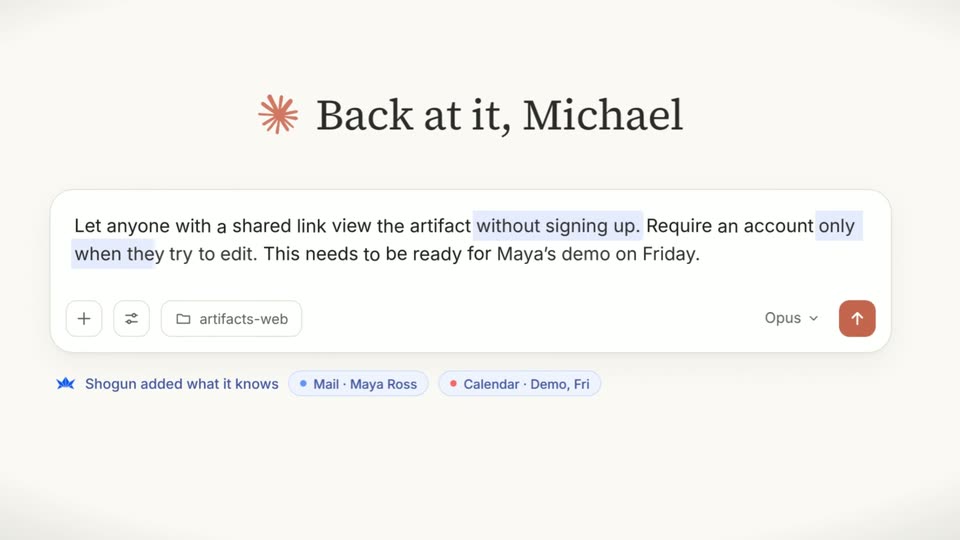 1:24–1:29ShogunAI · Toru.T - Your AI forgets you every time you close it. Every assistant todayA cream UI screen shows a composer box under the serif headline 'Back at it, Michael', which slides into place. The typed prompt grows into a full sentence, a black option key pops in, the text highlights, then the frame reframes onto a listening pill with a 32:14 timer.
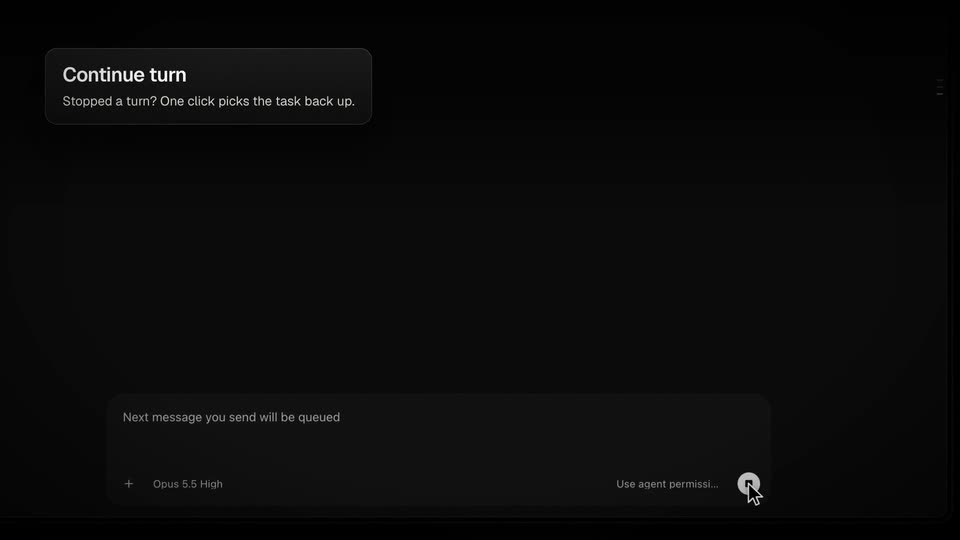 0:55–1:01Orchestrator.inc · Orchestrator.inc - https://t.co/JOaE2ABlJC v0.14.3 is out. Artifacts: everything your aA dark agent chat UI dims as the frame zooms in on a 'Continue turn' callout in the upper left, a cursor resting on the send control. It fades to black, then a blurred white headline 'Keep every agent current.' resolves over a small '03 - AGENTS' label.
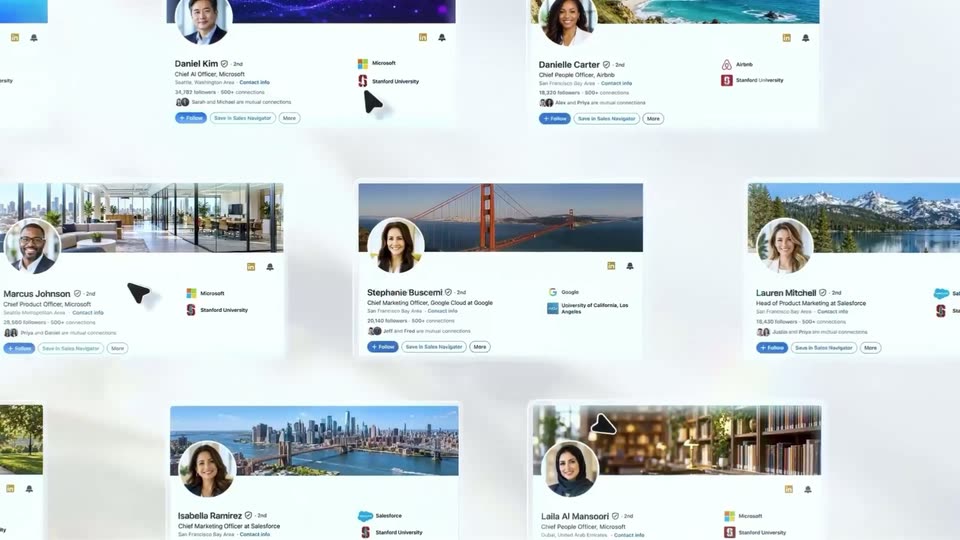 0:39–0:43Polar Browser · Polar Browser - In the past 90 days, Polar took 1 million actions on LinkedIn for itsA single profile card for Marcus Johnson on a soft blue gradient pulls back to reveal a grid of contact cards with banner photos and titles. Black cursor arrows hover over the cards, then the view zooms into one card, Stephanie Buscemi, showing a blue Connect button.
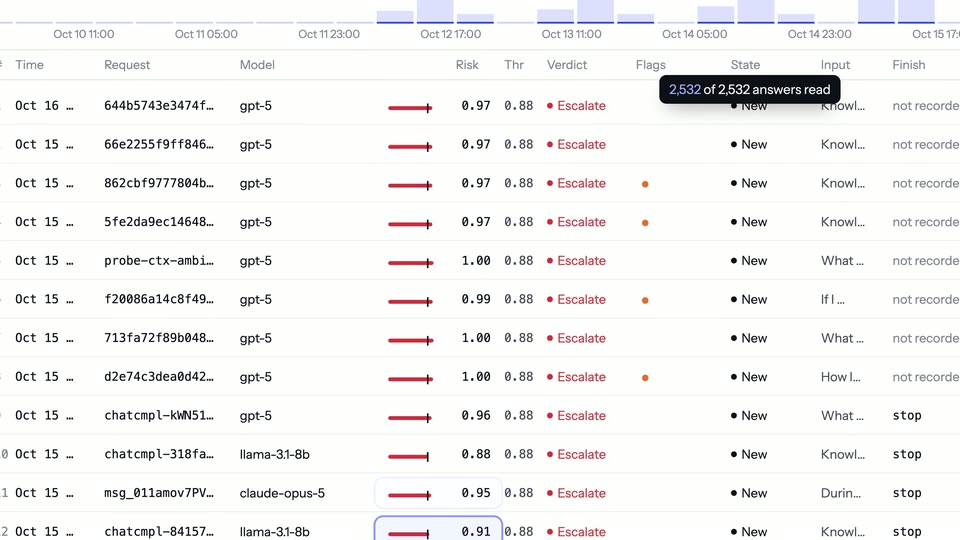 1:32–1:35Latent · Introducing LatentA dark code panel floats over the review queue with a green '+2 lines' badge and a 'Your call, unchanged' check. The panel clears, the view zooms into the table, blue outlines mark rows, and a dark tooltip reads '2,532 of 2,532 answers read' before fading to cream.
 1:20–1:22Asakana · Asakana: Automating sales and the entire back office for food distributorsA blurred order form card sharpens into focus on a light grid floor, then the view zooms onto the dark Send order button as a cursor glides in to hover.
 1:20–1:22Asakana · Fishlover @Asakana (YC) - Food distribution will be needed no matter how far AI advances. But tA tilted white form card for a new sales rep floats over a perspective grid, then the frame zooms down to the dark Send order button as a cursor arrow slides in to hover over it.
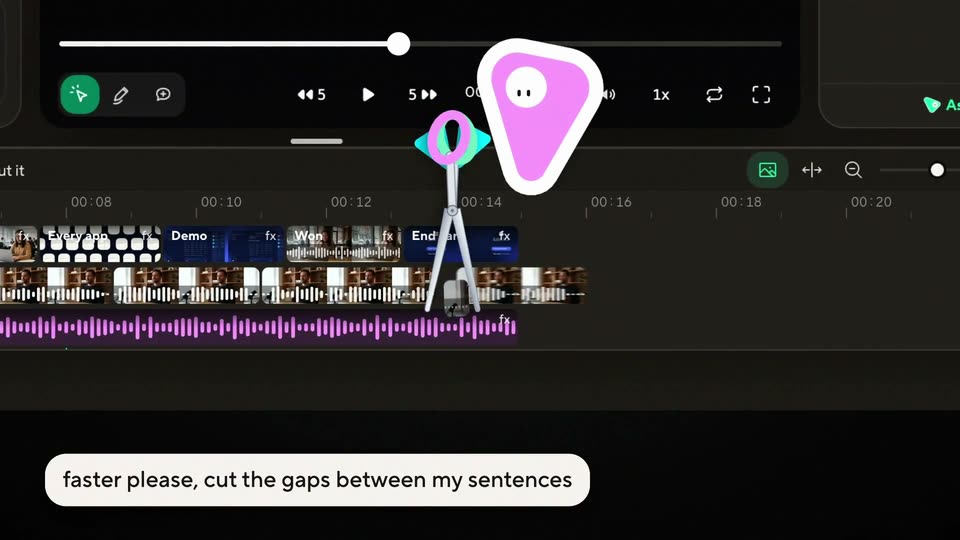 0:48–0:51HyperFrames · HyperFrames - we brought the best image, video and music models into HyperFrames StA video-editor timeline fills the frame as a teal-and-pink scissors cuts left to right, trailed by a pink blob mascot. The view tracks the cut, then pushes in and blurs as the mascot scales to fill the screen. A white bubble at the bottom carries the user's request.
 1:15–1:16Pika · The Pika x ChatGPT Plugin Extension is hereA woman in a pink dress runs through a glasshouse while a large iPhone mockup floats in the foreground, its ChatGPT screen showing a thumbnail of her and a text bubble. The view then reframes onto the screen, enlarging the header and message.
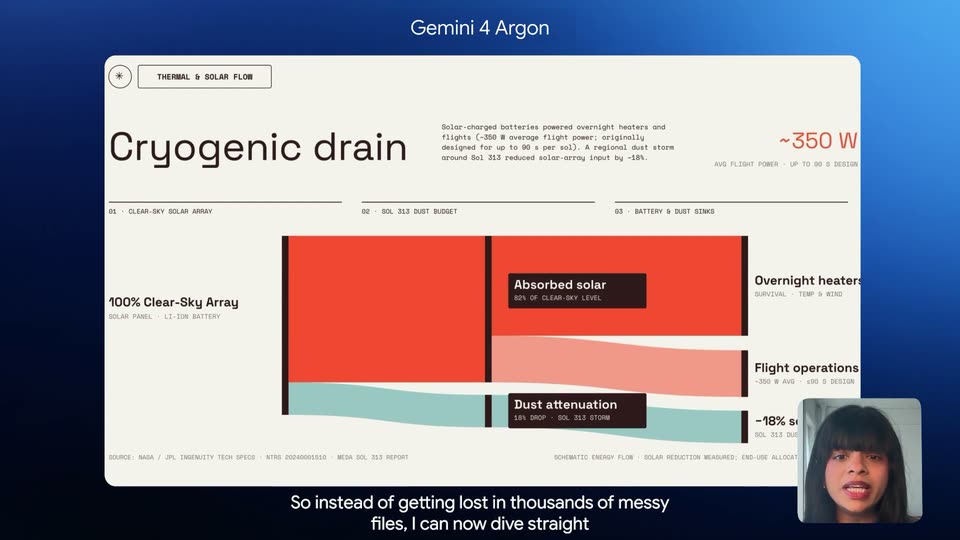 0:53–0:54Google · Google - Gemini 4 Argon can turn messy data into clean, visual narratives in jA white document slide titled Cryogenic drain fills the frame on a blue canvas, showing an orange and teal energy-flow diagram with a red ~350 W figure. A small webcam of a speaking woman sits in the lower right corner while a subtitle line runs along the bottom.
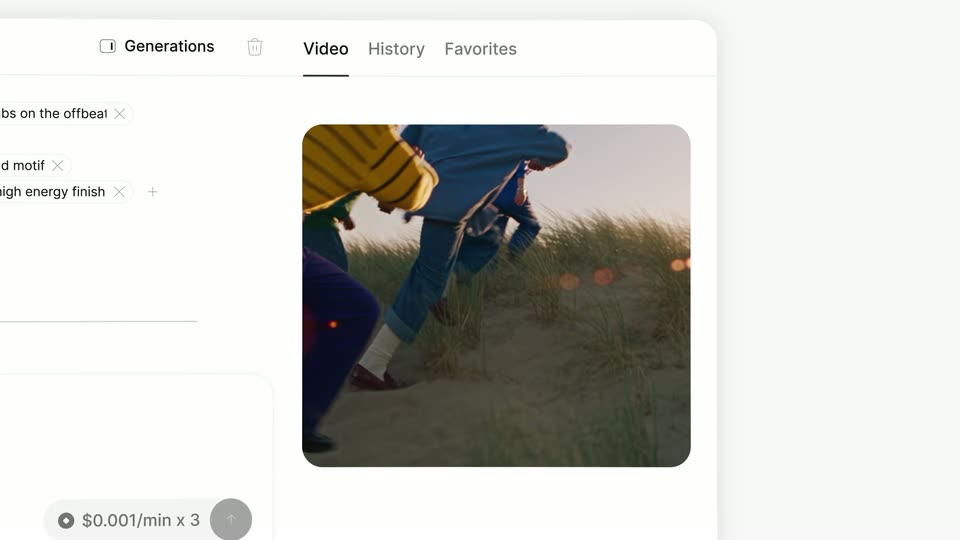 0:16–0:18ElevenLabs · Introducing Instant SoundtracksA pale interface frames a video player playing a handheld clip of kids running across a grassy hill. The frame pulls back to expose the full player: a play button, a 00:03 to 00:06 timecode, like and share controls, Publish and Download buttons, and a row of filmstrip thumbnails.
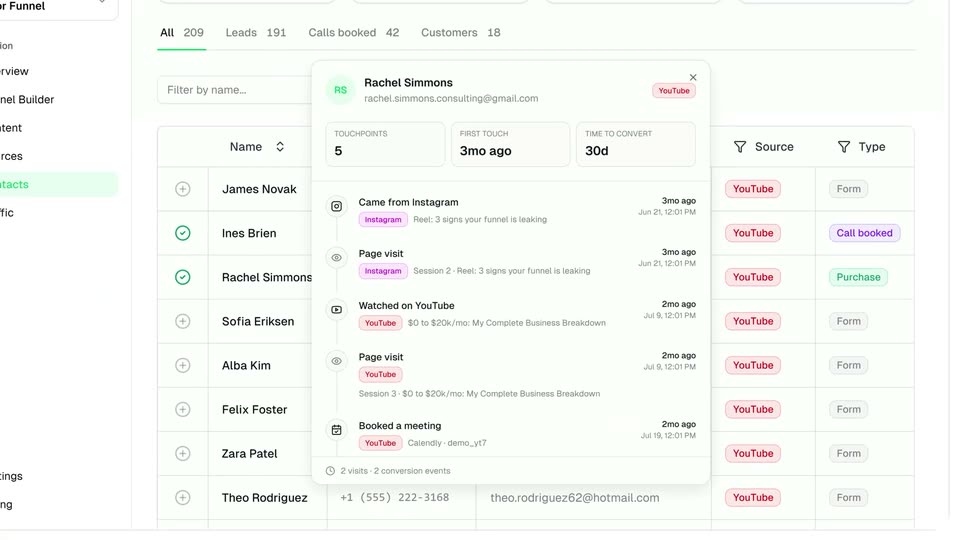 0:30–0:34Pulse · SaaS Launch Video & Motion Design | PulseA green wash over a funnel dashboard fades as the view scrolls to a contacts table; a cursor hovers a row, a tooltip pops, then a detail panel slides in listing the prospect's touchpoints.
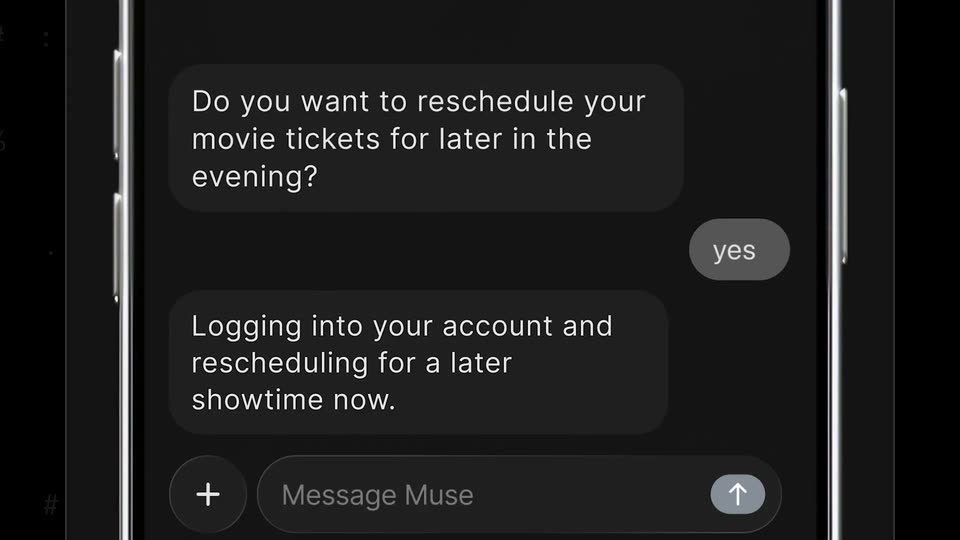 1:22–1:25Self · Self - At Self Labs, we’ve been using agents since day one Our agentic webA dark phone mockup tilts from an angled 3D view to face the camera, then the frame zooms into the chat screen. A question bubble, a yes reply, and a status message appear in sequence over a faint field of symbols.
 0:23–0:25TwelveLabs · Meet Jockey, TwelveLabs' video intelligence agent, now in general availabilityA close framing tracks across the input as Sounds like a plan, let’s make it! types in. The orange cursor clicks the black send arrow beside the Jockey chip.
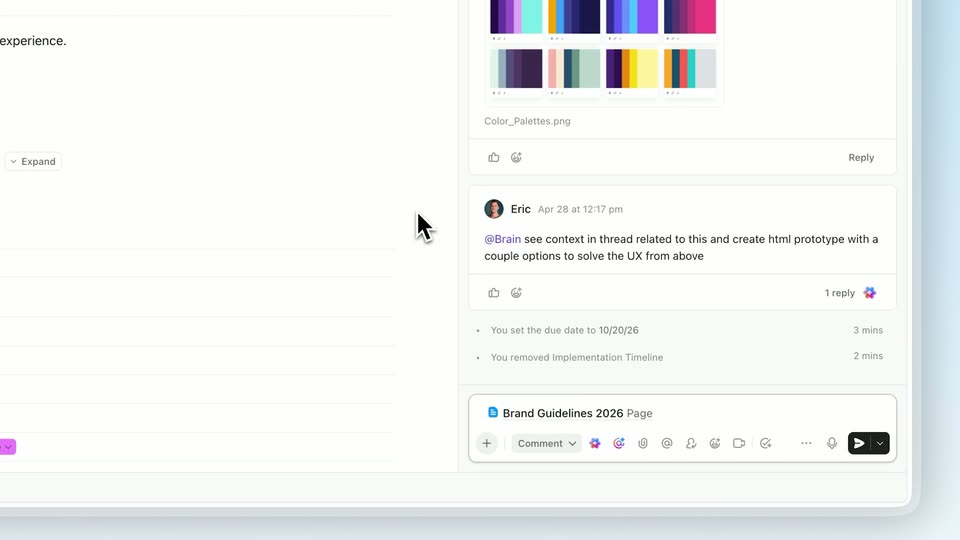 1:27–1:47ClickUp · ClickUp Release 4.09: List Templates in Automations, Parent Task Date Sync, and more!The view reframes from the full window to a comment box. Typing an @ symbol opens a mention picker that cycles through People, Tasks, Docs and Teams tabs, filtering live results for brand docs and GDrive files.
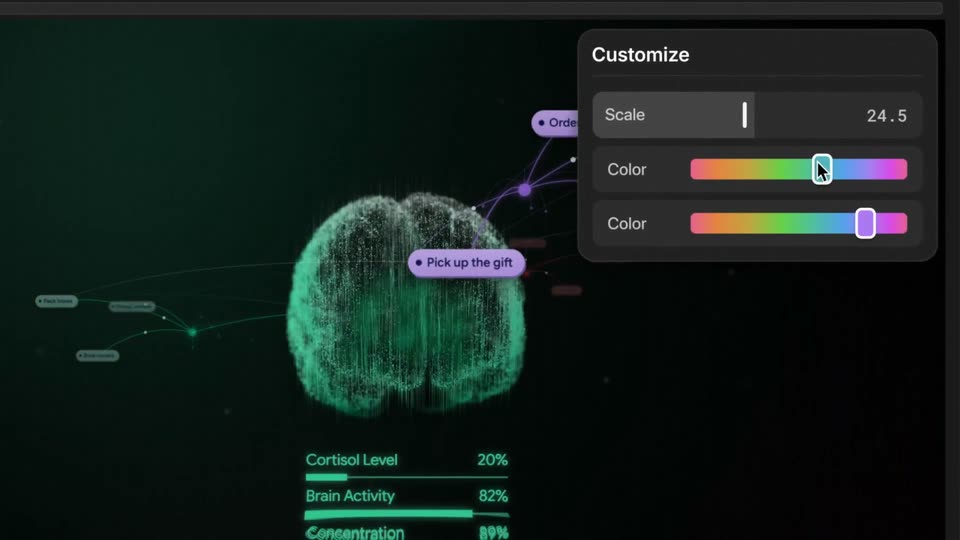 0:28–0:29Higgsfield · Higgsfield AI 🧩 - We asked Claude how good it is at motion design. A few hours later,A green particle brain sits at center, task pills linked by thin lines fan out both sides, a dark Customize panel with sliders floats top right, and a red-purple caption box reads Cognitive Load Auto-Splitting bottom right as the camera pushes in.
 0:32 · 0.8sHyperFrames · HyperFrames - No more one-shot slop - storyboard first Just like working with an aA 3D laptop on a green-blue gradient shows a dark screen with the word slipping. and a notification pill; a pink triangle character with cyan accents sits right. The frame blurs and reframes into a columned data list as the character drifts to the top corner.
 0:22–0:23Melius · Melius - Introducing Cast, a platform for anyone to make anything with AI AvatOn a dark dotted grid, a white-outlined cursor moves onto a red Generate button showing a coin icon and 685. The view then zooms in on the button, filling the frame with the enlarged label and the settings gear.
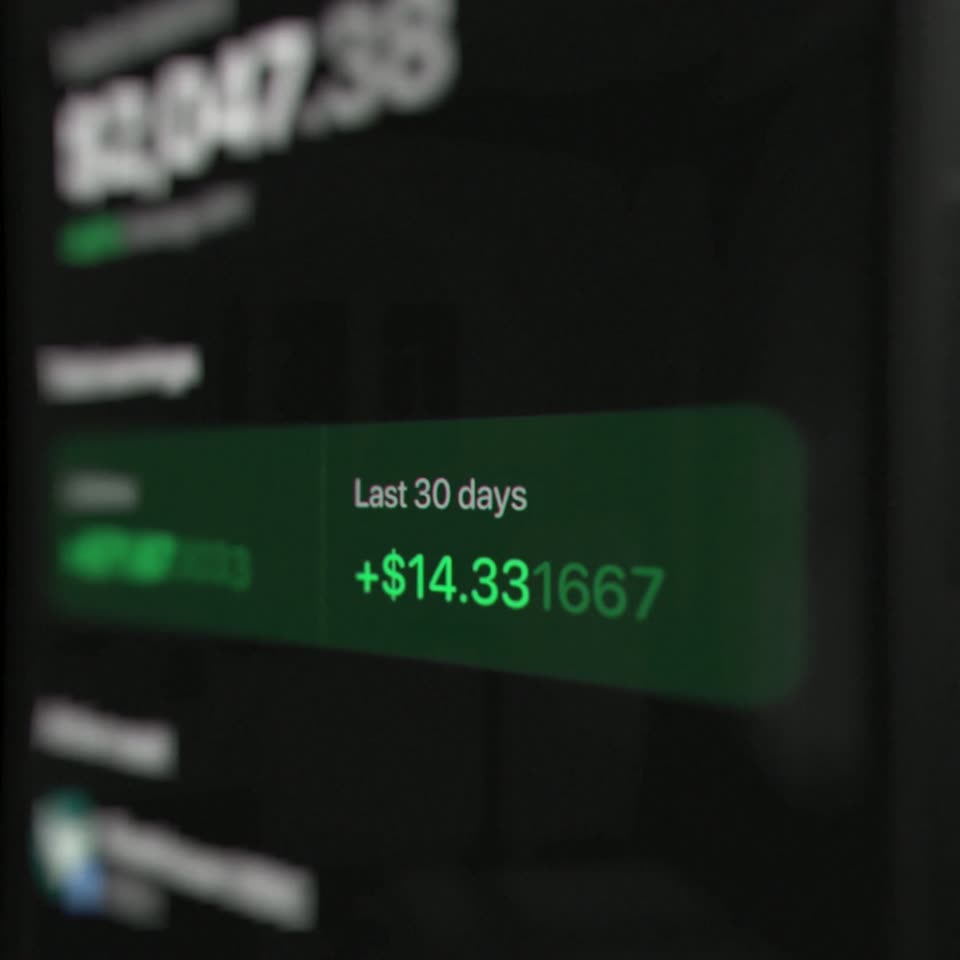 0:33–0:34Tuyo · Tuyo - We have some pretty unreasonable ambitions for banking. So we rebuilA dark portfolio screen in tight close-up, tilted in perspective. A green band with 'Last 30 days' and a large green gain of +$14.331667 comes into focus while the list rows behind blur, the two lines revealing in place during a slow push-in.
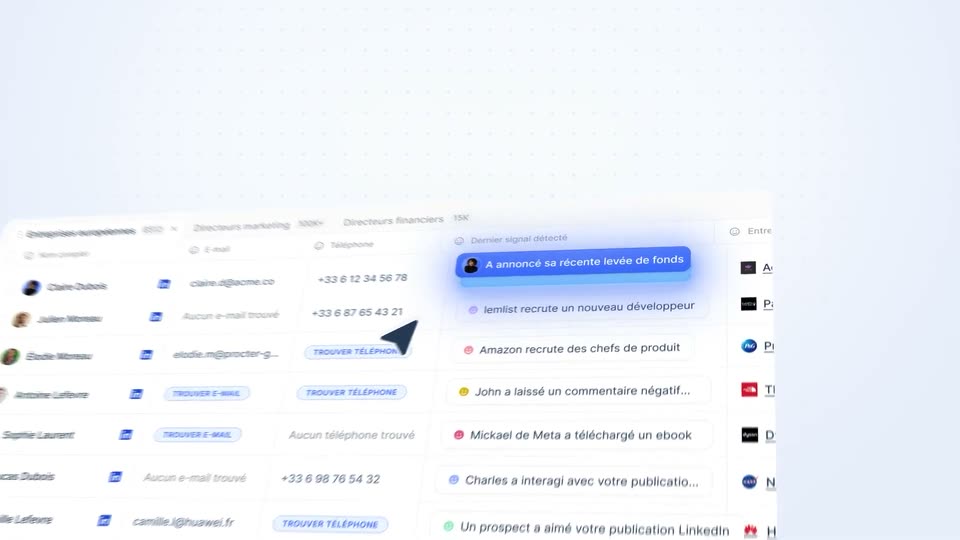 0:34–0:36Lemlist · Lemlist - Vidéo de présentation FRA contact list with names, emails and phone numbers tilts in 3D on a pale blue background, then zooms into the signals column where a blue pill glows above white signal rows.
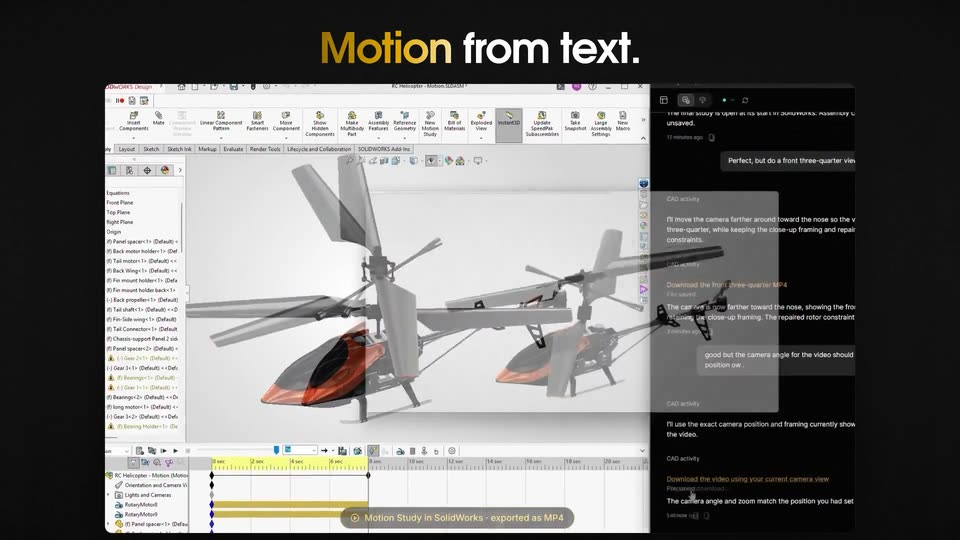 1:27–1:29MecAgent · MecAgent - Introducing MecAgent V2.0.0 - The Future of AI & CAD.A split screen shows a SolidWorks window with a spinning helicopter model on the left and a dark chat panel on the right. A white preview card of the rendered helicopter scales up from the center to fill the frame, ending with a caption pill at the bottom.
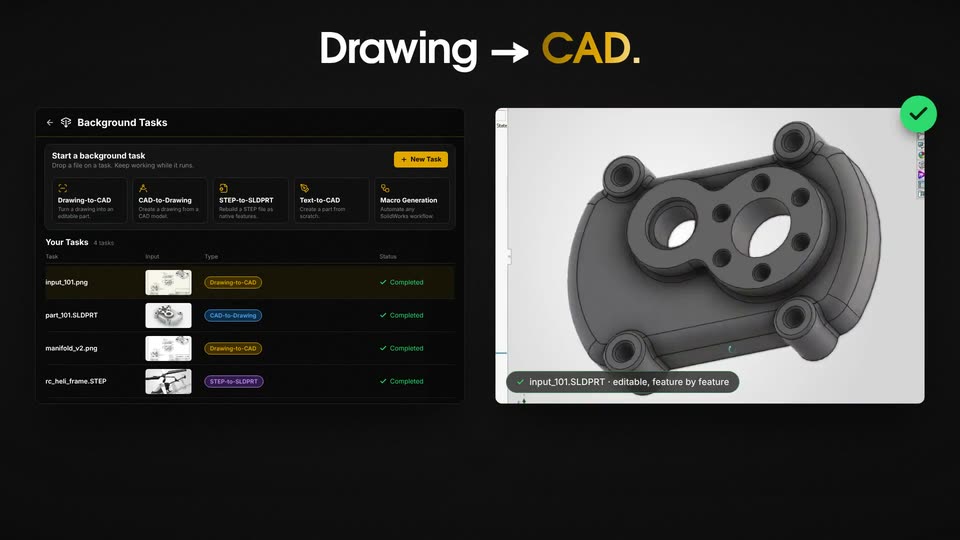 2:04–2:09MecAgent · Owein - After a year and a half of hustle, I’m proud to introduce MecAgent 2.A dark UI panel lists background tasks as a cursor starts a Drawing-to-CAD job; the right panel zooms into a technical drawing, whose lines morph into a rotating 3D part once the task completes.
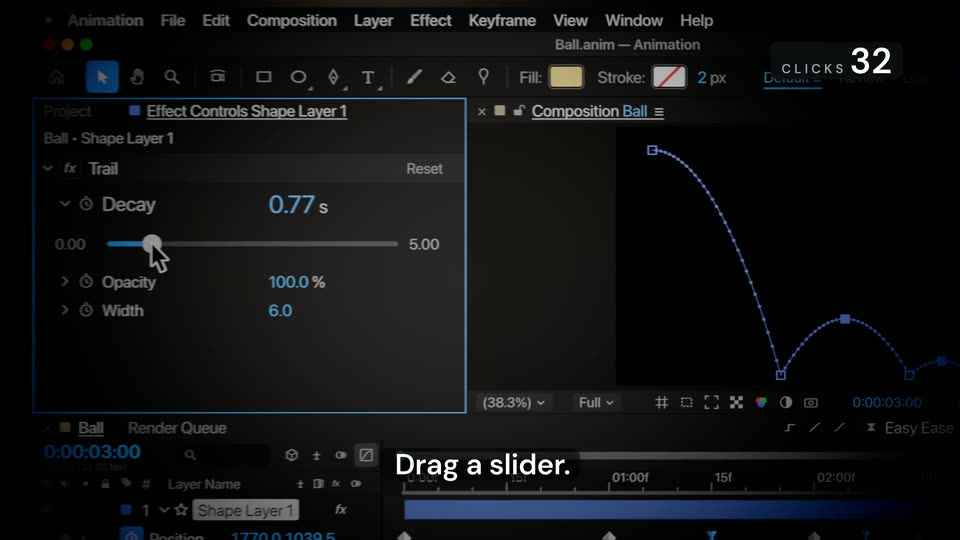 1:10–1:12ManimGX · Sina Atalay - Introducing ManimGX, the 3D animation engine for agents. - BlazinglyIn After Effects, a cursor drags the Decay slider from 2.96s to 0.50s while a blue dotted arc with a glowing ball plays in the composition panel. The view reframes onto the composition as a click counter ticks from 32 to 33.