0:20
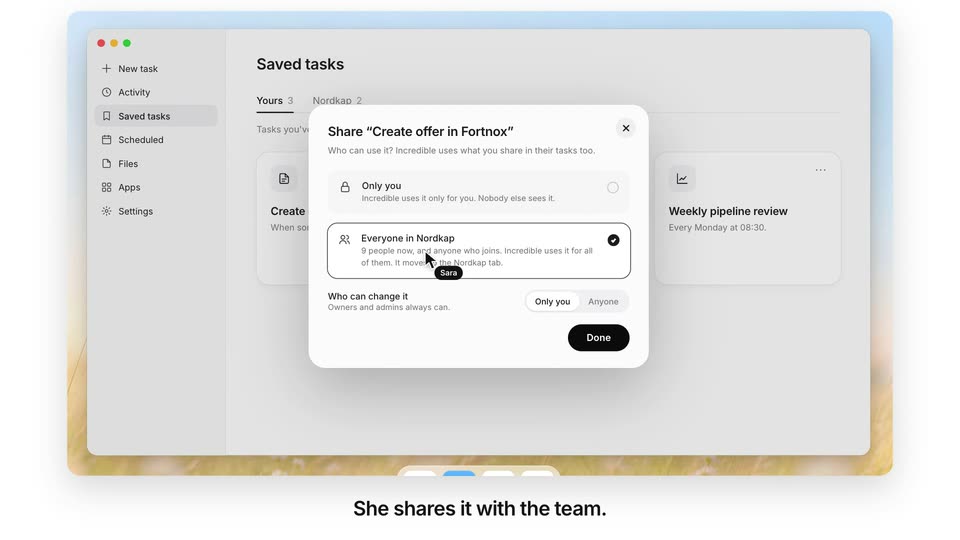

Incredible - We just launched Incredible for teams. One person shows Incredible h
Incredible · Nov 2026
Relume · Oct 2026 · 0:47 · Full motion · AI-annotated
Relume’s 0:47 launch film runs 10 scenes, about 4.8 s each. The product shows up at 0:01 and 1 feature is revealed. There is no explicit call to action. The video is a single continuous screen-recording walkthrough of a CMS feature, opening on a tight zoom into the toolbar before the cursor drives an AI agent to import blog posts and then tours the same content across the builder, design canvas and sitemap. Its style is defined by smooth zoom-and-pan camera moves over a static lavender backdrop, a magenta accent for selection and the Publish button, and a steady, unhurried cut rhythm that lets each interface state resolve before moving on.
Is this your launch? to your site or press kit.
Incredible · Nov 2026
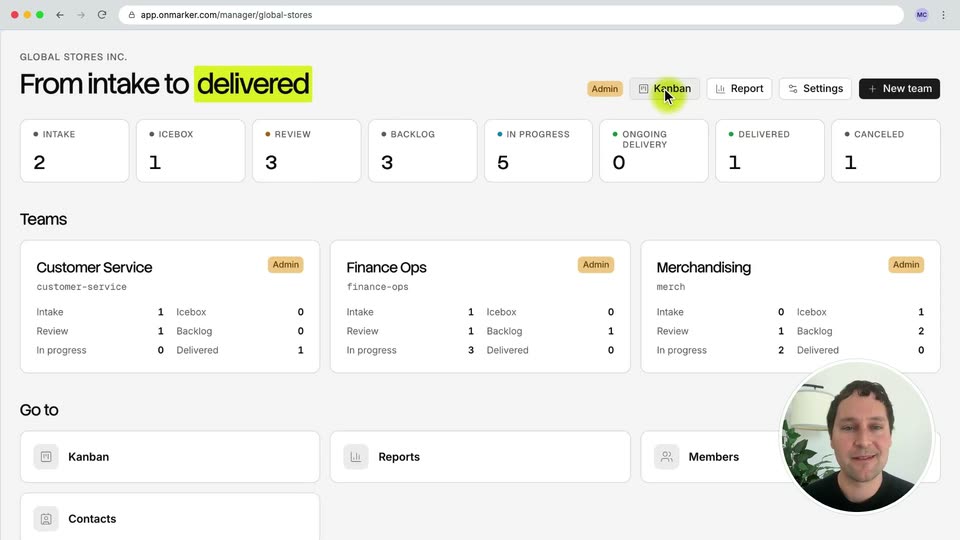
Marker · B2B · Nov 2026
A full-screen wireframe canvas zooms into the top toolbar, framing the stack icon next to Share and the magenta Publish button, while a black cursor glides in and hovers over the icon.
Techniques: UI zoom, Cursor demo
Camera: Push in
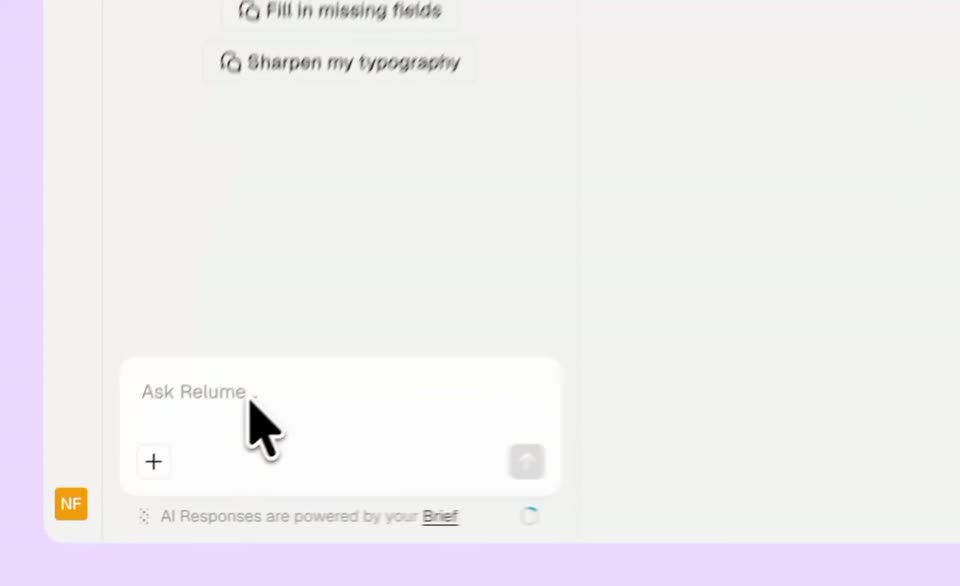
A web app interface fades in on a lavender background. A cursor clicks the Agents tab, opens a row of agent avatars, and picks one, revealing a chat panel with three quick-action options. The view then zooms into the chat input as a prompt about importing blog posts is typed.
Techniques: Cursor demo, UI zoom
Camera: Pull out
A locked-off two-pane interface: the left chat pane shows a user request, then status lines, then a long answer that scrolls up; the right pane cuts from an empty CMS state to a table of twelve draft rows.
Camera: Pull out
A content management table fills the frame, then the view zooms into the Blog header. A cursor opens the usage dropdown and hovers over the second option.
On-screen text: “πt”
Techniques: UI zoom, Cursor demo
Camera: Push in
The website builder interface fills the frame, with a left form panel, a central canvas and a right settings panel. The central blog preview swaps between four surf-themed posts while the side panels stay fixed; the shot opens on a brief blur that resolves to a sharp view.
Camera: Pull out
A design tool canvas displays a coastal blog page. A cursor hovers over the Customer Stories section, the view zooms out to reveal the full page, then zooms back in as a component properties panel opens on the right.
Techniques: Cursor demo, UI zoom
Camera: Push in
A close-up of a component card zooms out to reveal the full design-tool workspace: a blog page with three photo cards on the canvas, a component list in the center, and a properties panel on the right, while the cursor moves across the list.
Techniques: UI zoom, Cursor demo
Camera: Pull out
A design tool interface shows a blog page canvas where placeholder article cards fill with real headlines and author names, then the page scrolls down to reveal a photo guide section. A cursor hovers over a component in the right panel at the start.
Techniques: Cursor demo
Camera: Static
On a sitemap canvas of white section cards, a cursor selects the Customer Stories row in the Home card, outlining it in purple. The matching card below highlights and a right properties panel slides in, while the view zooms in and back out.
Techniques: UI zoom, Cursor demo
Camera: Static
A design tool canvas shows a guest stories section with two placeholder cards. The cursor selects the section, a properties panel opens on the right, and the cursor picks Customer Stories from a collection dropdown, swapping the placeholders for two photos with real headlines and author names.
Techniques: Cursor demo
Camera: Static