2:07

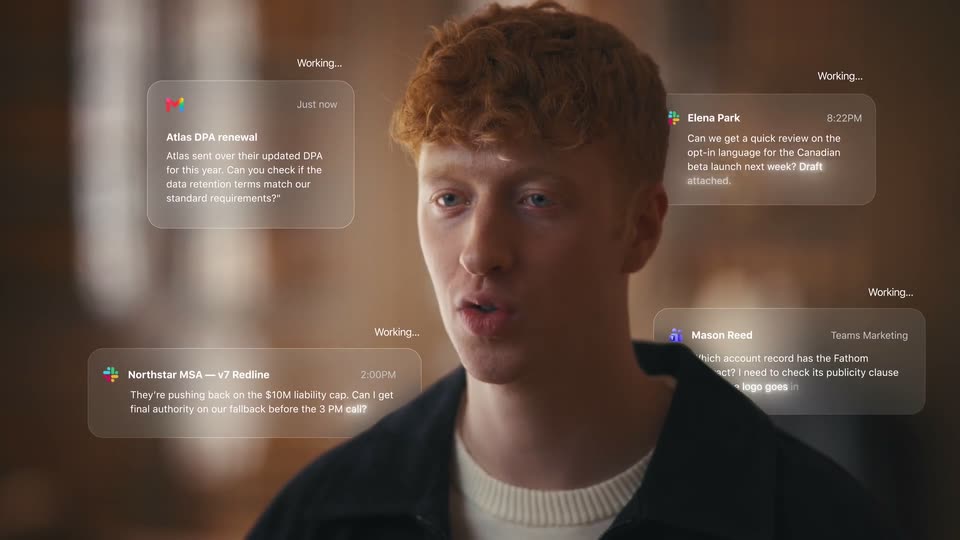
Introducing ChatGPT agent
OpenAI · AI · Jul 2025
Raylight’s 0:43 launch film runs 25 scenes, about 1.7 s each. The product shows up at 0:03, with social proof. There is no explicit call to action; a voiceover carries the film. A cold open of centered text and a 3D desk reveal hands off to a long, single-VO walkthrough that types a brief, generates a pitch, greenlights it, and renders an editable Stryker launch video before closing on ticking metrics and a logo lockup. The style is a clean white-and-gray system with one blue accent, where UI cards and 3D objects morph between states and the camera pushes in on screens to keep the pace brisk.
Is this your launch? to your site or press kit.
OpenAI · AI · Jul 2025
Anthropic · AI · Oct 2025
Anthropic · AI · Aug 2025
Films whose music sounds like this one, voice left out
Enrich Labs · Upbeat electronic
Viraj Aero · Modern electronic
Neomatter · Modern electronic
A black, abstract logo mark resembling a stylized letter R sits centered on a plain white background. The frame remains static throughout the short clip.
On-screen text: “R”
Camera: Static
A black R logo sits centered on a white field. The line 'Every release deserves' slides in around it as the mark shrinks to a small blue accent, while four corner squares form a selection box. The line is then swapped for 'a launch'.
On-screen text: “Every release deserves”, “a launch”
Techniques: Kinetic type
Camera: Static
The scene resolves from a blown-out white frame into a 3D desk set: a laptop centered on a dark desk shows the Raylight API screen, flanked by a round white lamp, a small potted plant, a mug, and a pen. The camera stays locked off.
On-screen text: “a launch”
Techniques: 3D mockup
Camera: Pull out
A laptop sits on a dark desk in a softly lit room, a small potted plant blurred at the left edge. On its screen the Raylight API logo, set over a faint curved-line pattern on dark gray, scales in and settles crisp at center.
Camera: Push in
A laptop on a desk shows a dark gray screen with thin curved lines and the Raylight API logo centered. The camera pushes in toward the screen, and the logo softens out of focus at the end.
On-screen text: “Raylight API”
Techniques: 3D mockup, UI zoom
Camera: Push in
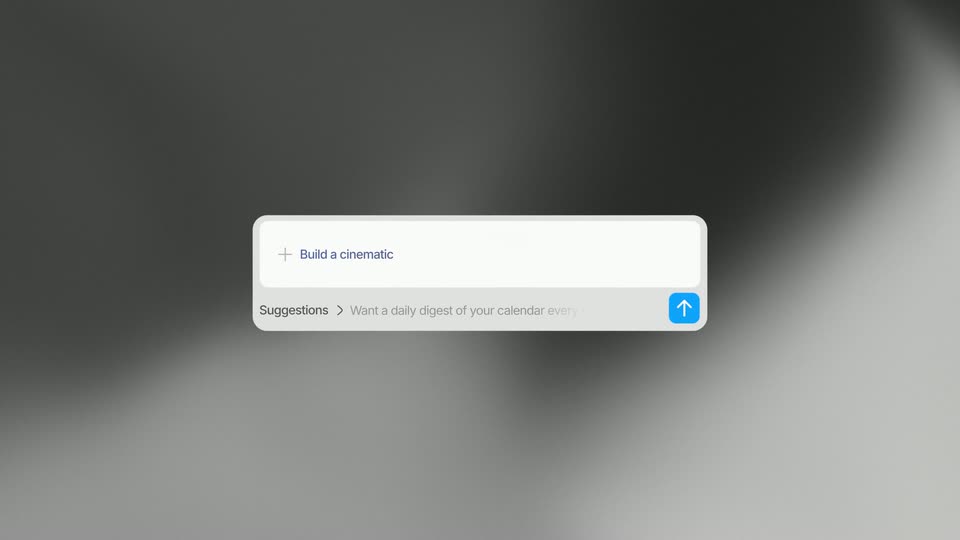
A white prompt card floats on a dark gradient backdrop, morphing from a curved pillow shape into a flat rounded rectangle. A blue caret blinks in the input field as a Raylight API headline scales in.
On-screen text: “Raylight API”
Techniques: 3D mockup, Morph, Kinetic type
Camera: Static
A chat window slowly zooms in as a prompt is typed word by word into a white bubble. A black cursor slides up from the bottom and hovers over the blue send button.
Techniques: Cursor demo, UI zoom
Camera: Pull out
A white composer card holding a typed message and a blue up-arrow send button rests on a dark gradient. A black cursor hovers at the button, then the card scales down and a smaller list card appears to its right.
Techniques: Cursor demo
Camera: Static
A floating board of rounded task cards in 3D perspective. The shot opens tight on the white Writing pitch checklist, then dollies out to reveal dark Script, Shot list and Sound cards arranged around it, their lines of text filling in as the frame widens.
Techniques: UI zoom, 3D mockup
Camera: Pull out
A light chat screen shows a Thought for 1s note, a line about Stryker's speed, and a gray pitch card. A reply bubble fades in at right, mentioning file references, with two attachment chips below.
Camera: Static
On a white canvas with faint grid lines and blue selection handles, a line-drawn send icon sits centered, then a film-strip icon and a chat-bubble icon slide in to its right, joined by thin connector lines. The three icons shrink and settle into a compact horizontal row as the selection box hops between them.
Camera: Static
A white design canvas with faint grid guides shows a horizontal timeline of three connected app icons. The third step's blue “Pitch ready” pill and timestamp fade in as the labels fill in, and the whole board drifts slowly to the left.
Camera: Static
A light code editor fills the frame, file tree on the left and a TypeScript file open on the right. The script lines fade in and settle into place, one line flagged with a blue marker, as the editor types out the production plan.
Techniques: Kinetic type
Camera: Static
A light code editor shows a file tree on the left and a TypeScript file on the right. A blue line highlight jumps from line ten to line fifteen, marking the greenlight call.
Camera: Static
A close-up of a white interface row shows a gray Decline label and a black Greenlight button. A black cursor moves onto the button, which turns blue, then the view pulls back to reveal an Export button and a dark panel with a dollar figure.
Techniques: Cursor demo, UI zoom
Camera: Static
A white screen holds three project cards: a dark phone close-up video on the left, a black Raylight card with a counting dollar figure top right, and a gradient card bottom right whose word flips from Export to Design while the fill lightens. Small caption lines type out beneath each card.
On-screen text: “Export”, “Design”
Techniques: Kinetic type, Masking
Camera: Push in
A black smartphone turns in 3D against a black background. Its screen shows a scrolling list of properties with device counts, and a blue chip with the orange name Monica scales in over the list.
Techniques: 3D mockup
Camera: Pull out
A screen capture of the Raylight editor slowly zooms in. The center canvas holds a 3D smartwatch on black, the left panel lists layers, the right panel shows design settings, and a multi-track timeline runs along the bottom with the playhead parked at 0:15.
Techniques: UI zoom, 3D mockup
Camera: Pull out
A close-up of a pull request panel slides up into frame, settling on green checkmarks and a Merge pull request button, with a second card layered behind it.
Techniques: UI zoom
Camera: Pan
A white release card sits centered on a pale gray field. It shows a version tag, a project name, a title row and two asset rows. The card eases slightly larger while a green check mark fades in beside the right-hand row.
Camera: Static
A white X post card sits on a flat blue field, announcing Stryker 2.4 with an embedded video of a dark watch face. The card drifts upward while the clip plays and the view counter ticks up.
On-screen text: “v2.4.0 Latest”, “stryker-app”, “Stryker 2.4: Pace check”, “Raylight Video”
Camera: Pan
Close-up of a video page on a light blue field. A black cursor clicks the heart icon, which fills from outline to solid pink, then slides right toward the bookmark icon while the view count ticks up.
Techniques: Cursor demo
Camera: Static
A white analytics panel slides into view. A cursor glides rightward across the blue bar chart, raising tooltips that read the impression total at each hour. Three stat cards with green percentages sit above the chart.
Techniques: Cursor demo
Camera: Static
On a plain white frame, a black R mark draws itself in the center while the wordmark Raylight API fades in to its right, settling into a locked-off logo lockup.
On-screen text: “Raylight API”
Camera: Static
A plain off-white frame holds a centered black line of text reading 'Videos on autopilot'. It is then replaced by 'Made in Raylight', which stays centered and static for the rest of the clip.
On-screen text: “Videos on autopilot”, “Made in Raylight”
Camera: Static