
0:43
Explore
00:00:00 / 02:07:09
- Length
- 2:07
- Scenes
- 58 · 2.2 s avg
- Product on screen
- 0:14
- Voiceover
- Yes
- Views
- 161K on YouTube
as of November 22, 2026
OpenAI’s 2:07 launch film runs 58 scenes, about 2.2 s each. The product shows up at 0:14, with social proof. There is no explicit call to action; a voiceover carries the film. Built as an alternation between sunlit loft interviews and flat off-white product screens, with the agent's work shown in blue-framed LIVE browser windows. Pacing is steady and conversational, using quick cuts from a person to the matching on-screen action, and a single blue accent against a white canvas to mark the agent's activity.
Footage neededEstimated needs: 2 capture groups — your screens or recordings · 1 official logo — reused across the film · 27 filmed passages — shoot, supply or replace
Is this your launch? to your site or press kit.
More like this
0:32

Anthropic - We’ve developed Claude for Chrome, where Claude works directly in you
Anthropic · AI · Aug 2025
0:47

Introducing v0: Generative UI
Vercel · Developer tools · Oct 2023
Similar soundtrack
Films whose music sounds like this one, voice left out
2:28
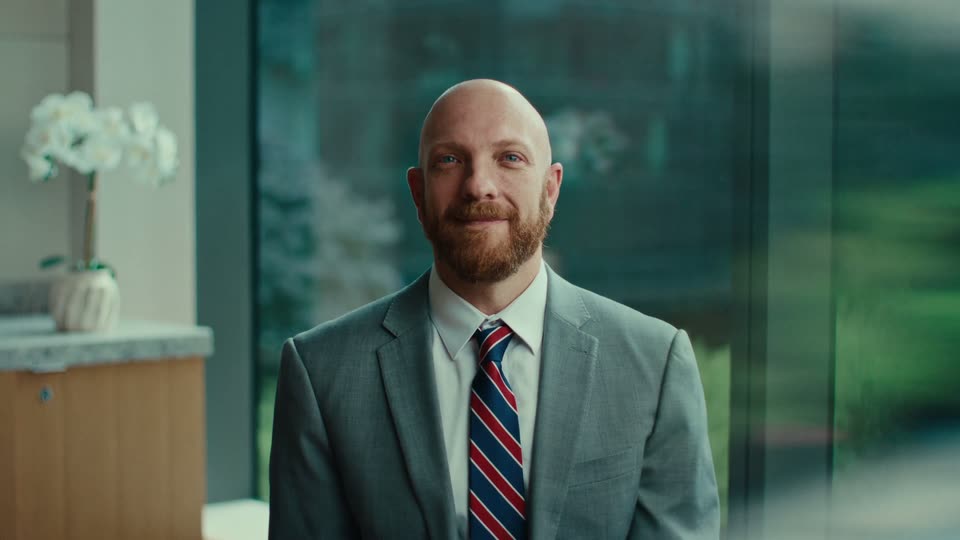
OpenEvidence - Over 85% of oncologists at Memorial Sloan Kettering Cancer Center use
OpenEvidence · Electronic, Ambient
1:53
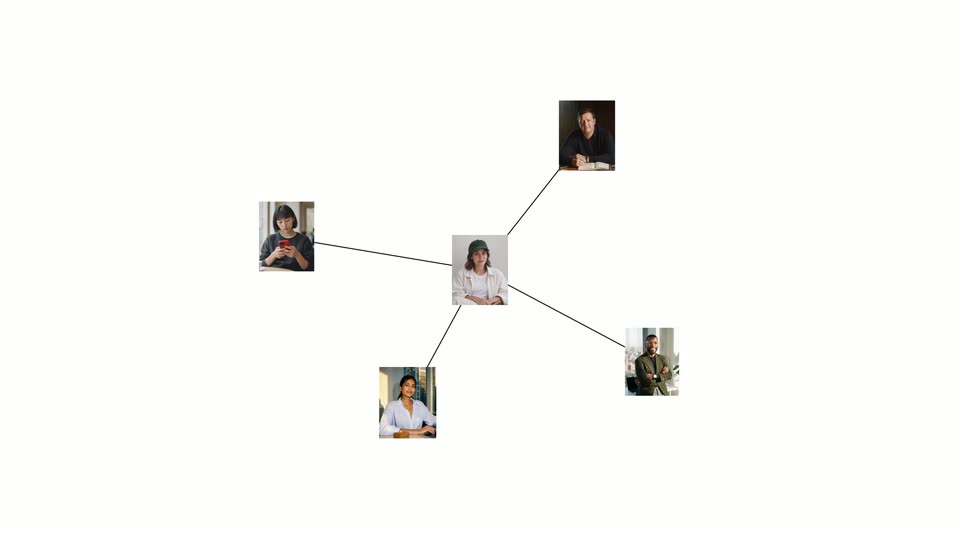
Matthew Wilson - Today we’re announcing our $40M Series A, led by @AirStreet, with par
Jack & Jill · Modern Electronic
2:19
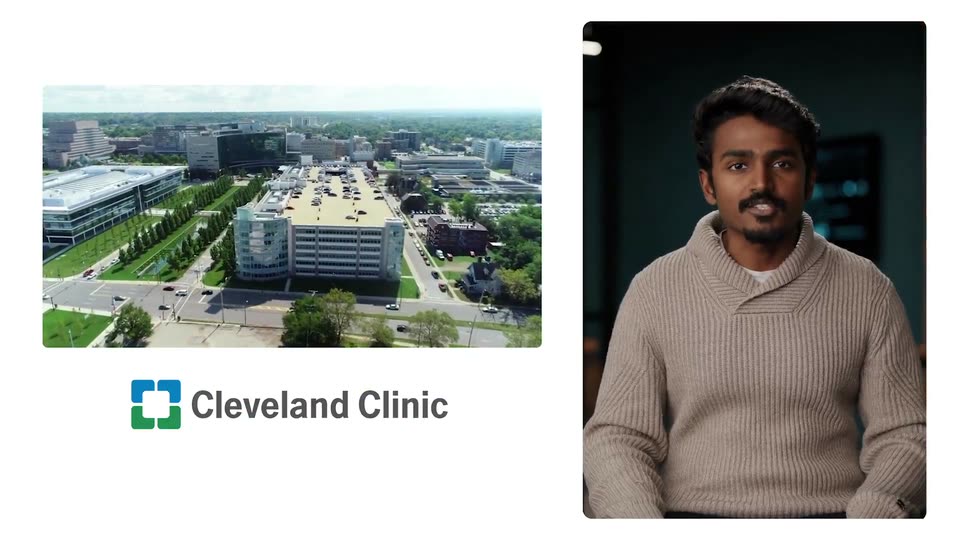
Kesava Kirupa Dinakaran - America’s leading health systems, like the Cleveland Clinic, work wit
Luminai · Corporate electronic
Introducing ChatGPT agent, scene by scene
· 58 scenes as text
01 · Hook · 0:00–0:04
High-angle static shot of a sunlit courtyard with a concrete path, lawn, and wooden benches. A person in light clothing walks along the path from left to right, emerging from behind leafy foreground branches.
Camera: Static
02 · Hook · 0:04–0:07
A man in a gray sweater walks across a sunlit loft holding a dark tablet, then lowers himself onto a blue sofa at frame center and looks up. Static medium shot, natural light through large grid windows.
Camera: Static
03 · Hook · 0:07–0:09
A man with clear-framed glasses and a gray sweater sits on a blue couch, talking and gesturing with his hands. Bright windows and a wooden cabinet sit blurred behind him in a shallow-focus interview shot.
Camera: Static
04 · Hook · 0:09–0:11
A man in a gray sweater sits on a blue sofa in a sunlit loft, a tablet resting on his lap. He gestures with both hands while speaking to the camera. The static medium shot frames him against large grid windows and a concrete pillar.
Camera: Static
05 · Hook · 0:11–0:14
A white chat screen shows a centered headline above an input field. A cursor opens the Tools menu, moves down the option list, and selects Agent mode. The menu closes and the field updates to a task prompt with an Agent chip and a Sources control.
Techniques: Cursor demo
Camera: Static
06 · Product intro · 0:14–0:16
A white chat interface with a task input field, Agent X and Sources chips holds briefly, then cuts to a plain white background where the large bold word Introducing sits centered.
On-screen text: “Introducing”
Camera: Static
07 · Product intro · 0:16–0:17
A plain white frame holds two lines of black text: 'Introducing' near the top and 'ChatGPT agent' near the bottom, both locked still for the full clip.
On-screen text: “Introducing”, “ChatGPT agent”
Camera: Static
08 · Product intro · 0:17–0:20
A plain white card shows two lines of black text, 'Introducing' top and 'ChatGPT agent' bottom, framing a blurred blue square with a faint flower shape. A small white cursor arrow drifts slowly within the square while the text stays locked.
On-screen text: “Introducing”, “ChatGPT agent”
Camera: Static
09 · Product intro · 0:20–0:21
A man in a dark sweater laughs on a blue sofa in a loft office, viewed through a glass partition with vertical bars. A static title overlay reads Introducing ChatGPT agent. Locked-off frame.
On-screen text: “Introducing”, “ChatGPT agent”
Camera: Static
10 · Social proof · 0:21–0:22
A man in a coral sweater leaps onto a dark blue sofa and lands seated, smiling, holding a closed tablet in his lap. The bright loft set has tall industrial windows, a concrete pillar and a wooden coffee table in the foreground.
Camera: Static
11 · Social proof · 0:22–0:23
A man in a denim shirt sits on a blue sofa in a loft with large grid windows, clapping his hands together and smiling at the camera. A closed laptop rests on the wooden coffee table in front of him.
Camera: Static
12 · Social proof · 0:23–0:25
A man in a denim shirt sits on a couch, smiling and talking off-camera to the right. The bright living room behind him is thrown out of focus by a shallow depth of field.
Camera: Static
13 · Social proof · 0:25–0:29
A man in a denim shirt sits centered on a blue sectional in a sunlit loft, hands clasped, a closed laptop on the wooden table before him. He smiles and looks down at the laptop, then lifts his gaze toward the camera. The shot is static and medium.
Camera: Static
14 · Social proof · 0:29–0:33
A man in a denim shirt sits on a couch in a bright office, framed in a static medium close-up. He faces right off-camera, smiling and talking, with blurred windows and a desk behind him.
Camera: Static
15 · Demo · 0:33–0:37
A close-up shows hands opening a dark laptop on a lap. The shot then focuses on the hands typing on the keyboard against a blurred background.
Camera: Pan
16 · Demo · 0:37–0:41
A chat prompt field below the heading 'What can I do for you?' fills with typed text about San Francisco's ACFR reports. The view zooms in on the line's end as 2020-2024 completes, holding on the mic icon and black send button.
Techniques: UI zoom
Camera: Static
17 · Demo · 0:41–0:44
A man in a denim shirt sits centered on a dark blue couch in a sunlit loft with grid windows, gesturing toward a closed laptop on the slatted table before him. He raises his head and addresses the camera while the static shot holds.
Camera: Static
18 · Demo · 0:44–0:46
A white prompt interface shows the heading What can I do for you? above a rounded input box. Text types out to read Find me a highly-rated sushi restaurant in SF, with a blinking caret. A toolbar lists Agent, Sources, a mic icon and a black send button.
Techniques: Kinetic type
Camera: Static
19 · Demo · 0:46–0:47
A man in a rust sweater sits in a bright office, gazing down and speaking in profile. Large windows and blurred furniture sit behind him in soft focus, and the locked-off shot holds on him as he talks.
Camera: Static
20 · Demo · 0:47–0:49
A white screen holds a centered heading above a rounded chat input. A query about office openings in Singapore types out letter by letter in the input, finishing with a blinking caret. The Agent and Sources chips remain fixed at the bottom of the box.
Techniques: Kinetic type
Camera: Static
21 · Demo · 0:49–0:51
A close-up of hands typing on a dark laptop cuts to a white chat screen. The heading reads “What can I do for you?” above an empty rounded input bar with an Agent chip, a Sources control, a mic icon and a circular send button.
Camera: Static
22 · Demo · 0:51–0:54
A white screen shows a chat prompt and a rounded input box where a sentence about a tennis tournament is typed. The view zooms into the box as the text continues with 'in palm springs', the caret advancing letter by letter.
Techniques: UI zoom
Camera: Static
23 · Demo · 0:54–0:55
A man in a dark sweater sits on a blue sofa in a sunlit loft, a laptop on his lap, gesturing with one hand as he speaks to the camera. The frame stays locked off.
On-screen text: “ment in palm springs”
Camera: Static
24 · Demo · 0:55–0:56
A soft-focus close-up follows a pair of hands as they lift the lid of a silver laptop resting on a lap, the screen tilting upward from a closed position. The shot stays shallow and slightly blurred, the fingers gripping the edge of the base.
Camera: Static
25 · Demo · 0:56–0:57
A soft-focus close-up of hands on a silver laptop lid cuts to a medium shot of a person seated on a couch, laptop resting on their lap. The hands lift to close the lid in a bright living room.
Camera: Static
26 · Demo · 0:57–0:59
A man in a coral sweater bends over a wooden coffee table to close a laptop, then rises and walks away, slightly blurred, in a sunlit loft with large windows and a dark blue sofa.
Camera: Static
27 · Demo · 0:59–1:01
A flat browser window on a pale background types “OpenTable KUSAKABE” into the search bar while a list of OpenTable search results fills in row by row beneath it, all under a static headline.
On-screen text: “Choosing a sushi restaurant”
Camera: Static
28 · Demo · 1:01–1:02
A blue-framed browser mockup sits under a gray headline. The OpenTable page for KUSAKABE scrolls down from the hero photo and reservation box to the experiences list and Ask Concierge panel, with a cursor resting over the list. A LIVE progress bar runs along the bottom edge.
On-screen text: “Choosing a sushi restaurant”, “LIVE”
Techniques: Cursor demo
Camera: Static
29 · Demo · 1:02–1:04
A flat browser window with a blue-purple gradient frame sits on a light gray field beneath a gray caption. Inside, a darkened restaurant page is overlaid by a white booking modal showing a sushi omakase offer, a fire-lit photo, and red time-slot buttons.
On-screen text: “Choosing a sushi restaurant”
Camera: Static
30 · Demo · 1:04–1:06
A flat 'Gathering citation details' card with reasoning text sits on a light background, then a 3D-tilted browser mockup appears listing search results. A cursor hovers over the list as a white panel slides in from the right beneath the headline 'Finding and organizing financial data'.
On-screen text: “Finding and organizing financial data”
Techniques: 3D mockup, Cursor demo
Camera: Static
31 · Demo · 1:06–1:08
A blue player card holds a browser window listing search results; a cursor hovers over the list while a white caption bubble types out a sentence. The results list then crossfades into a PDF cover page inside the same window frame.
On-screen text: “Finding and organizing financial data”, “The PDF could be large, so we might need”
Techniques: Cursor demo, Kinetic type
Camera: Static
32 · Demo · 1:08–1:12
A flat browser window mockup on a pale blue gradient displays a San Francisco financial report PDF with a left thumbnail strip. A white chat bubble overlays the page, and a progress bar with a LIVE tag runs along the bottom. A gray headline sits above the window.
On-screen text: “Finding and organizing financial data”
Camera: Static
33 · Demo · 1:12–1:16
A flat browser mockup with a Reading mode panel sits on a blue gradient card under the title Planning detailed itinerary. A cursor hovers while a white box types a sentence about a tennis tournament, and a LIVE progress bar runs along the bottom.
On-screen text: “Planning detailed itinerary”
Techniques: Cursor demo, Kinetic type
Camera: Static
34 · Demo · 1:16–1:18
Locked-off close-up of a product screen. A black headline reads “The presentation is ready! You can download it here:” above a rounded file card. The card pairs a red PowerPoint icon with the gray filename “answer.pptx”, which scales in, over a preview photo of a glass tower against blue sky.
Camera: Static
35 · Demo · 1:18–1:19
A chat interface shows a message above a file card labeled answer.pptx, whose preview displays an aerial photo of blue glass towers with playback controls. A cursor hovers over the expand icon in the card's top right corner as the frame stays locked off.
On-screen text: “The presentation is ready! You can download it here:”
Techniques: Cursor demo
Camera: Static
36 · Demo · 1:19–1:21
A presentation viewer fades in: a top bar with the file name and a black Play Slideshow button, slide thumbnails populating the left rail, and an aerial photo of glass towers as the main slide. The view then zooms into a card titled Planning detailed itinerary holding a kayak.com note.
On-screen text: “The presentation is ready! You can download it here:”
Techniques: UI zoom
Camera: Static
37 · Demo · 1:21–1:22
A note titled “Planning detailed itinerary” shows a kayak.com browser tab where the sentence “A midday flight departs at 11:55 am,” types out word by word. A black cursor arrow hovers near the tab, and the card has a blue gradient border.
Techniques: Kinetic type
Camera: Static
38 · Demo · 1:22–1:25
The kayak.com flight results page fills the frame beneath a gray heading. A white caption box types a sentence about a midday flight word by word, then clears and begins a new line, while a black cursor rests on the browser tab.
On-screen text: “Planning detailed itinerary”, “A midday flight departs at 11:55 am, arriving at 1:19 pm, priced at $596. Return flight is the same as”, “There's”
Techniques: Kinetic type, Cursor demo
Camera: Static
39 · Demo · 1:25–1:26
A white flight-search results screen fades in inside a blue-gradient card. A black cursor hovers over a “kayak.com” tab while a chat bubble types out a departure and arrival time above the results.
On-screen text: “Planning detailed itinerary”
Camera: Static
40 · Demo · 1:26–1:31
A flat blue card holds a white API tool panel with a black cursor. A tooltip bubble scrolls a paragraph leftward, then fades out to reveal a Google Calendar icon that scales up above a Connected to Google Calendar label.
Camera: Static
41 · Demo · 1:31–1:36
Top-down locked-off shot of a library room with red patterned rugs and wall bookshelves. A man in a blue shirt sits at a wooden table with small lamps, checking his phone. He stands and walks away while a woman in black circles the table and bends down.
On-screen text: “31”
Camera: Static
42 · Demo · 1:36–1:38
Close-up of two hands in dark sleeves typing on a silver laptop keyboard, held on the lap. Shallow focus keeps the fingers soft against a dark, blurred background with a warm tan cushion. The hands move steadily across the keys.
Camera: Static
43 · Demo · 1:38–1:39
A man in a denim shirt sits on a dark blue couch with a laptop on his lap, talking and gesturing in a bright loft. A large block of white body text fades in over the right side of the frame.
Camera: Static
44 · Demo · 1:39–1:41
A close-up of the assistant's response on a white background. A gray “Reasoned for 12 minutes” label with an expand icon sits above two paragraphs of black body copy, with two small opentable.com citation chips inline. The block holds static while the voiceover names the restaurant.
Camera: Static
45 · Demo · 1:41–1:42
A man in a denim shirt looks down and smiles in a bright room. A semi-transparent PowerPoint window then fades in over him, showing a slide about a business city with a thumbnail panel on the left.
Camera: Static
46 · Demo · 1:42–1:43
A PowerPoint editor window holds slide 9, the Mapletree Business City slide with a building photo and a blue price chip, locked in the center. The left thumbnail strip scrolls down one position, revealing slide 11, while a cursor hovers at the strip's edge.
Camera: Static
47 · Demo · 1:43–1:45
A white presentation slide titled Mapletree Business City & One-north shows a photo of a glass office tower on the left and a bulleted list with a blue Avg. Rent box on the right. The whole slide slides left off frame as a spreadsheet table with numbered rows and a 2020 column slides in from the right.
Camera: Static
48 · Demo · 1:45–1:47
A spreadsheet table fills the frame in a locked-off view, showing a Function/Program column and a 2020 column with line items under Governmental activities. The rows sit still with no scrolling or highlight, presenting the formatted workbook as a static close-up.
On-screen text: “Mapletree Business City & One-north”, “S$7 psf”
Camera: Static
49 · Demo · 1:47–1:48
A financial spreadsheet fills the frame, year columns 2020 to 2023 across a dark blue header. The view pans left to reveal the numbered row labels and a blue-highlighted section header, Business-type activities, while the 2023 column stays at the right edge.
Camera: Static
50 · Demo · 1:48–1:50
A flat close-up of a financial spreadsheet table fills the frame, showing numbered rows 9 to 23 with two numeric columns and dark blue section headers for Business-type activities and Primary government. The view holds still with no motion.
Camera: Static
51 · Social proof · 1:50–1:51
A man in a gray sweater and glasses sits on a blue sofa in a sunlit loft with large grid windows, holding a dark laptop on his lap. He looks down at the screen and blinks while the camera holds a static medium shot.
Camera: Static
52 · Social proof · 1:51–1:55
A close-up of hands typing on a laptop keyboard in dim light cuts to a man with thin-framed glasses in profile, head tilted down, as the focus pulls sharp on his face against a bright blurred background.
Camera: Push in
53 · Social proof · 1:55–1:56
A close-up profile of a young man in a denim shirt looks downward, his eyes blinking. The background stays softly out of focus with a blurred laptop edge below. The camera holds steady with a subtle drift.
Camera: Static
54 · Social proof · 1:56–1:57
A close-up of an East Asian man in a red shirt looking down cuts to a bearded man with glasses, also looking down. Both are framed tight against a bright, blurred background, their gazes directed off-screen toward an unseen device.
Camera: Static
55 · Social proof · 1:57–1:59
A tight profile of a bearded man in clear glasses looks down at a screen, then a cut shows a man in a dark sweater raising both hands as he speaks, framed against a bright window and a printer.
Camera: Static
56 · Social proof · 1:59–2:01
A man with glasses and a dark sweater sits before large office windows, speaking and gesturing with both hands. The shot holds on his profile, then cuts to a blank white frame.
Camera: Static
57 · Outro · 2:01–2:04
A black ring centered on an off-white field becomes the O of the OpenAI wordmark as the remaining letters appear. The static frame holds the completed logo.
On-screen text: “OpenAI”
Techniques: Kinetic type
Camera: Static
58 · Outro · 2:04–2:07
A black outline logo, a rounded square with a twisted ribbon knot inside, sits centered on white. It resolves from a small spiral mark into the full logo by one second, then holds still.
Techniques: Morph
Camera: Static