0:57
Introducing Spline V2 - AI Agents, WebGPU and MCP
Spline · Design · Aug 2026
Spline · Oct 2026 · 0:31 · AI-annotated
The video is built as a logo sting, an un-named screen-UI demo of an AI agent building a 3D warehouse, a single typed title card, then a fast montage of agent-built 3D scenes, closing on black logo cards. Its signature move is the flat browser mockup floating on a soft blue-green gradient with quick cuts and a typed-on headline, all at a steady mid-tempo.
Spline · Design · Aug 2026
Google · AI · Dec 2024
Webflow · Design · Sep 2026
Two dark rounded-square app icons fade in side by side over a soft blue-green-orange gradient. The left holds a rainbow sphere; the right holds a white interlocking loop mark. The frame stays locked off.
Camera: Static
A browser window on a teal-to-green gradient shows the app empty state with the heading What should we work on? and a prompt field typing a Spline 3D warehouse request. The view then zooms to the centered prompt card on plain white as the text finishes.
Techniques: UI zoom
Camera: Push in
A white chat window zooms out from a tight crop to reveal a full browser on a blue-green gradient desktop. A user prompt bubble sits at the top right while the assistant's plan types out line by line beneath it. A cursor hovers on the right.
Techniques: UI zoom
Camera: Pull out
A front-on browser window on a blue-green gradient shows a chat prompt; the layout then splits and the right pane reveals a Spline 3D editor with a white warehouse while the chat logs its steps.
Camera: Static
A flat browser window on a gradient background shows a chat log on the left and a 3D warehouse view on the right. The right pane swaps from bare loading bays to a full isometric campus with trucks, pallets, forklifts and two data panels.
Camera: Static
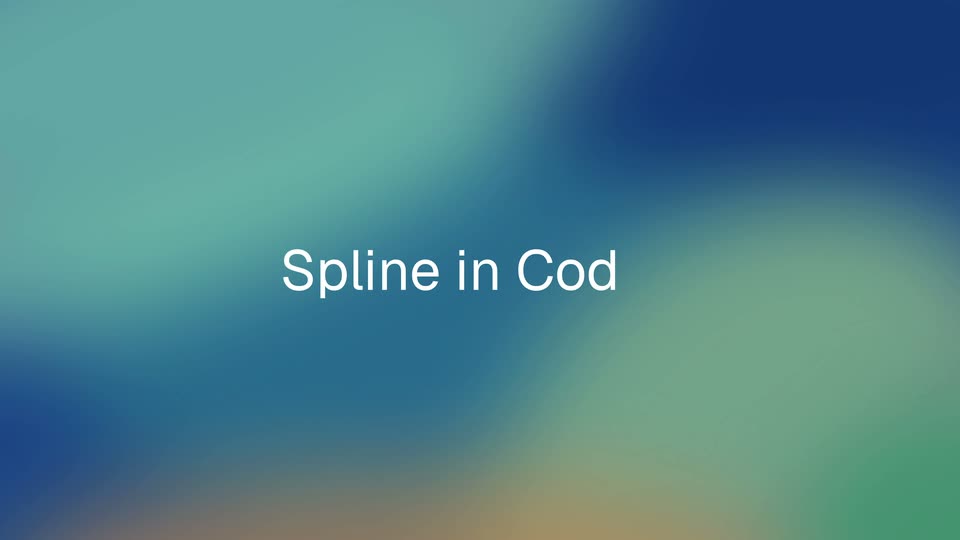
A soft blue-green gradient holds the white headline, which types on word by word as “Spline in ChatGPT,” then switches to “Spline in Codex.” The scene cuts to a floating desktop window mockup in 3D perspective, showing a voxel game interface.
On-screen text: “Spline in ChatGPT”, “Spline in Codex”
Techniques: Kinetic type, 3D mockup
Camera: Static
A flat browser window on a blue-to-teal gradient shows the Codex chat beside the Spline game. Inside, a 3D cube rotates as a small character rolls across its changing colored faces, while the character chip in the title card swaps skins.
On-screen text: “Spline in Codex”
Techniques: 3D mockup
Camera: Static
Two app windows sit side by side on a blue-green gradient. Left, an agent chat logs a request to add boxes to a forklift scene. Right, a 3D warehouse preview where a yellow forklift turns, raises its mast, and the build timer counts up.
Techniques: Split screen
Camera: Static
A locked-off browser window on a blue-green gradient shows the Spline app: a chat panel on the left logs generation steps while the 3D viewport on the right assembles a voxel island, two blocky campers, trees and a campfire popping in over the grid.
On-screen text: “00:32.0”, “3.6”
Camera: Static
A browser window opens the Spline editor, a chat panel on the left and a 3D viewport on the right holding two voxel campers by a campfire. The viewport camera pushes in, reframing from the wide island to a close-up of the seated pair.
Techniques: UI zoom
Camera: Static
A Spline window shows a chat panel on the left and an isometric 3D city on the right. A cursor types a prompt in the input field, then the viewport reframes to a close-up of a blue envelope icon on a tower as a new chat message appears.
Techniques: Cursor demo, UI zoom
Camera: Static
A split Spline editor window sits on a gradient background. The left chat panel stays still while the right 3D viewport pulls back, revealing a white-and-blue isometric city dotted with floating blue icons around a selected envelope on a monitor.
Techniques: 3D mockup, Cursor demo
Camera: Static
Two app windows on a gradient background: a chat panel left, a Spline editor right showing a white isometric city with blue 3D icons. A cursor clicks the lightbulb and coin icons as info cards pop up beside them while the canvas reframes.
Techniques: Split screen, UI zoom, Cursor demo
Camera: Static
A Spline editor window holds an isometric 3D city of pale buildings with blue icons and a Meridian Capital Partners card. The frame stays locked while a cursor glides over the rooftops and the left chat panel remains static.
Techniques: 3D mockup, Cursor demo
Camera: Static
A black screen holds the white wordmark “spline” in the center; the suffix “.design” then appears to complete “spline.design” as the sign-off. The frame stays locked and still throughout.
On-screen text: “spline.design”
Techniques: Kinetic type
Camera: Static
A small sphere with a pink-to-blue gradient and a thin rainbow edge on its left side sits centered on a black field, the brand mark held perfectly still for the shot.
Camera: Static